Best Selling Products

Freepik Premium Account
59 USD

Upgrade Duolingo Super
29 USD

Autodesk All App Account Copyright
120 USD

Windows 10 & 11 Pro Key
36 USD

Genuine Adobe Illustrator account
99 USD

Plugin Retouch4me
69 USD

Genuine Cheap Canva Pro
39 USD

Copyright Adobe Lightroom Account
59 USD

Adobe Premiere Pro Account
99 USD

Upgrade genuine Capture One account
120 USD

Upgrade Genuine Office 365
49 USD

ChatGPT Plus Account (GPT-4)
16 USD

Adobe Photoshop Copyright - Full App
120 USD

MidJourney Account
29 USD

Capcut Pro 1 Year
39 USD
5 Amazing AI Application Techniques to Help Designers Elevate Their Creativity
Nội dung
AI not only saves you time but also unlocks entirely new creative possibilities.
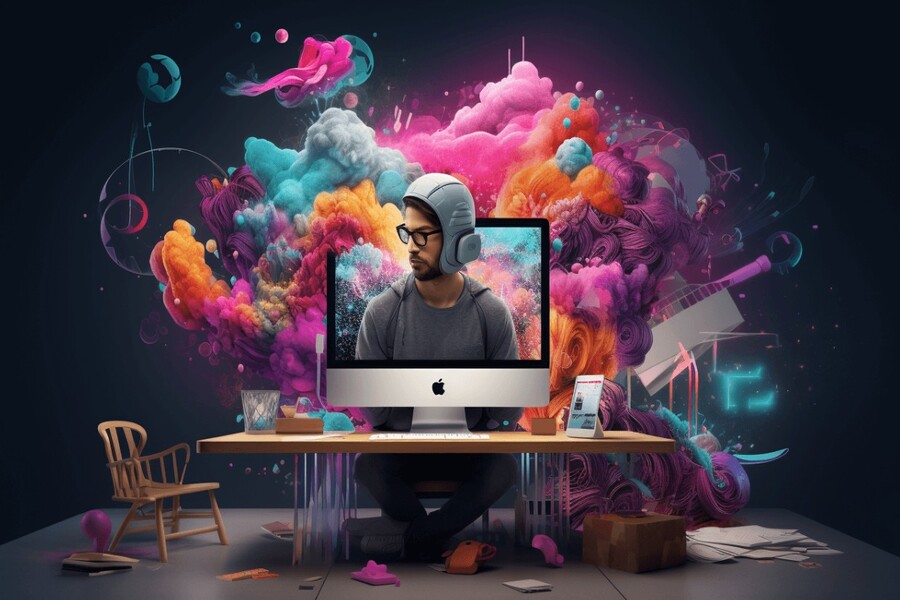
Creating moodboards, developing concepts, suggesting color schemes, optimizing layouts, and automating file export processes—AI is permeating every aspect of design work. However, with this rapid development, the question arises: how can AI be applied effectively, correctly, and while maintaining the designer's unique style? After all, no matter how powerful a tool is, it's still just a tool. The essential elements remain vision, mindset, and personal style. A good designer isn't someone who uses AI the most, but someone who knows how to use it at the right time, in the right way, and for the right purpose. This article shares five crucial tips to help designers effectively utilize AI while retaining the core values of the profession. These tips are suitable for everyone: new designers, graphic designers, UI/UX designers, motion designers, art directors, and even independent freelancers.
1. Use automation intelligently.
AI offers incredible automation capabilities, helping to shorten manual and repetitive tasks. However, automation is only truly valuable when used as part of the creative process, not as a complete replacement.
Designers should view AI as an assistant to handle time-consuming tasks that don't require excessive intellectual effort. For example, cropping product backgrounds, creating different sizes of banners, suggesting layouts based on sample data, or automatically generating color variations for reference. These processes, which could normally take hours of a workday, can be reduced to minutes with AI.
However, it's important to understand that AI automation isn't meant to replace human fine-tuning. Elements like visual emotion, balance, golden ratio, and personal touch still come from the designer. Over-reliance on automation can lead to generic, shallow, and unoriginal products.
A smart way to implement automation is to set clear boundaries: let AI do what it does best (data processing, rapid prototyping, testing multiple variations) and let you do what you do best (analysis, selection, and decision-making). This way, you can focus more on the big idea, instead of getting bogged down in tedious manual steps.
2. Maintain artistic integrity.
In the design industry, AI can assist in image creation, lighting simulation, style suggestions, and the combination of visual elements. However, the value of a beautiful work still lies in the artistic spirit that the designer imbues it with. Designers are not just creators of images; they are also storytellers through images, conveying messages through color and emotions through composition.
Maintaining artistic integrity is not just about preserving personal style, but also about protecting the soul of the design. AI can create technically perfect images, but it lacks the subtlety, emotional resonance, or sometimes the beautiful imperfections that only humans can perceive. Small details like pixel shifts to create visual rhythm, how lighting is handled to reflect a character's mood, or symbolic color tones—AI has yet to achieve that level of finesse.
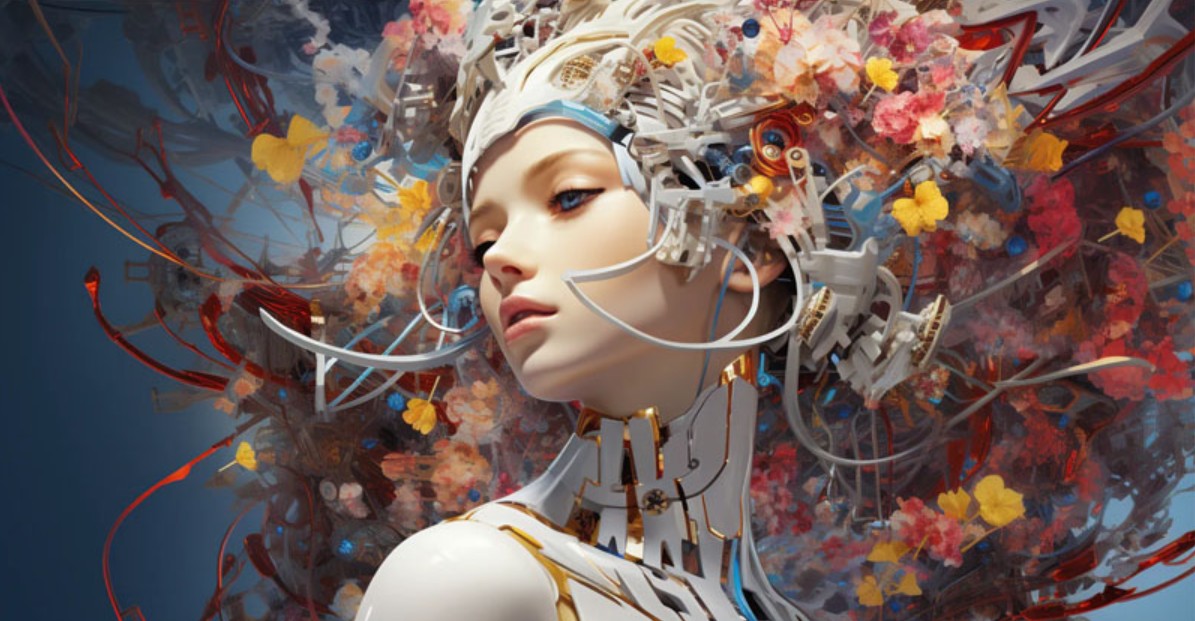
Many designers tend to become "addicted" to the perfection that AI creates and forget that design is born from the emotions of the user. A beautiful piece of work doesn't necessarily have to be perfect; it needs a story, a concept, and a focal point. AI provides you with the raw materials, but you are the one who molds them into a masterpiece.
Use AI as a catalyst to stimulate your imagination: generate new moodboards, suggest unconventional approaches, or emulate styles you've never tried before. But don't let it overshadow your own unique style. What makes a designer highly valued isn't how they use AI, but how they integrate it into their own artistic language.
3. Align with brand identity
One of the biggest challenges when applying AI in design is ensuring the final product retains the spirit and identity of the brand. AI can create beautiful images, but sometimes they don't align with the existing brand identity or design direction.
Brands have a distinct identity, built over time and expressed through their color palette, visual style, tone and mood, layout principles, brand story, and target audience. If designers simply feed random prompts into AI without controlling the output, there's a high chance the resulting images will look good but won't align with the brand.
Therefore, effective AI applications require designers to have a deep understanding of brand guidelines. When using AI, you need to provide complete context: primary and secondary colors, shape styles, level of minimalism or complexity, target audience, image style, and brand tone. The better the AI understands these constraints, the closer the output will be to the requirements.
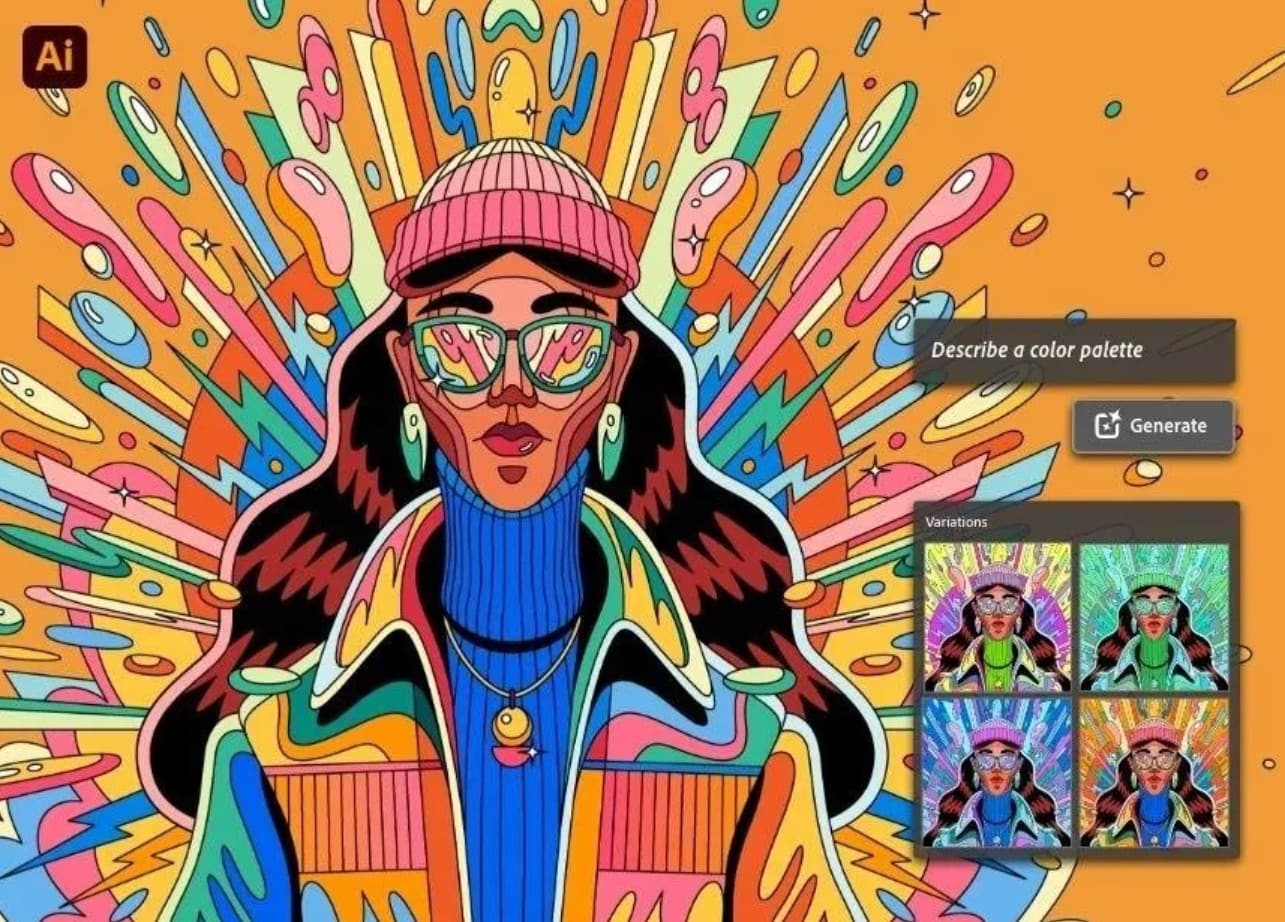
A good strategy is to build a fixed set of prompts for each brand to ensure a high level of consistency. You can also use AI to create quick variations before refining them with professional software like Photoshop, Illustrator, or Figma.
AI saves time, but the designer must be the one to make the final decision. Even though the machine can suggest hundreds of image options, you still need to evaluate which one best suits the current communication message, campaign goals, and the emotions you want to convey.
Brand consistency is the key to professionalism, and AI is merely a tool to help maintain that.
4. Applying AI responsibly
In the age of rapidly developing AI, ethical responsibility in creativity is becoming increasingly important. Many questions arise: Do AI-generated images infringe on copyright? Does using AI diminish the value of the original artist? Are designers using resources without understanding their origin?
One way to apply AI responsibly is to understand the rules governing the use of images, data, and toolkits. Many AI platforms use massive datasets to train their models, and these datasets are not always transparent. This can lead to copyright or ethical issues when using AI products for commercial purposes.
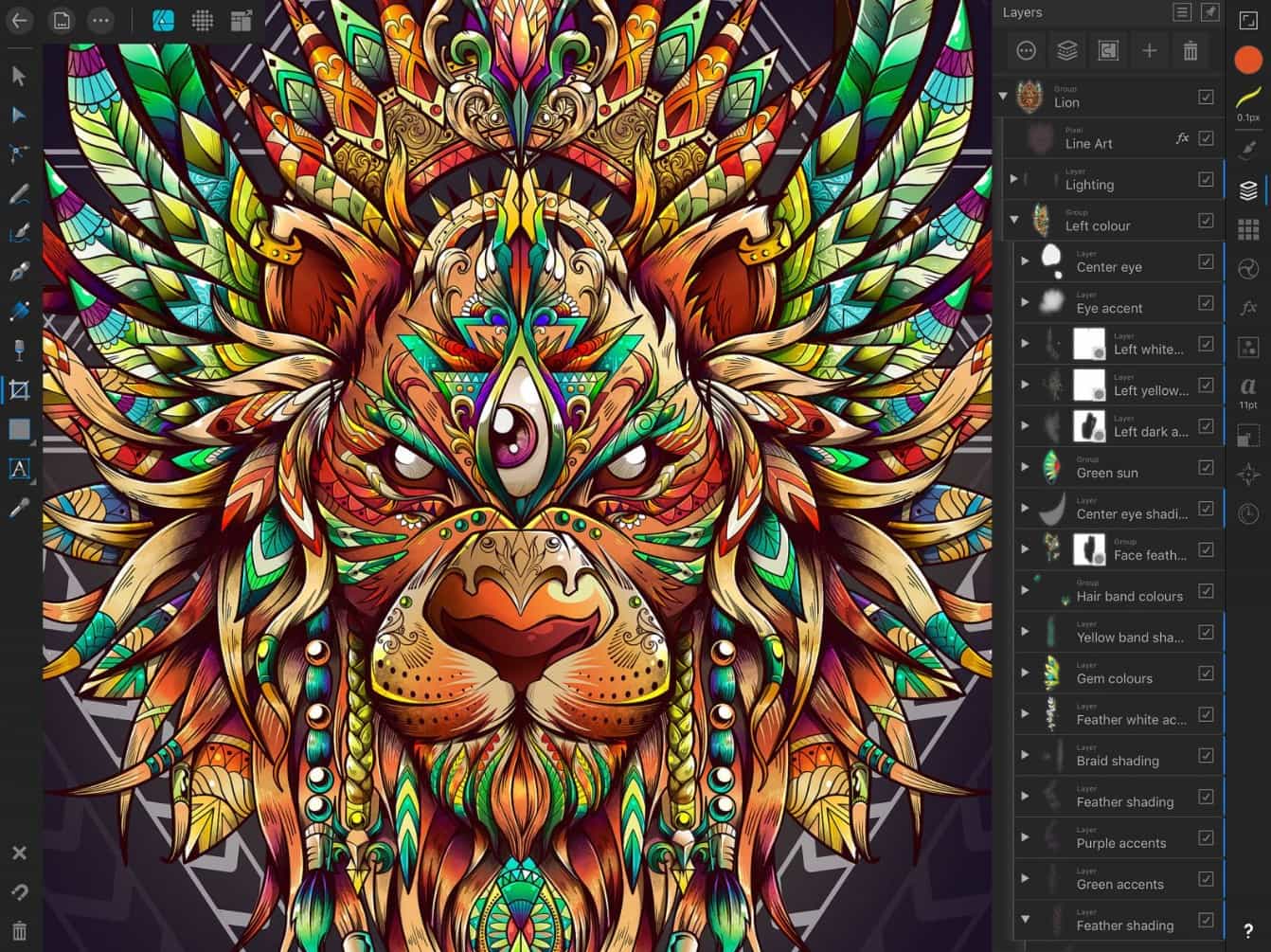
Designers need to choose reputable AI tools with mechanisms to ensure the legality of the data source, especially when working with large clients or projects with sensitive commercial elements. Not all images generated by AI can be used for printing, advertising, or logo design.
Furthermore, responsible AI application also includes transparency in the design process. When you deliver a product to a customer, be honest about how you used AI in the process. This not only protects you legally but also builds long-term trust.
Ultimately, the responsibility also lies in not abusing AI to replace humans. Use AI to support, not to stifle the creative efforts of other designers.
5. Harmonious integration of people and technology
The core of effective AI application in innovation lies not in the combination of two tools, but in the combination of humans and technology. AI excels in speed, computation, and continuity, while humans excel in emotion, intuition, and storytelling. When these two elements blend correctly, we can create products far superior to those created with either one alone.
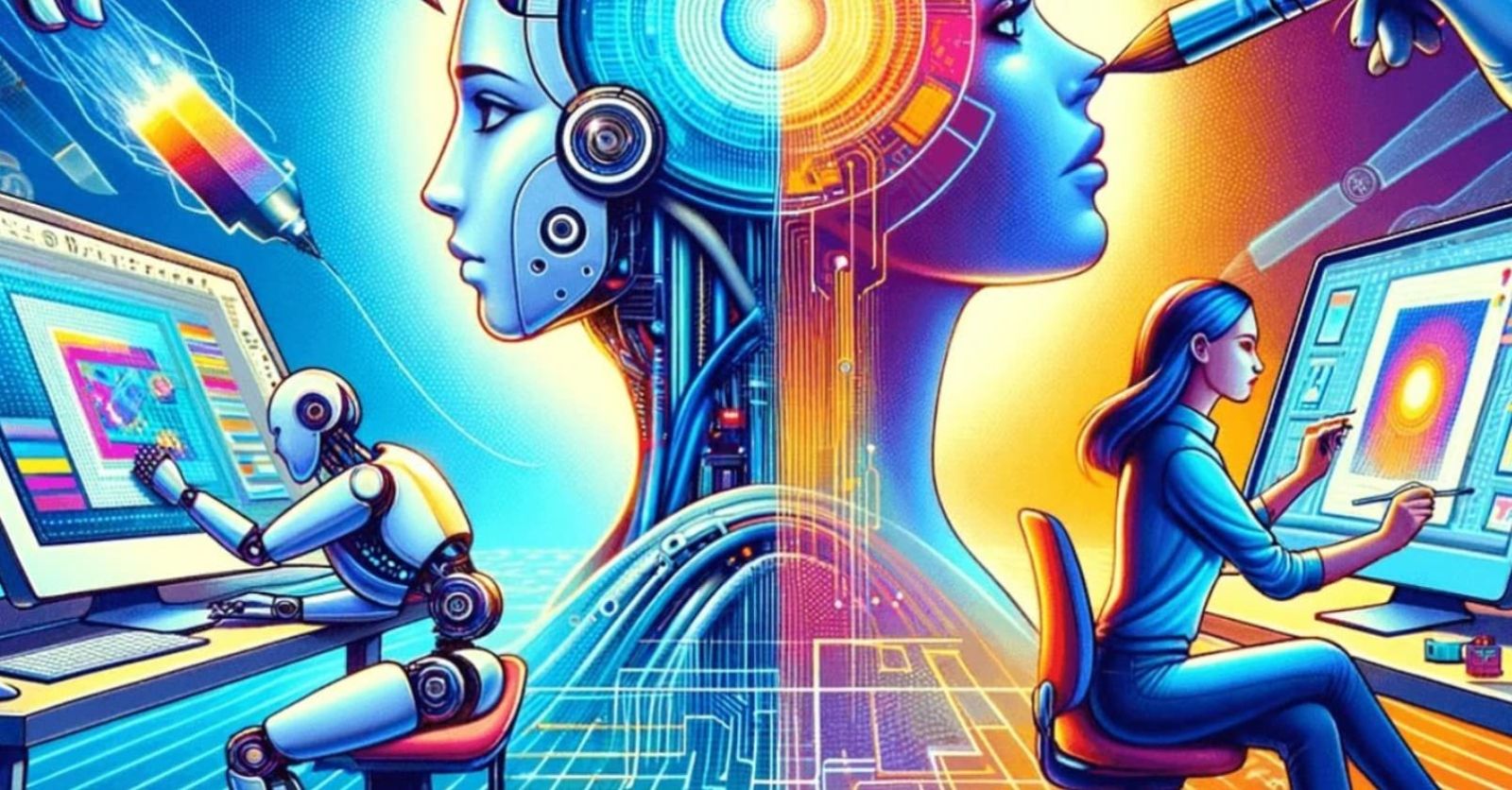
A modern designer cannot reject AI, but neither can they let AI completely dominate them. The best approach is to use AI as a creative partner. Let AI suggest direction, create drafts, simulate styles, or experiment with layouts. Then, use your analytical skills and aesthetic sense to refine, polish, and perfect the design.
Let's not forget that AI still needs to be driven by human thinking. A good prompt requires not only technical skill but also design thinking: knowing what you want, knowing what the customer needs, and knowing the optimal solution for the communication message. When you clearly understand your goals, AI becomes an invaluable tool.
AI is changing the design world faster than ever before. But that doesn't mean designers will lose their jobs or creativity will be replaced. Instead, AI opens up a future where humans can work more efficiently, be more creative, and generate new values that were previously unattainable.





















VIP Products








Best Selling Products
Freepik Premium Account
59 USD
Upgrade Duolingo Super
29 USD
Autodesk All App Account Copyright
120 USD
Windows 10 & 11 Pro Key
36 USD
Genuine Adobe Illustrator account
99 USD
Plugin Retouch4me
69 USD
Genuine Cheap Canva Pro
39 USD
Copyright Adobe Lightroom Account
59 USD
Adobe Premiere Pro Account
99 USD
Upgrade genuine Capture One account
120 USD
Upgrade Genuine Office 365
49 USD
ChatGPT Plus Account (GPT-4)
16 USD
Adobe Photoshop Copyright - Full App
120 USD
MidJourney Account
29 USD
Capcut Pro 1 Year
39 USD