Best Selling Products

Capcut Pro 1 Year
39 USD

Upgrade Genuine Office 365
49 USD

Upgrade genuine Capture One account
120 USD

Windows 10 & 11 Pro Key
36 USD

Genuine Cheap Canva Pro
39 USD

ChatGPT Plus Account (GPT-4)
16 USD

Adobe Premiere Pro Account
99 USD

Autodesk All App Account Copyright
120 USD

Freepik Premium Account
59 USD

MidJourney Account
29 USD

Plugin Retouch4me
69 USD

Genuine Adobe Illustrator account
99 USD

Copyright Adobe Lightroom Account
59 USD

Upgrade Duolingo Super
29 USD

Adobe Photoshop Copyright - Full App
120 USD
5 reasons why Canva is the "secret weapon" of high school and college students.
Nội dung
Canva not only helps create beautiful slides and posters but also supports students in optimizing their time for assignments, group projects, and professional presentations.
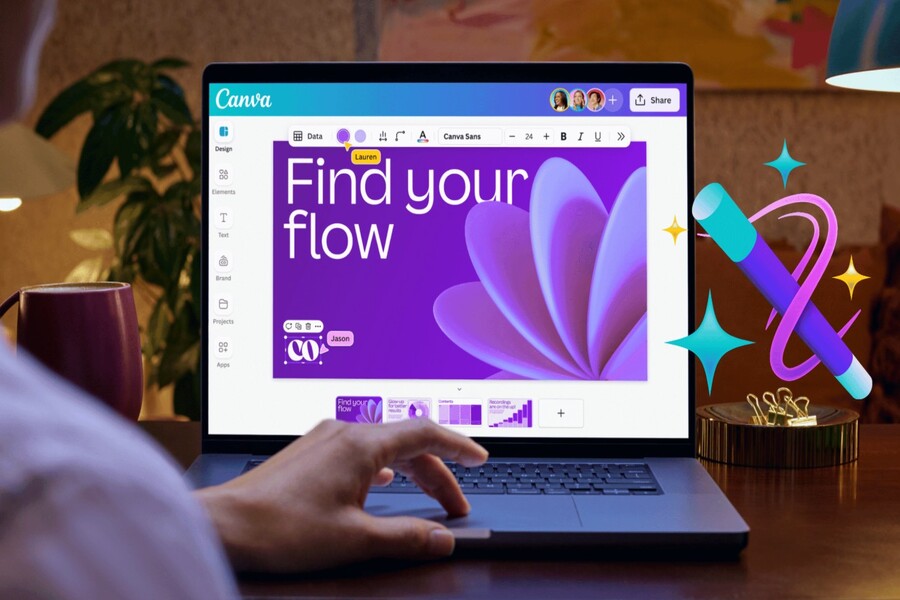
Not everyone has the resources or time to learn professional software like Photoshop, Illustrator, or other advanced graphic design tools. Learning and using these programs requires significant technical knowledge, practice time, and even expense. This is compounded by the pressures of student life, such as packed schedules, constant assignments, and busy extracurricular activities. In this context, finding a simple, easy-to-use, and fast design tool that still produces visually appealing results becomes a pressing need.
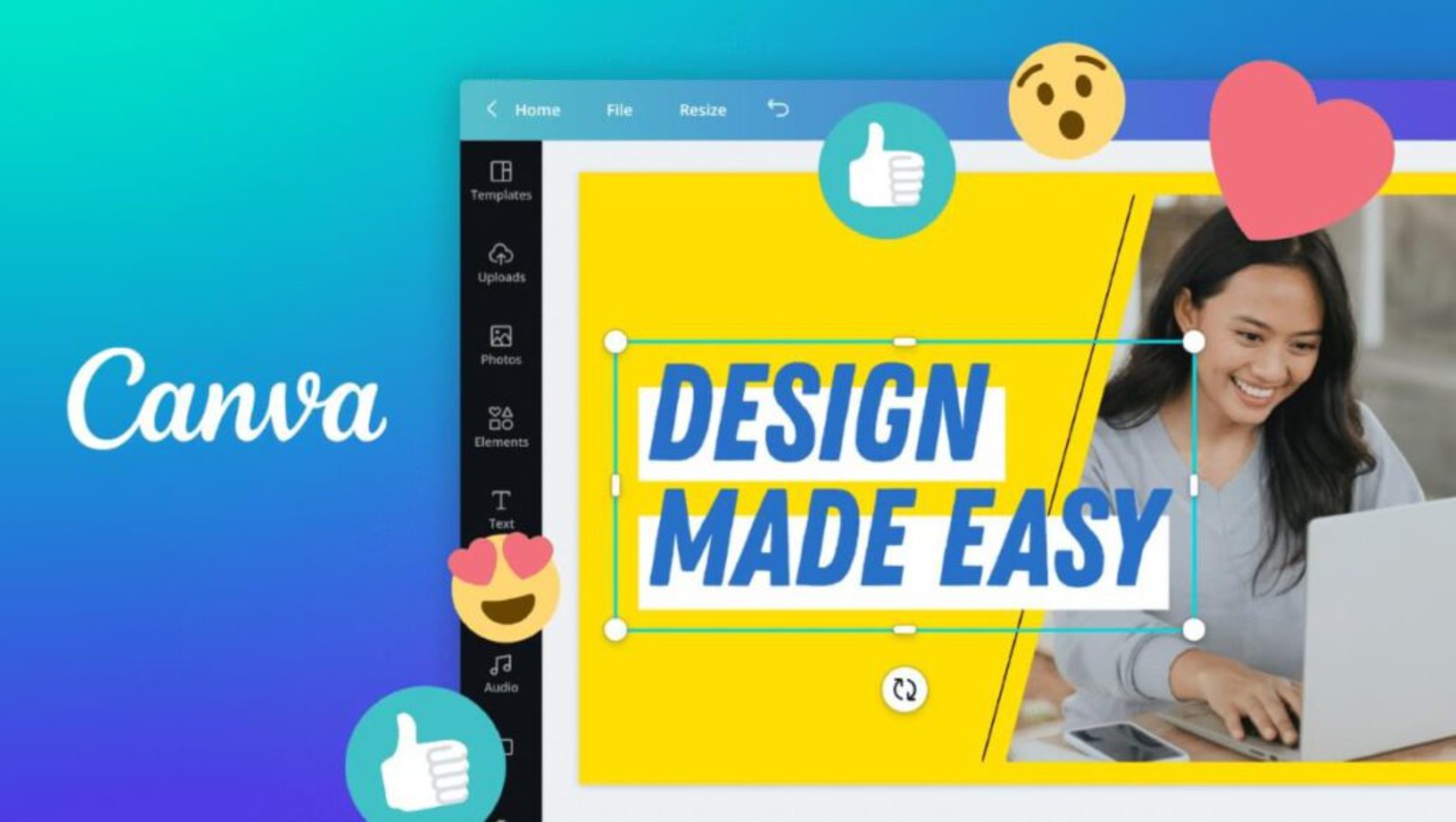
Canva is increasingly popular among students worldwide. It's not just a familiar design platform; it's a lifesaver for those who need to create visual content but lack experience. With its simple drag-and-drop functionality, thousands of pre-designed templates, and countless free resources, Canva offers a surprisingly effective and effortless creative experience. If you're a student working on presentations, reports, posters, or creating educational content, Canva is an indispensable companion! Let's explore 5 incredibly useful benefits with SaDesign.
1. Easy design, no Photoshop knowledge required.
Over the years working in the design field, I've encountered countless students who felt overwhelmed when it came to creating posters, banners, or slides for group projects. Not everyone knows how to use professional software, and learning Photoshop just to complete a single presentation is… impractical.
Canva was created to completely solve this problem. With Canva, you don't need to know how to handle complex layers, adjust blending modes, or memorize the advanced shortcuts used by designers. All you need to do is drag, drop, adjust, and you're done. The operation is so simple that even a sixth-grade student can do it, yet the results are just as professional as those from expensive software.
Furthermore, Canva offers thousands of diverse design templates categorized by theme, needs, and purpose. Simply choose your preferred template, change the images, content, and colors, and you'll have a complete product. These designs are created by Canva's team of experts, ensuring they are aesthetically pleasing, well-structured, and suitable for various academic styles.

Available design templates include:
Academic presentation slides suitable for essays, seminars, and major projects .
• The learning report template is clear, easy to read, and systematic.
• Promotional posters for school activities, clubs, events, and workshops
• Promotional banners and infographics summarizing the lesson content.
• Template specifically designed for social media content
Another great feature of Canva is its intuitiveness. Every change is visible instantly. You can adjust fonts, change colors, drag and drop images, add icons, and more within seconds. This saves students considerable time, especially during deadlines when they need to work on content and prepare presentations simultaneously.
2. Helps you impress your instructors and classmates.
In an academic setting, first impressions sometimes determine 50% of your presentation's success. Good content presented in an unengaging way can cause listeners to overlook important points. Conversely, a well-structured presentation with harmonious colors and lively delivery will make you stand out, create a positive impression, and help convey information more effectively.
Canva is the perfect tool to help students create such presentations. Canva's academic presentation templates are designed by experts, ensuring a balance between aesthetics and professionalism. You just need to change the content, add appropriate illustrations, and adjust the colors slightly to suit the topic, and you'll have a set of slides that are more professional than you expected.
In addition, Canva offers many visual elements to make presentations more engaging. Simple yet easy-to-understand icons, modern-style illustrations, intuitive infographics, and more can make your presentation "shine." When presented in class, a well-designed slide will make the instructor see the student as more serious, appreciate the effort put into the work, and thus improve their grade.
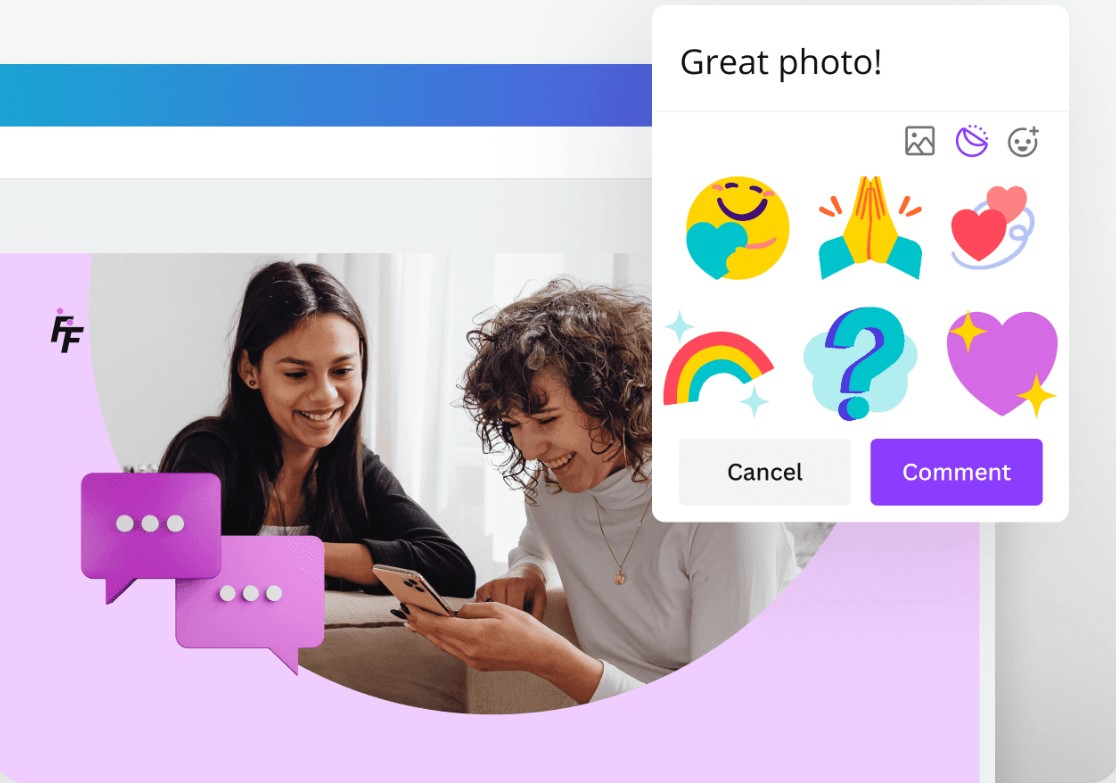
Furthermore, Canva helps you save time on presentation creation. If you're struggling with a large project and a tight deadline, Canva will help you optimize your time by shortening the design process while maintaining quality. You just need to focus on the main content, and let Canva handle the interface.
3. Super convenient support for teamwork.
Teamwork is always a challenge for students. Dividing tasks, contributing ideas, editing content, and agreeing on a layout often takes up a lot of the team's time. This is especially true when the team has to constantly send files back and forth, editing multiple versions, and ultimately no one remembers which is the final version.
Canva has streamlined this entire complex process with its real-time collaboration feature. Simply send a link, and the entire team can edit a single file together, seeing updates immediately. No need to download files, no worries about version conflicts, and no fear of data loss.
This offers particular convenience for large teams or major projects. Each person can be responsible for a part of the content, such as designing the cover, presenting the content, adding illustrations, or proofreading. You don't need to schedule meetings in one location; simply participating through Canva allows everything to be done smoothly.
Canva's commenting feature also makes the editing process more convenient. You can comment directly on the area you want to edit so that other members can see and address it immediately. This helps avoid misunderstandings and saves a lot of time compared to describing the changes via messages.
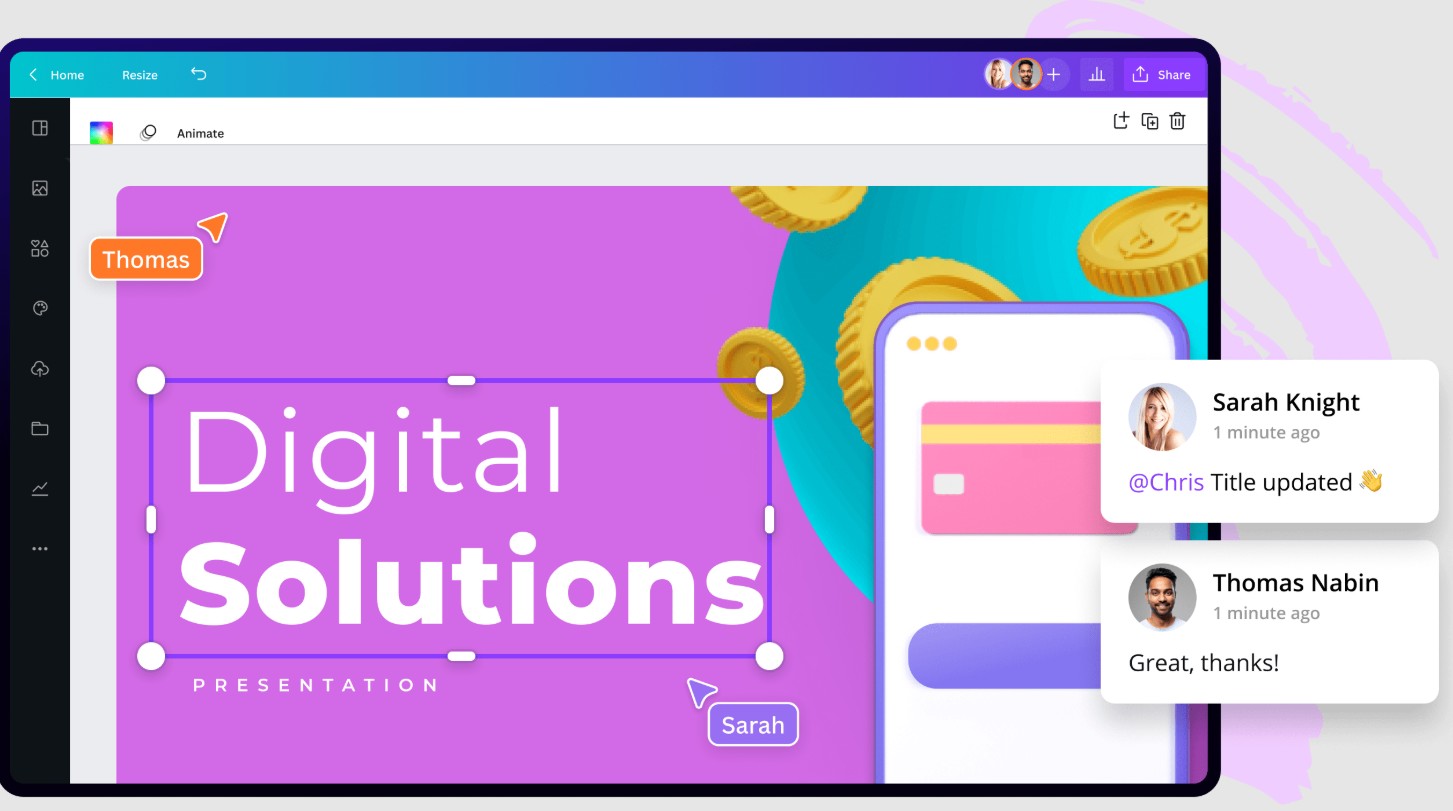
In an era where many students work remotely, study online, or are scattered across multiple locations, Canva has become an ideal choice for teams to maintain productivity. You can edit slides while in the library, have another team member add content at a coffee shop, and another check for errors at home. Everything flows seamlessly, as if the whole team were sitting next to each other.
4. A vast resource pool, plenty of room for creativity.
One of Canva's greatest strengths is its vast resource library. Whether you're working on an assignment in economics, biology, media studies, or social research, Canva has the right images, videos, icons, fonts, and illustrations.
Over 1 million free images, videos, and icons are clearly organized by theme, making it easy to search and create. This eliminates the need for students to search online for illustrations, download them, and then go through complex editing processes, which is both time-consuming and prone to copyright issues. Everything is readily available in Canva and optimized for quality, color, and style.
Beyond just basic resources, Canva also provides many academic elements specifically for students, such as:
Mind maps help present ideas in a coherent manner.
• Data charts to clearly illustrate statistics
Infographic summarizing the lesson content
• Academic illustrations across various fields
Template for essays, reports, and research proposals.
• Timeline for group history, projects, or plans
These resources not only help students enhance their learning products but also help convey content in a more understandable and scientific way. Instead of presenting lengthy content, you can transform it into infographics in just a few minutes, helping instructors quickly understand and appreciate the effort put into the work.
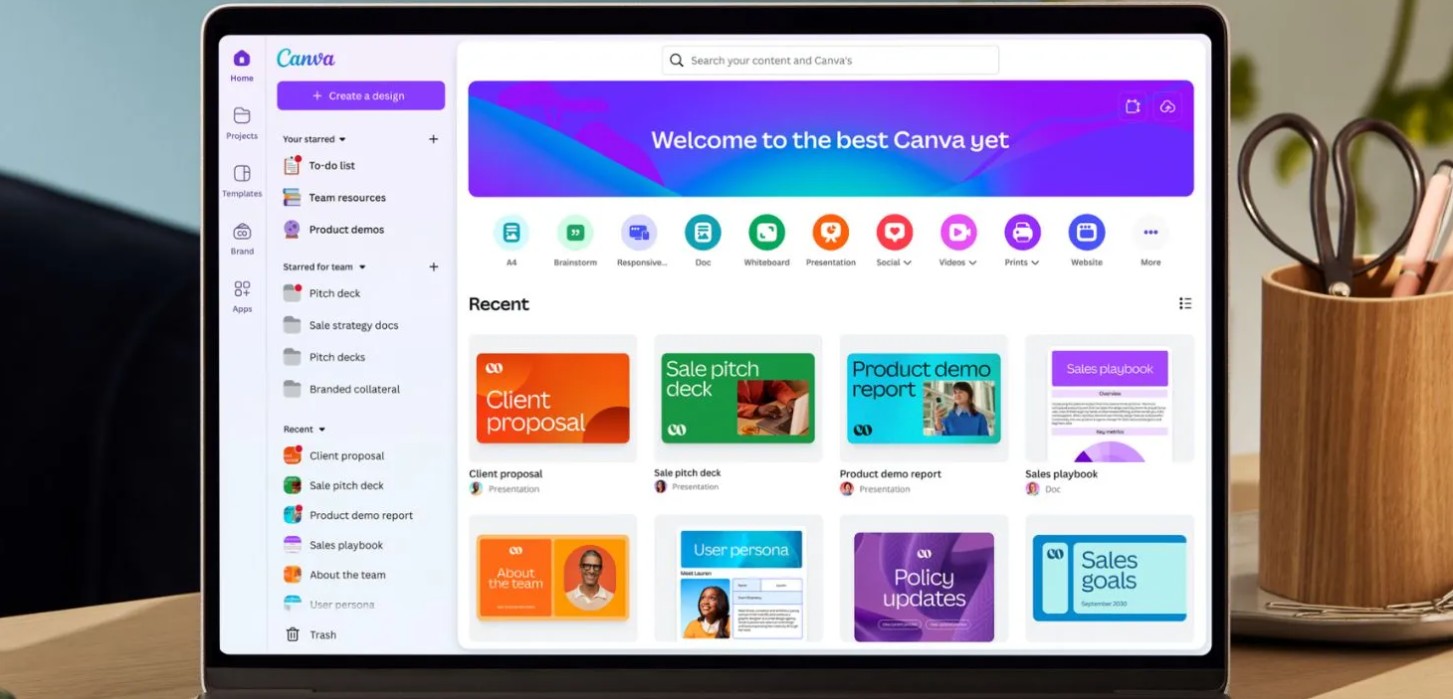
Canva also regularly updates its resources to reflect trends, holiday themes, special events, or educational needs. Therefore, students always have a rich source of materials for unlimited creativity.
5. Develop creative and aesthetic skills.
Although the initial goal was simply to complete an assignment, Canva offered students much more than that. Regularly using Canva is a way to hone creative and aesthetic skills.
Through repeated design practice, you will gradually learn how to create harmonious color schemes, arrange content logically, and use fonts appropriate for each purpose. You will gradually develop a visual design mindset.
Furthermore, Canva helps students develop logical presentation skills. When you have to organize content in an easy-to-understand way, choose clever illustrations, or present data visually, you are learning how to communicate information clearly.
Many students, after using Canva for a while, confidently take on additional freelance projects such as designing posters, slides, banners, or editing digital content for clubs. This helps them earn extra income and gain experience early on.
Canva is more than just a beautiful and easy-to-use design tool. For students, it's a valuable companion that helps optimize learning performance, boost creativity, and improve presentation skills. If you're a student, don't miss out on this amazing tool. Canva not only helps you complete assignments better but also opens up many new learning opportunities, develops skills, and allows you to shine in your academic environment.





















VIP Products








Best Selling Products
Capcut Pro 1 Year
39 USD
Upgrade Genuine Office 365
49 USD
Upgrade genuine Capture One account
120 USD
Windows 10 & 11 Pro Key
36 USD
Genuine Cheap Canva Pro
39 USD
ChatGPT Plus Account (GPT-4)
16 USD
Adobe Premiere Pro Account
99 USD
Autodesk All App Account Copyright
120 USD
Freepik Premium Account
59 USD
MidJourney Account
29 USD
Plugin Retouch4me
69 USD
Genuine Adobe Illustrator account
99 USD
Copyright Adobe Lightroom Account
59 USD
Upgrade Duolingo Super
29 USD
Adobe Photoshop Copyright - Full App
120 USD