Best Selling Products

Windows 10 & 11 Pro Key
36 USD

Copyright Adobe Lightroom Account
59 USD

Adobe Photoshop Copyright - Full App
120 USD

Autodesk All App Account Copyright
120 USD

Plugin Retouch4me
69 USD

Capcut Pro 1 Year
39 USD

ChatGPT Plus Account (GPT-4)
16 USD

MidJourney Account
29 USD

Upgrade genuine Capture One account
120 USD

Genuine Cheap Canva Pro
39 USD

Upgrade Genuine Office 365
49 USD

Adobe Premiere Pro Account
99 USD

Genuine Adobe Illustrator account
99 USD

Freepik Premium Account
59 USD

Upgrade Duolingo Super
29 USD
5 tech-hacking scams that are silently destroying your phone.
Nội dung
These tips, shared millions of times, may seem harmless, but they can actually cause your phone and computer to degrade faster than you think.
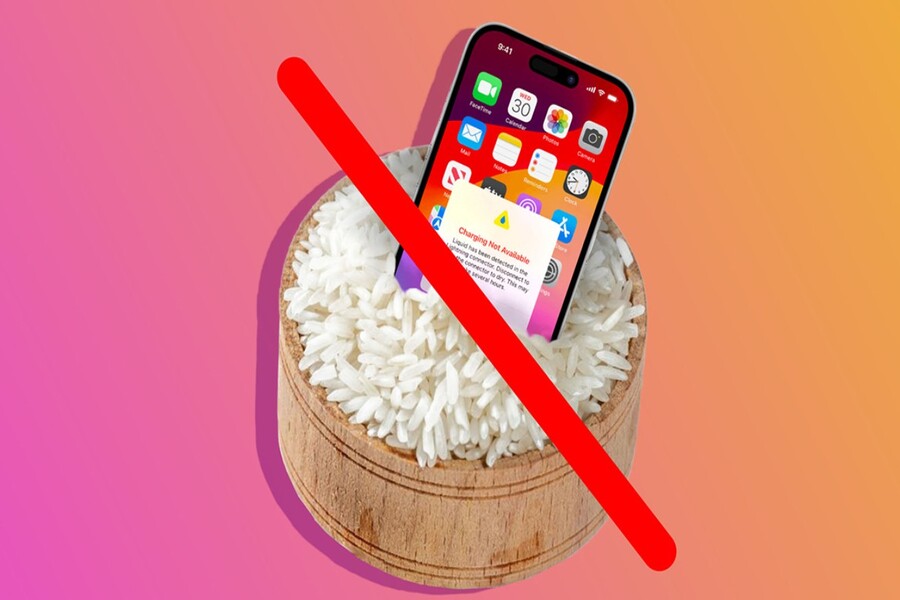
1. Use toothpaste to repair a cracked phone screen.
Among the oldest circulating tech tips, using toothpaste to "fix" a cracked phone screen is arguably a legend. From old online forums to TikTok and YouTube Shorts today, this tip is constantly being updated with close-up videos showing the crack seemingly fading after a few gentle rubs.
From a psychological visual perspective, this phenomenon can lead viewers to believe that the screen has been improved. When toothpaste is applied to the glass surface, it fills in the small gaps and reduces light reflection at the crack location. This creates the illusion that the crack has "disappeared," but it is actually only a temporary effect and entirely a visual illusion.
The problem is that toothpaste isn't neutral. The abrasive particles in toothpaste are designed to clean plaque from teeth, meaning they have the potential to abrade glass surfaces. When rubbed against a screen, the oleophobic coating—a crucial protective layer that prevents fingerprints and scratches—is destroyed. Once this coating is gone, the screen will degrade quickly, become greasy, harder to clean, and much more prone to scratches.
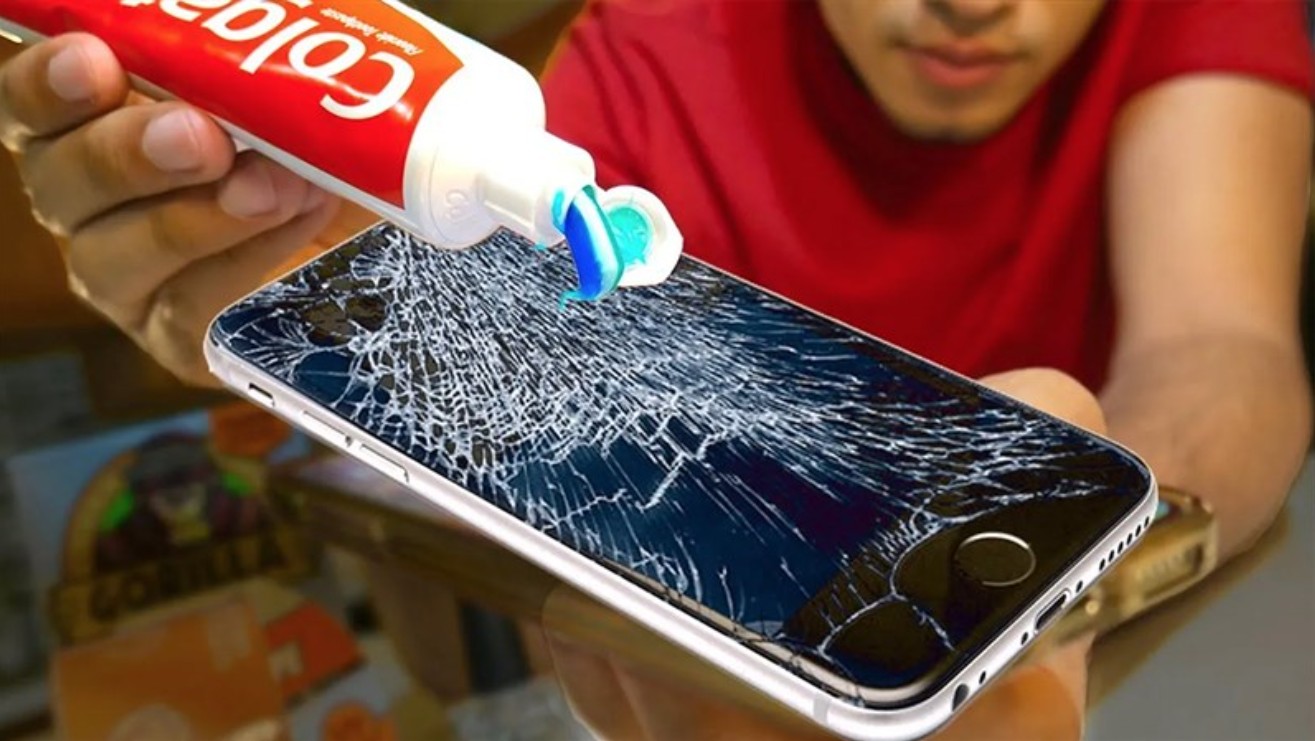
More dangerously, modern phone screens are multi-layered structures, including protective glass, a touch layer, and a display panel. Once the glass is cracked, any liquid can seep inside. Toothpaste, despite its thick consistency, still contains water and chemical compounds that can corrode the microcircuits. The consequences usually don't happen immediately but appear after a few days or weeks, when the touch screen becomes erratic, slow to respond, or has dead spots.
From a product design perspective, no topical solution can repair physical damage to tempered glass. Spreading this tip not only misleads users about the technology but also delays them from seeking the correct solution, leading to more serious damage and higher repair costs later on.
2. Put your phone in a container of rice to "rescue" it if it gets wet.
If toothpaste is legendary, then a container of rice is the "national ally" when a phone gets wet. Almost everyone has heard this advice: if your phone falls into water, turn it off and immediately put it in rice to absorb the moisture. This trick has been passed down from generation to generation and appears in countless articles and instructional videos.
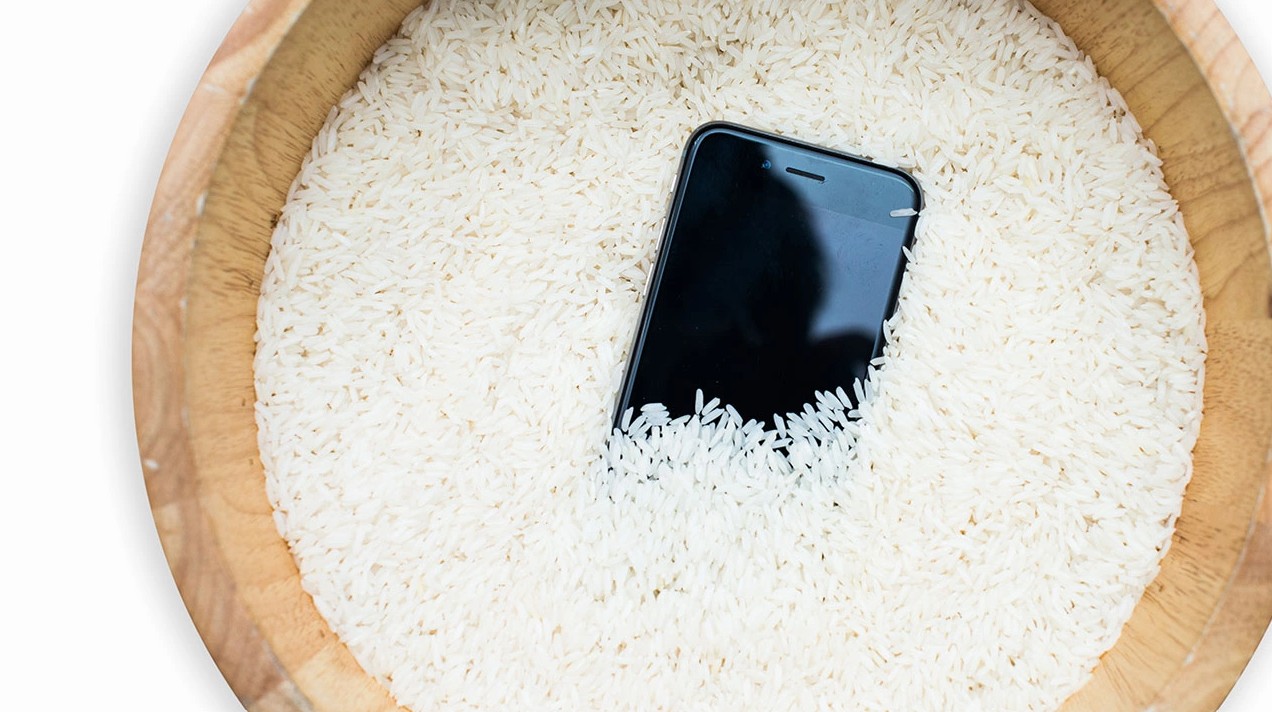
The popularity of this tip stems from a very simple reasoning: rice absorbs water, so it will absorb water from the phone. However, this is a completely wrong understanding of the mechanism that causes damage to electronic devices. Water is dangerous not because it wets the surface, but because it penetrates deep into the components and causes oxidation and short circuits when current flows through them.
Rice is almost incapable of absorbing moisture from within its narrow crevices, where water actually causes damage. Meanwhile, rice bran dust and small particles can easily get into the charging port, speaker, and microphone. This leads to a host of secondary problems such as clogged charging ports, distorted sound, or complete loss of speaker functionality.
Another less-discussed harm is that burying phones in rice creates a sealed environment that slows down the natural evaporation of water. Instead of drying quickly in fresh air, the moisture is trapped longer, creating conditions for rust to develop silently. Many devices still function normally after a few days of "rice soaking," but completely fail after a few weeks or months due to internal corrosion.
From a technical standpoint, the correct way to handle a water-damaged phone always starts with immediately turning it off, not charging it, and not trying to turn it on again. Then, you need to dry the device in a well-ventilated area or take it to a repair center for professional cleaning and drying. A container of rice, while familiar and readily available, is one of the worst options.
3. Add more RAM to your computer.
In the software world, few scams are as blatant yet persistent as the promise of "adding more RAM to your computer." Websites and promotional videos often portray RAM as a software resource that can be expanded indefinitely with just a few clicks. For users without hardware knowledge, this sounds plausible and hopeful.
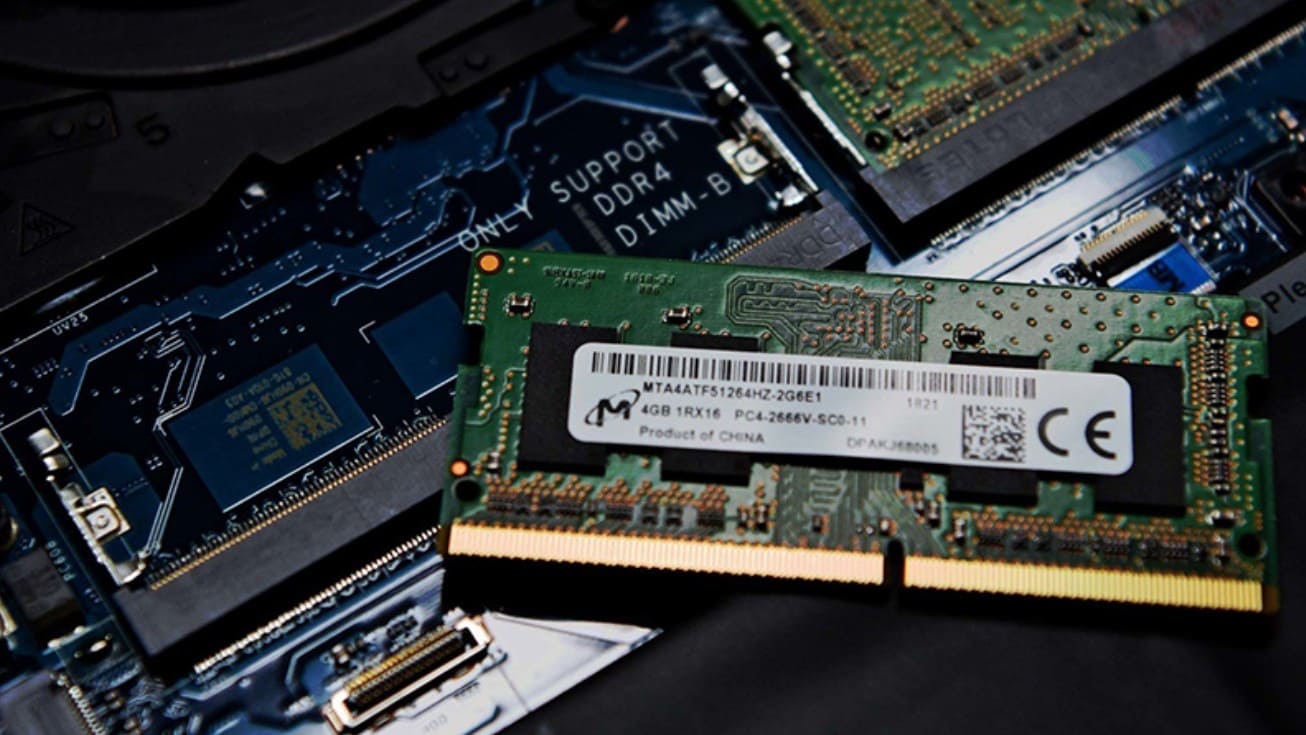
The truth is, RAM is a physical component, mounted directly on the motherboard. The RAM capacity of a computer can only be changed by adding or replacing RAM modules. No software can alter this physical limit.
Some programs that call themselves "RAM boosters" actually only clean up background processes or manage temporary memory. Their effectiveness is limited and often only psychological. Worse, many websites that provide "RAM booster" files are breeding grounds for malware, spyware, or viruses. Users, hoping for faster performance, unknowingly grant access to dangerous software, leading to data loss or remote device control.
From a systems design perspective, computer performance is the result of the coordination between the CPU, RAM, hard drive, and operating system. When RAM is insufficient, the correct solution is to upgrade the hardware or optimize the software used, not to look for non-existent "shortcuts."
4. Using a "master code" to unlock any type of phone.
Secret codes, marketed as being able to unlock any type of phone, always generate a special allure. They tap into users' curiosity and desire to control technology. On forums and social media, these "master codes" are often described as insider secrets of technicians or vulnerabilities that manufacturers intentionally conceal.
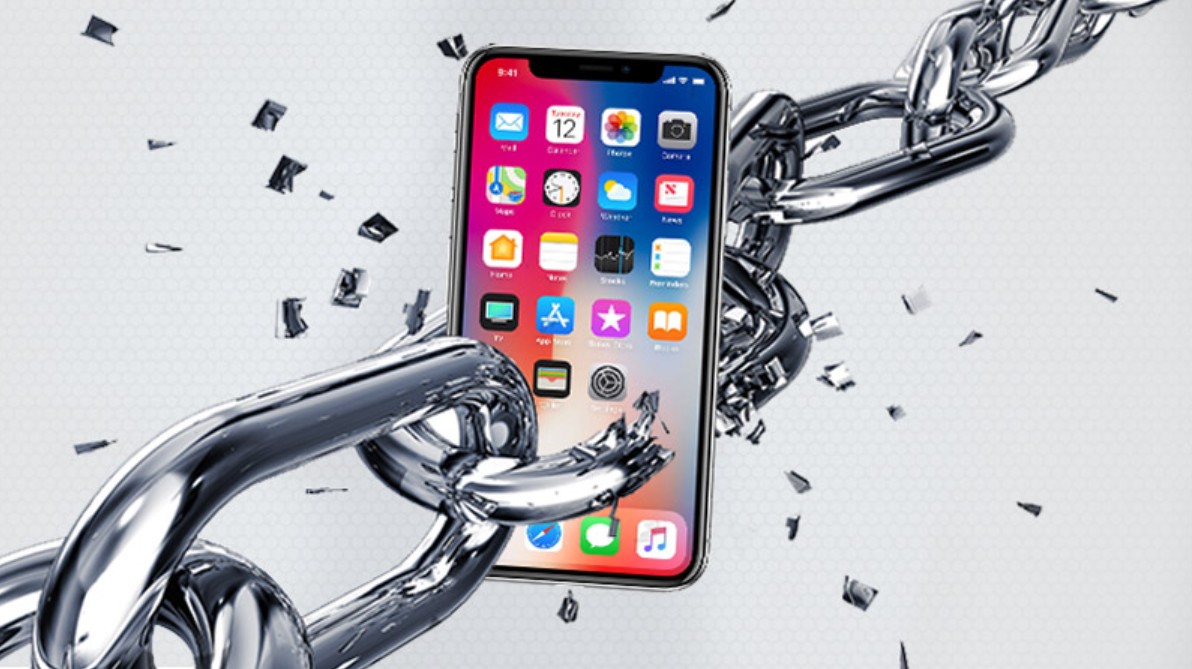
In reality, security on modern smartphones is built on hardware encryption, tightly integrated with personal accounts and biometric data. There is no single code that can bypass this entire protection system. The codes that are circulated are usually just service codes, used to check the hardware or device status.
More dangerously, entering or attempting to enter these codes incorrectly can trigger security mechanisms, leading to device lockout or data erasure. In some cases, the device may even be permanently locked, forcing users to take it in for expensive repairs.
Believing in "master codes" not only reflects a misunderstanding of technology but also demonstrates how viral content exploits this lack of understanding to create a false sense of "power" for viewers.
5. Tips for browsing anonymously to find cheap flights and hotel rooms.
Among various tech tips, this is perhaps the least directly harmful, yet it's a prime example of misunderstanding how digital systems work. Many people believe that travel websites track search history and raise prices if they detect frequent browsing, and that incognito mode "tricks" the system.

Incognito mode essentially only prevents the browser from saving cookies and browsing history on your personal device. It doesn't hide your IP address, geographic location, or browsing behavior at the system level. Airlines and hotels use dynamic pricing algorithms based on market demand, availability, and booking time, not on how many times you search.
Believing in this tip can cause users to overlook more effective strategies such as monitoring prices over the long term, booking tickets early, or taking advantage of official promotions. This is an example showing that not all tips damage the device, but they can still harm one's mindset and decision-making.
As a smart consumer, always question promises that seem too good to be true. And sometimes, the best solution is to seek legitimate knowledge or professional support, rather than falling for viral scams disguised as "tips and tricks."





















VIP Products








Best Selling Products
Windows 10 & 11 Pro Key
36 USD
Copyright Adobe Lightroom Account
59 USD
Adobe Photoshop Copyright - Full App
120 USD
Autodesk All App Account Copyright
120 USD
Plugin Retouch4me
69 USD
Capcut Pro 1 Year
39 USD
ChatGPT Plus Account (GPT-4)
16 USD
MidJourney Account
29 USD
Upgrade genuine Capture One account
120 USD
Genuine Cheap Canva Pro
39 USD
Upgrade Genuine Office 365
49 USD
Adobe Premiere Pro Account
99 USD
Genuine Adobe Illustrator account
99 USD
Freepik Premium Account
59 USD
Upgrade Duolingo Super
29 USD