Best Selling Products

Upgrade Duolingo Super
29 USD

Plugin Retouch4me
69 USD

Upgrade genuine Capture One account
120 USD

Copyright Adobe Lightroom Account
59 USD

ChatGPT Plus Account (GPT-4)
16 USD

Adobe Premiere Pro Account
99 USD

Windows 10 & 11 Pro Key
36 USD

MidJourney Account
29 USD

Genuine Cheap Canva Pro
39 USD

Adobe Photoshop Copyright - Full App
120 USD

Upgrade Genuine Office 365
49 USD

Genuine Adobe Illustrator account
99 USD

Autodesk All App Account Copyright
120 USD

Freepik Premium Account
59 USD

Capcut Pro 1 Year
39 USD
Google is preparing to "kill off" an important Gmail feature after nearly 10 years.
Nội dung
Having existed for nearly a decade, this feature once served as a bridge between Gmail and other email services. Google's new decision has surprised many users and raised questions about the future of managing multi-account emails.
1. Gmailify plays a crucial role in helping Gmail users manage multiple email accounts.
When Gmailify was first introduced by Google, the email market was still quite fragmented. Yahoo Mail, Outlook (formerly Hotmail), local ISP email services, and business email existed side-by-side, each platform with its own strengths and user base. Very few people used only one email address. In fact, most internet users at that time had at least two or three email accounts for different purposes.
The problem lies in management. Constantly logging in, logging out, and checking each individual inbox is not only time-consuming but also disrupts the workflow. For creative professionals or freelancers, missing a client email can lead to lost collaborations or project delays.
Gmailify emerged as a neat solution to that problem. Unlike conventional email loading via POP or IMAP, which only provides data synchronization, Gmailify allows Gmail to connect deeply with third-party mailboxes. As a result, emails from Yahoo, Outlook, or other providers are not only displayed in Gmail, but are also processed using Gmail's intelligent system, a key strength of the platform.
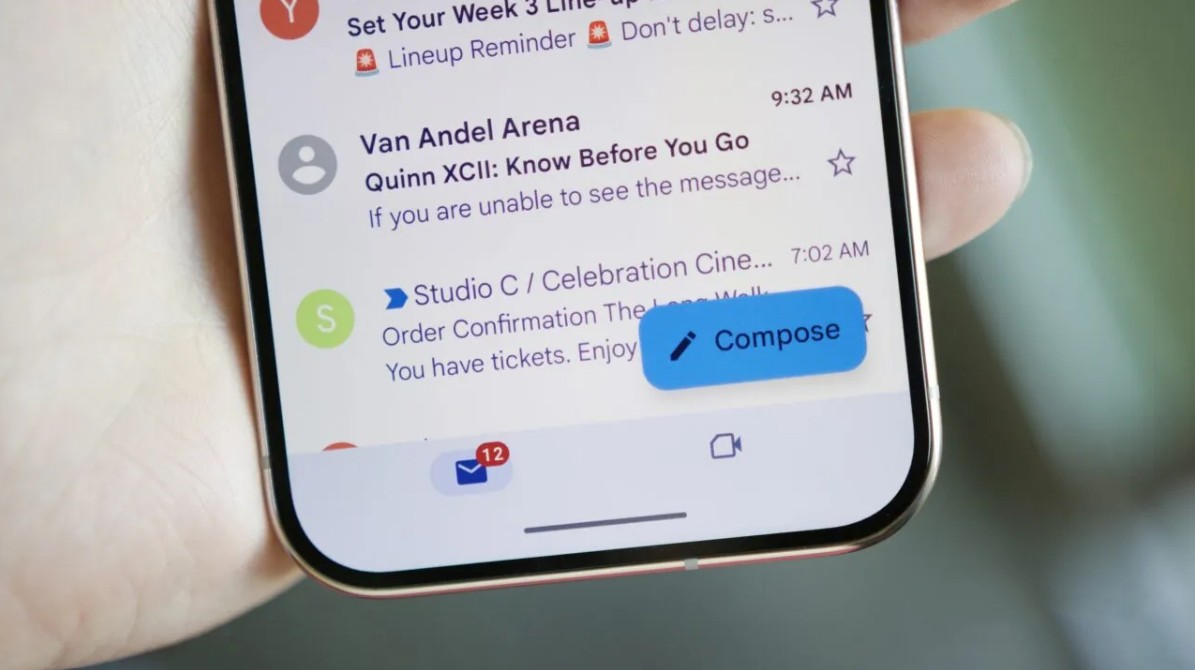
This offers a superior experience compared to simply "viewing everything in one place." Emails are more effectively spam-filtered, categorized into appropriate tabs, and can be quickly searched using Google's powerful search engine. For long-time users, Gmailify has transformed Gmail into a true email hub, where all information is organized scientifically and is easy to manage.
For nearly a decade, Gmailify operated quite stably and its interface remained largely unchanged. This stability led many users to take it for granted, even forgetting that they were using a special feature. Only when Google announced it would discontinue support did the true role of Gmailify become more clearly understood.
According to Google's official support page, Gmailify will be officially discontinued this month. Although the announcement was made rather quietly, its impact is significant for a segment of users who have been loyal to this feature for many years.
2. What will change when Gmailify stops working?
The discontinuation of Gmailify doesn't mean all third-party emails will disappear from your Gmail account immediately. Google will still allow users to access previously synchronized emails. However, the core benefits that made Gmailify unique will no longer exist.
The most noticeable change is that Gmail will no longer offer advanced protection features for non-Gmail email accounts. Previously, emails from Yahoo or Outlook, when connected to Gmailify, would be scanned for spam using Gmail's renowned anti-spam algorithm. This is one of the most effective spam filtering systems currently available, helping users avoid a large amount of spam, phishing, and malicious content.
When Gmailify is removed, third-party emails will no longer enjoy this protection in the old way. This means users will have to rely more heavily on the spam filtering system of their original email provider, which isn't always as effective as Gmail.
Furthermore, the ability to categorize inboxes will also be significantly affected. One of the reasons many people love Gmail is how it automatically organizes emails into tabs like Home, Social, Promotions, or Forums. This helps keep the inbox tidy and easier to focus on. Without Gmailify, emails from third-party accounts will no longer be intelligently categorized using this mechanism, making the email management experience less intuitive.
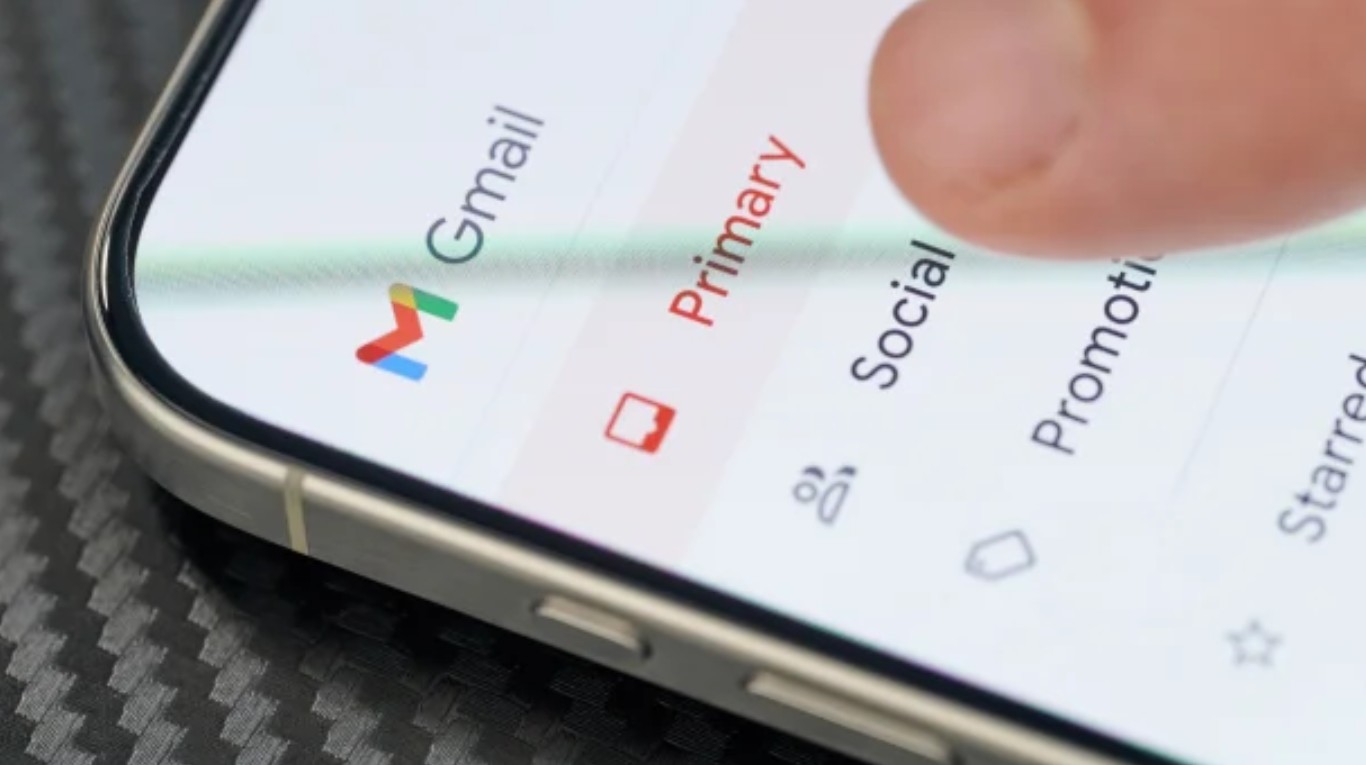
The lack of advanced search capabilities is also a major drawback. Gmail has long been considered the gold standard for email search, allowing users to retrieve information with just a few keywords or simple filters. For seasoned professionals, their email database is essentially a form of information retrieval. The inability to fully apply Gmail's search tools to third-party emails significantly reduces the efficiency of information retrieval.
Additionally, the notification experience will change. Gmailify used to allow users to receive near-real-time notifications when new emails arrived from other accounts. With this feature gone, tracking emails from multiple sources will be less seamless, especially for those who rely heavily on notifications for quick responses.
Overall, Gmailify helped blur the lines between Gmail and other email services. With its removal, Gmail will revert to prioritizing its own ecosystem, rather than playing a central role for the entire email world.
3. What should Gmail users do next?
When a long-standing feature is removed, a feeling of disappointment is inevitable. However, the discontinuation of Gmailify does not mean users completely lose the ability to manage multiple email accounts. The issue lies in choosing an alternative solution that suits their actual needs.
First, users can still read previously synced emails. These emails will remain in their Gmail account, but Gmail will no longer prioritize third-party inboxes or continue syncing new emails in the old way.
One significant change is that Google will stop supporting downloading emails from other providers via the POP protocol. For years, POP has been the backbone of how Gmailify works, allowing Gmail to periodically check for and download new emails. With the "Check mail from other accounts" option disappearing from the Gmail web interface, users will lose a familiar way to consolidate emails in a single location.
However, Google still leaves some other options open. Users can access other email accounts through the Gmail app on Android and iOS using a standard IMAP connection. This solution requires setting up each account separately, but still allows users to manage multiple mailboxes within the same app.
Another option is to set up automatic forwarding from your original email provider. This way, all emails sent to Yahoo or Outlook will be forwarded to your primary Gmail address. While this doesn't allow you to fully utilize Gmail's smart features as before, it still helps users maintain the habit of checking their email in one place.
From a long-term perspective, this is also a good time for users to reconsider their email strategy. Maintaining too many email addresses may have been necessary in the past, but in the current context, it sometimes creates unnecessary complexity. Gradually consolidating into one or two main Gmail accounts can simplify work and reduce the risk of missing information.
4. Why did Google stop supporting Gmailify?
To date, Google has not given an official reason for its decision to discontinue support for Gmailify. However, looking at how Google has discontinued or modified many products in the past, some common trends can be identified.
Cost and system optimization are clear considerations. Maintaining deep connections with third-party email services, while simultaneously applying advanced anti-spam, classification, and search algorithms to emails outside the Gmail ecosystem, requires significant resources. Given Google's increasing focus on core products, cutting back on features that offer less strategic value is understandable.
Another factor is ecosystem orientation. Gmail today doesn't exist independently, but is part of Google Workspace. Encouraging users to use their own Gmail address gives Google better control over the experience, data, and integration with other services like Drive, Calendar, Meet, or Docs.
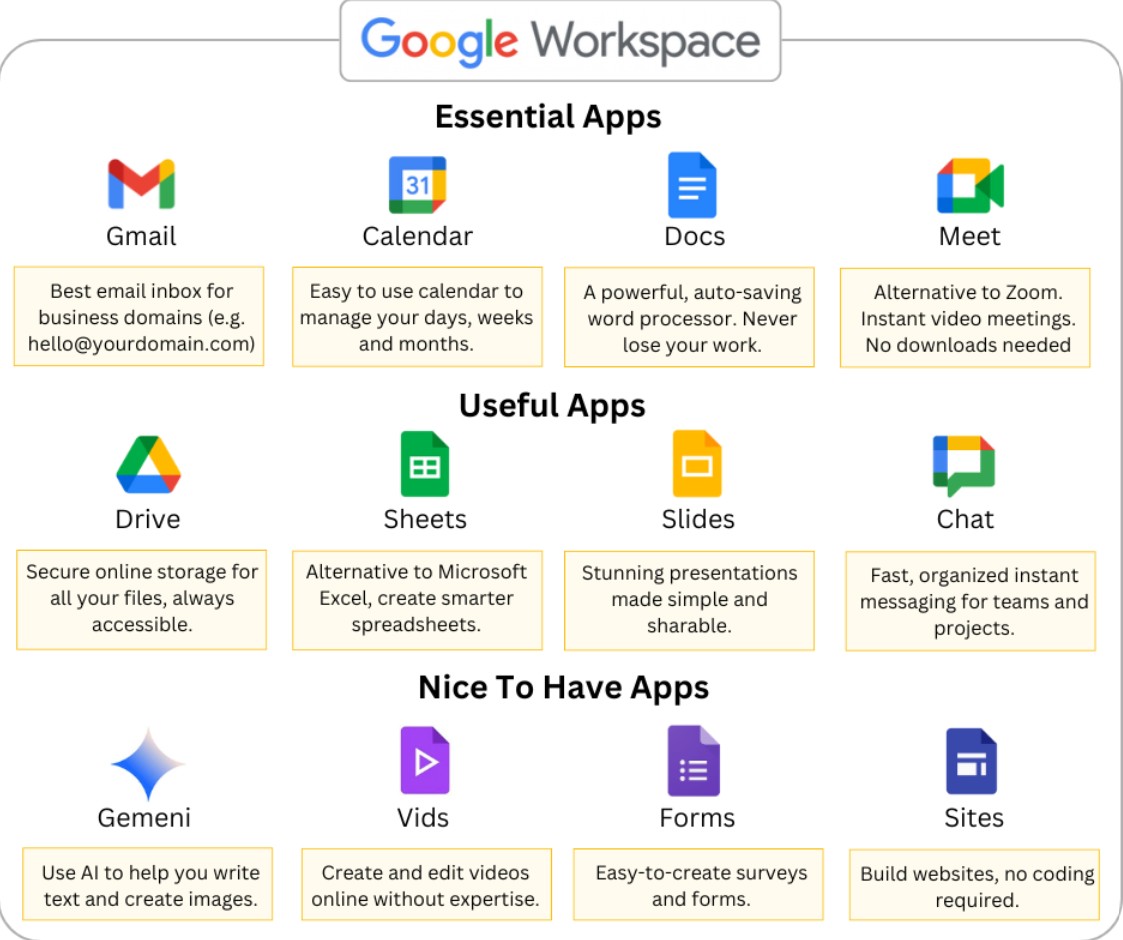
Furthermore, security and privacy issues can also play a significant role. Handling emails from other providers always carries risks regarding data and legal compliance, especially in the context of increasingly stringent data protection regulations globally.
Whatever the specific reason, this decision sends a clear message: Gmail will focus on delivering the best user experience within the Google ecosystem itself, rather than acting as an intermediary platform for all other email services.
The departure of Gmailify may be seen as a technical change, but in the long run, it reflects a shift in how technology platforms shape user behavior. Email is gradually becoming part of a closed ecosystem, rather than a completely open protocol as it once was.
For individual users and freelancers, this requires greater flexibility and proactiveness in information management. Over-reliance on a single convenient feature can lead to difficulties when it disappears. Conversely, this is also an opportunity to rebuild a cleaner, clearer email system that better suits current needs.
Google's decision to discontinue support for Gmailify marks the end of a feature that has been a part of Gmail users' lives for nearly a decade. While it may cause some disruption in the short term, it also serves as a reminder that digital services are constantly changing and users need to adapt to avoid being caught off guard.
The most practical solution is to understand what you're going to lose, leverage alternative methods like IMAP or automatic forwarding, and consider simplifying your email system. In the long term, focusing on a single primary Gmail account can provide a more stable and seamless experience.





















VIP Products








Best Selling Products
Upgrade Duolingo Super
29 USD
Plugin Retouch4me
69 USD
Upgrade genuine Capture One account
120 USD
Copyright Adobe Lightroom Account
59 USD
ChatGPT Plus Account (GPT-4)
16 USD
Adobe Premiere Pro Account
99 USD
Windows 10 & 11 Pro Key
36 USD
MidJourney Account
29 USD
Genuine Cheap Canva Pro
39 USD
Adobe Photoshop Copyright - Full App
120 USD
Upgrade Genuine Office 365
49 USD
Genuine Adobe Illustrator account
99 USD
Autodesk All App Account Copyright
120 USD
Freepik Premium Account
59 USD
Capcut Pro 1 Year
39 USD