Best Selling Products

Copyright Adobe Lightroom Account
59 USD

Windows 10 & 11 Pro Key
36 USD

MidJourney Account
29 USD

Genuine Adobe Illustrator account
99 USD

Genuine Cheap Canva Pro
39 USD

Freepik Premium Account
59 USD

Upgrade Duolingo Super
29 USD

Capcut Pro 1 Year
39 USD

Adobe Premiere Pro Account
99 USD

Adobe Photoshop Copyright - Full App
120 USD

Upgrade Genuine Office 365
49 USD

Upgrade genuine Capture One account
120 USD

Plugin Retouch4me
69 USD

Autodesk All App Account Copyright
120 USD

ChatGPT Plus Account (GPT-4)
16 USD
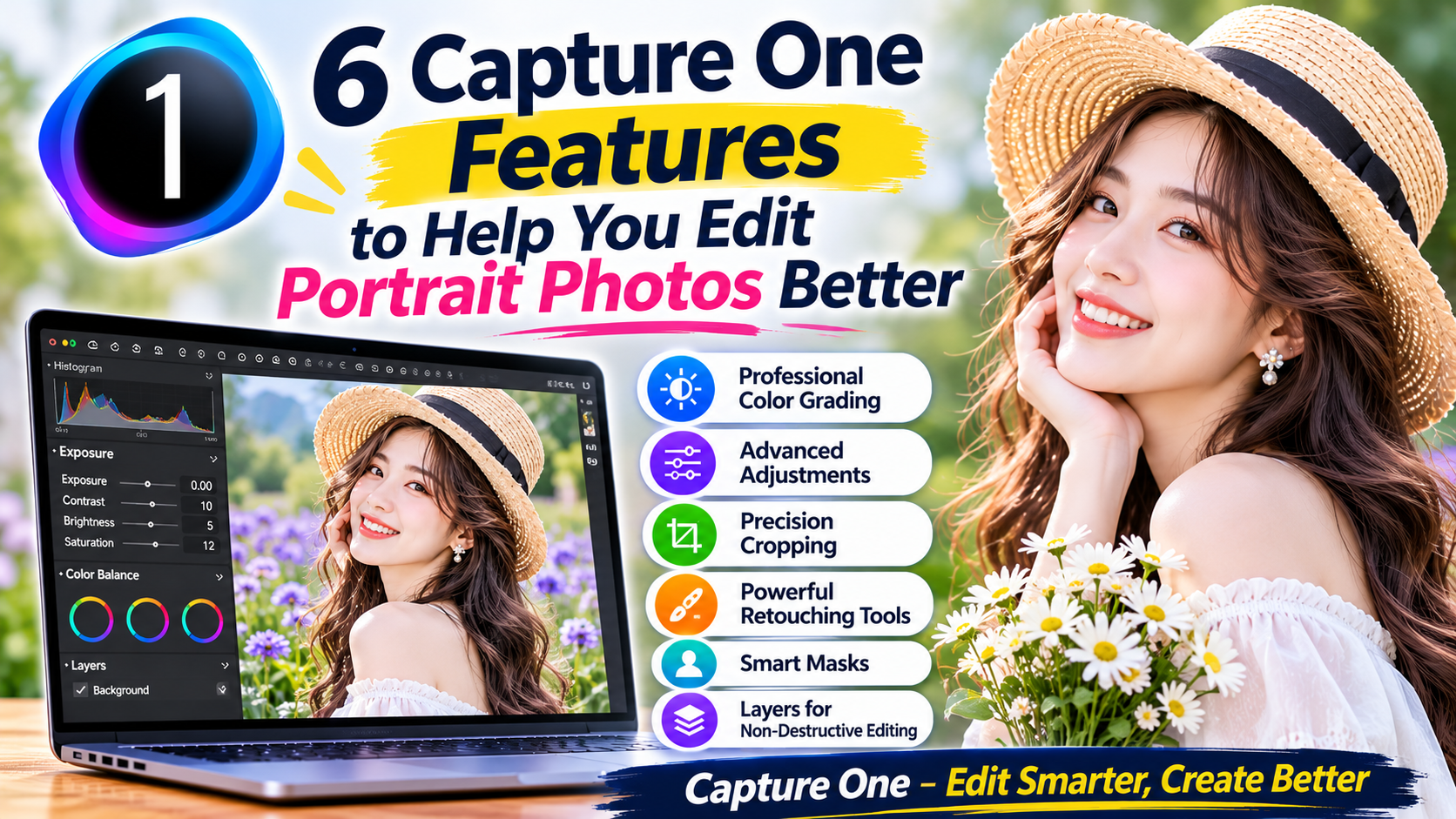
6 Capture One Features to Help You Edit Portrait Photos Better
Nội dung
- 1. Key features of Capture One for portrait photo editing
- 1.1. Natural skin reshaping, preserving facial features.
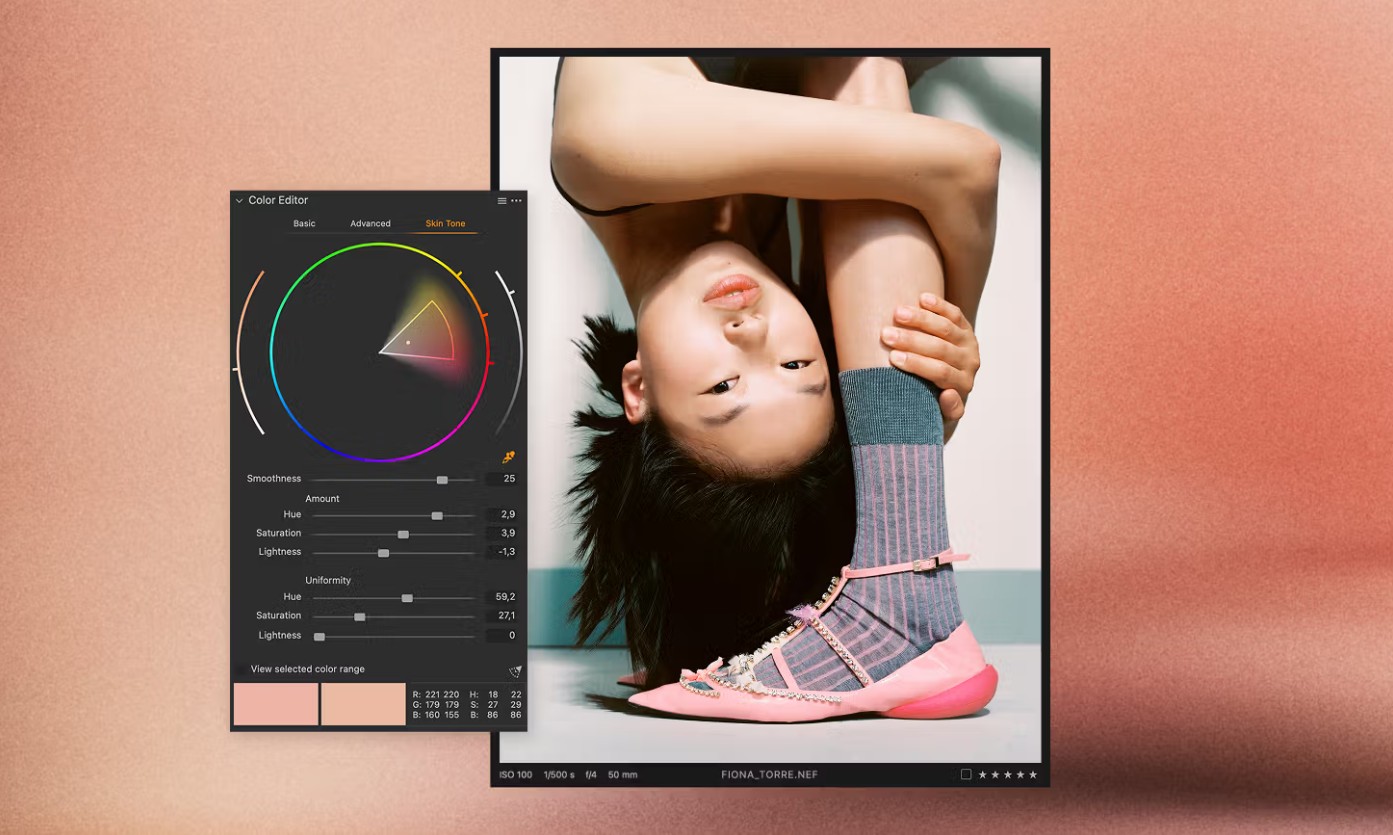
- 1.2. Control skin tone and build a consistent color style.
- 1.3. Highlight the eyes and important details.
- 1.4. Optimize layout with smart image cropping tools.
- 1.5. Direct connection shooting for quality control right in the studio.
- 1.6. Managing the photo collection and optimizing the post-production process.
- 2. Who is Capture One suitable for?
- 3. Conclusion
In summary, Capture One boasts five notable feature groups, including face retouching, skin tone control, eye fine-tuning, composition alignment, and image management.
1. Key features of Capture One for portrait photo editing
1.1. Natural skin reshaping, preserving facial features.
Capture One provides retouching tools that help users process subtle facial details, such as skin imperfections, dark circles under the eyes, or areas with uneven skin tone. Through controlled adjustments, photographers can improve the overall image without having to smooth out the entire skin texture.
Additionally, the adjustable sliders allow users to control the level of intervention according to the needs of each photo. For everyday portraits, you can prioritize natural beauty. Meanwhile, beauty or fashion photos may require a more meticulous level of refinement to meet the requirements of the photoshoot.
It's important to note that the effectiveness of retouching depends on the quality of the original image, lighting, and the tools used. Instead of mechanically adjusting every detail, users should identify areas that truly need improvement to preserve the unique characteristics of the subject.
1.2. Control skin tone and build a consistent color style.
Capture One allows users to control color and fine-tune skin tones to create a more harmonious look. This is a notable advantage for projects requiring consistency, such as series portraits, fashion lookbooks, advertising photos, or personal branding.
Maintaining consistent skin tone is especially important when photographing multiple models or conducting a long shoot in varying lighting conditions. Photographers need to ensure that the color tones don't differ too much between frames, while still preserving the unique characteristics of each subject.
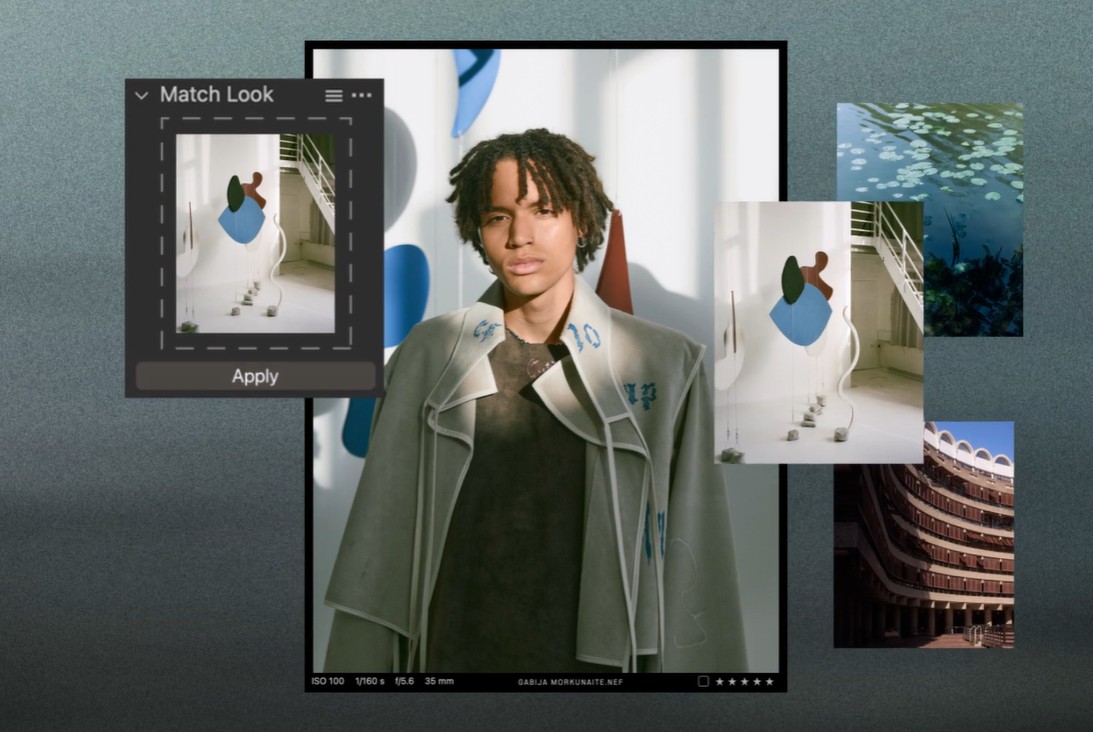
In addition to adjusting skin tone, users can build a color style that suits their creative ideas. Depending on the purpose, the photo set can aim for a fresh, gentle, warm look or a cinematic feel. The purposeful use of color will help the images convey a clearer message and create a unique style for the creator.
1.3. Highlight the eyes and important details.
Capture One supports a process of checking and refining eye focus, helping photographers assess the critical focus area in portraits. When combined with contrast and color control, users can highlight the eyes without making the image overly sharp or unbalanced.
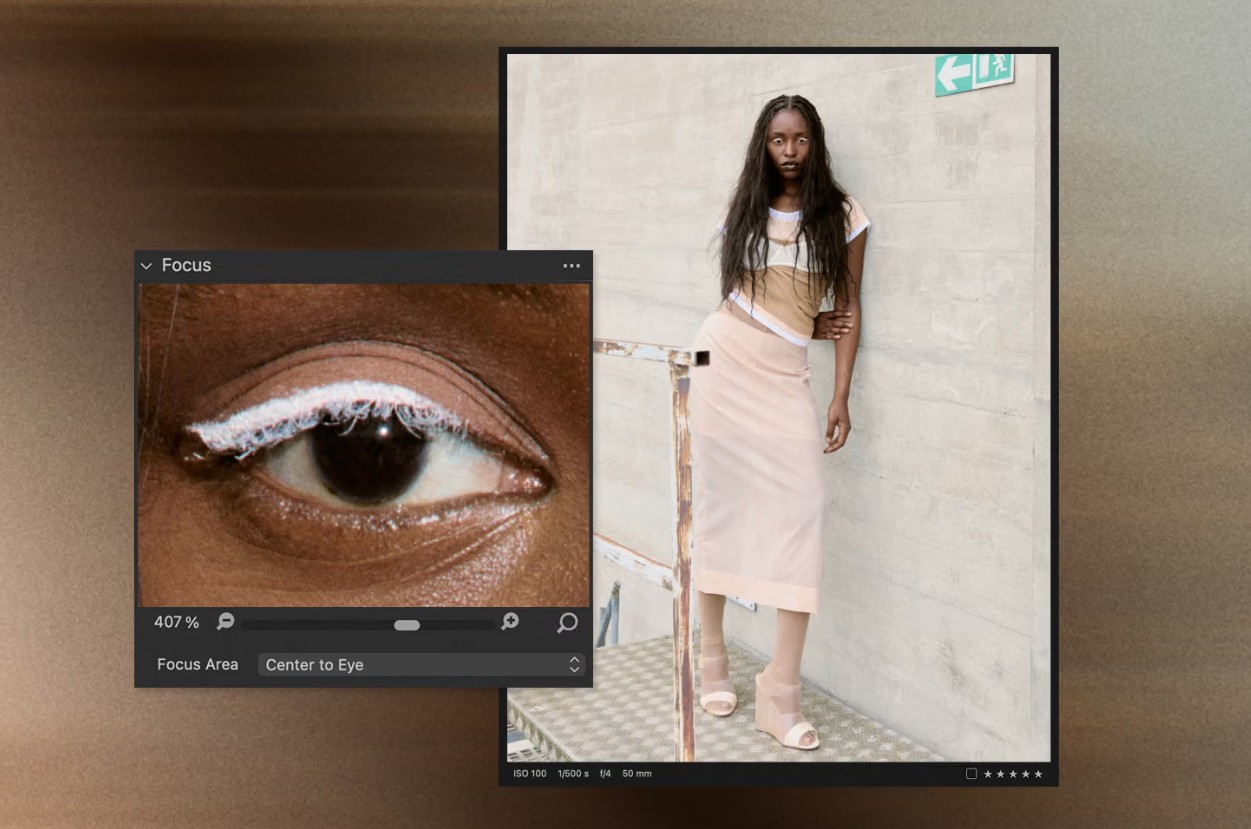
Additionally, eye retouching tools help adjust details such as dark circles, iris color, and the brightness of the whites of the eyes. Small changes, if done properly, can help the face look fresher while maintaining a natural appearance.
The key principle is to avoid excessively whitening the eyes, increasing brightness too much, or adjusting iris color to an unnatural degree. Effective post-processing should highlight the inherent expression, rather than creating a completely different look from the original photograph.
1.4. Optimize layout with smart image cropping tools.
Capture One includes tools to assist with cropping and framing, with AI Crop being introduced to aid in layout creation. These tools can be useful when users need to prepare multiple versions of an image for different purposes, such as profile pictures, professional profile photos, website banners, or social media content.
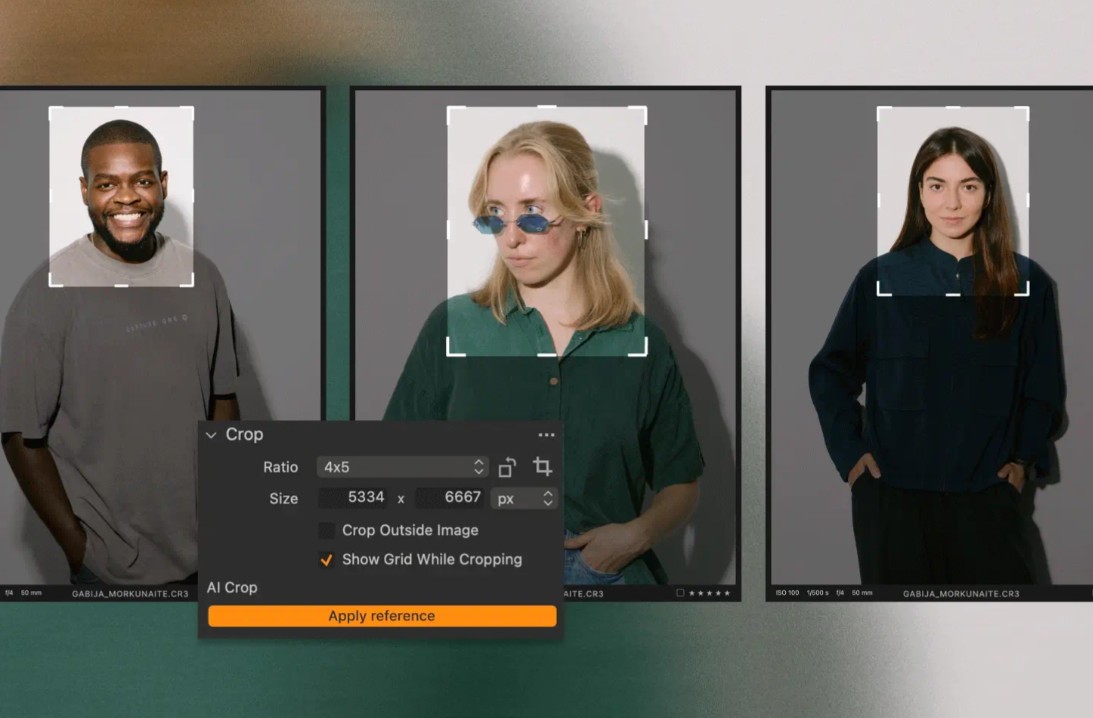
Instead of manually processing each image, users can utilize supporting features to shorten the initial processing time. Afterward, reviewing each frame is still necessary to ensure the face, gaze, and spacing in the composition align with the creative intent.
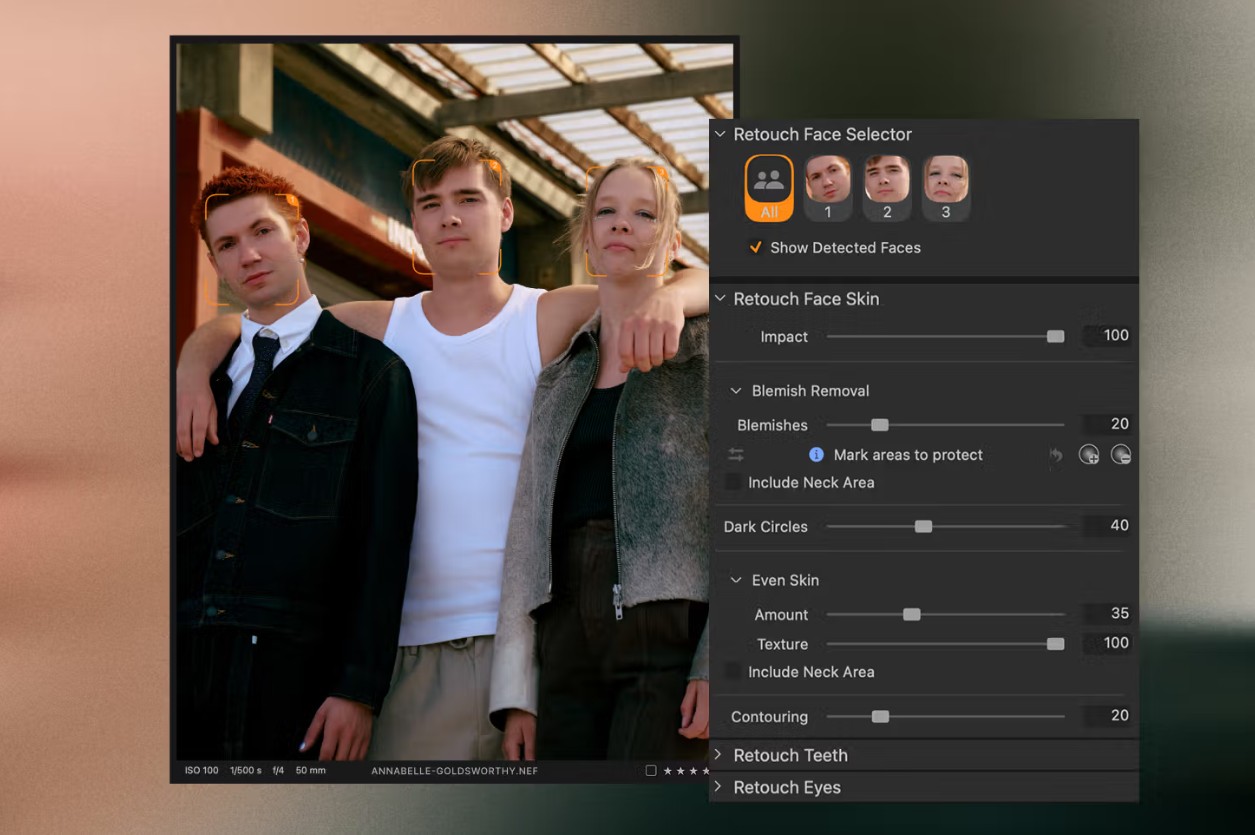
For professional portrait photography, maintaining consistent proportions and compositional style also contributes to a polished overall appearance.
1.5. Direct connection shooting for quality control right in the studio.
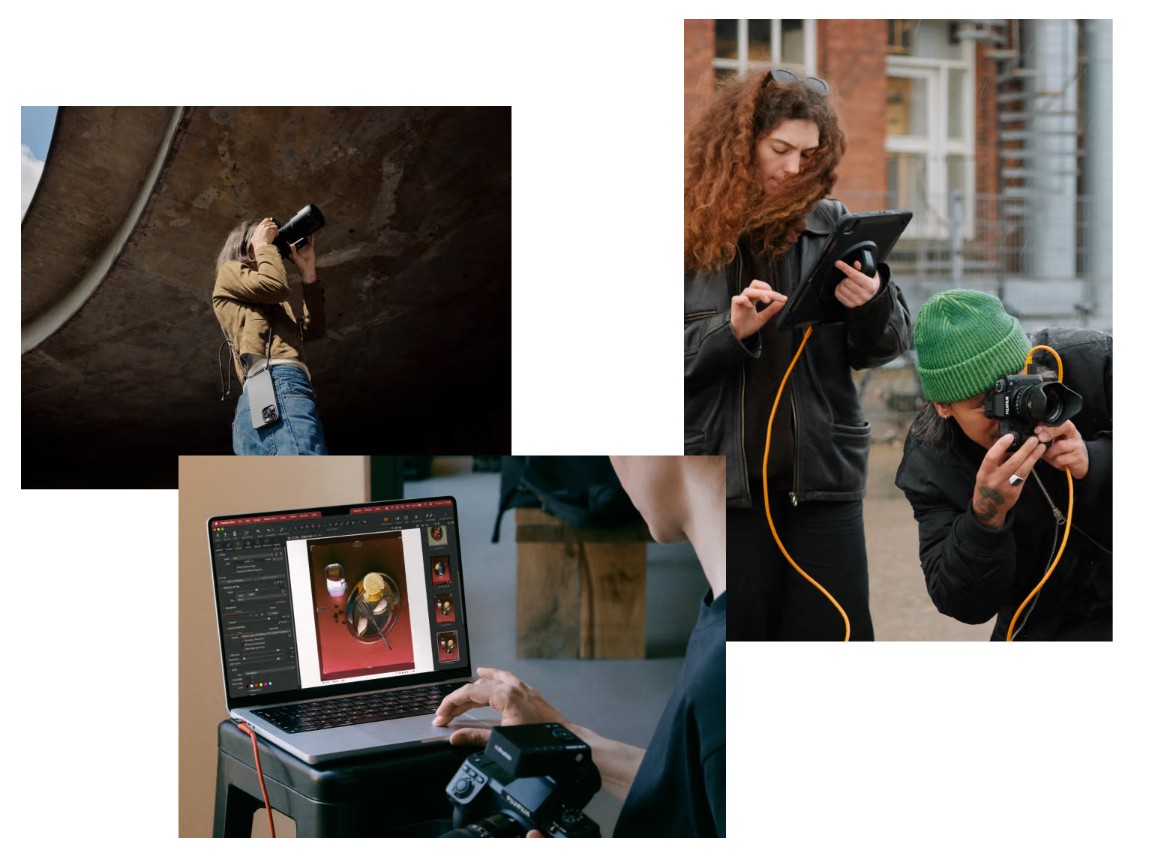
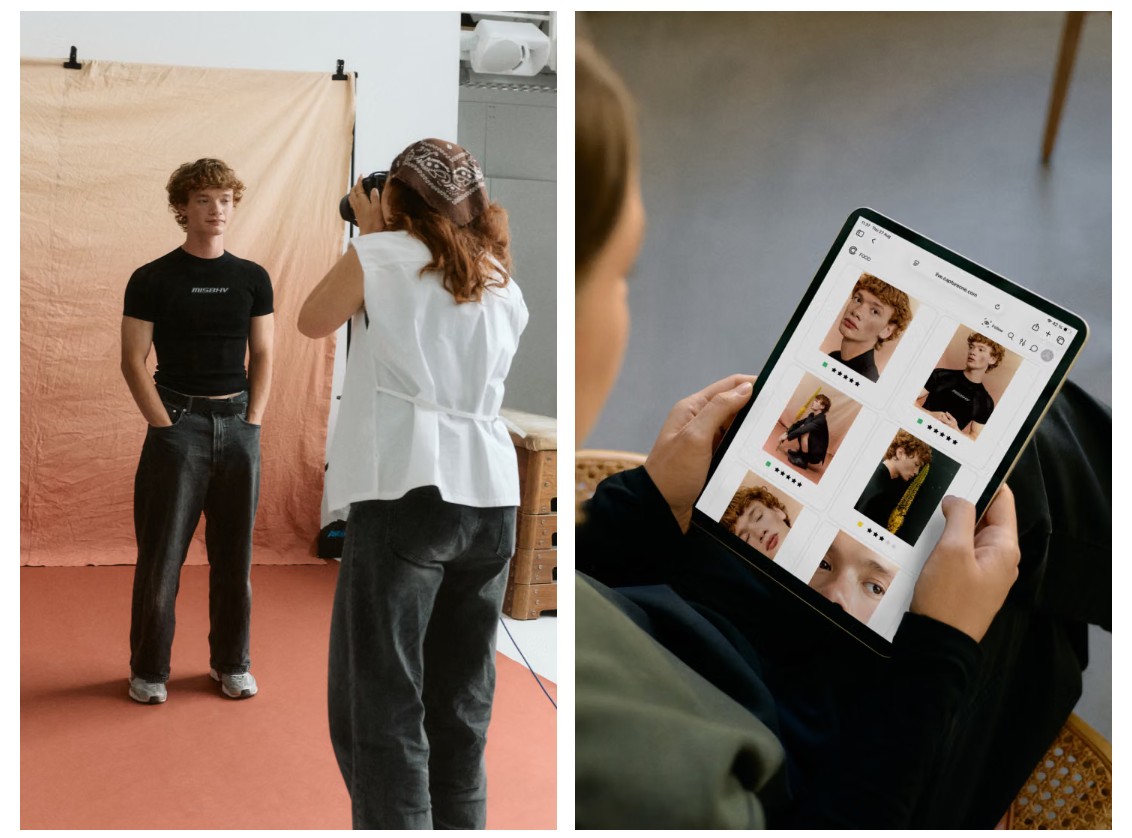
One notable feature of Capture One is its support for tethered shooting, often referred to as computer-based shooting. Instead of just viewing images on the camera's small screen, photographers can stream images directly to a computer to check details during the shooting process.
This process is particularly useful for studio shoots, fashion photography, product photography with models, or commercial projects requiring tight quality control. Photographers can assess sharpness, exposure, color, and composition as soon as the image is captured.
Checking photos on a large screen helps detect problems early, such as unruly hair, wrinkled clothing, inappropriate lighting, or unsatisfactory expressions. This allows the team to make adjustments during the shoot instead of discovering errors after the shoot is over and wasting time re-editing.
For projects where clients or creative teams are directly involved, reviewing photos during the shoot helps to unify visual direction and minimize discrepancies between the initial concept and the final result.
1.6. Managing the photo collection and optimizing the post-production process.
A professional portrait project often generates hundreds, even thousands, of image files. Without proper management, finding photos, selecting the best frames, and preparing the final files can be incredibly time-consuming.
Capture One provides tools to help classify, evaluate, and organize images. Users can utilize a star rating system, color tags, and image filtering methods to differentiate between images to keep, images to edit, or images ready for export.
In addition, Sessions and Catalogs help organize images in different ways depending on project characteristics and workflows. When combined with clear file naming, storage, and backup processes, data management becomes more systematic.
Collaboration and feedback sharing features can also support the exchange process between photographers, clients, and team members. Instead of fragmented exchanges, users can organize the review and selection of photos according to a specific process, thereby reducing confusion during the product review.
2. Who is Capture One suitable for?
Thanks to its combination of image processing tools and workflow support, Capture One is suitable for a wide range of users with diverse needs.
Portrait photographers can leverage their ability to control color, process skin tones, and refine details to perfect images in their own unique style.
Fashion and beauty photographers may place greater emphasis on skin tone uniformity, detail quality, and consistency across frames within a single photoshoot.
Professional studios can benefit from a connected shooting workflow, instant image review, and centralized data organization. These features are especially useful when coordinating multiple people and meeting project deadlines.
Content creators and businesses can also use the software to enhance brand portraits, employee profile pictures, or images for marketing purposes.
Regardless of the target audience, users should choose a tool based on their actual needs, the equipment they are using, and their existing post-processing workflow. Capture One can handle many stages of image processing, but the final quality ultimately depends on the skill, aesthetic sense, and how the tool is used.
3. Conclusion
Portrait editing is a combination of technical skill and aesthetic sense. A beautiful photograph requires not only smooth skin and vibrant colors, but also the preservation of the subject's expression, natural texture, and personality. Therefore, choosing the right software can help photographers better control image quality and work efficiency.
With retouching tools, skin tone control, sharpness adjustment, cropping support, connected shooting, and data management, Capture One provides a seamless workflow for portrait photography. These features are particularly useful when shooting fashion, beauty, commercial portraits, or studio projects that demand consistent quality.
However, technology is only truly effective when used correctly. Photographers should prioritize controlled editing, preserving the natural features of the face and developing a color style that suits the goals of each project.
SaDesign hopes the above information will help you better understand the role of Capture One in the post-processing of portrait photos and provide a basis for choosing the right tool for your creative needs. Continue following SaDesign for more knowledge, guides, and useful solutions in the field of professional design, photo editing, and image creation.





















VIP Products








Best Selling Products
Copyright Adobe Lightroom Account
59 USD
Windows 10 & 11 Pro Key
36 USD
MidJourney Account
29 USD
Genuine Adobe Illustrator account
99 USD
Genuine Cheap Canva Pro
39 USD
Freepik Premium Account
59 USD
Upgrade Duolingo Super
29 USD
Capcut Pro 1 Year
39 USD
Adobe Premiere Pro Account
99 USD
Adobe Photoshop Copyright - Full App
120 USD
Upgrade Genuine Office 365
49 USD
Upgrade genuine Capture One account
120 USD
Plugin Retouch4me
69 USD
Autodesk All App Account Copyright
120 USD
ChatGPT Plus Account (GPT-4)
16 USD