Best Selling Products

Adobe Photoshop Copyright - Full App
120 USD

Genuine Adobe Illustrator account
99 USD

Upgrade genuine Capture One account
120 USD

Genuine Cheap Canva Pro
39 USD

Freepik Premium Account
59 USD

Upgrade Duolingo Super
29 USD

Autodesk All App Account Copyright
120 USD

Upgrade Genuine Office 365
49 USD

Copyright Adobe Lightroom Account
59 USD

Capcut Pro 1 Year
39 USD

Plugin Retouch4me
69 USD

Adobe Premiere Pro Account
99 USD

ChatGPT Plus Account (GPT-4)
16 USD

MidJourney Account
29 USD

Windows 10 & 11 Pro Key
36 USD
7 Tips for New Designers
Nội dung
- 1. Master the basics of design
- 2. Be proficient in software but don't depend on tools
- 3. Reference selectively to develop creativity
- 4. Understand the requirements before starting to design
- 5. Build a portfolio from small projects
- 6. Proactively accept feedback and learn from mistakes
- 7. Keep practicing and build a professional work style
- 8. Conclusion
A roundup of 7 practical tips for new designers, from learning design principles, using software and finding ideas to building a portfolio and developing a professional work style.

1. Master the basics of design
Before chasing complex effects or new design trends, you should spend time learning the fundamental principles. This is the basis that helps you make reasonable choices about layout, color, typography and how to present information.

Some important knowledge includes color theory, contrast, alignment, white space, visual hierarchy and balance in layout. For example, when designing an advertising poster, the headline needs to be prominent enough for viewers to quickly recognize the main message. Images, product information and supporting content need to be arranged in a logical order so viewers can follow easily.
If you do not understand these principles, you may create a product with many colors but lacking harmony, or use a beautiful typeface that makes the content hard to read.
To improve, practice analyzing designs that you love. Observe how designers combine colors, choose fonts, divide space and guide the eye. Then, try creating multiple versions of the same product to understand the differences between layouts.
Tip: Don't just learn how to create a beautiful design. Learn how to explain why that design is effective.
2. Be proficient in software but don't depend on tools
Photoshop, Illustrator, Figma and Canva are popular tools in design work. Each software has its own strengths, from photo editing and vector graphic design to building digital interfaces and creating media content.
However, beginners do not necessarily have to master all tools at the same time. Learning too many programs without enough practice can make you lose direction and find it hard to develop in-depth skills.
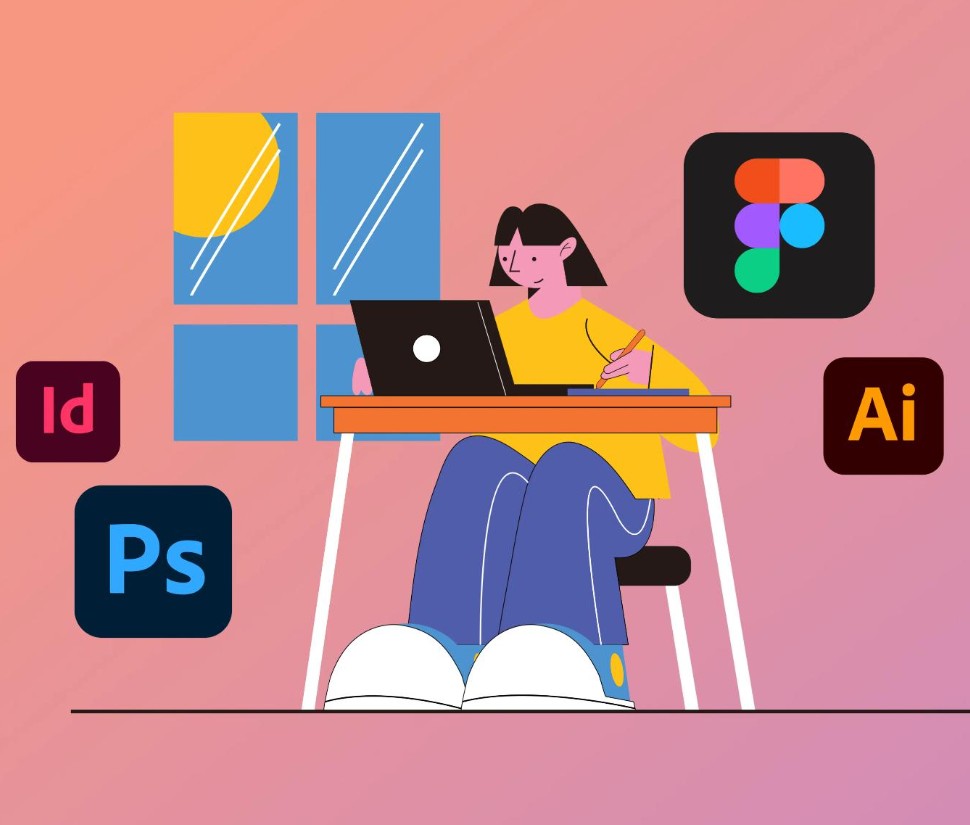
Instead, choose tools based on your career direction. If you want to pursue communication design, you can start with Photoshop, Illustrator or Canva. If you are interested in interface and user experience design, Figma is a choice worth exploring.
After grasping the basic operations, apply your knowledge to specific projects. You can design a poster, a brand identity set or a simple app interface on your own. During the process, learn additional features that are truly necessary to solve problems.
What matters is understanding that software only plays a supporting role. A designer with good thinking still needs to know how to choose suitable tools, control quality and ensure the product meets its original goals.
Tip: Learn tools to work more efficiently, but spend more time training your design thinking.
3. Reference selectively to develop creativity
Creativity is an important factor in the design profession, but that does not mean you have to come up with every idea from scratch. Referencing quality works helps you broaden your perspective, understand trends better and find suitable solutions for each project.
You can find inspiration on platforms such as Behance, Dribbble and Pinterest. These are useful sources of reference for studying layouts, colors, typography, illustrations and how products are presented.
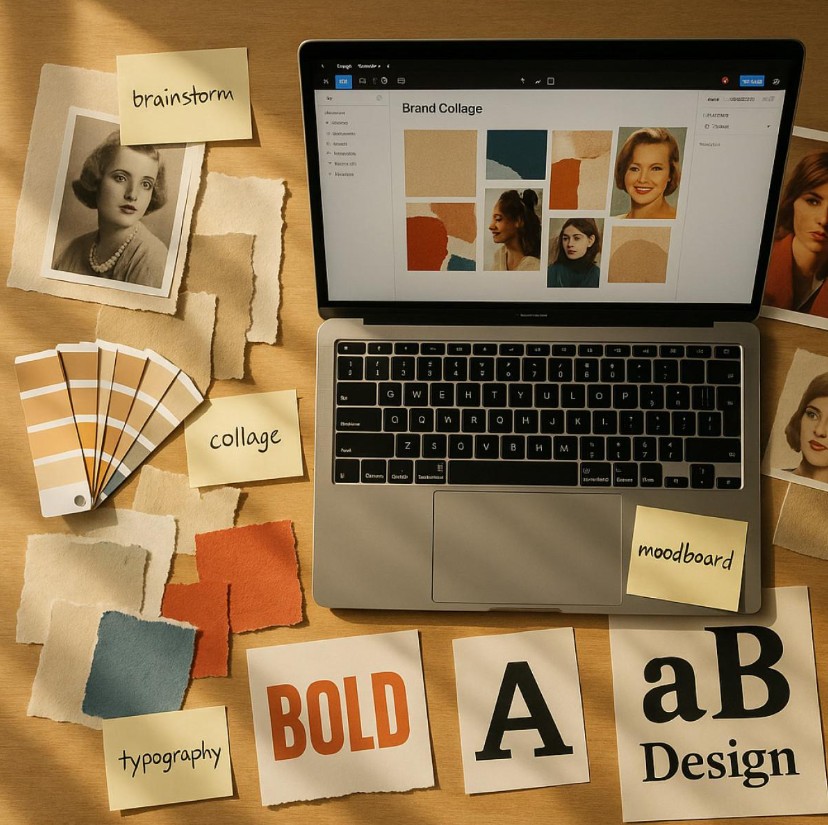
However, simply saving lots of images will not help you improve if you don't know how to analyze them. When you come across an impressive design, ask yourself: What makes the product stand out? Why were the colors chosen that way? In what order does the layout help viewers take in information?
After analyzing, try applying the principles you have learned to another project. For example, you can reference how a poster arranges its information hierarchy but use your own images, colors and content to create a product that suits your requirements.
You need to clearly distinguish between referencing and copying. Referencing helps you learn how to solve problems, while copying the original can leave a product lacking identity and give rise to intellectual property issues.
Tip: Build a selective inspiration library and always turn reference knowledge into solutions suited to real projects.
4. Understand the requirements before starting to design
A beautiful design is not necessarily an effective design. In real work, a product needs to meet communication goals, suit the target audience and convey the right message the client wants.
For example, an advertising banner needs to highlight the product, the offer and the call to action. Meanwhile, an infographic needs to prioritize readability, coherence and the ability to present complex information simply.

If you focus only on personal preferences and ignore the original requirements, you may have to revise many times or create a product that does not fit its intended use.
Before starting to design, clarify the target audience, main message, product dimensions, delivery format and deadline. If the requirements are not clear, proactively discuss them to avoid misunderstanding.
In addition, receiving feedback is also a necessary skill. Not every suggestion needs to be applied as is, but you should evaluate them based on the project goals. When there is another, more effective option, explain it with professional reasons and propose a specific solution.
Tip: Design to solve the right problem, rather than just creating a product that suits your personal preferences.
5. Build a portfolio from small projects
A portfolio, or capability profile, is a tool that helps designers demonstrate their skills, creative thinking and work experience. For beginners who do not yet have many real projects, a personal portfolio is a useful way to prove their abilities.
You do not have to wait for clients to assign work before starting to build your profile. Set yourself hypothetical projects such as designing a logo for a coffee shop, a poster for a music event, product packaging or a set of social media posts for a brand.

When you complete a project, don't just post the final image. Also present the original requirements, target audience, main concept, color palette, typography and the design development process. This helps viewers understand how you think and solve problems.
You can start with about 4–6 representative projects, prioritizing works that suit the job you want to apply for. Quantity is not the deciding factor; quality, consistency and presentation are what matter.
In particular, clearly state which are personal projects and which are products made for clients. Transparency helps the portfolio demonstrate your abilities in a professional and trustworthy way.
Tip: Invest in projects that clearly show your abilities, rather than trying to put as many works as possible into your portfolio.
6. Proactively accept feedback and learn from mistakes
In the course of work, even experienced designers need to revise their products. Therefore, do not see receiving feedback as a sign that you are less capable.
When you are new to the profession, you may not yet notice the unreasonable points in layout, color or how information is conveyed. Feedback from mentors, colleagues and clients helps you view your product from different angles.

Practice listening fully before responding, identify the problem to be solved and ask questions if the revision request is unclear. After each revision, compare the old version with the new one to understand what has improved and why.
In addition, you should keep a record of common mistakes, such as using too many typefaces, inconsistent alignment or not checking file size when exporting products. Recognizing repeated mistakes helps you improve your workflow and limit errors in the future.
Tip: Don't try to defend every choice you make. Be ready to adjust when there is a reasonable cause, and see every piece of feedback as a chance to learn.
7. Keep practicing and build a professional work style
Design skills cannot develop after just a few lessons. You need to practice regularly, complete projects and proactively assess your own progress.
Instead of waiting for inspiration, build a suitable practice schedule. You can set aside time each day to practice a skill, complete a small project each week or set a goal of improving one specific weakness each month.

Alongside professional skills, train a professional work style. Time management, organizing files systematically, naming versions clearly, checking content before handover and meeting deadlines are all important factors.
You should also learn to communicate about work clearly, confirm requirements before carrying them out and notify others early if there are problems affecting the schedule. These habits make collaboration with clients and colleagues smoother.
Don't be too pressured when comparing your work with designers who have many years of experience. Focus on progress through each project and regularly update your portfolio to reflect your current abilities.
Tip: Sustainable progress comes from regular practice, learning from experience and maintaining a long-term attitude of learning.
8. Conclusion
The journey to becoming a professional designer requires not only the ability to use software but also creative thinking, foundational knowledge, communication skills and a spirit of self-improvement. The seven tips above help beginners identify important priorities: learn design principles firmly, use tools for the right purpose, reference selectively, understand project requirements, build a portfolio, accept feedback and keep practicing.
You do not need to do everything at once. Start with one specific goal, such as finishing a poster, building a personal project or improving your color combination skills. Then, evaluate the results, accept feedback and keep raising your skills.





















VIP Products








Best Selling Products
Adobe Photoshop Copyright - Full App
120 USD
Genuine Adobe Illustrator account
99 USD
Upgrade genuine Capture One account
120 USD
Genuine Cheap Canva Pro
39 USD
Freepik Premium Account
59 USD
Upgrade Duolingo Super
29 USD
Autodesk All App Account Copyright
120 USD
Upgrade Genuine Office 365
49 USD
Copyright Adobe Lightroom Account
59 USD
Capcut Pro 1 Year
39 USD
Plugin Retouch4me
69 USD
Adobe Premiere Pro Account
99 USD
ChatGPT Plus Account (GPT-4)
16 USD
MidJourney Account
29 USD
Windows 10 & 11 Pro Key
36 USD