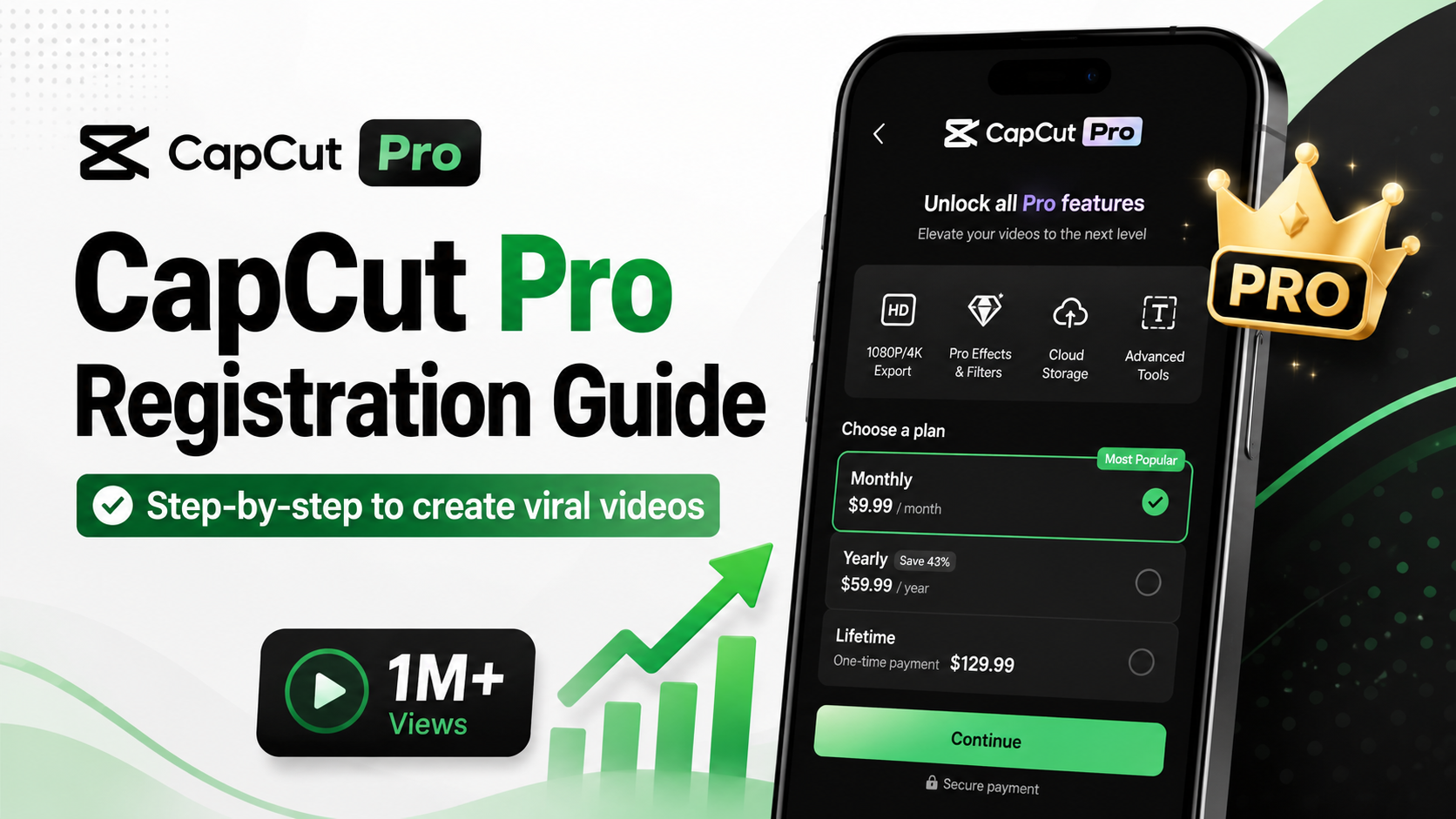
1. What is CapCut Pro and why should you own it?
Subscribing to CapCut Pro is a suitable option for those who want to enhance their video quality without investing in complex editing software. The Pro version unlocks the entire suite of premium tools, from a library of effects, filters, fonts, and professional templates to AI features such as automatic cutting, background removal, subtitle creation, and image enhancement. This allows users to complete videos quickly while maintaining a professional look.
Not only does it save time, subscribing to CapCut Pro also provides a smooth editing experience with the ability to export high-resolution videos without watermarks and always receive updates on new features. This is the ideal solution for content creators, online businesses, marketers, or anyone who wants to create engaging videos, increase reach, and impress viewers from the very first seconds.
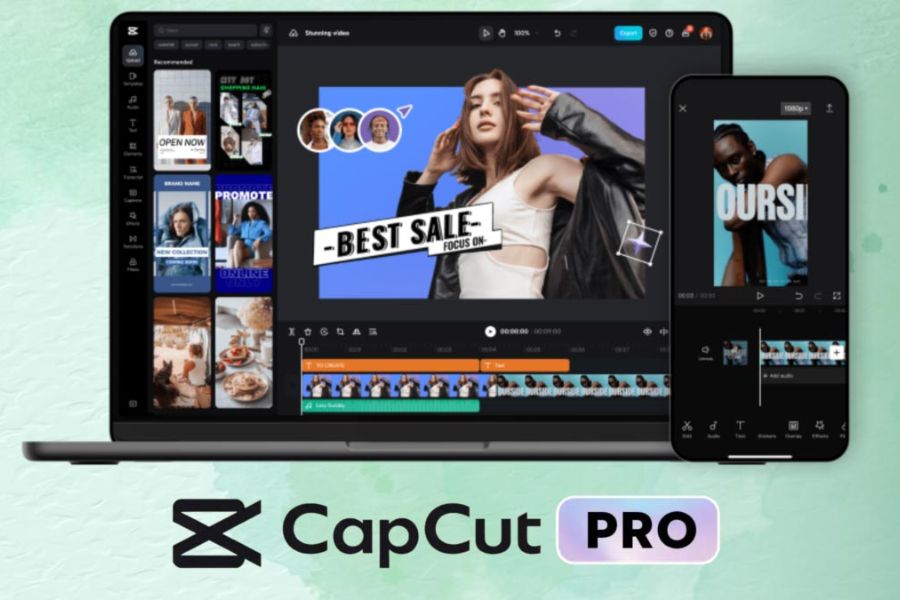
2. Top-notch features only available with a CapCut Pro subscription.
2.1 Completely remove the watermark.
When using the free version, the publisher's logo always appears at the end of your video. This detracts from professionalism, especially for advertising videos, personal branding, or corporate content. After a successful upgrade, this watermark will disappear completely, restoring a clean and premium display space.
2.2 Export high-quality 4K and HDR video
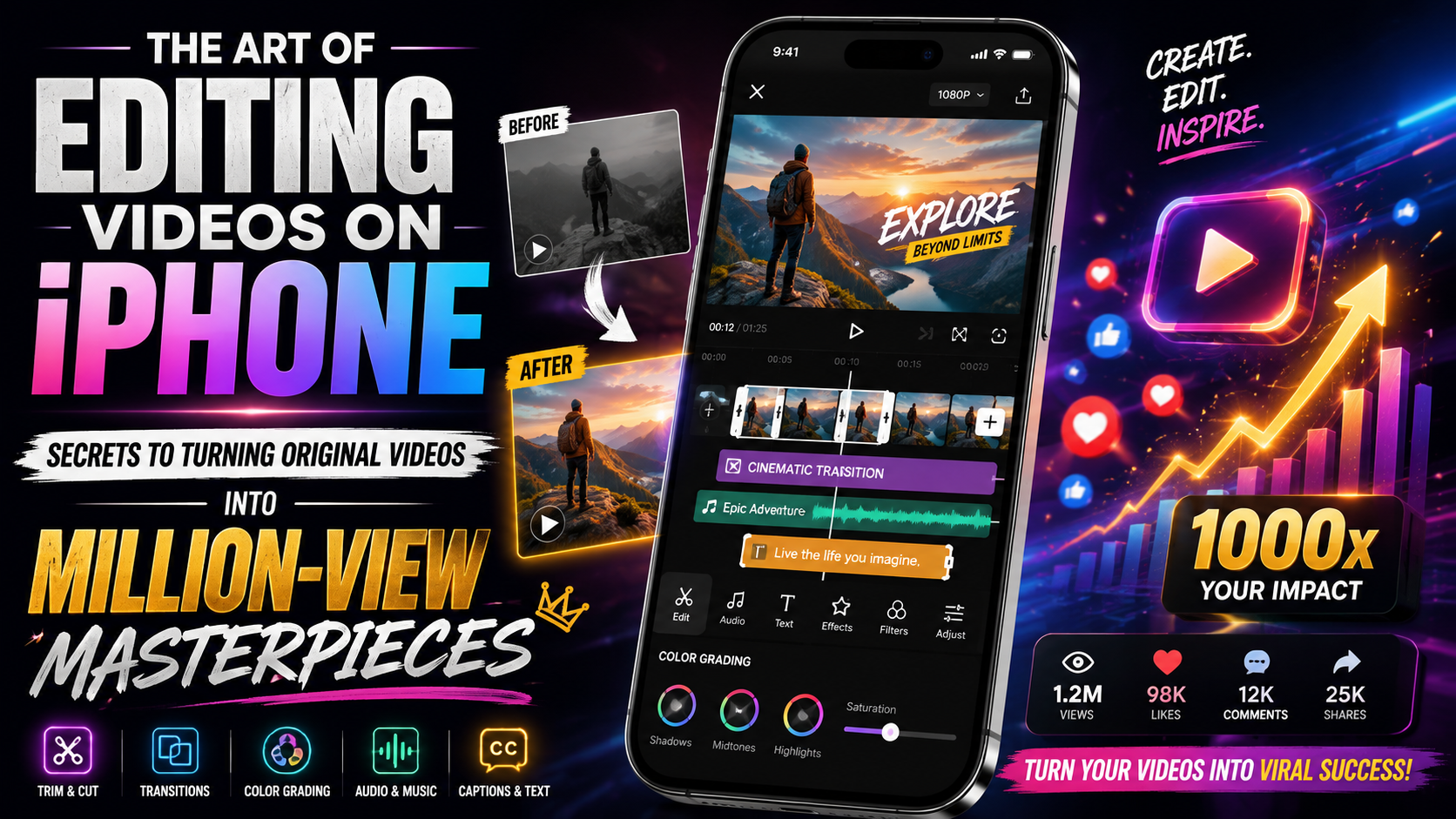
Video resolution greatly influences the viewer experience. The Pro version allows you to export files at resolutions up to 4K with a frame rate of 60fps (frames per second). When you upload your videos to TikTok, Facebook Reels, or YouTube Shorts, they will maintain maximum sharpness and won't be blurry due to the file compression mechanisms of these social media platforms.
2.3 Exclusive effects, filters, and sounds library
You'll unlock thousands of cinematic transition effects, Hollywood-standard color filters, and a library of copyright-free music. Instead of spending hours manually adjusting colors, you can simply apply a premium filter to completely change the atmosphere of your footage.
2.4 Outstanding AI Intelligent Features
-
Automatic translation and subtitling (Auto Subtitle): Accurately recognizes speech and automatically inserts dynamic, eye-catching subtitles.
-
Smart background separation (AI Cutout): Seamlessly separates people or objects from the background without the need for a green screen.
-
Skin smoothing and body reshaping (Body Reshape): Helps the subject in the video achieve a naturally perfect appearance, confidently shining in front of the camera.
-
Advanced audio processing: Eliminates ambient noise (Noise Reduction) and enhances voice clarity.
2.5 Massive cloud storage space
You no longer have to worry about your phone's memory running out. The system provides up to 100GB or more of cloud storage depending on the plan. You can easily synchronize projects and edit flexibly across multiple devices, from phones and tablets to desktop computers.
3. Benefits of investing in a Pro account
For a content creator, time is money. Using AI-powered automation tools can cut post-production time by up to 70%. Instead of meticulously editing faulty audio clips or typing out subtitles, you can use that time to brainstorm ideas for your next videos.
A video with sharp images, clear sound, and no unwanted watermarks always conveys a sense of credibility to viewers. If you are an online seller or a business creating short videos for advertising, having polished footage will significantly increase conversion rates.
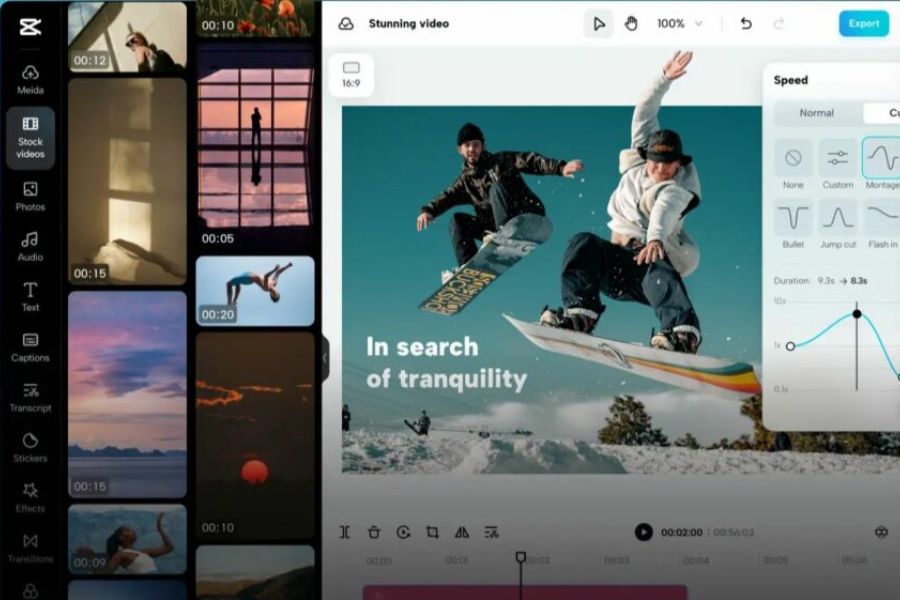
4. Detailed instructions on how to register for CapCut Pro on any device.
4.1 How to register directly on your phone (iOS and Android)
-
Step 1: Download and open the app on your phone. Make sure you have the latest version updated from the App Store or Google Play Store.
-
Step 2: Log in to your account via TikTok, Google, or Facebook to sync your data.
-
Step 3: On the main interface or in the Profile section , click the Pro icon or the text " Join CapCut Pro" .
-
Step 4: The screen will display various subscription packages, such as monthly and annual plans. Choose the package that best suits your needs and budget.
-
Step 5: Press the payment confirmation button. The system will directly link to your e-wallet (MoMo, ZaloPay) or credit card pre-installed on the App Store/Google Play to complete the transaction.
4.2 How to register on a computer (PC and Web interface)
-
Step 1: Access the publisher's official website or open the software on your computer.
-
Step 2: Log in using the account you are currently using on your phone to synchronize the features.
-
Step 3: Click on your profile picture in the corner of the screen and select the account upgrade option.
-
Step 4: Choose a suitable payment method (usually scanning a QR code on your e-wallet or entering your Visa/Mastercard information). After successful payment, your account will immediately be upgraded to Pro status.
5. Detailed comparison of features between the Free and Pro versions.
| Features | Free version | Pro version |
| Watermark at the end of the video | Yes (Each video must be deleted manually) | Completely automatic deletion |
| File output resolution | Maximum 1080p | Supports 2K, 4K, and ultra-high-definition HDR. |
| Effects & Filter Library | Limit the basic patterns. | Unlock 100% VIP resources |
| Automatic subtitles (AI) | Standard font, prone to font errors. | Multiple animated text effects, multilingual translation. |
| Cloud Capacity | Only 2GB by default. | Upgrade from 100GB to unlimited storage. |
| Noise reduction feature | Poor support or handling | Professional sound filtering, preserving the original voice clarity. |
6. Mistakes and important notes when using upgraded accounts
6.1 Managing the automatic renewal feature to avoid unnecessary charges.
Mobile subscription packages purchased directly through app stores often have automatic renewal enabled by default at the end of the cycle. If you only need to use the service for a short month for a specific project, proactively go to your phone's subscription management settings to disable this feature, avoiding unwanted automatic charges the following month.
6.2 Beware of cheap online scams.
Currently, there are many online offers to buy accounts at extremely cheap prices, costing only a few tens of thousands of VND for lifetime use. These are mostly pirated accounts, shared accounts that have been hacked, or accounts created using virtual credit card tricks. These accounts are easily scanned and locked unexpectedly, resulting in the loss of all your video editing data. More seriously, your personal information could be leaked when logging in on unfamiliar devices.
7. Why should you choose to upgrade at AppVip.ai ?
If you're looking for a cost-effective and secure solution to own a premium account, AppVip.ai is the perfect destination for you. It's a leading and reputable platform specializing in providing genuine AI software and tool account upgrade solutions in Vietnam.
7.1 Optimal cost, maximum savings
Instead of paying a high price when buying directly from foreign publishers, the website offers service packages at extremely affordable prices, suitable for students and freelance content creators. You will save a significant amount of money to invest in other equipment such as microphones or livestreaming lights.
7.2 Upgrade directly on your account.
The biggest advantage of the service is that it supports direct activation on the customer's personal account. You don't have to share it with strangers, you don't have to worry about being kicked out while editing, and your private videos are completely secure on cloud storage.
7.3 Fast 24/7 Technical Support
If you encounter any issues during use or payment, our customer service team is always ready to assist you immediately. The activation process is completely automatic and fast, ensuring your creative work is not interrupted.
8. Conclusion
Owning a powerful tool like this paid version is a worthwhile investment if you want to seriously develop your social media channel or monetize your video editing services. In short, subscribing to CapCut Pro not only unleashes your creativity with unlimited resources but also optimizes video production time thanks to advanced AI technology. Instead of taking risks from pirated accounts, choose the safe, cost-effective, and legitimate upgrade solution at AppVip.ai to protect your data and experience the most professional support service!