Best Selling Products
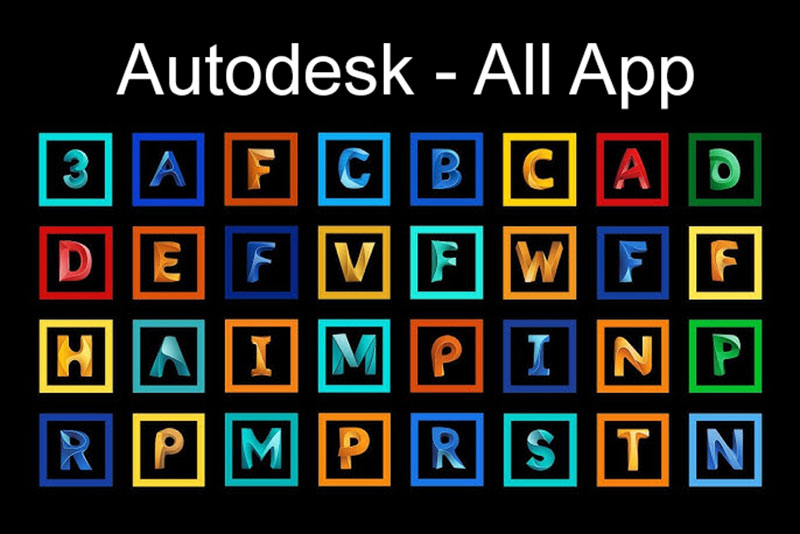
Autodesk All App Account Copyright
120 USD
Upgrade Duolingo Super
29 USD
Plugin Retouch4me
69 USD
Capcut Pro 1 Year
39 USD
Adobe Premiere Pro Account
99 USD
Windows 10 & 11 Pro Key
36 USD
Genuine Adobe Illustrator account
99 USD
Adobe Photoshop Copyright - Full App
120 USD
Genuine Cheap Canva Pro
39 USD
Copyright Adobe Lightroom Account
59 USD
Upgrade Genuine Office 365
49 USD

MidJourney Account
29 USD
Upgrade genuine Capture One account
120 USD
Freepik Premium Account
59 USD

ChatGPT Plus Account (GPT-4)
16 USD
Adobe 1-month account: A cost-effective and flexible content creation solution.
Nội dung
- 1. What is a 1-month Adobe account?
- 2. Adobe software that is of interest to many people.
- 3. Benefits of using a 1-month Adobe account
- 4. Who should buy a 1-month Adobe account?
- 5. Tips for choosing a 1-month Adobe account
- 6. Guide to effectively using a 1-month Adobe account
- 7. Things to note when purchasing a one-month Adobe account.
- 8. Conclusion
In design, image editing, and video production, Adobe is always a popular choice thanks to its professional software ecosystem. However, investing in a long-term subscription isn''t always necessary, especially for students, freelancers, or those who only need to complete a short-term project. This is why a 1-month Adobe subscription is a worthwhile option, allowing users to manage their usage time and optimize costs according to their actual needs. Let''s explore it with Sadesign!
1. What is a 1-month Adobe account?
A 1-month Adobe account is a way to use services or software within the Adobe ecosystem for a specific period, usually 30 days or according to the subscription plan's billing cycle. Instead of investing in a long-term plan upfront, users can choose a shorter usage period to meet immediate needs. Depending on the subscription plan, you can access professional design, photo editing, video editing, and content creation tools. However, specific usage rights will depend on the plan type, licensing conditions, and account type. Some common needs when choosing a 1-month Adobe account include:
-
Designing advertising images, banners, posters, and other communication materials.
-
Edit product photos and portraits for work purposes.
-
Create short videos for TikTok, YouTube, and other social media platforms.
-
Designing educational materials, presentation content, and publications.
-
Complete freelance projects or tasks with specific deadlines.
2. Adobe software that is of interest to many people.
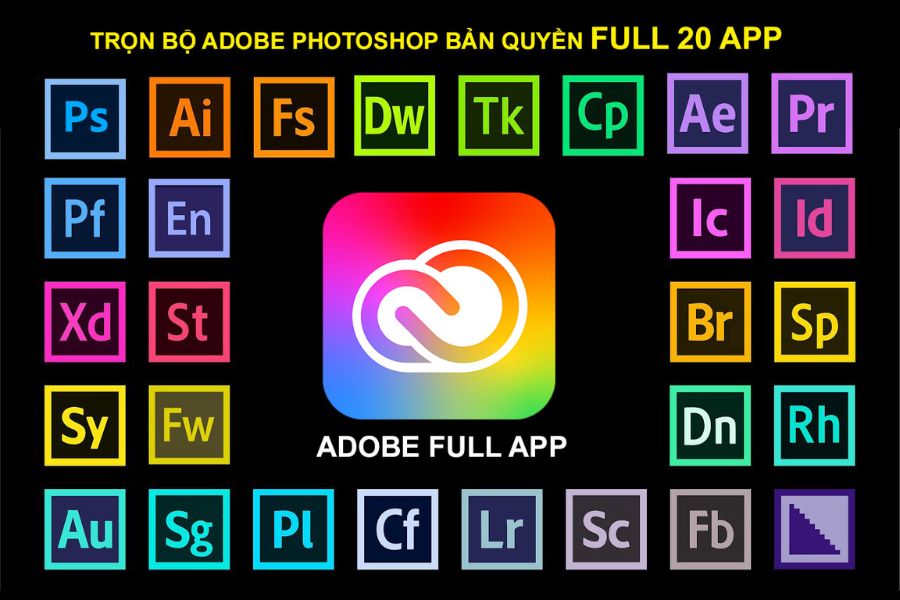
Adobe's strength lies in its diverse software ecosystem, catering to a wide range of creative needs. When purchasing a one-month Adobe account, you should identify your primary work needs to choose the right package, avoiding paying for tools you won't use frequently.
-
Adobe Photoshop: Suitable for photo editing, product image processing, banner design, and visual content creation.
-
Adobe Illustrator: Supports the design of logos, icons, vector illustrations, and publications that require scaling while maintaining sharpness.
-
Adobe Premiere Pro: A video editing tool for content creators, commercial producers, or those producing media content.
-
Adobe After Effects: Suitable for creating motion effects, text animation, and videos with visual effects.
-
Adobe Lightroom: Useful for photographers and those who frequently color grade and manage photo sets.
-
Adobe Acrobat Pro: Supports PDF document processing, content editing, and various document management operations.
Not all Adobe packages include all of the software listed above. Before subscribing, you should check the list of included applications to ensure they meet your specific needs.
3. Benefits of using a 1-month Adobe account
Flexibility in terms of time is one of the reasons why short-term Adobe packages are so popular. If you only need to design a brand identity, finalize a promotional video, or process documents within a short timeframe, you might consider a one-month package instead of committing to a long-term plan. Notable benefits include:
-
Budget-friendly: Suitable for those who don't want to invest a large sum for long-term use.
-
Flexible scheduling: You can choose a registration time that suits your study schedule, work commitments, and project timeline.
-
Access to professional tools: Support in creating aesthetically pleasing products that meet job requirements.
-
Suitable for short-term projects: Freelancers, marketing staff, or content creators can balance their time usage according to each project.
-
Easy to assess needs: Users have the opportunity to experience the workflow before deciding on a long-term investment.
However, you need to distinguish between monthly subscription packages and one-year contracts with monthly payments. These two types of packages may have different renewal and cancellation conditions, so be sure to read the terms carefully before making a payment.
4. Who should buy a 1-month Adobe account?
Not everyone needs to maintain an Adobe account year-round. Choosing a short-term plan is especially suitable for those whose workloads fluctuate over time or who only need a few applications for a limited period.
-
Students and beginners in design: Can use the tool for assignments, projects, or skill practice.
-
Freelancer: Suitable when you need to complete a client's project within a specific timeframe.
-
Marketing staff: Assisting with graphic design, video editing, and content preparation for marketing campaigns.
-
Content creators: Useful when you need to produce videos, images, or promotional content according to a posting schedule.
-
Small businesses: Consider this option when short-term design needs arise and a full team package isn't yet required.
If you frequently use multiple Adobe software programs in your daily work, you should compare the cost between a monthly plan and a long-term plan. In some cases, a long-term plan may be more economical when considering the total usage time.
5. Tips for choosing a 1-month Adobe account
With so many options on the market, thorough research before buying will help you minimize risks and avoid unexpected costs. Low price isn't the only factor to consider; usage rights, stability, and support policies also directly impact your experience. Some criteria you should check include:
-
Clear expiration date: Specify the start date, end date, and how a month's usage is calculated.
-
Software included: Check if the package includes Photoshop, Illustrator, Premiere Pro, or any other applications you need.
-
Account type: Clarify whether it's a personal account, an account managed by a provider, or a shared access arrangement.
-
Validity: Priority is given to packages with clear origins, transparent licensing conditions, and suitability for the intended use.
-
Support Policy: Learn how to handle login issues, app errors, or access problems.
-
Actual costs: Check the total amount payable, any additional fees, and renewal conditions if applicable.
You should also avoid providing your email password, verification code, or sensitive information to untrustworthy parties. For personal accounts, prioritize secure login methods and maintain control over your information.
6. Guide to effectively using a 1-month Adobe account
To make the most of your time, you should plan your work before subscribing. Clearly defining your goals will help you use the software more effectively and avoid the situation where your subscription expires before the project is completed. You can refer to the following steps:
-
Identify your needs: List the tasks that need to be performed and choose the appropriate software.
-
Check your computer's configuration: Ensure your device meets the system requirements of the application you intend to use.
-
Log in to your account: Follow the provider's instructions and check your access rights.
-
Software installation: Download the application from the official source, then log in and check the activation status.
-
Scheduling: Prioritize completing important tasks first, and store both original and exported copies to avoid data loss.
-
Keep track of expiration dates: Check the expiration or renewal date to proactively decide whether to continue using the service.
Additionally, save your project in a secure location and back up important files. When access ends, the ability to use certain applications or services may be limited depending on your subscription plan. Being prepared will help prevent unexpected interruptions to your work.
7. Things to note when purchasing a one-month Adobe account.
Before making a payment, you should clearly confirm that the product you are purchasing is an official subscription package, and whether access is granted through an organization or another method. This is crucial because each account type has its own terms of use, management capabilities, and level of control. Some important points to note:
-
It is not the case that all one-month packages automatically expire without further payment.
-
Carefully read the cancellation, refund, and post-purchase support policies.
-
Do not use accounts from unknown sources or those that may violate Adobe's licensing terms.
-
Verify your login capabilities, application usage, and access permissions before starting important work.
-
Keep invoices, order information, and commitment statements from the seller for easy reference when needed.
If purchasing for business use, you should also consider requirements regarding licensing, administrative privileges, and the ability to use the account in a shared work environment. These factors help mitigate risks when maintaining operations over the long term.
8. Conclusion
A one-month Adobe account is a worthwhile option for those who need professional creative tools but don't require long-term use. From photo editing and graphic design to video editing, Adobe applications can help you complete many different tasks with a flexible workflow. To make the right choice, identify the software you need, compare costs, check the subscription period, and prioritize providers with transparent account origins. A good decision from the start will help you better control your budget, utilize your time effectively, and focus on your creative projects.











VIP Products

Best Selling Products
Autodesk All App Account Copyright
120 USD
Upgrade Duolingo Super
29 USD
Plugin Retouch4me
69 USD
Capcut Pro 1 Year
39 USD
Adobe Premiere Pro Account
99 USD
Windows 10 & 11 Pro Key
36 USD
Genuine Adobe Illustrator account
99 USD
Adobe Photoshop Copyright - Full App
120 USD
Genuine Cheap Canva Pro
39 USD
Copyright Adobe Lightroom Account
59 USD
Upgrade Genuine Office 365
49 USD
MidJourney Account
29 USD
Upgrade genuine Capture One account
120 USD
Freepik Premium Account
59 USD
ChatGPT Plus Account (GPT-4)
16 USD