Best Selling Products

Capcut Pro 1 Year
39 USD

ChatGPT Plus Account (GPT-4)
16 USD

Plugin Retouch4me
69 USD

Freepik Premium Account
59 USD

Adobe Premiere Pro Account
99 USD

Genuine Cheap Canva Pro
39 USD

Windows 10 & 11 Pro Key
36 USD

MidJourney Account
29 USD

Copyright Adobe Lightroom Account
59 USD

Autodesk All App Account Copyright
120 USD

Upgrade genuine Capture One account
120 USD

Upgrade Duolingo Super
29 USD

Adobe Photoshop Copyright - Full App
120 USD

Upgrade Genuine Office 365
49 USD

Genuine Adobe Illustrator account
99 USD
Adobe XD Account
Nội dung
- 1. What is Adobe XD?
- 2. Why is Adobe XD important in UI/UX design?
- 2.1 Professional design tools, optimized for UI/UX
- 2.2 Powerful prototyping integration, no coding required.
- 2.3 Strong team collaboration, supporting professional workflows
- 2.4 Strong integration capabilities with the Adobe ecosystem
- 2.5 Optimized performance, suitable for large projects.
- 3. Comparing Adobe XD with other products
- 4. Key features of Adobe XD
- 5. Benefits of owning a genuine Adobe XD account
- 6. Where should I upgrade Adobe XD?
- 7. Conclusion
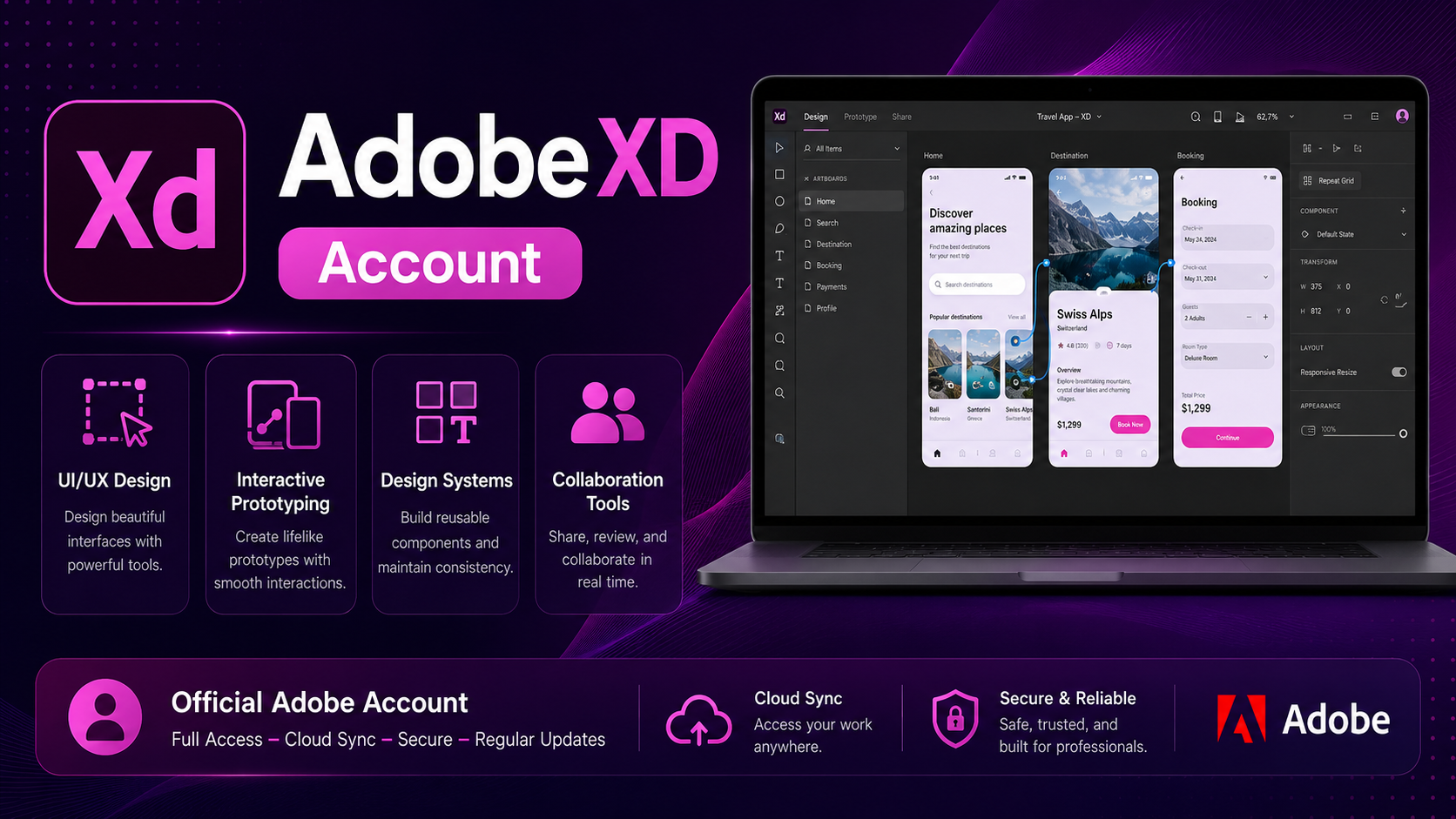
An Adobe XD account is a professional user interface and user experience (UI/UX) design tool that helps designers easily create application and website prototypes and mockups quickly and intuitively. Adobe XD supports effective team collaboration and significantly shortens digital product development time.
1. What is Adobe XD?
Adobe XD (Experience Design) is a user interface and user experience (UI/UX) design tool developed by Adobe, helping to transform ideas into visual digital products without requiring programming knowledge. A key feature of Adobe XD is its vector-based design capabilities, optimized for creating sharp and easily customizable interfaces.
With Adobe XD, you can quickly sketch layouts using wireframes, build detailed interfaces with interactive components, connect screens to create prototypes, and add smooth transition effects to simulate realistic user experiences. Additionally, Adobe XD supports component library management, enabling organized and consistent design of large-scale UI/UX projects.
This software works well on both Windows and macOS and is trusted by UI/UX designers, product designers, and many businesses to create high-quality applications and websites, enhancing the user experience right from the initial concept stage.

2. Why is Adobe XD important in UI/UX design?
2.1 Professional design tools, optimized for UI/UX
Adobe XD is built on vector technology, enabling the creation of sharp designs that can be easily resized without sacrificing image quality – especially important when the product needs to be displayed on multiple devices. In addition, intelligent features such as Repeat Grid allow for quick duplication of repeating element groups, Component & States enable the management and synchronization of UI elements in a single edit, and Content-Aware Layout automatically adjusts the layout without manual intervention. As a result, the UI/UX design process is not only faster but also ensures high accuracy and consistency.
2.2 Powerful prototyping integration, no coding required.
Unlike traditional static design tools, Adobe XD allows for the creation of interactive prototypes directly without writing a single line of code. Features like Auto-Animate create smooth transitions, closely mimicking the real user experience. Adobe XD even supports interface control via touch gestures, drag-and-drop, or voice commands, as well as creating overlay effects and natural content scrolling. Thanks to the ability to share prototypes via Adobe Cloud, designers can quickly receive feedback from stakeholders, thereby shortening the editing and approval process.
2.3 Strong team collaboration, supporting professional workflows
Adobe XD is particularly well-suited for design teams due to its real-time collaboration capabilities. Multiple designers can work together on a project using Coediting, eliminating the risk of version conflicts. When delivered to developers, Design Specs automatically generates detailed design documentation on colors, dimensions, and fonts, ensuring accurate product implementation. Furthermore, Adobe XD integrates with popular project management tools such as Jira, Slack, and Microsoft Teams, optimizing the workflow for both design and development teams.
2.4 Strong integration capabilities with the Adobe ecosystem
A major advantage of Adobe XD lies in its seamless integration with other products within the Adobe ecosystem. Users can easily import and export images from Photoshop, vectors from Illustrator, or export designs to After Effects for advanced animation. The Adobe Fonts library and Adobe Stock resource library are also readily available, saving time searching for high-quality fonts and images. Importantly, Adobe XD also supports importing files from Figma and Sketch, allowing for seamless project transfer between different tools while preserving design data.
2.5 Optimized performance, suitable for large projects.
Adobe XD is optimized for smooth performance, even with projects containing hundreds of artboards, without lag. Leveraging GPU-intensive graphics processing, users can work quickly even on complex designs. Auto-Save and cloud storage ensure data security, while Version History makes it easy to revert to previous versions for tracking and managing changes. Thanks to its stable performance and ability to manage large-scale projects, Adobe XD has become a reliable choice for professional design teams.
3. Comparing Adobe XD with other products
4. Key features of Adobe XD
Adobe XD provides a powerful set of tools that helps UI/UX designers quickly and professionally transform ideas into visual products. From sketching basic layouts to creating interactive prototypes, Adobe XD fully supports the modern design workflow.
- UI Design : Creating page layouts , adding images , icons , text , and interactive elements to build a complete interface for websites , mobile applications , and digital products .
- Prototyping : Connect screens and add animation effects to simulate a realistic user experience without programming .
- Wireframe design : Building the basic layout and defining the navigation flow , helping to clearly define the main function of the interface from the very beginning .
- Responsive Resize : Automatically adjusts the size and aspect ratio of components when the resolution changes , ensuring an optimal interface on phones , tablets , and desktops .
- Integration & Collaboration : Easily connects with Photoshop , Illustrator , After Effects , and other Adobe applications , while supporting online teamwork , sharing , and quick project updates .
- Test & Share : Create a link to share the prototype to get feedback from customers and the development team , and export the design file in various formats ready for programming .
5. Benefits of owning a genuine Adobe XD account
Owning a genuine Adobe XD account offers numerous significant benefits. You gain full access to advanced features, including high-quality file export, large-capacity cloud storage, and tight integration with other Adobe tools. Furthermore, using a legitimate account ensures you stay up-to-date with the latest Adobe developments, while guaranteeing security and software stability. More importantly, a genuine account demonstrates professionalism and a serious investment in your design work, enhancing your credibility when working with partners and clients.
6. Where should I upgrade Adobe XD?
To fully utilize the power of Adobe XD and access its most advanced features, upgrading to a genuine account is essential. Tong Kho Phan Mem is a reputable provider offering safe and fast upgrade services, giving you peace of mind.
- Genuine product : Guaranteed direct activation of the license from Adobe , allowing full use of advanced features without interruption .
- Reasonable pricing : Offering a variety of upgrade packages to suit the needs of individuals , design teams , or businesses .
- Professional technical support : Our dedicated support team is ready to answer your questions and provide detailed usage instructions .
- Fast payment and upgrades : Simple process , receive your licensed account in a short time .
- Reputation and security : Customer information is kept absolutely confidential , ensuring data security throughout the entire usage process .
7. Conclusion
Adobe XD is not just UI/UX design software; it's a powerful tool that helps transform ideas into tangible products in the shortest time possible. Owning a genuine Adobe XD account means you have full access to features, the latest technology updates, and guaranteed stability and security throughout your work process. Whether you're a freelance designer, a company employee, or a creative team, Adobe XD delivers exceptional value, elevating product quality and affirming professionalism in every project.





















VIP Products








Best Selling Products
Capcut Pro 1 Year
39 USD
ChatGPT Plus Account (GPT-4)
16 USD
Plugin Retouch4me
69 USD
Freepik Premium Account
59 USD
Adobe Premiere Pro Account
99 USD
Genuine Cheap Canva Pro
39 USD
Windows 10 & 11 Pro Key
36 USD
MidJourney Account
29 USD
Copyright Adobe Lightroom Account
59 USD
Autodesk All App Account Copyright
120 USD
Upgrade genuine Capture One account
120 USD
Upgrade Duolingo Super
29 USD
Adobe Photoshop Copyright - Full App
120 USD
Upgrade Genuine Office 365
49 USD
Genuine Adobe Illustrator account
99 USD