Best Selling Products

Plugin Retouch4me
69 USD

Copyright Adobe Lightroom Account
59 USD

Upgrade Duolingo Super
29 USD

Genuine Adobe Illustrator account
99 USD

MidJourney Account
29 USD

Adobe Premiere Pro Account
99 USD

Upgrade genuine Capture One account
120 USD

Genuine Cheap Canva Pro
39 USD

Windows 10 & 11 Pro Key
36 USD

ChatGPT Plus Account (GPT-4)
16 USD

Adobe Photoshop Copyright - Full App
120 USD

Freepik Premium Account
59 USD

Capcut Pro 1 Year
39 USD

Upgrade Genuine Office 365
49 USD

Autodesk All App Account Copyright
120 USD
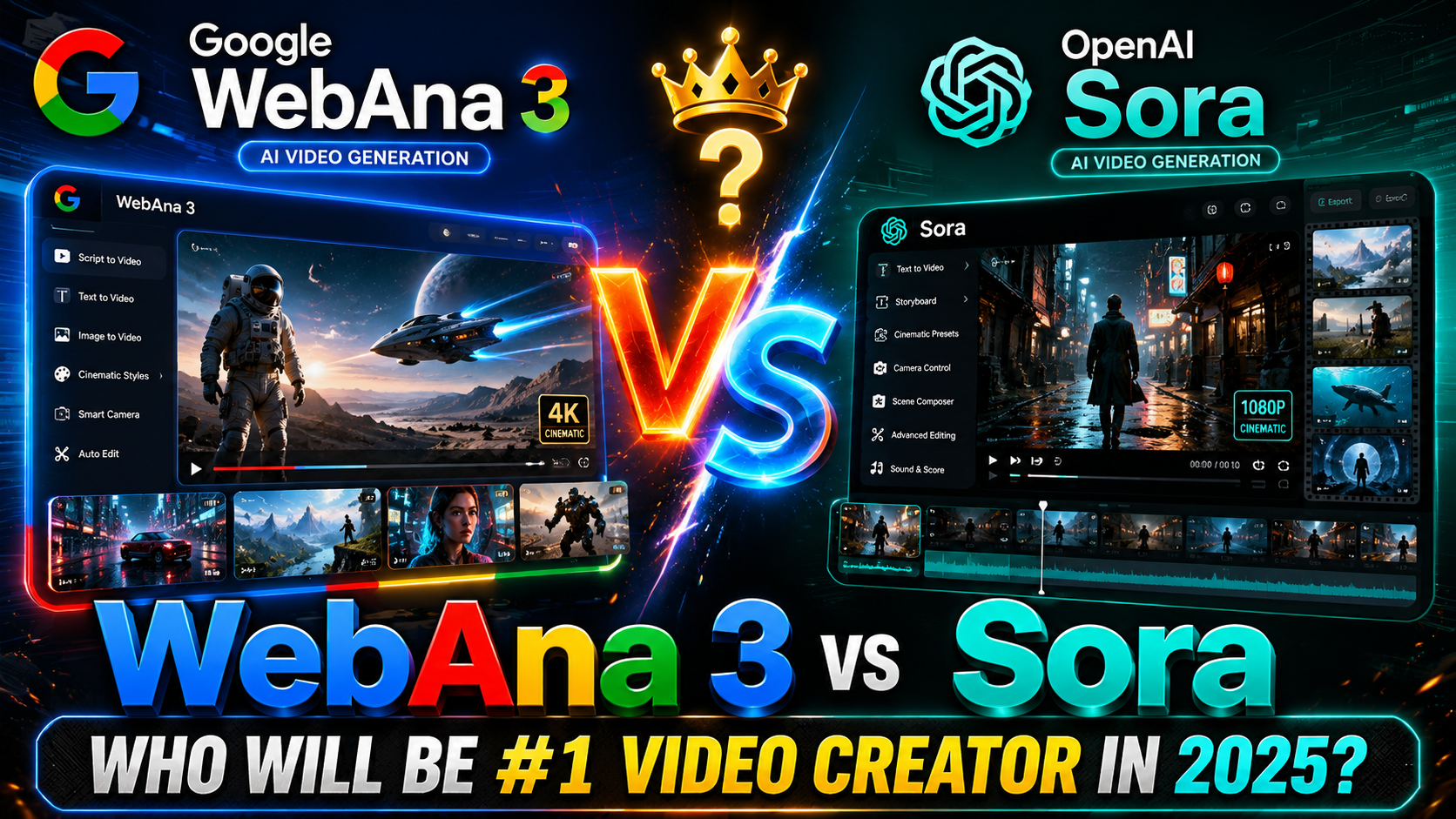
AI Midjourney Video V1 appears, creating ultra-sharp videos; Veo 3 should be wary.
Nội dung
- 1. What is Midjourney Video V1?
- 2. Why is Midjourney Video V1 so outstanding?
- 3. Comparing Midjourney Video V1 and VEO 3
- 4. Key features of Midjourney Video V1
- 4.1 Converting images to videos
- 4.2 Motion Control
- 4.3 Scalable Chains
- 4.4 Use Cases
- 5. How to use Midjourney Video V1
- 6. How to buy a cheap MidJourney Video V1 account
- 7. Why should you buy a MidJourney Video V1 account at SaDesign?
- 8. Conclusion
The emergence of artificial intelligence (AI) in video production is creating a powerful breakthrough. With technologies like Midjourney Video V1, creating high-quality videos has become easier than ever.
1. What is Midjourney Video V1?
Midjourney Video V1 is Midjourney's first official video creation tool, marking a significant step forward in content production technology. This tool is designed to transform a static image into a series of looping animated videos, delivering smooth motion and stylistic consistency. Users simply upload an image, which can be created within Midjourney or from another source, and the system automatically converts it into up to four animated video clips. Each clip is approximately 5 seconds long, allowing users to quickly create engaging content.
The highlight of Midjourney Video V1 is its ability to merge or extend these clips to create longer scenes, with a total length of up to 21 seconds. This not only saves time during production but also opens up many creative possibilities for users. With this technology, creating high-quality videos becomes simpler than ever, meeting the ever-increasing demands of the digital content market.
With the advancement of AI, Midjourney Video V1 is not just a conventional video production tool, but also a major step forward in enhancing the user experience. This technology allows individuals and businesses to easily create unique videos without needing professional production skills. This is why Midjourney Video V1 has attracted attention from both content creators and businesses.
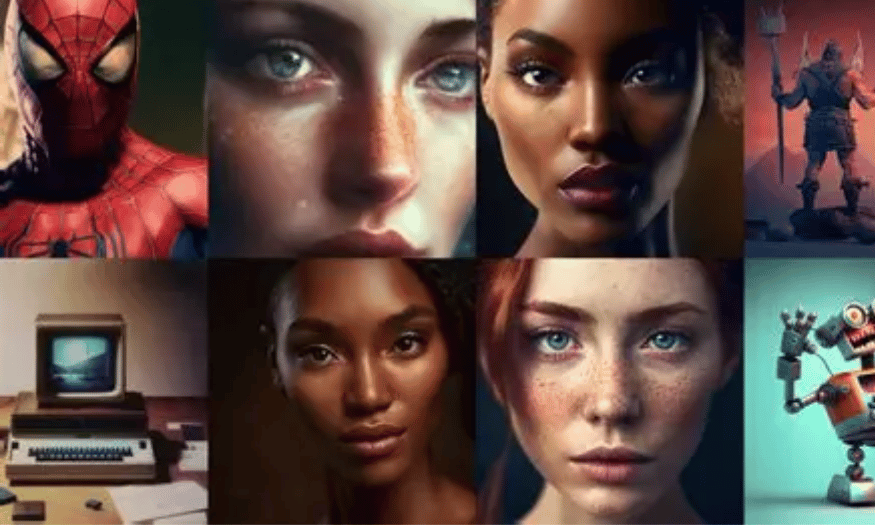
2. Why is Midjourney Video V1 so outstanding?
Midjourney Video V1 stands out not only for its ability to create high-quality videos but also for the ease and flexibility it offers. With a user-friendly interface and simple process, users can easily upload images and receive videos in just seconds. This removes barriers for those without experience in video production, while opening up opportunities for many new creators.
Another major advantage of Midjourney Video V1 is its ability to create videos with stylistic consistency. This is crucial for brand building and making a strong impression on the audience. Videos created from a static image will maintain the design style, making it easy for viewers to recognize and remember the brand. This consistency also enhances the professionalism of the content created by the user.
Finally, Midjourney Video V1 stands out for its limitless creative possibilities. Thanks to its ability to convert still images into moving videos, users can freely experiment with a wide range of ideas. From creating short advertising videos to artistic clips, users' creativity is no longer limited by traditional video production skills.
3. Comparing Midjourney Video V1 and VEO 3
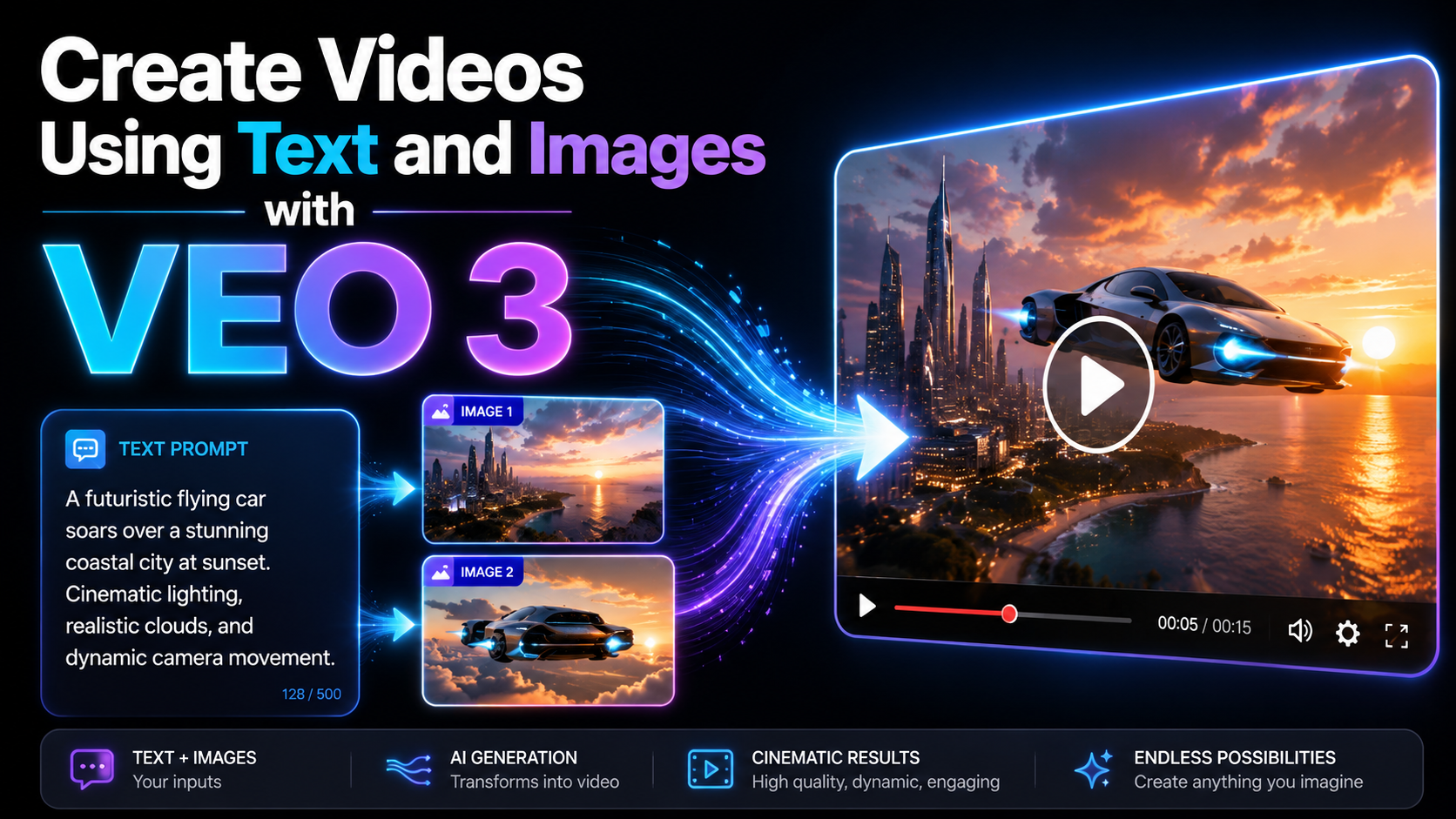
When comparing Midjourney Video V1 with VEO 3, the differences in approach and features are clear. While Midjourney Video V1 focuses on converting still images into moving videos, VEO 3 aims to produce videos from a variety of resources, including both video and images. This makes VEO 3 a better choice for those who need to create more complex content, including editing and combining multiple elements.
Another key factor is speed and performance. Midjourney Video V1 allows users to receive videos in just seconds, while VEO 3 may require longer processing times due to its more complex features. This gives Midjourney Video V1 a significant advantage, especially in the fast-paced content market where time is of the essence.
Ultimately, in terms of cost, Midjourney Video V1 may be more economical for individual users and small businesses, while VEO 3 typically requires a larger investment for premium features. This makes Midjourney Video V1 an ideal choice for beginners or those who want to create content quickly and efficiently without spending too much money.
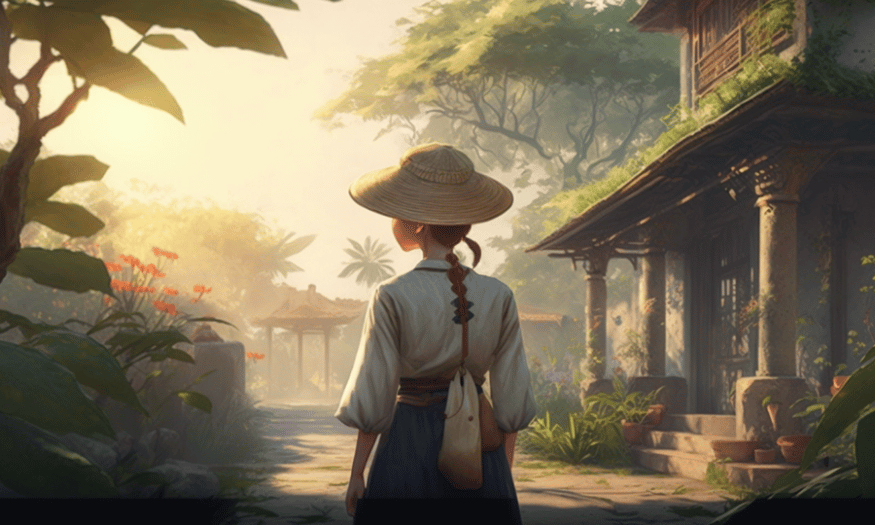
4. Key features of Midjourney Video V1
4.1 Converting images to videos
One of the key features of Midjourney Video V1 is its ability to transform any static image into a dynamic moving scene. This means users can start with a simple photo and turn it into a captivating video, bringing the content to life. The system creates up to four distinct motion paths for each image, enhancing the variety and appeal of the created videos.
Specifically, Midjourney Video V1 works best with images created using Midjourney V7, but it also supports other image sources, expanding creative possibilities for users. This allows content creators to easily implement their ideas without worrying about the original image resources, thereby creating unique and creative videos.
4.2 Motion Control
Midjourney Video V1's motion control feature allows users to customize the level of video motion to their liking. The distinction between low-motion and high-motion makes it easy for users to choose the animation style that suits their content. With low-motion, users can create subtle animations, ideal for portrait or panning videos, providing a gentle and relaxing feel.
Conversely, high motion delivers a more dynamic experience, with stronger cinematic effects for both the subject and the background. Furthermore, the motion-by-prompt feature allows users to input a new prompt to adjust the direction or animation intent of the scene. This opens up countless creative possibilities, allowing each video to be unique and tailored to the message the user wants to convey.
4.3 Scalable Chains
Midjourney Video V1 also stands out with its ability to create scalable video sequences. Users can extend clips in increments of 4 seconds, allowing them to create longer videos while maintaining coherence and flow. With a total clip length of up to 21 seconds, users can easily build complex stories or ideas without being limited by video length.
This feature is particularly useful for content creators who need to produce short promotional videos, product introduction clips, or unique artistic videos. Extending the length of clips also helps users optimize the production process, saving time and effort in creating high-quality content.
4.4 Use Cases
Midjourney Video V1 is more than just a simple video creation tool; it opens up many different creative use cases. One of its standout applications is dynamic concept art, where designers can quickly transform ideas into animations to present to clients or colleagues. This helps convey messages more vividly and engagingly than simple static images.
In addition, this feature is also very suitable for sketching stylized stories. Users can create short videos to illustrate storylines, helping viewers easily grasp the main content. Character animation tests can also be conducted effectively, allowing producers to test character movements and expressions in an animated environment.
5. How to use Midjourney Video V1
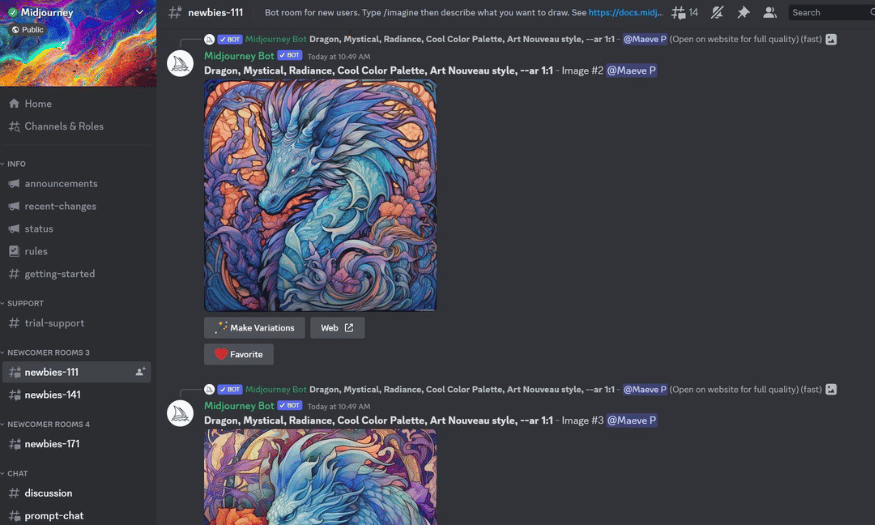
Using Midjourney Video V1 to create videos from still images is a simple and intuitive process. Below are the detailed steps so you can easily create unique videos with just a few clicks.
Step 1: Create or upload an image
First, you need an image to get started. You can create an image using Midjourney V7 or upload an image from another source. Make sure the image is of good quality and suitable for the content you want to convert into a video. For images created using Midjourney, you will be able to take full advantage of the features of Midjourney Video V1.
Step 2: Select an image and click "Animate"
Once you have the image, select it and click the “Animate” option. You can do this through the Discord interface or the Midjourney web user interface. This process will start the AI system, preparing to convert your image into an animated video.
Step 3: Select motion settings
After clicking "Animate," you'll see options to select motion settings. You can choose between two methods: automatic or manual prompting. If you choose automatic, the AI will decide the direction and style of motion for the video. Conversely, if you choose manual prompting, you can enter specific information to adjust the animation.
Next, you can also choose between low or high motion. Low motion will give a delicate and gentle feel, while high motion will create more powerful cinematic effects.
Step 4: Wait a few seconds
Once you've set up your motion options, simply wait a few seconds while the AI processes and generates four motion variations for your image. This process is quick, and you'll have plenty of options to consider.
Step 5: Download and lengthen the clip if needed.
Finally, you can download the video clips that the AI has created. If you wish, you can also extend these clips to create longer videos to suit your creative needs. Don't forget to experiment with different settings to discover the possibilities that Midjourney Video V1 offers.
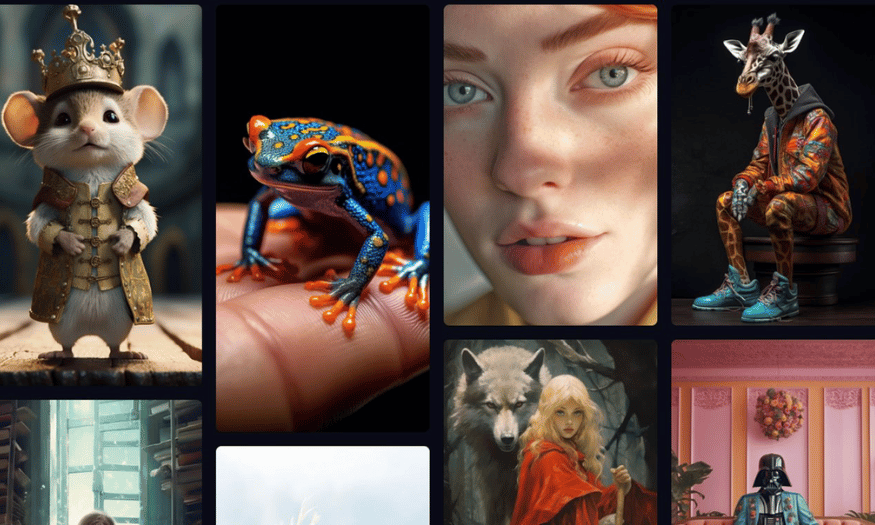
6. How to buy a cheap MidJourney Video V1 account
If you're looking for a quick and easy way to get a MidJourney Video V1 account, contact SaDesign today. As one of the leading providers of software accounts and upgrade packages in Vietnam, SaDesign is committed to providing you with the most convenient and efficient shopping experience. Their ordering process is simple and fast, allowing you to receive your account in just 15-20 minutes.
SaDesign offers genuine MidJourney accounts at competitive prices. This ensures that you not only save money but also receive a quality product. In addition, the payment and account acquisition process is easy, saving you time and effort.
A major advantage of purchasing an account from SaDesign is the dedicated support. Their staff is always ready to assist you from the ordering process to the completion of your account setup. This makes it easy for even those with limited tech experience to access and use MidJourney Video V1.
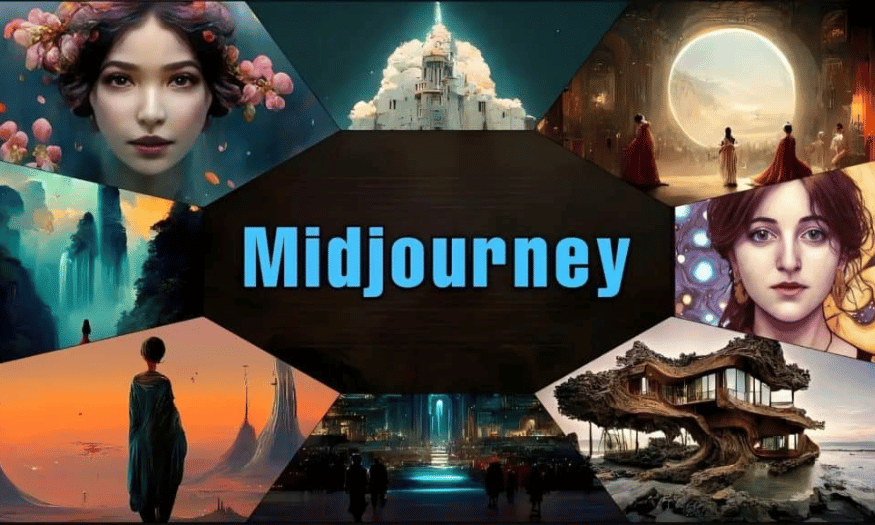
7. Why should you buy a MidJourney Video V1 account at SaDesign?
There are several reasons to choose SaDesign as your source for MidJourney Video V1 accounts. First, SaDesign is committed to providing genuine accounts of the highest quality. This means you won't have to worry about your account being locked or becoming inactive. This peace of mind regarding account quality will allow you to focus on creating content without unnecessary hassles.
Secondly, SaDesign offers a 1-to-1 replacement warranty for accounts if any errors occur during use. This demonstrates the company's professionalism and responsibility in customer care. You will feel more secure knowing that you can receive timely support if you encounter any problems with your account.
Finally, SaDesign also offers 24/7 support and on-site installation services, making it easy for you to access and use your account effectively. No matter where you are or when you need it, you can get the help you need. With flexible payment methods and account packages, SaDesign ensures that all your needs are met in the best possible way.
8. Conclusion
Overall, AI-powered video creation like Midjourney Video V1 is changing the way content is produced, offering many opportunities but also significant challenges. Traditional video producers need to quickly adapt and find ways to leverage this technology, rather than simply viewing it as a threat. The combination of human creativity and the power of AI will be key to survival and growth in an increasingly competitive world.





















VIP Products








Best Selling Products
Plugin Retouch4me
69 USD
Copyright Adobe Lightroom Account
59 USD
Upgrade Duolingo Super
29 USD
Genuine Adobe Illustrator account
99 USD
MidJourney Account
29 USD
Adobe Premiere Pro Account
99 USD
Upgrade genuine Capture One account
120 USD
Genuine Cheap Canva Pro
39 USD
Windows 10 & 11 Pro Key
36 USD
ChatGPT Plus Account (GPT-4)
16 USD
Adobe Photoshop Copyright - Full App
120 USD
Freepik Premium Account
59 USD
Capcut Pro 1 Year
39 USD
Upgrade Genuine Office 365
49 USD
Autodesk All App Account Copyright
120 USD