Best Selling Products

Windows 10 & 11 Pro Key
36 USD

Capcut Pro 1 Year
39 USD

MidJourney Account
29 USD

Upgrade genuine Capture One account
120 USD

Adobe Photoshop Copyright - Full App
120 USD

ChatGPT Plus Account (GPT-4)
16 USD

Upgrade Genuine Office 365
49 USD

Genuine Adobe Illustrator account
99 USD

Freepik Premium Account
59 USD

Upgrade Duolingo Super
29 USD

Plugin Retouch4me
69 USD

Genuine Cheap Canva Pro
39 USD

Adobe Premiere Pro Account
99 USD

Autodesk All App Account Copyright
120 USD

Copyright Adobe Lightroom Account
59 USD
Auto Focus (AF) and Manual Focus (MF): Which Focusing Mode Should You Choose for Your Camera?
Nội dung
- 1. What is autofocus (AF) mode?
- 2. Autofocus methods
- 2.1. AF-S (Single Auto Focus): Autofocus for each individual shot.
- 2.2. AF-C (Continuous Auto Focus): Continuous autofocus
- 2.3. AF-A (Automatic Auto Focus): Flexible autofocus
- 3. Direct Manual Focus (DMF)
- 4. Manual focus (MF)
- 5. Focus magnification and manual focus assist.
- 6. Focus Peaking
- 7. Compare AF and MF modes.
- 8. When should you use AF and when should you use MF?
Autofocus (AF) and manual focus (MF) are two important modes on all modern cameras, but each mode is suitable for different shooting situations.
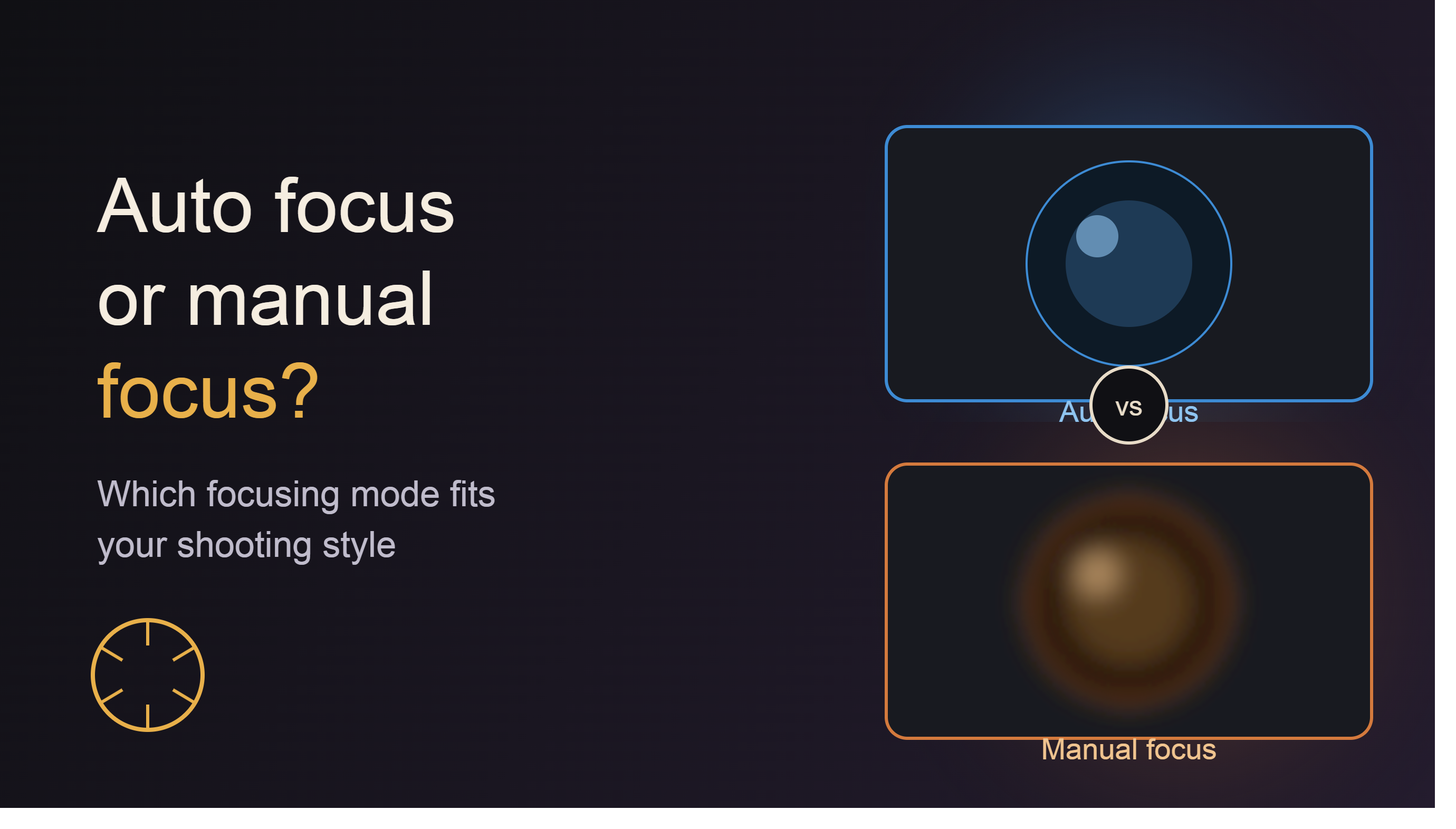
1. What is autofocus (AF) mode?
Autofocus (AF) is a function that allows the camera to automatically determine the distance to the subject and adjust the lens system to produce a sharp image without the user having to manually rotate the focus ring.
When the photographer presses the shutter button halfway or touches the focus screen, the camera's sensor analyzes the image, identifies the subject, and controls the motor in the lens to bring the focus point to the precise location. This process happens very quickly, in just a few milliseconds on modern cameras.
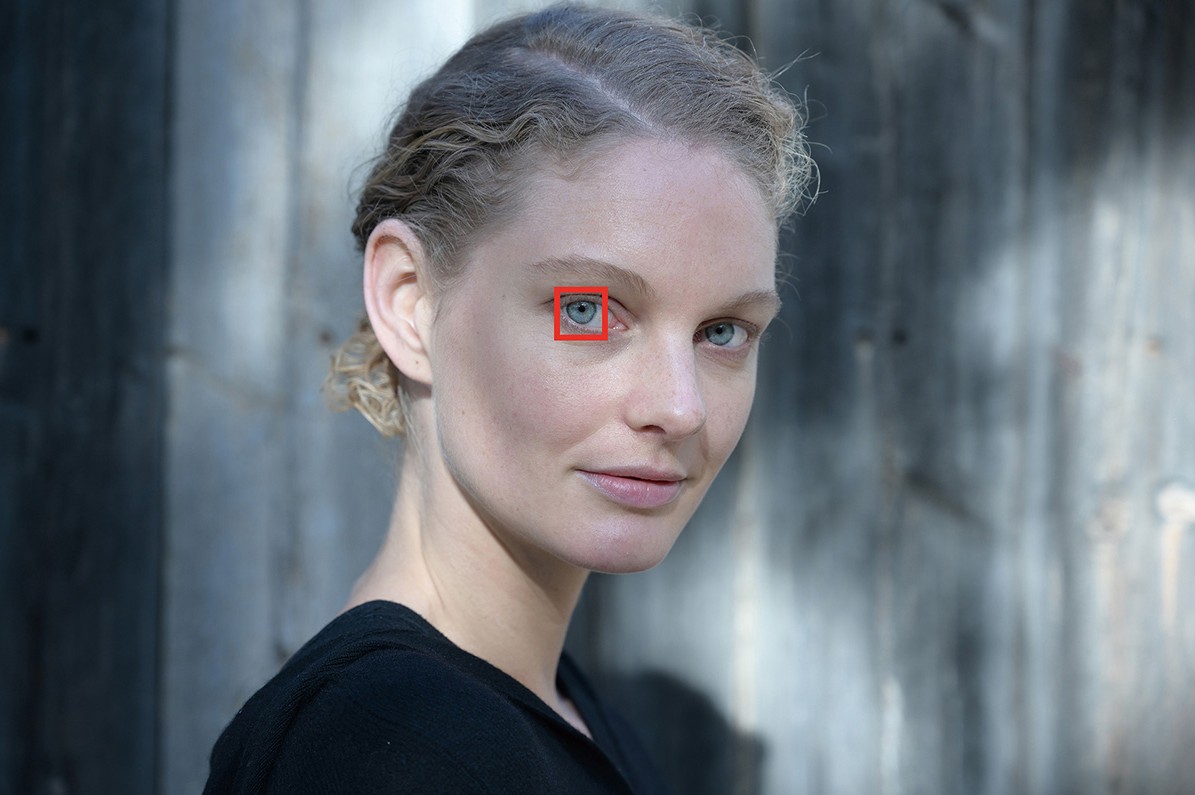
Today, AF technology is also integrated with artificial intelligence (AI), allowing for the recognition of faces, human eyes, animals, vehicles, and continuous subject tracking throughout the shooting or video recording process. This makes it easier for users to capture important moments without having to manually adjust the focus.
2. Autofocus methods
Depending on the manufacturer and model, the autofocus system may offer various modes. However, the three most common modes are AF-S, AF-C, and AF-A. Each mode is designed for specific shooting situations.
2.1. AF-S (Single Auto Focus): Autofocus for each individual shot.
AF-S is a focusing mode designed for stationary subjects. When the user presses the shutter button halfway, the camera will automatically focus and lock the focus point at the selected location. Once focus is successfully locked, the focus distance will not change until the user releases the shutter button or refocuses.
AF-S is considered the simplest and easiest mode to use, especially suitable for beginners in photography. This mode is often used when shooting landscapes, architecture, products, static portraits, or objects that are not moving.
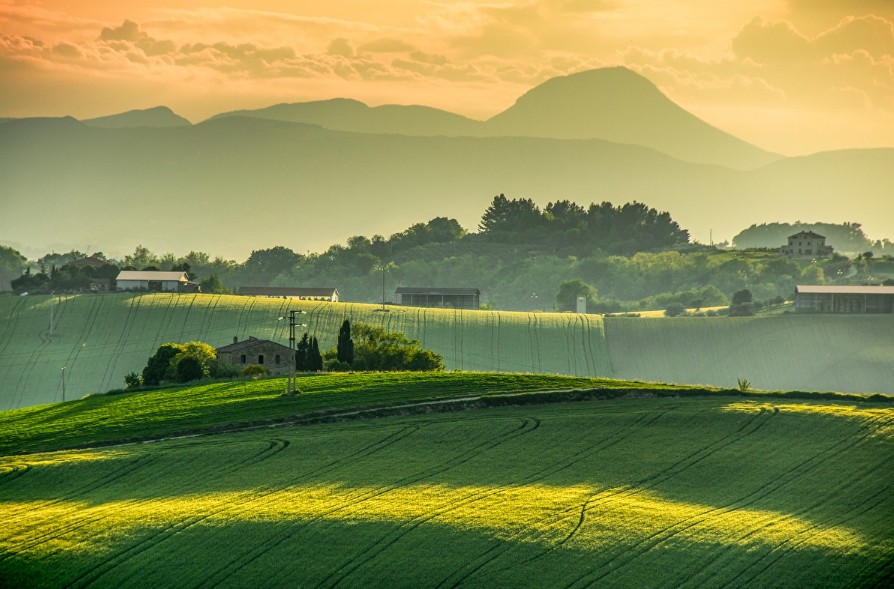
The biggest advantage of AF-S is its high accuracy and energy efficiency because the system doesn't have to continuously track the subject.
2.2. AF-C (Continuous Auto Focus): Continuous autofocus
AF-C is designed specifically for moving subjects. When the user holds down the shutter button halfway, the autofocus system continuously activates and automatically adjusts the focus distance in real time.
The camera not only tracks focus but also predicts the subject's movement to maintain sharpness throughout continuous shooting or video recording.
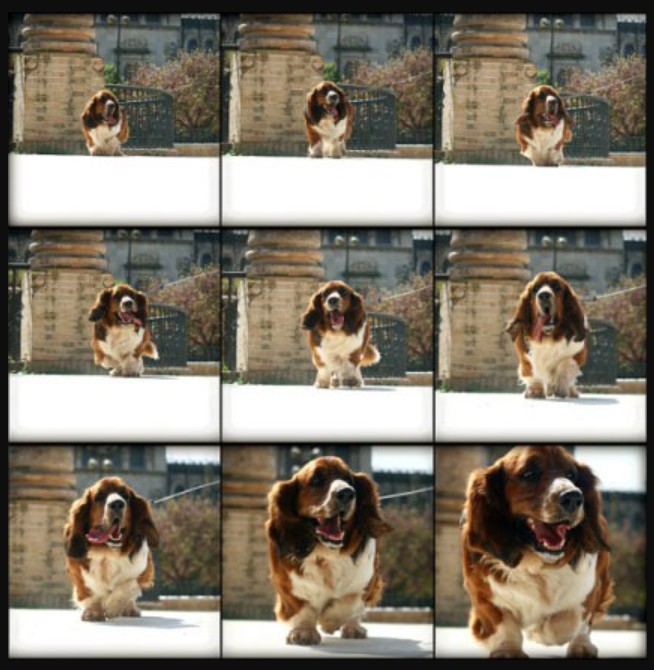
This mode is ideal for shooting sports, wildlife, children playing, moving vehicles, or high-speed outdoor activities.
When combined with technologies like Subject Tracking or Eye AF, AF-C significantly increases the rate of sharp images even when the subject is constantly changing position.
2.3. AF-A (Automatic Auto Focus): Flexible autofocus
AF-A is an intelligent mode that can automatically switch between AF-S and AF-C depending on the subject's state.
When the user presses the shutter button halfway, the camera analyzes whether the subject is stationary or moving. If the subject is still, the system will function as AF-S. If it detects the subject starting to move, the camera will automatically switch to AF-C to continue tracking.

AF-A is particularly useful in situations with multiple subjects or when the photographer doesn't have time to manually change the focus mode. It's a suitable choice for travel, family events, or everyday photography.
3. Direct Manual Focus (DMF)
Direct Manual Focus (DMF) is a mode that combines autofocus and manual focus.
In this mode, the camera will perform autofocus first. Once complete, the user can still rotate the focus ring on the lens to fine-tune the focus point as desired without switching to fully manual focus mode.
DMF saves time compared to manual focusing from the start, while still ensuring accuracy in very small areas.
This feature is especially useful when shooting macro photography, product photography, jewelry, flowers, or subjects with a very shallow depth of field. In these cases, even a few millimeters of deviation can cause the emphasized point to be out of focus.
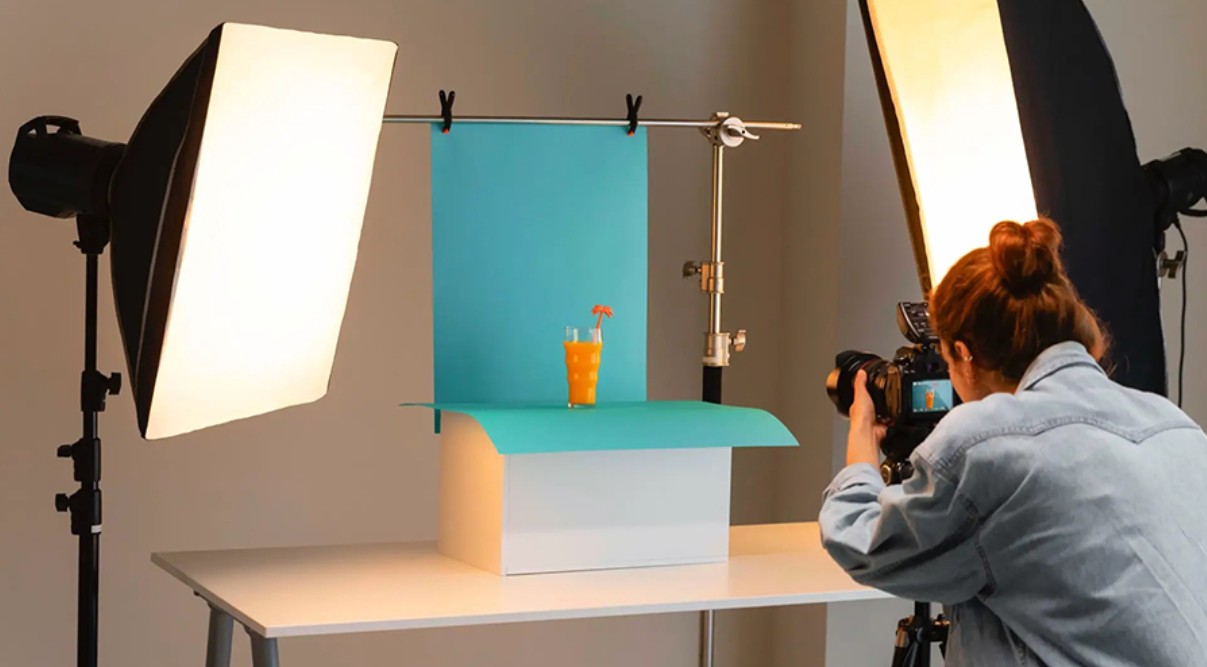
Thanks to its ability to combine the speed of AF and the precision of MF, DMF is used by many professional photographers in tasks requiring high detail.
4. Manual focus (MF)
Manual Focus (MF) is a mode that allows the user to manually adjust the focus point by rotating the focus ring on the lens, instead of letting the camera handle it automatically.
Although autofocus is becoming increasingly intelligent, manual focus remains crucial in many genres of photography and videography.
In manual focus (MF) mode, the photographer has complete control over the focus point, helping to avoid the camera accidentally locking onto the background or unwanted objects.
Manual focus is particularly effective for macro photography, product photography, astrophotography, night landscape photography, or cinematic video. It's also an ideal solution in low-light conditions, where the autofocus system struggles due to insufficient contrast to identify the subject.
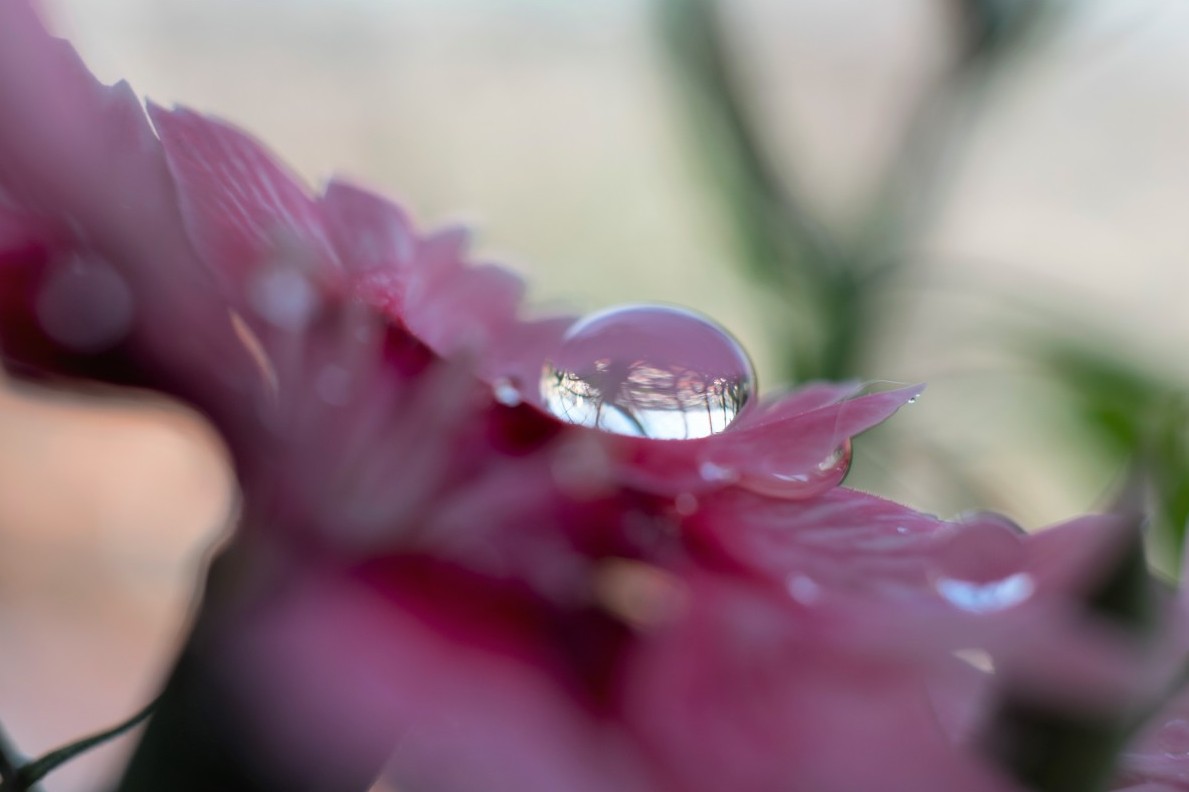
For example, when photographing a water droplet on a flower petal with a macro lens, the area of focus is only a few millimeters thick. Using Auto Focus, the camera might focus on the petal or the background. With Manual Focus, the photographer can rotate the focus ring to precisely bring the water droplet into the sharpest area.
Additionally, many professional cinematographers prefer manual focus (MF) to have complete control over the transition between subjects, creating smooth and cinematic shots.
5. Focus magnification and manual focus assist.
To make manual focusing easier, manufacturers have integrated many assistive features into modern cameras.
One of the most useful features is the Focus Magnifier . When activated, the camera magnifies a portion of the frame, allowing users to clearly see small details and adjust the focus ring with greater precision.
This feature is especially useful when shooting macro, product photos, astronomical photos, or night landscapes, where even a small deviation can cause the entire image to be out of focus.
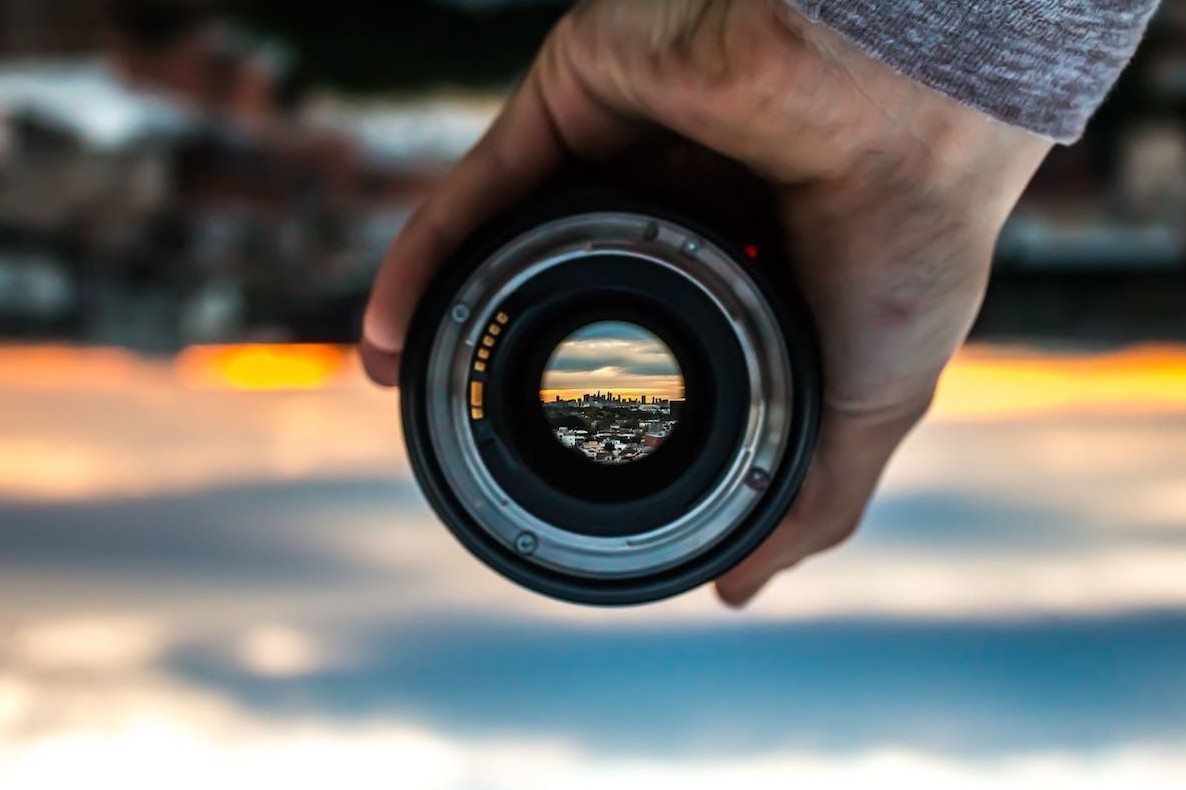
In addition, many camera models allow users to assign the Focus Magnifier function to custom buttons. Users can quickly activate the magnification mode without accessing the settings menu, thereby speeding up the shooting process.
Some cameras also allow you to set the magnification time to Infinite mode . This is very useful when using a tripod for macro photography or shooting starry skies, giving the photographer enough time to fine-tune the focus point before pressing the shutter button.
6. Focus Peaking
Focus Peaking is one of the most popular manual focus assist features on mirrorless cameras today.
When activated, the camera automatically marks areas of high sharpness with highlighted outlines in colors such as red, yellow, or white. This allows users to immediately identify the area in focus without having to zoom in too much on the image.
This is an extremely useful tool for beginners learning manual focus, as well as for professional macro photographers, videographers, or those using manual focus lenses.
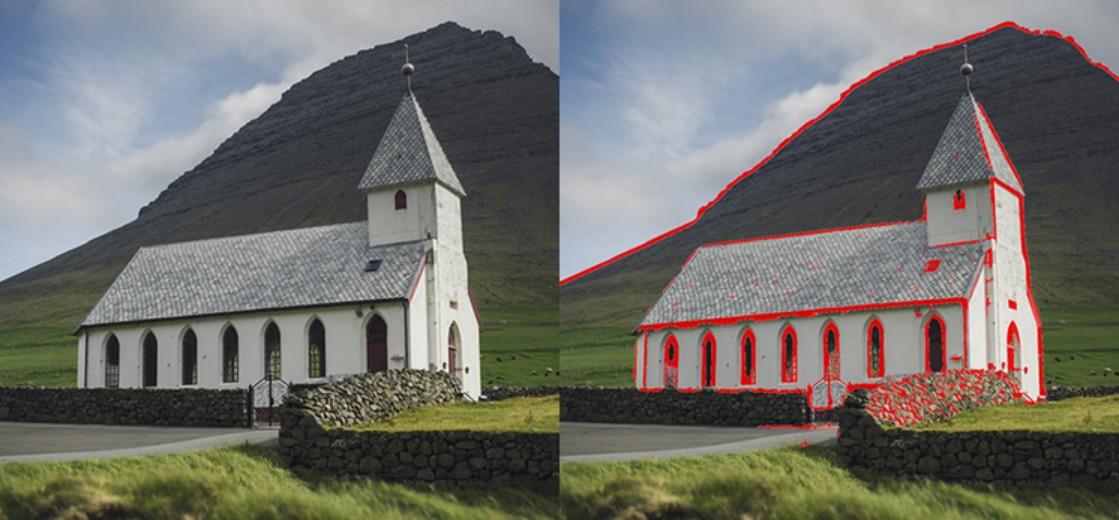
Many cameras also allow you to change the color and intensity of Focus Peaking to suit different lighting conditions or personal preferences.
Combining Focus Peaking with Focus Magnifier will make manual focusing faster, more accurate, and significantly reduce the risk of out-of-focus images.
7. Compare AF and MF modes.
Although both Auto Focus and Manual Focus share the common goal of producing sharp images, they serve different needs.
Auto Focus stands out for its speed, simple operation, and suitability for most users. It's an ideal choice for everyday photography, travel, sports, animals, or vlogging because the camera can automatically track the subject.
Meanwhile, Manual Focus offers complete control over the focus point. Users can actively decide precisely which area to focus on without relying on the camera's algorithm. This is especially important when shooting macro, professional video, or working in low-light environments.
In short, AF is suitable for situations requiring speed, while MF is suitable for tasks requiring high precision and control.
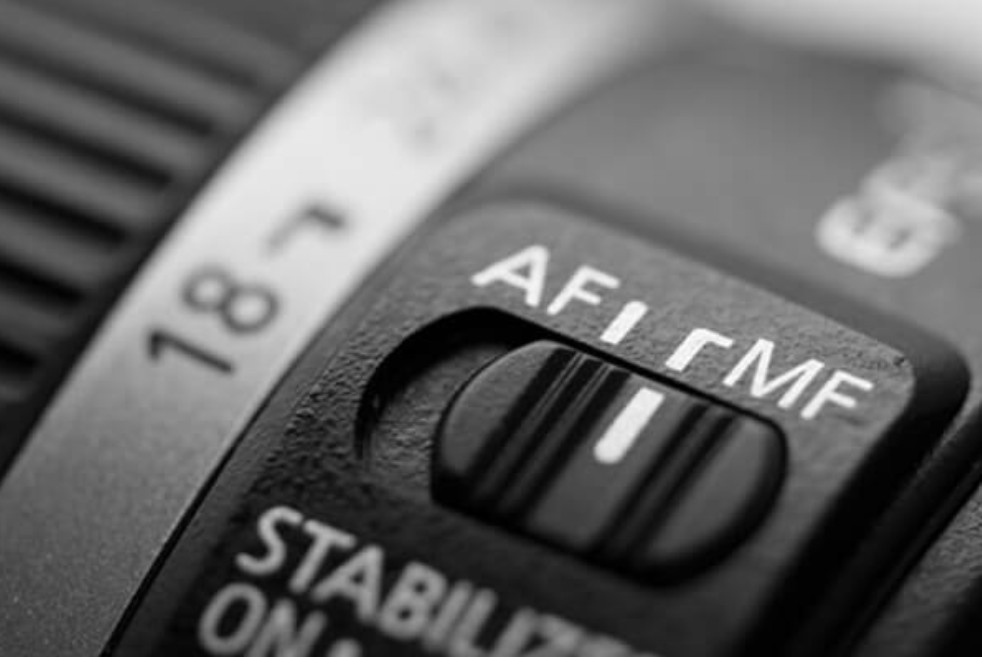
8. When should you use AF and when should you use MF?
There is no single best focusing mode for all situations. The choice depends on the subject, lighting conditions, and the photographer's creative goals.
Whether you're shooting landscapes, portraits, events, travel, or everyday activities, Auto Focus will help you work faster and achieve a high percentage of photos that are in focus.
Conversely, when shooting close-ups, product photography, astronomy, cinematic video, or in low-light environments, manual focus will provide greater accuracy and stability.
For many professional photographers, combining AF for initial focusing and then switching to DMF or MF for fine-tuning is the most effective method.
Understanding AF-S, AF-C, AF-A, DMF modes, along with supporting features like Focus Magnifier and Focus Peaking, will help you maximize your camera's capabilities. Knowing how to select the right focusing mode for each scene will not only improve image quality but also give you more control over your creative process, from everyday photos to professional photographic works.





















VIP Products








Best Selling Products
Windows 10 & 11 Pro Key
36 USD
Capcut Pro 1 Year
39 USD
MidJourney Account
29 USD
Upgrade genuine Capture One account
120 USD
Adobe Photoshop Copyright - Full App
120 USD
ChatGPT Plus Account (GPT-4)
16 USD
Upgrade Genuine Office 365
49 USD
Genuine Adobe Illustrator account
99 USD
Freepik Premium Account
59 USD
Upgrade Duolingo Super
29 USD
Plugin Retouch4me
69 USD
Genuine Cheap Canva Pro
39 USD
Adobe Premiere Pro Account
99 USD
Autodesk All App Account Copyright
120 USD
Copyright Adobe Lightroom Account
59 USD