Best Selling Products

Freepik Premium Account
59 USD

Windows 10 & 11 Pro Key
36 USD

Adobe Photoshop Copyright - Full App
120 USD

Upgrade Duolingo Super
29 USD

MidJourney Account
29 USD

Adobe Premiere Pro Account
99 USD

Genuine Cheap Canva Pro
39 USD

ChatGPT Plus Account (GPT-4)
16 USD

Copyright Adobe Lightroom Account
59 USD

Plugin Retouch4me
69 USD

Upgrade Genuine Office 365
49 USD

Capcut Pro 1 Year
39 USD

Genuine Adobe Illustrator account
99 USD

Upgrade genuine Capture One account
120 USD

Autodesk All App Account Copyright
120 USD
Avatar photos: The secret to choosing a beautiful, professional, and truly personal profile picture.
Nội dung
- 1. What is an avatar image and why is it important?
- 1.1. Avatar is the "first impression" in the digital environment.
- 1.2. Profile pictures impact personal and brand recognition.
- 2. Criteria for choosing beautiful and professional avatar photos
- 2.1. Clear face, sharp details, correct viewing angle.
- 2.2. Lighting scores higher than the equipment.
- 2.3. Minimalist background, avoiding "distractions"
- 2.4. Colors that harmonize with skin tone and clothing.
- 2.5. Expressions appropriate to the intended purpose.
- 3. Popular avatar image styles and how to choose the right one.
- 3.1. Close-up portrait avatar
- 3.2. Half-Human Avatar
- 3.3. Avatar logo or brand icon
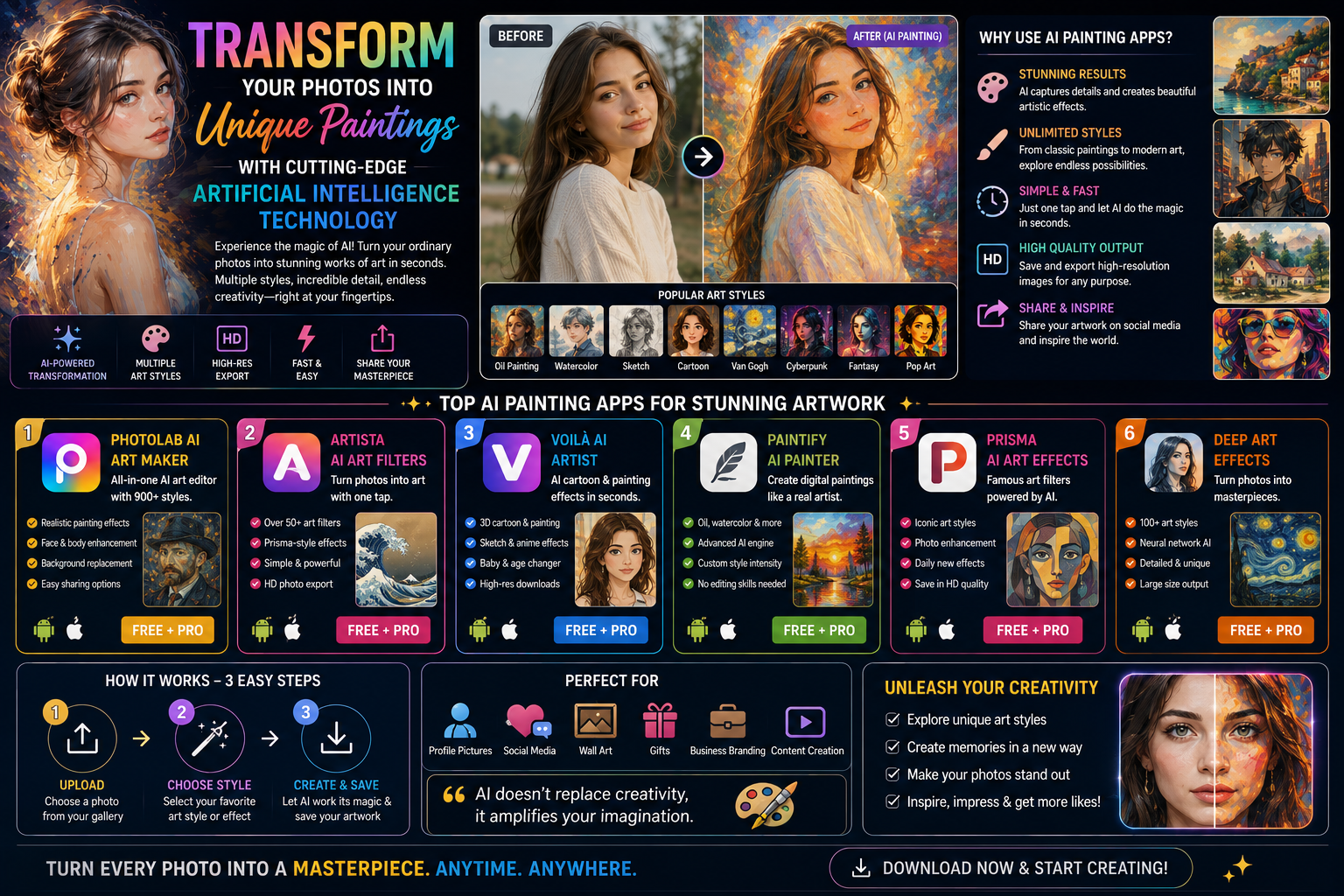
- 3.4. Avatar art style
- 4. How to edit photos to make your avatar beautiful yet natural.
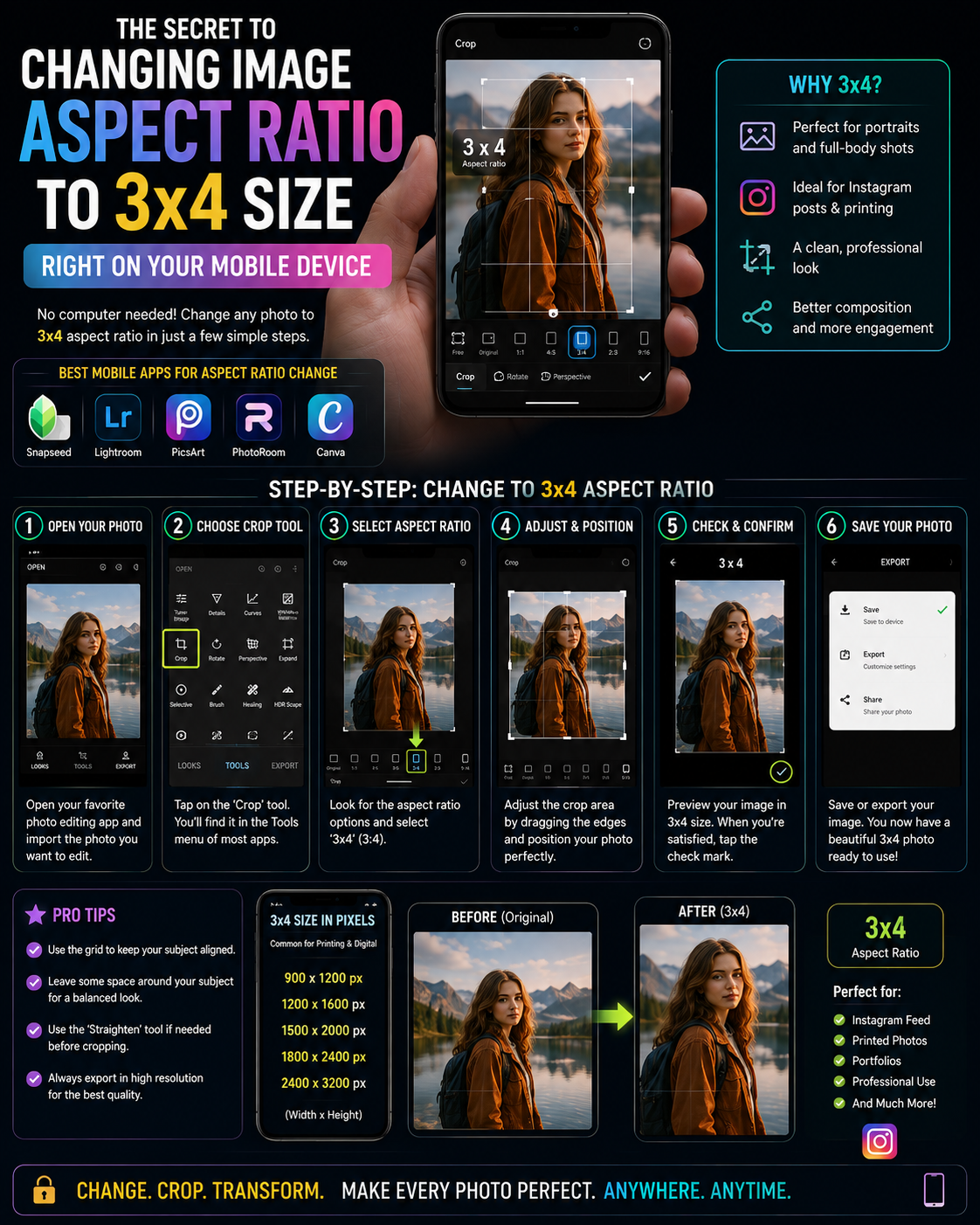
- 4.1. Cut and align the frame correctly.
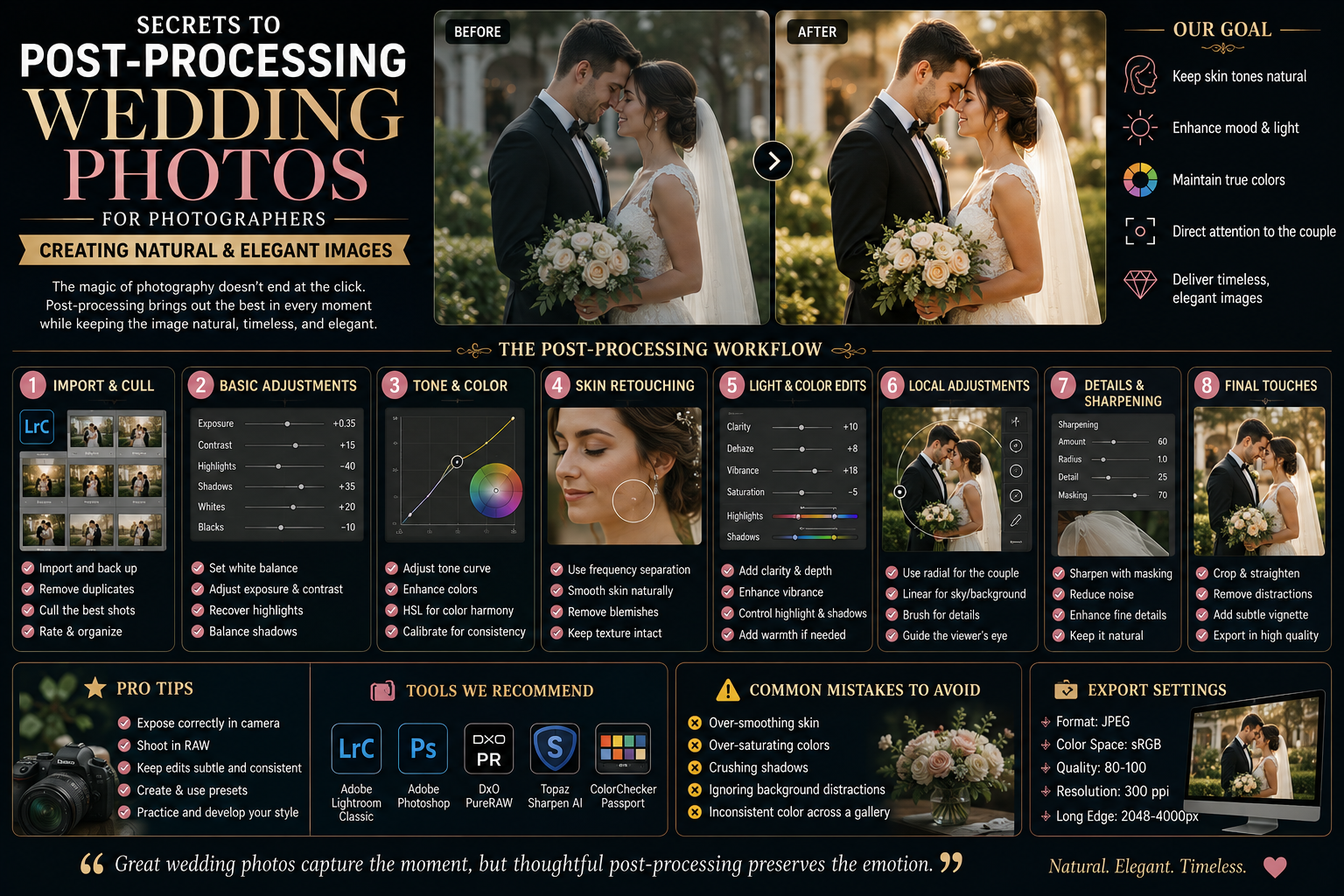
- 4.2. Slightly increase brightness and contrast.
- 4.3. Retouch just enough, without distorting the face.
- 4.4. Remove the background when a clean look is needed.
- 5. Common mistakes that result in low-quality avatar images.
- 5.1. Blurry, pixelated, or excessively compressed images.
- 5.2. The background is too cluttered, with too many people in the frame.
- 5.3. Abusing filters to alter skin tone.
- 5.4. Choosing images that are not compatible with the platform.
- 6. Suggestions for image size and optimization for avatars based on platform.
- 6.1. General principles when exporting images
- 6.2. Optimizing the layout for a circular frame
- 7. Introduction to http://appvip.ai/appvip.ai
- 8. Conclusion
Beautiful avatar photos help increase recognition, create a positive impression, and project a professional image on social media, resumes, Zalo, Facebook, and TikTok. Discover the criteria for choosing photos, mistakes to avoid, and tips for optimizing them for each platform.
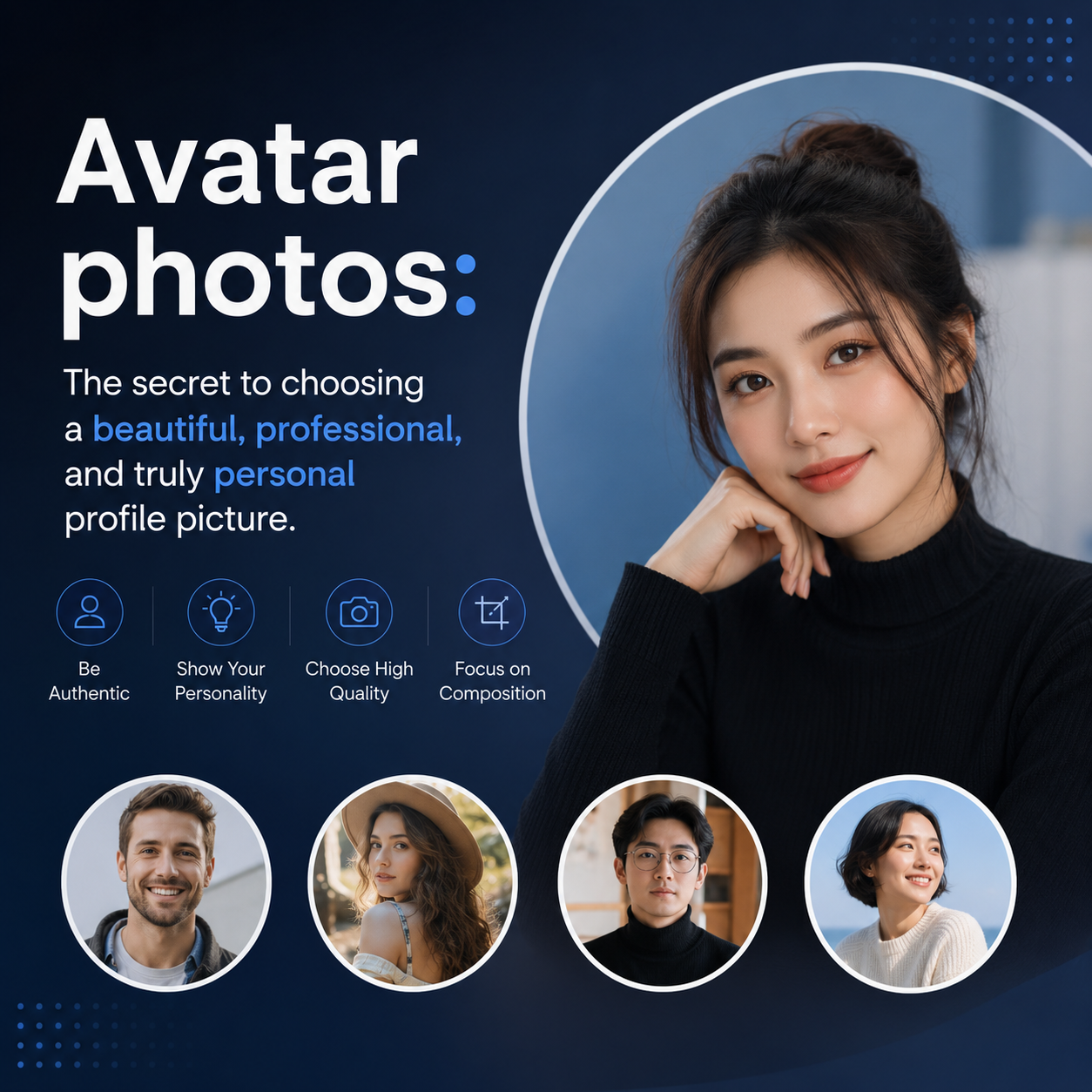
1. What is an avatar image and why is it important?
Avatar photos are the profile pictures associated with your accounts on digital platforms like Facebook, Zalo, TikTok, LinkedIn, email, forums, or messaging apps. Unlike post photos, which can be changed as you wish, avatars appear continuously alongside your name, comments, messages, and profile. Therefore, this is the most powerful "identifying mark," helping others remember you faster and distinguish you from hundreds of similar accounts.

1.1. Avatar is the "first impression" in the digital environment.
In online life, people often look at your avatar before reading your name, viewing your content, or researching your information. In other words, an avatar is like a visual business card : just a few seconds are enough for viewers to form an initial impression of you. A neat, well-lit avatar with a clear face and natural expression usually creates a friendly, polished, and trustworthy impression . Conversely, blurry, dark, cropped faces, or overly cluttered backgrounds can make you look unprofessional, even if the content you share is excellent. Not everyone needs a "model-perfect" avatar, but most need a clear image that is relevant and serves its intended purpose .
1.2. Profile pictures impact personal and brand recognition.
For individual users, avatars reflect their unique personality: dynamic, serious, minimalist, or creative. For business people, avatar photos are directly related to credibility and the likelihood of others messaging, following, collaborating, or making purchases. Simply using the same face, but changing from a dimly lit photo to a bright, clear one with a clean background and a friendly demeanor, often significantly increases the connection, as viewers feel they are interacting with a genuine and responsible account.
2. Criteria for choosing beautiful and professional avatar photos
2.1. Clear face, sharp details, correct viewing angle.
A good avatar should ensure:
-
The face occupies approximately 60% to 80% of the frame.
-
The eye is positioned in the upper third of the image, creating a sense of balance.
-
The photo is clear , sharp, and not too dark.
-
Avoid using photos taken from too far away, making it difficult for viewers to identify the subject.
If the goal is networking or work, clarity is always more important than artistic effect.
2.2. Lighting scores higher than the equipment.
Many people think you need a high-end camera to get a beautiful avatar. In reality, lighting is the deciding factor. A photo taken with a phone that is well-lit, with soft light and no harsh shadows, will always look better than a photo taken with a camera but lacking light.
Here are some easy-to-implement lighting suggestions:
-
Taken near a window, with natural light shining on the face.
-
Avoid backlighting (lights behind your head) as it can easily make your face look dark.
-
Avoid harsh ceiling lights that cause noticeable shadows in the eyes and nose.
2.3. Minimalist background, avoiding "distractions"
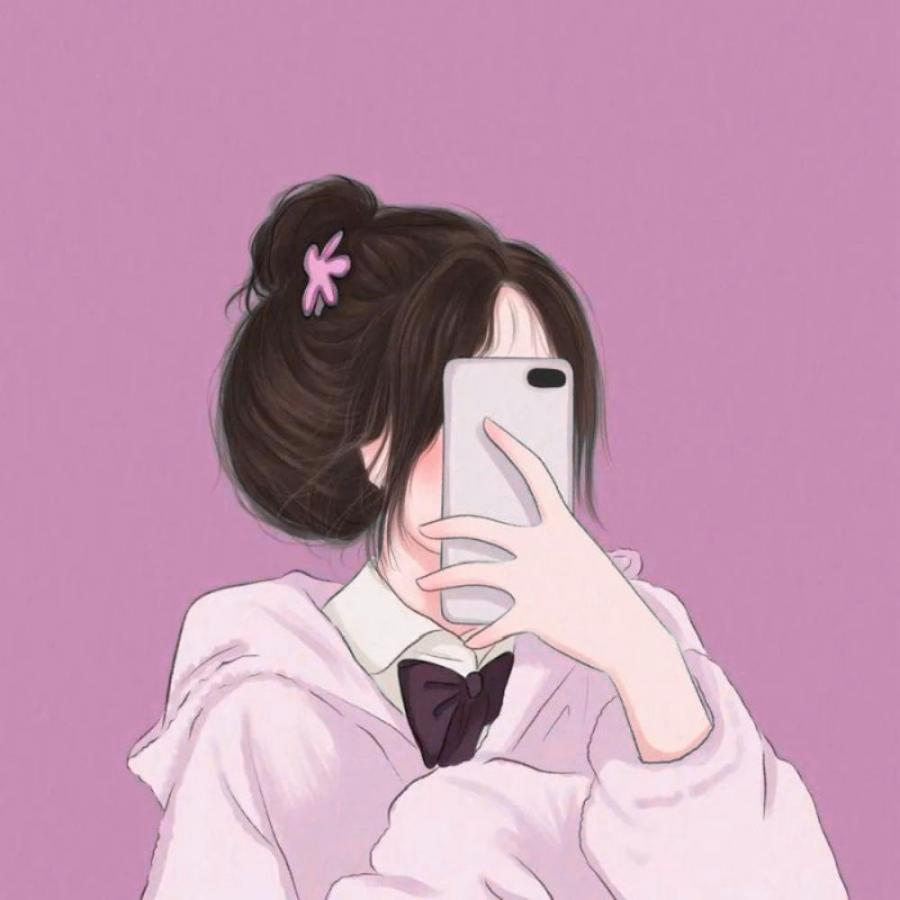
Avatars are small frames; the more cluttered the background, the more the face will "fade" into the background. A good background should be:
-
Compact, few objects
-
Neutral or monochrome colors
-
Avoid backgrounds with cluttered text or logos, or where people are walking behind you.
When you need to create a high-end feel, a light, subtle base or a smooth, dark base often works well.
2.4. Colors that harmonize with skin tone and clothing.
A beautiful avatar image doesn't need too many colors. The important thing is that the colors complement your skin tone and don't make your face look pale.
Quick color selection tips:
-
Fair skin: suits muted tones (navy blue, gray, beige, light brown)
-
Medium skin tone: suits neutral colors, moss green, and creamy white.
-
For darker skin tones: choose light to medium shades (white, cream, pastel), avoid overly dark colors that will make your face look dull.
Simple clothing with minimal patterns helps the avatar look streamlined and allows the focus to be on the expression.
2.5. Expressions appropriate to the intended purpose.
Facial expressions create a "story" for your avatar:
-
Personal social media: a gentle, natural, and friendly smile.
-
CV, LinkedIn profile, work resume: serious, confident, clear eye contact.
-
Sales account: fresh, energetic, and approachable.
-
Content creation channel: can be more individualistic but still clearly visible.
Avoid overly strained expressions, wide eyes, or excessively pouting lips, as these can easily give the impression of being unserious (unless it's for brand positioning).
3. Popular avatar image styles and how to choose the right one.

3.1. Close-up portrait avatar
This is the safest and most effective option. Advantages:
-
Easily recognizable
-
Optimized for small size
-
Compatible with all platforms
With proper framing and lighting, this style looks professional enough.
3.2. Half-Human Avatar
Suitable when you want to showcase your attire, style, or professional context. However, please note:
-
When displayed at a small size, the face may appear unclear.
-
You should choose a very clean background and a frame that isn't too wide.
If using a half-body shot, make sure the face remains the most prominent feature.
3.3. Avatar logo or brand icon
For businesses or shops. An effective avatar logo needs:
-
Simple image, few words
-
Thick lines, easily visible on both light and dark backgrounds.
-
Color scheme consistent with brand identity
Logos with too much detail will appear blurry when scaled down.
3.4. Avatar art style
Drawings, AI images, and cartoons can make an impression, but the goal needs to be considered:
-
If credibility is a priority (for sales or work), use real photos or lightly edited real photos.
-
If individuality and entertainment are your priorities, you can use an artistic style, but you should still maintain your brand identity.
4. How to edit photos to make your avatar beautiful yet natural.
4.1. Cut and align the frame correctly.
Cropping an image is a step many people skip, but it determines 70% of how good your avatar will look. Quick rule:
-
Face in the center
-
Leave a reasonable amount of space above your head.
-
Do not cut the chin or cut too close to the forehead.
-
Square frames are preferred because most display platforms render square images in a circular shape.
4.2. Slightly increase brightness and contrast.
Just a slight adjustment:
-
Brighten just enough so the skin doesn't look gray.
-
Increase contrast slightly to make faces clearer.
-
Reduce highlights if your forehead and nose are shiny.
-
Slightly increase sharpness for a sharper image.
Avoid pulling too hard, as this can make the image look artificial or reveal noise.
4.3. Retouch just enough, without distorting the face.
Over-retouching can easily create an unnatural feel, especially when meeting in person or during video calls. Prioritize:
-
Gently smooths the skin.
-
Moderate reduction of dark circles.
-
Temporary acne removal
-
Maintain the natural facial structure.
A good avatar is one that is "fresh and authentic," not one that is "completely different."
4.4. Remove the background when a clean look is needed.
There are some cases where you should remove the background:
-
The photo was taken in a space with a lot of furniture.
-
Avatar for professional profiles
-
The seller account needs to synchronize its brand color scheme.
After removing the background, you can set a plain background (light gray, white, pastel color) to make the photo look clean and modern.
5. Common mistakes that result in low-quality avatar images.
5.1. Blurry, pixelated, or excessively compressed images.
Blurry photos significantly diminish the positive impression. High-resolution original photos should be prioritized, avoiding:
-
Take a screenshot from another image.
-
Saving images by sending them multiple times via chat reduces their quality.
-
Use old, low-resolution photos.
5.2. The background is too cluttered, with too many people in the frame.
An avatar is a form of personal identification. Group photos make it difficult for viewers to know who you are. If you want to use a group photo, crop it so only you are visible and your face is clearly visible.
5.3. Abusing filters to alter skin tone.
Strong filters can make skin look yellow, red, or pale. When the avatar is displayed small, the filter becomes more noticeable and gives it an "outdated" look. It's best to keep skin tone close to natural, and adjust the lighting and contrast slightly.
5.4. Choosing images that are not compatible with the platform.
A cool TikTok avatar might not be suitable for LinkedIn. Choosing the wrong context can diminish your professionalism. If you use multiple platforms, prepare two to three avatar versions to suit your goals.
6. Suggestions for image size and optimization for avatars based on platform.
6.1. General principles when exporting images
To ensure the image displays well everywhere, you should:
-
Export high-quality JPG or PNG images if they have a transparent background.
-
Minimum size of 800x800 px to avoid pixelation.
-
Avoid inserting too much text, as it will easily be cut off when displayed in a circular format.
6.2. Optimizing the layout for a circular frame
Many platforms display avatars in a circular shape. Therefore:
-
Avoid placing important details too close to the corner of the image.
-
Keep your face centered, with space to breathe around it.
-
Avoid placing text at the edges of the image.
Simply testing by cropping the image with a circle before posting will help minimize errors where content is cut off.
7. Introduction to http://appvip.ai/appvip.ai
appvip.ai is a useful web app for those who need to quickly optimize images, especially in situations such as standardizingavatar images, streamlining layouts, adjusting sizes, and enhancing professionalism when displayed on digital platforms. With simplified processes, having a polished avatar becomes more accessible for both individual users and brands.
8. Conclusion
A good avatar doesn't need to be elaborate, but it must be purposeful: clear, bright, easily recognizable, and appropriate to the context. When optimized from lighting, background, composition, to expression, the avatar becomes a strong asset to your personal image and credibility in the digital environment. Spending a few minutes adjusting your profile picture is a small investment, but it yields significant benefits in networking, work, and branding.





















VIP Products








Best Selling Products
Freepik Premium Account
59 USD
Windows 10 & 11 Pro Key
36 USD
Adobe Photoshop Copyright - Full App
120 USD
Upgrade Duolingo Super
29 USD
MidJourney Account
29 USD
Adobe Premiere Pro Account
99 USD
Genuine Cheap Canva Pro
39 USD
ChatGPT Plus Account (GPT-4)
16 USD
Copyright Adobe Lightroom Account
59 USD
Plugin Retouch4me
69 USD
Upgrade Genuine Office 365
49 USD
Capcut Pro 1 Year
39 USD
Genuine Adobe Illustrator account
99 USD
Upgrade genuine Capture One account
120 USD
Autodesk All App Account Copyright
120 USD