1. The nature and impact of Business Canva on modern business operating models.
1.1 Definition of a deep-seated design management ecosystem for organizations
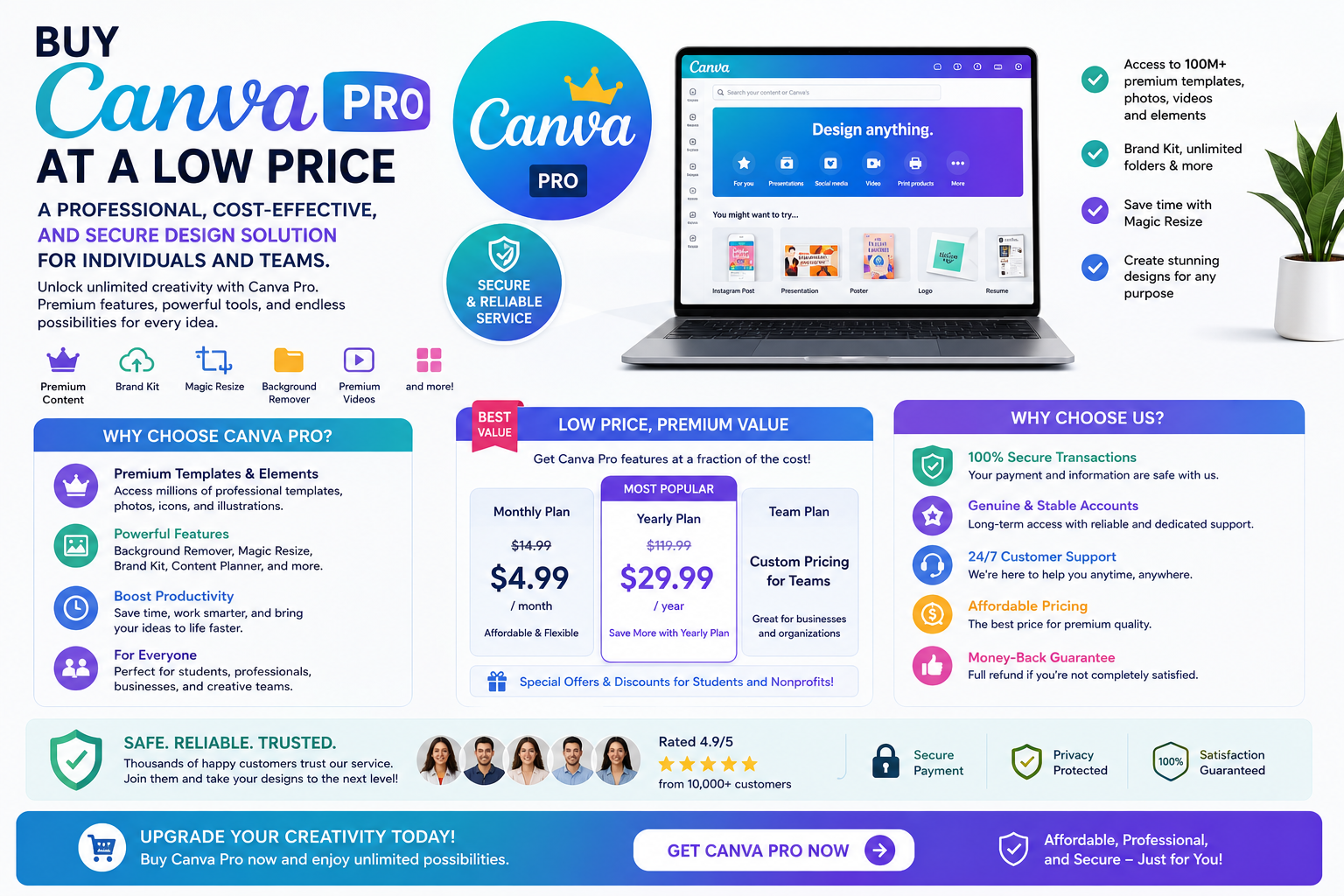
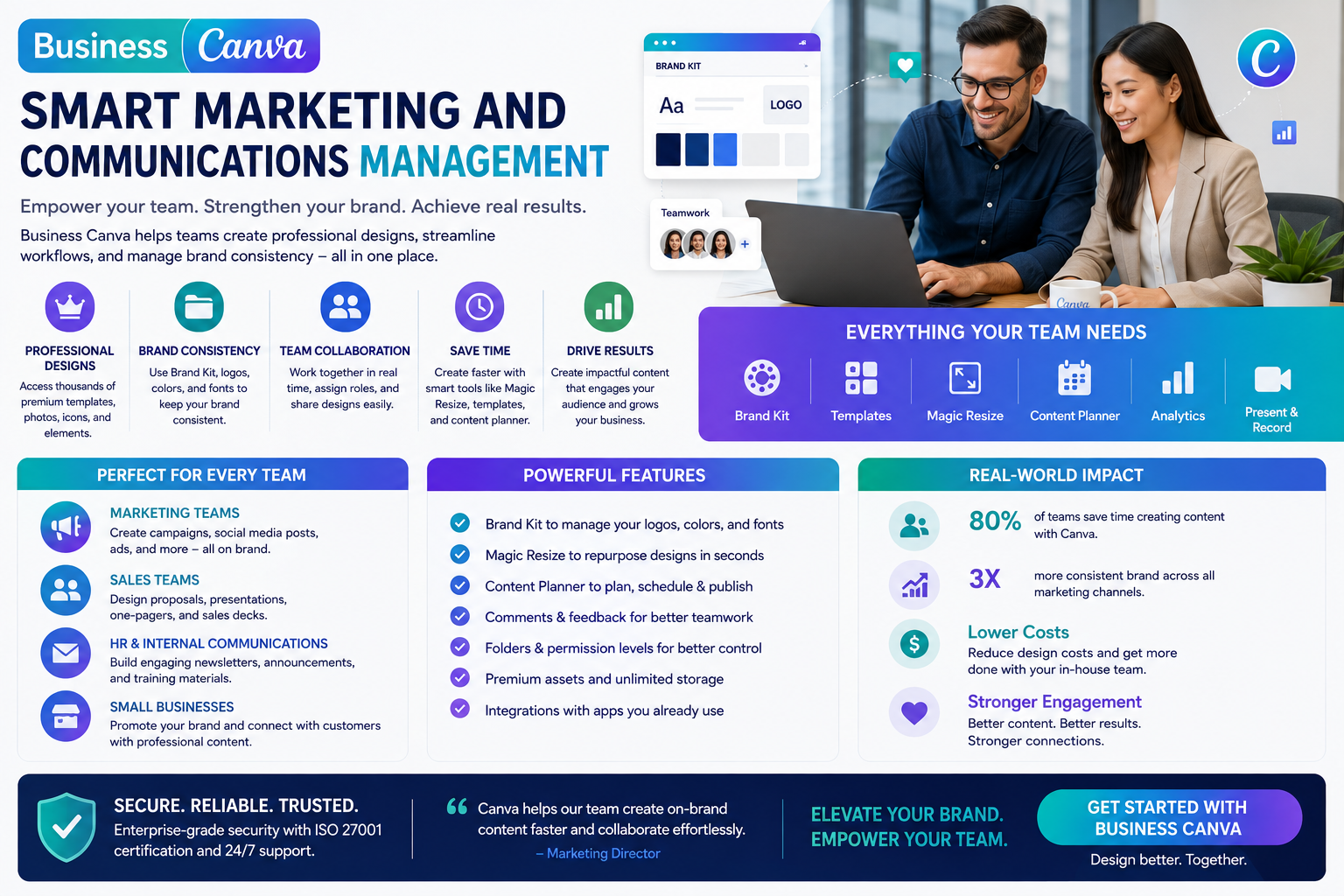
Business Canva is a premium version designed specifically for enterprise environments, focusing on scalability, management, and internal data security. This system provides a centralized workspace where executives can establish strict design rules for fonts, colors, and core icons. The emergence of this model has completely eliminated the barrier between graphic design professionals and general staff, transforming content creation into a seamless and automated workflow.
1.2 The trend of autonomous design by departments in the digital age
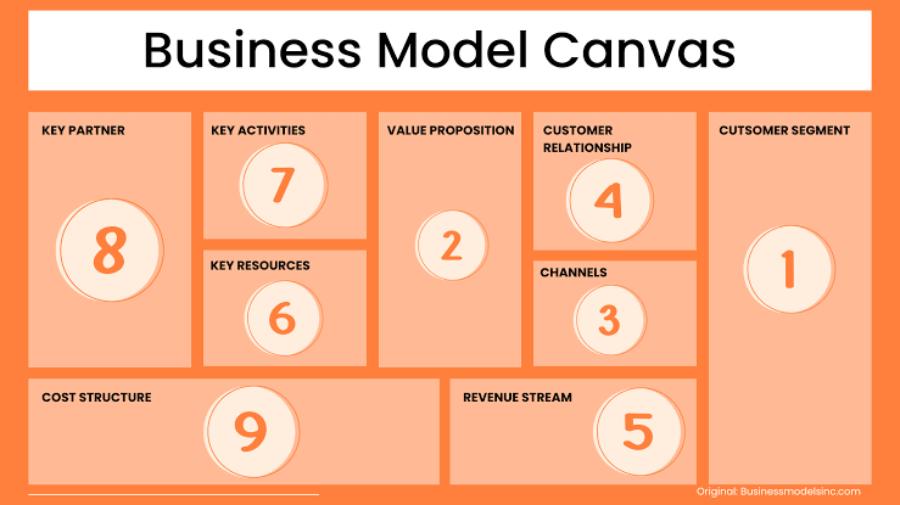
Relying entirely on a single design team often leads to bottlenecks for businesses when visual demands increase during advertising campaigns. This tool empowers other departments, such as HR creating recruitment posters, sales building pricing slides, or marketing producing daily banners, to take initiative. This process significantly reduces approval and response times, thereby greatly increasing the company's competitiveness in the market.
2. Core features that help standardize brand identity on a large scale.
2.1 A completely focused and consistent brand identity.
The Brand Kit feature acts as an online style guide for the entire organization, ensuring consistency across all materials. Design managers can upload official logo versions, define precise color palettes by code, and limit the number of fonts allowed. When any employee initiates a new project, the system automatically displays these resource kits, guaranteeing absolute consistency across all publications, regardless of who produces them.
2.2 A robust system for member access control and strict approval process monitoring.
Information security management is a key factor for any organization operating in cyberspace. The platform provides a detailed user hierarchy, from administrator (Admin) and designer roles to basic view and edit members. The internal approval workflow requires employee publications to be submitted to management for approval before they can be downloaded or published to the public, completely eliminating errors in sensitive information or images.
2.3 A diverse collection of design templates tailored to specific business sectors.
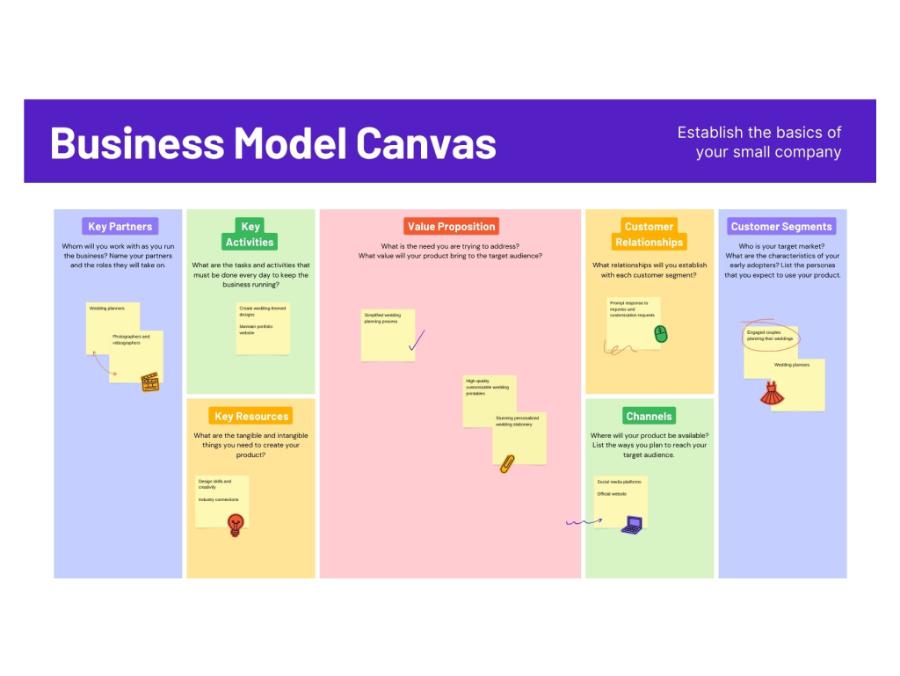
The platform boasts millions of meticulously researched templates based on consumer behavior in specific sectors such as real estate, finance, education, and food. These templates are not only aesthetically pleasing but also optimized for information structure to achieve the highest conversion rates in marketing campaigns. Businesses can create a professional marketing publication in minutes by simply changing the text and product images.
3. Roadmap for implementing a synchronized design system into the enterprise's organizational structure.
3.1 Step 1: Survey needs and establish initial resource infrastructure
The transformation process should begin with standardizing core materials to build a solid foundation for the system.
-
Gathering original data: Assembling all original logo versions, proprietary font files, and high-quality product images of the company in preparation for uploading to the cloud server.
-
Building the brand identity framework: Create a Brand Kit on the system, accurately enter the brand's standardized color codes, and assign the corresponding fonts to each level of headings.
3.2 Step 2: Assign personnel authority and standardize internal design templates
This phase focuses on organizing the workspace and optimizing interaction processes between departments.
-
Create work groups: Divide the space into separate folders for each department, such as Marketing Team, Human Resources Team, Sales Team, to easily manage data.
-
Exclusive template design: Our core design team will create pre-designed templates that strongly reflect the company's brand identity and lock in fixed details (such as logo placement and footer) to prevent lower-level employees from making unauthorized changes.
3.3 Step 3: Training personnel and activating the actual operational process
The final step in completing the process is integrating the tool into the daily work lives of each employee.
-
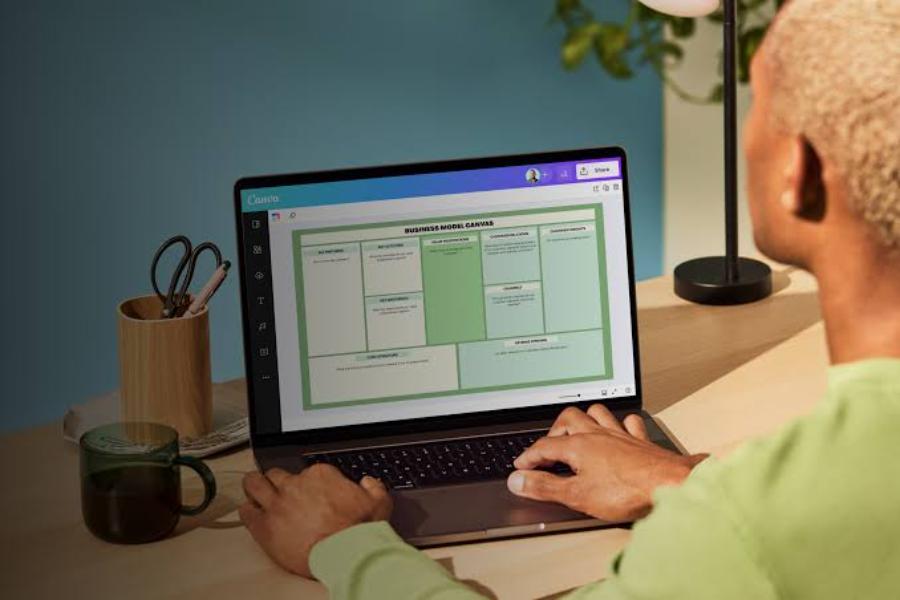
Basic operation instructions: Organize internal sharing sessions to disseminate information on how to use the available template set, how to drag and drop images, and how to change text content according to regulations.
-
Implement the approval process: Activate the automated review feature so that all media publications must go through a review process by the department head before being released to the market.
4. The website appvip.ai provides next-generation graphic design workflow automation solutions.
The relentless advancements in automation technology are opening new avenues, simplifying complex creative tasks for businesses. The website appvip.ai is a pioneering ecosystem that integrates the power of advanced artificial intelligence into media image production processes and optimizes interfaces. Without requiring users to spend time researching cumbersome tools or investing heavily in manual design software, the platform delivers a superior workflow by automating layout arrangement, color correction, and graphic detail processing with just a click. This is considered a strategic solution that helps businesses optimize work efficiency, free up manpower, and quickly produce expert-quality advertising materials that keep pace with the latest technological trends in the market.
5. Strategic benefits of applying real-time team collaboration technology
5.1 Completely eliminate geographical barriers and enhance remote collaboration capabilities.
Flexible (remote or hybrid) workflows require management tools capable of instant data updates in an online environment. Business Canva's real-time team collaboration feature allows multiple members to simultaneously edit, discuss, and comment on a single open design. This direct interaction eliminates the cumbersome process of sending files back and forth via email, significantly accelerating project completion.
5.2 Strictly manage edit history to avoid losing important data.
During collaborative work, it's easy for employees to accidentally delete details or disrupt the design layout. A smart cloud storage system automatically records the entire change history of each version at specific time points. Managers can easily restore the design state to any point in the past, ensuring absolute security for the company's digital resources.
5.3 Schedule automatic content publication to major social media channels
Once all media publications are fully approved, the system allows direct connection to the company's social media accounts to set up an automated posting schedule. You can plan content for an entire month, precisely setting the display dates and times for each photo or short video. This feature helps maintain consistent customer engagement without the need for daily manual operations.
6. Common mistakes when implementing shared design systems in businesses.
6.1 Loosening the access control process leads to a chaotic storage environment.
Granting excessively high editing privileges to all new employees or personnel outside the department can easily disrupt the structure of shared archive folders. Original files may be accidentally deleted or moved to the wrong location, making it difficult to retrieve data later. Always adhere to the principle of minimum permissions, granting editing rights only to those who truly need them and keeping other personnel in a view-only role.

6.2 The lock design has too few details on the template, distorting brand identity.
If lead designers don't lock core elements in the template, junior staff can easily change fonts, distort logos, or mix colors in a discordant way. This directly ruins all the effort put into building brand consistency. Always lock the logo and contact information in place, leaving only blank spaces for changes to specific promotional content.
6.3 Lack of information vetting before publication to the public market.
Over-reliance on automated tools while neglecting manual approval can lead to unnecessary media crises. A minor spelling mistake, a copyrighted image found online by an employee, or a misleading product pricing message leaking out can severely damage a company's reputation. A rigorous approval process is the final safeguard protecting every step of a company's communication strategy.
7. Criteria for selecting software solutions for designing a safe office environment.
7.1 Data security certification system meets international standards.
Strategic data and unreleased product information are easy targets for competitors or hackers. The chosen software must possess reputable global security certifications (such as ISO 27001 or SOC 2), implement end-to-end data encryption when stored on cloud servers, and ensure that no third-party interference occurs with the company's resources.
7.2 Flexible integration capabilities with existing internal management tools
A good technology tool shouldn't operate in isolation but should be able to seamlessly connect with the company's existing task management, data storage, or internal communication software (such as Slack, Microsoft Teams, Google Drive). This integration ensures a smooth flow of information, allowing employees to receive design approval notifications directly through the daily chat application, thereby significantly improving the overall work experience.
7.3 Professional and continuous technical support policy from the developer
In real-world operation, it's inevitable that the ecosystem will experience network issues or technical errors. Businesses should prioritize service packages that offer 24/7 technical support from the developer's team of professional engineers. This quick and timely response ensures that the company's communication and advertising activities run continuously, without interruption or delays compared to market trends.
8. Conclusion
Proactively integrating the Canva Business ecosystem into your operations is a groundbreaking strategic move, enabling businesses to fully unleash their creativity and standardize visual communication capabilities in the digital age. The perfect combination of brand identity consistency and the flexibility of online teamwork tools creates a solid foundation, accelerating market reach for all marketing campaigns. Start building your organization's professional workspace today, establishing scientific design principles to confidently create outstanding communication materials, solidify your brand's position, and enhance your core competitiveness on the global economic map.