Best Selling Products

Adobe Premiere Pro Account
99 USD

Windows 10 & 11 Pro Key
36 USD

MidJourney Account
29 USD

Plugin Retouch4me
69 USD

Freepik Premium Account
59 USD

Capcut Pro 1 Year
39 USD

Genuine Adobe Illustrator account
99 USD

Autodesk All App Account Copyright
120 USD

Upgrade Genuine Office 365
49 USD

Genuine Cheap Canva Pro
39 USD

Adobe Photoshop Copyright - Full App
120 USD

Upgrade Duolingo Super
29 USD

Copyright Adobe Lightroom Account
59 USD

ChatGPT Plus Account (GPT-4)
16 USD

Upgrade genuine Capture One account
120 USD
Buying a Mac in 2025: A smart investment or just following a trend?
Apple's constant release of new chips has left many people confused. This article will help you identify which chips are worthwhile investments that won't become obsolete after just one year.
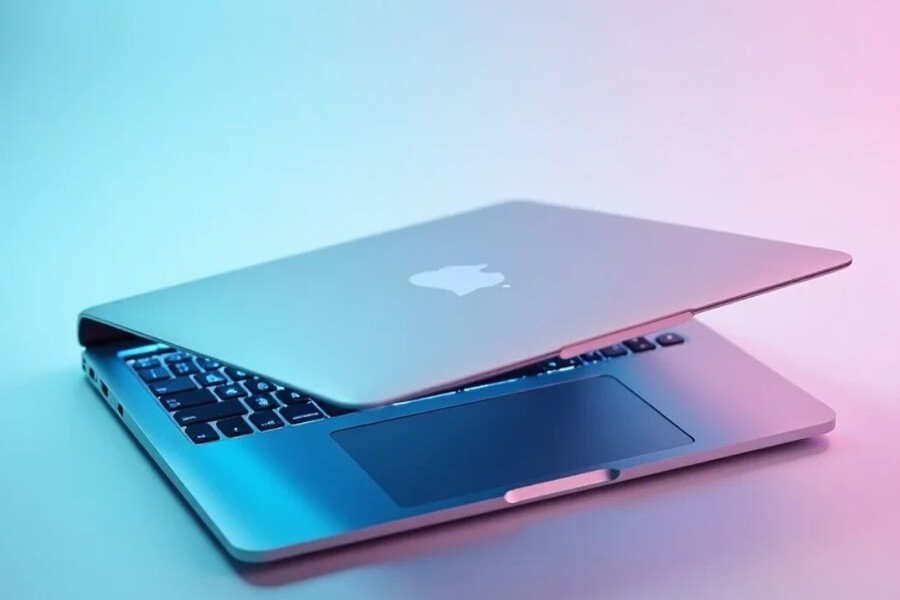
Every year, Apple amazes the tech world with groundbreaking innovations, and 2025 is no exception with the official launch of the M4 chip series, offering a perfect balance between power, performance, and energy efficiency.
However, the sheer variety in Apple's product line can sometimes be confusing for users. Among the Macs – MacBook Air, MacBook Pro, iMac, Mac Mini, or Mac Studio – which is the best choice? Do you really need the power of the Mac Studio, or is the compactness of the MacBook Air sufficient? This article will help you analyze each model in depth, from design and performance to target users, to find the most accurate answer: In 2025, which Mac is truly right for you?
1. MacBook Air (M4)
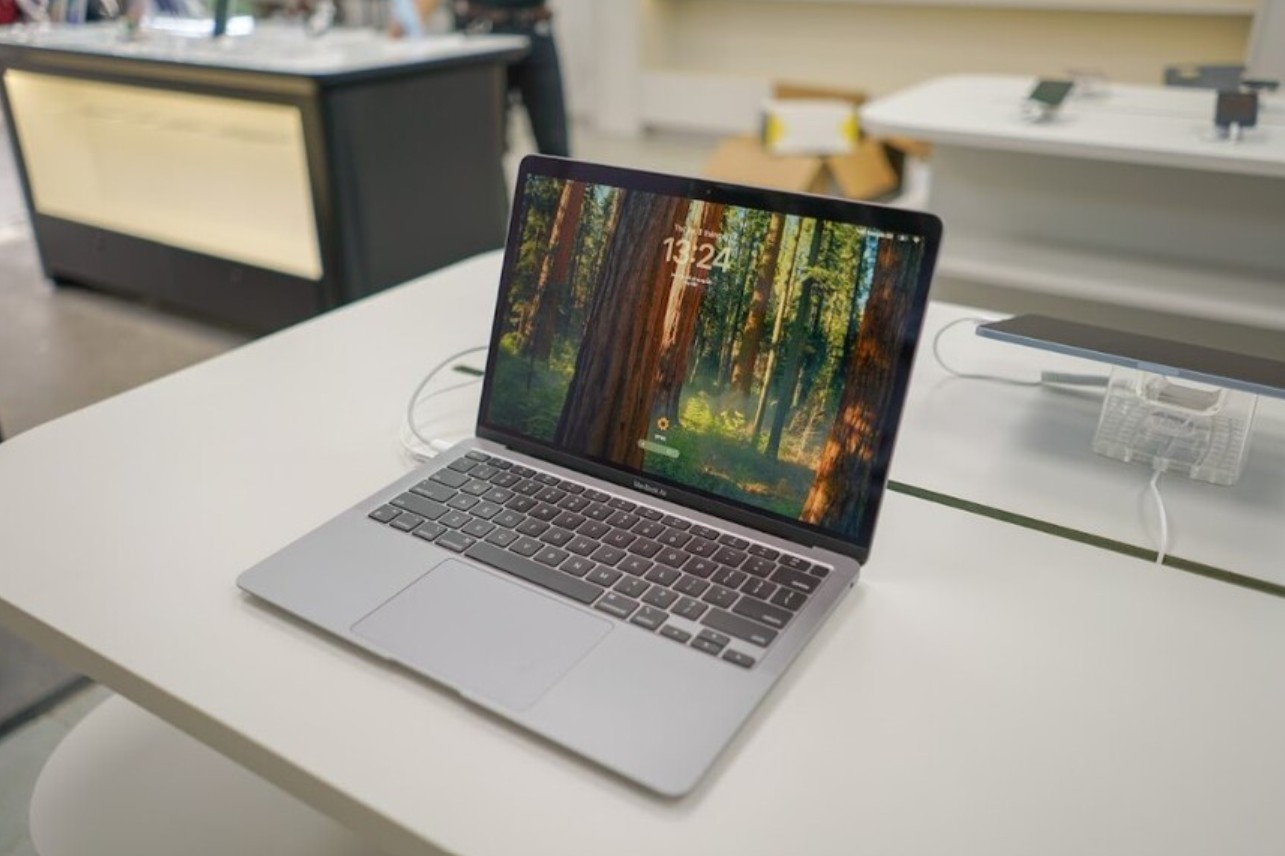
If there's one device that can be considered Apple's "ambassador" in the laptop world, it's the MacBook Air. Since its initial launch in 2008, this line of machines has always been a symbol of thinness, elegance, and durability. In 2025, the MacBook Air with the M4 chip further solidifies that reputation, becoming the "absolutely safe" choice for most users.
In terms of design, the MacBook Air M4 largely retains the streamlined style that Apple has perfected over many generations. Weighing only about 1.2 kg and impressively thin, this machine easily becomes an ideal companion for those who frequently travel. The unibody aluminum construction is meticulously finished, giving it a luxurious and sturdy feel. The color options are also more diverse, with modern tones like Midnight, Starlight, and Silver, allowing users to easily choose according to their personal aesthetic.
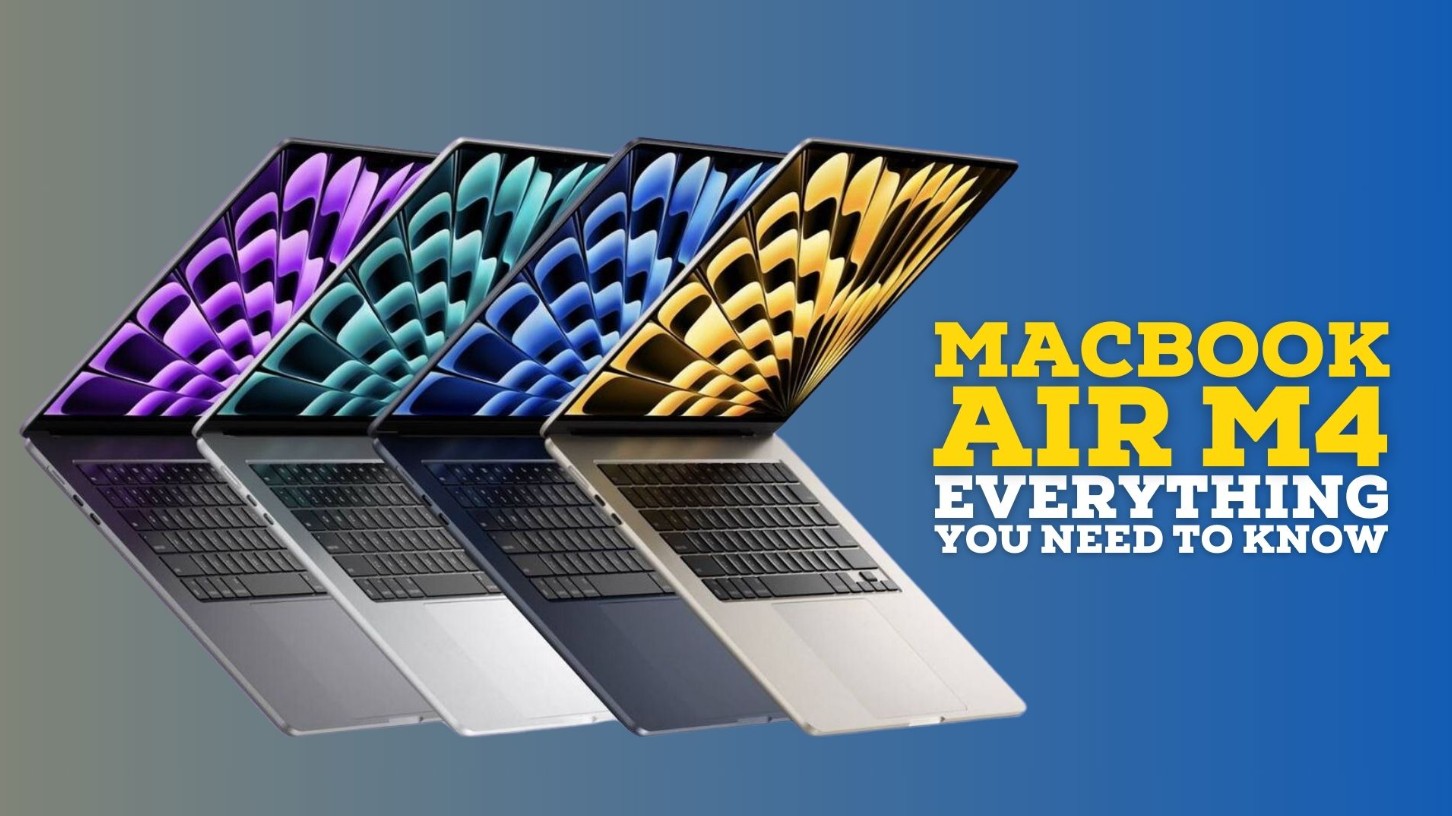
The biggest highlight is the Apple M4 chip. This chip delivers significantly better performance than the previous M3, with a CPU speed approximately 20% faster and a GPU up to 25% more powerful. This means you can smoothly handle all your daily tasks: from writing documents, browsing the web, and online learning, to photo editing and short video production. Those working in content creation or light design using Canva, Figma, or basic Photoshop will notice a significant difference: the device is virtually lag-free, doesn't overheat, and runs smoothly even with multiple applications open simultaneously.
Battery life is another commendable feature. The MacBook Air M4 can run continuously for up to 18 hours on a single charge. This means you can carry it all day for studying, working, or even short business trips without needing to bring a charger. The Liquid Retina display has also been upgraded with higher brightness, support for P3 color gamut and True Tone, and vibrant, true-to-life colors.
2. MacBook Pro
The 2025 MacBook Pro will be equipped with the M4 Pro and M4 Max chips, delivering impressive processing power. The M4 Max chip boasts up to 16 CPU cores and 40 GPU cores, supporting up to 128GB of unified RAM, ensuring smooth operation in all demanding tasks: from 8K video rendering and architectural design to AI model training.
The 14- or 16-inch Liquid Retina XDR display remains an undeniable highlight. With a maximum brightness of 1600 nits and a 120Hz ProMotion refresh rate, every detail is displayed sharply, with deep contrast and superior color accuracy. For video post-production, color grading, or intensive graphic design professionals, this is a dream display that few laptops on the market can match.
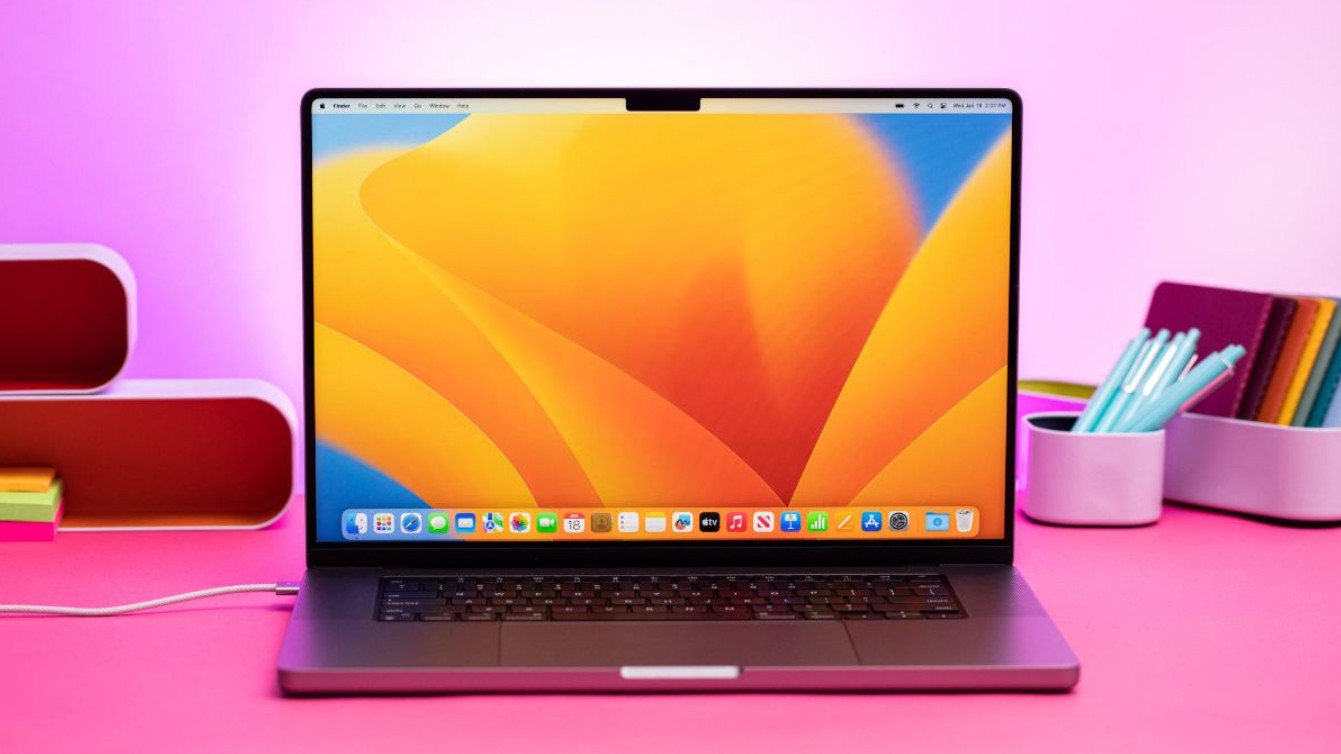
The Magic Keyboard is finely tuned with a comfortable key travel and good responsiveness, providing an extremely comfortable typing experience, while the large trackpad remains the industry standard. The dual cooling system operates quietly but effectively, helping the machine maintain high performance for extended periods without throttling.
The MacBook Pro is the ideal tool for those who truly need power. If your work involves video editing, 3D graphics, large-scale data processing, or heavy programming, the MacBook Pro will save you time and significantly boost your productivity. It's also the optimal choice for mobile workers who aren't willing to compromise on performance.
3. iMac
If you appreciate the sleekness and aesthetics of an "all-in-one" machine, the iMac M4 is an option you can't overlook. Apple has maintained the spirit of the iMac line for many years: simple, elegant, and powerful enough for most users.
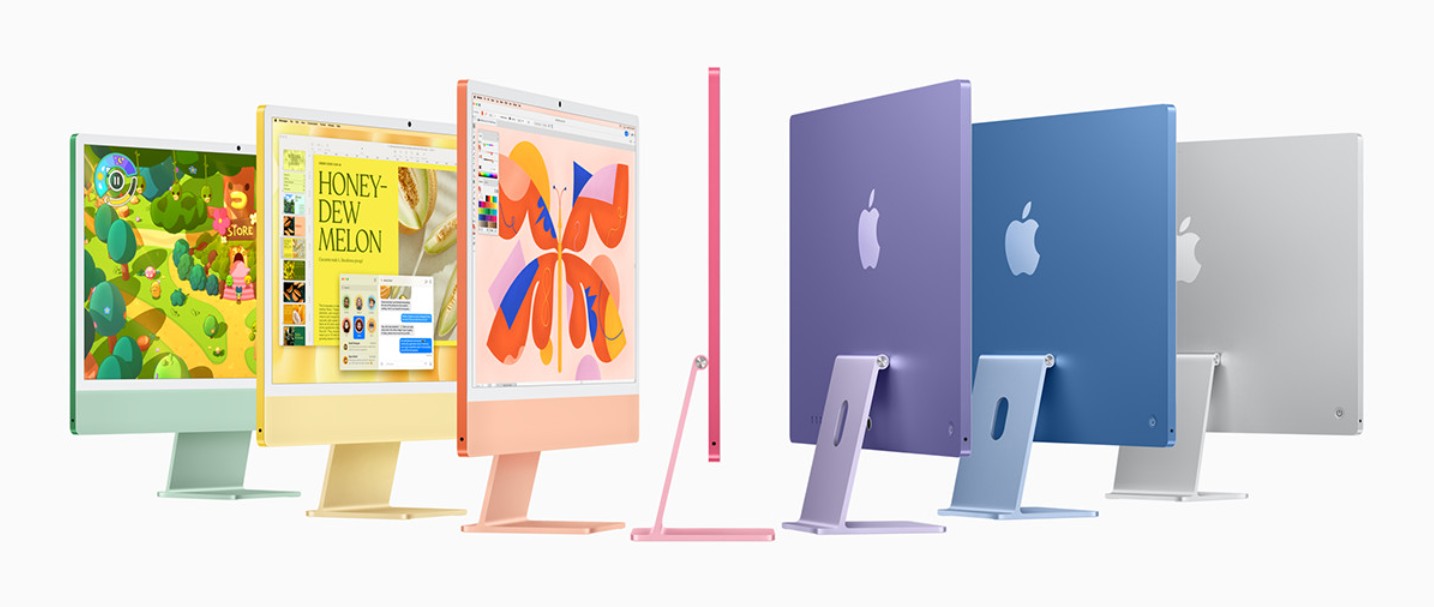
The 2025 iMac boasts a 24-inch 4.5K Retina display, showcasing over a billion colors with high brightness and accurate color reproduction. For designers, photographers, or simply those who appreciate a beautiful workspace, the iMac delivers a superb visual experience.
Inside is the M4 chip, which makes the machine fast and smooth. Office tasks, light content creation, or even 4K video editing are all handled seamlessly. The cooling system is almost silent, allowing you to work for hours in a quiet environment. macOS Sonoma optimizes the work experience, making switching between applications seamless and lag-free.
What makes the iMac special is its aesthetics. An iMac on a desk almost becomes a decorative centerpiece. With a body only 11.5mm thick, thin bezels, and sophisticated color options, the iMac transforms any workspace into an inspiring creative environment.
This is the perfect machine for families, offices, or individuals who appreciate minimalism. It's not as powerful as a Mac Studio, but it's not as weak as some budget laptops. At a reasonable price, the iMac offers a "sufficient and beautiful" experience—powerful enough for everyday tasks and elegant enough to make you want to admire it every time you walk into the room.
4. Mac Mini
If you want to enter the world of Macs without spending too much money, the Mac Mini M4 is the most reasonable choice. Although not as widely recognized as the MacBook, the Mac Mini is still highly regarded by experts for its performance-to-price ratio.
The Mac Mini M4 maintains the minimalist design philosophy, being about the size of a book but packed with impressive power. The M4 chip ensures smooth operation even when handling programming, design, or multimedia tasks. Combined with a super-fast SSD and a wide range of connectivity options, the Mac Mini easily meets all your work needs at home or in the office.
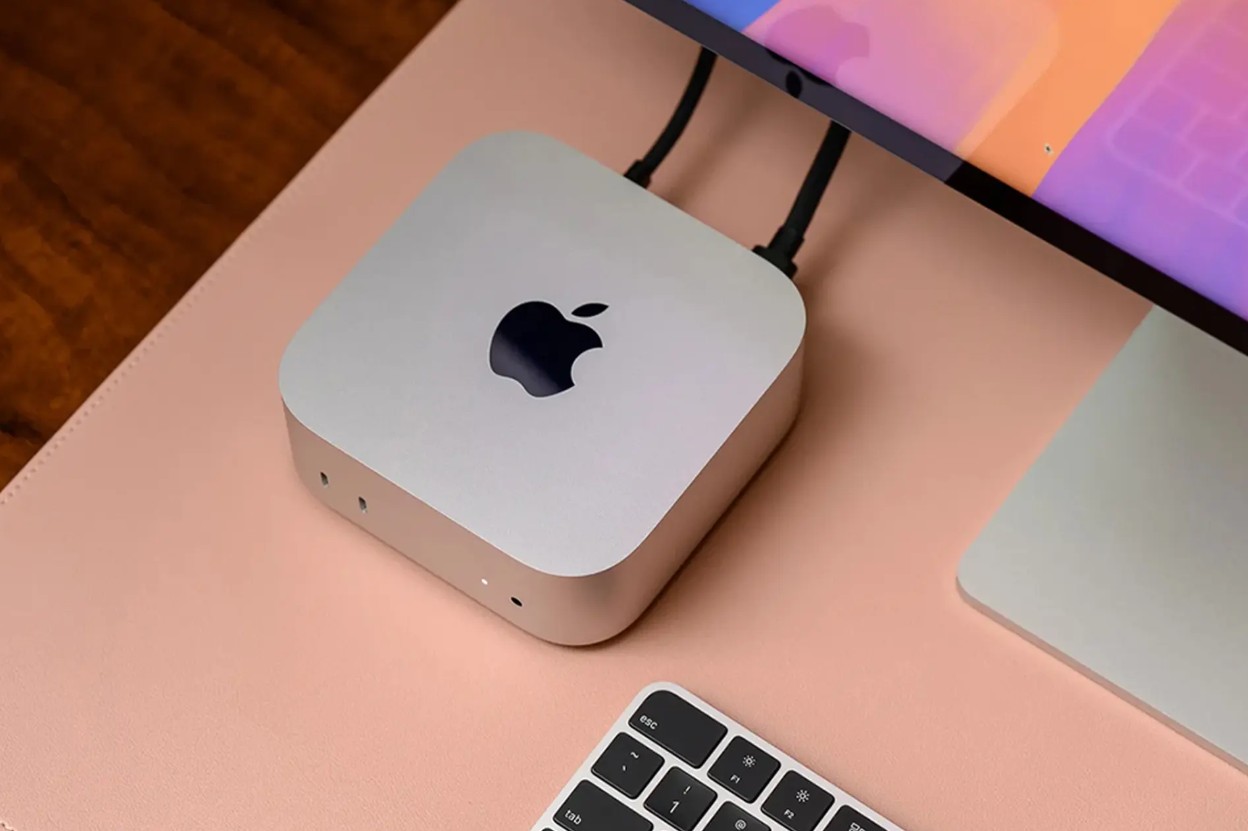
The biggest advantage of the Mac Mini lies in its value for money. For only half the cost of a MacBook Air, you can get comparable, or even better, performance with upgrades. All you need is a monitor, keyboard, and mouse to have a complete Mac system.
The Mac Mini is particularly well-suited for freelancers, programmers, or businesses needing to equip their employees with desktop computers. It's compact, durable, easy to maintain, and energy-efficient. In 2025, as hybrid work (working from home and in the office) becomes a popular trend, the Mac Mini will continue to prove its value: powerful, versatile, and extremely good value for money.
5. Mac Studio
When you need a truly powerful machine that can handle professional projects without taking up too much space, the Mac Studio M4 is the answer. This line of machines was created by Apple to serve professional creators.
The 2025 Mac Studio is equipped with the M4 Max and M4 Ultra chips, delivering incredible performance. The M4 Ultra version can reach up to 24 CPU cores and 76 GPU cores, supporting up to 192GB of unified RAM. With this configuration, the Mac Studio can render 8K video, handle complex 3D simulations, or run AI projects without any lag.
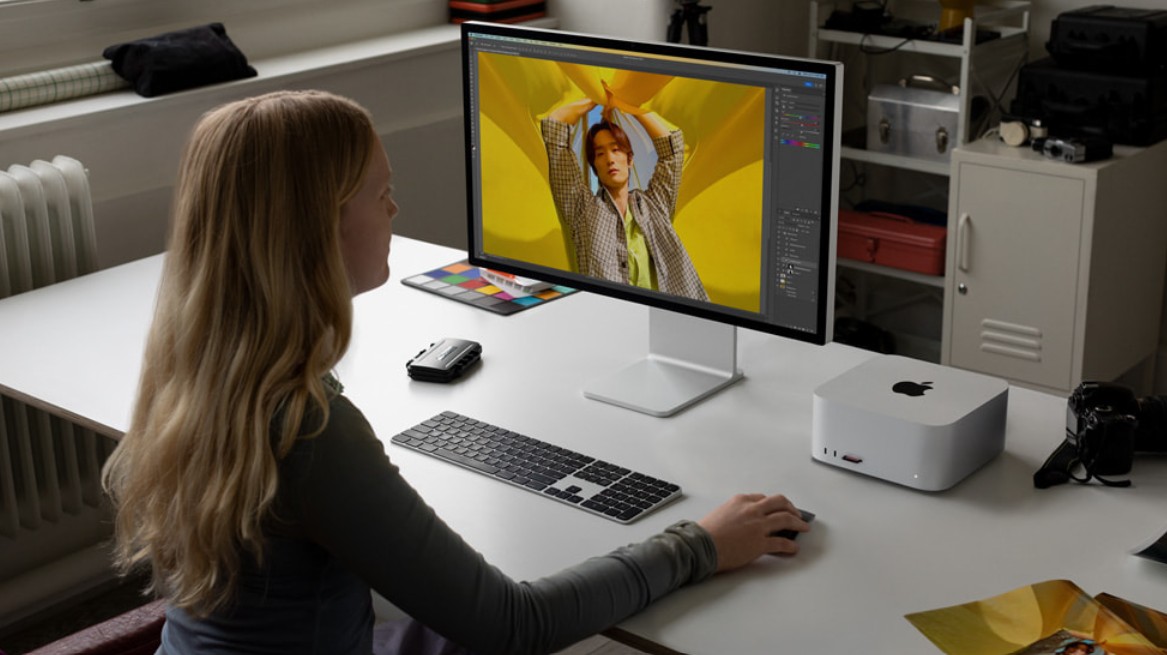
The Mac Studio's cooling system operates quietly even under heavy workloads. Thanks to its meticulous design and macOS optimization, the Mac Studio is virtually never idle. It's a top choice for production studios, creative agencies, or professional developers who need the most powerful Mac currently available without investing in an expensive Mac Pro.
Despite its power, the Mac Studio maintains Apple's signature compact design. Only slightly larger than the Mac Mini, it can be placed anywhere while still providing ample workspace. It's clear evidence of Apple's enduring philosophy of "professional performance in a streamlined form factor."
6. How much RAM should I choose?
When buying a Mac, the most common question is always: "How much RAM is enough?". With Apple Silicon, RAM is designed as Unified Memory, meaning the CPU and GPU share a single high-speed memory, resulting in superior performance compared to traditional RAM.
However, that also means you can't upgrade the RAM after purchase, so choosing the right capacity from the start is crucial.
If you only use your computer for office work, studying, browsing the web, listening to music, and watching movies, 8GB of RAM is a reasonable starting point. macOS is so well optimized that even when you have dozens of Safari tabs open, the system still runs smoothly.
For those doing creative work, design, or light programming, 16GB of RAM will provide a balanced experience between price and performance. You can comfortably work with software like Photoshop, Illustrator, VS Code, or Premiere at medium settings without worrying about running out of resources.
If you work with video, 4K video editing, 3D graphics, or AI, 32GB of RAM or more is a recommended choice. Higher capacity allows the system to process large projects faster, reduces rendering times, and increases stability when multitasking.
7. How much storage capacity is sufficient?
SSDs in Macs are renowned for their incredibly high speeds, often reaching 7,000 MB/s. However, that speed also comes with a higher cost compared to conventional computers. Therefore, choosing the right storage capacity will help you optimize your budget while still having enough for your needs.
If you primarily work online, saving documents to iCloud, Google Drive, or Dropbox, then 256GB is an acceptable starting point. However, if you frequently download many apps, edit photos and videos, or install heavy design software, 512GB would be a safe minimum choice.
For those who create video content, program, or design graphics, 1TB or 2TB is ideal storage. Nothing is worse than running out of memory while editing videos or building heavy projects. Although upgrading to an SSD on a Mac is quite expensive, you get superior access speeds and impressive durability in return.
Additionally, you can still expand storage with external SSD or HDD drives via Thunderbolt, or use cloud storage services. Apple is increasingly optimizing the iCloud ecosystem, making synchronization between Mac, iPhone, and iPad seamless and significantly saving device storage space.
8. So, ultimately, which Mac is right for you?
After reviewing Apple's entire product range, the answer isn't about which device is the most powerful, but rather which one best suits your needs.
If you're a general user who needs a lightweight, long-lasting, durable, and stable machine, the MacBook Air (M4) is the perfect choice. It offers everything you need at a reasonable price.
If your work demands high performance, especially in professional creative fields, engineering, film, or AI, choose a MacBook Pro (M4 Pro/Max).
If you prefer a neat desk setup, a large screen, and high aesthetics, the iMac M4 will absolutely satisfy you. However, if you need a powerful device but want to save money, the Mac Mini M4 is the perfect starting point.
And finally, if you're someone who always pursues maximum power and needs a professional workstation system in a compact form factor, the Mac Studio M4 Ultra is the Mac you're looking for.
The most important thing isn't choosing the "most expensive" or "most powerful" Mac, but rather choosing the Mac that best suits your needs and lifestyle.





















VIP Products








Best Selling Products
Adobe Premiere Pro Account
99 USD
Windows 10 & 11 Pro Key
36 USD
MidJourney Account
29 USD
Plugin Retouch4me
69 USD
Freepik Premium Account
59 USD
Capcut Pro 1 Year
39 USD
Genuine Adobe Illustrator account
99 USD
Autodesk All App Account Copyright
120 USD
Upgrade Genuine Office 365
49 USD
Genuine Cheap Canva Pro
39 USD
Adobe Photoshop Copyright - Full App
120 USD
Upgrade Duolingo Super
29 USD
Copyright Adobe Lightroom Account
59 USD
ChatGPT Plus Account (GPT-4)
16 USD
Upgrade genuine Capture One account
120 USD