1. What is CapCut Online?
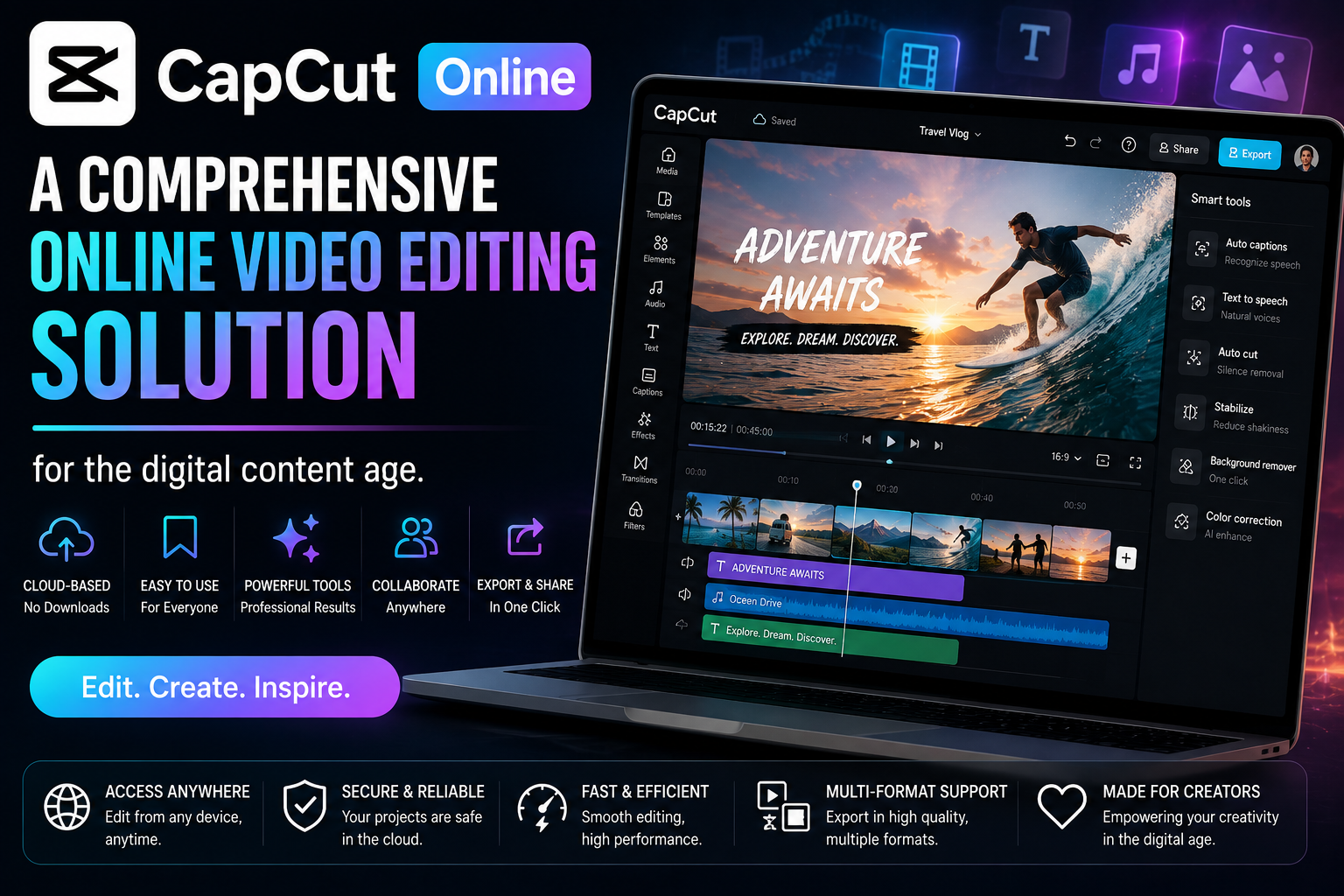
CapCut Online is the online video editing version of the CapCut platform, allowing users to perform the entire video editing process on a web platform without needing to install an application.
1.1. Concept and operation
CapCut Online operates on cloud computing technology, where all editing operations are processed directly on the server instead of the user's personal device. When users upload videos to the system, the data is stored online and processed in real time.
Thanks to this mechanism, users don't need to worry about weak computer configurations or insufficient storage space. All operations such as cutting, splicing, adding effects, or exporting videos are performed quickly directly in the browser.
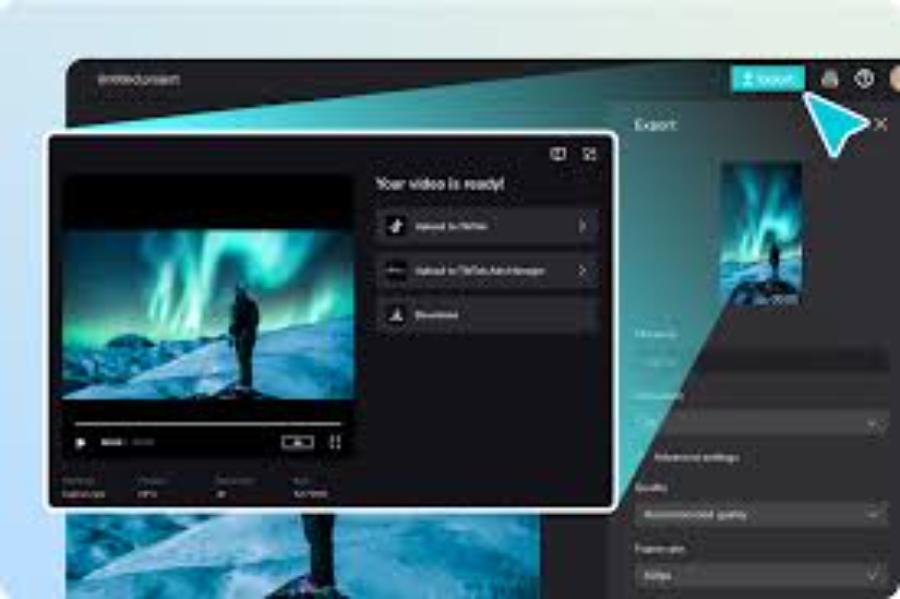
Additionally, the automatic saving feature minimizes the risk of data loss in the event of incidents such as power outages or sudden browser crashes.
1.2. Suitable users
CapCut Online is suitable for a wide range of people in modern society. Beginners can use it to learn basic video editing without needing in-depth knowledge. Content creators can utilize the tool to produce videos quickly and keep up with trends.
Small businesses and individuals selling online use CapCut Online to create promotional videos and product introductions. Freelancers in the marketing and media fields also consider it a powerful tool to support their daily work.
2. Key advantages of CapCut Online
CapCut Online possesses many competitive advantages over traditional editing software.
2.1. No software installation required.
The ability to run directly in the browser saves users time and effort in installation. This is especially useful for those using public computers or devices with low specifications.
Not needing to update the software also ensures users always have access to the latest version without any manual intervention.
2.2. User-friendly interface, easy to use.
CapCut Online's interface is designed to be minimalist yet fully functional. The tools are organized into groups, making it easy for users to get acquainted with and use.
The intuitive drag-and-drop mechanism makes editing quick, even for those who have never used video editing software before.
2.3. Abundant resource reserves
CapCut Online offers a diverse and constantly updated library of resources. Users can access thousands of pre-built templates suitable for various purposes such as advertising, vlogging, and product reviews.
A vast library of transition effects, color filters, and sound effects helps make videos more dynamic and professional. This significantly saves time searching for external resources.
2.4. Integrating AI technology
AI technology is one of CapCut Online's outstanding strengths. Features such as automatic background removal, voice recognition, subtitle generation, and intelligent color correction simplify the editing process.
Thanks to AI, users can complete videos in a shorter time while still ensuring high quality.
3. Comparing CapCut Online and CapCut App
Choosing the right version depends on each person's needs and usage conditions.
3.1. Similarities
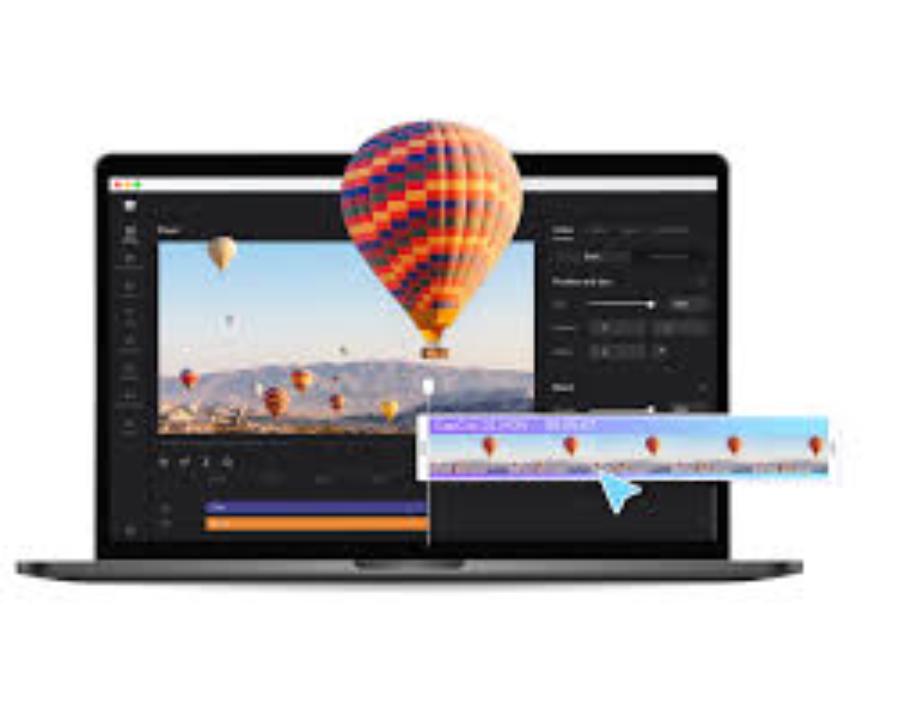
Both versions offer video editing tools ranging from basic to advanced. Users can trim, add effects, adjust audio, and export high-quality videos.
The resources and effects in both versions are relatively similar, ensuring a consistent experience.
3.2. Differences
CapCut Online offers high flexibility as it can be used on multiple devices without installation. Meanwhile, the CapCut App generally has more stable performance when processing large video files.
The online version relies heavily on an internet connection, while the app version can work offline in some cases.
| Features | CapCut Free | CapCut Pro |
| Effects and filters | Limit | Unlimited |
| Background music | Limit | Unlimited |
| Labels | Limit | Unlimited |
| Font | Limit | Unlimited |
| Aspect ratio | Limit | Fully customizable |
| Export video | There may be a logo. | No logo |
| Resolution | Limit | High quality |
| Cloud storage | Limit | Large capacity |
| Support | Basic | Priority support |
4. Key features of CapCut Online
CapCut Online provides a full range of professional video editing tools.
4.1. Cutting, splicing, and editing videos
Users can easily cut, merge, and arrange video clips as desired. The intuitive timeline allows for precise content control.
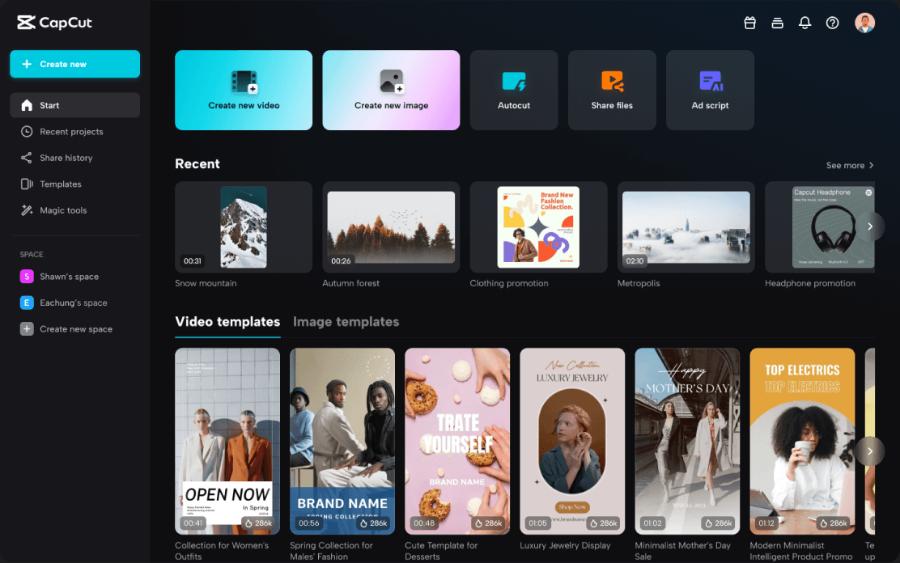
Tools for adjusting speed, rotating video, or changing aspect ratio help adapt videos to different platforms.
4.2. Adding effects and filters
Effects and filters help make videos more appealing. Users can choose according to their personal style or current trends to increase reach.
4.3. Inserting text and subtitles
CapCut Online supports a variety of fonts, colors, and animation effects. Its automatic subtitle generation feature saves time and increases viewer engagement.
4.4. Audio Editing
Users can add background music, trim and splice audio, and adjust the volume accordingly. Synchronizing audio with video makes the video look more professional.
5. Benefits of using CapCut Online in content creation
CapCut Online offers many practical benefits in the video production process.
5.1. Increase the speed of content production.
Pre-built templates and automated tools help shorten editing time, allowing users to create many videos in a short period. With a user-friendly interface, this tool allows users to edit videos quickly without downloading any software.
5.2. Improve video quality
Diverse effects and AI technology enable high-quality videos without requiring specialized skills.
5.3. Cost Savings
Users don't need to invest in expensive software or high-end equipment to create professional videos. Using this tool not only saves time but also enhances creative efficiency, making it easy for users to create professional and engaging products.
6. Conclusion
CapCut Online is a modern video editing tool, perfectly suited to the evolving trends in digital content. Thanks to its convenience, flexibility, and integration of powerful features, this platform helps users create high-quality videos quickly. When used correctly and combined with appropriate supporting tools, CapCut Online becomes a powerful assistant in building content and developing a sustainable personal brand.