Best Selling Products

Upgrade genuine Capture One account
120 USD

Genuine Cheap Canva Pro
39 USD

Capcut Pro 1 Year
39 USD

ChatGPT Plus Account (GPT-4)
16 USD

Adobe Photoshop Copyright - Full App
120 USD

MidJourney Account
29 USD

Plugin Retouch4me
69 USD

Autodesk All App Account Copyright
120 USD

Upgrade Duolingo Super
29 USD

Freepik Premium Account
59 USD

Copyright Adobe Lightroom Account
59 USD

Adobe Premiere Pro Account
99 USD

Windows 10 & 11 Pro Key
36 USD

Genuine Adobe Illustrator account
99 USD

Upgrade Genuine Office 365
49 USD
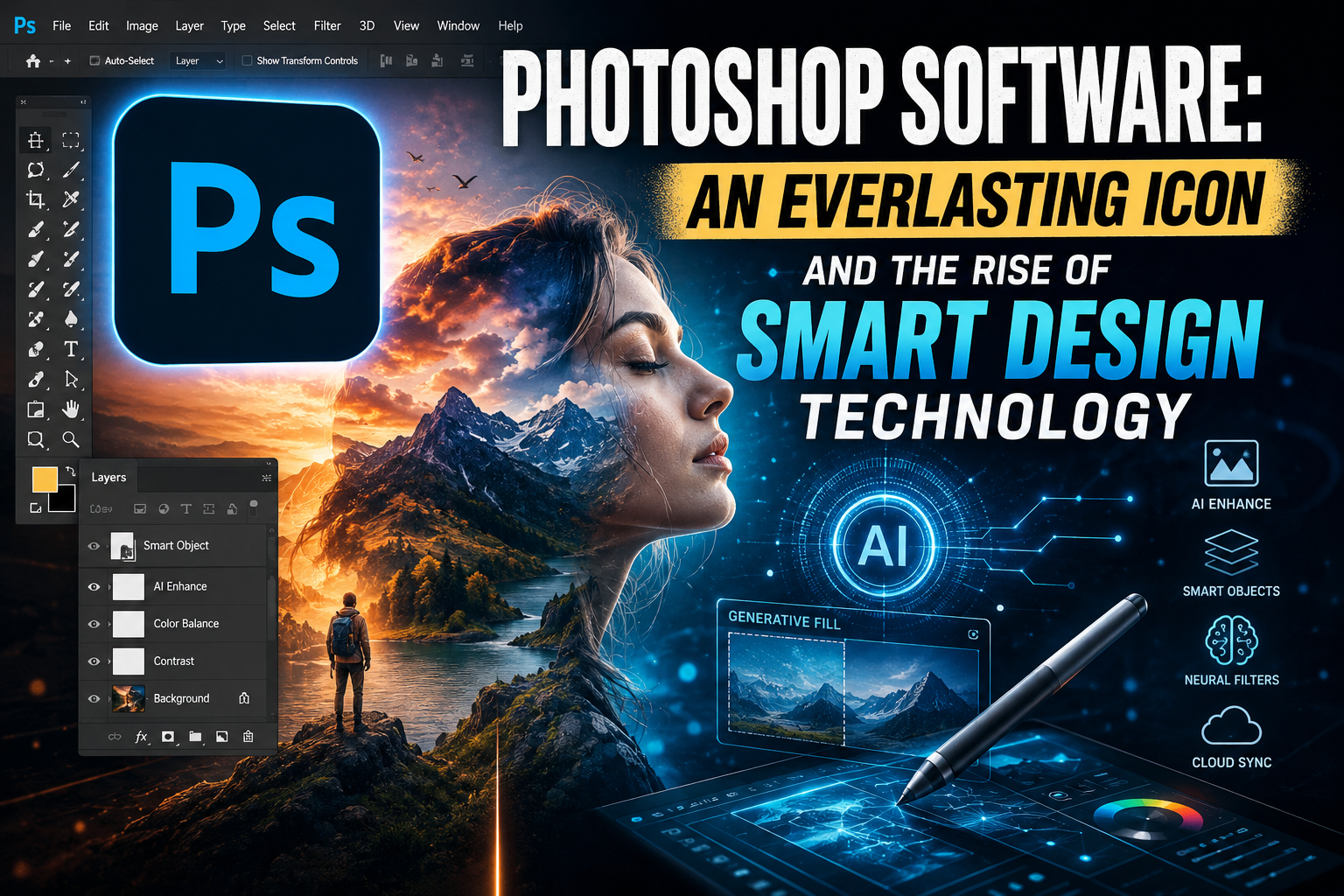
PHOTOSHOP SOFTWARE: AN EVERLASTING ICON AND THE RISE OF SMART DESIGN TECHNOLOGY
Nội dung
- 1. Photoshop's dominant position in the global graphic design industry.
- The ability to deeply manipulate pixel structure.
- Flexible Layer and Mask system
- 2. Breakthrough features shaping the future of design
- Generative Fill - The power to transform all things
- Neural Filters - Edit portraits in an instant
- Remove smart objects with the Object Selection Tool.
- 3. Professional workflow using Photoshop software
- Setting up an optimal workspace
- Color management and print configuration
- 4. Experience optimized software at Appvip.ai
- 5. Diverse applications of Photoshop in various aspects of life.
- User Interface (UI/UX) Design
- Edit commercial and advertising photos.
- Creating social media content
- 6. Advanced Post-Processing Techniques for Photographers
- Dodge and Burn Techniques
- Digital Compositing
- 7. Mistakes to Avoid When Using Photoshop
- 8. The future of Photoshop software and technological intersection.
- Multimedia and 3D design
- Cloud-based collaborative capabilities
- 9. How to choose a computer configuration that runs Photoshop smoothly.
- 10. Conclusion
Discover the full power of Photoshop in the new era. A detailed guide to optimizing your professional design workflow and achieving top-tier image processing.
1. Photoshop's dominant position in the global graphic design industry.
Adobe Photoshop 's dominance in the market is not a coincidence but the result of continuous improvement. The software has built a massive user community where resources such as presets, brushes, and tutorials are widely shared, creating an endless support ecosystem.
The ability to deeply manipulate pixel structure.
The biggest differentiating factor that sets Photoshop apart from its competitors is its ability to process raster images at the molecular level. Users can manipulate individual pixels, adjusting brightness, color, and saturation with absolute precision. This allows for the creation of highly detailed products that meet the standards of large-format printing or display on the most advanced digital devices.
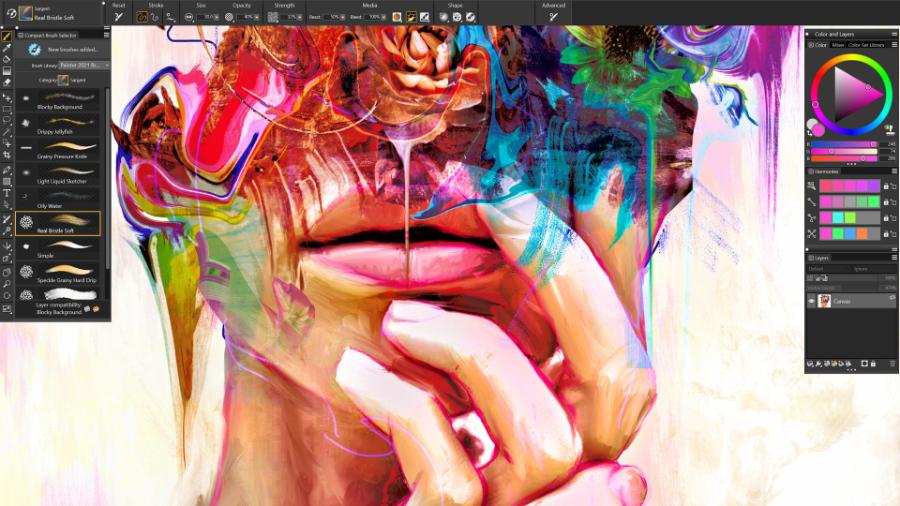
Flexible Layer and Mask system
Project management through layers is a revolution in design thinking. Separating objects allows for independent editing, minimizing the risk of damaging the original file. Combined with masks, users can smoothly hide or show parts of an image, creating artistic layering effects while maintaining non-destructive editing.
2. Breakthrough features shaping the future of design
Entering the 2025-2026 period, Photoshop has taken a giant leap forward by deeply integrating AI-generated models. These features not only help users work faster but also expand the boundaries of imagination.
Generative Fill - The power to transform all things
The Generative Fill feature allows users to add, remove, or expand details in an image using simple text commands. The power of AI ensures that the newly created details perfectly match the original image in terms of lighting, shadows, and perspective. This is considered the most labor-saving tool for retouching and matte painting professionals.
Neural Filters - Edit portraits in an instant
Adjusting facial expressions, age, or eye gaze, which used to take hours, now takes only seconds. Neural filters use machine learning to analyze facial structure and apply changes naturally. Users can smooth skin, remove image noise, or restore damaged old photos with incredible quality.
Remove smart objects with the Object Selection Tool.
The object selection tool has been upgraded to accurately recognize intricate details such as strands of hair or fabric edges. Separating the subject from the background is now incredibly simple, allowing for the most realistic image compositing without leaving any visible signs of editing.
3. Professional workflow using Photoshop software
To achieve maximum efficiency, users need to build a scientific workflow, making optimal use of keyboard shortcuts and intelligent management tools within the software.
Setting up an optimal workspace
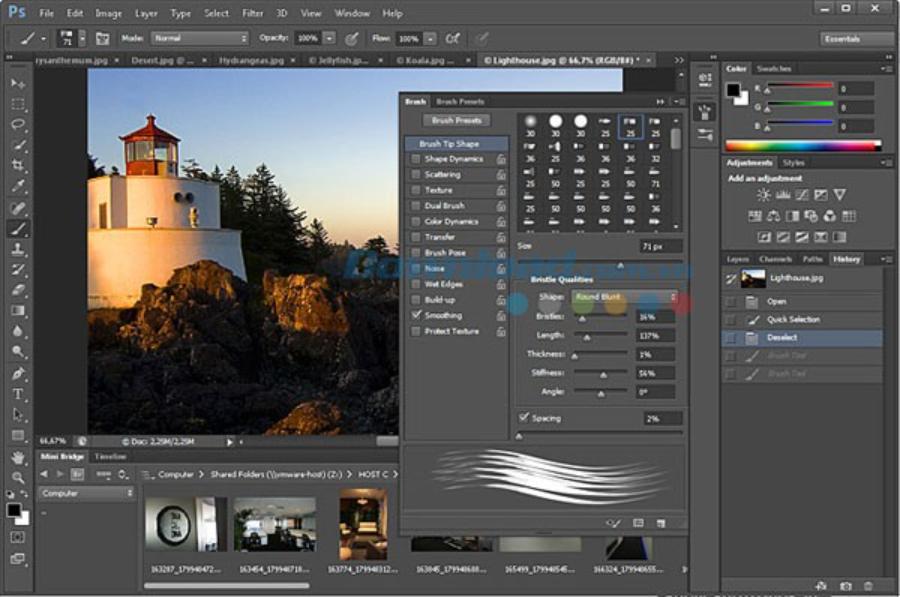
Each redesign project requires a different set of tools. Photoshop allows for customizable workspaces for specific purposes such as digital drawing, web design, or portrait editing. A well-organized layout of panels reduces unnecessary steps and enhances focus.
Color management and print configuration
Understanding color spaces (RGB, CMYK, Lab) is crucial for accurate color reproduction in the final product, whether displayed on screen or printed on paper. Photoshop provides advanced color management tools, allowing users to control color inaccuracies and ensure brand consistency across all platforms.
4. Experience optimized software at Appvip.ai
When using demanding graphics tools, finding solutions to support system installation and optimization is crucial. The website Appvip.ai provides detailed guides and supplementary tools to help users maximize the power of Photoshop on various computer configurations. Here, you can find tips to speed up rendering as well as how to integrate the latest plugins into your daily workflow.
5. Diverse applications of Photoshop in various aspects of life.
Not limited to design studios, Photoshop has permeated every aspect of life and business, becoming an indispensable tool for many different industries.
User Interface (UI/UX) Design
Despite the emergence of many new specialized software programs, Photoshop remains crucial for creating interface mockups and graphic resources for mobile applications. Its ability to export files in multiple formats and its flexible resolution management make it easy for developers to realize their designs into real-world products.
Edit commercial and advertising photos.
In the fashion and cosmetics industries, Photoshop is a magical tool for creating flawless images. From skin beautification and body contouring to changing backgrounds, this software helps advertising campaigns become more attractive and sophisticated, directly contributing to business revenue.
Creating social media content
Content creators use Photoshop to design stylish YouTube thumbnails, Facebook cover photos, and Instagram posts. The combination of text, images, and effects helps content stand out among billions of pieces of information online.
6. Advanced Post-Processing Techniques for Photographers
For professional photographers, Photoshop is where they can finalize the emotions left unfinished on the shooting location.
Dodge and Burn Techniques
This is a classic method for creating volume and depth in an image by lightening or darkening specific areas. This technique requires meticulous attention to detail and a keen sense of light, making the photograph more vibrant and expressive, especially in artistic portraits.
Digital Compositing
Photoshop allows you to combine multiple images from different sources to create an entirely new world. Controlling the alignment of light, focus, and color between the elements is key to creating surreal works where reality and illusion blend together.
7. Mistakes to Avoid When Using Photoshop
Despite being a powerful software, misuse or improper use of Photoshop can lead to counterproductive results.
-
Over-editing: Excessive skin smoothing that results in a loss of natural texture or overly obvious distortion of the figure are common mistakes. The best Photoshop work is one where the viewer doesn't realize it's been altered.
-
Don't name your layers: Leaving hundreds of layers with default names will make the editing process a time management disaster later on.
-
Forgetting to save files regularly: Even though the software has an automatic recovery feature, the habit of manually saving files and creating backup copies is still a golden rule to protect your hard work.
8. The future of Photoshop software and technological intersection.
In the coming years, Photoshop is predicted to become more intuitive than ever before. The extensive integration of AI will help remove technical barriers, allowing people to focus entirely on aesthetic thinking.
Multimedia and 3D design
Tools for manipulating 3D objects in 2D space are constantly improving. Users can import 3D models, apply materials and lighting directly within Photoshop to create architectural renderings or product designs.
Cloud-based collaborative capabilities
The Creative Cloud ecosystem allows multiple people to collaborate on a design project from different locations. Feedback, editing, and approval occur in real time, bridging geographical distances and optimizing team performance for multinational companies.
9. How to choose a computer configuration that runs Photoshop smoothly.
Photoshop software requires a system with ample resources to handle large files and complex AI tasks. Users should prioritize processors with high single-core clock speeds and 16GB or more of RAM. A high-speed SSD is essential for shortening software launch times and file saving times. Additionally, a monitor with accurate color coverage (such as sRGB or Adobe RGB 100%) will help designers avoid costly color errors during their work.
10. Conclusion
Mastering Photoshop is not just about mastering the tools, but about mastering a new way of thinking about images. Technology may change, new features may emerge, but the fundamentals of composition, color, and lighting remain enduring core values. In the journey to conquer the pinnacle of design, tools only play a supporting role; the heart and mind of the artist are the decisive factors in determining the value of the work.





















VIP Products








Best Selling Products
Upgrade genuine Capture One account
120 USD
Genuine Cheap Canva Pro
39 USD
Capcut Pro 1 Year
39 USD
ChatGPT Plus Account (GPT-4)
16 USD
Adobe Photoshop Copyright - Full App
120 USD
MidJourney Account
29 USD
Plugin Retouch4me
69 USD
Autodesk All App Account Copyright
120 USD
Upgrade Duolingo Super
29 USD
Freepik Premium Account
59 USD
Copyright Adobe Lightroom Account
59 USD
Adobe Premiere Pro Account
99 USD
Windows 10 & 11 Pro Key
36 USD
Genuine Adobe Illustrator account
99 USD
Upgrade Genuine Office 365
49 USD