Best Selling Products

Upgrade genuine Capture One account
120 USD

Upgrade Duolingo Super
29 USD

Adobe Photoshop Copyright - Full App
120 USD

Upgrade Genuine Office 365
49 USD

Windows 10 & 11 Pro Key
36 USD

Plugin Retouch4me
69 USD

Genuine Cheap Canva Pro
39 USD

Capcut Pro 1 Year
39 USD

Genuine Adobe Illustrator account
99 USD

MidJourney Account
29 USD

Adobe Premiere Pro Account
99 USD

Autodesk All App Account Copyright
120 USD

Copyright Adobe Lightroom Account
59 USD

Freepik Premium Account
59 USD

ChatGPT Plus Account (GPT-4)
16 USD
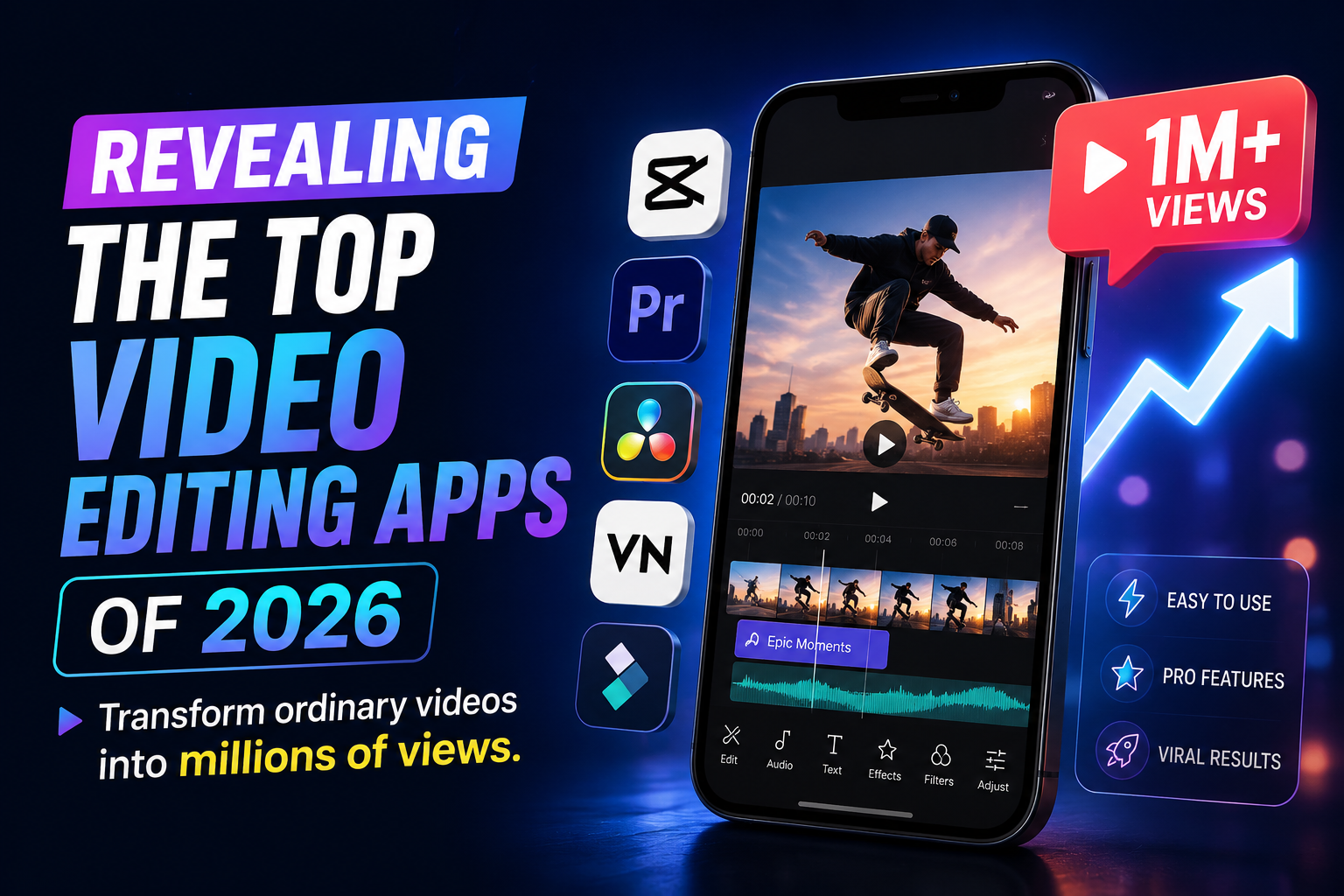
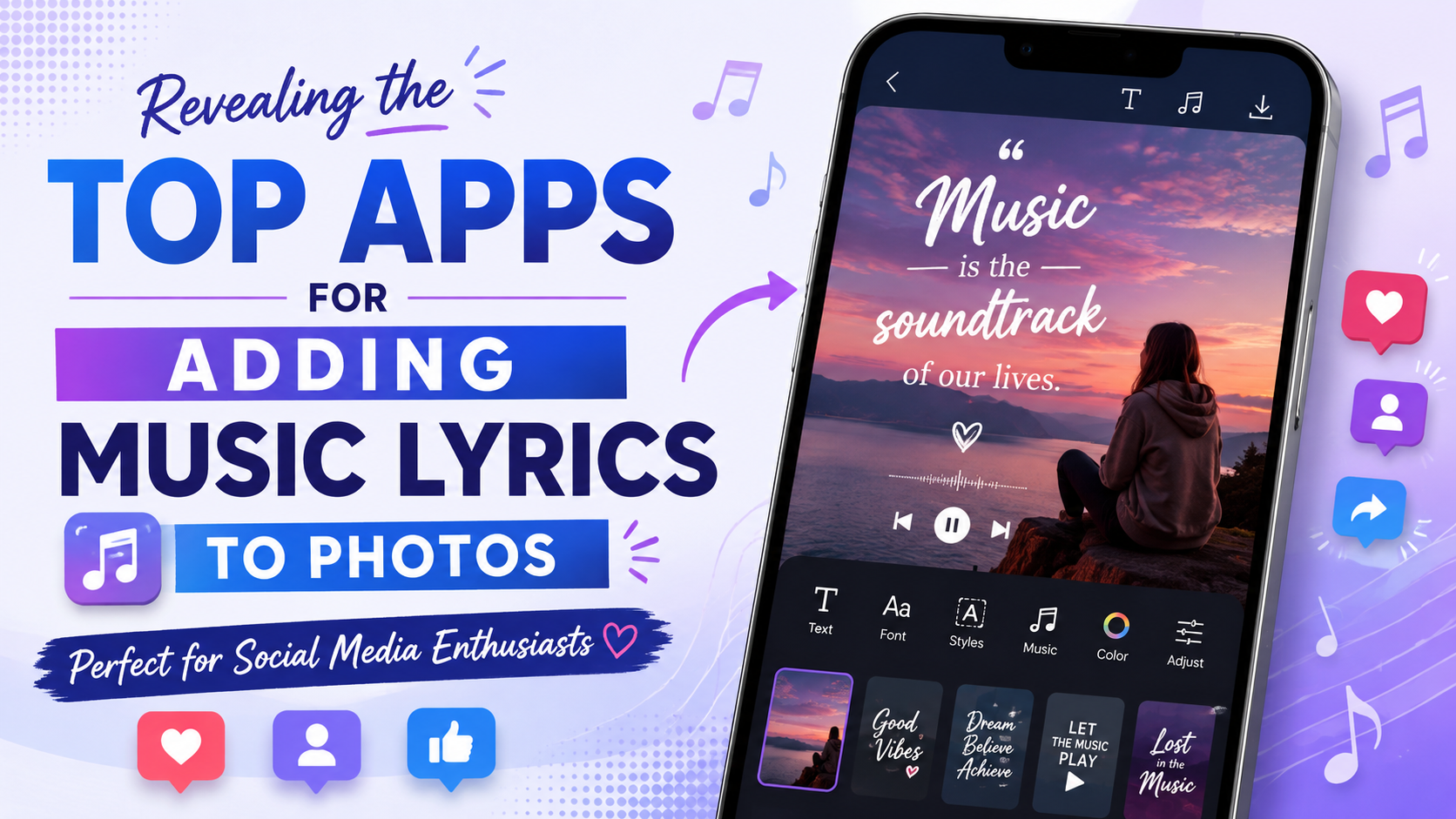
Revealing the Top Apps for Adding Music Lyrics to Photos - Perfect for Social Media Enthusiasts
Nội dung
- 1. Why have videos that add text and music to photos become so popular?
- 2. Professional apps for adding lyrics to photos.
- 2.1. CapCut - The king of apps for adding lyrics to photos.
- 2.2. InShot - Edit videos and add lyrics with ease.
- 2.3. VN Video Editor - Professional lyric creation without logo
- 2.4. KineMaster - The Power of Multilayer Video Editing
- 2.5. Canva - Design animated images and add artistic text
- 2.6. VivaVideo - A fun and colorful short video creator.
- 2.7. Filmora - Smooth video editing, capturing emotions.
- 2.8. Quik by GoPro - Automate every step of the music mixing process.
- 3. Secrets to creating viral videos with music added to photos.
- 4. Conclusion
No need for complex computer software; with just a phone and a professional app for adding lyrics to photos, you can create your own "million-view" short films.
1. Why have videos that add text and music to photos become so popular?
The combination of beautiful visuals, catchy melodies, and meaningful lyrics always creates a strong visual and auditory impact on viewers. Instead of simply posting a photo with a lengthy caption, turning it into a short video with music and lyrics playing automatically helps convey the message faster, easily connect with viewers' emotions, and keep them engaged with your post longer.
-
Significantly increased engagement : Social media algorithms like TikTok and Reels prioritize distributing video formats with trending music.
-
Capturing emotions : Lyrics speak for you, giving your photos more depth and a story to tell.
-
Save time : Instead of typing each word individually, modern applications support automatic voice recognition to generate lyrics in seconds.
-
Express your individuality : A rich font library and animation effects help you assert your unique style.
2. Professional apps for adding lyrics to photos.
2.1. CapCut - The king of apps for adding lyrics to photos.
If you're a fan of short videos, you definitely can't miss CapCut, the popular video editing app with a huge user base. The app's biggest selling point is its "Automatic Annotation" feature, which scans the audio of a song and automatically displays the lyrics accurately down to the millisecond.
-
Intelligent lyric recognition : Automatically generates lyrics from existing music files or sample videos extremely quickly.
-
Huge music library : Directly integrated with TikTok's most trending music library.
-
Rich text effects : Provides hundreds of Vietnamese fonts, karaoke effects, and text that changes color in sync with the rhythm.
-
Available Templates : Thousands of templates for adding music to photos are shared by the community; you just need to replace the photo.
2.2. InShot - Edit videos and add lyrics with ease.
InShot is the perfect choice for those who love simplicity and intuitiveness but still demand a professional and artistic result. You can easily drag and drop your photos, cut and paste your favorite music, and design your own scrolling text in minimalist or vibrant styles.
-
User-friendly interface : Optimized design for beginners, with intuitive editing and cutting/pasting operations.
-
Freely customize text : Insert text manually with flexibility, easily synchronize the text's appearance time to match the music.
-
Artistic color filters : A range of film and vintage color filters help make your background photos look deeper and more captivating.
-
Multiple aspect ratios : Easily export videos in standard 9:16 for TikTok or 1:1 for Instagram.
2.3. VN Video Editor - Professional lyric creation without logo
For those who want a clean, watermark-free product, VN Video Editor is an excellent choice. This app offers a professional mobile video editing experience with multi-layer management features, allowing you to scientifically stack images, music, and text.
-
Completely free : Export high-quality videos up to 4K without any developer logos.
-
Beat Marker : This beat marker feature helps you accurately time the text to scroll in sync with each drum beat.
-
Custom font support : You can easily upload external Vietnamese fonts to create your own unique look.
-
Smooth transition effects : These effects help photos move rhythmically and artistically in sync with the music.
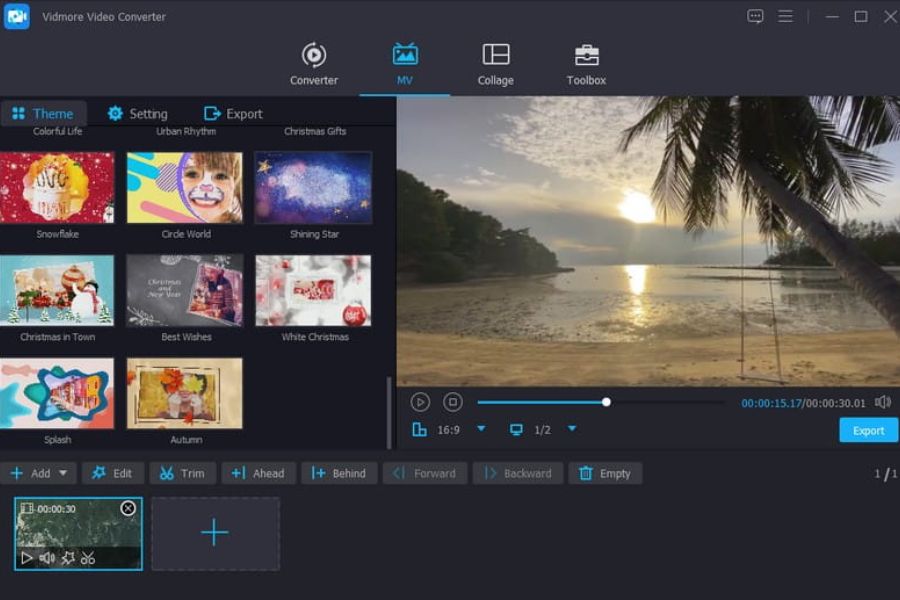
2.4. KineMaster - The Power of Multilayer Video Editing
KineMaster is a true beast in the world of mobile video editing, perfect for those who want to invest heavily in scrolling text effects. With its layer-based mechanism similar to computer software, you can transform song lyrics in the most complex and unique ways.
-
Powerful multi-layer editing : Insert multiple images, effects, sounds, and different text layers simultaneously.
-
Keyframe effect : Allows you to manually make text appear to float, enlarge, shrink, or blur as desired.
-
A massive library of text effects : The resource store is constantly updated with unique and creative text animation styles.
-
Detailed sound control : Adjust volume, filter background noise for the clearest possible sound in your music.
2.5. Canva - Design animated images and add artistic text
More than just a video editing app, Canva is a versatile design assistant that helps you create highly aesthetic music collages. If you prefer music posters, minimalist art, or poignant quote photos, Canva is the perfect choice.
-
Top-notch typographic design templates : Thousands of stunning pre-designed font styles from professional designers.
-
Extensive background music library : High-quality audio library, no worries about copyright infringement when uploading.
-
Create smooth animation : This helps text and images appear fluid, sophisticated, and high-quality.
-
Convenient cloud storage : Easily continue editing on both your phone and computer anytime, anywhere.
2.6. VivaVideo - A fun and colorful short video creator.
As one of the early video editing apps, VivaVideo has maintained its popularity by continuously updating features to keep up with youth trends. The app is incredibly powerful in terms of fun animation effects, animated stickers, and vibrant, colorful fonts, perfectly suited for upbeat pop and dance music.
-
Quick music insertion tool : Download music from your device, extract audio from other videos, or use an online music library.
-
Unique FX text effects : Sparkling text effects and glowing neon letters make the lyrics stand out.
-
Extensive sticker library : Add animated emojis to make your videos more playful and adorable.
-
Image cloning feature : Transforms a still image into a series of repeating movements synchronized to the rhythm of music.
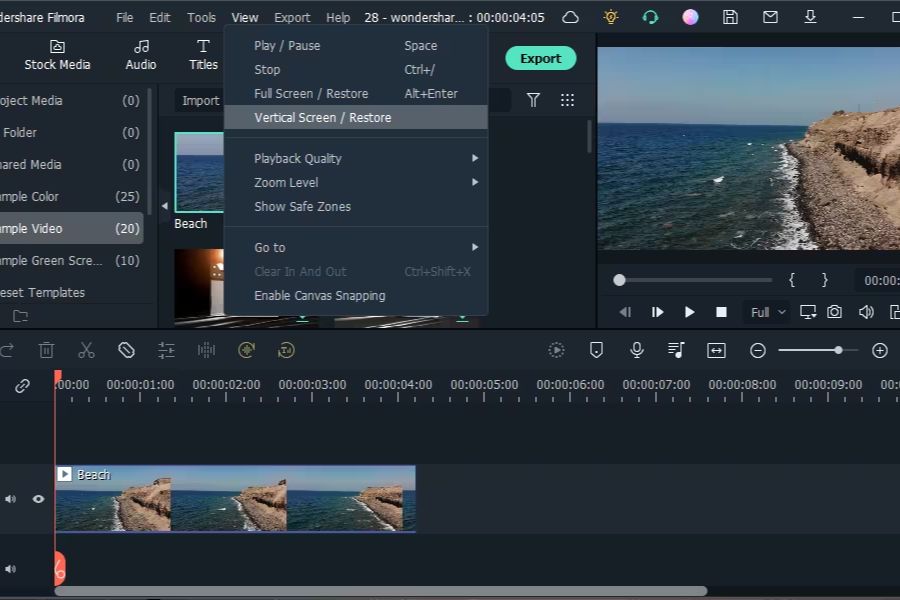
2.7. Filmora - Smooth video editing, capturing emotions.
Developed by Wondershare, the mobile version of Filmora inherits all the essential features from the desktop version. The app's strength lies in its hardware optimization capabilities, ensuring smooth video previews while adding lyrics, resulting in a very fluid editing experience.
-
Modern, intuitive interface : The toolbars are organized logically, making it easy to find the text insertion feature.
-
Cinematic color filter library : Helps transform ordinary photos taken with a phone into cinematic-quality colors.
-
Diverse text effects : Many scrolling fonts, typewriter fonts, are perfect for lo-fi music.
-
High-quality file export : Supports exporting high-resolution, sharp videos without pixelation when uploading to social media.
2.8. Quik by GoPro - Automate every step of the music mixing process.
If you're lazy or don't have much time to meticulously adjust the scrolling text, let Quik do it for you. Simply choose a photo and a song, and this smart app will automatically analyze the melody to cut, splice, create animation effects, and display the text with amazing accuracy.
-
Perfect automatic synchronization : The image automatically syncs to the drum beat of the song without any manual intervention.
-
Available style themes : Each theme includes a pre-set combination of fonts, filters, and transition effects.
-
Intelligent image optimization : Automatically detects faces in photos to adjust text layout so that faces are not obscured.
-
Ultra-fast processing speed : Create a complete music-edited video in less than 1 minute.
3. Secrets to creating viral videos with music added to photos.
To create a truly captivating video among thousands of videos on social media, having a good tool isn't enough. You need to keep these tips in mind to transform your video into a highly shareable work of art.
-
Choose music and photos that complement each other : Sad, melancholic photos should go well with Lofi or Indie music; vibrant, energetic photos should go well with Pop or Remix music.
-
Prioritize easy-to-read fonts : Avoid overly ornate or flowery fonts that strain the eyes; choose bold, clear fonts with shadows to stand out against the image background.
-
Aligning lyrics with the music : The lyrics must appear simultaneously with the singing, avoiding the situation where the lyrics precede the music or the music precedes the lyrics.
-
Utilize the empty space in the image : Place text in the empty spaces (such as the sky or walls) to avoid obscuring the main subject of the photo.
4. Conclusion
Transforming still photos into emotionally charged short films has never been easier thanks to apps that add lyrics to photos . Whether you're a meticulous person who wants to manually edit each frame with CapCut or VN Video Editor, or a busy person who prefers the quick and easy method of Quik, there's a tool to suit your style. Download your favorite app, choose your favorite photo and the melody playing in your head, and create your own "million-view" masterpiece today!





















VIP Products








Best Selling Products
Upgrade genuine Capture One account
120 USD
Upgrade Duolingo Super
29 USD
Adobe Photoshop Copyright - Full App
120 USD
Upgrade Genuine Office 365
49 USD
Windows 10 & 11 Pro Key
36 USD
Plugin Retouch4me
69 USD
Genuine Cheap Canva Pro
39 USD
Capcut Pro 1 Year
39 USD
Genuine Adobe Illustrator account
99 USD
MidJourney Account
29 USD
Adobe Premiere Pro Account
99 USD
Autodesk All App Account Copyright
120 USD
Copyright Adobe Lightroom Account
59 USD
Freepik Premium Account
59 USD
ChatGPT Plus Account (GPT-4)
16 USD