Best Selling Products

ChatGPT Plus Account (GPT-4)
16 USD

Plugin Retouch4me
69 USD

Adobe Premiere Pro Account
99 USD

Upgrade Genuine Office 365
49 USD

Upgrade genuine Capture One account
120 USD

Copyright Adobe Lightroom Account
59 USD

Genuine Cheap Canva Pro
39 USD

Windows 10 & 11 Pro Key
36 USD

MidJourney Account
29 USD

Capcut Pro 1 Year
39 USD

Upgrade Duolingo Super
29 USD

Adobe Photoshop Copyright - Full App
120 USD

Freepik Premium Account
59 USD

Autodesk All App Account Copyright
120 USD

Genuine Adobe Illustrator account
99 USD
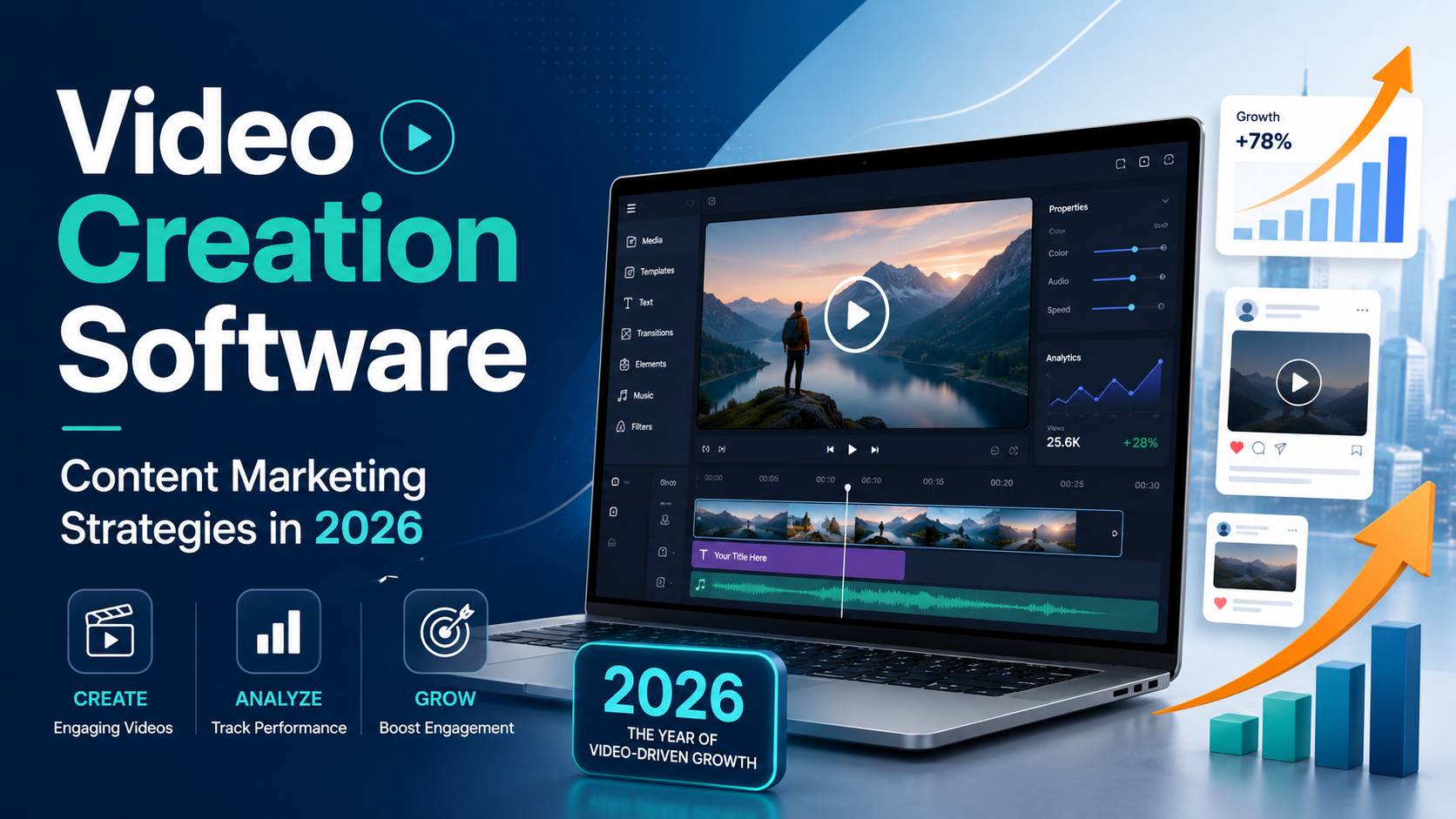
Video Creation Software: A Breakthrough Solution for Content Marketing Strategies in 2026
Nội dung
- 1. What is video editing software and why do you need it right now?
- 2. Core criteria when choosing professional video editing software
- 3. Top AI-powered video creation software leading the trend in 2026
- 4. Quick and convenient video creation apps for mobile phones.
- 5. Professional video editing software for computers.
- 6. Software solutions for creating online video presentations and lectures.
- 7. The step-by-step process for creating SEO-optimized videos that trend and reach millions of views.
- 8. Common mistakes when using video editing software and how to fix them.
- 9. The future of video production: What opportunities and challenges await?
- 10. Conclusion
From TikTok short clips and Reels to in-depth videos on YouTube, moving image content is dominating all digital platforms.
1. What is video editing software and why do you need it right now?
Video creation software consists of technological applications that integrate tools for cutting, splicing, inserting sound, special effects, and text to transform raw materials into a complete film. In the digital age, this is no longer a tool exclusive to professional filmmakers but has become a powerful assistant for anyone who wants to convey a message in the most visual way possible.
-
Optimize conversion rates : Videos help customers understand the product in 30 seconds, increasing conversion rates by up to 80%.
-
Attracting social media algorithms : Platforms like Facebook and TikTok always prioritize displaying and distributing short video content.
-
Save on operating costs : Instead of hiring expensive agencies, you can produce high-quality videos yourself right at home.
-
Diversify your content formats : Easily transform a dry blog post into a lively video lecture or a video review that garners millions of views.
2. Core criteria when choosing professional video editing software
The current tech market offers hundreds of different apps, so how do you find the perfect one for yourself? A good video editing software doesn't necessarily have to be the most expensive or have the most complex features; it should be a tool that solves the right problem in terms of cost, time, and ability for you.
-
Intuitive and user-friendly interface : Prioritize software with drag-and-drop functionality, which helps beginners avoid being overwhelmed by control panels.
-
Extensive resource library : Includes a system of templates, color filters, transition effects, and a library of royalty-free background music.
-
Configuration compatibility : The software must run smoothly on your device, without causing lag or freezing during rendering (file export).
-
Integrated with intelligent AI technology : Supports automatic subtitle generation, one-click background removal, or accurate text-to-speech conversion.
3. Top AI-powered video creation software leading the trend in 2026
The explosion of artificial intelligence has completely reshaped how we produce digital content. AI-powered video creation software allows you to create a complete product from a text-to-video sequence in minutes, drastically reducing filming time and complex set preparation.
-
Synthesia : A professional video presentation creation tool featuring AI Avatars (virtual characters) that speak naturally like real people in over 120 languages.
-
Runway Gen-2 : The pinnacle of AI technology, creating videos from text or still images, delivering artistic, cinematic footage.
-
InVideo AI : Enter your ideas using simple Vietnamese commands, and the AI will automatically write the script, find illustrations, and provide complete voiceovers.
-
CapCut AI : Integrates features such as AI-powered scriptwriting, automatic multilingual subtitle translation, and the ability to create virtual MCs completely free of charge.
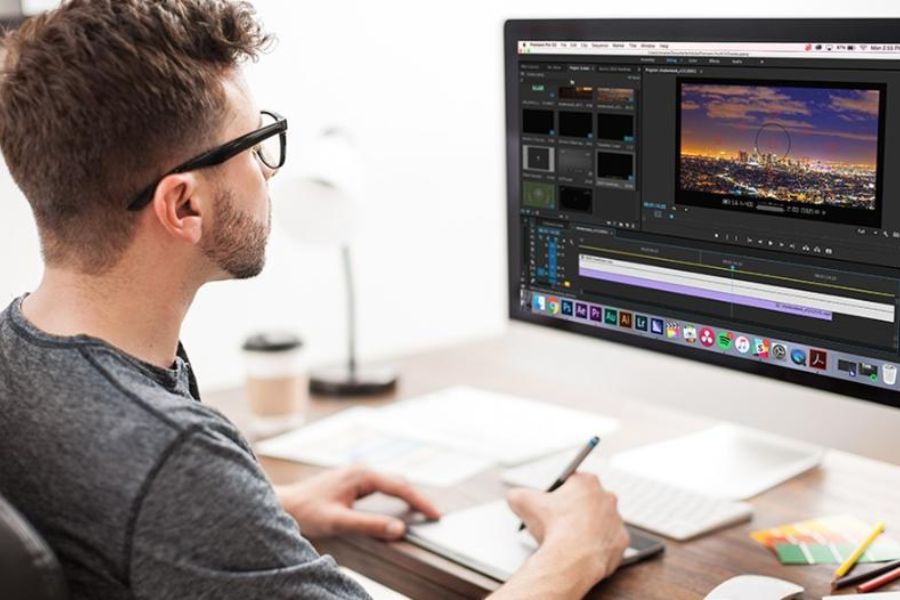
4. Quick and convenient video creation apps for mobile phones.
If you're a professional mobile content creator, mobility and speed are always top priorities. Today's mobile video editing software is just as powerful as PCs, allowing you to shoot, edit, and upload videos to social media with just a few taps.
-
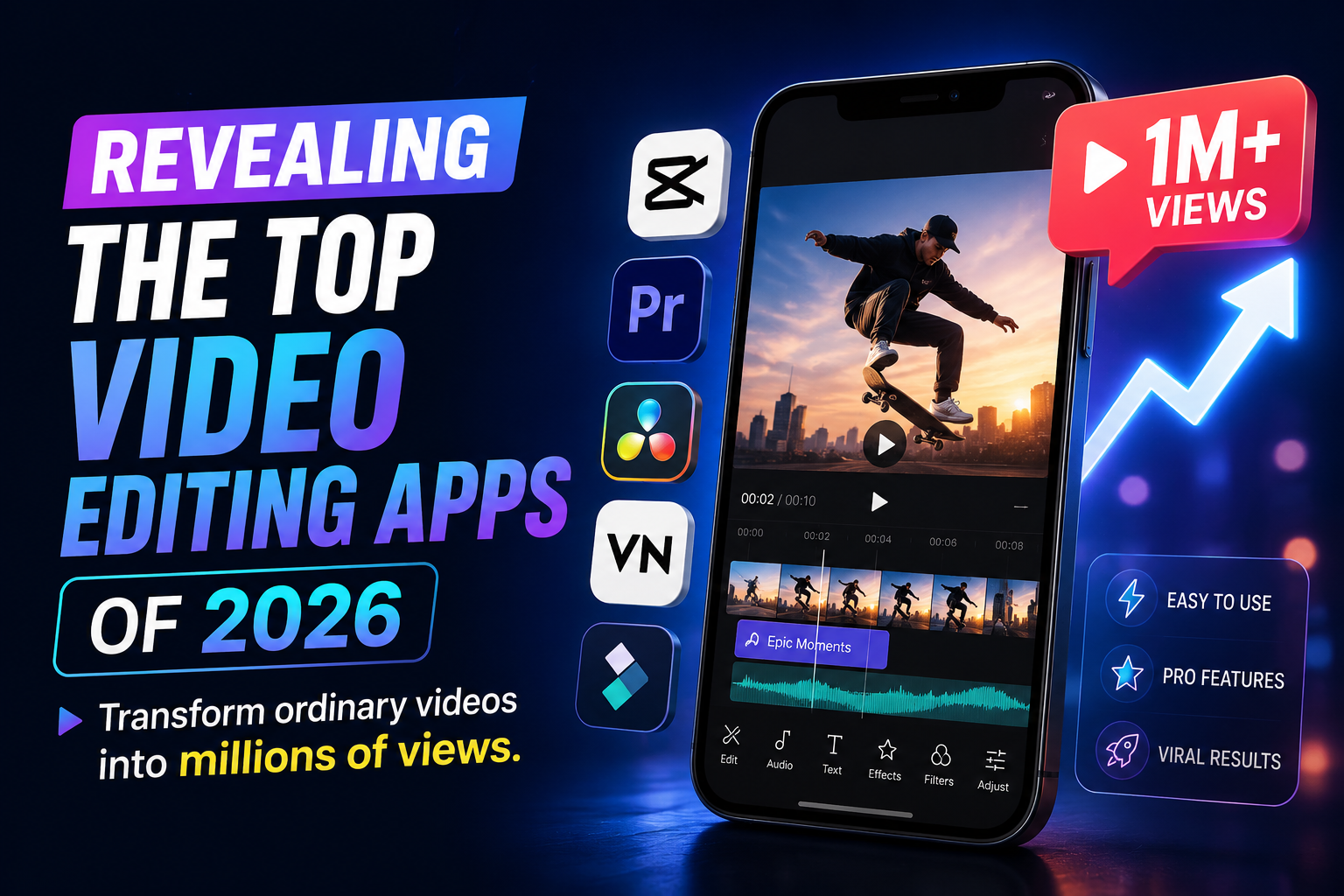
CapCut (Mobile) : The king of short video editing apps with a huge library of copyrighted TikTok music and millions of trending effects.
-
InShot : Extremely user-friendly interface for women, strong in features like inserting cute stickers, and flexible square/vertical image cropping.
-
KineMaster : The perfect choice for those who want more in-depth features on their phone, with support for multi-layer video and green screen.
-
Splice : A powerful app for iPhone that optimizes video editing and speed ramp adjustments for an incredibly smooth experience.
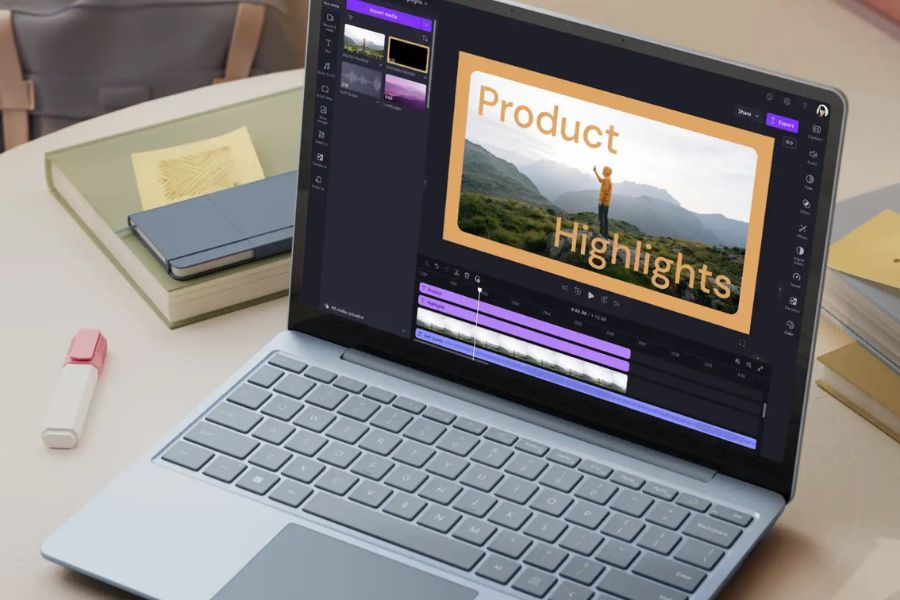
5. Professional video editing software for computers.
For larger projects like short films, music videos, and corporate TV commercials, you need more specialized tools. The following video editing software for computers offers the ability to deeply manipulate each image pixel, color range, and sound frequency to create cinematic masterpieces.
-
Adobe Premiere Pro : The gold standard of post-production, seamlessly integrating with the Adobe ecosystem and supporting real-time team collaboration.
-
DaVinci Resolve : The world's number one color grading software, boasting an incredibly powerful free version that meets 90% of professional video editing needs.
-
Final Cut Pro : Exclusive to macOS users, optimized for Apple Silicon hardware for incredibly fast 4K and 8K video rendering speeds.
-
Wondershare Filmora : The perfect blend of professional features and simplicity, with a beautiful interface, ideal for creating YouTube videos to earn money.
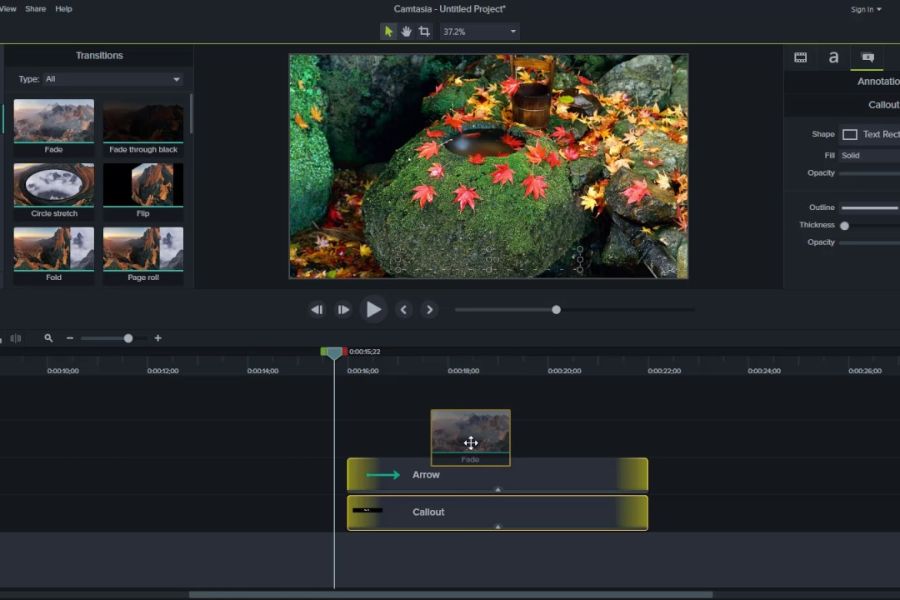
6. Software solutions for creating online video presentations and lectures.
The fields of online education (e-learning) and corporate internal training require highly visual, clear, and engaging videos. These specialized video creation software programs focus on features such as screen recording, note-taking, interactive exercises, and systematic lecture management.
-
Camtasia Studio : The best screen recording tool currently available, integrating mouse cursor zoom effects and the ability to insert quizzes directly into videos.
-
Canva Video : Allows you to design lecture slides and then convert them into professional-looking presentation videos with the speaker's camera frame inserted.
-
Vyond : Software for creating lively 2D infographic animations, transforming dry data into captivating moving stories.
-
PowerPoint (Office 365) : A familiar yet incredibly powerful tool with Morph transitions and the ability to export Full HD/4K video files directly.
7. The step-by-step process for creating SEO-optimized videos that trend and reach millions of views.
Owning good video creation software is only a necessary condition; knowing how to run the video production process is the sufficient condition for your videos to reach millions of viewers. A well-optimized video not only pleases viewers visually but also helps search algorithms understand the content you are conveying.
-
Keyword research : Identify the main keyword (e.g., video editing software ) and secondary keywords using tools like Keyword Tool and Google Trends.
-
Build a compelling 3-second engagement script : Put the most attractive information and commitment to solving the customer's pain point at the beginning to reduce video bounce rates.
-
Optimize metadata : Name your video file using keywords without accents, write an intriguing title, and fill in a detailed description with appropriate hashtags.
-
Eye-catching thumbnail design : The video thumbnail should have high contrast , large, clear text, and effectively convey the core content of the video.
8. Common mistakes when using video editing software and how to fix them.
Many beginners often encounter situations where their videos look amateurish or take too much time to create without being effective. Overusing the features of video creation software can sometimes backfire, causing viewers to feel eye strain and leave your channel.
-
Overuse of transition effects : Makes the video visually cluttered; prioritize basic cuts and subtle fade and dissolve effects.
-
Background music volume drowns out the dialogue : Viewers cannot hear the lines clearly; the golden rule is to keep the background music volume between -20dB and -25dB.
-
Neglecting sound quality : Viewers might tolerate a slightly blurry video, but they'll turn it off immediately if the sound is distorted or noisy.
-
Incorrect aspect ratio on the platform : Uploading horizontal (16:9) videos to TikTok or vertical (9:16) videos to traditional YouTube reduces the user experience.

9. The future of video production: What opportunities and challenges await?
The world of technology is constantly evolving at a breakneck pace, and the field of visual content production is no exception. The increasing intelligence of video creation software offers both opportunities to automate processes for creators and challenges related to personalization and unique creativity to stand out in the vast ocean of digital content.
-
Personalizing the viewer experience : Interactive video allows viewers to choose the next scene by tapping the screen.
-
Augmented reality integration : The rise of 360-degree VR videos provides a truly immersive experience for customers in the real estate and tourism industries.
-
The absolute dominance of AI : Artificial intelligence will not replace humans, but those who know how to use AI to optimize video production processes will replace those who don't.
-
Strict copyright requirements : Copyright scanning filters for audio and video are becoming increasingly sophisticated, demanding clean, legitimate resources.
10. Conclusion
The success of your journey to conquer the digital content world largely depends on finding a film production solution that aligns with your strategic goals and current resources. No matter how advanced the technology, it only plays a supporting role; the soul of each film lies in your unique vision and the core values you bring to the community. Proactively experimenting with new solutions and continuously optimizing your workflow will be a solid foundation to help you master the game and lead trends. Start today with the most basic ideas, patiently refining each message to be ready to embrace explosive conversions and a loyal audience across all digital platforms!





















VIP Products








Best Selling Products
ChatGPT Plus Account (GPT-4)
16 USD
Plugin Retouch4me
69 USD
Adobe Premiere Pro Account
99 USD
Upgrade Genuine Office 365
49 USD
Upgrade genuine Capture One account
120 USD
Copyright Adobe Lightroom Account
59 USD
Genuine Cheap Canva Pro
39 USD
Windows 10 & 11 Pro Key
36 USD
MidJourney Account
29 USD
Capcut Pro 1 Year
39 USD
Upgrade Duolingo Super
29 USD
Adobe Photoshop Copyright - Full App
120 USD
Freepik Premium Account
59 USD
Autodesk All App Account Copyright
120 USD
Genuine Adobe Illustrator account
99 USD