Best Selling Products

ChatGPT Plus Account (GPT-4)
16 USD

Windows 10 & 11 Pro Key
36 USD

Adobe Photoshop Copyright - Full App
120 USD

Plugin Retouch4me
69 USD

Autodesk All App Account Copyright
120 USD

Copyright Adobe Lightroom Account
59 USD

Capcut Pro 1 Year
39 USD

Upgrade genuine Capture One account
120 USD

Upgrade Duolingo Super
29 USD

Adobe Premiere Pro Account
99 USD

Upgrade Genuine Office 365
49 USD

Freepik Premium Account
59 USD

Genuine Cheap Canva Pro
39 USD

Genuine Adobe Illustrator account
99 USD

MidJourney Account
29 USD
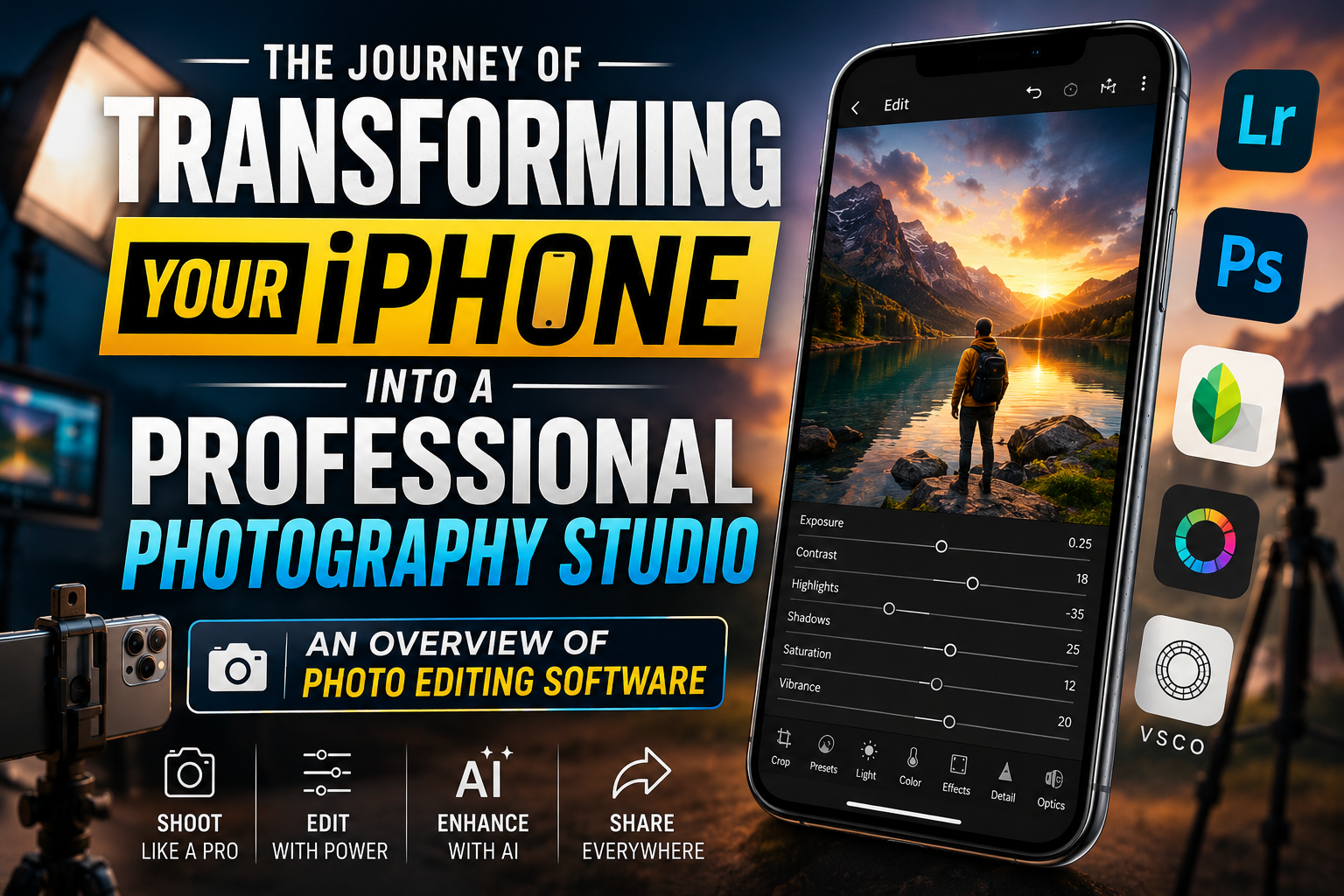
THE JOURNEY OF TRANSFORMING YOUR IPHONE INTO A PROFESSIONAL PHOTOGRAPHY STUDIO: AN OVERVIEW OF PHOTO EDITING SOFTWARE
Nội dung
- 1. The evolution of image editing technology on the iOS operating system.
- From basic filters to advanced parameter adjustments.
- The role of Neural Engines in mobile post-production.
- 2. iPhone photo editing apps that will lead the trends in 2026.
- Adobe Lightroom Mobile - The standard for professional photography
- Snapseed - Free power from Google
- VSCO - The icon of color artistry
- 3. Advanced post-processing techniques to optimize photos taken with an iPhone.
- Make the most of your ProRAW files.
- Control sharpness and surface texture.
- 4. Discover comprehensive technology solutions at Appvip.ai
- 5. Applying Artificial Intelligence (AI) to iOS Photo Editing
- Remove objects and fill intelligently.
- Automatic image quality enhancement (Upscaling)
- 6. Professional portrait photo editing process on iPhone
- Adjust face lighting
- Background processing and Bokeh effects
- 7. Important notes to avoid damaging image quality
- 8. The future of mobile photography and post-processing software.
- The rise of computational photography.
- Cloud connectivity and cross-platform collaboration.
- 9. How to choose photo editing software that suits your needs.
- 10. Conclusion
Discover the list of the best professional photo editing software for iPhone currently available. Learn how to optimize images with AI technology and top-notch post-processing techniques right on iOS.
1. The evolution of image editing technology on the iOS operating system.
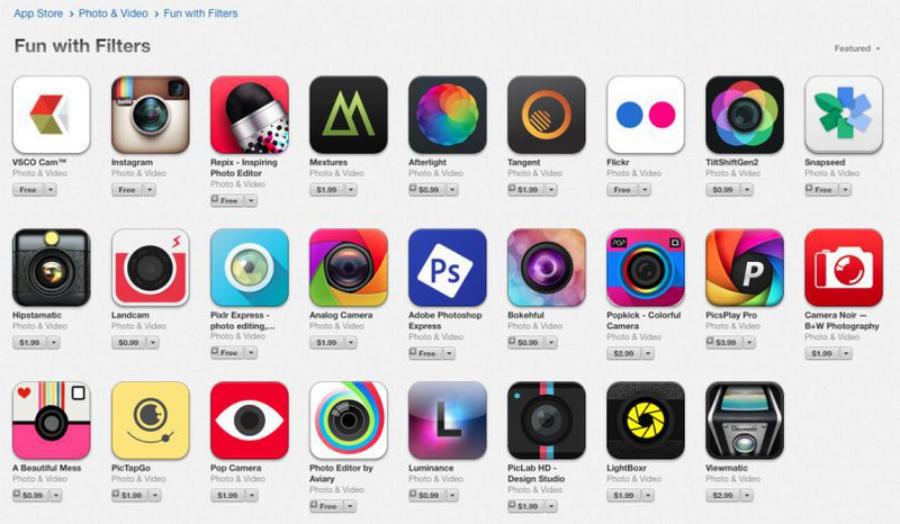
The iOS platform has always been favored with the best-optimized graphics applications thanks to the uniformity of Apple hardware. Year after year, developers have leveraged the power of the A-series processors to bring complex algorithms to the user's fingertips.
From basic filters to advanced parameter adjustments.
The early days of mobile photography relied heavily on pre-set filters to quickly alter color tones. Now, the trend has shifted towards complete control over parameters like ISO and shutter speed in RAW files, and non-destructive editing capabilities. iPhone users can now perform complex techniques previously only available on dedicated workstations.
The role of Neural Engines in mobile post-production.
Artificial intelligence deeply integrated into the iPhone hardware has enabled editing software to perform tasks such as background removal, blurring, and facial recognition instantly. The combination of powerful hardware and intelligent software creates a seamless experience where every swipe and tap results in immediate image changes with extreme precision.
2. iPhone photo editing apps that will lead the trends in 2026.
The current app market is clearly divided between artistic color correction tools and software for advanced technical adjustments. Each application has its own unique design philosophy to serve specific user groups.
Adobe Lightroom Mobile - The standard for professional photography
Lightroom is more than just an app; it's a synchronized ecosystem. With its powerful Apple ProRAW file processing capabilities, Lightroom on iPhone allows users to miraculously restore detail in overexposed or underexposed areas. Its intelligent, AI-powered photo management system lets users search and categorize thousands of photos in seconds.
Snapseed - Free power from Google
Despite being a free app, Snapseed offers tools that many paid software programs can only dream of. Its "Selective" feature allows you to manipulate a small area of a photo without affecting the overall image. This is an optimal choice for those who want a professional look but don't want to pay monthly subscription fees.
VSCO - The icon of color artistry
VSCO has built a unique community thanks to its color filters that mimic classic film. Unlike cheap filters, VSCO's colors offer a distinct depth and nostalgic feel. This is an indispensable photo editing app for iPhone for those who love minimalist style and everyday art.
3. Advanced post-processing techniques to optimize photos taken with an iPhone.
To take a beautiful photo, users need to master the entire processing process, from raw to refined, ensuring the image retains its natural look while still being impressive.
Make the most of your ProRAW files.
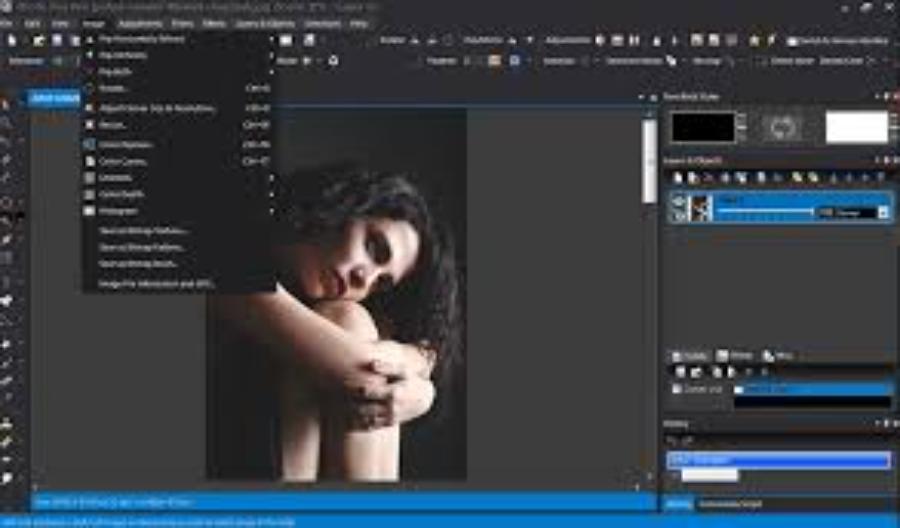
Shooting in ProRAW format provides a huge amount of image data, giving editing software more room to work with. Users should prioritize adjusting white balance and exposure first to create a neutral background before applying complex color styles.
Control sharpness and surface texture.
A common mistake is over-sharpening, which results in grainy and artificial-looking images. Professional software now allows for subtle adjustments to texture and clarity, enhancing the contrast of fine details without damaging the subject's surface, especially in portraits.
4. Discover comprehensive technology solutions at Appvip.ai
In the diverse world of applications, finding a reliable source of helpful tools is essential. Appvip.ai is a specialized platform providing software optimization solutions and updates on the latest technology trends for mobile users. Here, you can access secrets to fully utilize the power of photo editing software on your iPhone, making your creative process smarter and more time-efficient than ever before.
5. Applying Artificial Intelligence (AI) to iOS Photo Editing
2026 marks the explosion of AI generation integrated directly into iPhone software, transforming complex operations into simple commands.
Remove objects and fill intelligently.
Unwanted details like trash, pedestrians, or power lines are no longer a concern. "Generative Remove" tools can now predict the background and perfectly fill in the gaps, making it impossible for viewers to detect that the photo has been edited.
Automatic image quality enhancement (Upscaling)
For photos taken in low light or with shaky hands, AI will reduce noise and restore lost details. The ability to upscale without blurring the image allows users to confidently print their phone photos in large sizes.
6. Professional portrait photo editing process on iPhone
Portraiture is always the most challenging genre because it requires a balance between enhancing the subject's beauty and preserving their unique characteristics.
Adjust face lighting
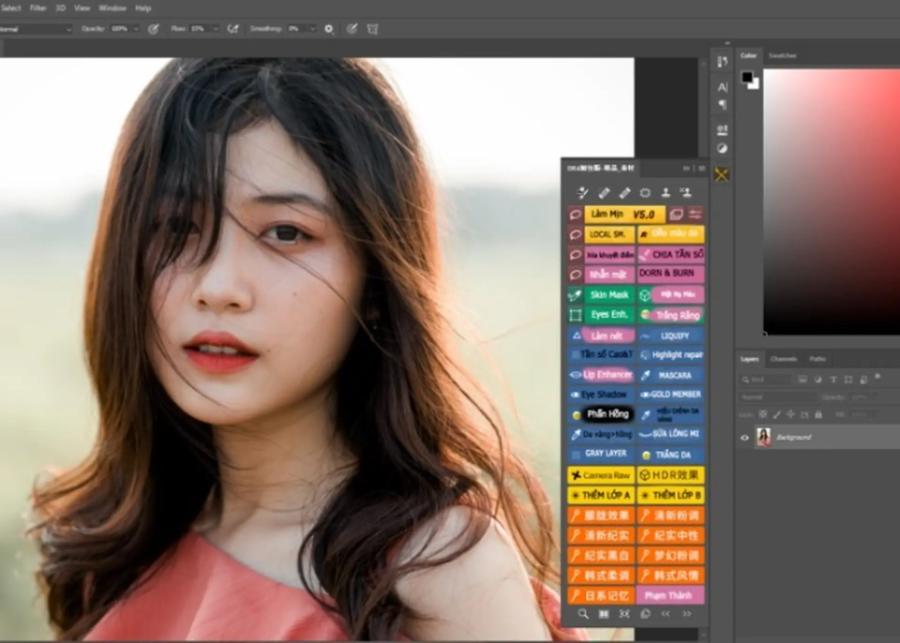
Modern software allows users to change the virtual lighting direction (Portrait Lighting) even after the photo has been taken. Slightly increasing the brightness around the eyes and reducing shadows on the face will help the subject appear more radiant and have more depth.
Background processing and Bokeh effects
Instead of simply blurring the image, professional iPhone photo editing software allows you to customize the shape of the bokeh and the depth of field. This creates the feeling that the photo was taken with expensive, large-aperture lenses on a DSLR camera.
7. Important notes to avoid damaging image quality
No matter how powerful the software is, improper use can lead to a serious decline in image quality.
-
Avoid saving images multiple times: Each time you save an image in a compressed format like JPEG, some data is lost. Always work on the original file and only publish it once all steps are complete.
-
Check the color accuracy of your screen: Always ensure that True Tone or Night Shift on your iPhone is turned off when adjusting colors to get the most accurate view of the image's tones.
-
Use masks instead of adjusting the entire image: Don't apply one effect to the whole picture. Using masks helps you focus the viewer's attention on the main subject, creating a clear hierarchy in the composition.
8. The future of mobile photography and post-processing software.
We are getting closer to the point where the computing power of software will completely compensate for the physical limitations of the small sensors on phones.
The rise of computational photography.
In the future, software will not only edit what the camera captures, but it will combine dozens of different frames to create the most perfect image in terms of both dynamic range and detail. The iPhone will not just be a recording device, but also an independent image processing brain.
Cloud connectivity and cross-platform collaboration.
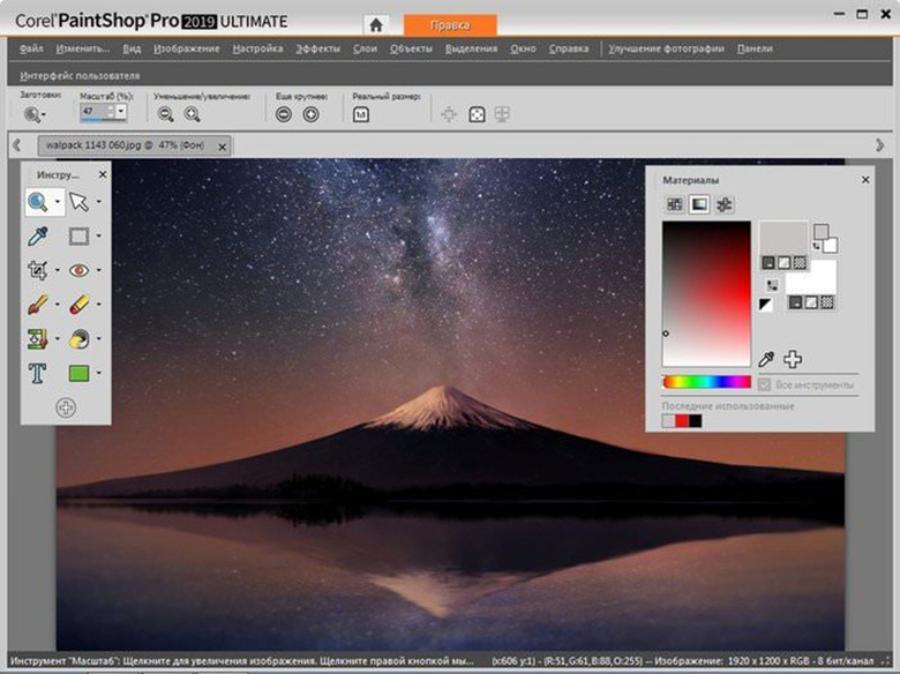
The shift to the cloud makes the editing process seamless. You can start editing a photo on your iPhone while on the go and finish it on your iPad or MacBook with all your layers and editing history preserved.
9. How to choose photo editing software that suits your needs.
Setting the right goals will save you a lot of time and storage space on your phone.
-
For business and sales purposes: Prioritize software capable of fast background removal and professional text insertion, such as Canva or Adobe Express.
-
For art and exhibition needs: Lightroom and Darkroom are top choices due to their precise color management capabilities.
-
For quick and easy social media needs: Instagram, Picsart, or the default iOS tools are more than enough to create engaging content.
10. Conclusion
Creating art through photo editing software on your iPhone is an exciting journey, where everyone can become a true artist. Understanding the tools, mastering the techniques, and constantly updating with the latest technological trends are key to unlocking the full power of your phone. Remember, no matter how advanced the software, it's just a tool; your aesthetic sense and keen eye for detail are what give each artwork its soul. Start experimenting, don't be afraid to try new styles, and let your photos tell inspiring stories. The combination of cutting-edge technology and genuine emotion will always create lasting value in today's ever-changing world of photography.





















VIP Products








Best Selling Products
ChatGPT Plus Account (GPT-4)
16 USD
Windows 10 & 11 Pro Key
36 USD
Adobe Photoshop Copyright - Full App
120 USD
Plugin Retouch4me
69 USD
Autodesk All App Account Copyright
120 USD
Copyright Adobe Lightroom Account
59 USD
Capcut Pro 1 Year
39 USD
Upgrade genuine Capture One account
120 USD
Upgrade Duolingo Super
29 USD
Adobe Premiere Pro Account
99 USD
Upgrade Genuine Office 365
49 USD
Freepik Premium Account
59 USD
Genuine Cheap Canva Pro
39 USD
Genuine Adobe Illustrator account
99 USD
MidJourney Account
29 USD