Best Selling Products

Adobe Premiere Pro Account
99 USD

Upgrade Duolingo Super
29 USD

Freepik Premium Account
59 USD

Adobe Photoshop Copyright - Full App
120 USD

ChatGPT Plus Account (GPT-4)
16 USD

MidJourney Account
29 USD

Genuine Adobe Illustrator account
99 USD

Autodesk All App Account Copyright
120 USD

Genuine Cheap Canva Pro
39 USD

Upgrade genuine Capture One account
120 USD

Plugin Retouch4me
69 USD

Upgrade Genuine Office 365
49 USD

Capcut Pro 1 Year
39 USD

Copyright Adobe Lightroom Account
59 USD

Windows 10 & 11 Pro Key
36 USD
Claude Code vs ChatGPT vs Cursor: Which Is the Best AI Coding Tool?
Nội dung
A comparison of Claude Code, ChatGPT and Cursor in terms of features, code writing ability, bug fixing, cost and user experience to choose a suitable AI tool.
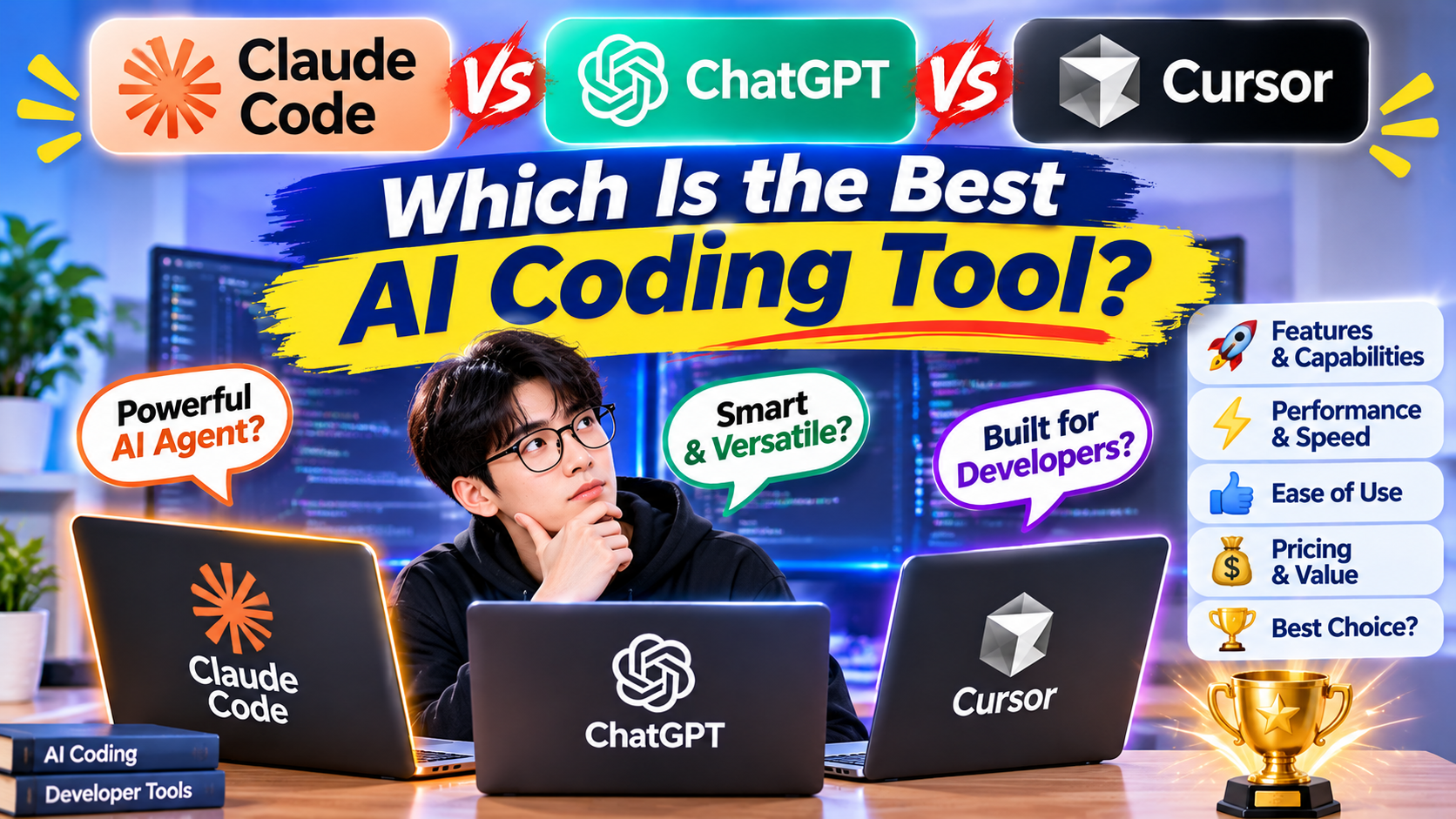
1. Claude Code: carrying out programming tasks
Claude Code is an AI programming tool developed by Anthropic, using Claude models to support working directly with a project's source code.
The standout feature of Claude Code lies in its ability to handle work in multiple steps. Instead of only producing a piece of code on request, the tool can analyze the project structure, read related files, propose implementation options, edit source code and run test commands in an environment where it has been granted permission.
For example, when building an online store website, users can ask Claude Code to add a login function, build a shopping cart or fix an error that occurs during payment. The tool can survey the related components, identify the places that need to change and help carry out the work across multiple files.
Claude Code is also useful when maintaining an existing system. Programmers can ask it to explain how a module works, find the cause of an API returning an error or write tests for a specific function.
Advantages of Claude Code:
· Can handle programming tasks involving multiple files and multiple steps.
· Supports reading, editing and checking source code in real projects.
· Suitable for bug fixing, code refactoring and adding features.
· Can be integrated into workflows that use the terminal, Git and other development tools.
However, Claude Code is not a fully automatic solution. Users still need to review the changes, check the correctness of the source code and control commands that may affect data or the system.
For beginners, getting familiar with the terminal, project structure and programming workflow may create some initial difficulties.
Overall, Claude Code suits people who want to hand specific technical tasks over to AI to handle on the source code, especially when the project has many related components.
2. ChatGPT and Codex: versatile for work and programming
ChatGPT is OpenAI's AI assistant, capable of supporting many kinds of work such as explaining knowledge, research, analyzing documents, writing content, planning and problem solving. When combined with Codex, ChatGPT can also support in-depth software development tasks.
Unlike the approach of Claude Code or Cursor, which focuses on the programming environment, ChatGPT has the advantage of being able to discuss with the user before, during and after the code-writing process.
For example, before building a customer management application, users can ask ChatGPT to identify the necessary functions, analyze the target user groups, design the data structure and choose suitable technologies. After that, Codex can support carrying out programming tasks, reviewing changes and handling technical requirements depending on the environment of use.
ChatGPT is also especially useful for people learning to program. When encountering a confusing piece of code, users can ask for an explanation of each part, find out the cause of an error or compare multiple implementation methods. This helps the learning process go beyond just producing a product and also expand foundational knowledge.
Advantages of ChatGPT combined with Codex:
· Supports both programming work and many non-technical tasks.
· Can help analyze requirements, design solutions and explain knowledge.
· Suitable for people new to programming and people who need to discuss a lot before implementation.
· Can support writing code, fixing errors, testing and carrying out software development tasks through the tools provided.
Even so, you need to distinguish regular ChatGPT from Codex's programming features. The ability to access source code, execute commands or handle a project depends on the specific tool and environment, and not every conversation automatically has these permissions.
3. Cursor: AI-integrated programming
Cursor is an AI-integrated source code editor, designed to help programmers write, read and edit code right in the development environment.
Instead of having to switch constantly between a chatbot and an editor, users can work directly with project files, ask the AI to explain a piece of code, propose changes or support programming tasks.
For example, when developing a website, a programmer can select a part of the source code and ask to optimize the processing logic or add a new function. Cursor can support creating and editing code, while also letting users review the changes before accepting them.
This approach is especially suitable for people who often work in an integrated development environment (IDE) and want AI to become part of their daily programming workflow.
Advantages of Cursor:
· Integrates AI directly into the code-writing environment.
· Convenient for editing, reviewing and navigating between multiple files.
· Supports code completion, code explanation and handling programming tasks.
· Suitable for a continuous workflow of writing code, test running and fixing errors.
However, Cursor does not completely replace programming knowledge. Users still need to understand the project structure, know how to run the application and check the results. Some advanced features also depend on the service plan and the AI model used.
4. Overview comparison table
To make it easier to visualize, the differences between the three tools can be summarized as follows:
| Criteria | Claude Code | ChatGPT + Codex | Cursor |
|---|---|---|---|
| Focus | Carrying out programming tasks | Versatile AI assistant and programming | AI-integrated programming environment |
| Writing code | Yes | Yes | Yes |
| Working with multiple files | Yes | Yes, depending on the environment | Yes |
| Bug fixing and testing | Yes | Yes, depending on the tool | Yes |
| Learning knowledge and explanations | Yes | Very suitable | Yes, leaning toward code |
| IDE experience | Through integration forms | Through supporting tools or environments | The main environment |
| Suitable users | People who need to hand technical tasks to AI | People who need a versatile AI | People who program regularly |
This table should not be seen as an absolute ranking. Actual effectiveness depends on the complexity of the project, the AI model chosen, the quality of the input requests and the ability to test.
5. Usage costs
Cost is an important factor when choosing an AI tool, especially for frequent users.
Claude Code can be used through Claude plans that support this feature or through the API on a usage basis. ChatGPT has various plans, with Codex access and limits depending on the plan and current policy. Cursor offers a limited free plan and paid plans for people who need more features.
The commonly referenced list prices have been about 20 USD per month for Claude Pro, ChatGPT Plus and Cursor Pro. However, prices, limits and terms of use may change depending on time, region and each provider's policy. Users should check the official pricing page before subscribing.
Besides the subscription cost, you need to consider model usage limits, the need to handle long tasks and the possibility of API fees. A lower-priced tool is not necessarily more economical if it cannot meet the workload.
6. Which tool should you choose based on your needs?
There is no single tool that suits everyone. The decision should be based on your specific goals of use.
If you don't know much about programming: ChatGPT is a convenient starting point for learning knowledge, analyzing requirements and understanding how software works. Once you have a project, you can continue trying Cursor or Claude Code to practice.
If you want AI to help build software task by task: Claude Code or Codex is worth considering. Both can support project analysis, code editing and handling multi-step tasks in a suitable environment.
If you are a programmer working daily: Cursor is suitable when you prioritize the experience of writing code directly in the IDE. Claude Code can complement this workflow when you need to handle technical tasks across multiple files.
If you want one assistant for both work and programming: ChatGPT has the advantage of a wide range of applications, from research and planning to technical support.
In practice, you can also combine the tools. For example, use ChatGPT to analyze requirements, Cursor to develop the application and Claude Code to handle some tasks that require changes across many components. However, you do not necessarily have to subscribe to all three from the start; using too many tools can increase costs and make the workflow more complicated.
In short, the best AI tool is not necessarily the one with the most features, but the one that helps you complete your work effectively, safely and within your budget. Start from your actual needs, experiment in a controlled way and only expand to other tools when they truly bring value.





















VIP Products








Best Selling Products
Adobe Premiere Pro Account
99 USD
Upgrade Duolingo Super
29 USD
Freepik Premium Account
59 USD
Adobe Photoshop Copyright - Full App
120 USD
ChatGPT Plus Account (GPT-4)
16 USD
MidJourney Account
29 USD
Genuine Adobe Illustrator account
99 USD
Autodesk All App Account Copyright
120 USD
Genuine Cheap Canva Pro
39 USD
Upgrade genuine Capture One account
120 USD
Plugin Retouch4me
69 USD
Upgrade Genuine Office 365
49 USD
Capcut Pro 1 Year
39 USD
Copyright Adobe Lightroom Account
59 USD
Windows 10 & 11 Pro Key
36 USD