Best Selling Products

Upgrade genuine Capture One account
120 USD

Genuine Cheap Canva Pro
39 USD

ChatGPT Plus Account (GPT-4)
16 USD

Adobe Photoshop Copyright - Full App
120 USD

Autodesk All App Account Copyright
120 USD

Freepik Premium Account
59 USD

Upgrade Duolingo Super
29 USD

MidJourney Account
29 USD

Windows 10 & 11 Pro Key
36 USD

Upgrade Genuine Office 365
49 USD

Capcut Pro 1 Year
39 USD

Genuine Adobe Illustrator account
99 USD

Adobe Premiere Pro Account
99 USD

Copyright Adobe Lightroom Account
59 USD

Plugin Retouch4me
69 USD
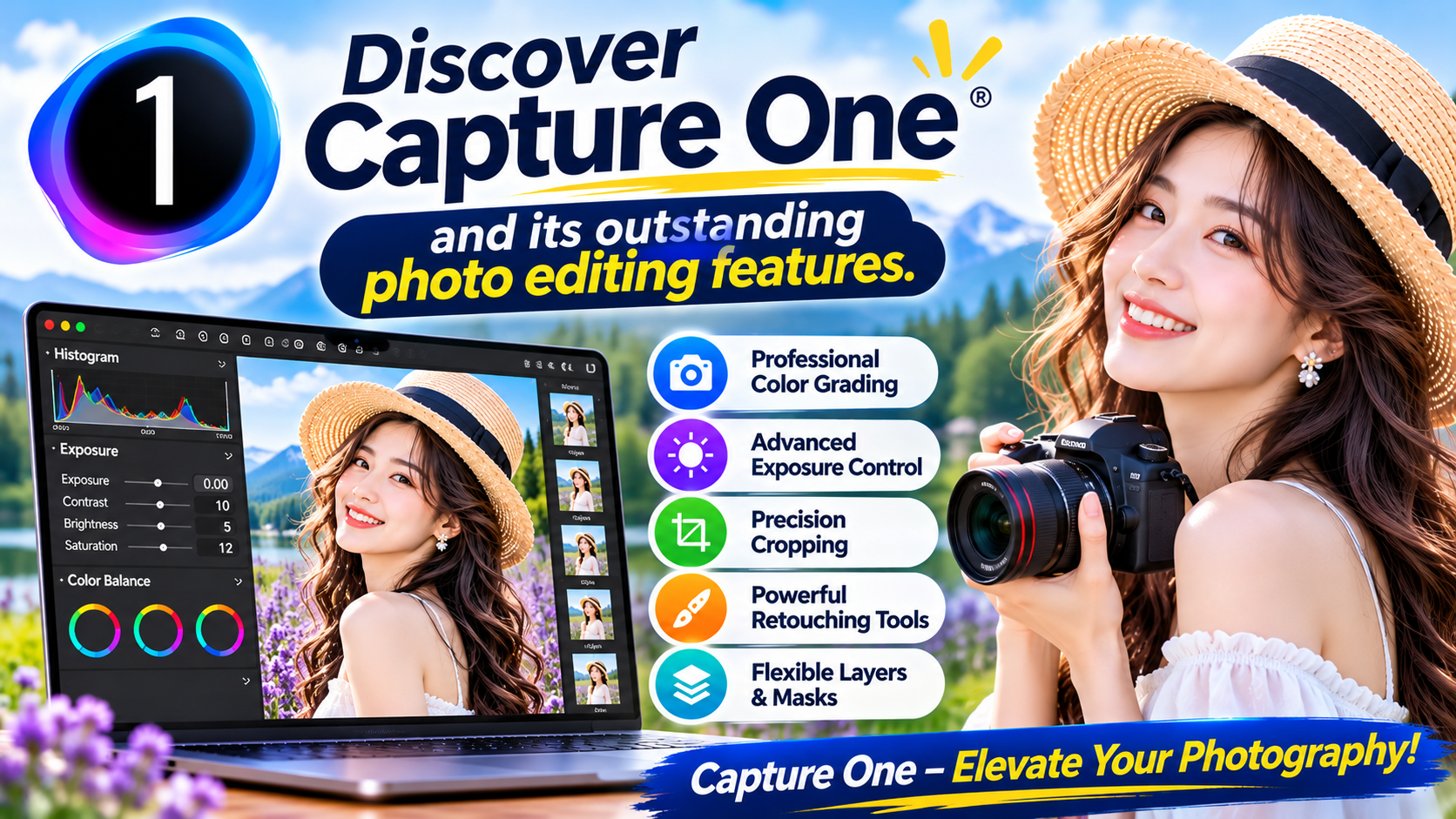
Discover Capture One and its outstanding photo editing features.
Nội dung
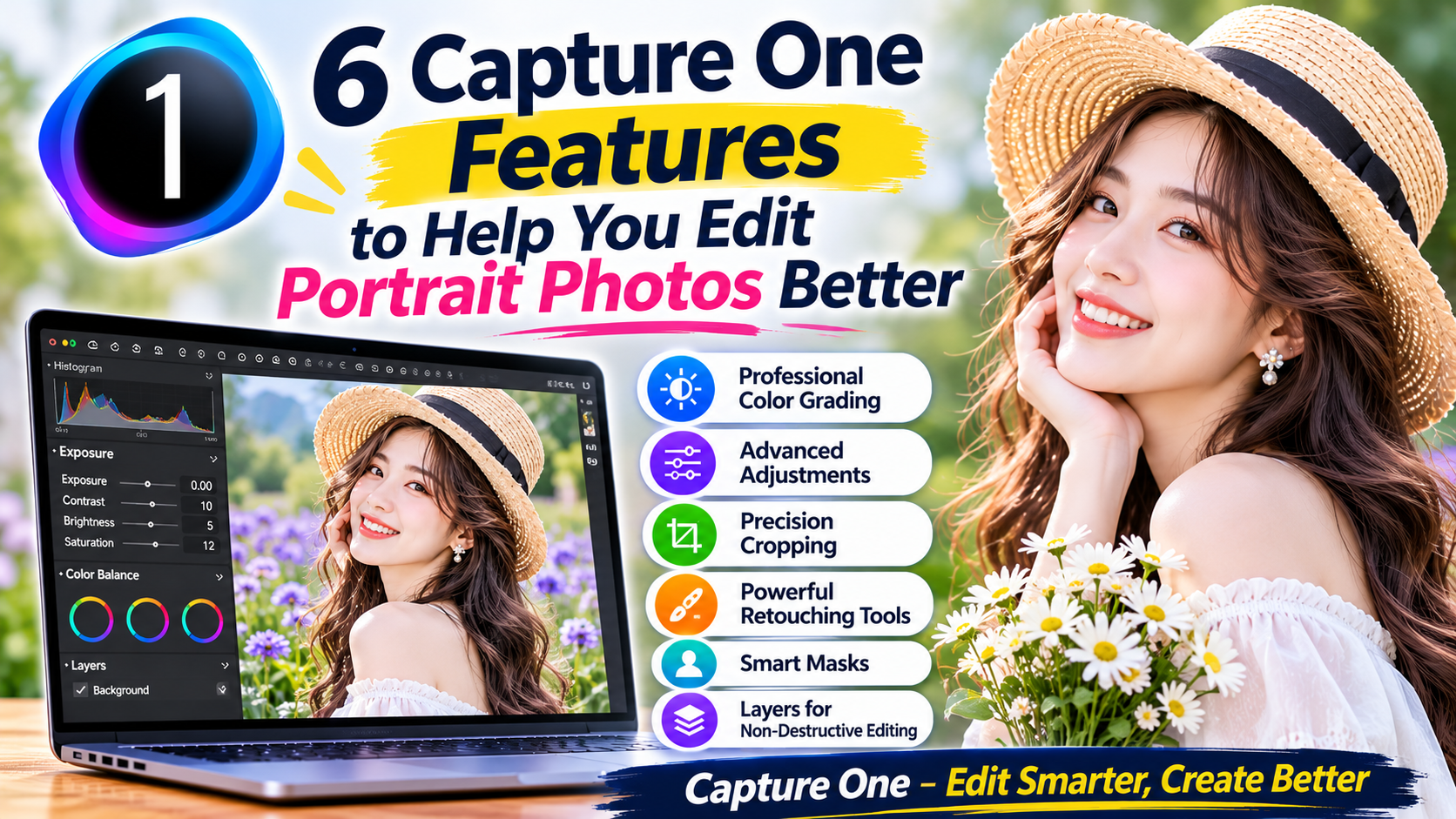
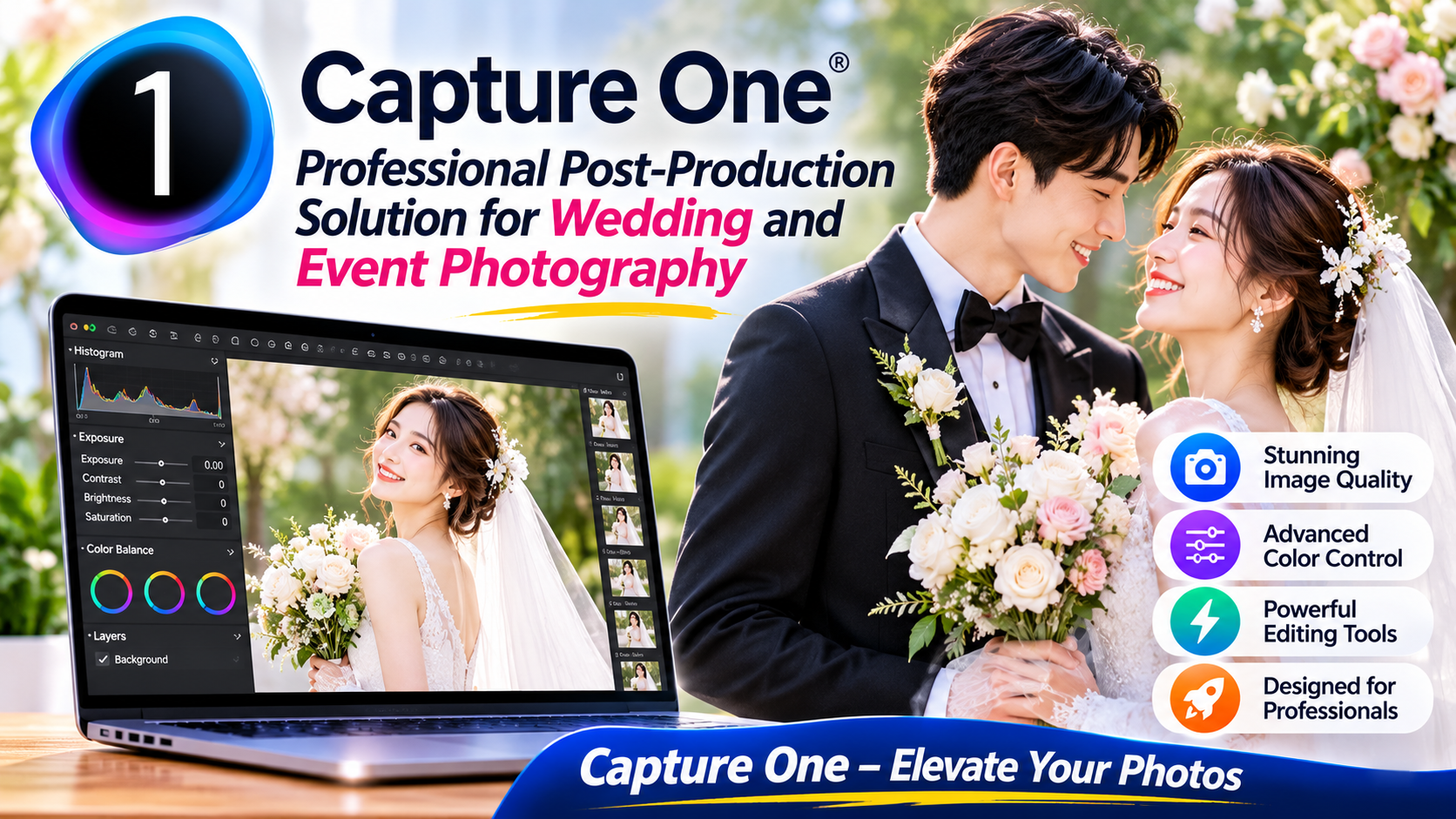
This summarizes the outstanding features of Capture One, from color adjustment and detail optimization to taking photos directly on your computer.
1. Learn about Capture One.
Capture One is professional image processing and editing software designed to help users control images throughout the various stages of the photography process. The software aims to enhance image quality, support accurate color adjustments, and help photographers work more efficiently.
One of Capture One's notable features is its focus on image quality and control during post-processing. Users can adjust elements such as color, brightness, contrast, and detail to create results that match their creative style or client requirements.
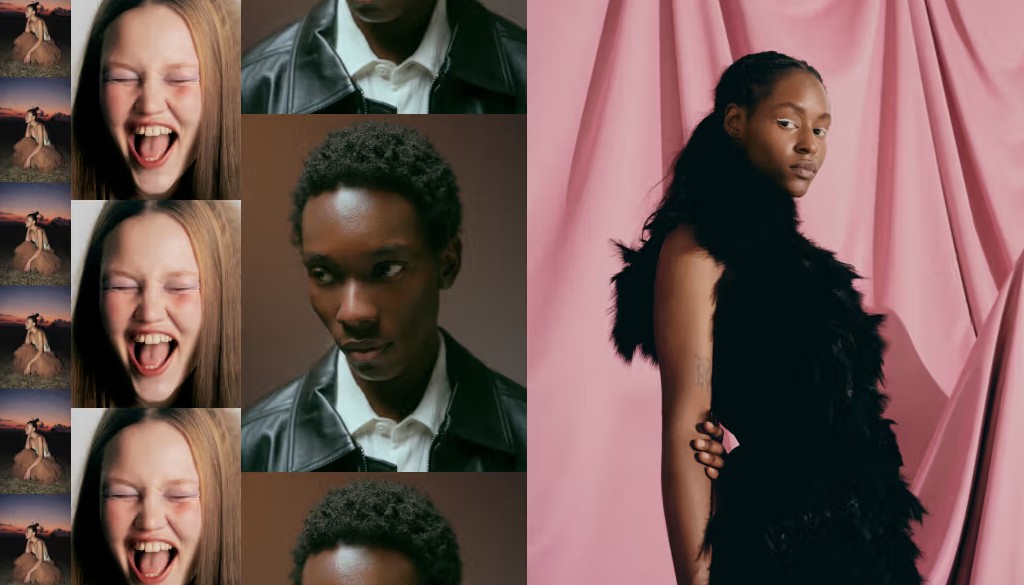
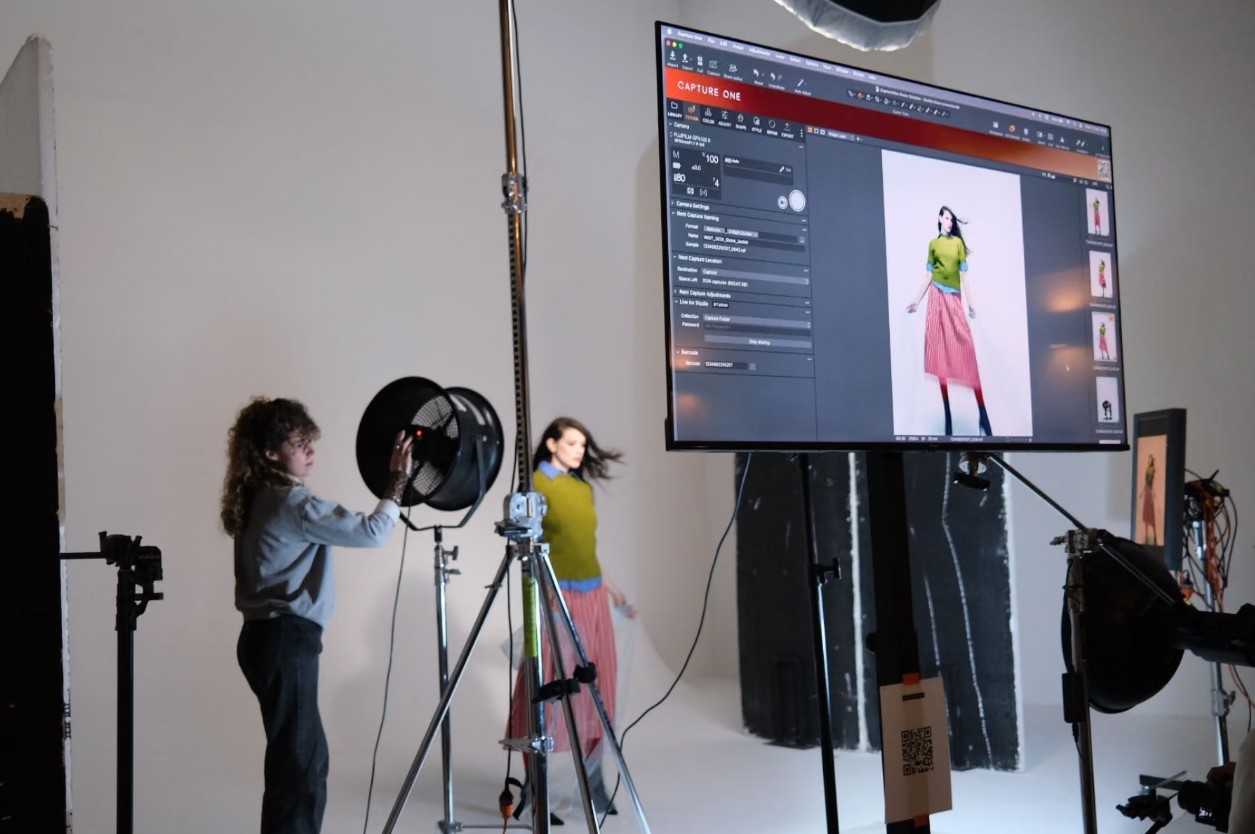
Besides photo editing, Capture One is also known for its tethered shooting feature, which allows compatible cameras to be connected to a computer to view images live while shooting. This feature is especially useful for commercial shoots, product shoots, and fashion shoots in a studio, where image quality needs to be checked at the time of shooting.
By combining image processing tools with workflow support capabilities, Capture One aims to be a solution that serves multiple stages in the photography process, rather than focusing solely on post-shooting editing.
2. Features of Capture One
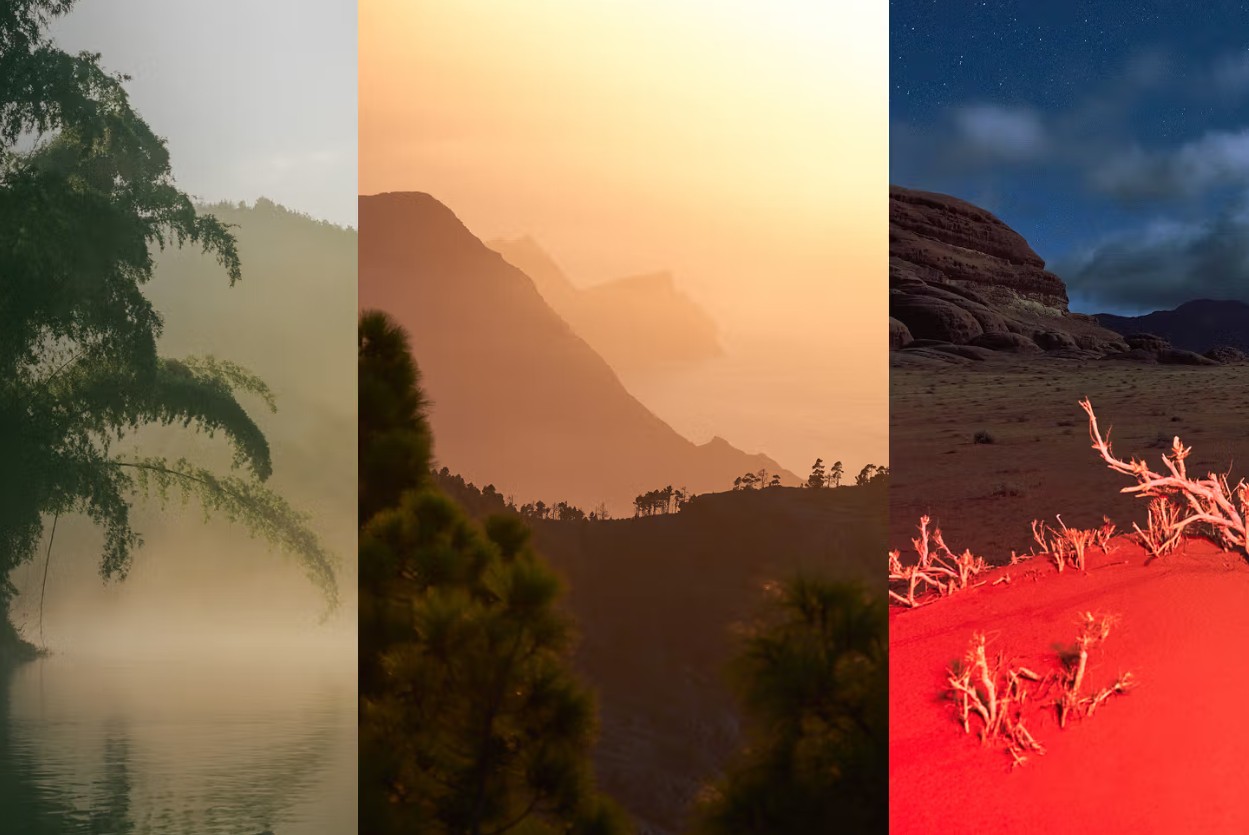
Control color and image quality.
Color is a crucial element that determines the emotion, style, and consistency of a series of photographs. For commercial photography, color also directly influences how a product is presented and perceived by the customer.
Capture One provides tools for adjusting image color and tone, allowing users to proactively build post-processing styles according to specific goals. Photographers can fine-tune images to suit real-world lighting, artistic direction, or brand identity requirements.
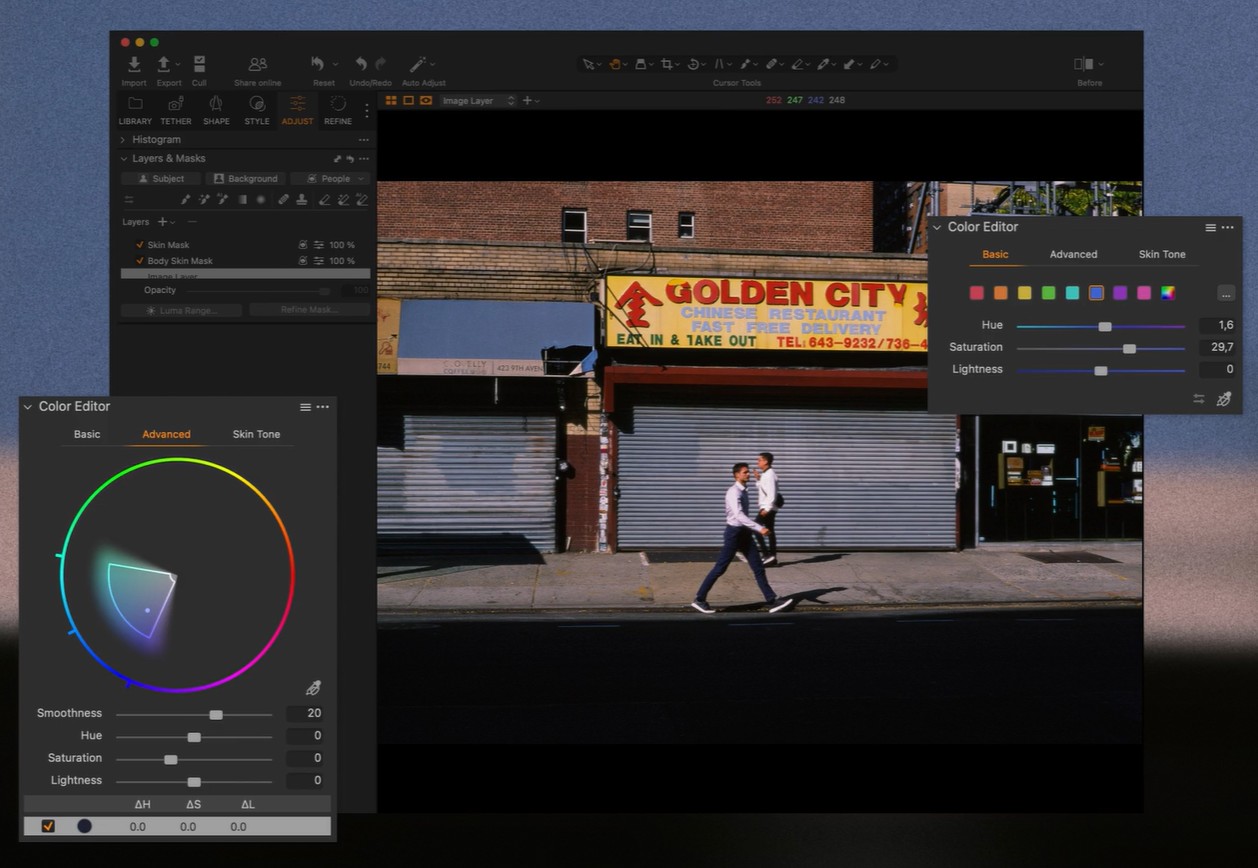
The ability to control color is also important when processing multiple images in the same project. Instead of editing each image in completely different ways, users can aim for consistency in tone and style across the images. This is especially important in fashion photography, wedding photography, product photography, and projects with high demands for consistency.
Take photos directly connected to a computer.
Tethered shooting is a highly practical feature for studio photographers. Through a connection between a compatible camera and a computer, images can be displayed for review during the shoot.
Instead of just viewing photos on the camera's small screen, photographers and crew members can observe images on a larger screen, making it easier to assess composition, lighting, color, and details that need adjustment.
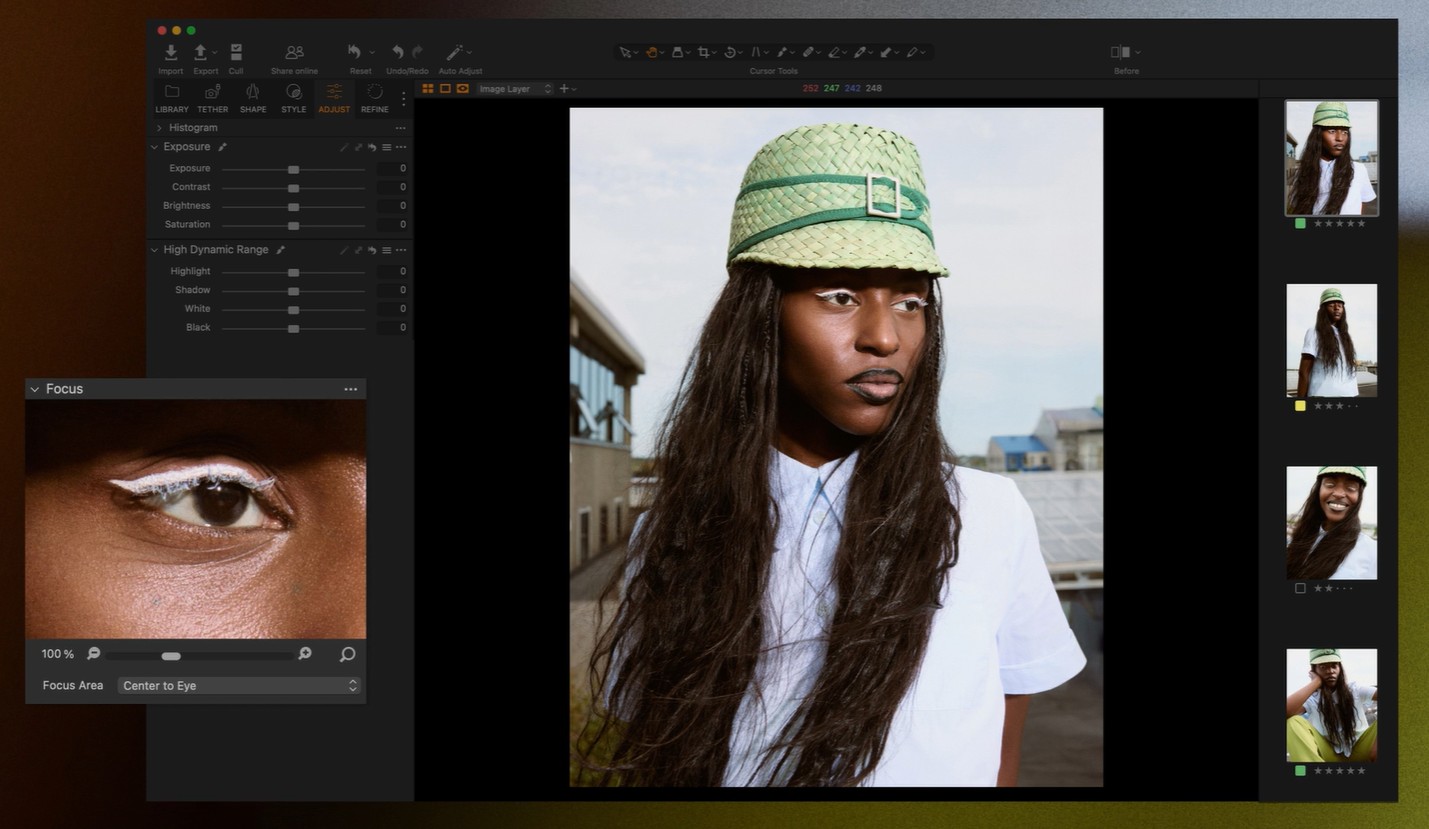
This process helps detect technical issues early, minimizes the need for retakes, and facilitates collaboration between the photographer and the client, stylist, or creative director. In commercial projects with tight deadlines, checking images immediately after shooting can save significant time and effort.
Optimize the image editing and management process.
A photography project typically generates a large number of image files. Without a proper management process, searching, selecting, and processing images can become a time-consuming task.
Capture One aims to help users organize their image editing and processing workflows systematically. Combining image management with post-processing tools makes it easier for photographers to work with large photo sets, while maintaining consistency throughout the final product.
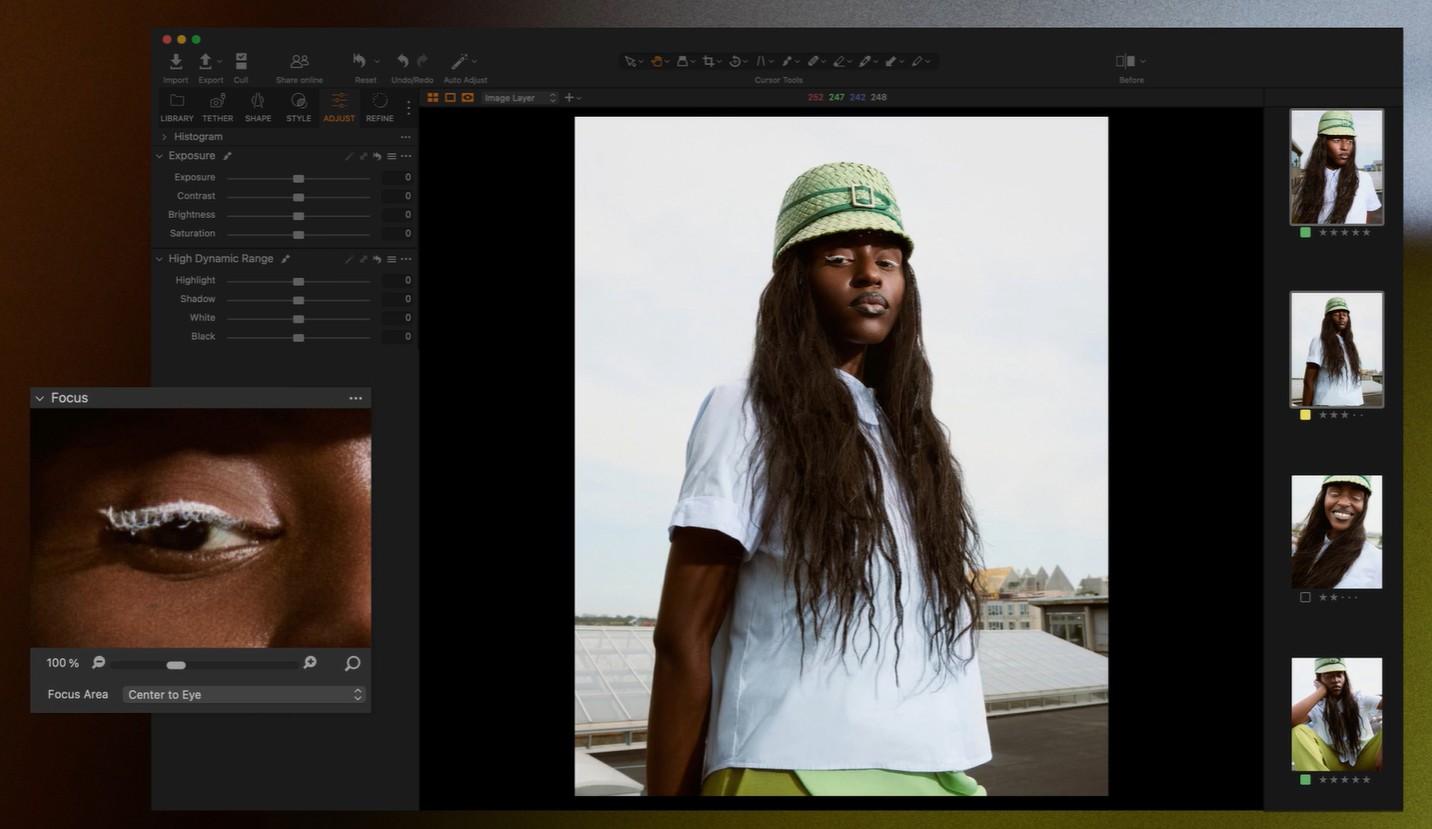
For those who frequently work on commercial projects, wedding photography, or event photography, a clear process helps reduce repetitive tasks, increase control over progress, and support the delivery of images that meet requirements.
Support for collaboration and automation.
As the scale of work increases, photo editing is no longer the sole responsibility of a single photographer. Larger studios may require collaboration among multiple team members, processing large volumes of images, and maintaining consistent output standards.
Capture One offers solutions geared towards professional work environments, with Capture One Studio focusing on needs such as collaboration, automation, and optimizing image production workflows.
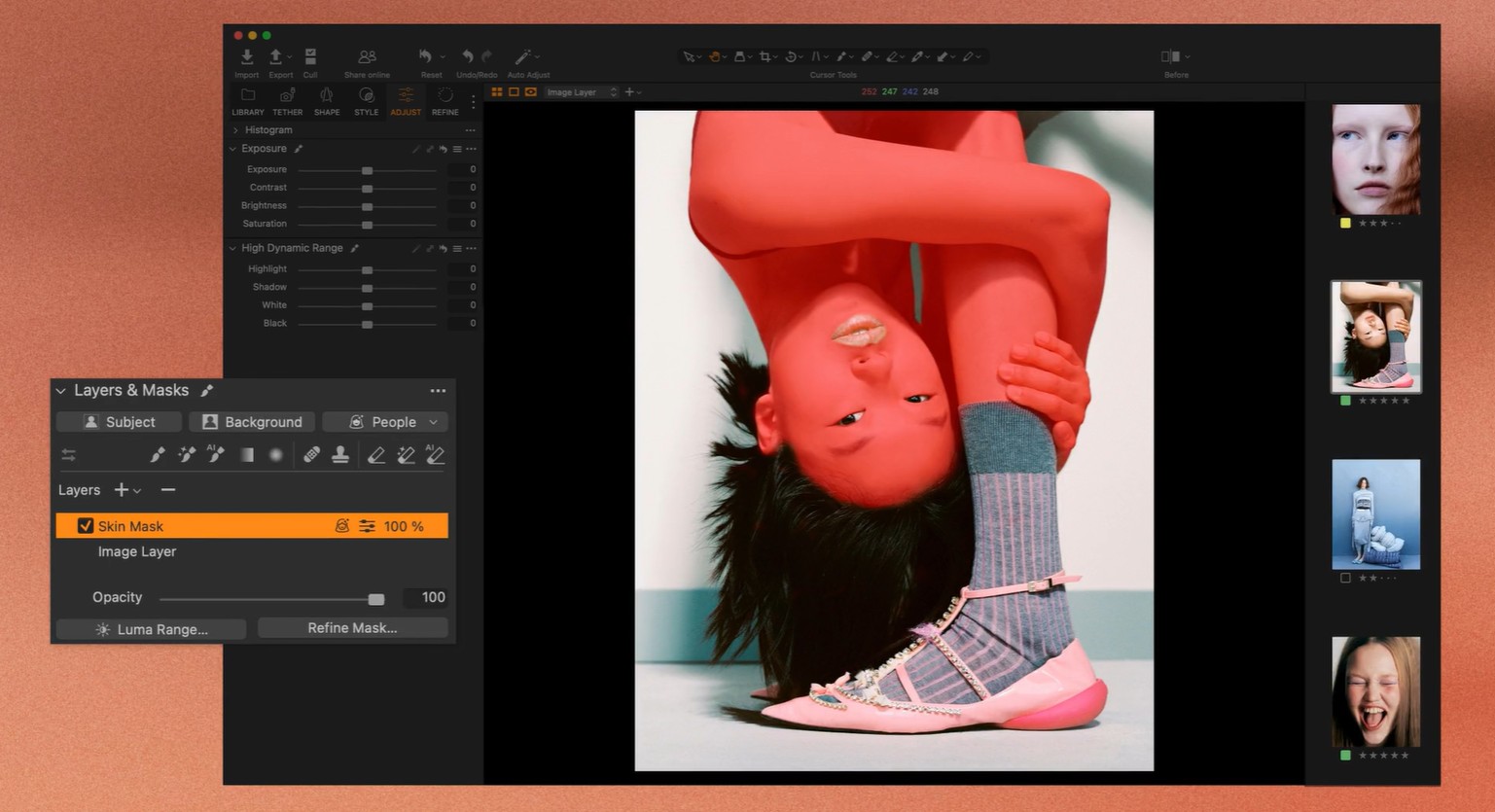
Reducing manual tasks can allow the team to dedicate more time to work requiring expert judgment and creativity. However, the actual effectiveness depends on the studio's size, equipment used, and workflow organization.
3. Who is Capture One suitable for?
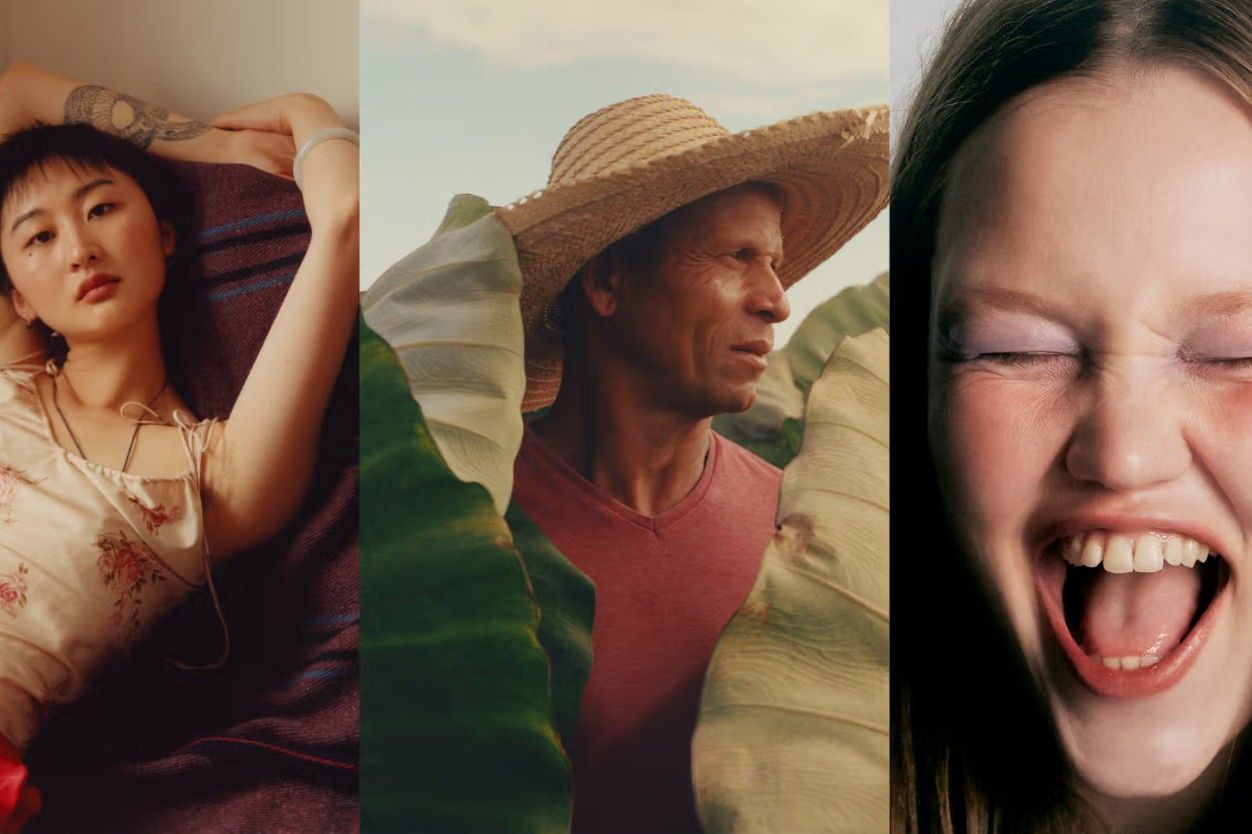
Portrait photographer
For portrait photography, skin tone, lighting, and image naturalness are crucial elements. Capture One provides tools for adjusting color and tone, helping photographers develop their own style and maintain consistency across photos in a series.
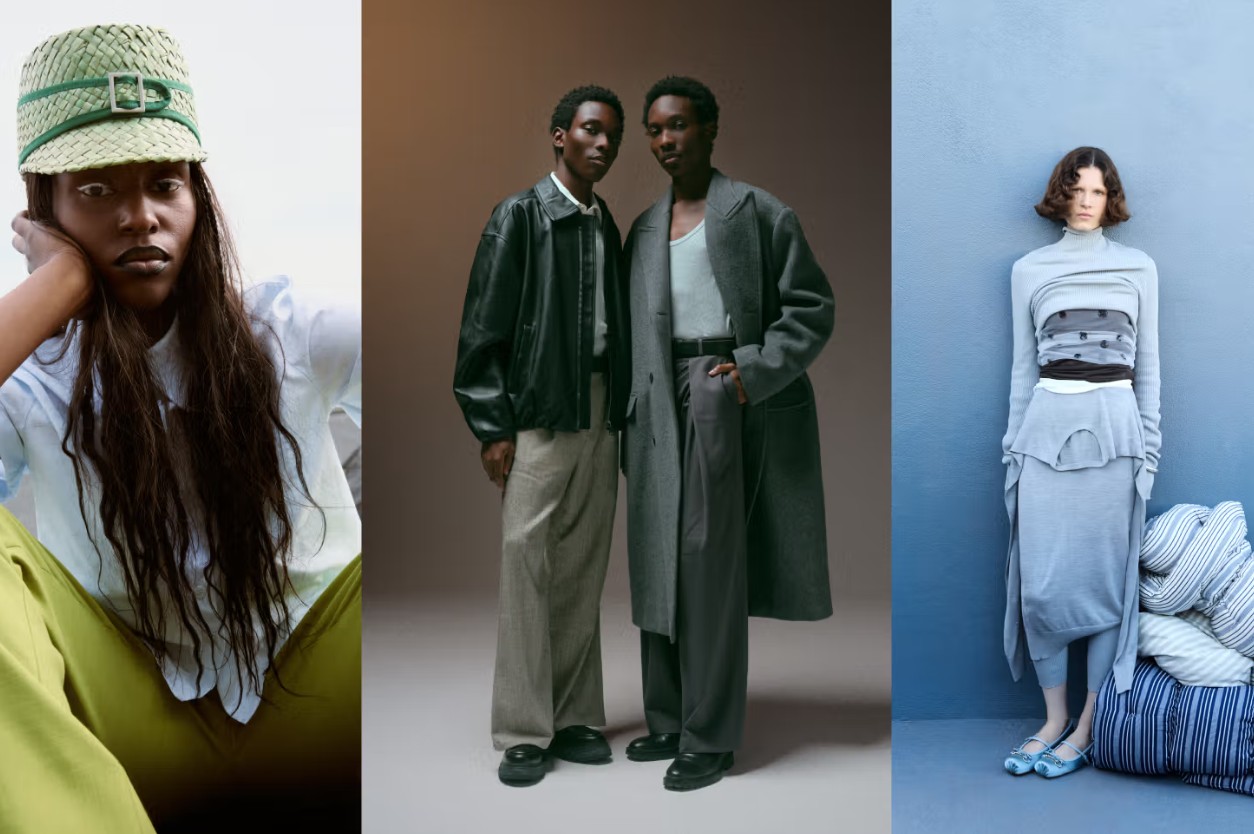
Fashion and beauty photographer
Fashion projects often require tight control over lighting, garment colors, and image quality. The live shooting feature allows the creative team to review photos during the shoot, making timely adjustments before the end of the session.
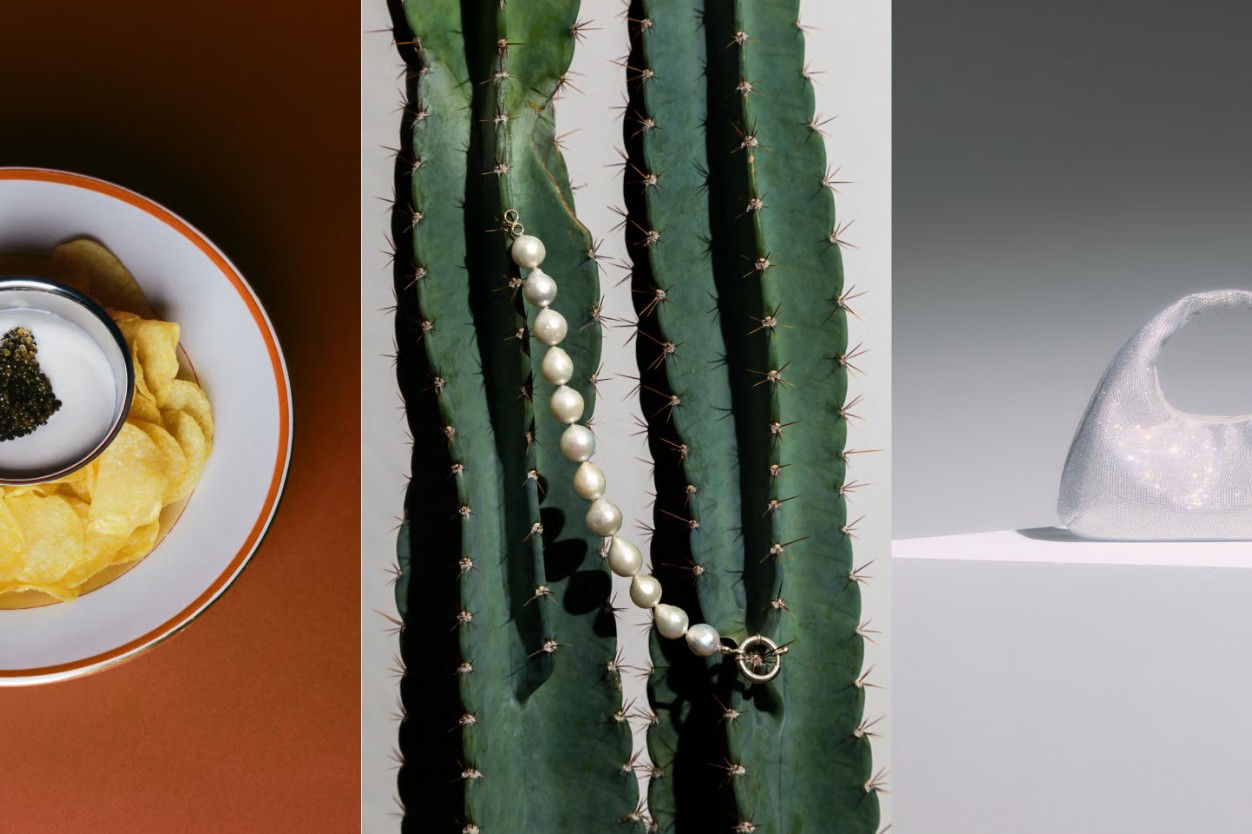
Product and commercial photographer
In product photography, color accuracy and detail rendering are particularly important. Capture One is suitable for workflows requiring frequent image review, consistent style maintenance, and processing multiple images for e-commerce websites, advertising, or marketing materials.
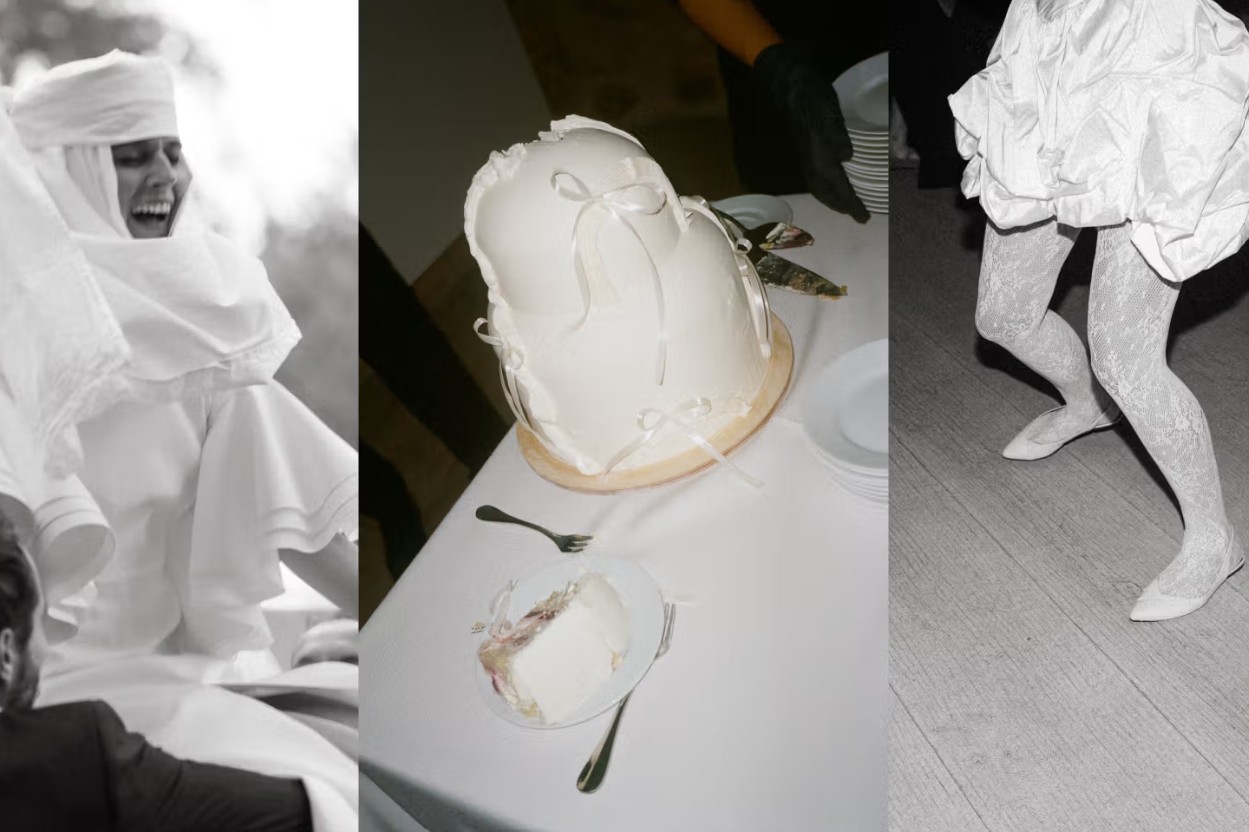
Wedding and event photographer
Wedding and event photos are often large in quantity and taken under various lighting conditions. Photo processing and organization tools can help users manage their photo collections more effectively, while maintaining a consistent post-production style when delivering to clients.
Studio and content production team
For organizations handling multiple projects simultaneously, the ability to organize work and optimize processes can be just as important as editing quality. Capture One Studio's collaboration-oriented and automated solutions are a worthwhile option for studios needing to operate on a large scale.
4. Products and solutions within the Capture One ecosystem
Capture One Pro is aimed at photographers who need professional photo editing tools. It's a worthwhile option for those who frequently process photos and want more control over image elements during post-processing.
Capture One Mobile caters to the needs of working with images on mobile devices, suitable for situations where users want to access or process work outside of a traditional computer environment. Specific usability depends on the device and supported version.
Capture One Studio is geared towards studios and professional teams needing collaboration, automation, and workflow management in image production. Meanwhile, Capture One Styles offers image processing styles, supporting users in building creatively-oriented visual looks.
5. Things to consider before using Capture One
Although it offers many tools for professional photography, Capture One is not necessarily the best choice for every user.
First, users should determine their actual needs. If they mainly do simple photo editing for sharing on social media, an easy-to-use, lower-cost software might suffice. Conversely, if they frequently shoot commercial photos, need to control color, or work directly in a studio, investing in a professional tool might offer more benefits.
Secondly, compatibility with existing cameras, operating systems, and equipment needs to be checked. This is especially important if the user plans to use tethered shooting or deploy the software in a studio environment.
Finally, cost and learning time are also factors to consider. Capture One offers various product and service options, so it's advisable to compare prices, features, trial conditions, and your usage needs before making a decision.
6. Conclusion
Capture One is a professional image processing solution designed to enhance image quality and optimize photographers' workflows. With a focus on color control, direct computer connectivity, and image management tools, the software meets diverse needs across fields such as portrait, fashion, product, wedding, and commercial photography.





















VIP Products








Best Selling Products
Upgrade genuine Capture One account
120 USD
Genuine Cheap Canva Pro
39 USD
ChatGPT Plus Account (GPT-4)
16 USD
Adobe Photoshop Copyright - Full App
120 USD
Autodesk All App Account Copyright
120 USD
Freepik Premium Account
59 USD
Upgrade Duolingo Super
29 USD
MidJourney Account
29 USD
Windows 10 & 11 Pro Key
36 USD
Upgrade Genuine Office 365
49 USD
Capcut Pro 1 Year
39 USD
Genuine Adobe Illustrator account
99 USD
Adobe Premiere Pro Account
99 USD
Copyright Adobe Lightroom Account
59 USD
Plugin Retouch4me
69 USD