Best Selling Products

Adobe Premiere Pro Account
99 USD

Capcut Pro 1 Year
39 USD

Plugin Retouch4me
69 USD

Upgrade Genuine Office 365
49 USD

Freepik Premium Account
59 USD

MidJourney Account
29 USD

Windows 10 & 11 Pro Key
36 USD

Autodesk All App Account Copyright
120 USD

Upgrade genuine Capture One account
120 USD

Upgrade Duolingo Super
29 USD

Genuine Adobe Illustrator account
99 USD

Genuine Cheap Canva Pro
39 USD

Copyright Adobe Lightroom Account
59 USD

ChatGPT Plus Account (GPT-4)
16 USD

Adobe Photoshop Copyright - Full App
120 USD
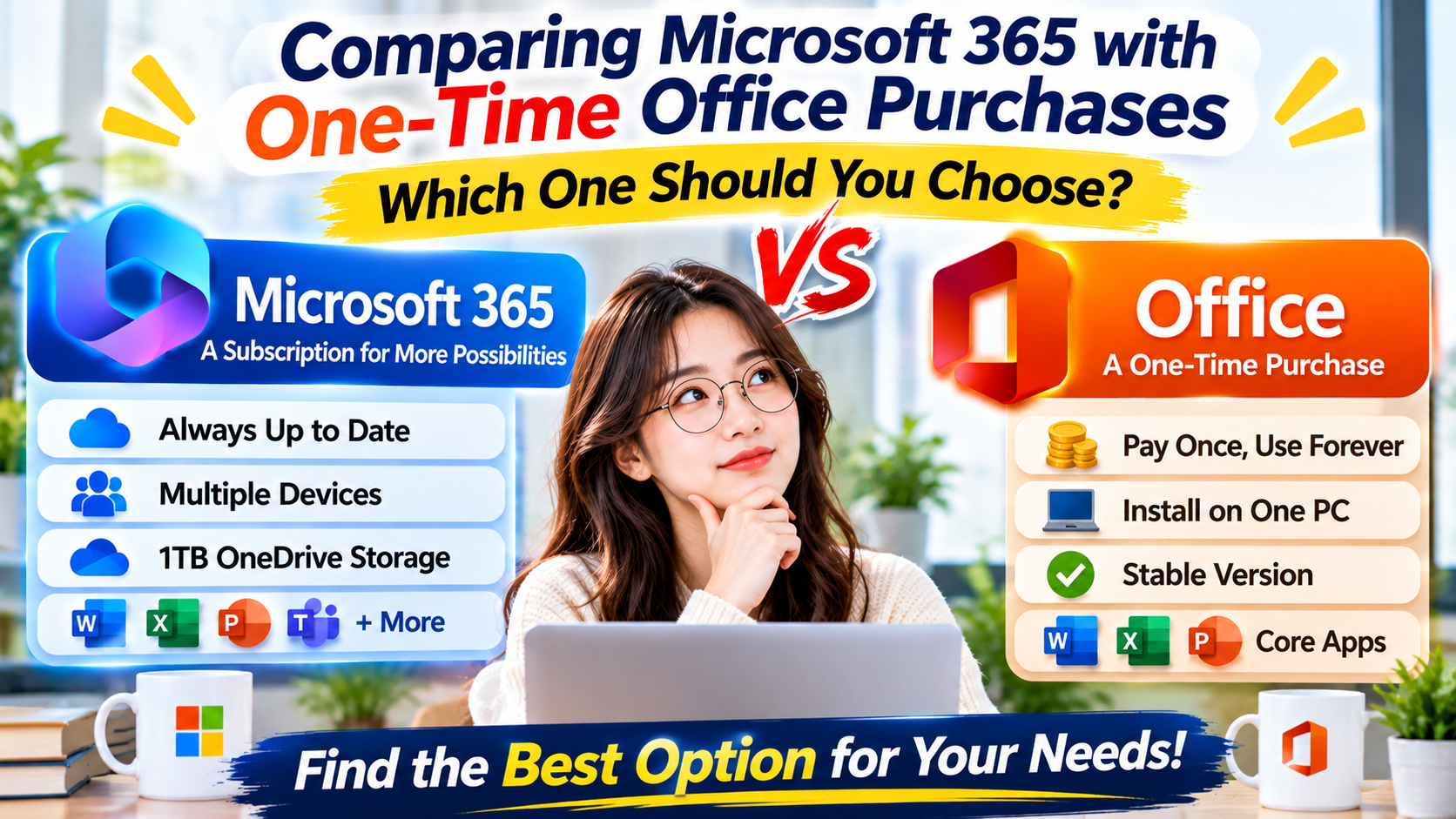
Comparing Microsoft 365 with one-time Office purchases: Which one should you choose?
Nội dung
- 1. Learn about Microsoft 365 and Office one-time purchase.
- 2. Comparing Microsoft 365 and one-time purchase Office
- 3. Which option is more economical?
- 4. Update capabilities and new features
- 5. Cloud storage and multi-device compatibility
- 6. Advantages and disadvantages of each option
- 7. Should I choose Microsoft 365 or a one-time purchase of Office?
- 8. Conclusion
This analysis highlights the differences between Microsoft 365 and one-time Office purchases in terms of price, features, updates, cloud storage, and compatible devices, helping you choose the right version for your needs.
1. Learn about Microsoft 365 and Office one-time purchase.
Microsoft 365 is a software service available on a monthly or annual subscription basis. When subscribing to a suitable plan, users can access office applications such as Word, Excel, and PowerPoint, along with many additional services depending on the plan. Some plans also offer Outlook, OneNote, OneDrive with large online storage capacity, and enhanced AI or security features.
A key feature of Microsoft 365 is that applications are regularly updated throughout the subscription period. Users can access new improvements without having to purchase a separate version of Office. Depending on the plan, the account can also use applications on multiple devices and supports data synchronization between computers, phones, and tablets.
Conversely, one-time purchase versions of Office , such as Office Home 2024, are products where users pay a one-time fee to access a licensed version under the product's terms and conditions. These versions typically include core applications like Word, Excel, and PowerPoint, suitable for basic office work needs.
However, a one-time purchase does not mean users are entitled to free upgrades to all future versions of Office. If they wish to upgrade to a newer, larger version, they may need to purchase a new license. Specific features and access rights also depend on the chosen version of Office.
2. Comparing Microsoft 365 and one-time purchase Office
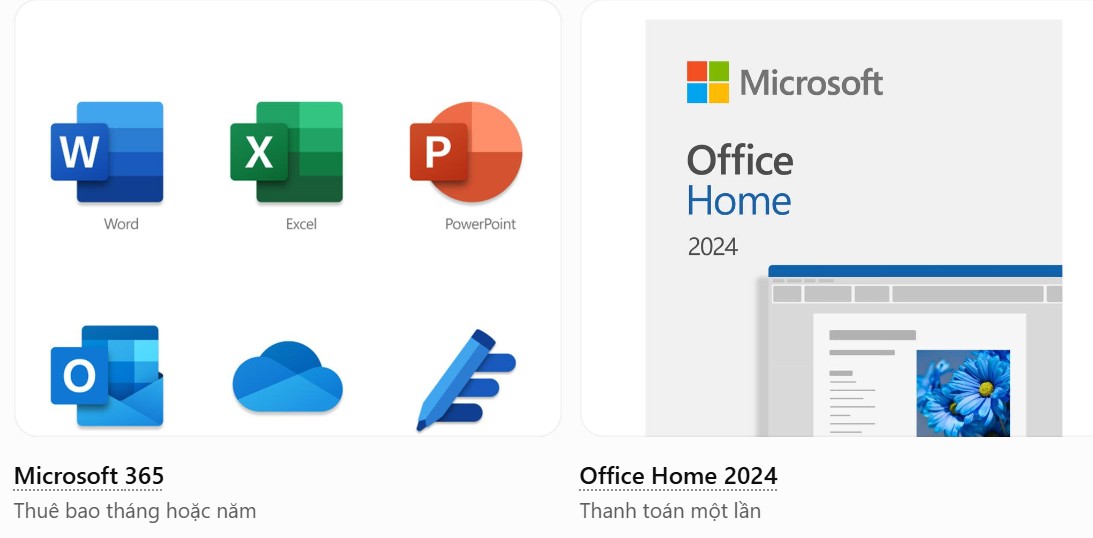
To make your choice easier, you can refer to the comparison table below.
Overall, Microsoft 365 has advantages in terms of flexibility and service ecosystem. The one-time purchase of Office is attractive to those who want to use basic office applications without having to maintain recurring payments.
3. Which option is more economical?
Cost is one of the most important factors when deciding to purchase office software. The two licensing models have different pricing structures, so users need to consider both the initial payment and the total cost over several years.
According to the reference prices previously listed on the Microsoft Store Vietnam, Office Home 2024 costs approximately 3,599,000 VND per purchase . Meanwhile, Microsoft 365 Personal costs approximately 2,099,000 VND per year , and Microsoft 365 Family costs approximately 2,599,000 VND per year . Actual prices may vary depending on the time, promotions, and sales conditions.
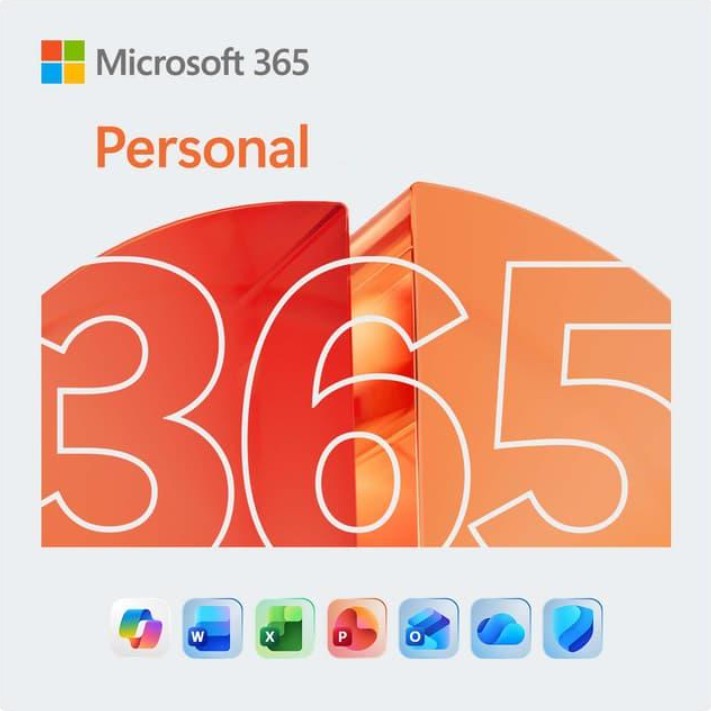
Assuming the user chooses Microsoft 365 Personal at the price above and the price remains unchanged throughout the subscription period, the estimated cost is as follows:
-
After 1 year: 2,099,000 VND.
-
After 2 years: 4,198,000 VND.
-
After 3 years: 6,297,000 VND.
With Office Home 2024, the initial license cost is approximately 3,599,000 VND. Therefore, considering only the cost of the software itself, a one-time purchase of Office can be more economical in the long run, eliminating the need for upgrades to newer versions.
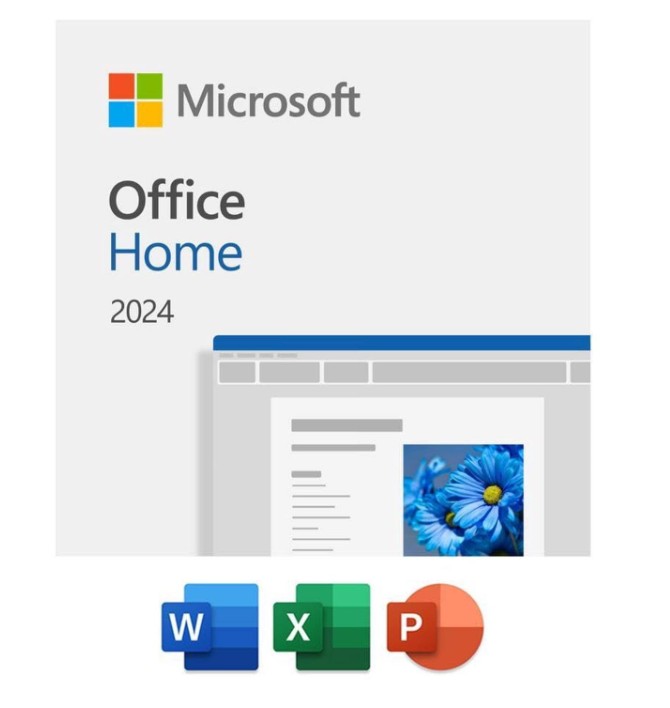
However, you shouldn't just look at the total cost. Microsoft 365 may also include OneDrive storage, multi-device compatibility, and additional features depending on the plan. If you're paying for a private cloud storage service, these added benefits can significantly alter how you assess the actual cost.
Office, purchased once, is suitable for those who prioritize a down payment and long-term stable usage. Microsoft 365 is more suitable for those who need a broad ecosystem of services and are willing to pay recurring fees to maintain their access.
4. Update capabilities and new features
One notable difference between the two options is how the software is updated.
With Microsoft 365, applications are regularly updated for the duration of the subscription. Users have access to interface improvements, work tools, collaboration capabilities, and new features that Microsoft implements for its plan. This is an advantage for those who frequently work with documents, spreadsheets, or presentations.
Additionally, some eligible Microsoft 365 plans may offer AI features like Copilot or other productivity tools. However, availability depends on the subscription plan, region, language, and account conditions; not all plans include all AI features.
With a one-time purchase of Office, users still receive security updates and bug fixes for the duration of the product's support. However, these updates do not automatically grant free upgrades to the next major version of Office. If you want to use new features only available in a newer version, you may need to purchase a different license.
Therefore, if you want software that's constantly updated with new features, Microsoft 365 is often a better choice. If you only need familiar functions and don't require keeping up with the latest innovations, a one-time purchase of Office can still suffice.

5. Cloud storage and multi-device compatibility
In the modern workplace, users no longer rely on a single desktop computer. Many need to draft documents on a laptop, review content on a phone, or continue working on a tablet. This is a situation where Microsoft 365 has a clear advantage.
Depending on the subscription plan, Microsoft 365 offers OneDrive storage for online document storage and synchronization. When files are saved to the cloud, users can access documents from supported devices, reducing the risk of data loss due to storage on only one computer. Sharing and collaboration features also make it easier for multiple people to work on the same document.
Conversely, a one-time Office purchase focuses primarily on the right to use the licensed applications on the respective device. Users can still use online services or private storage solutions, but it should not be assumed that a one-time Office license includes the same OneDrive benefits as Microsoft 365.
If you frequently work remotely, need to share files with colleagues, or want documents synchronized across multiple devices, Microsoft 365 is a worthwhile option. If you primarily work on one computer and store documents locally, a one-time purchase of Office may suffice.
6. Advantages and disadvantages of each option
Microsoft 365
The biggest advantage of Microsoft 365 is its frequent feature updates, additional services, and flexible workflow support. Depending on the plan, users can use the software on multiple devices, store files online, and conveniently share documents. Some family plans even allow sharing benefits with multiple members subject to subscription conditions.
The downside is that periodic renewals are required to continue using all the paid features. If you no longer need them or your budget is limited, the annual fee can become a burden. Users also need to choose the right plan to avoid paying for unnecessary features.

Office is a one-time purchase.
The advantage of a one-time purchase of Office is that you pay once for the license and continue using the purchased version according to the licensing terms, without having to renew your subscription annually. This is a suitable option for those who only need familiar office applications, work primarily on one device, and want a clear cost estimate.
The limitation is that it doesn't automatically receive major updates in the future. Included services such as cloud storage, multi-device compatibility, or advanced features are also not equivalent across all Microsoft 365 packages. Therefore, users should carefully check the applications, supported devices, and support period of the product before purchasing.
7. Should I choose Microsoft 365 or a one-time purchase of Office?
The choice depends on your usage habits, budget, and the features you actually need.
You should choose Microsoft 365 if:
-
You frequently use Word, Excel, and PowerPoint for work or study.
-
You need to work across multiple devices and synchronize documents.
-
You want to use OneDrive along with its online collaboration features.
-
You are interested in new features that are updated regularly.
-
Families or groups of users can take advantage of the shared benefits of a suitable plan.
You should choose a one-time purchase of Office if:
-
You primarily use Word, Excel, and PowerPoint for everyday tasks.
-
You work on a computer and don't need many accompanying online services.
-
You want to pay once instead of maintaining an annual subscription.
-
You don't need to upgrade to the latest major version as soon as it's released.
Before purchasing, check the package name, application list, number of devices licensed, storage capacity, and terms of use. It's especially important to purchase from Microsoft or a trusted retailer to minimize the risk of an invalid license.
8. Conclusion
In summary, there's no single best version for everyone . If you need more features, cloud storage, and flexibility, consider Microsoft 365. If you want to pay once and use the office suite under a purchased license, a one-time Office purchase might be a more sensible option. Determine your actual needs, compare total costs, and check license information before deciding to choose the best solution.





















VIP Products








Best Selling Products
Adobe Premiere Pro Account
99 USD
Capcut Pro 1 Year
39 USD
Plugin Retouch4me
69 USD
Upgrade Genuine Office 365
49 USD
Freepik Premium Account
59 USD
MidJourney Account
29 USD
Windows 10 & 11 Pro Key
36 USD
Autodesk All App Account Copyright
120 USD
Upgrade genuine Capture One account
120 USD
Upgrade Duolingo Super
29 USD
Genuine Adobe Illustrator account
99 USD
Genuine Cheap Canva Pro
39 USD
Copyright Adobe Lightroom Account
59 USD
ChatGPT Plus Account (GPT-4)
16 USD
Adobe Photoshop Copyright - Full App
120 USD