Best Selling Products

Upgrade Genuine Office 365
49 USD

Autodesk All App Account Copyright
120 USD

Adobe Photoshop Copyright - Full App
120 USD

Adobe Premiere Pro Account
99 USD

Windows 10 & 11 Pro Key
36 USD

Upgrade genuine Capture One account
120 USD

Freepik Premium Account
59 USD

Genuine Cheap Canva Pro
39 USD

ChatGPT Plus Account (GPT-4)
16 USD

Plugin Retouch4me
69 USD

MidJourney Account
29 USD

Copyright Adobe Lightroom Account
59 USD

Genuine Adobe Illustrator account
99 USD

Capcut Pro 1 Year
39 USD

Upgrade Duolingo Super
29 USD
Create impressive product introduction videos with CapCut for free.
Nội dung
- 1. What should a product demo video include?
- 2. Start with a suitable online product demo video template.
- 3. Create a clear CTA in text.
- 4. Document the product or service that is currently operating online.
- 5. Benefits of product demo videos
- 5.1. Conveying information clearly
- 5.2. Increase conversion rates
- 5.3. Increase the level of interaction
- 6. How to create a product demo video in just 3 steps
- 7. Frequently Asked Questions about Product Demo Videos
No video editing experience is required; CapCut helps you quickly create product introduction videos. It's a free tool with comprehensive, in-depth editing features. A cost-effective solution for product marketing.
Create impressive product introduction videos with CapCut for free.
No video editing experience is required; CapCut helps you quickly create product introduction videos. It's a free tool with comprehensive, in-depth editing features. A cost-effective solution for product marketing.
Product demo videos serve as a bridge between the product and the user. This type of video content is designed to demonstrate how the product works, highlighting its features, benefits, and real-world usage scenarios, helping potential customers quickly visualize whether the product meets their needs. A good demo video not only helps viewers "understand" the product but also makes them "want to own" it.
With the rise of online video editing platforms like CapCut, creating product demo videos is no longer the exclusive domain of professional production teams. Any individual, brand, or business can now create high-quality, visually appealing, and persuasive demo videos. In this article, we'll explore in detail how to build an effective product demo video, the outstanding benefits of this type of content, and how to create a professional product demo video in just a few simple steps.
Upgrade to a Cheap Licensed CapCut Pro
1. What should a product demo video include?
An effective product demo video isn't simply a film of the product with added music. It needs to be strategically constructed, clearly structured, and focused on the viewer's experience. Every element in the video plays a crucial role in conveying the message and persuading customers.
The opening of a demo video needs to clearly introduce the product. This is when you tell viewers what the product is, what problem it solves, and who its target audience is. The introduction should be concise, direct, and engaging enough to hold the viewer's attention for the first few seconds.
After the introduction, the video should focus on highlighting the core features and benefits of the product. The key here is not just listing features, but explaining the practical benefits users receive . Instead of saying the product has “feature A,” show viewers how that feature saves them time, reduces costs, or improves work efficiency.
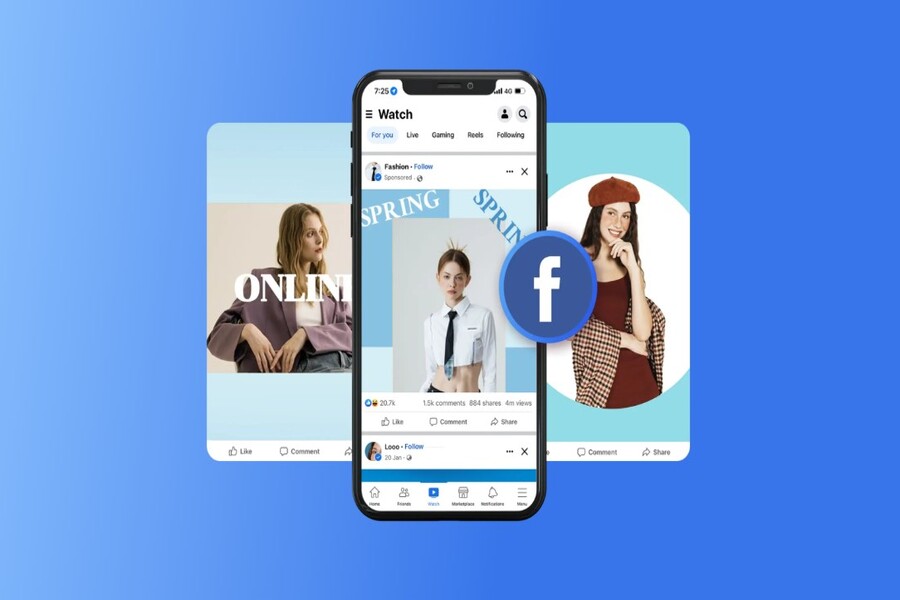
.jpg)
Next is the product demonstration in real life. This is considered the "soul" of the product demo video. Viewers need to see the product in action, used in a visual and easy-to-understand way. Close-up shots of the usage, interface, or operating process will help reduce the psychological barrier to buying, especially for technology or software products.
Furthermore, a high-quality demo video should showcase real-world usage scenarios. Real-life examples or familiar contexts will help viewers easily relate to the product. When customers see themselves in those situations, the likelihood of making a purchase decision increases significantly.
Finally, the demo video needs a clear call to action (CTA). This is the step that guides viewers to take the next action, such as visiting the website, signing up for a trial, leaving their information, or purchasing the product. The CTA should be presented clearly, easily understood, and appear at an appropriate time in the video.
2. Start with a suitable online product demo video template.
For those new to video editing or with limited experience, starting from scratch can be overwhelming. This is why online product demo video templates are a smart choice. CapCut is one of the prominent platforms offering a library of pre-designed product demo templates suitable for various industries.
These templates typically have a clear structure, including pre-designed image layouts, video insertion points, descriptive text, and transition effects. This allows users to quickly create a professional demo video simply by replacing the content with their own images and product information.
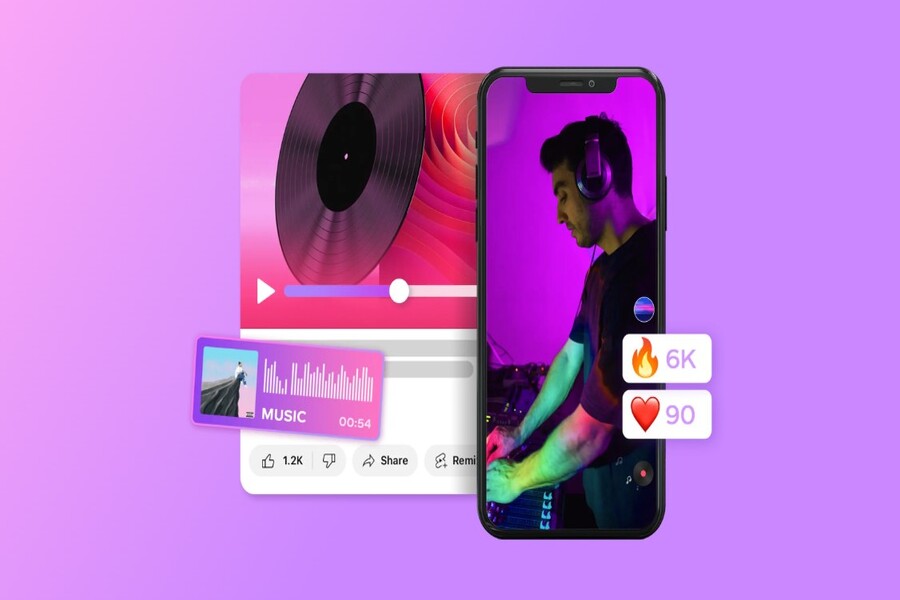
.jpg)
Using templates saves a lot of time and effort, while ensuring videos have an aesthetically pleasing layout, a logical rhythm, and conform to modern media standards. This is especially beneficial for small brands, startups, or individuals selling online, as it's an optimal solution for quickly deploying marketing content without significant investment in a production team.
Another advantage of templates is their flexibility. You can completely customize the colors, fonts, effects, and music to match your brand identity. This helps prevent the demo video from feeling "stuck" and allows it to retain its unique character.
3. Create a clear CTA in text.
A call to action (CTA) is a crucial element in converting viewers into customers. No matter how engaging a demo video is, without a clear call to action, its marketing effectiveness will be diminished.
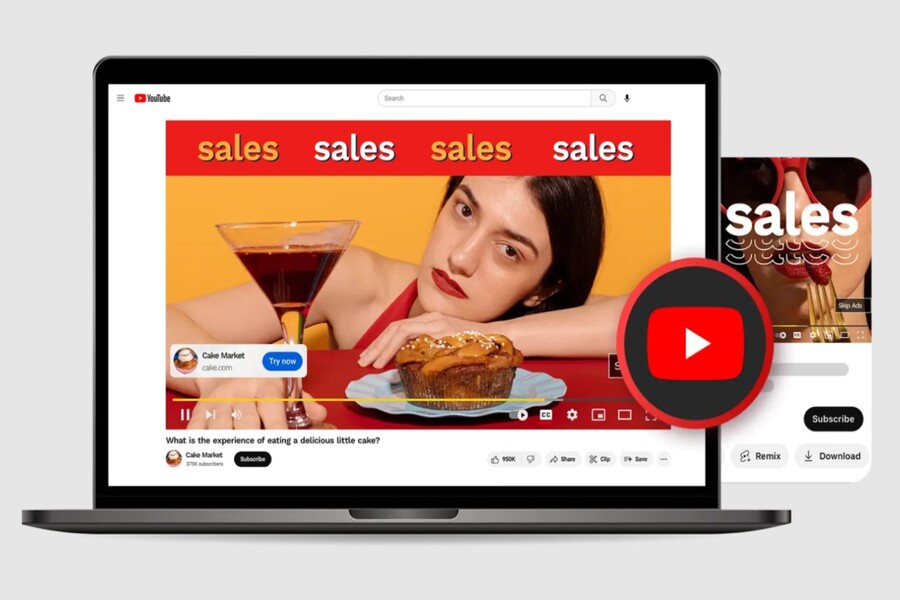
.jpg)
The Call to Action (CTA) in a product demo video should be presented in clear, easy-to-read text and placed appropriately within the frame. The CTA content should be concise and focus on the specific action you want viewers to take. Motivational phrases such as "Try it now," "Try it for free," "Learn more," or "Buy today" are often highly effective.
Additionally, CTAs should include specific instructions to reduce viewer hesitation. Adding an element of urgency, such as a limited-time offer, is also an effective way to encourage faster action. For videos posted on digital platforms, inserting clickable links will help shorten the customer conversion journey.
4. Document the product or service that is currently operating online.
One of CapCut's biggest strengths as a free online product demo video maker is its ability to record screen and audio directly. This feature is especially useful when you need to demo software, websites, mobile applications, or online services.
With the built-in screen recording tool, you can record the entire product usage process in real time, from the interface and functions to the user experience. Combining voice recording at the same time makes the demo video more lively and easy to understand, just like a live tutorial.
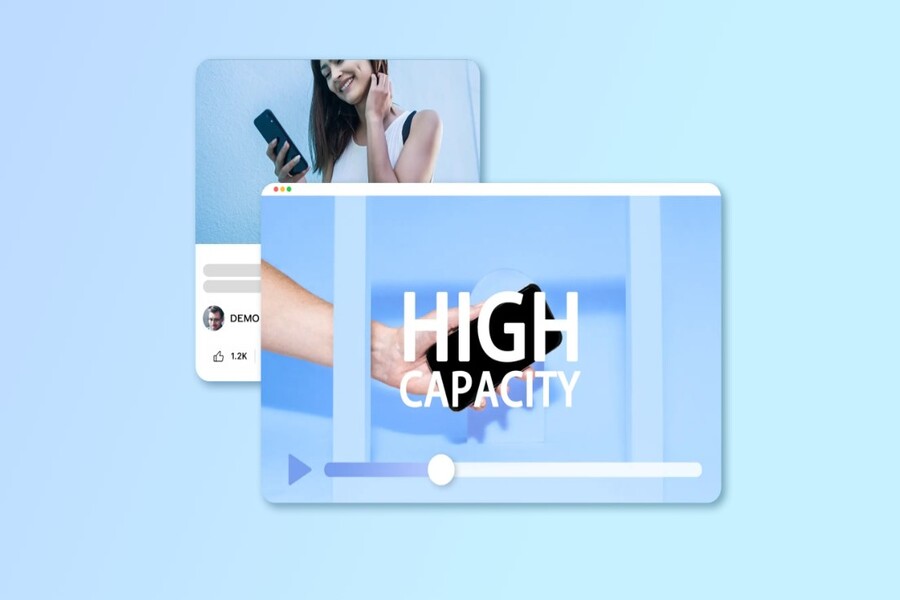
.jpg)
CapCut allows users to customize resolution and frame rate to ensure sharp video output quality, suitable for various distribution platforms. This helps demo videos not only have clear content but also meet professional image standards.
5. Benefits of product demo videos
5.1. Conveying information clearly
Video demos help to visually demonstrate how a product works, minimizing ambiguity in the information-gathering process. Viewers don't need to imagine or guess; they can see the product operating right before their eyes.
.jpg)
5.2. Increase conversion rates
A well-produced demo video can answer most customer questions before they make a purchase. When viewers understand the value and how to use the product, the barrier to buying is significantly reduced, thereby increasing conversion rates.
.jpg)
5.3. Increase the level of interaction
Videos always have a greater ability to capture attention than text or static images. An engaging product demo video will keep viewers engaged longer, encouraging them to explore the product and brand in more detail.
.jpg)
6. How to create a product demo video in just 3 steps
The first step is to import and edit the content. Open CapCut, upload videos or images of your product, then trim and edit to remove unnecessary parts. Adding transition effects, captions, and background music will make the video smoother and more engaging.
.jpg)
Next, add voiceovers and annotations. Voiceovers play a crucial role in explaining the product's features and benefits. You can record your own voiceover or use audio tools to ensure clear sound. Text annotations help viewers follow along, especially when watching videos with the sound off.
.jpg)
Finally, you finalize and export the video. At this step, you can fine-tune the colors, apply filters, and review the overall video before exporting the file. CapCut allows you to export videos in various formats and resolutions, suitable for websites, social media, or e-commerce platforms.
.jpg)
7. Frequently Asked Questions about Product Demo Videos
How much does it cost to make a product demo video?
The cost of creating a product demo video can vary greatly, depending on factors such as content complexity, video length, production quality, and resources required. Simple, DIY demo videos can cost just a few hundred dollars, primarily for equipment and production time. Professionally produced demo videos, with advanced animation or special effects, can cost several thousand dollars.
Additionally, if you work with freelancers or video production agencies, costs will increase depending on their experience and project scale. Therefore, the best approach is to clearly define your goals, requirements, and budget before starting to get a suitable quote. However, with CapCut, you can create and share product demo videos for free while still ensuring high-quality images and a great viewer experience.
How do I create a product walkthrough video?
To create a product walkthrough video using CapCut, you first need to plan and create a detailed script. Clearly define the usage steps and key features you want to showcase, then write a script to ensure the video has a clear and coherent structure.
Next, use the screen recording feature to record the product's operation on your computer or mobile device. Recording the user interaction directly will help viewers easily follow and understand how the product works. Finally, add voiceovers to explain each step, and insert annotations or highlight text to clarify important points. This method is particularly effective for software products, applications, or online platforms.
.jpg)
What software is commonly used to create product demo videos?
If your goal is to create demo videos easily and quickly, CapCut is a perfectly adequate option. This tool offers a full range of features, from screen recording and video editing to adding text, effects, and audio.
If you want to produce demo videos at a more professional level, the market also offers many supporting software options. Some popular screen recording tools like OBS Studio, Camtasia, or CapCut help record screen activity and product operations. In addition, advanced video editing software like Adobe Premiere Pro, Final Cut Pro, or CapCut allows for cutting, splicing, enhancing image quality, and adding effects to make demo videos more impressive. Depending on your needs and skill level, you can choose the right tool, but CapCut remains a good balance between features and cost.
How to create an effective product demo video?
The process of creating a product demo video usually begins with planning. In this step, you need to clearly define the video's purpose, target audience, and the most important features to highlight. Once you have a clear direction, building a script will help the video flow smoothly, avoiding rambling and a lack of focus.
Next, you proceed to record the video. Depending on the type of product, you can record directly with a camera or use a screen recording tool to capture the user experience. The next step is video editing, which includes cutting out unnecessary sections, rearranging content, adding annotations, illustrations, and improving audio quality. Once these steps are complete, you will have a clear, easy-to-understand, and persuasive product demo video.
With the help of online video creation tools like CapCut, producing professional product demo videos has become easier and more cost-effective than ever. Whether you're an individual, a startup, or a large enterprise, leveraging product demo videos will help you improve communication effectiveness and create a sustainable competitive advantage in an increasingly fierce market.





















VIP Products








Best Selling Products
Upgrade Genuine Office 365
49 USD
Autodesk All App Account Copyright
120 USD
Adobe Photoshop Copyright - Full App
120 USD
Adobe Premiere Pro Account
99 USD
Windows 10 & 11 Pro Key
36 USD
Upgrade genuine Capture One account
120 USD
Freepik Premium Account
59 USD
Genuine Cheap Canva Pro
39 USD
ChatGPT Plus Account (GPT-4)
16 USD
Plugin Retouch4me
69 USD
MidJourney Account
29 USD
Copyright Adobe Lightroom Account
59 USD
Genuine Adobe Illustrator account
99 USD
Capcut Pro 1 Year
39 USD
Upgrade Duolingo Super
29 USD