Best Selling Products

Windows 10 & 11 Pro Key
36 USD

Plugin Retouch4me
69 USD

Upgrade Genuine Office 365
49 USD

Genuine Adobe Illustrator account
99 USD

Upgrade genuine Capture One account
120 USD

Upgrade Duolingo Super
29 USD

Autodesk All App Account Copyright
120 USD

MidJourney Account
29 USD

Adobe Premiere Pro Account
99 USD

Freepik Premium Account
59 USD

Adobe Photoshop Copyright - Full App
120 USD

ChatGPT Plus Account (GPT-4)
16 USD

Copyright Adobe Lightroom Account
59 USD

Capcut Pro 1 Year
39 USD

Genuine Cheap Canva Pro
39 USD
DeckCraft: What makes this free PowerPoint alternative software stand out?
Nội dung
- 1. What is DeckCraft? Why is this software gaining attention?
- 2. Design slides quickly with pre-made themes and layouts.
- 3. Over 150 vector shapes and advanced drawing tools
- 4. Transition effects, animations, and presenter mode
- 5. Open PowerPoint files and automate processes using AI.
- 6. Is DeckCraft free and a viable alternative to PowerPoint?
- 7. Conclusion
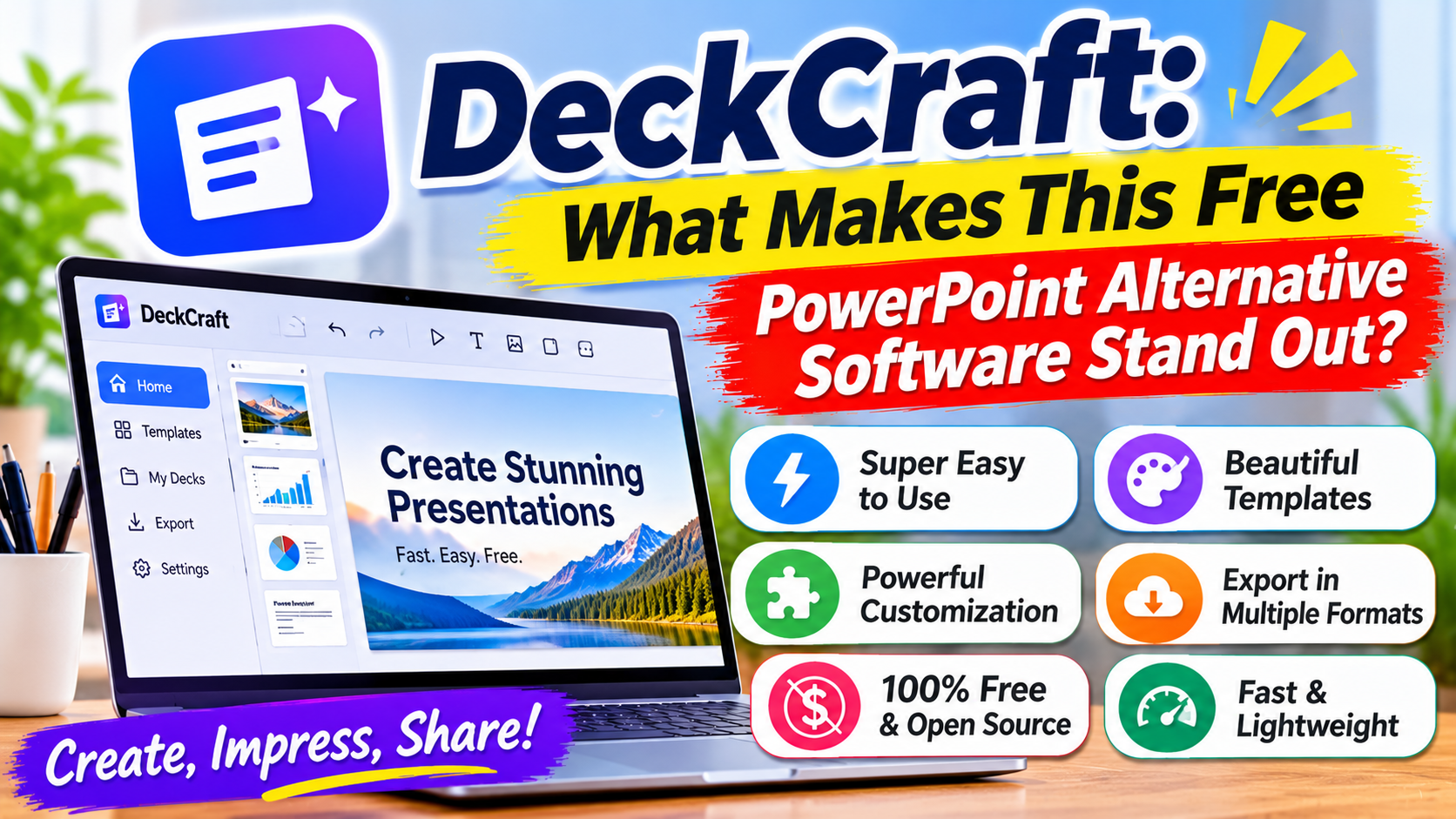
If you''re looking for a free slide creation tool, DeckCraft is a worthwhile option to consider. This article analyzes its slide design tools, themes, vector shapes, transition effects, ability to open and save PPTX files, and clarifies the limitations of using it as a replacement for PowerPoint in real-world work.
1. What is DeckCraft? Why is this software gaining attention?
DeckCraft is open-source slide creation and presentation software developed using Rust. The project aims to build a standalone presentation tool capable of handling PowerPoint files and providing many of the same functionalities as popular Microsoft office software.
Rust is a modern programming language that prioritizes memory safety and performance. Using Rust allows developers to build native applications for computers while leveraging its ecosystem of tools to develop cross-platform versions. However, actual performance still depends on the application architecture, resource management, and implementation quality.
DeckCraft belongs to the ArtCraft ecosystem, which focuses on developing open-source creative tools. Instead of just providing a simple slide editor, the project aims for a comprehensive environment with components for design, editing, presentation, and automation.
According to publicly available documentation on GitHub, DeckCraft is developed independently of Microsoft. The project aims to reimplement PowerPoint's functionalities, rather than being an official version released by Microsoft.
This gives users more options when they want to try free software, learn about technology, or build workflows that are less dependent on commercial services.
2. Design slides quickly with pre-made themes and layouts.
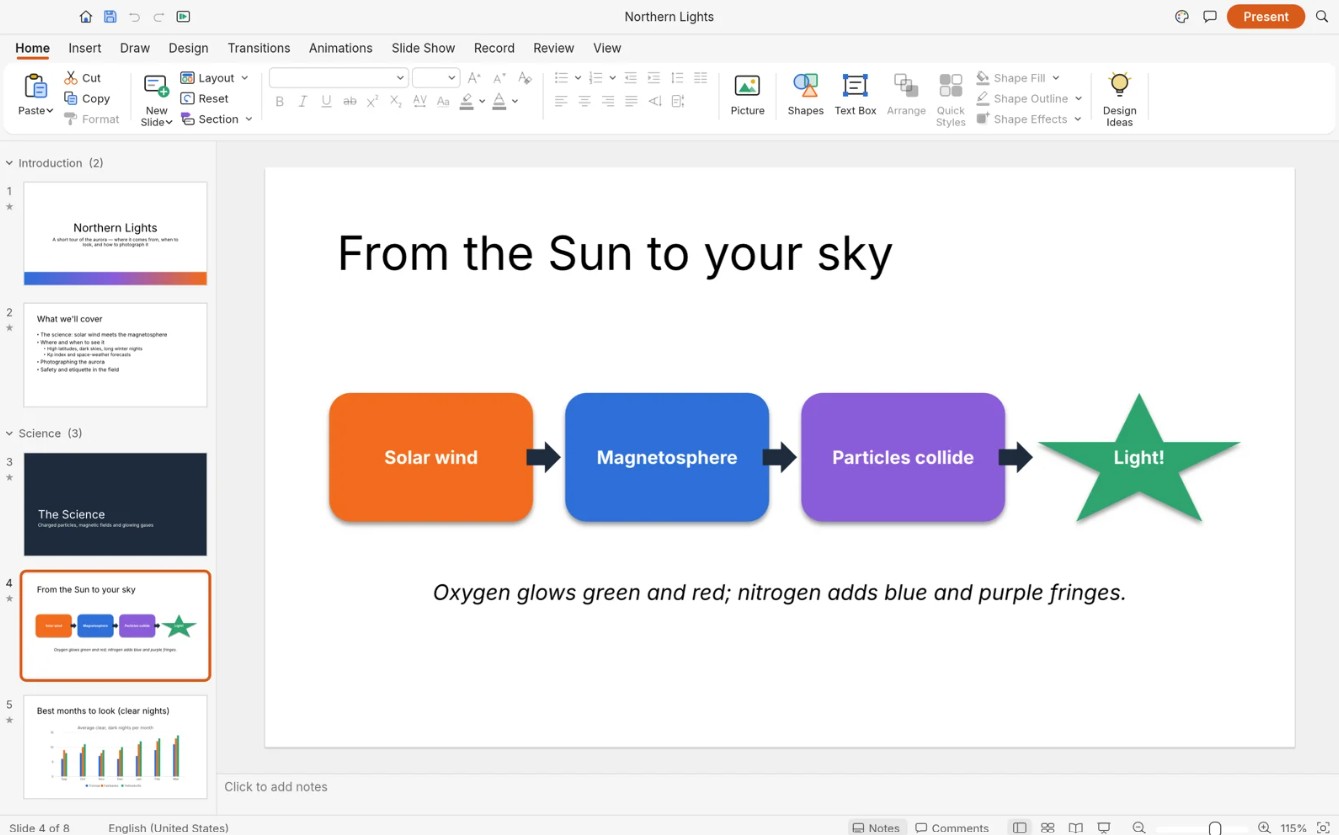
One of DeckCraft's key features is its slide master system, themes, and layouts. The software claims to support 11 layouts and 8 pre-designed themes, helping users organize content and maintain consistency across slides.
Slide masters allow you to set up shared elements such as header placement, content presentation, and formatting. By applying a suitable layout, users don't need to build each slide entirely from scratch.
The themes are coordinated with the color palette and fonts, giving the presentation a consistent style. This is an advantage for those who frequently need to create many slides in a short amount of time.
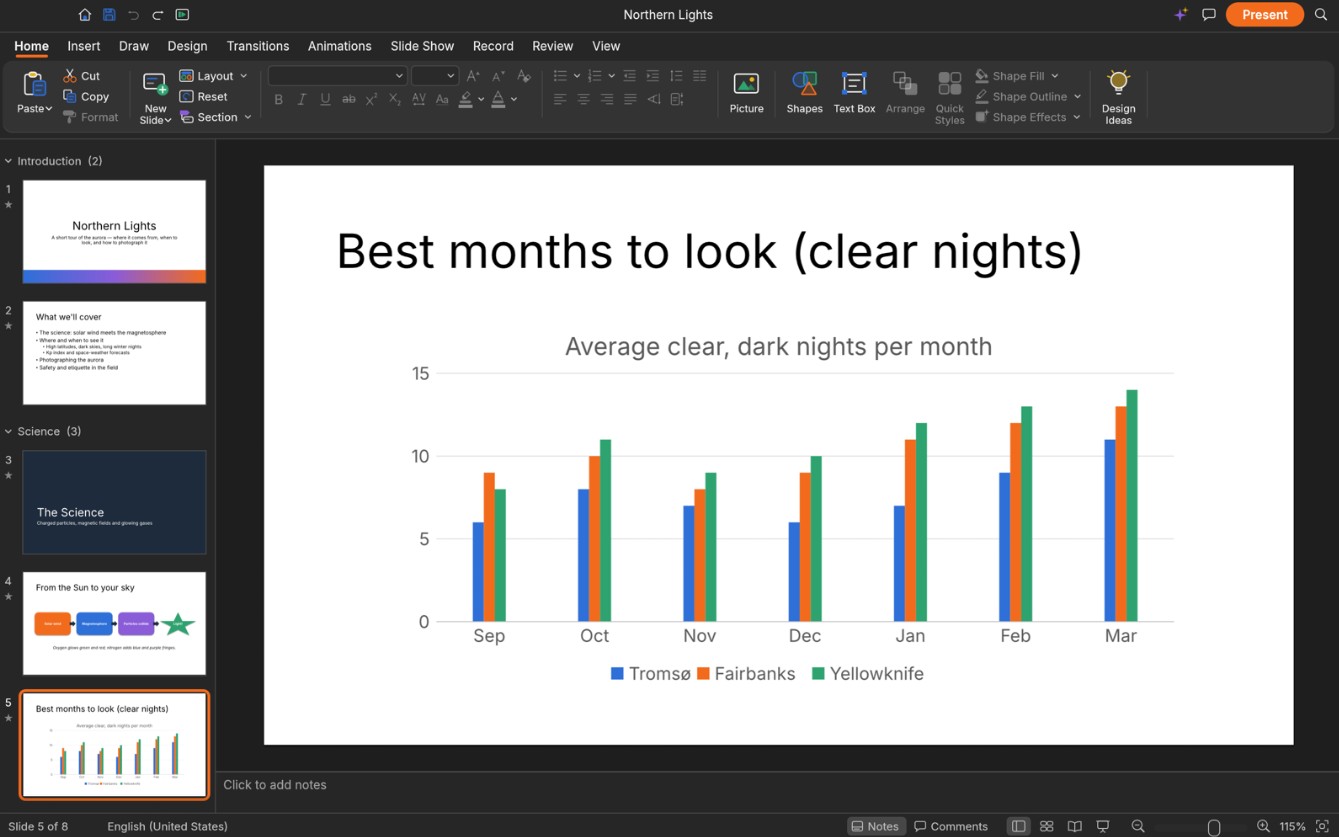
For example, when preparing a unit's activity report, users can select a suitable topic, create an introduction page, a data presentation page, and a conclusion page using pre-designed layouts. Using a common design system helps to minimize inconsistencies in titles, colors, and spacing between slides.
Additionally, DeckCraft supports dividing content into sections, providing notes for the presenter, and includes features for organizing documents. These tools help create a more structured presentation.
3. Over 150 vector shapes and advanced drawing tools
In addition to its presentation capabilities, DeckCraft offers over 150 pre-built vector shapes. This is a valuable set of tools for those who frequently create diagrams, process charts, and illustrative content.
Shapes can be adjusted via control points, allowing users to change the geometry as needed. The software also supports connecting lines to shapes, freehand drawing tools, and Boolean operations to combine or cut objects.
For example, when creating a process diagram with multiple boxes and arrows, users can connect the components instead of drawing each line separately. When moving a shape, the connecting line can continue to attach to the corresponding object.
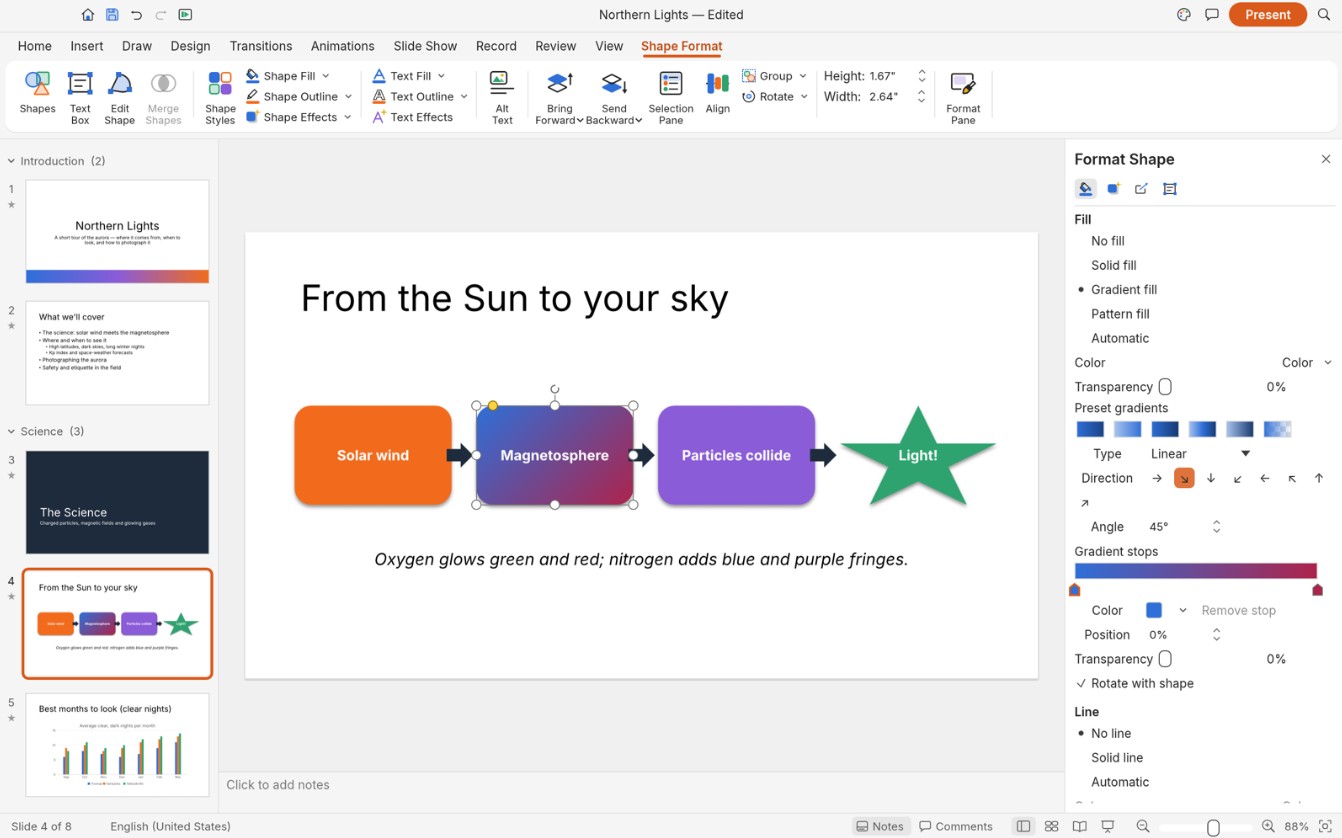
DeckCraft also announced options for gradient coloring, textures, borders, and several visual effects such as shadows, glows, or reflections. This allows users to create visually appealing slides without necessarily switching to a different graphics application.
For teachers, office workers, and digital content creators, these features can support the design of organizational charts, business processes, lectures, and visual reports. However, the ability to create aesthetically pleasing products still depends on the user's information layout and design skills.
4. Transition effects, animations, and presenter mode
DeckCraft aims to make presentations more dynamic through slide transition effects and object animations.
According to the official description, the software supports transition effects, including Morph, along with animation groups for appearance, emphasis, conclusion, and motion paths. Content can also be structured paragraph by paragraph, allowing presenters to bring each idea to the screen in sequence.
It's important to distinguish between transition effects and animations. Transitions define how a slide moves from one to another, while animations control how text or objects appear and move within a slide.
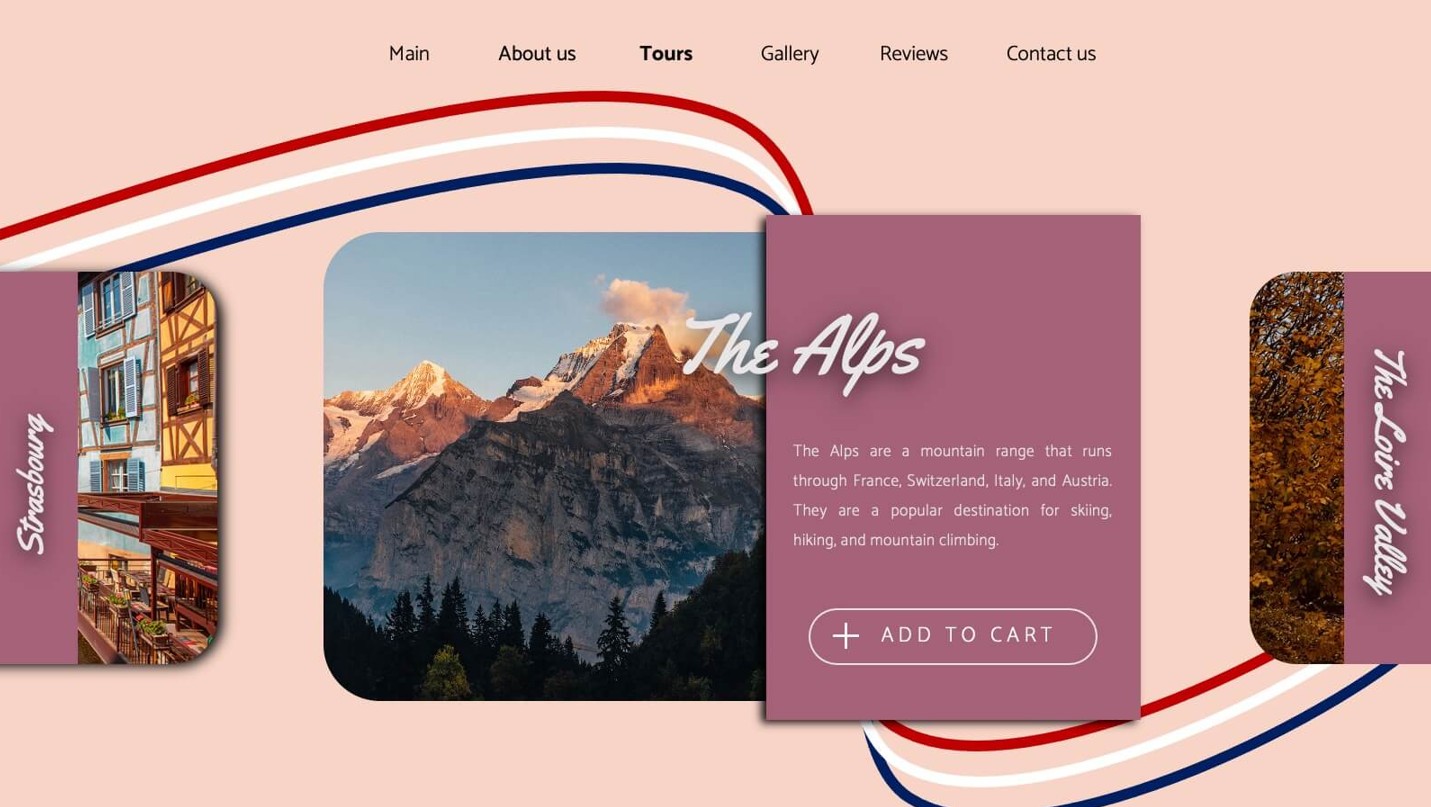
Another useful feature is the presenter view. This mode is designed to display notes, preview the next slide, track presentation time, and support pen input during presentations.
These tools are suitable for reports, lectures, or project presentations. However, users need to check the functionality of each effect and presentation mode, especially when using PowerPoint files with complex structures or connecting an external projector.
5. Open PowerPoint files and automate processes using AI.
One factor that makes DeckCraft noteworthy is its ability to exchange data with familiar presentation formats. The project announced support for opening and saving PPTX files, exporting PDF documents, PNG or JPEG images, and several output formats for content sharing.
This feature allows users to experiment with editing existing presentations without necessarily recreating the entire content. However, PPTX support does not mean that all fonts, charts, effects, videos, and layouts are perfectly preserved during conversion.
Another highlight is its automation capabilities. According to the project documentation, DeckCraft has over 200 commands that can be controlled via the command-line interface (CLI), JSON control channel, and MCP server.
CLI allows operations to be performed using commands. JSON helps programs exchange structured data, while MCP allows AI agents to interact with provided tools.
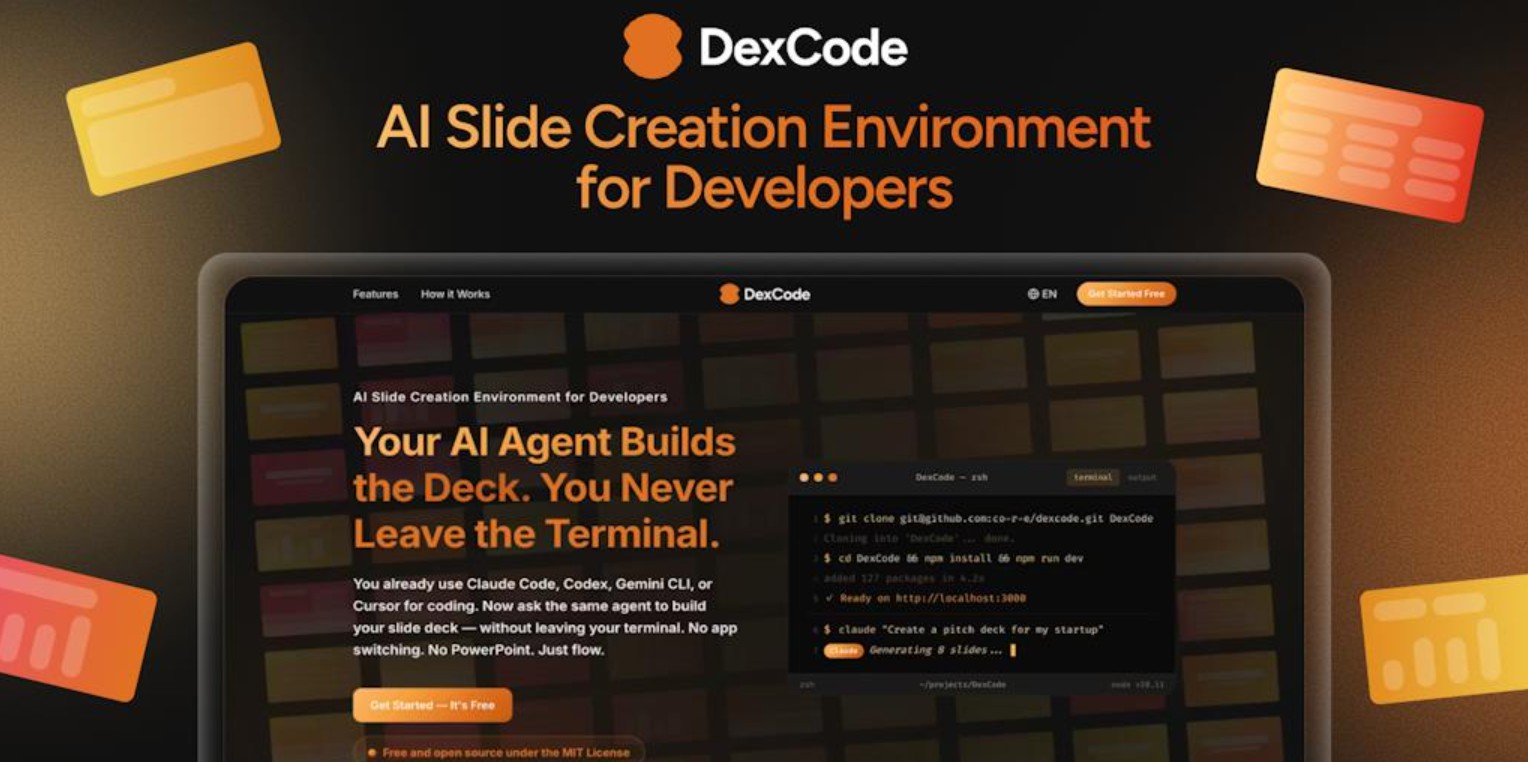
For example, an automation process could retrieve content from a report, create slides from a template, fill in titles and content, and then publish the presentation. If properly configured, the AI agent could coordinate part of the process through DeckCraft commands.
However, automation doesn't mean AI will always produce accurate presentations. Users still need to check the content, data, layout, and consistency before using the results in their work.
6. Is DeckCraft free and a viable alternative to PowerPoint?
DeckCraft is marketed as free, open-source software, under the MIT or Apache-2.0 license. Users can explore the source code, download releases, and use the software under the terms of their respective licenses.
The project offers versions for Windows, macOS, Linux, and FreeBSD, in addition to a web browser version. Users can download the software from the official website or check releases in the GitHub repository.
However, according to the published development roadmap, DeckCraft is currently still in the alpha stage. The developers themselves assess that the software covers many of PowerPoint's functionalities, but its readiness for real-world use is limited. Areas needing further improvement include PPTX file exchange capabilities, stability, font compatibility, charts, and some presentation functions.
Therefore, DeckCraft is suitable for experimenting, learning about technology, or creating simple presentations. For important documents, financial reports, or materials that need to maintain their formatting, users should keep the originals and carefully check them before using it.
7. Conclusion
DeckCraft is a notable open-source project thanks to its combination of Rust technology, slide design tools, vector shape library, presentation effects, and automation capabilities using the CLI and MCP.





















VIP Products








Best Selling Products
Windows 10 & 11 Pro Key
36 USD
Plugin Retouch4me
69 USD
Upgrade Genuine Office 365
49 USD
Genuine Adobe Illustrator account
99 USD
Upgrade genuine Capture One account
120 USD
Upgrade Duolingo Super
29 USD
Autodesk All App Account Copyright
120 USD
MidJourney Account
29 USD
Adobe Premiere Pro Account
99 USD
Freepik Premium Account
59 USD
Adobe Photoshop Copyright - Full App
120 USD
ChatGPT Plus Account (GPT-4)
16 USD
Copyright Adobe Lightroom Account
59 USD
Capcut Pro 1 Year
39 USD
Genuine Cheap Canva Pro
39 USD