Best Selling Products

Copyright Adobe Lightroom Account
59 USD

Genuine Adobe Illustrator account
99 USD

Freepik Premium Account
59 USD

Upgrade Duolingo Super
29 USD

MidJourney Account
29 USD

Genuine Cheap Canva Pro
39 USD

Plugin Retouch4me
69 USD

Adobe Photoshop Copyright - Full App
120 USD

Capcut Pro 1 Year
39 USD

Adobe Premiere Pro Account
99 USD

ChatGPT Plus Account (GPT-4)
16 USD

Upgrade genuine Capture One account
120 USD

Autodesk All App Account Copyright
120 USD

Upgrade Genuine Office 365
49 USD

Windows 10 & 11 Pro Key
36 USD
Discover Notion AI 2026: New features you should know about.
Nội dung
- 1. When will Notion AI be updated?
- 2. Notable New Features in Notion AI 2026
- 2.1. Upgraded Notion Agents, handling tasks up to 24 hours long.
- 2.2. Auto Model Router automatically selects the AI model.
- 2.3. The new AI Credit system with three types of credit limits.
- 2.4. Connect your ChatGPT account directly to the Notion Agent.
- 2.5. Expanding the AI model and connecting MCP
- 2.6. Review for me helps in checking and reviewing work.
- 3. Detailed instructions for using Notion AI 2026
- Step 1: Log in and open Notion AI
- Step 2: Select the appropriate AI mode.
- Step 3: Enter your requirements and provide context.
- Step 4: Assign tasks to the Notion Agent
- Step 5: Check and finalize the results
- 4. Who should use Notion AI version 2026?
- 5. Conclusion
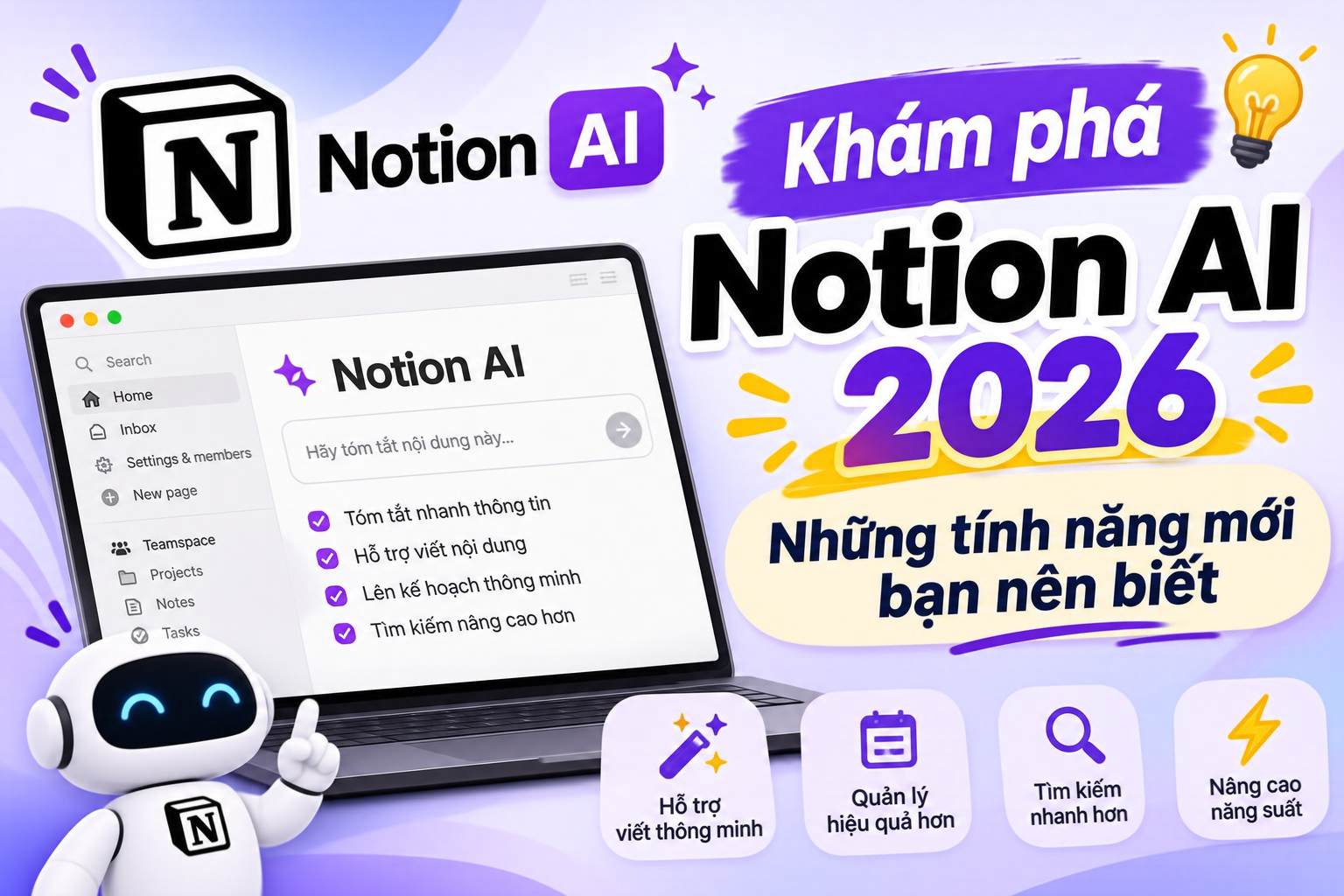
Notion AI 2026 marks a new stage in the development of artificial intelligence in the workplace, bringing a host of improvements in automation, data processing, and the connection of AI models. Instead of just assisting with content writing, document summarization, or answering questions, Notion AI can now handle complex tasks through its upgraded Agents system. Notably, the update also introduces Auto Model Router, a new Credit system, and the ability to connect with ChatGPT accounts. These changes open up more flexible working methods for individuals and businesses. So what''s new in Notion AI 2026, how is it used, and what are the costs? Let''s explore the details in the article below.
1. When will Notion AI be updated?
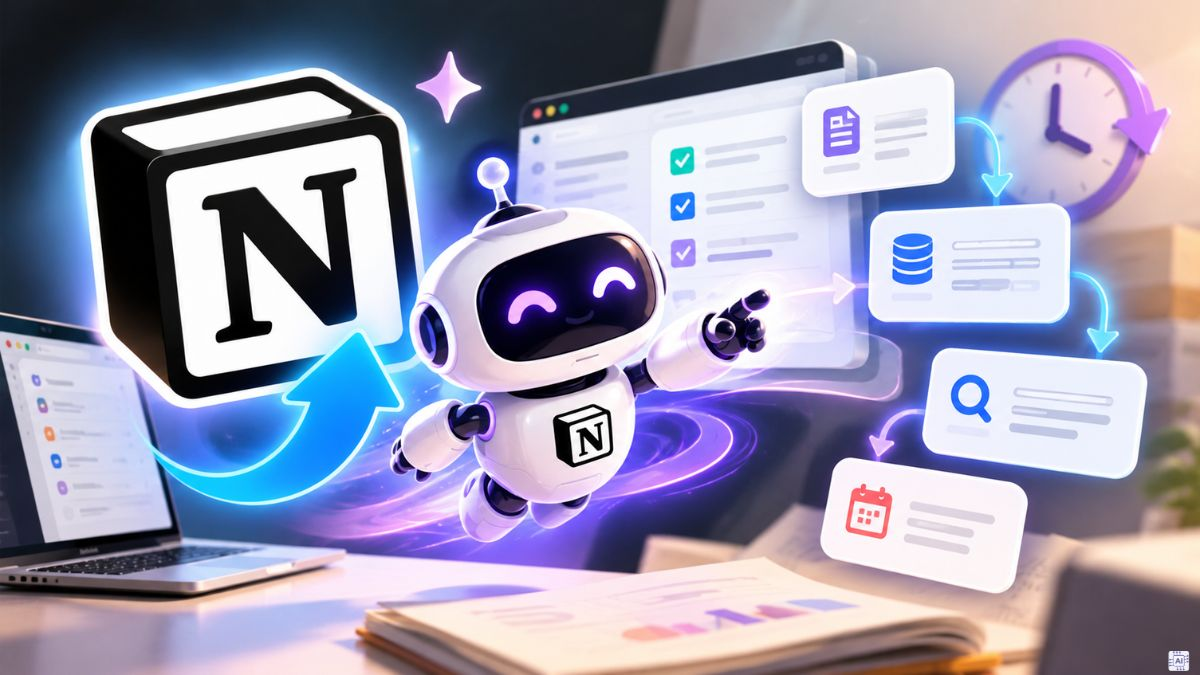
Notion AI is receiving a major update on October 19, 2026. This upgrade focuses on expanding automation capabilities and improving the AI user experience in the workplace. Instead of just performing individual requests, Notion aims to build an intelligent assistant that can receive tasks, analyze information, and handle multiple processes sequentially.
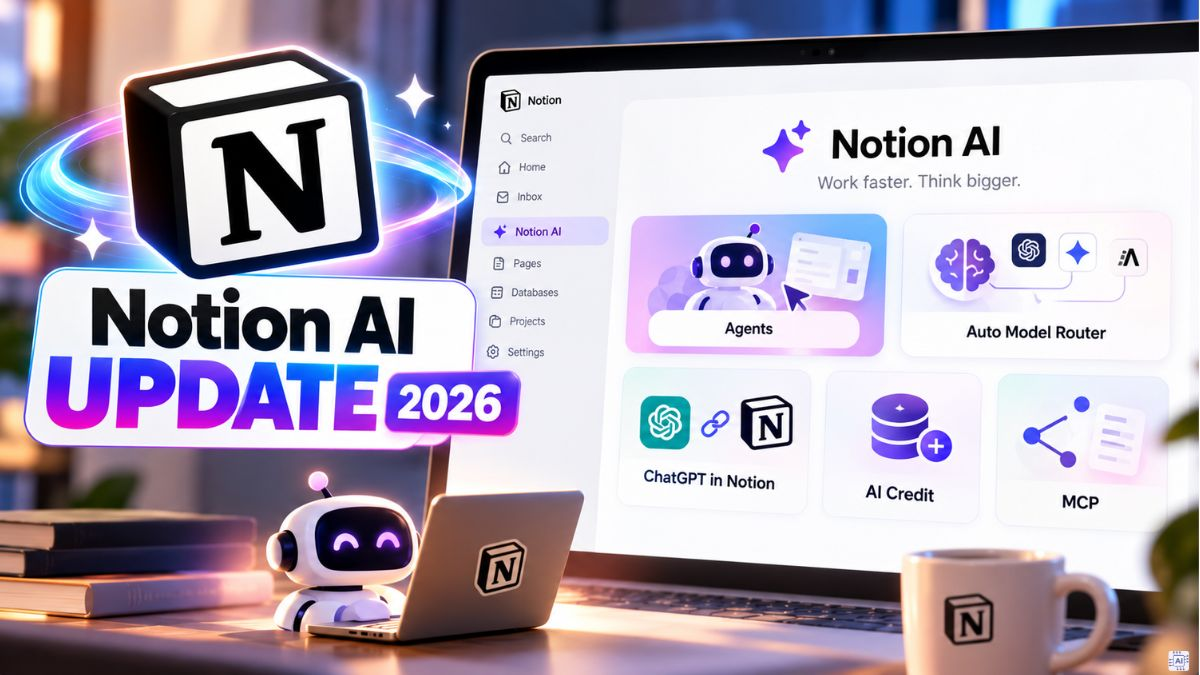
Notable changes include rebuilding Notion Agents, introducing Auto Model Router, deploying a new AI Credit system, and adding ChatGPT account connectivity. In addition, the platform expands its AI model list, improves MCP, and optimizes mobile performance. These upgrades make Notion a workspace capable of combining information management and AI automation.
2. Notable New Features in Notion AI 2026
2.1. Upgraded Notion Agents, handling tasks up to 24 hours long.
Notion Agents is one of the most important highlights of the 2026 update. Notion has rebuilt the Agent operating system, adding its own computing and browser environment so that AI can handle multi-step tasks. Instead of simply responding to a command and stopping, Agents can continue performing the task, monitor progress, and adjust their approach when encountering obstacles. Notably, the time taken to complete a task can now extend up to 24 hours, compared to the previous limit of approximately 5 minutes.
Context management capabilities have also been improved, helping the Agent maintain essential information in complex processes. Users can assign AI tasks such as compiling reports, researching documents, updating databases, or tracking project progress. Additionally, mobile chat loading speeds have been improved by up to 50%, providing a more convenient experience when working on phones.
2.2. Auto Model Router automatically selects the AI model.
Auto Model Router is an upgraded model routing system from Notion designed to help users select the appropriate AI for each task. Instead of manually figuring out and switching between multiple models, users simply select Auto mode. The system will analyze the request and choose a model based on three main factors: result quality, processing speed, and credit consumption.
For example, for simple tasks like editing sentences, translating content, or summarizing notes, Auto can use a lightweight model for quick responses. Meanwhile, more complex tasks such as in-depth research, planning, or workflow development will be passed on to a more suitable, capable model. According to tests conducted by Notion across more than 20 common job categories, Auto has an average Credit cost approximately 90% lower than the high-end models used for comparison.
2.3. The new AI Credit system with three types of credit limits.
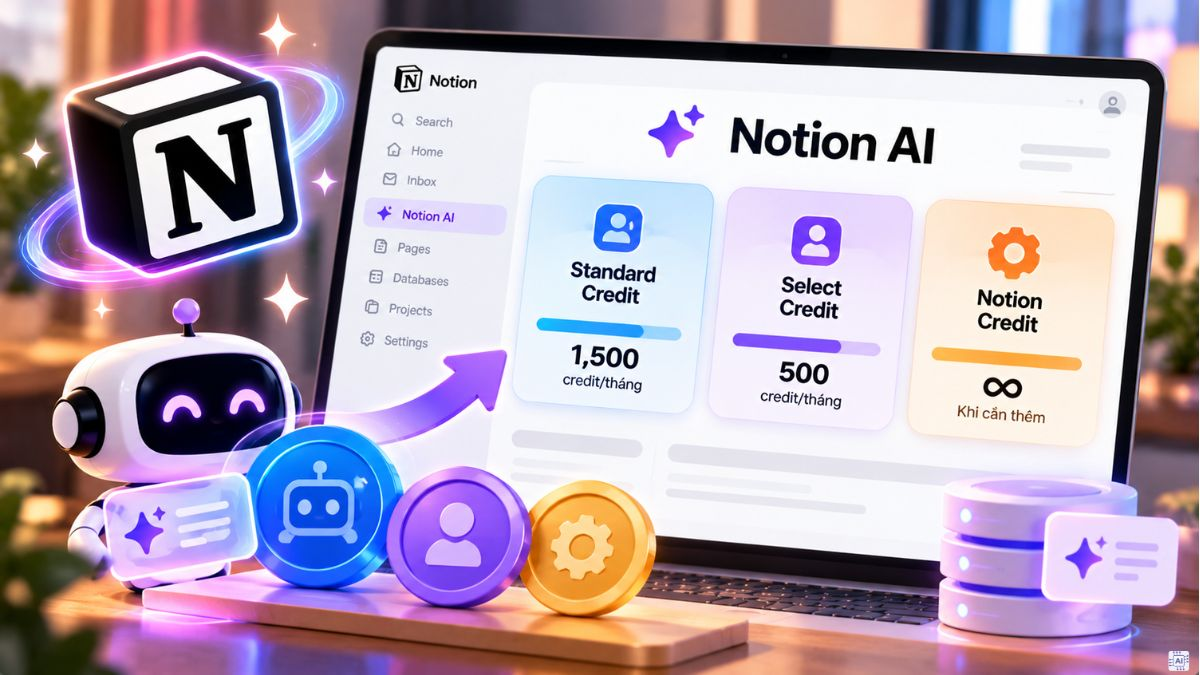
Along with expanding Agent capabilities, Notion also changed how AI resources are managed with a new Credit system. Instead of using a single limit, the platform divides resources into three categories: Standard Credit, Select Credit, and Notion Credit. Each category serves a specific purpose, allowing users and administrators to track usage more clearly.
-
Standard Credit: Used for tasks where the user lets Notion automatically select the model via Auto.
-
Select Credit: Applies when users choose their own AI model or use a personalized Custom Agent.
-
Notion Credit: This is an additional credit managed by administrators, supporting continued use of eligible AI tasks after the initial credit limit has been exhausted.
According to updated information, the Business and Enterprise packages have a reference limit of 1,500 Standard Credit and 500 Select Credit per member per month. These two limits are calculated separately, reset monthly, and do not carry over to the next month. When Credit is exhausted, the workspace can use additional Notion Credit if the administrator has set a suitable budget.
2.4. Connect your ChatGPT account directly to the Notion Agent.
One notable change in Notion AI 2026 is the ability to connect ChatGPT Plus, Pro, or Go packages to individual Notion Agents. This feature allows users to leverage their existing ChatGPT account limits when selecting the corresponding GPT model directly within Notion. This gives users more options when using different AI models without constantly switching between applications.
To use this feature, the workspace must meet the Business or Enterprise package requirements. The feature is currently available for individual Notion Agents and does not yet support Custom Agents. It's important to note that when selecting a specific GPT model, the session will use the connected ChatGPT limit. If you select Auto or a non-GPT model, the system will use Notion Credits. According to Notion, conversations conducted through this connection do not appear in the chat history or the ChatGPT account's Memory.
2.5. Expanding the AI model and connecting MCP
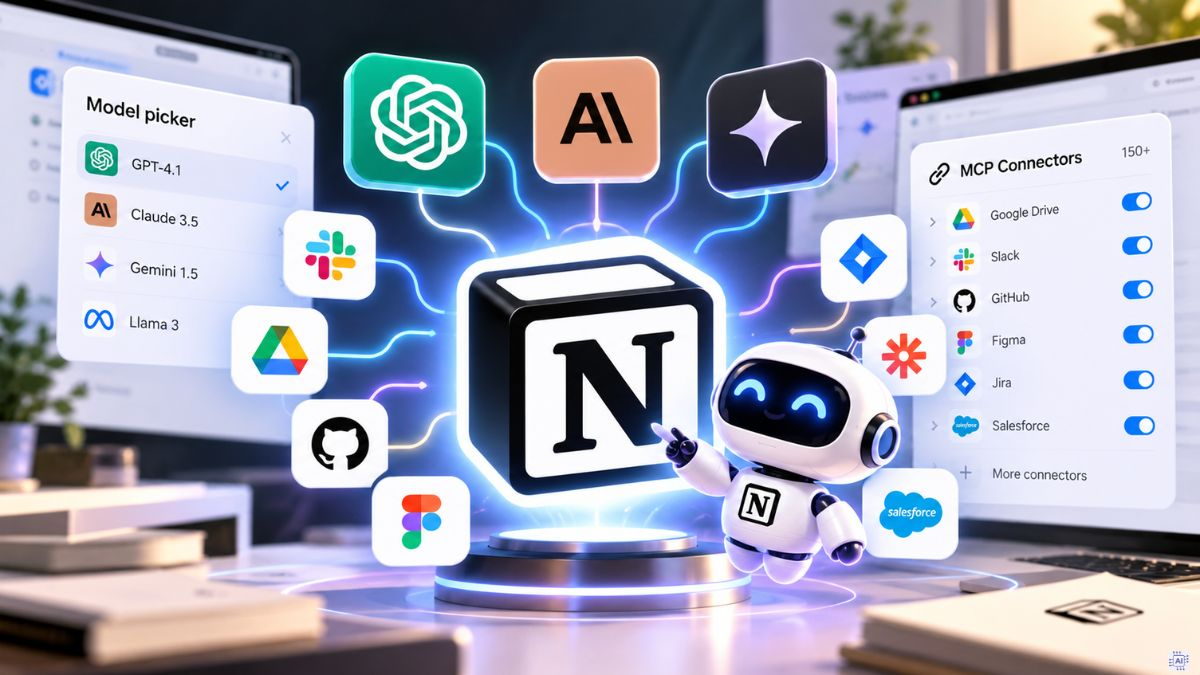
Notion continues to expand its list of AI models from multiple vendors, including OpenAI and Anthropic. Instead of relying on a single model, users can choose the AI best suited to their specific tasks. For Business and Enterprise workspaces, administrators can also use Model Controls to manage which models are allowed to operate within the Notion Agent and Custom Agents. This helps businesses better manage costs, access, and AI usage policies.
Furthermore, Notion MCP has been improved to connect the workspace with external AI tools. MCP allows compatible assistants such as ChatGPT, Claude, or Cursor to access Notion data within their granted permissions, while also supporting document reading, updating, and information management. In particular, the Memory Sync feature helps maintain shared context across tools, reducing the need to re-enter important information when switching between AI agents.
2.6. Review for me helps in checking and reviewing work.
"Review for Me" is a review support mode added in the Notion AI 2026 update. This feature targets tasks that require prior review before completion, allowing users to evaluate the results instead of letting the AI automatically perform the entire process without supervision. Thanks to these safety checks, users can review content, identify areas for improvement, and proactively control the final outcome.
This is a useful improvement when working with internal documents, business plans, reports, or databases containing a lot of critical information. When combining Review for me with Notion Agents, users can delegate lengthy tasks to the AI while maintaining control at crucial steps. This is especially important for tasks requiring high accuracy.
3. Detailed instructions for using Notion AI 2026
To effectively utilize the new features, users should start by setting up their workspace, familiarizing themselves with Notion Agent, and testing simple requests before assigning more complex tasks. Below is a step-by-step guide to help you easily get started with the new Notion AI version.
Step 1: Log in and open Notion AI
First, access the Notion homepage and log in using your personal account or your existing workspace account. Once you're in the working interface, you can open Notion Agent via the corresponding icon in the bottom right corner of the screen or select Notion AI from the toolbar. A chat interface will appear, allowing you to enter questions, request content writing, or assign tasks to the AI.
Step 2: Select the appropriate AI mode.
In the Notion Agent window, you'll find the AI model selection area. If you're inexperienced, use Auto to let the system automatically determine the appropriate model for your requirements. If you want to actively control the processing capabilities, you can open the model picker list and select a model that the workspace allows. Consider the complexity of the task to avoid using models that consume a lot of Credits for simple operations.
Step 3: Enter your requirements and provide context.
Next, enter the task you want Notion AI to perform. Instead of just writing generic commands, clearly describe the goal, scope of information, and desired outcome. You can also use the @ symbol to refer to the relevant document page, database, or member in the workspace. If you need AI to analyze external documents, use the attachment feature to provide the appropriate file.
For example, you could enter the request: "Based on the data in the business plan table, summarize the progress of each project, identify the tasks that are behind schedule, and create a tracking table including the person in charge, the deadline, and the status." The clearer the statement, the better the Notation Agent has a basis to achieve its goal.
Step 4: Assign tasks to the Notion Agent
After completing the command, press send to allow the Notion Agent to begin processing. For simple requests, the AI can return the answer or content directly within the chat. For multi-step tasks, the Agent can search for information in the workspace, analyze data, create new pages, or update the database as required. During the process, you should monitor the progress and provide additional information if the AI needs clarification on certain details.
Step 5: Check and finalize the results
Once the Agent completes the task, take time to review the content, data, and changes made to the workspace. If the results are not satisfactory, you can request further revisions, additional information, or changes to the presentation. For tasks requiring careful control, utilize "Review for me" to review the final results before using them. Finally, save the completed page or database for easy tracking and future updates.
4. Who should use Notion AI version 2026?
With its multi-step workflow processing capabilities and flexible data connectivity, Notion AI 2026 is suitable for a wide range of user groups. Each group can leverage its unique features to reduce manual tasks and organize their work more efficiently.
-
Office workers: AI can be used to draft reports, summarize meeting content, manage tasks, and track project progress.
-
Content creators: Support in brainstorming, scheduling posts, writing content, and managing communication plans all within a single workspace.
-
Freelancer: Helps organize work, manage clients, archive documents, and track project deadlines.
-
Businesses: Custom Agents can be leveraged to automate repetitive processes, manage data, and facilitate coordination between departments.
-
For students: Assistance with taking notes, compiling materials, creating study plans, and managing personal schedules.
However, users should also be aware that AI can still provide inaccurate information or misinterpret requests. Therefore, important content related to finance, business data, and reports needs to be checked before official use.
5. Conclusion
Notion AI 2026 brings several notable changes, including upgraded Notion Agents, Auto Model Router, a new Credit system, and direct connectivity with ChatGPT. These improvements enable AI to handle more complex tasks while offering flexible resource management and model selection. If you're looking for an AI-integrated workspace to manage documents, data, and automate processes, Notion AI is a platform worth exploring. Start with simple tasks, familiarize yourself with Notion Agents, and gradually explore new features to enhance your work efficiency.





















VIP Products








Best Selling Products
Copyright Adobe Lightroom Account
59 USD
Genuine Adobe Illustrator account
99 USD
Freepik Premium Account
59 USD
Upgrade Duolingo Super
29 USD
MidJourney Account
29 USD
Genuine Cheap Canva Pro
39 USD
Plugin Retouch4me
69 USD
Adobe Photoshop Copyright - Full App
120 USD
Capcut Pro 1 Year
39 USD
Adobe Premiere Pro Account
99 USD
ChatGPT Plus Account (GPT-4)
16 USD
Upgrade genuine Capture One account
120 USD
Autodesk All App Account Copyright
120 USD
Upgrade Genuine Office 365
49 USD
Windows 10 & 11 Pro Key
36 USD