Best Selling Products

Adobe Photoshop Copyright - Full App
120 USD

Genuine Cheap Canva Pro
39 USD

Plugin Retouch4me
69 USD

Capcut Pro 1 Year
39 USD

Freepik Premium Account
59 USD

Adobe Premiere Pro Account
99 USD

Autodesk All App Account Copyright
120 USD

Windows 10 & 11 Pro Key
36 USD

MidJourney Account
29 USD

Upgrade Duolingo Super
29 USD

ChatGPT Plus Account (GPT-4)
16 USD

Copyright Adobe Lightroom Account
59 USD

Genuine Adobe Illustrator account
99 USD

Upgrade Genuine Office 365
49 USD

Upgrade genuine Capture One account
120 USD
Top 7 easy-to-use, professional video advertising apps for mobile phones.
Nội dung
- 1. Top 7 popular video advertising software for mobile phones
- 1.1. CapCut
- 1.2. Canva
- 1.3. InShot
- 1.4. VN Video Editor
- 1.5. KineMaster
- 1.6. Adobe Express
- 1.7. Filmora
- 2. Instructions on creating advertising videos on your phone using CapCut
- Step 1: Prepare advertising images and videos.
- Step 2: Download and open the CapCut app.
- Step 3: Add videos and organize the content.
- Step 4: Insert text and advertising information.
- Step 5: Add background music and transition effects.
- Step 6: Review and export the video
- 3. Criteria for choosing software to create advertising videos on mobile phones
- 6. Conclusion
In the age of rapidly evolving short videos, motion picture advertising is becoming an effective way for individuals and businesses to reach customers. Instead of needing a high-end computer or hiring a professional video production team, you can create visually appealing advertising videos right on your phone. Modern mobile video editing apps integrate many useful features such as cutting, splicing, adding text, music, transition effects, and pre-made video templates. Thanks to this, even beginners can create product introductions, brand promotions, or sales videos for TikTok, Facebook, and Instagram. So, which apps are worth using? Let''s explore 7 outstanding apps and learn how to create simple advertising videos with Sadesign below.

1. Top 7 popular video advertising software for mobile phones
Each video editing application has its own advantages in terms of interface, tools, and creative capabilities. Depending on your purpose, you can choose the appropriate software to save time and improve the quality of your advertising content.
1.1. CapCut
CapCut is one of the most popular video editing apps for mobile phones, especially among those who frequently create content on TikTok and other social media platforms. The app boasts an intuitive interface, relatively simple usage, and many useful editing tools. You can cut and splice videos, add text, insert music, adjust colors, create automatic subtitles, and use transition effects to make your content more engaging.
CapCut's highlight is its diverse library of video templates, allowing users to quickly create trending content without much effort. For example, when advertising cosmetics, clothing, or household goods, you can choose a suitable template, change the images and introductory text to create your own video. CapCut has a free version, although some advanced effects and features require a paid account.
1.2. Canva
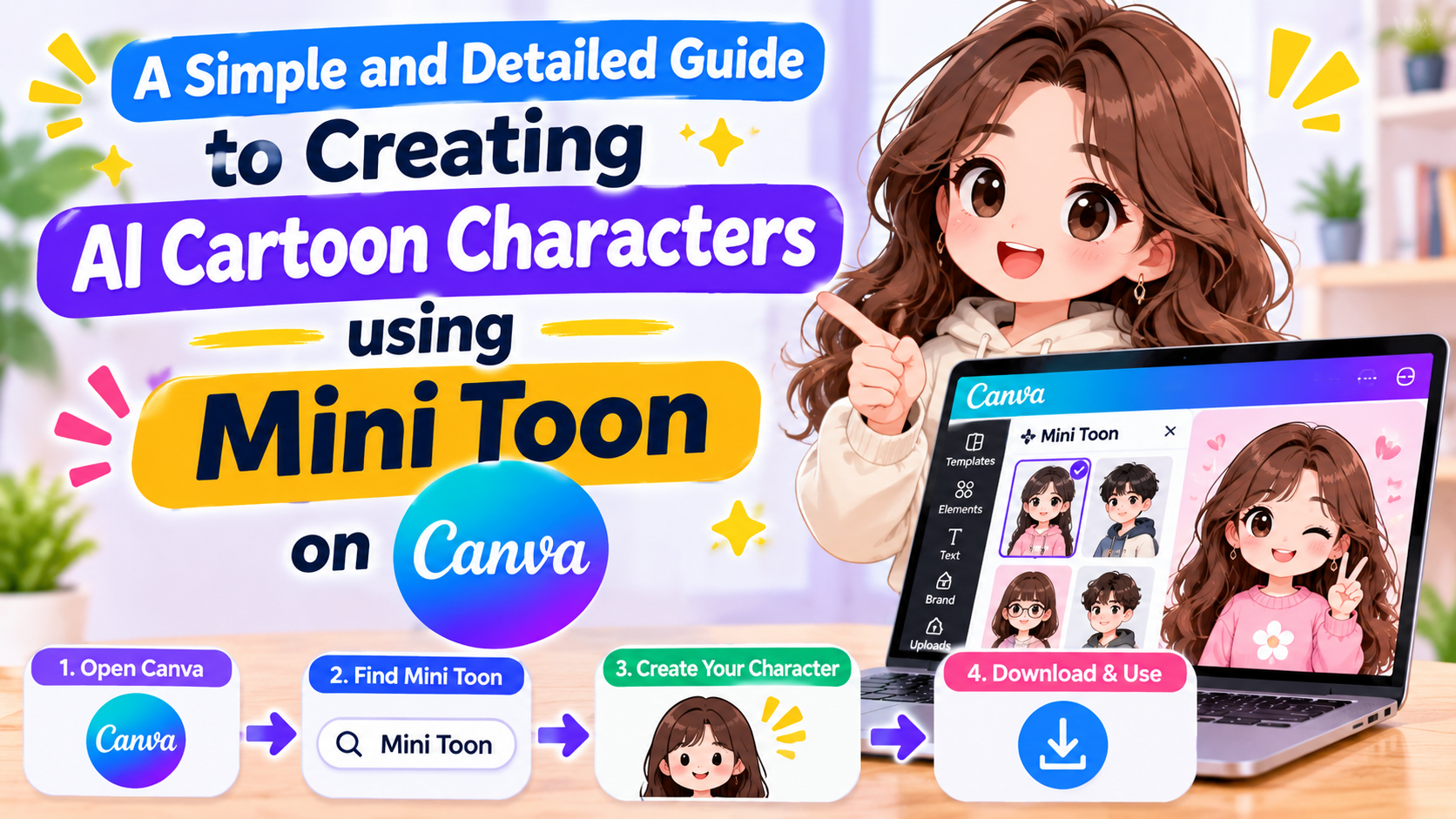
Canva is an application suitable for those who want to combine graphic design and video editing on a single platform. The software offers many ready-made advertising templates, from product showcase videos and promotional videos to corporate communication content. Users can add images, videos, logos, icons, text, and background music to create content in their own style.
One notable advantage of Canva is its ability to synchronize colors, fonts, and layouts according to brand identity. This ensures that advertising videos are not only visually appealing but also consistent with other marketing materials. It's a suitable choice for online shop owners, marketing professionals, or anyone who frequently needs to design advertising content. Canva offers a free version and paid packages for those who need additional resources and advanced tools.
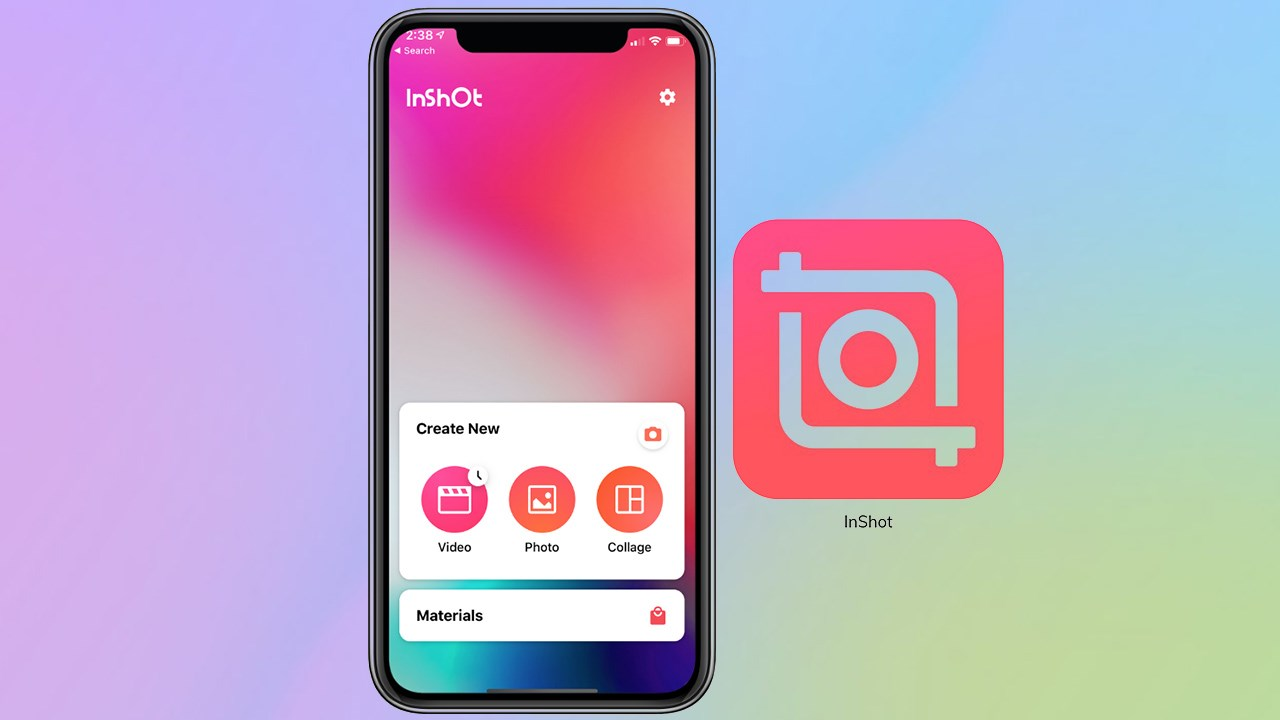
1.3. InShot
InShot is a popular mobile video editing app known for its user-friendly interface and easy-to-learn operation. The app provides essential tools such as video trimming, merging multiple clips, adjusting speed, adding music, inserting text, and creating transition effects. These are necessary features for creating clear and eye-catching product advertising videos.
InShot also supports changing the aspect ratio, helping you create videos suitable for different platforms. For example, a vertical 9:16 video is suitable for TikTok and Instagram Reels, while a horizontal video can be used for YouTube. If you frequently shoot videos with your phone and want to quickly edit them before uploading, InShot is a worthwhile option.
1.4. VN Video Editor
VN Video Editor is a video editing application suitable for those who want more control over video editing. The software provides a multi-layered timeline, allowing users to arrange videos, images, audio, and text in specific positions. This enables you to proactively build advertising content instead of relying entirely on pre-made templates.
Some notable features of VN Video Editor include video editing, speed adjustment, adding effects, inserting music, and creating transitions. You can combine multiple shots to showcase your product in a logical sequence, from the overall image to key details. The application has a relatively user-friendly interface but still provides many tools for users to develop their video editing skills.
1.5. KineMaster
KineMaster is a mobile video advertising software for those who want to create content with multiple layers of visuals and effects. The app supports combining video, images, text, and audio in a single project, making it easy to build rich advertising layouts.
In addition to basic operations, KineMaster also offers tools for adjusting color, visual effects, transitions, and audio control. You can combine product footage with introductory text, background music, and voiceovers to make your videos more professional. However, due to the numerous editing tools, new users may need some time to get familiar with them.
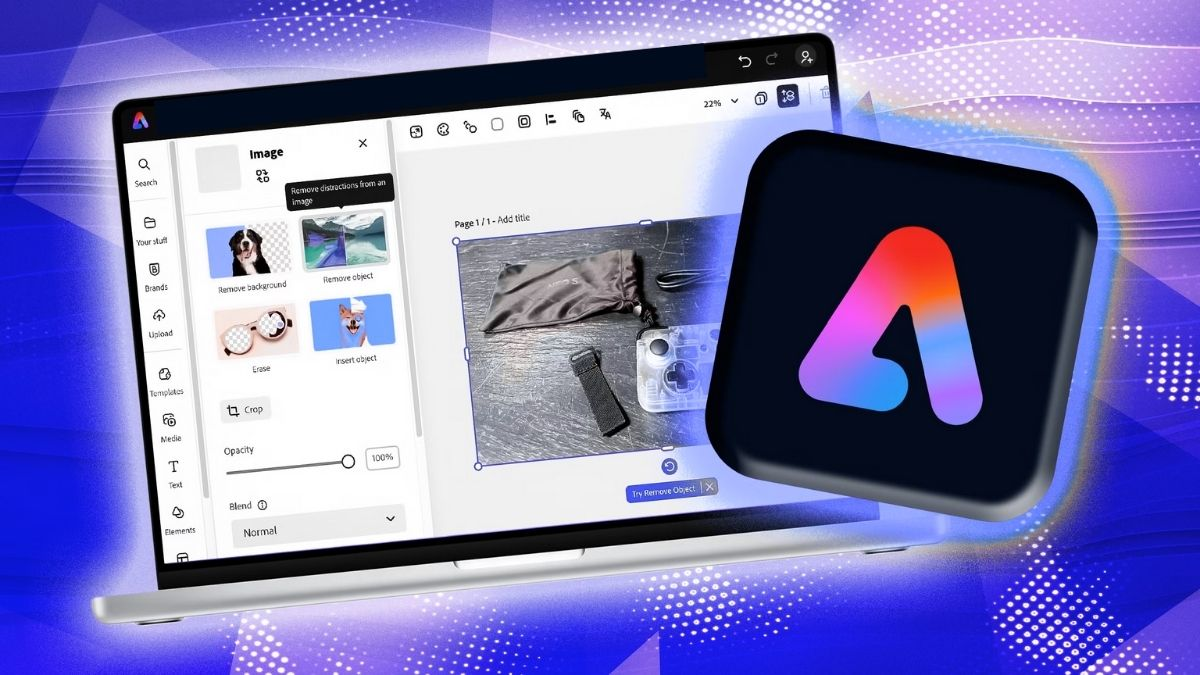
1.6. Adobe Express
Adobe Express is an application that supports the design and creation of visual and video media content. The software provides many ready-made templates, allowing users to quickly create videos introducing their business, announcing promotions, or advertising products without needing to perform too many complex steps.
Adobe Express's strength lies in its ability to combine graphic elements, colors, and text to create aesthetically pleasing content. You can use pre-designed templates, modify images, add information, and adjust the layout to your needs. This is a suitable choice for marketers, small business owners, or anyone who wants to build a consistent brand image on social media.
1.7. Filmora
Filmora is a noteworthy video editing software if you want to create advertising content with diverse effects and presentation styles. The application supports familiar operations such as cutting and splicing, adding music, inserting text, adjusting speed, using color filters, and combining multiple content layers.
Filmora is suitable for product introduction videos that require investment in visuals, sound, and storytelling. You can use transition effects to highlight each feature of the product, and combine background music and narration to increase appeal. Some advanced tools and resources may require payment depending on the version used.
2. Instructions on creating advertising videos on your phone using CapCut
Among the applications mentioned above, CapCut is a suitable choice to start with if you don't have much video editing experience. The software provides tools from basic to advanced, making it easy to transform videos shot with your phone into complete advertising content. Below is a detailed step-by-step guide.
Step 1: Prepare advertising images and videos.
Before you begin editing, you should prepare all the images and videos related to the product or service you want to promote. Prioritize clear, well-lit footage that showcases the product's key features. For example, if you're advertising a handbag, you could film close-ups of the material, stitching, style, compartments, and how to style the bag with an outfit. Preparing the materials beforehand will speed up the video editing process and ensure the content is cohesive.
Step 2: Download and open the CapCut app.
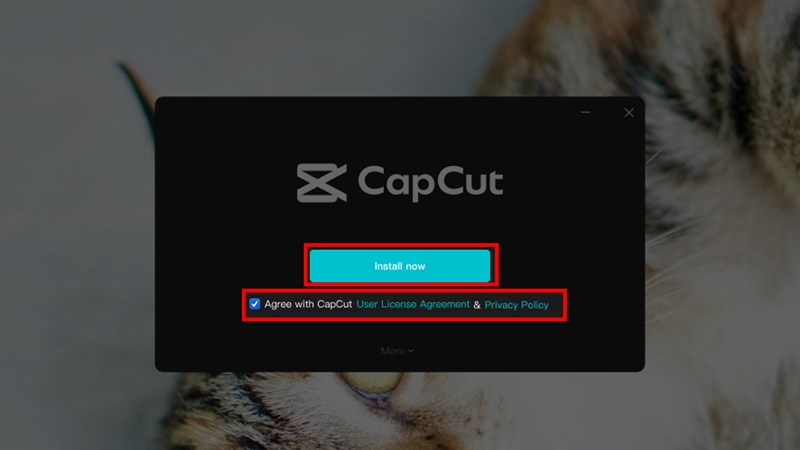
Access the app store on your Android or iPhone, search for CapCut, and download the app. After installation is complete, open the app and grant access to images and videos as needed. On the main interface, select "New project" to start creating your video. You should check your phone's storage space before editing, especially when using many high-resolution videos.
Step 3: Add videos and organize the content.
Select images and videos from your phone's library and add them to your project. The materials will appear on a timeline, making it easy to organize them. Place the most engaging footage at the beginning, followed by product introductions, and finally, purchase information or contact details. You can drag and drop, cut out unnecessary segments, and adjust the duration of each scene to create a natural video rhythm.
Step 4: Insert text and advertising information.
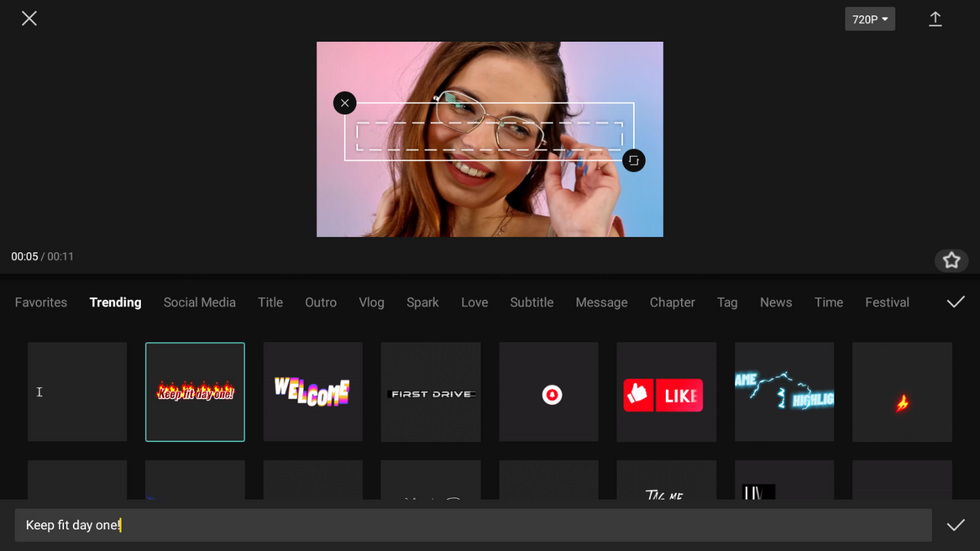
Text helps viewers quickly grasp the message even without sound. In CapCut, select the Text option, then add a title, introduction, or promotional information to the video. You should prioritize short, easy-to-read sentences that highlight the most important benefits of the product. For example, a cosmetic advertising video could use content such as key ingredients, volume, usage instructions, or promotional offers. Choose appropriate fonts, colors, and placement so that the text doesn't obscure the main image.
Step 5: Add background music and transition effects.
Sound and effects contribute to the emotional impact of a video advertisement. You can choose background music that matches your brand's style, then adjust the volume so it doesn't overpower the narrator's voice. Next, use transition effects to connect the video segments, making the content more seamless. However, avoid using too many effects in a single video as this can distract viewers. Importantly, choose music and materials with appropriate usage rights for the purpose of uploading or running the advertisement.
Step 6: Review and export the video
After completing the editing, play the video from beginning to end to check the content, images, audio, and spelling errors. Ensure that product information, pricing, offers, and contact details are presented accurately. Once satisfied, select Export, set the appropriate resolution and frame rate, and save the video to your phone. You can choose 1080p quality for general uploading needs if the original material meets this resolution.

3. Criteria for choosing software to create advertising videos on mobile phones
Not every application with many effects is suitable for your needs. To choose software that effectively supports your work, consider the following criteria:
-
User-friendly interface: Prioritize applications with an intuitive layout, simple operation, and easy-to-find editing tools. This is especially helpful for beginners.
-
It should have all the necessary features: The software should support video editing, adding text, inserting audio, adjusting colors, and creating transition effects.
-
There are diverse video templates: Ready-made design templates save time and provide many creative ideas for advertising content.
-
Output video quality: Choose an application that supports exporting videos at a resolution suitable for your uploading needs, to avoid blurry images or reduced quality.
-
Reasonable cost of use: Check the free features, video export limits, watermarks, and upgrade package fees before subscribing.
-
Compatibility: Check if the application supports your phone's operating system and configuration to avoid lag or stuttering during editing.
6. Conclusion
Video editing software for mobile phones such as CapCut, Canva, InShot, VN Video Editor, KineMaster, Adobe Express, and Filmora offer many useful options for individuals and businesses. Each application has its own strengths, from basic video editing and using pre-made templates to building advertising content with multiple layers of images and effects. If you're a beginner, you can try CapCut or InShot to get familiar with video editing operations. Once you have experience, Canva, KineMaster, or Filmora will help you expand your creative possibilities. With the right content, the right tools for your needs, and investment in visuals, you can create beautiful, professional advertising videos right on your phone without needing complex video editing equipment.





















VIP Products








Best Selling Products
Adobe Photoshop Copyright - Full App
120 USD
Genuine Cheap Canva Pro
39 USD
Plugin Retouch4me
69 USD
Capcut Pro 1 Year
39 USD
Freepik Premium Account
59 USD
Adobe Premiere Pro Account
99 USD
Autodesk All App Account Copyright
120 USD
Windows 10 & 11 Pro Key
36 USD
MidJourney Account
29 USD
Upgrade Duolingo Super
29 USD
ChatGPT Plus Account (GPT-4)
16 USD
Copyright Adobe Lightroom Account
59 USD
Genuine Adobe Illustrator account
99 USD
Upgrade Genuine Office 365
49 USD
Upgrade genuine Capture One account
120 USD