Best Selling Products

Freepik Premium Account
59 USD

Upgrade genuine Capture One account
120 USD

Copyright Adobe Lightroom Account
59 USD

Adobe Premiere Pro Account
99 USD

MidJourney Account
29 USD

Plugin Retouch4me
69 USD

Upgrade Duolingo Super
29 USD

ChatGPT Plus Account (GPT-4)
16 USD

Windows 10 & 11 Pro Key
36 USD

Adobe Photoshop Copyright - Full App
120 USD

Autodesk All App Account Copyright
120 USD

Genuine Cheap Canva Pro
39 USD

Upgrade Genuine Office 365
49 USD

Genuine Adobe Illustrator account
99 USD

Capcut Pro 1 Year
39 USD
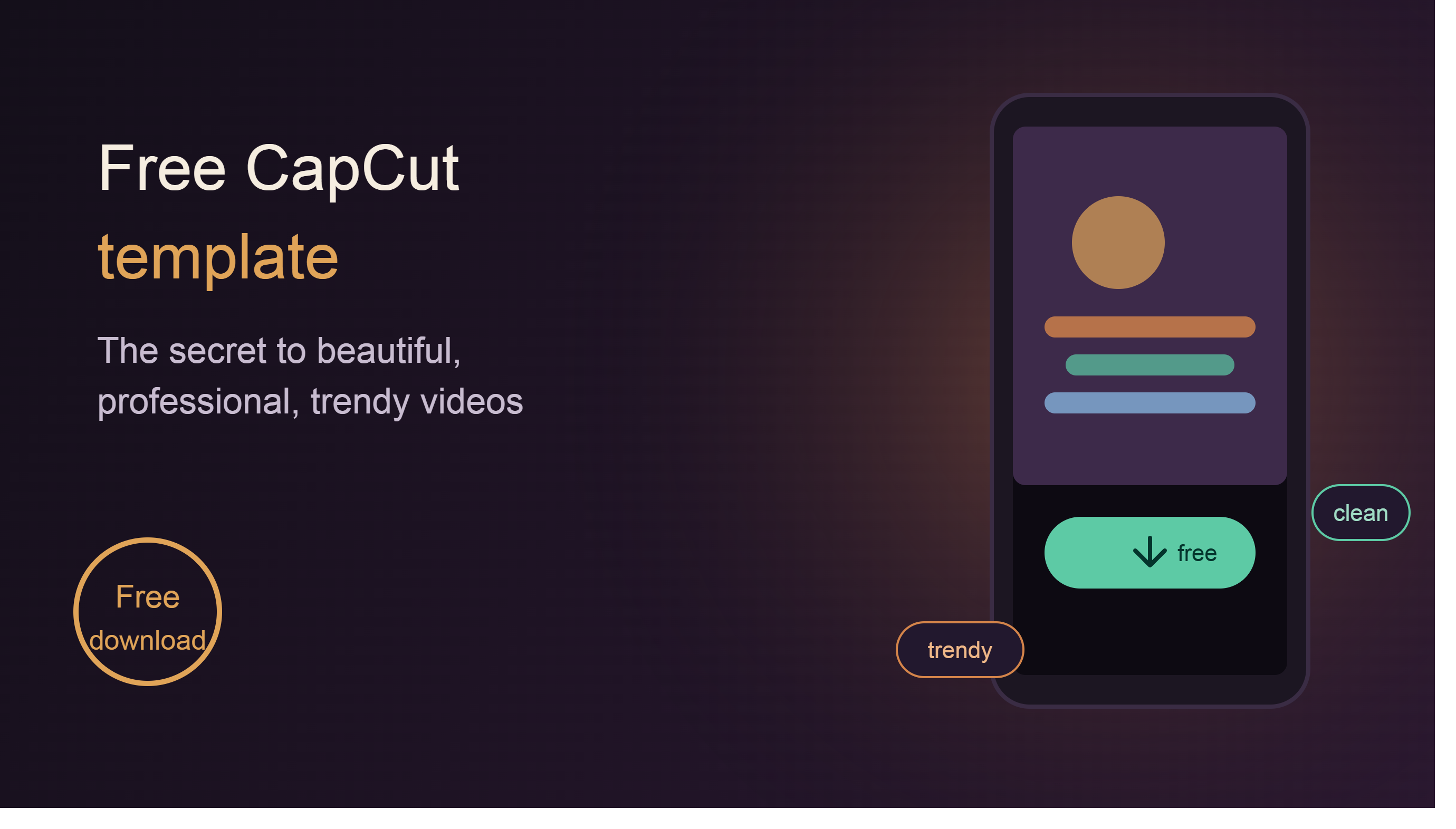
Download the free CapCut template: The secret to creating beautiful, professional, and trendy videos.
Nội dung
- 1. Where to download high-quality free CapCut video templates
- 1.1. CapCut Template Community
- 1.2. Sources of Inspiration for Trending Templates
- 1.3. YouTube and other template sharing channels
- 2. 7 Trending Free CapCut Video Templates Worth Downloading
- 3. Instructions for downloading and importing the CapCut template
- 4. How to customize the template after downloading it.
- 5. Tips for choosing the right CapCut template for different purposes.
- 6. Why should you use CapCut templates for content creation?
- 7. Conclusion
TikTok is not just a video sharing platform, but also a place that generates many CapCut template trends. Many content creators directly share templates with usage links, making it easy for users to apply them to their videos.
1. Where to download high-quality free CapCut video templates
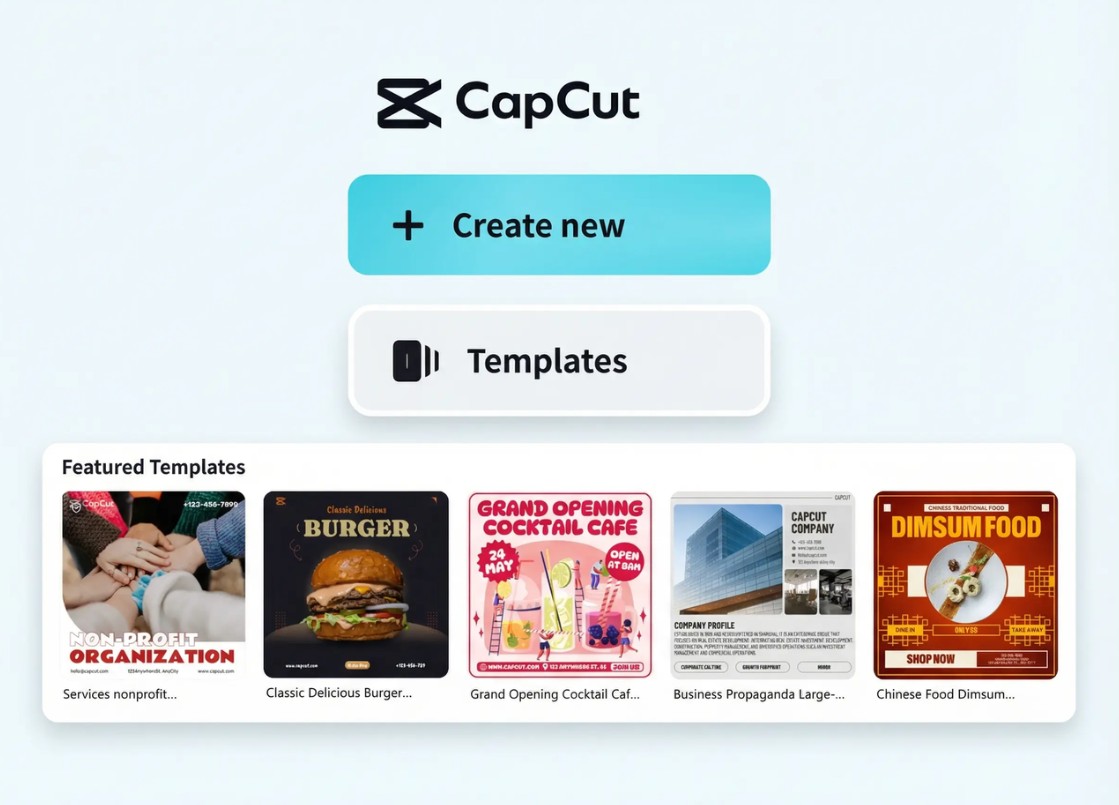
One of CapCut's biggest advantages is its extensive template ecosystem. Users can search and download thousands of video templates with just a few clicks.
1.1. CapCut Template Community
This is the official and most popular template source. The CapCut Template community brings together thousands of templates shared by creators worldwide in various styles, from entertainment, travel, and fashion videos to advertising and product introductions.
Templates are categorized by theme, effects, aspect ratio, or trend, making it easy for users to find a template that suits their needs. The template library is also regularly updated, so there are always new designs following the latest social media trends. In addition, many templates are already optimized for TikTok, Facebook Reels, Instagram Reels, and YouTube Shorts, eliminating the need to resize videos after completion.
1.2. Sources of Inspiration for Trending Templates
TikTok is not just a video sharing platform, but also a place that generates many CapCut template trends. Many content creators directly share templates with usage links, making it easy for users to apply them to their videos.
Simply searching with keywords like "CapCut Template , " "Trending CapCut Template ," or related hashtags will quickly reveal a plethora of viral video templates. This is also the fastest way to stay up-to-date with the latest effects, transition styles, and background music, helping your videos keep up with trends and increase their reach on social media.
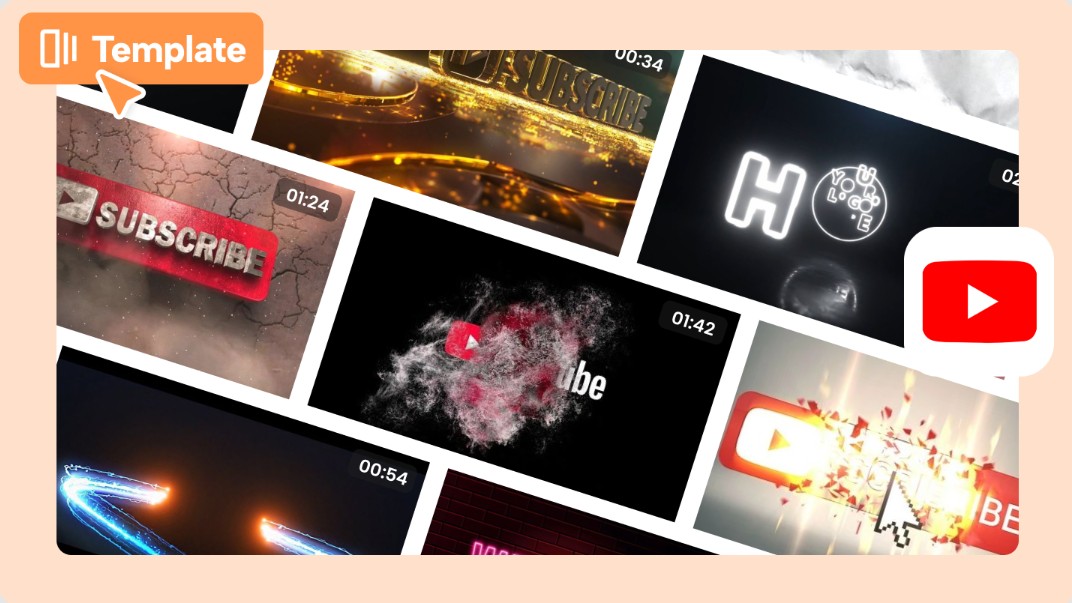
1.3. YouTube and other template sharing channels
YouTube is also a useful resource for CapCut users. Many channels specializing in video editing often share free templates with detailed instructions.
This is a suitable option for beginners because, in addition to downloading templates, you can also learn how to customize effects, change content, and optimize videos for each platform. Furthermore, many creators share themed templates such as sales videos, product review videos, cinematic videos, or corporate videos, giving users more creative ideas.
2. 7 Trending Free CapCut Video Templates Worth Downloading
CapCut offers a wide variety of video templates; however, the following are the most commonly used templates, suitable for many content creation purposes.
Transition templates are a top choice for travel, vlog, and lifestyle videos. Smooth transition effects connect segments naturally, creating a professional feel and enhancing the viewing experience. This group of templates is also widely used in short videos on TikTok and Reels.
Text animation templates are suitable for product introduction videos, educational videos, or knowledge-sharing content. Animated text effects help information stand out, are easy to read, and capture viewers' attention from the very first seconds.
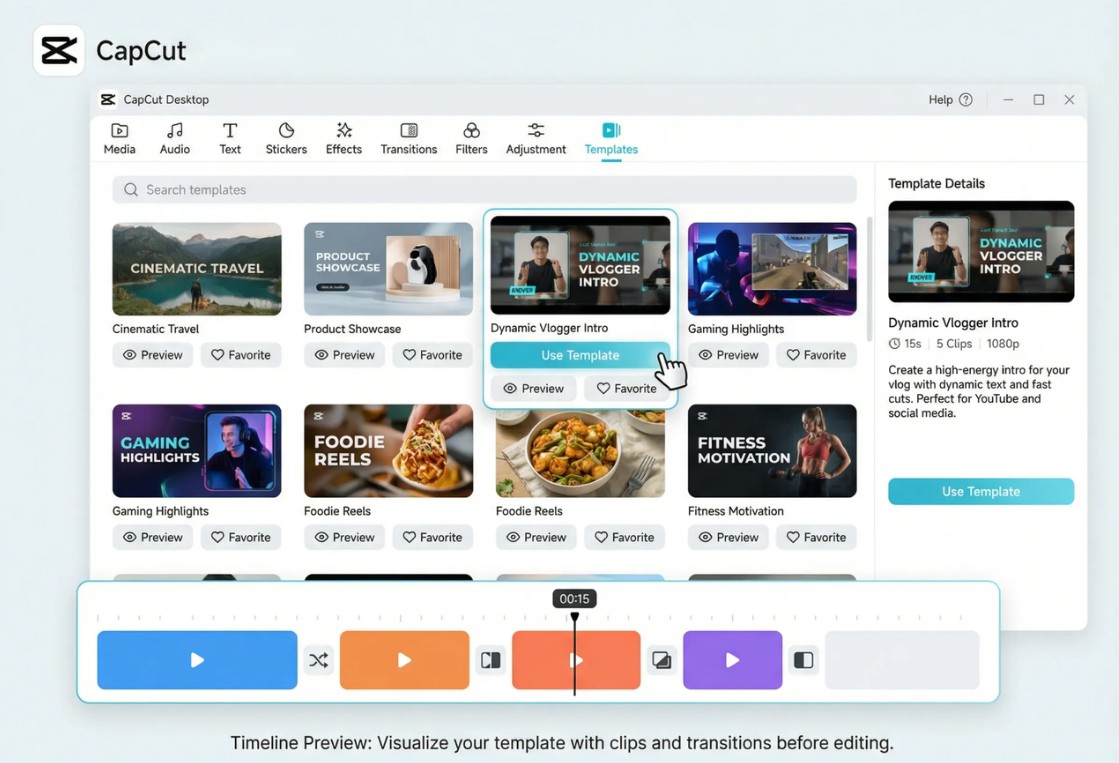
The Beat Sync template automatically synchronizes images with the rhythm of the song. This is one of the most popular templates on TikTok thanks to its ability to create lively, eye-catching videos with a professional feel without the need for manual editing of each beat.
Product introduction templates are commonly used by online stores, businesses, and content creators to promote new products. These templates are designed with modern layouts, striking effects, and clearly displayed information areas, enhancing the appeal of sales videos.
This vlog and travel template helps combine multiple images and videos into a seamless story. Users simply replace personal materials to instantly create a beautiful commemorative video with pre-designed transition effects and colors.
Before & After templates are ideal for beauty, interior design, fashion, fitness, or space renovation. The transition effect between the two states highlights the change in the subject and creates a strong impression on the viewer.
CapCut constantly updates its trending social media video templates based on popular effects, music, and styles. These templates are typically short, have fast transitions, and are optimized for platforms like TikTok, Facebook Reels, and YouTube Shorts. If you want to quickly create trending videos without spending a lot of time editing, this is a group of templates you shouldn't miss.
3. Instructions for downloading and importing the CapCut template
Downloading templates on CapCut is quite simple and only takes a few minutes.
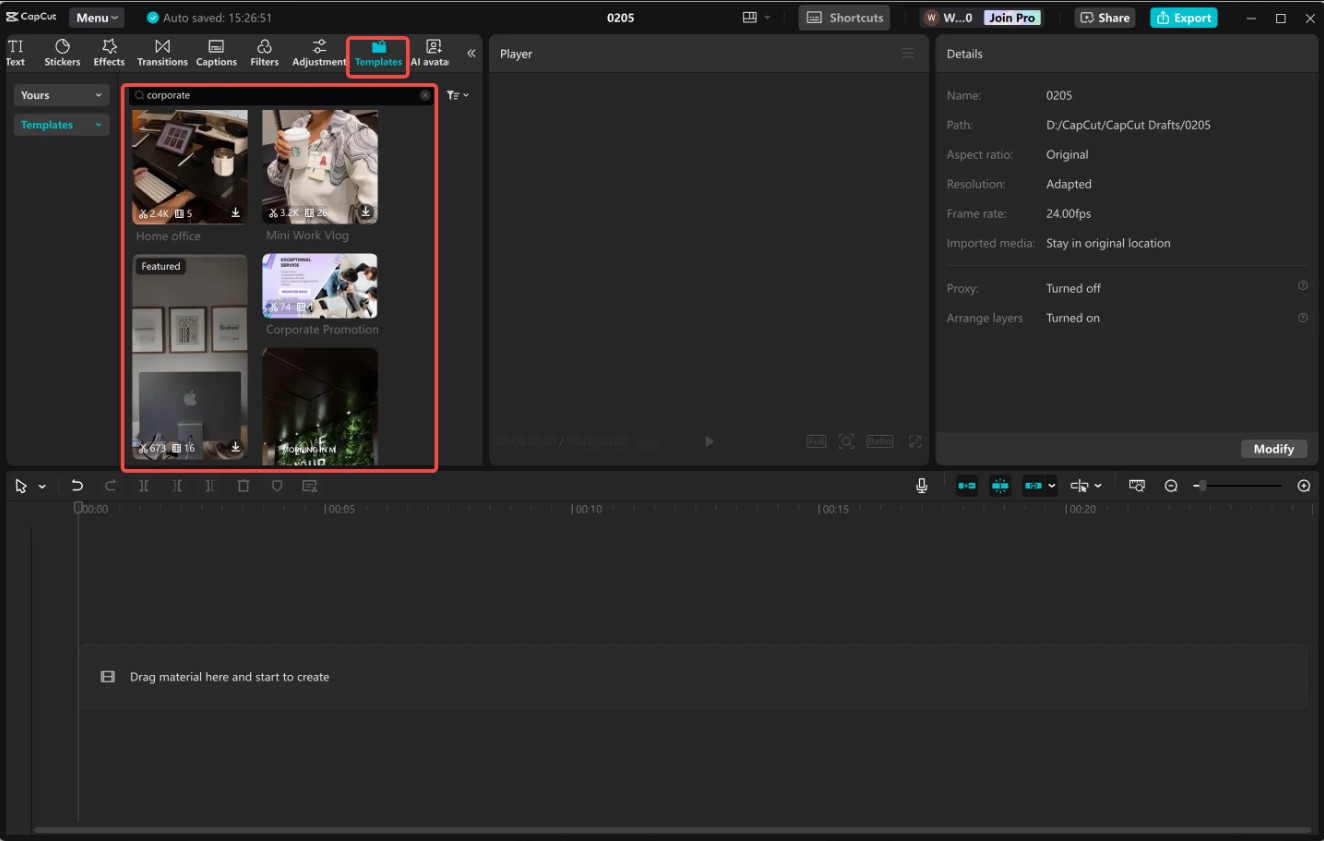
First, open CapCut on your computer or phone and log in to your account. Then, access the Templates section and use the search bar or browse by category to find the desired template.
Once you find a suitable template, click Use template or Download to save it to your account. Next, upload your images or videos. CapCut will automatically arrange the content according to the template's layout.
If you encounter a template loading error, check your internet connection, update to the latest version of CapCut, or try loading the template again. In some cases, the template may not be available in certain regions or may require a newer version of the application.
4. How to customize the template after downloading it.
A major advantage of CapCut templates is their flexible editing capabilities. After applying the template, you can replace all images, videos, text, and background music as you wish. Therefore, even if many people use the same template, each video can still have its own unique style and personality.
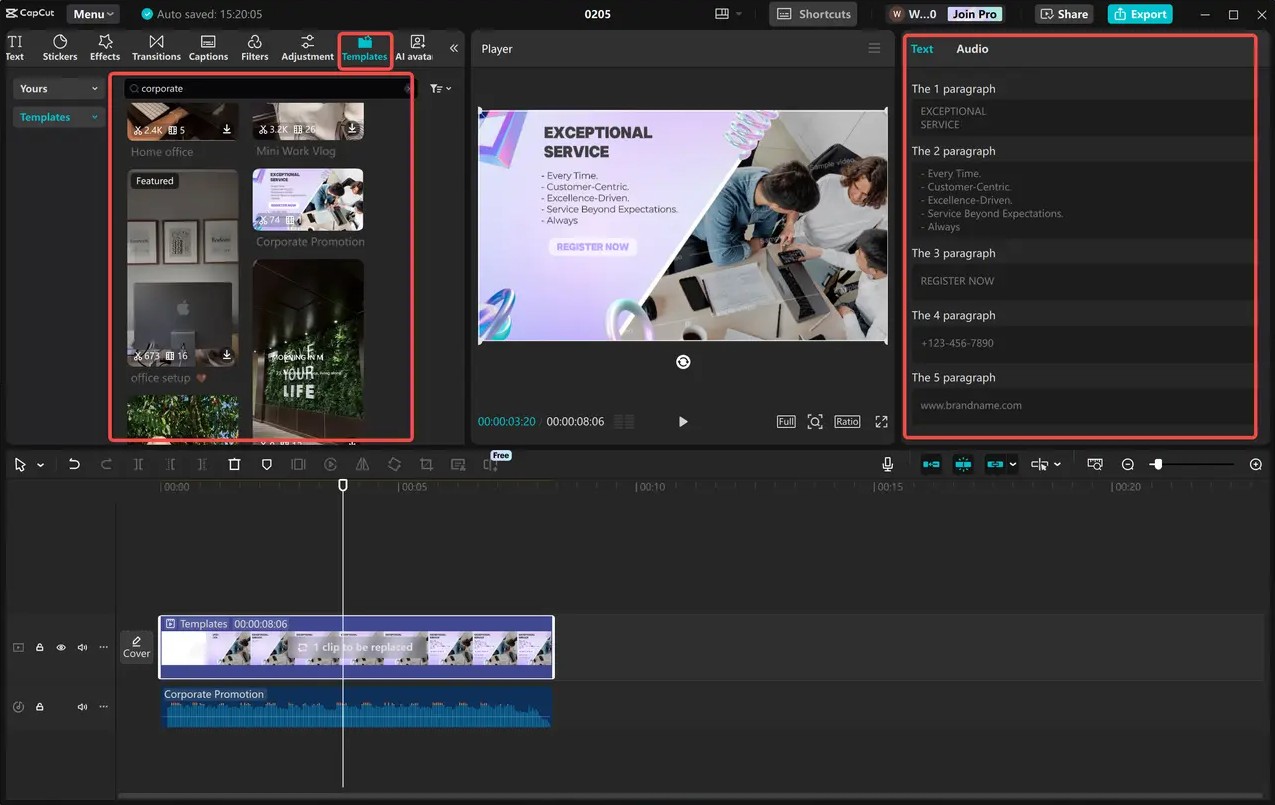
CapCut allows you to adjust most elements in the template, such as color, playback speed, transition effects, filters, volume, and the duration of each video segment. You can also change the font style, size, color, and position of text to match your content or brand identity. If needed, users can add logos, stickers, icons, or animations to enhance the professionalism and appeal of the video.
In addition to traditional editing tools, CapCut integrates many AI features such as automatic subtitle generation, background removal, image stabilization, video quality enhancement, text-to-speech conversion, and automatic synchronization of cuts with music. These tools help shorten post-production time and create high-quality videos even if you don't have much editing experience.
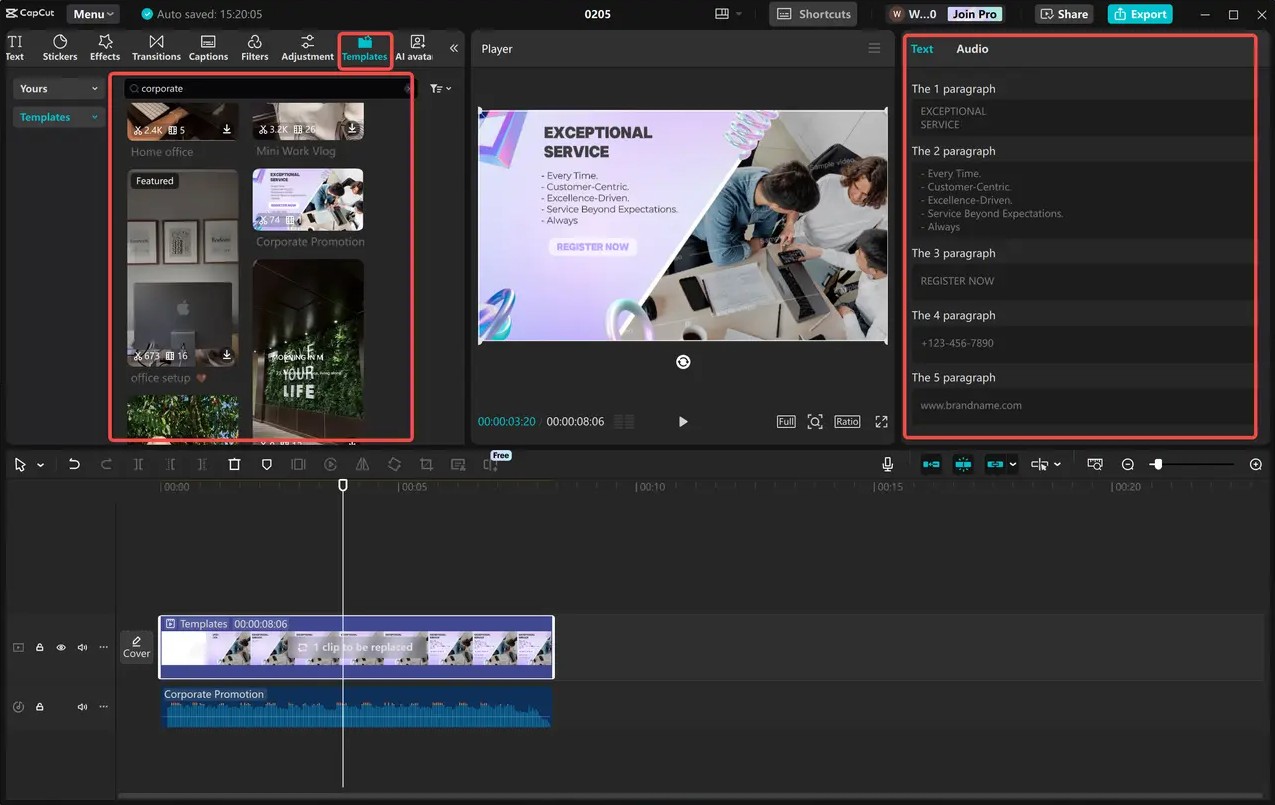
After completing the customization steps, preview the entire video to check the content, effects, and sound before publishing. Taking a few extra minutes to review will help minimize display errors and ensure the video is of the best quality when shared on social media platforms.
5. Tips for choosing the right CapCut template for different purposes.
Not all popular templates are suitable for all content. When choosing a video template, you should clearly define your goal: building brand awareness, promoting products, sharing knowledge, or creating entertainment videos. Choosing the right template will help convey your message more effectively and make a good impression on viewers.
If you're producing videos for your business or online sales, prioritize templates with minimalist designs, clear layouts, and professional colors to highlight your products and brand message. For TikTok, Facebook Reels, or Instagram Reels videos, choose templates with fast transitions, eye-catching effects, and trending music to increase viewer engagement in the first few seconds.
Additionally, use high-resolution images and videos to ensure good display quality after publication. Consistent color, font, and design style throughout the video also helps increase brand recognition and create a more professional feel.
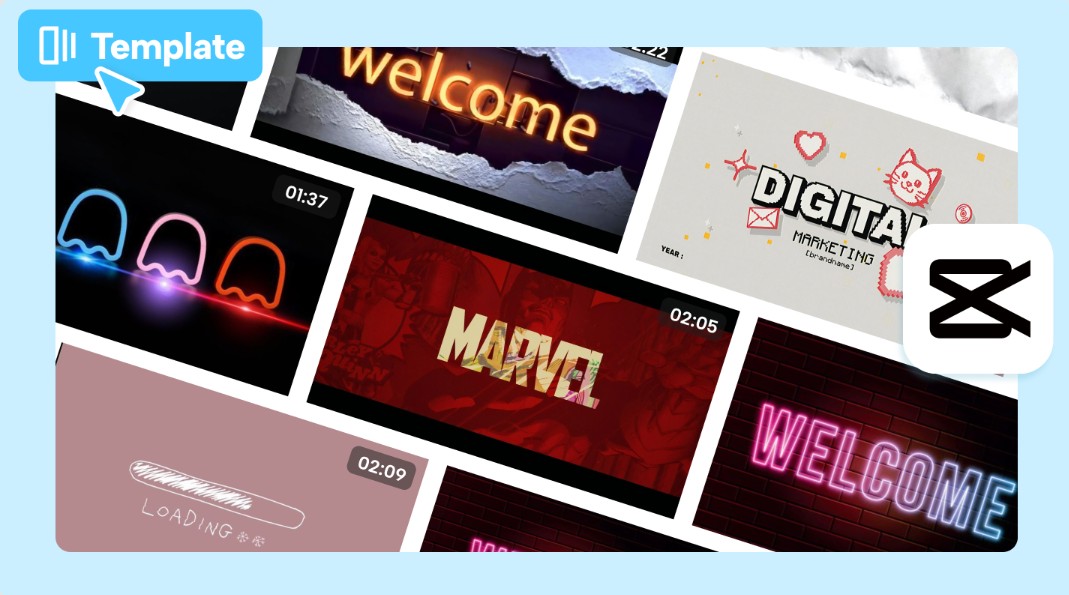
Another tip is to avoid overusing effects or transitions in a single video. Keep the layout simple, focus on the main content, and only use effects to highlight key points where necessary. Finally, before exporting the video, review the entire project to check for spelling errors, ensure synchronization between image and sound, and choose the appropriate resolution such as Full HD or 4K to guarantee the best quality on all platforms.
6. Why should you use CapCut templates for content creation?
Template CapCut not only helps shorten editing time but also opens up many creative opportunities for both beginners and professional content creators.
Instead of spending hours designing effects, adjusting transitions, or synchronizing audio, you only need a few minutes to replace content and finalize your video. This is especially helpful for those who produce many videos every day, such as TikTokers, YouTubers, marketers, or online store owners.
In addition, regularly updating templates to keep up with trends makes it easier for users to create modern, eye-catching videos that are suitable for the recommendation algorithms of social media platforms.
7. Conclusion
Downloading CapCut video templates is a simple yet effective solution to improve video quality and optimize editing time. With a diverse library of free templates, intelligent AI tools, and flexible customization options, CapCut makes it easy for anyone to create professional videos without needing extensive video editing experience. Whether you're a content creator, a business, or an individual user, choosing the right template and knowing how to customize it will make your videos stand out, increase viewer engagement, and enhance your communication effectiveness on digital platforms.





















VIP Products








Best Selling Products
Freepik Premium Account
59 USD
Upgrade genuine Capture One account
120 USD
Copyright Adobe Lightroom Account
59 USD
Adobe Premiere Pro Account
99 USD
MidJourney Account
29 USD
Plugin Retouch4me
69 USD
Upgrade Duolingo Super
29 USD
ChatGPT Plus Account (GPT-4)
16 USD
Windows 10 & 11 Pro Key
36 USD
Adobe Photoshop Copyright - Full App
120 USD
Autodesk All App Account Copyright
120 USD
Genuine Cheap Canva Pro
39 USD
Upgrade Genuine Office 365
49 USD
Genuine Adobe Illustrator account
99 USD
Capcut Pro 1 Year
39 USD