Best Selling Products

Autodesk All App Account Copyright
120 USD

Copyright Adobe Lightroom Account
59 USD

Windows 10 & 11 Pro Key
36 USD

Plugin Retouch4me
69 USD

Capcut Pro 1 Year
39 USD

Upgrade genuine Capture One account
120 USD

Freepik Premium Account
59 USD

Adobe Premiere Pro Account
99 USD

Genuine Cheap Canva Pro
39 USD

MidJourney Account
29 USD

Adobe Photoshop Copyright - Full App
120 USD

Genuine Adobe Illustrator account
99 USD

Upgrade Genuine Office 365
49 USD

Upgrade Duolingo Super
29 USD

ChatGPT Plus Account (GPT-4)
16 USD
Explore Step-by-Step Digital Painting: From Basics to Professional Mastery
Nội dung
- 1. The true nature of Digital Painting and differences from traditional drawing
- Core concept of digital art
- Outstanding advantages over traditional methods
- 2. Essential equipment system to start with Digital Painting
- Pen Tablet and Pen Display
- Computer and optimal hardware configuration
- 3. Top graphic software in the Digital Painting field
- Adobe Photoshop – Global industry standard
- Clip Studio Paint – Paradise for comics and illustration
- Procreate – The revolution on iPad
- 4. Standard workflow in Digital Painting
- Step 1: Idea and Sketching
- Step 2: Line art or Blocking
- Step 3: Shading and Lighting
- Step 4: Detailing and Post-processing
- Refine details and apply final adjustments.
- 5. Common questions about drawing skills and aesthetic thinking
- Can you learn Digital Painting without traditional drawing skills?
- How to practice steady line work?
- 6. Career opportunities with Digital Painting
- Concept Artist
- Illustrator
- Comic/Webtoon Artist
- 7. Digital Painting trends and the impact of AI in the future
- AI as a support tool, not a replacement
- The rise of 2D combined with 3D art
- 8. Mastering light and materials in advanced Digital Painting
- Reflection mechanisms and surface roughness
- Using Layer Blending Modes for lighting
- 9. Conclusion
Decode everything about Digital Painting from concepts, essential equipment to a professional learning workflow. A comprehensive handbook for beginners who want to pursue a digital art career in 2026.
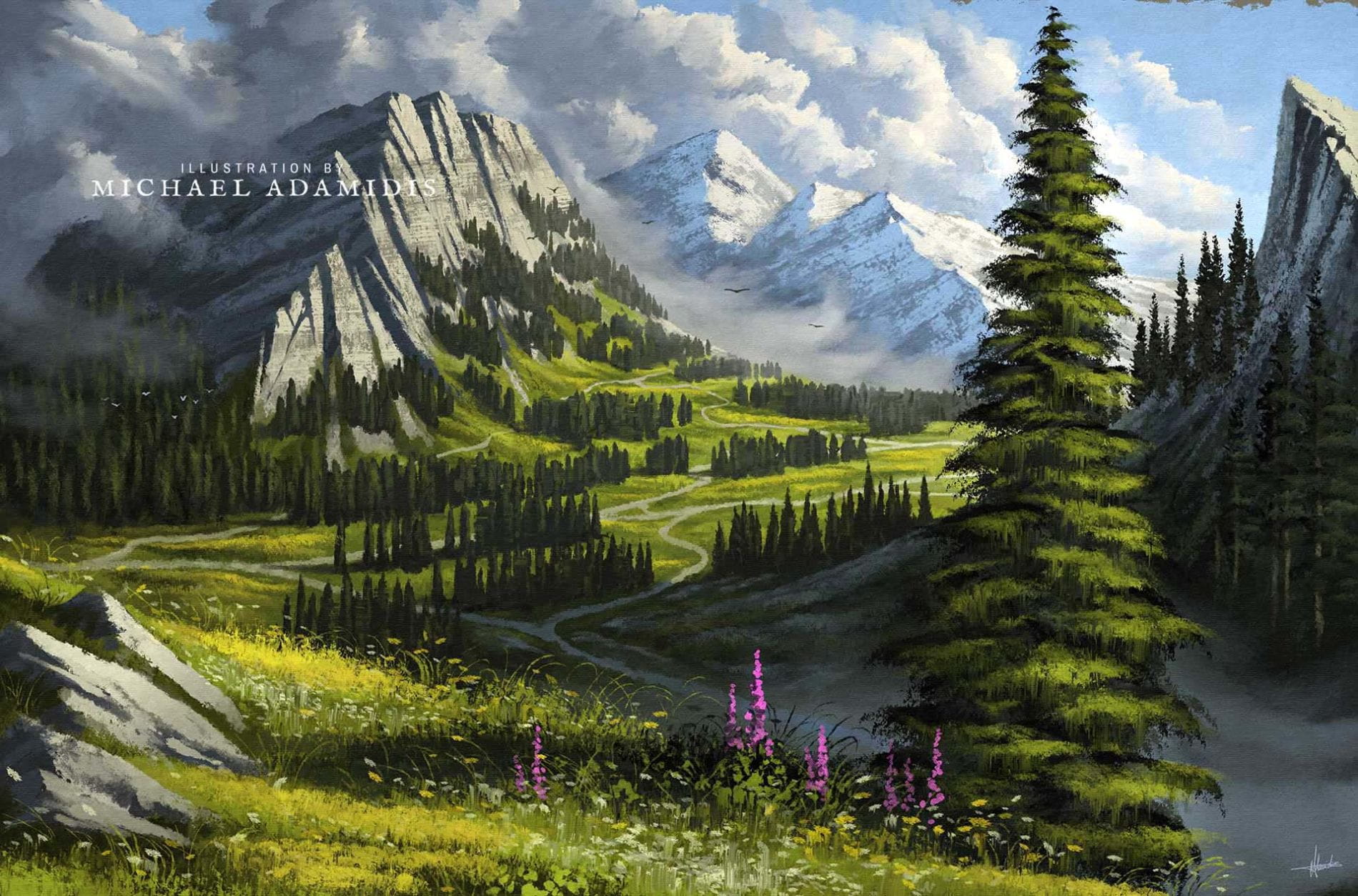
1. The true nature of Digital Painting and differences from traditional drawing
Digital Painting is often misunderstood as computer-assisted drawing, but in reality, it requires strong manual skills and artistic thinking.
%20(1).jpg)
Core concept of digital art
Digital Painting is the process of creating artwork directly on a computer using specialized software. It simulates traditional tools while adding unique capabilities. Artists use styluses with pressure sensitivity to create precise strokes, translated into pixels.
Outstanding advantages over traditional methods
Undo functionality allows experimentation without risk. Layer systems separate elements, making workflows more efficient. Digital art is easy to store, share, and reproduce without quality loss.
2. Essential equipment system to start with Digital Painting
Pen Tablet and Pen Display
Pen tablets are essential input devices. Beginners can use non-display tablets, while professionals prefer display tablets for direct drawing.
Computer and optimal hardware configuration
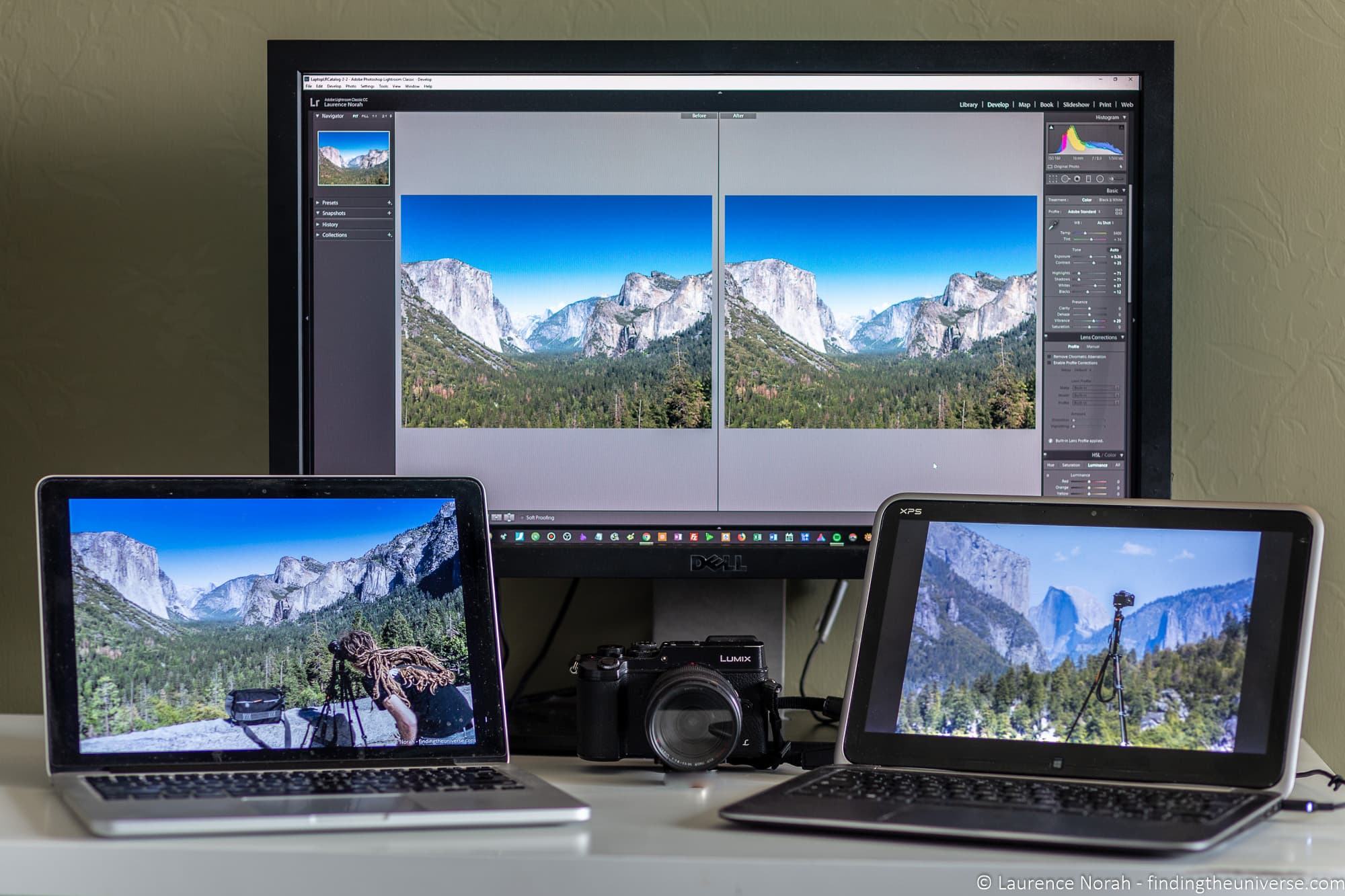
Requires strong CPU, GPU, and at least 16GB RAM. Color-accurate monitors are crucial.
%20(1).jpg)
3. Top graphic software in the Digital Painting field
Adobe Photoshop – Global industry standard
Powerful brush system and editing capabilities with AI support.
Clip Studio Paint – Paradise for comics and illustration
Optimized for line art and character design.
Procreate – The revolution on iPad
Portable, intuitive, and powerful.
4. Standard workflow in Digital Painting
Step 1: Idea and Sketching
Start with rough sketches to define composition.
Step 2: Line art or Blocking
Define structure with clean lines or base colors.
Step 3: Shading and Lighting
Add depth using light and shadow.
Step 4: Detailing and Post-processing
Refine details and apply final adjustments.
5. Common questions about drawing skills and aesthetic thinking
.jpg)
Can you learn Digital Painting without traditional drawing skills?
Yes, but fundamentals are important.
How to practice steady line work?
Use arm movement and daily practice.
6. Career opportunities with Digital Painting
Concept Artist
Design characters and environments.
Illustrator
Create visual content for media.
Comic/Webtoon Artist
Produce digital comics.
7. Digital Painting trends and the impact of AI in the future
AI as a support tool, not a replacement
AI assists but does not replace creativity.
The rise of 2D combined with 3D art
Hybrid workflows are becoming standard.
8. Mastering light and materials in advanced Digital Painting
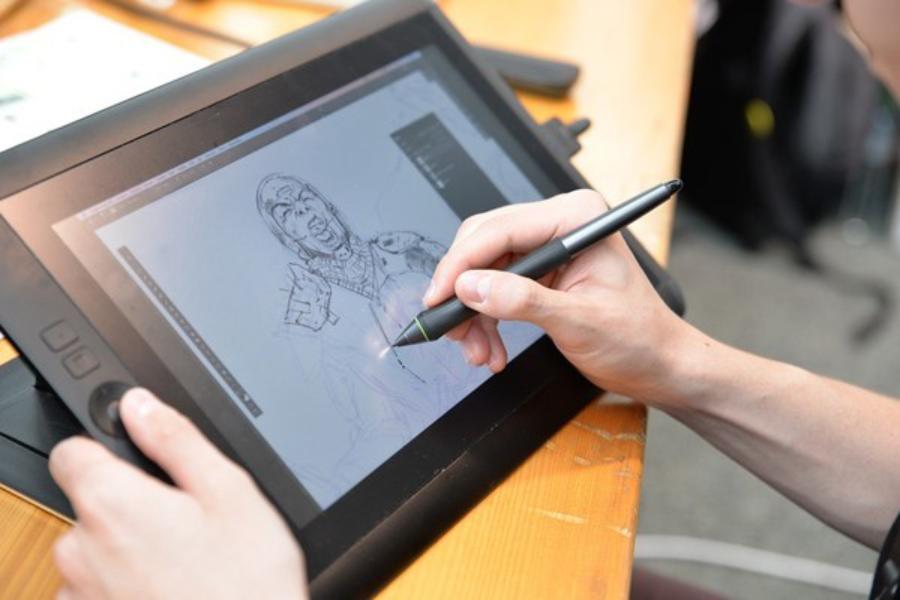
Reflection mechanisms and surface roughness
Different materials require different lighting techniques.
Using Layer Blending Modes for lighting
Use modes like Multiply and Color Dodge.
9. Conclusion
Digital Painting is not just a technological trend but a new chapter in art history. Mastering it requires practice and creativity, enabling artists to push beyond traditional limits and explore new horizons.





















VIP Products








Best Selling Products
Autodesk All App Account Copyright
120 USD
Copyright Adobe Lightroom Account
59 USD
Windows 10 & 11 Pro Key
36 USD
Plugin Retouch4me
69 USD
Capcut Pro 1 Year
39 USD
Upgrade genuine Capture One account
120 USD
Freepik Premium Account
59 USD
Adobe Premiere Pro Account
99 USD
Genuine Cheap Canva Pro
39 USD
MidJourney Account
29 USD
Adobe Photoshop Copyright - Full App
120 USD
Genuine Adobe Illustrator account
99 USD
Upgrade Genuine Office 365
49 USD
Upgrade Duolingo Super
29 USD
ChatGPT Plus Account (GPT-4)
16 USD