Best Selling Products

Genuine Adobe Illustrator account
99 USD

Upgrade Genuine Office 365
49 USD

Windows 10 & 11 Pro Key
36 USD

Adobe Premiere Pro Account
99 USD

Adobe Photoshop Copyright - Full App
120 USD

Freepik Premium Account
59 USD

ChatGPT Plus Account (GPT-4)
16 USD

Plugin Retouch4me
69 USD

Capcut Pro 1 Year
39 USD

MidJourney Account
29 USD

Genuine Cheap Canva Pro
39 USD

Copyright Adobe Lightroom Account
59 USD

Upgrade Duolingo Super
29 USD

Upgrade genuine Capture One account
120 USD

Autodesk All App Account Copyright
120 USD
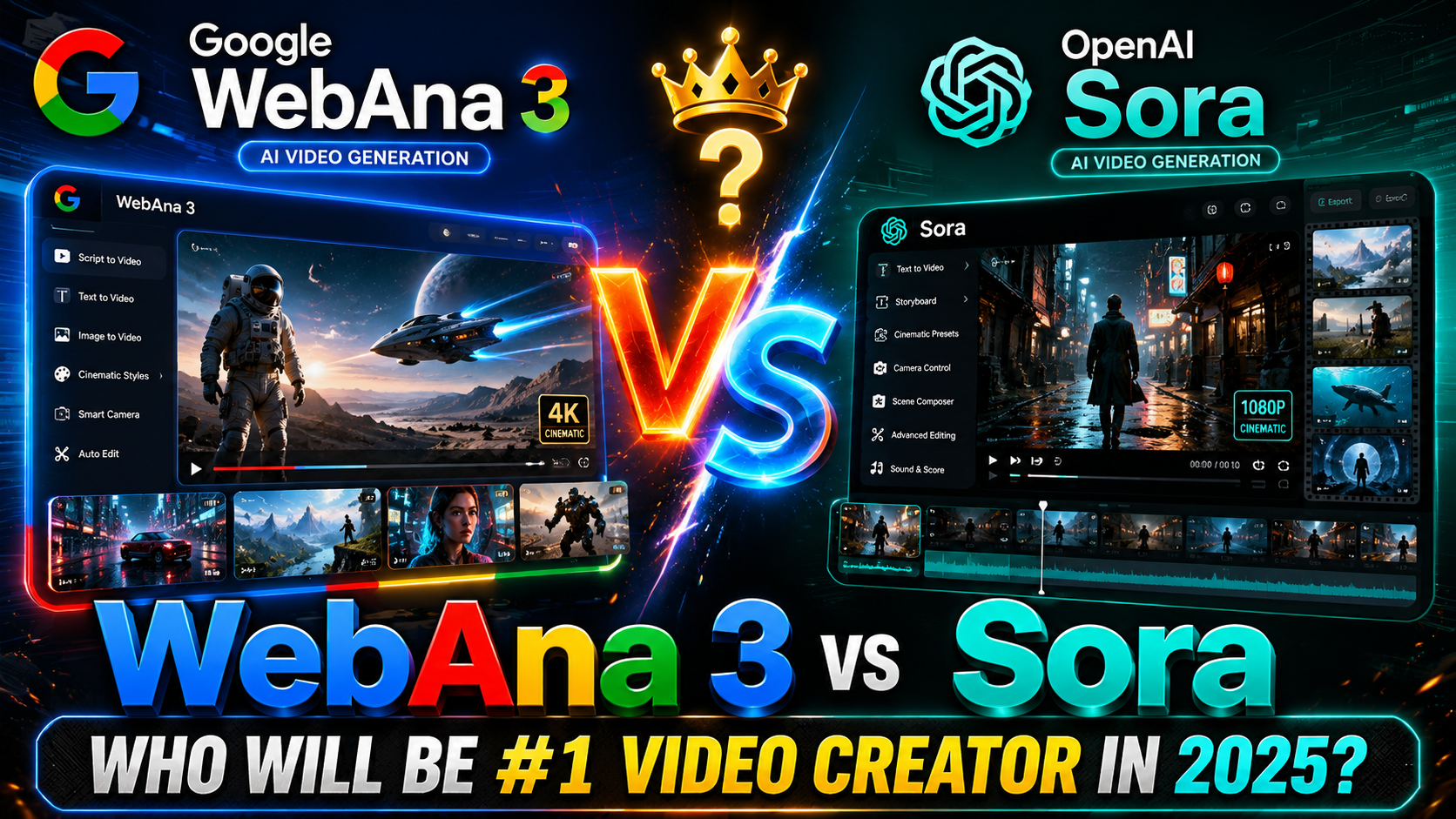
Google Veo 3 vs. OpenAI Sora: Which Tool Is Best for You?
Nội dung
- 1. Image quality: HD or Ultra HD format?
- 2. Video length: Short and concise content or flexible and extended duration?
- 3. Sound creation: Built-in sounds or custom-made sounds?
- 4. Editing tools: Convenient built-in or dependent on external tools?
- 5. Cinematic video processing: Optimal quality or speed priority?
- 6. Accessibility: Ecosystem integration and scope of use
- 7. Choose the tools that best suit your creative needs.
- 8. Where should I upgrade my Google Veo 3?
- 9. Conclusion
In the age of rapidly developing AI, transforming written ideas into vibrant videos has never been easier. Two of the most prominent names today are Google Veo 3 and OpenAI Sora – pioneering artificial intelligence tools in the field of creating videos from text.
1. Image quality: HD or Ultra HD format?
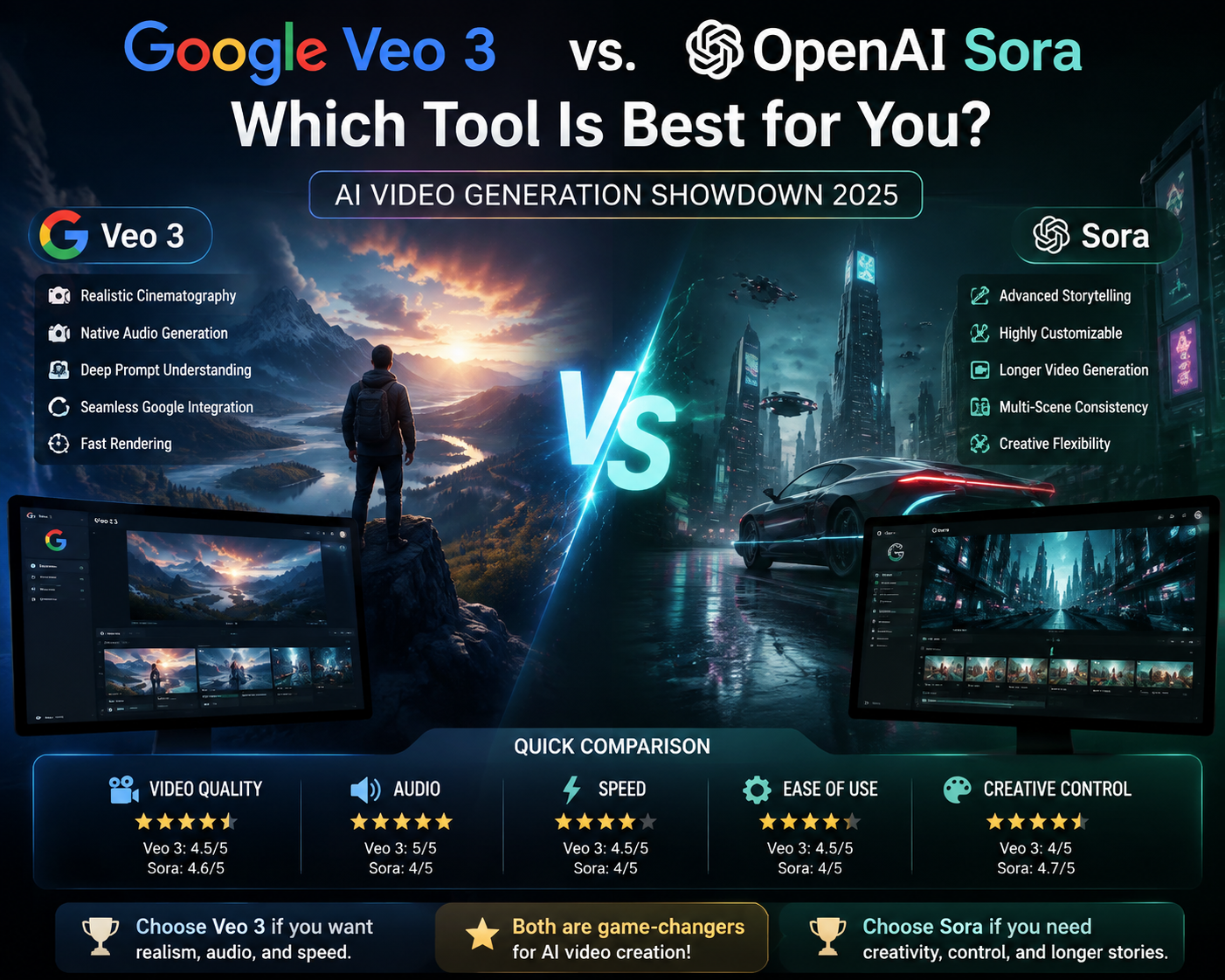
Both Google Veo 3 and OpenAI Sora meet the high-definition video standard with 1080p quality, delivering clear, professional images suitable for a variety of uses—from product introductions to social media clips. This is a common resolution, ensuring good display quality on a wide range of devices, including large screens like TVs and projectors. However, when image requirements go beyond basic levels and users desire ultra-sharp, cinematic detail, only Sora can truly deliver thanks to its 4K video output capability.
4K resolution support offers a significant advantage to professional content creators, especially when needing to display content on high-quality platforms like YouTube 4K, TV commercials, or projects requiring highly detailed footage. Sharp, vibrant images not only enhance aesthetics but also contribute to brand value. Meanwhile, Google Veo 3 maintains traditional HD resolution, suitable for projects requiring fast production speeds, small file sizes, and easy sharing, but it will be limited if your audience or clients expect a higher level of image quality.
2. Video length: Short and concise content or flexible and extended duration?
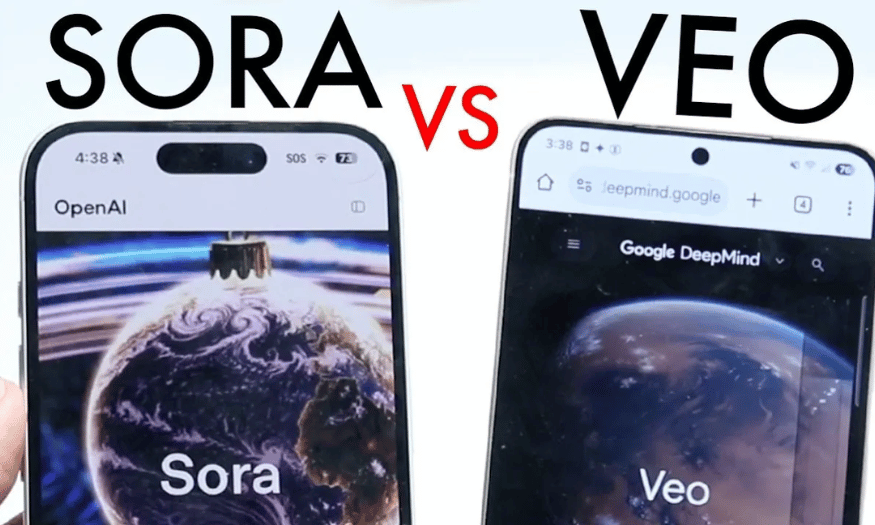
A key difference between these two tools is their approach to video length. OpenAI Sora is optimized for short videos, specifically a maximum length of around 60 seconds. This is the ideal length for viral social media videos, short commercials, or product teasers. The concise length allows for quick processing and easy sharing on TikTok, Instagram Reels, or YouTube Shorts—platforms that favor short videos that capture attention in the first few seconds.
Conversely, Google Veo 3 doesn't set a specific limit on video length, giving users more flexibility in creating lengthy content. This is ideal if you need to produce detailed tutorial videos, short films, or presentation clips longer than one minute. While the maximum length hasn't been announced, this flexibility allows users to be creative without being constrained by a short timeframe. However, a drawback is that Google Veo 3 may consume more processing resources if you create longer videos, so you need to consider your device and network speed when using it.
3. Sound creation: Built-in sounds or custom-made sounds?
When it comes to audio—a crucial element in creating professional and engaging videos— Google Veo 3 stands out thanks to its built-in audio creation tool. Simply input your script, and the system will automatically synchronize the appropriate voiceover or background music, reducing the need for tedious editing. This is a significant advantage for beginners or small production teams, as a single platform allows you to create a complete video from image to sound without switching to other software.
Meanwhile, OpenAI Sora doesn't yet support the creation of in-house audio. If you use Sora, you'll have to prepare your own background music, voiceovers, or sound effects and then integrate them into the video using separate editing software. This requires additional post-production editing skills, or at least an auxiliary video editing tool like Premiere Pro or CapCut. While somewhat inconvenient, this also gives Sora absolute control, making it suitable for those who want creative freedom, choosing audio quality, voiceovers, or music composition in their own style instead of relying entirely on AI.
4. Editing tools: Convenient built-in or dependent on external tools?
Another important factor to consider when choosing between OpenAI Sora and Google Veo 3 is the ability to edit videos directly on the platform. Sora compensates for the lack of audio features by providing a powerful set of editing tools right within the interface. This allows users to easily cut and splice scenes, adjust speed, add basic effects, or redesign the layout without exporting the video to third-party software. This is very convenient for those working solo, unfamiliar with professional video editing software, or needing quick edits to keep up with trending social media content.
In contrast, Google Veo 3 doesn't have built-in editing tools. After the AI creates the video, users have to download it and further refine it using post-production software like Adobe Premiere, Final Cut Pro, or other online video editing applications. This can be time-consuming, requires certain editing skills, and fragments the production process. However, for content creators already familiar with advanced post-production tools, this offers maximum control and control over the final quality. But if your goal is convenience and speed, Sora clearly has the advantage thanks to its self-contained editing capabilities.
5. Cinematic video processing: Optimal quality or speed priority?
Google Veo 3 is developed for cinematic video projects that require smooth images, natural colors, and high detail. This tool focuses on recreating emotionally rich frames, suitable for brand promotional videos or clips requiring high aesthetic appeal. However, in return, users must accept a relatively long processing time, especially when the video includes background music or AI-generated voiceovers. For urgent projects, waiting time can be a significant obstacle.
In contrast to Veo 3, OpenAI Sora focuses more on processing speed and input flexibility. Besides converting text to video, Sora allows users to upload pre-existing images or short videos, combining these elements to create more diverse and creative products. Sora's biggest advantage is its fast video creation speed, suitable for fast-paced workflows, especially in media, online advertising, or news. If you value fast video creation, the ability to customize various input data types without requiring the highest cinematic image quality, Sora will be a time-saving and more flexible choice.
6. Accessibility: Ecosystem integration and scope of use
A major advantage of OpenAI Sora is its accessibility and seamless integration with existing OpenAI services. If you're a ChatGPT Pro or Plus user , Sora will appear directly in your toolkit without requiring additional installation. This allows users to leverage the power of AI for video creation while maintaining a clean and consistent workflow. The synergy with ChatGPT also enables you to script, edit ideas, and export videos all on the same platform, saving you the effort of managing multiple tools simultaneously.
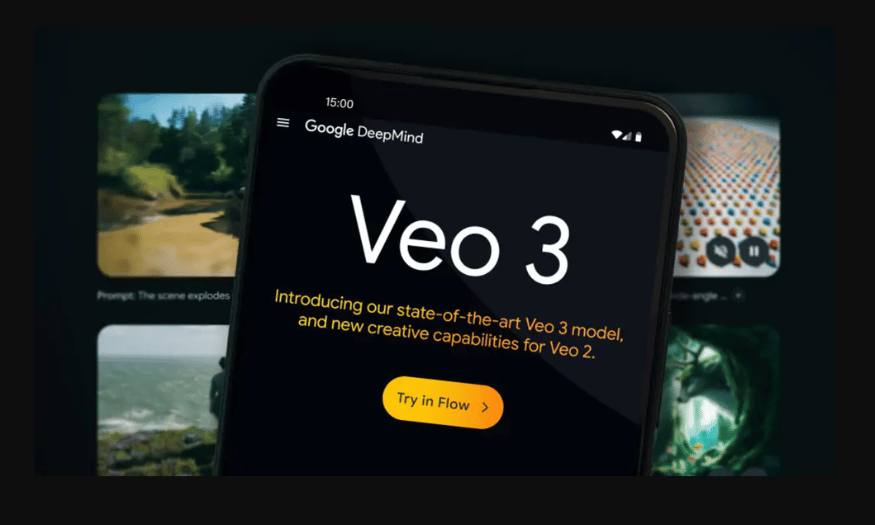
Meanwhile, while Google Veo 3 is expected to be a promising tool, it is not yet widely available. Some users have to register on a waiting list or beta testing to have early access. This can hinder content creation teams that need to deploy projects immediately. However, with the power of the Google ecosystem, Veo 3 is likely to be integrated with familiar applications such as Google Drive, Google Slides, and YouTube soon, opening up many attractive features for loyal users. But at the moment, in terms of availability and ease of getting started, OpenAI Sora remains the leading tool.
7. Choose the tools that best suit your creative needs.
Between the two leading tools currently available, Google Veo 3 and OpenAI Sora , making the final choice depends not only on outstanding features but also on the goals, work style, and specific requirements of each user. Each platform possesses its own strengths, serving very different needs in the AI video production process. Therefore, before deciding, you should carefully consider your intended use: prioritizing high-quality images, a closed-loop workflow, or fast and flexible processing speed.
If you're working on cinematic video projects, large-scale brand promotions, or require the highest quality visuals, Google Veo 3 is the perfect choice. This tool delivers smooth images, vibrant colors, and built-in audio – making it easy to create professional clips without needing external voiceover tools or background music. Of course, the downside is slightly slower processing times, but in return, you'll receive a polished product in both image and sound, capable of satisfying even the most demanding clients.
Conversely, if you prioritize production speed, flexibility, and the ability to work with diverse input data (text, images, and readily available videos), then OpenAI Sora will be your "powerful assistant." Sora is especially suitable for those who need sharp 4K video and prefer quick editing directly on the platform without having to switch to third-party software. Furthermore, thanks to its integration into the ChatGPT Pro or Plus packages, Sora is also very convenient to combine with other AI tools in the OpenAI ecosystem, thereby shortening workflows and enhancing creative efficiency.
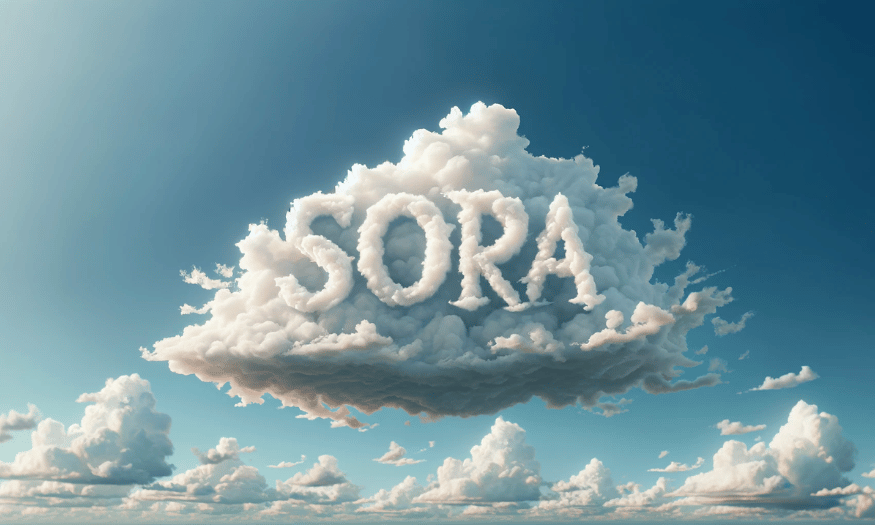
8. Where should I upgrade my Google Veo 3?
If you're wondering where to upgrade your Google Veo 3 to save money while ensuring reliability, SaDesign is a trusted choice for many tech users. Here, you can easily register for a Google AI Ultra Veo 3 account at a very reasonable price compared to the market average. SaDesign typically offers full-access packages, including access to premium features like Veo 3, Gemini, and Flow, along with ample storage, suitable for both individuals and small businesses wanting to experiment with the power of Google's AI.
A significant advantage of upgrading to a Veo 3 account at SaDesign is the fast process, dedicated support, and secure customer information. Immediately after payment, you will receive detailed instructions to activate and use Veo 3 features without needing to figure out complex technical issues yourself. SaDesign's support team is also ready to answer any questions, ensuring you can fully utilize what Veo 3 has to offer, from creating high-resolution videos to managing large data files.
Furthermore, SaDesign regularly updates its promotional packages, discounts, and service combos to help customers save as much as possible. This is a major advantage for those who want to access cutting-edge AI technology but still need to balance their budget. Thanks to its reputable service and excellent technical support, SaDesign is now considered a reliable destination for anyone looking to upgrade to Google Veo 3 and fully enjoy the benefits that artificial intelligence technology offers.
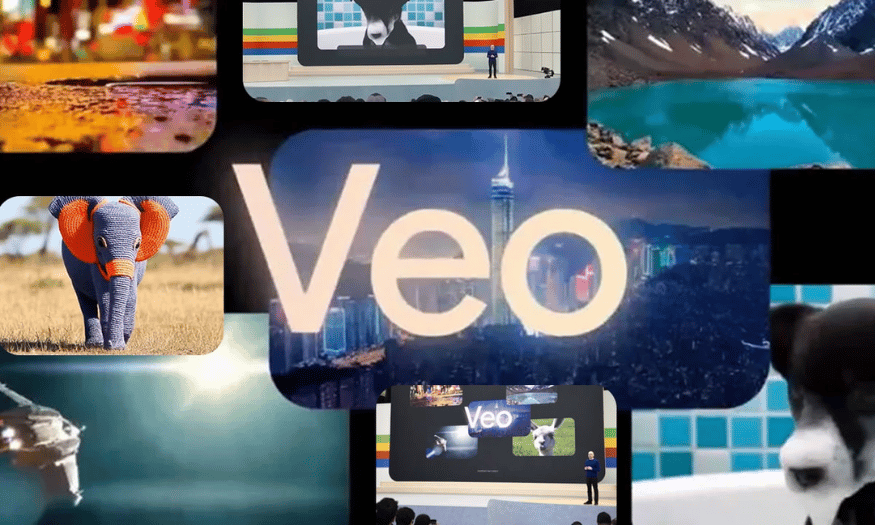
9. Conclusion
In summary, both Google Veo 3 and OpenAI Sora are worthwhile AI tools for creating videos from text, each offering its own advantages and limitations. Google Veo 3 is often praised for its image optimization capabilities, processing speed, and tight integration with the Google ecosystem. OpenAI Sora, on the other hand, stands out for its deeper contextual understanding and greater flexibility in transforming complex ideas into smooth, creative videos. The choice of which tool to use depends on your specific needs, level of technological proficiency, and content goals.





















VIP Products








Best Selling Products
Genuine Adobe Illustrator account
99 USD
Upgrade Genuine Office 365
49 USD
Windows 10 & 11 Pro Key
36 USD
Adobe Premiere Pro Account
99 USD
Adobe Photoshop Copyright - Full App
120 USD
Freepik Premium Account
59 USD
ChatGPT Plus Account (GPT-4)
16 USD
Plugin Retouch4me
69 USD
Capcut Pro 1 Year
39 USD
MidJourney Account
29 USD
Genuine Cheap Canva Pro
39 USD
Copyright Adobe Lightroom Account
59 USD
Upgrade Duolingo Super
29 USD
Upgrade genuine Capture One account
120 USD
Autodesk All App Account Copyright
120 USD