Best Selling Products

Autodesk All App Account Copyright
120 USD

MidJourney Account
29 USD

Adobe Photoshop Copyright - Full App
120 USD

Upgrade genuine Capture One account
120 USD

ChatGPT Plus Account (GPT-4)
16 USD

Genuine Adobe Illustrator account
99 USD

Adobe Premiere Pro Account
99 USD

Capcut Pro 1 Year
39 USD

Windows 10 & 11 Pro Key
36 USD

Freepik Premium Account
59 USD

Plugin Retouch4me
69 USD

Upgrade Genuine Office 365
49 USD

Copyright Adobe Lightroom Account
59 USD

Upgrade Duolingo Super
29 USD

Genuine Cheap Canva Pro
39 USD
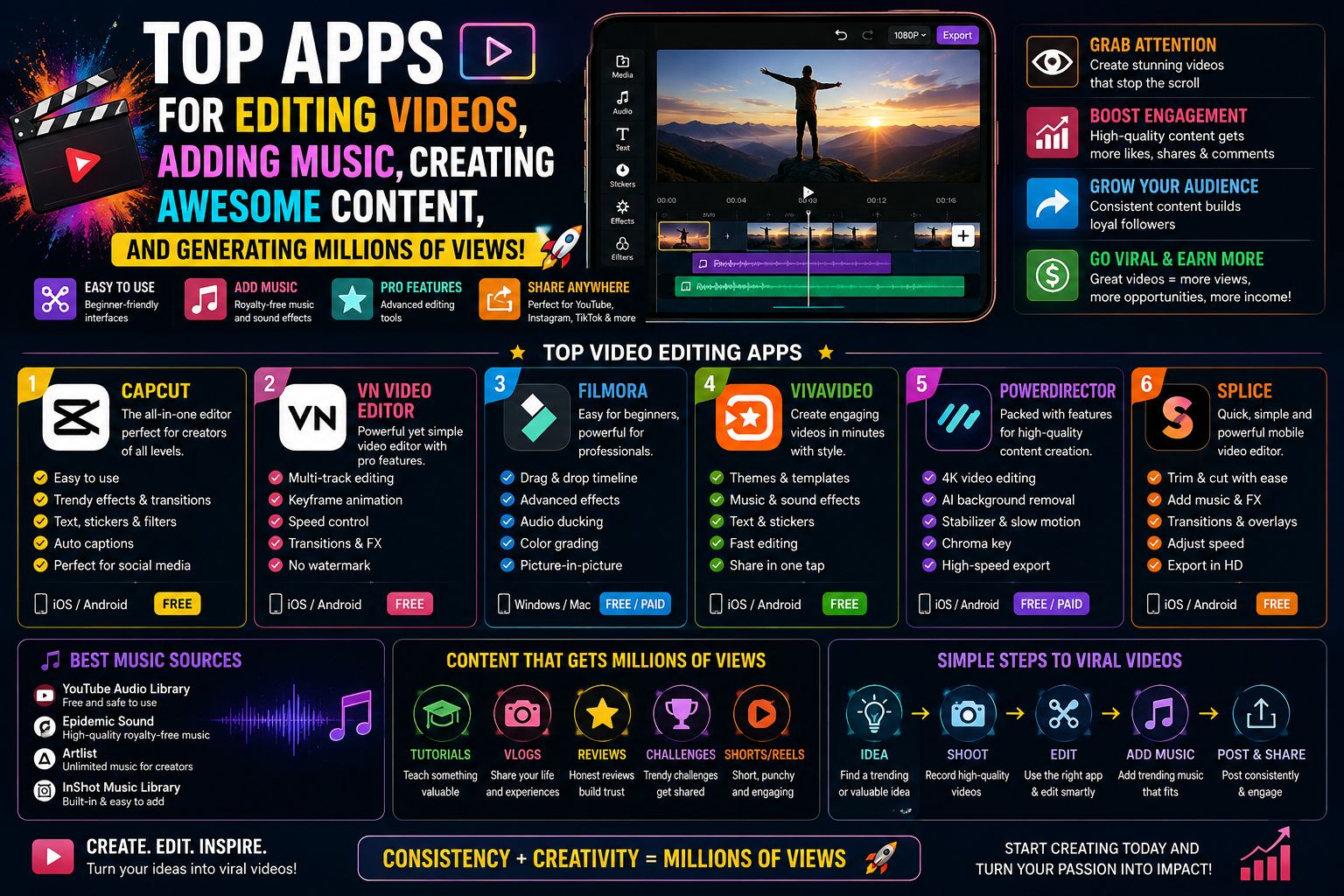
Great video editing apps allow you to create cinematic-quality frames right on your phone.
Nội dung
- 1. The Importance of Using High-Quality Video Editing Software
- 1.1. Enhancing aesthetic value and shaping personal style.
- 1.2. Optimizing display structure for digital platforms
- 2. Criteria for Evaluating a Good, Professional-Standard Video Editing App
- 2.1. The workspace features a convenient multi-layered timeline system.
- 2.2. Integration of advanced color filters and in-depth light gradation tools
- 2.3. Optimal hardware processing speed and high-resolution file output capability
- 3. Discover the groundbreaking graphics technology platform at appvip.ai
- 4. In-Depth Analysis of the 10 Best and Most Advanced Video Editing Apps Currently Available
- 4.1. CapCut - The leading tool for creating short videos.
- 4.2. KineMaster - A professional video editing studio with a landscape interface.
- 4.3. VN Video Editor - Modern, streamlined solution for independent filmmakers
- 4.4. InShot - The ultimate quick and easy editor for an active lifestyle.
- 4.5. Filmora - The perfect combination of AI technology and visual art.
- 6. Conclusion
A comprehensive list of the best video editing apps on mobile phones, featuring exclusive effects, cinematic color filters, and smart cutting and splicing tools. The secret to creating top-notch short films.
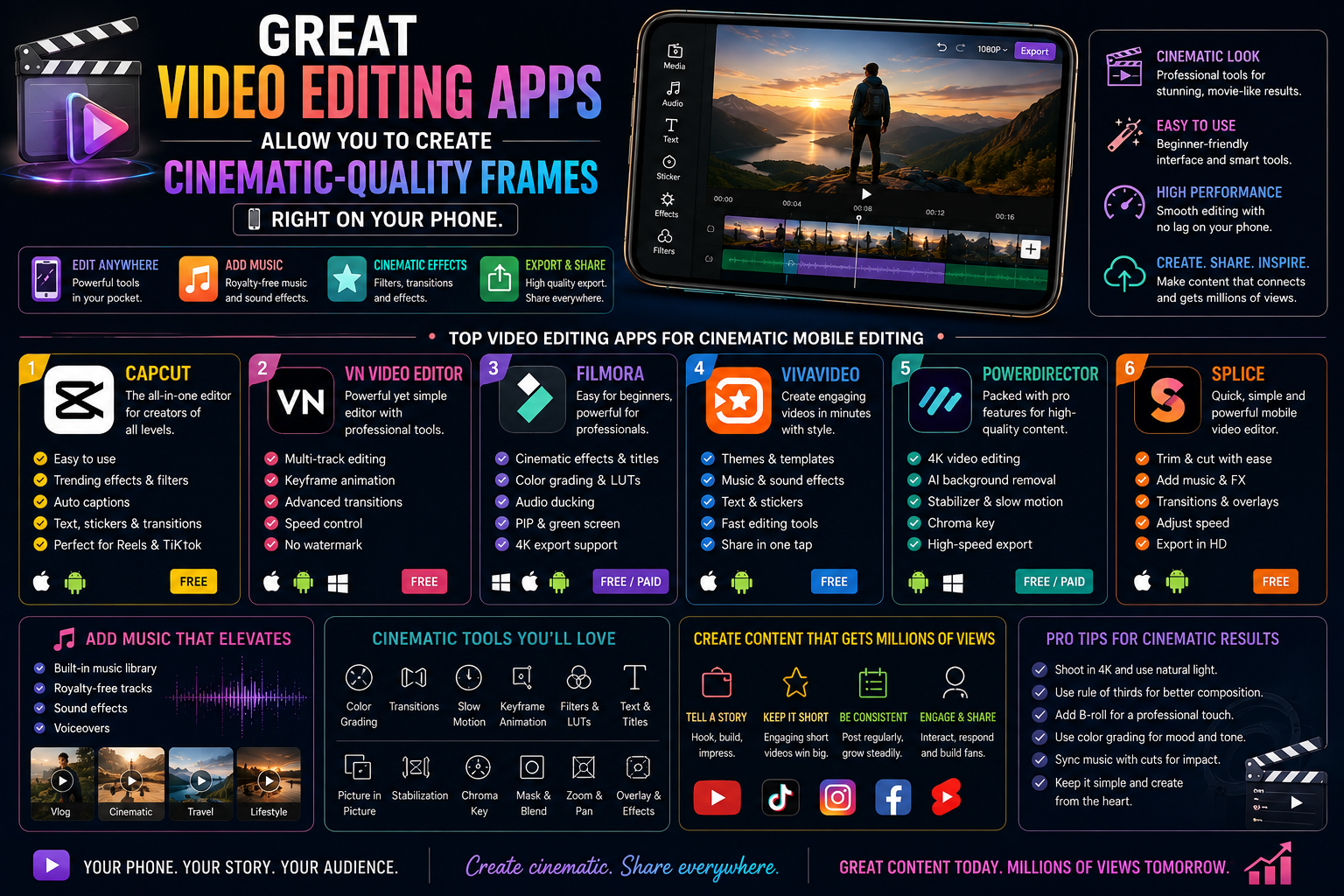
1. The Importance of Using High-Quality Video Editing Software
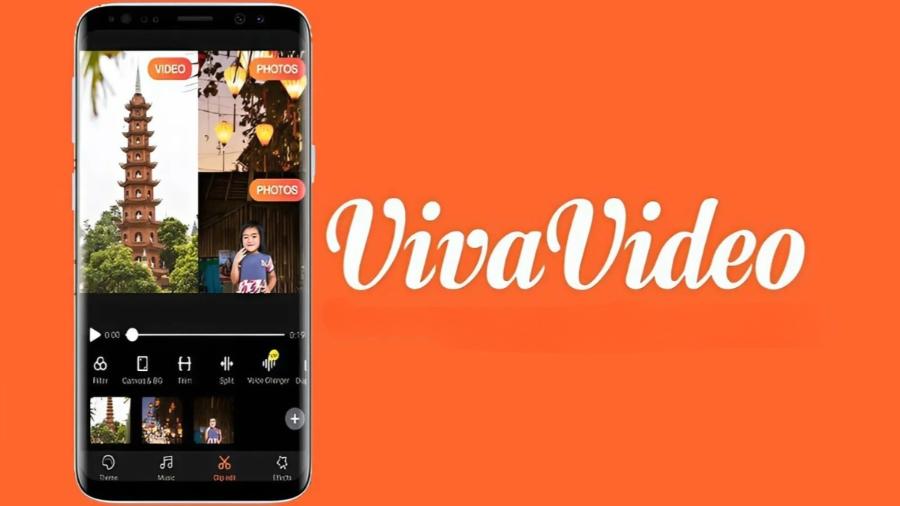
1.1. Enhancing aesthetic value and shaping personal style.
A professional video editing application gives users complete control over visual elements, from color and lighting to the rhythm of the timeline. Consistently applying a distinctive film tone or unique transition techniques creates a unique brand identity for the creator. This meticulous attention to detail distinguishes high-quality content from hastily shot clips, building lasting trust and appreciation from viewers.
1.2. Optimizing display structure for digital platforms
Modern social media platforms have strict standards regarding aspect ratios and distribution algorithms based on audience retention rates. Intelligent editing software provides pre-set, accurate aspect ratios such as a 9:16 vertical format for short videos or a 16:9 horizontal format for traditional content. The ability to add automatic subtitles and insert intuitive call-to-action buttons helps clips achieve maximum interaction when uploaded to the internet.
2. Criteria for Evaluating a Good, Professional-Standard Video Editing App
2.1. The workspace features a convenient multi-layered timeline system.
The core criterion of a high-quality video editing tool lies in its timeline architecture. This system needs to allow users to multi-layer data, including the main video layer, picture-in-picture (PIP) layers, scrolling text layers, special effects, and multiple independent audio tracks. This clear separation helps to make the editing process of complex scenes neat and precise down to the frame level without file overlap errors.
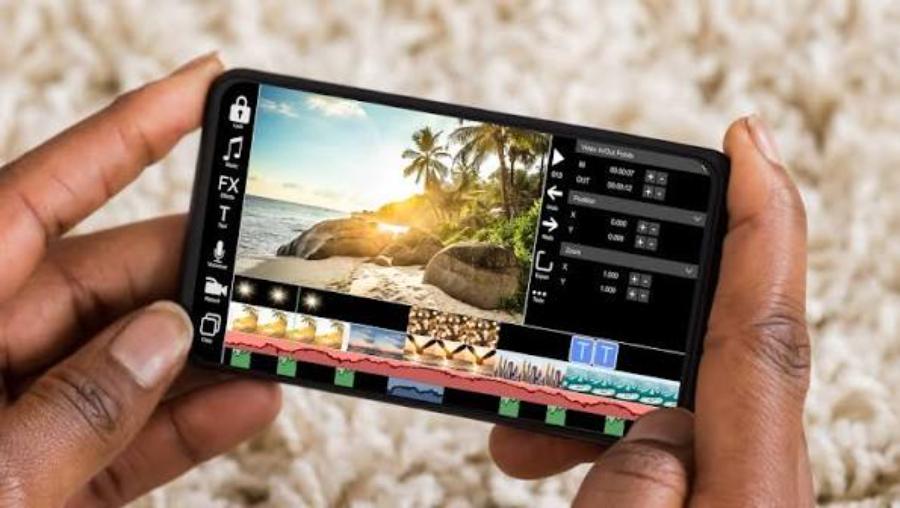
2.2. Integration of advanced color filters and in-depth light gradation tools
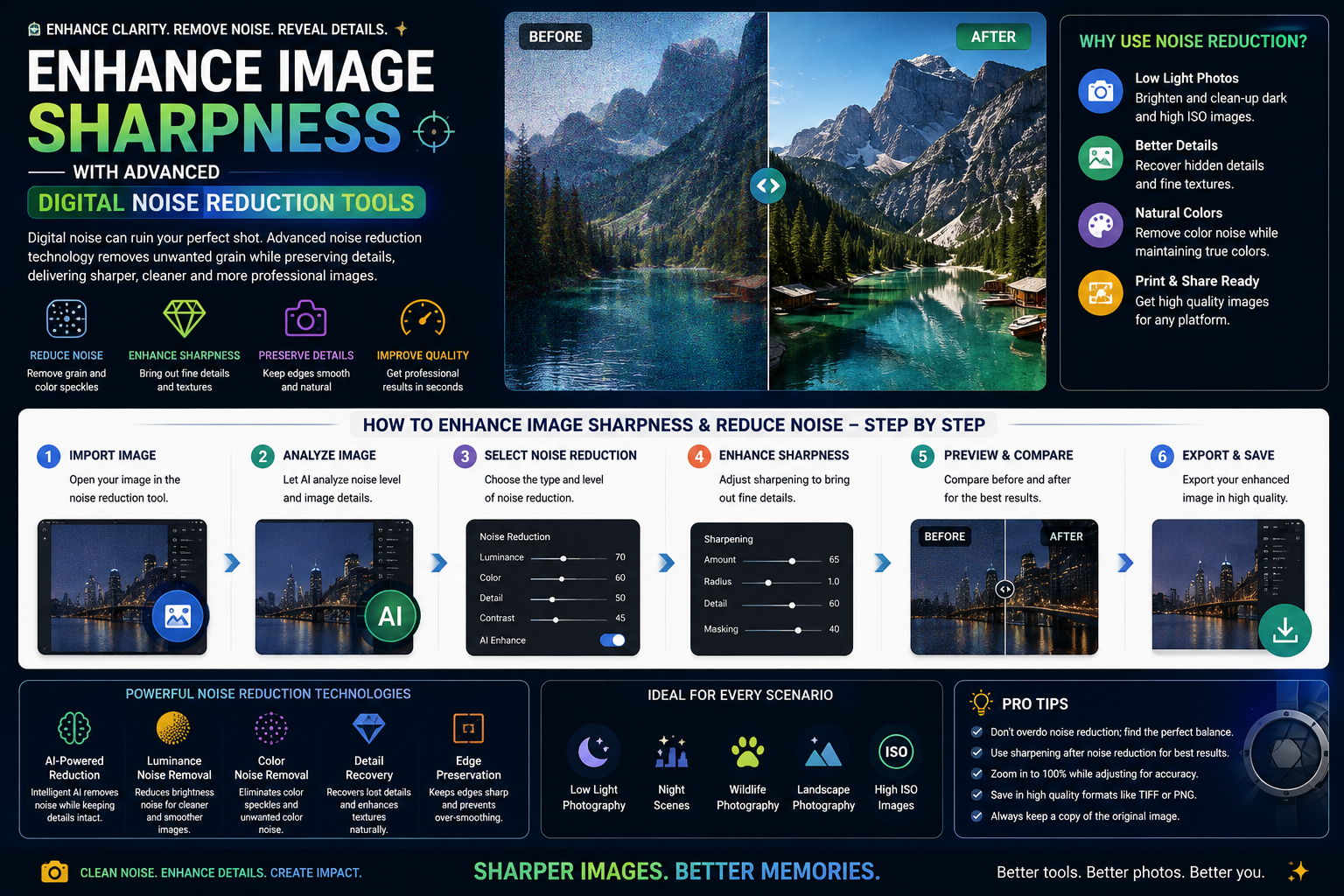
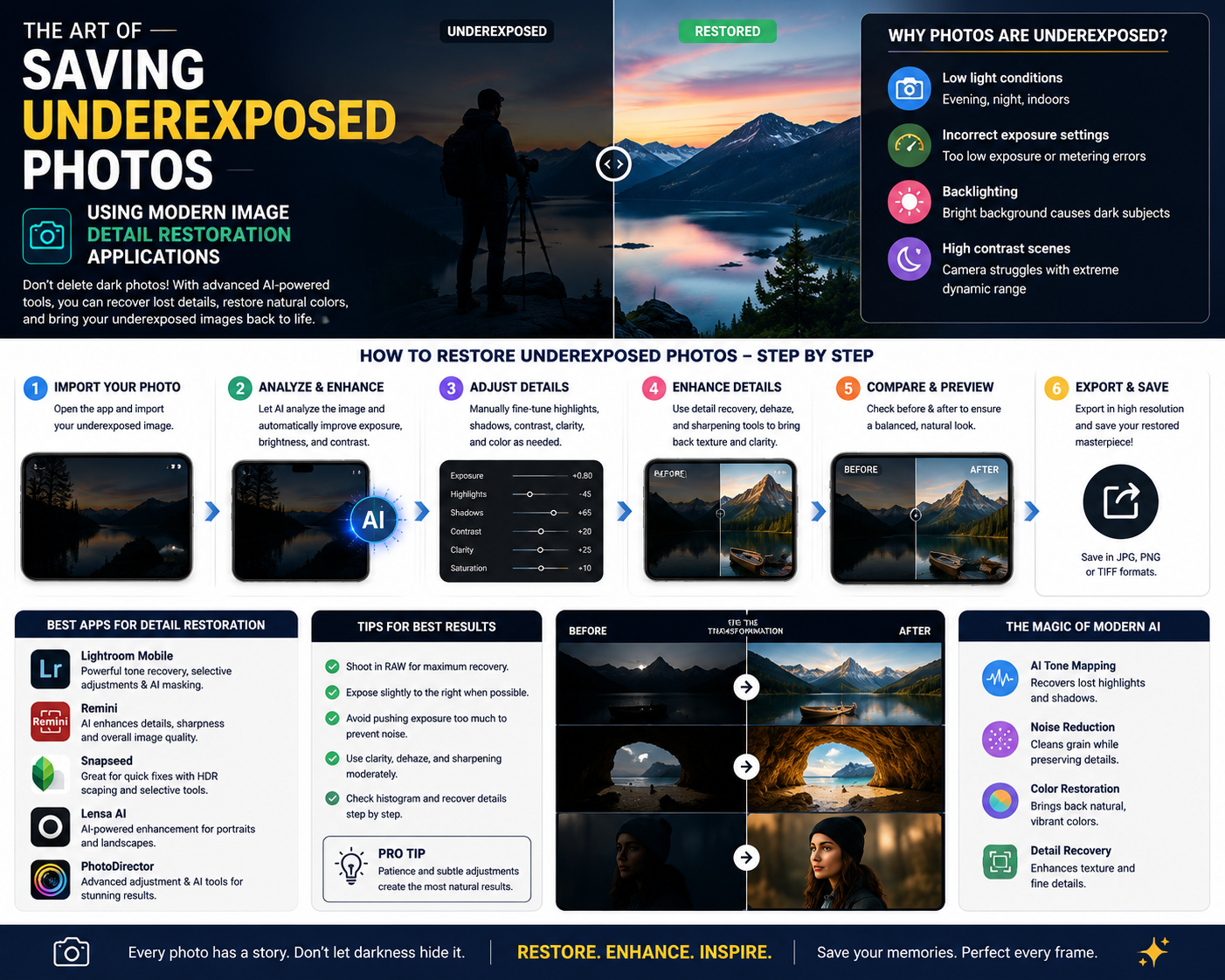
Color is the most powerful tool for conveying mood and the hidden message of a graphic work. High-quality software cannot rely solely on pre-made color filters that drastically alter the image. The application needs to provide sliders that allow for deep manipulation of physical parameters such as contrast, highlights, shadows, saturation, and especially color grading tools to create a truly cinematic look.
2.3. Optimal hardware processing speed and high-resolution file output capability
The film editing process consumes a significant amount of system resources on mobile devices. An excellent application requires well-optimized algorithms to ensure smooth previewing of transition effects, preventing lag or sudden overheating. Furthermore, the ability to export the final product in high-resolution formats such as 4K at 60fps is essential to guarantee absolute sharpness when displayed on large screens.
3. Discover the groundbreaking graphics technology platform at appvip.ai
The career of producing and creating multimedia content requires creators to constantly update and equip themselves with the latest technological tools. To upgrade post-production processes and access next-generation intelligent software solutions, users can refer to the system at appvip.ai . This is a reputable platform specializing in providing comprehensive technology solutions, advanced artificial intelligence-integrated tools, and a high-quality, exclusive graphic resource library. Through this system, you can easily access advanced software versions, optimize your phone's processing power, and thus simplify complex tasks such as noise filtering, 3D effects insertion, or audio synchronization, achieving maximum perfection.
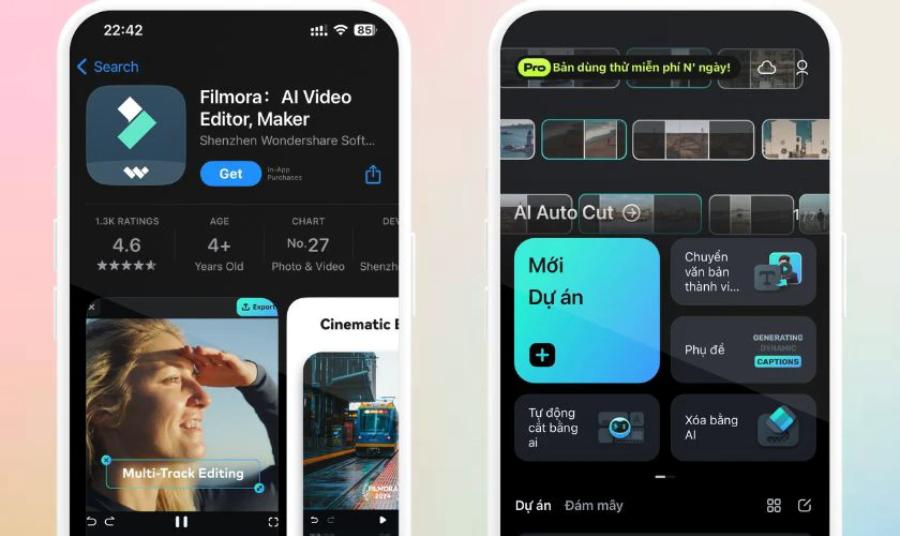
4. In-Depth Analysis of the 10 Best and Most Advanced Video Editing Apps Currently Available
4.1. CapCut - The leading tool for creating short videos.
CapCut has become a global phenomenon and an indispensable companion for content creators on online short-form video platforms. The app's success stems from a design philosophy focused on maximum usability while delivering incredibly powerful visual impact.
CapCut's library of transition effects and templates is larger than any competitor on the market. Users can easily apply motion blur, smart zoom, or trendy color filters with just one touch. In addition, its highly accurate multi-language auto-captions feature saves vloggers hours of manual work.
4.2. KineMaster - A professional video editing studio with a landscape interface.
KineMaster shatters the stereotype that phones can't handle feature-length films or complex commercials. By forcing the workspace to display horizontally, the application maximizes the view for multi-layered timeline systems.
Every feature in KineMaster is designed with a very high level of detail. Users can utilize the Chroma Key feature to separate the background and seamlessly integrate characters into virtual spaces. The software's keyframe animation tool allows you to freely program the movement trajectories for objects, logos, or scrolling text, providing flexibility comparable to computer-aided design software.
4.3. VN Video Editor - Modern, streamlined solution for independent filmmakers
VN Video Editor (VlogNow) boasts a huge and loyal fan base in the mobile filmmaking community thanks to its extremely clean, modern interface and the absence of copyright logos in its standard version.
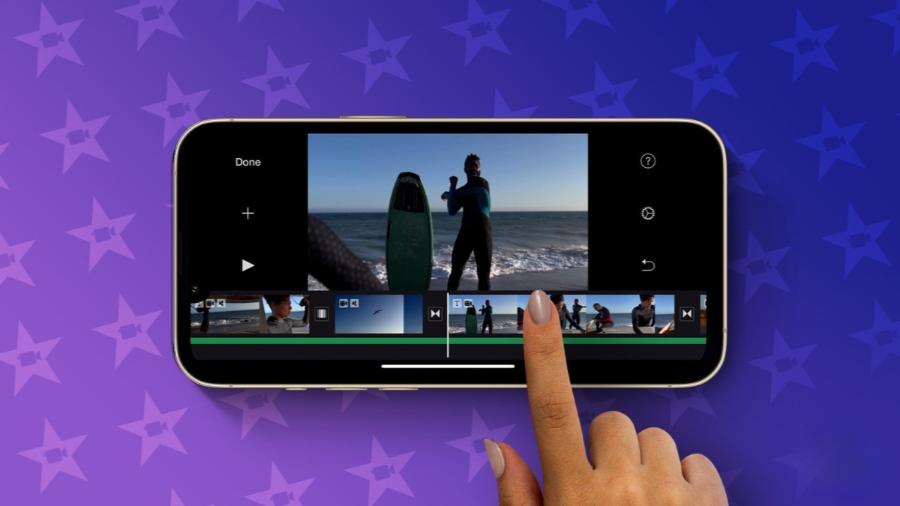
This application offers an incredibly valuable feature: the ability to customize the speed curve. This feature allows users to create artistic speed-ramp effects, commonly seen in extreme sports videos or high-end product introductions. The intuitive audio file management system and the ability to import external color filters (LUTs) make VN an extremely versatile and powerful post-production tool.
4.4. InShot - The ultimate quick and easy editor for an active lifestyle.
InShot aims for simplicity, speed, and focuses on helping users create beautiful short clips to share instantly on their daily social media stories.
Adjusting the size, cropping, and rounding the corners of the frame in InShot is incredibly smooth on the touchscreen. The app boasts a rich collection of animated stickers and a unique, constantly updated font system. InShot also includes a built-in video speed booster and allows you to insert fun, everyday sound effects, easily making short clips more lively and energetic.
4.5. Filmora - The perfect combination of AI technology and visual art.
The mobile version of the popular Wondershare Filmora software suite provides an inspiring workspace with incredibly intelligent automation features powered by artificial intelligence.
Filmora's biggest highlight is its "AI Smart Cutout" feature, which allows users to use their finger to draw and separate the subject from complex backgrounds without needing a traditional green screen. The app also boasts features like automatic background music creation to match the video's mood, and a diverse library of artistic scrolling text effects, helping to create polished and aesthetically pleasing family videos or personal vlogs.
6. Conclusion
The continuous evolution of graphics software algorithms on smartphones has blurred the quality gap between professional film productions and mass-market mobile content. Owning and skillfully operating a video editing app not only helps you preserve personal memories meticulously, but also opens up tremendous opportunities to build a brand and develop a career in digital content creation in the modern internet economy. Artificial intelligence technology will continue to develop extensively, simplifying complex technical operations to make room for the boundless creativity of artistic thought.





















VIP Products








Best Selling Products
Autodesk All App Account Copyright
120 USD
MidJourney Account
29 USD
Adobe Photoshop Copyright - Full App
120 USD
Upgrade genuine Capture One account
120 USD
ChatGPT Plus Account (GPT-4)
16 USD
Genuine Adobe Illustrator account
99 USD
Adobe Premiere Pro Account
99 USD
Capcut Pro 1 Year
39 USD
Windows 10 & 11 Pro Key
36 USD
Freepik Premium Account
59 USD
Plugin Retouch4me
69 USD
Upgrade Genuine Office 365
49 USD
Copyright Adobe Lightroom Account
59 USD
Upgrade Duolingo Super
29 USD
Genuine Cheap Canva Pro
39 USD