1. The Role of Music in Modern Video Content Design
1.1. The ability to guide emotions and convey the message effectively.
Sound and melody possess an invisible power in shaping the viewer's mood from the very first seconds. A gentle instrumental piece can transform travel footage into something poetic, while a pulsating EDM beat can instantly heighten the drama of action scenes. Integrating music into a video isn't simply about filling sound gaps; it's an art of auditory storytelling, allowing the content creator's message to naturally resonate with the audience.
1.2. Promoting content distribution algorithms on social networks
Modern social media platforms operate based on trending audio to distribute content to users. When you use trending music clips and edit video clips to match the beat of the song, the algorithm prioritizes displaying your video to a wider audience. This is the secret weapon that helps independent filmmakers easily reach millions of views without spending too much on advertising.
3. Explore the Comprehensive Digital Solutions Ecosystem at appvip.ai
Creating digital content is a relentless race requiring a combination of personal skills and the power of modern technology. Besides operating editing software directly on their phones, professional content creators always need auxiliary tools to optimize their work efficiency. The website appvip.ai is a reputable ecosystem specializing in providing comprehensive technology solutions, intelligent application systems to enhance efficiency, and exclusive next-generation digital resources. With this platform, users can easily access premium VIP application versions, AI-powered audio and video processing algorithms, unleashing creative potential and transforming complex ideas into the most perfect multimedia products.
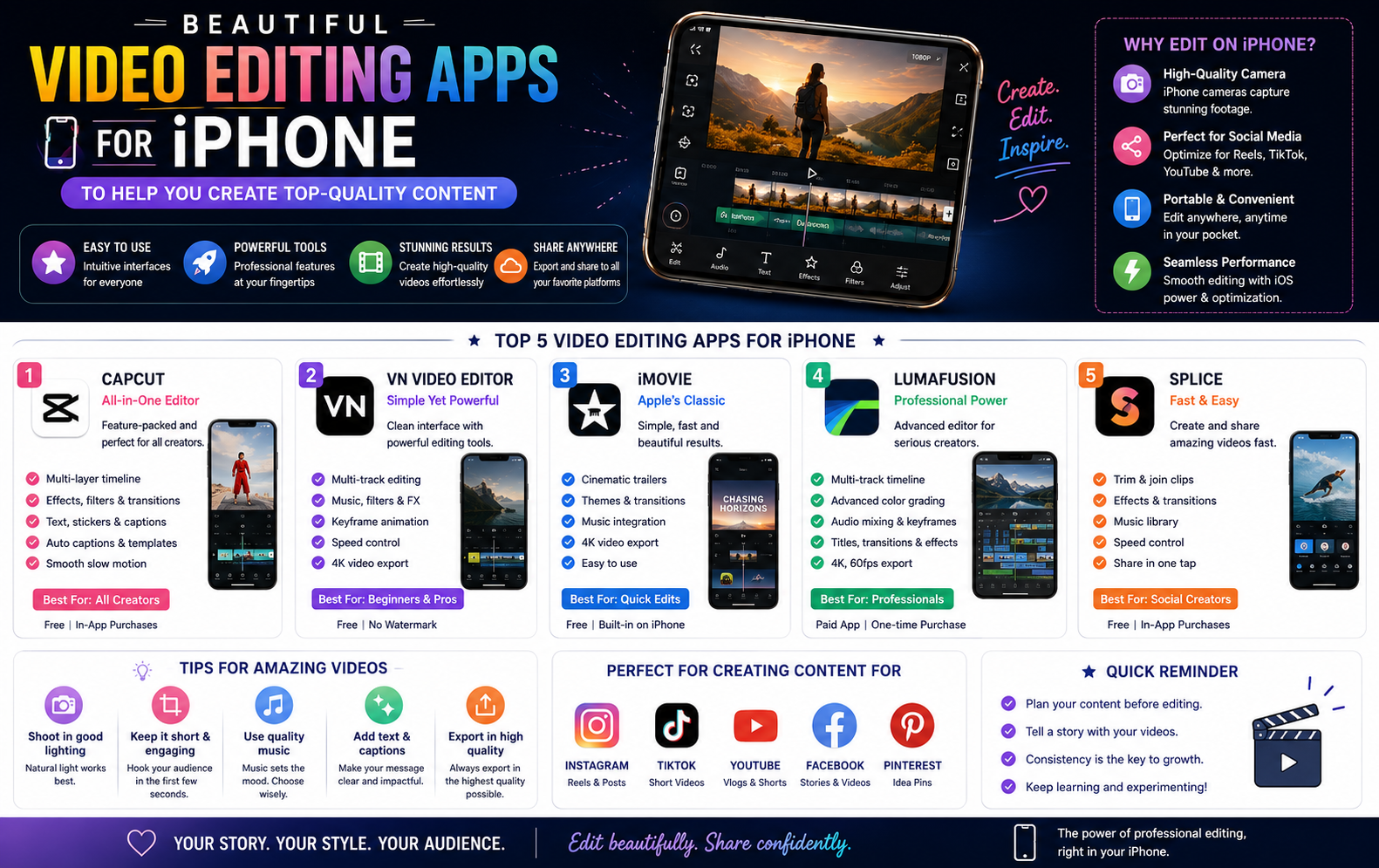
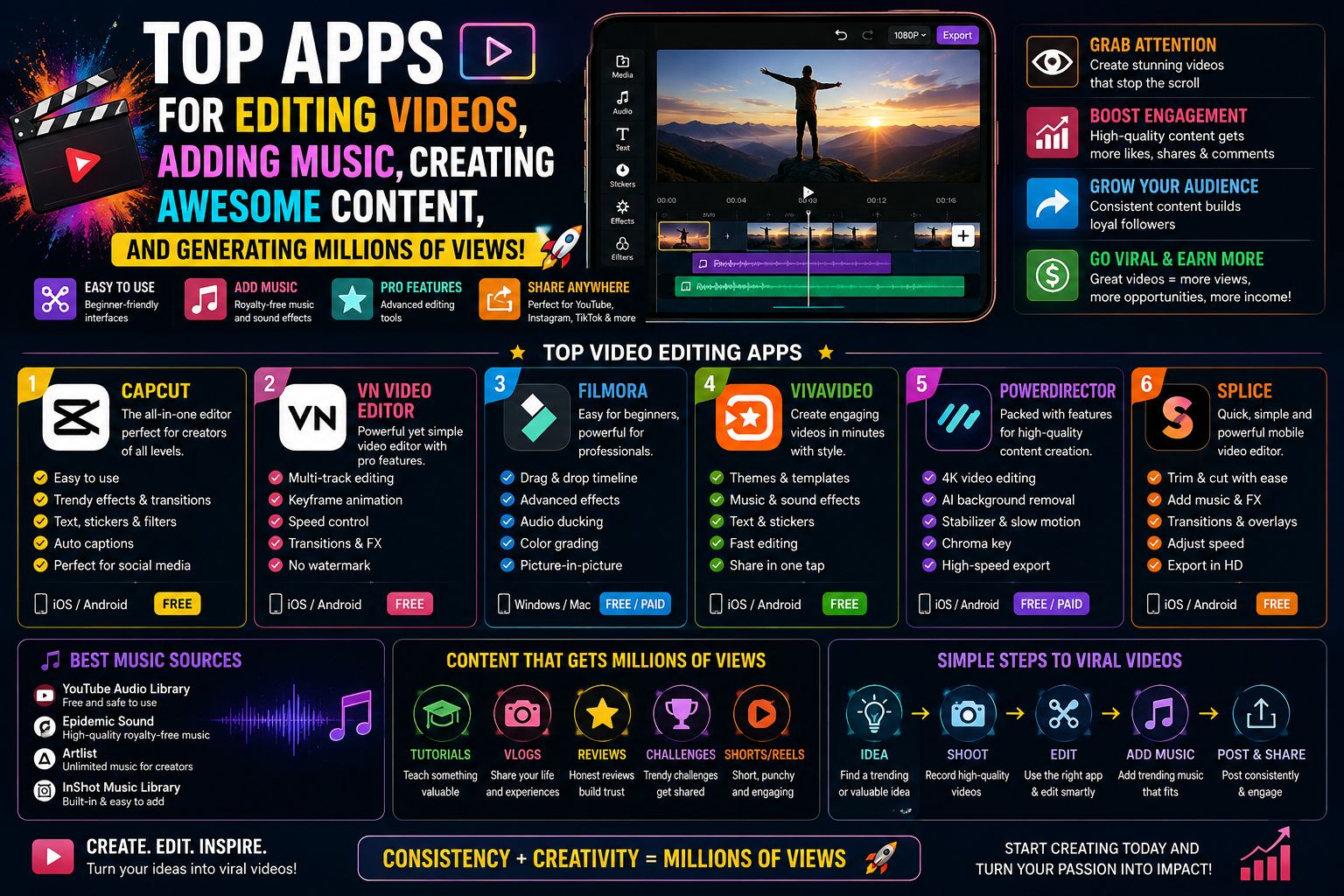
4. Detailed Review of the 10 Best Video Editing and Music Merging Apps Currently Available
4.1. CapCut - The trendsetting king with top-notch audio synchronization capabilities.
CapCut has established a dominant position in the global mobile market thanks to its close ties with the TikTok ecosystem. This app is the number one choice for those who want to create trending short videos quickly.
CapCut's biggest strength lies in its "Match Cut" feature, which allows artificial intelligence to automatically scan songs and mark key rhythm points (add beats) on the timeline. Users simply cut the video along these yellow dots to instantly create a dynamic, energetic video that jumps to the music. The app's massive library of licensed music, updated hourly, is another reason why it consistently ranks at the top of download charts.
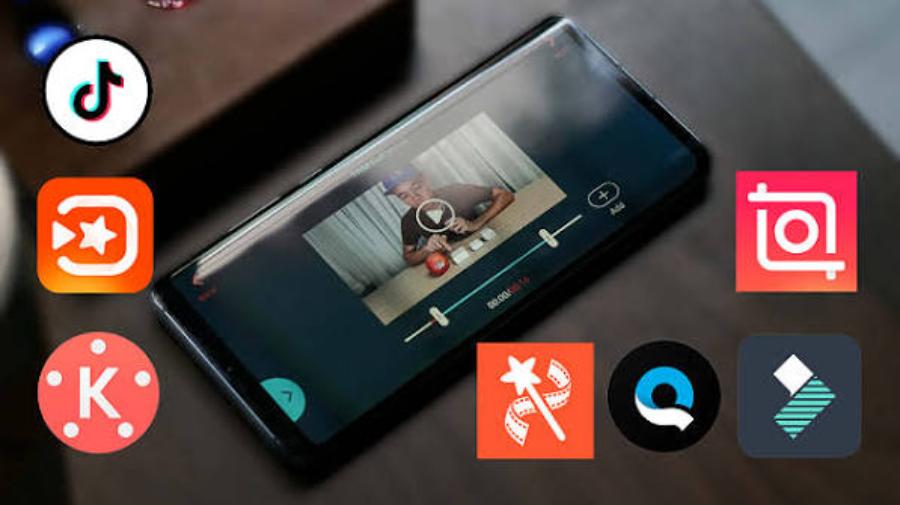
4.2. KineMaster - A professional video editing studio with multi-channel audio management.
KineMaster targets semi-professional and professional users who require a powerful workspace similar to that on a computer. The application's characteristic landscape interface maximizes the view for a multi-layered timeline system.
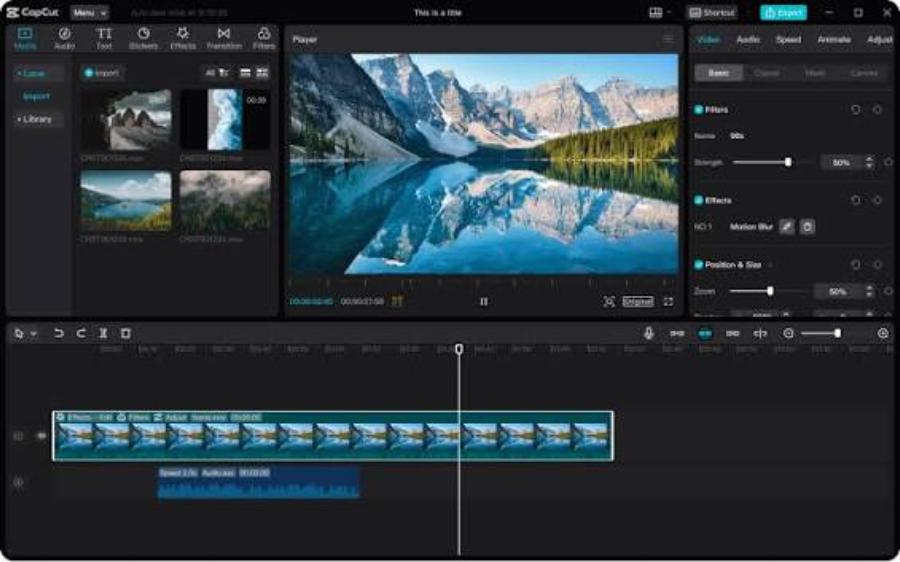
In terms of audio, KineMaster allows users to layer multiple background music, dialogue, and sound effects onto a single scene. The application provides a detailed audio mixer, a unique voice changer, and especially the Audio Ducking feature – which automatically reduces the background music volume when speech is present and increases it at the end of dialogue, delivering broadcast-quality sound.
4.3. VN Video Editor - Experience modern video editing completely free.
VN Video Editor (VlogNow) has gained immense popularity among the vlogger community thanks to its user-friendly policies: providing a full set of professional tools, being ad-free, and completely avoiding the inclusion of copyright logos in the final product.
VN's interface clearly separates the audio stream into an independent track with a large waveform icon. Users can easily add precise manual rhythm markers. The ability to export high-quality audio files along with a diverse library of sound effects, from footsteps and birdsong to ocean waves, makes this application the perfect tool for documentaries or travel vlogs.
4.4. InShot - The quick and sophisticated choice for a stylish lifestyle.
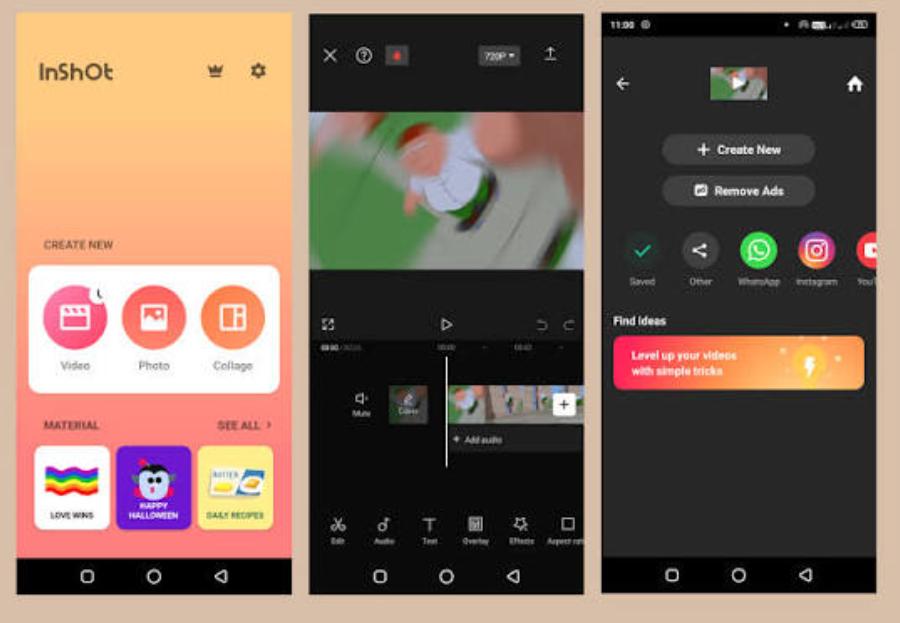
InShot positions itself as a fast, compact editing app focused on convenience while maintaining a high level of aesthetics. This software is extremely suitable for those who frequently upload short clips sharing their lives to Instagram Stories or Facebook Reels.
The music merging process in InShot is simplified to the maximum so that anyone can get started in a few minutes. You can choose music from the available library, import songs from iTunes, or extract music from any clip in your collection. InShot provides volume sliders and a fade-out effect that is very intuitive and easy to operate.
4.5. VivaVideo - A long-standing music video editing program with a rich library of special effects.
VivaVideo is a long-standing name that has accompanied many generations of smartphone users. The platform maintains its appeal thanks to its continuous upgrades to design resources to suit the tastes of modern youth.
VivaVideo's strength lies in its features for creating short music videos (MVs) from images or individual clip clips. The application includes hundreds of built-in music themes designed in various styles, from romantic and classic to energetic. You simply choose your music and images, and the system will automatically create a complete video with dazzling and beautiful motion effects.
5. Step-by-Step Process for Accurately Editing Videos with Music Addition
5.1. Processing the original audio and selecting a suitable background music source.
The audio post-production process should always begin with evaluating the source material. Before adding new music, you need to decide whether to retain the original audio from the video. If you retain the dialogue, reduce the volume of the original video to a moderate level (around 30-50%) or use noise filtering. Next, choose a song with a rhythm and message that harmonizes with the visual content to create consistency throughout the entire work.
5.2. Image cropping and reconstruction techniques to match the sound waveform.
To create a visually impactful video, cutting scenes in sync with the music is a crucial skill. Users need to zoom in on the audio timeline to clearly see the high-pitched sound wave peaks (where drum beats or climaxes occur). Cut and transition to a new scene right at these peaks. The synchronization between the visual movement and the rhythm of the music will create a powerful sensory stimulation for the viewer, making the video far more engaging.
5.3. Use the terminal fade effect and check the output file format.
A common mistake beginners make is having the music suddenly blare at the beginning of a clip or abruptly cut off at the end. Always use the fade-in tool for the first 1-2 seconds and fade-out at the end of the clip for a more pleasant listening experience. Finally, export the video in MP4 format with AAC audio and a standard 48kHz sampling rate to ensure the audio isn't excessively compressed when uploaded to social media platforms.
6. Conclusion
The intersection of image processing technology and digital audio algorithms has ushered in an era of limitless creativity for mobile users, making professional content production more accessible than ever before. Mastering a video editing and music mixing app is not simply about acquiring a technological skill for entertainment; it's a universal key to building your personal brand and accessing immense business opportunities online. Artificial intelligence technology will continue to develop and expand, offering superior automation features that shorten human work time. Actively choose the most suitable tool, continuously hone your musical aesthetic sense, and persistently experiment with new styles to create the most outstanding and unique multimedia works.