Best Selling Products

Plugin Retouch4me
69 USD

Upgrade genuine Capture One account
120 USD

Windows 10 & 11 Pro Key
36 USD

Copyright Adobe Lightroom Account
59 USD

Adobe Photoshop Copyright - Full App
120 USD

Freepik Premium Account
59 USD

Capcut Pro 1 Year
39 USD

ChatGPT Plus Account (GPT-4)
16 USD

Autodesk All App Account Copyright
120 USD

Upgrade Genuine Office 365
49 USD

Adobe Premiere Pro Account
99 USD

Upgrade Duolingo Super
29 USD

Genuine Cheap Canva Pro
39 USD

Genuine Adobe Illustrator account
99 USD

MidJourney Account
29 USD
Illustrator vs Photoshop: Which Software Should You Use for Different Design Needs?
Nội dung
Illustrator and Photoshop are both leading design tools, but they serve completely different purposes.
1. Overview of the Differences Between Illustrator and Photoshop
Although both belong to the Adobe Creative Cloud ecosystem, Adobe Illustrator and Adobe Photoshop are built on two completely different foundations: vector and raster graphics. This is not merely a technical distinction but one that defines how each application is used in practice.
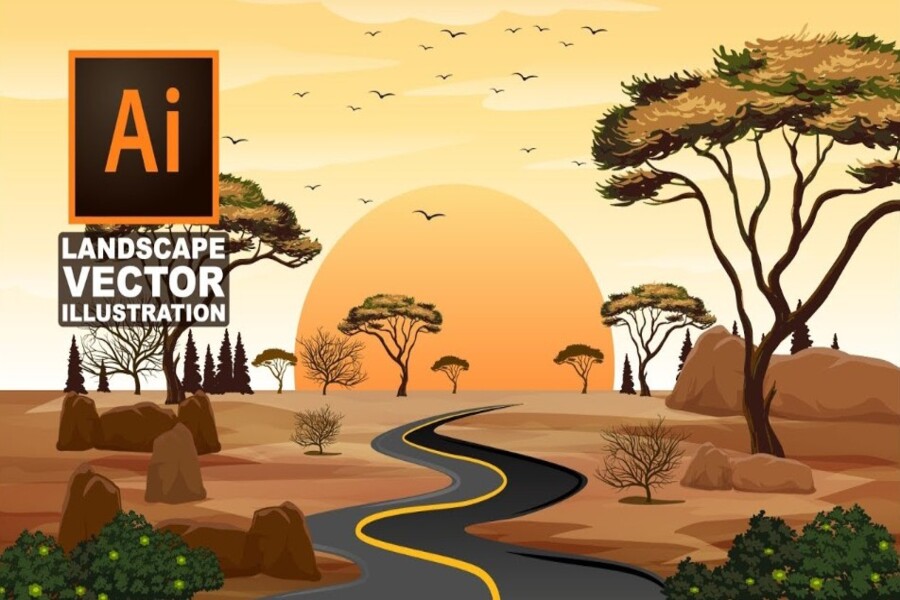
Illustrator is based on vector graphics, where every image is created from anchor points, curves, and mathematical equations. As a result, designs can be scaled infinitely without losing sharpness. This is especially important in modern design environments, where a single product may need to be displayed across multiple platforms and sizes, from smartphone screens to outdoor billboards.
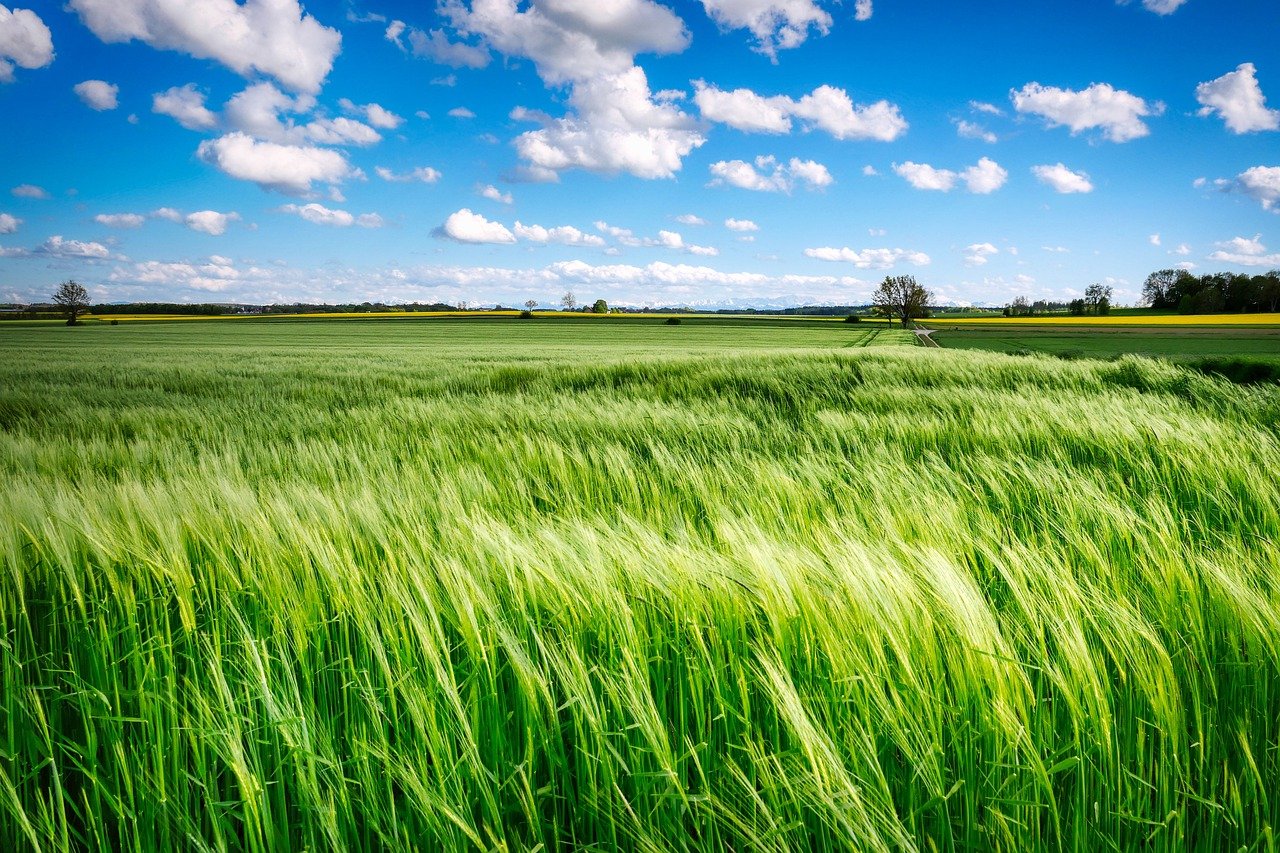
Photoshop, on the other hand, works with raster graphics, meaning images are composed of millions of pixels. Each pixel contains its own color information, allowing highly detailed image reproduction, especially in areas such as lighting, shadows, and textures. However, this characteristic also means raster images have limitations when enlarged, often resulting in pixelation or reduced quality.
Illustrator is ideal for creating graphic elements that require flexibility and scalability, while Photoshop excels as a tool for editing, enhancing, and transforming real-world images. Once users understand this distinction, choosing the right tool for a specific purpose becomes much easier.
.jpg)
2. When to Use Illustrator
Adobe Illustrator is the preferred choice when you need to create designs that can scale freely while maintaining quality. This is why it has become nearly the industry standard in graphic design and branding.
One of Illustrator’s most important applications is logo design. A logo does not exist on just one platform; it must adapt to websites, packaging, business cards, and billboards. With vector graphics, a single file can fulfill all these requirements without needing to be recreated. This saves time and ensures consistency in brand identity.
In addition to logos, Illustrator is extremely powerful for creating icons, infographics, and structured graphic elements. Users can easily edit, combine, and reuse design components without degrading quality. This is a significant advantage in long-term projects or those requiring multiple versions.
Illustrator is also an excellent tool for digital illustration. With tools such as pens, brushes, and digital ink, users can create freely according to their own style. The precise control over paths and shapes allows for highly polished artwork, ranging from simple illustrations to complex designs.
Overall, Illustrator is best suited when you need to “build” graphics from scratch, particularly for projects that require flexibility, sharpness, and reusability.
.jpg)
3. When to Use Photoshop
If Illustrator is the tool of precision and structure, Adobe Photoshop is the ultimate choice for image editing and visual content creation. It is widely regarded as the industry standard for photo editing.
Photoshop demonstrates its greatest strength when working with real-world images. Users can crop, retouch, adjust lighting, balance colors, and enhance details to create flawless photographs. Its advanced editing tools make it possible to handle everything from minor skin retouching to major transformations such as changing backgrounds or creating artistic effects.
Another major advantage of Photoshop is its layer-based workflow. Users can stack multiple image layers, effects, and adjustments to create complex compositions such as photo manipulations or creative advertisements. This is an area where Illustrator cannot compete due to its limitations in pixel-based image processing.
Photoshop also excels at reproducing intricate details and textures. Elements such as lighting, shadows, and materials appear more realistic, creating a vivid and immersive visual experience. This is particularly important in photography, marketing, and media-related projects.
Therefore, Photoshop is the ideal choice when you need to edit photographs, create image effects, or work with complex visual details that vector graphics cannot adequately reproduce.
.jpg)
4. Combining Illustrator and Photoshop in Your Workflow
In practice, professional designers rarely rely on a single tool. Combining Adobe Illustrator and Adobe Photoshop often delivers far better results than using either application alone.
A typical design project usually involves both vector and raster elements. For example, you may create a logo or icon in Illustrator and then import it into Photoshop to place on product images, posters, or advertising materials. This approach leverages the strengths of both applications, combining the scalability of vector graphics with the detailed image-processing capabilities of raster graphics.
Within the Adobe Creative Cloud ecosystem, file linking between applications is an extremely valuable feature. When an Illustrator file is linked to Photoshop, any changes made to the vector file are automatically updated within the Photoshop project. This ensures consistency and minimizes errors throughout the design process.
For example, in a branding campaign, a logo may be used across multiple products such as T-shirts, mugs, and promotional banners. Instead of manually updating each file, you only need to modify the logo in Illustrator, and all related designs can be synchronized. This is a major advantage for large-scale projects or those requiring strict consistency.
.jpg)
5. Advantages and Disadvantages of Each Application
When comparing Adobe Illustrator and Adobe Photoshop, it becomes clear that each application is optimized for a specific purpose, and this distinction is what makes them valuable within professional design workflows.
Illustrator stands out for its ability to create perfectly sharp vector graphics at any size. This advantage is irreplaceable in branding, print design, and projects requiring high flexibility. Additionally, its ability to edit objects independently, reuse components, and build structured design systems makes it a powerful tool for long-term projects. However, Illustrator’s biggest limitation is that it is not well suited for photo editing or handling complex details involving lighting, textures, and natural color transitions. When working with real-world imagery, the software often lacks the flexibility required.
In contrast, Photoshop excels in raster image processing. Its pixel-level editing capabilities give users precise control over lighting, color, and effects, enabling the creation of highly realistic visual products. This is one reason why Photoshop has become the industry standard in photography and advertising. However, its primary drawback is the difficulty of maintaining quality when images are resized, especially when enlarged. This makes it less suitable for designs that require extensive scaling.
Additionally, Illustrator is often praised for its precision and systematic approach to design, while Photoshop offers greater freedom and flexibility in image creation. This distinction reflects the development philosophy behind each application and explains why they are frequently used together rather than replacing one another in professional environments.
.jpg)
6. Choosing the Right Tool for Your Needs
Choosing between Adobe Illustrator and Adobe Photoshop does not have a single definitive answer; it depends entirely on your goals and the nature of your work.
If you work in graphic design, branding, or need to create assets that scale flexibly, Illustrator is the most suitable tool. On the other hand, if your work focuses on photo editing, photography, or creating visually rich and emotionally engaging content, Photoshop will be the better choice.
In reality, however, the boundary between the two applications is not always clear. Many modern projects require a combination of vector and raster graphics to achieve the best possible results. Using both tools together not only allows you to maximize the strengths of each application but also expands your creative possibilities, enabling you to produce work that is both technically precise and visually compelling.
.jpg)
More importantly, understanding the nature of each tool will help you build a more effective and flexible workflow. Rather than forcing one application to handle every task, choosing the right tool for each stage of the process will save time, improve quality, and help you develop your design skills more comprehensively.
In the modern design ecosystem, Adobe Illustrator and Adobe Photoshop are not competitors but complementary tools. Illustrator provides the precision and flexibility of vector graphics, while Photoshop delivers powerful, realistic image-editing capabilities. Understanding their differences and knowing when to use each tool will help you optimize your workflow and create high-quality design products.





















VIP Products








Best Selling Products
Plugin Retouch4me
69 USD
Upgrade genuine Capture One account
120 USD
Windows 10 & 11 Pro Key
36 USD
Copyright Adobe Lightroom Account
59 USD
Adobe Photoshop Copyright - Full App
120 USD
Freepik Premium Account
59 USD
Capcut Pro 1 Year
39 USD
ChatGPT Plus Account (GPT-4)
16 USD
Autodesk All App Account Copyright
120 USD
Upgrade Genuine Office 365
49 USD
Adobe Premiere Pro Account
99 USD
Upgrade Duolingo Super
29 USD
Genuine Cheap Canva Pro
39 USD
Genuine Adobe Illustrator account
99 USD
MidJourney Account
29 USD