Best Selling Products

Upgrade Genuine Office 365
49 USD

Freepik Premium Account
59 USD

Plugin Retouch4me
69 USD

Upgrade Duolingo Super
29 USD

Capcut Pro 1 Year
39 USD

Adobe Photoshop Copyright - Full App
120 USD

MidJourney Account
29 USD

Upgrade genuine Capture One account
120 USD

Copyright Adobe Lightroom Account
59 USD

Adobe Premiere Pro Account
99 USD

Windows 10 & 11 Pro Key
36 USD

Autodesk All App Account Copyright
120 USD

ChatGPT Plus Account (GPT-4)
16 USD

Genuine Cheap Canva Pro
39 USD

Genuine Adobe Illustrator account
99 USD
Why can decorating a laptop significantly reduce its lifespan?
Nội dung
- 1. Trends in laptop decoration and user psychology
- 2. The impact of decoration on the cooling system.
- 3. Impact on battery life and overall performance
- 4. Risk of dust accumulation and reduced component lifespan.
- 5. Physical effects from applying and removing decorations.
- 6. The imbalance between aesthetics and technique
- 7. How to decorate your laptop more safely.
Decorating laptops with stickers, skins, or accessories is a popular trend that allows users to express their personality and style. However, few people know that these seemingly harmless habits can directly affect the performance and lifespan of the device.
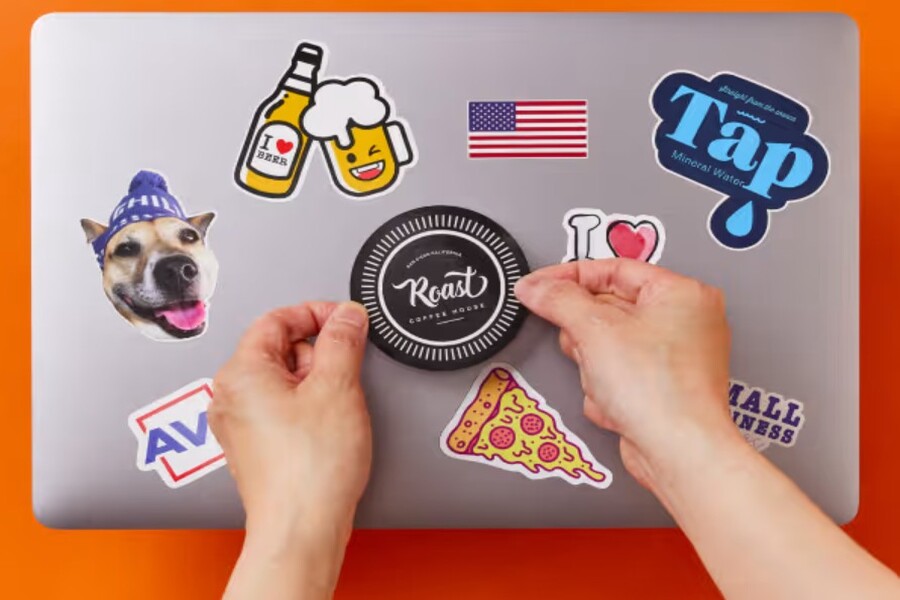
1. Trends in laptop decoration and user psychology
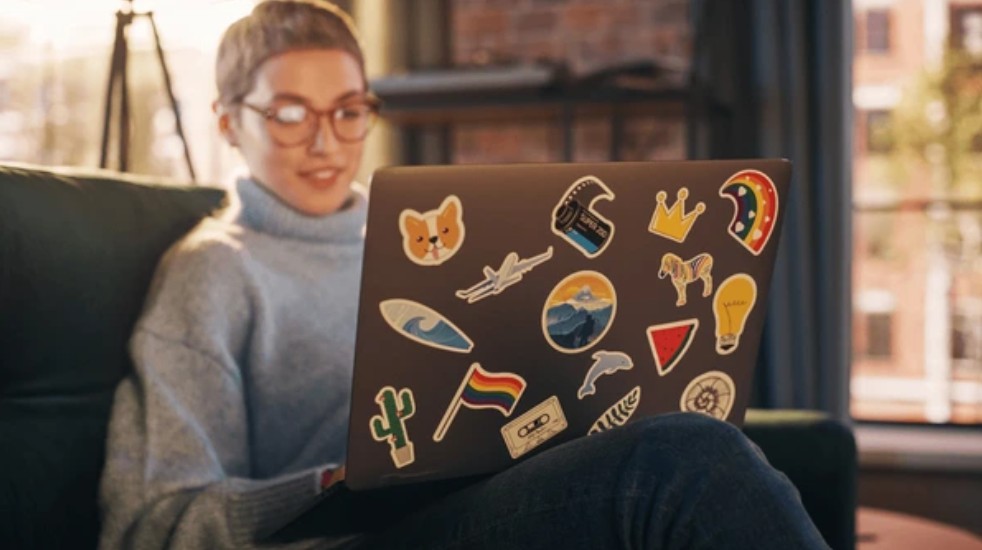
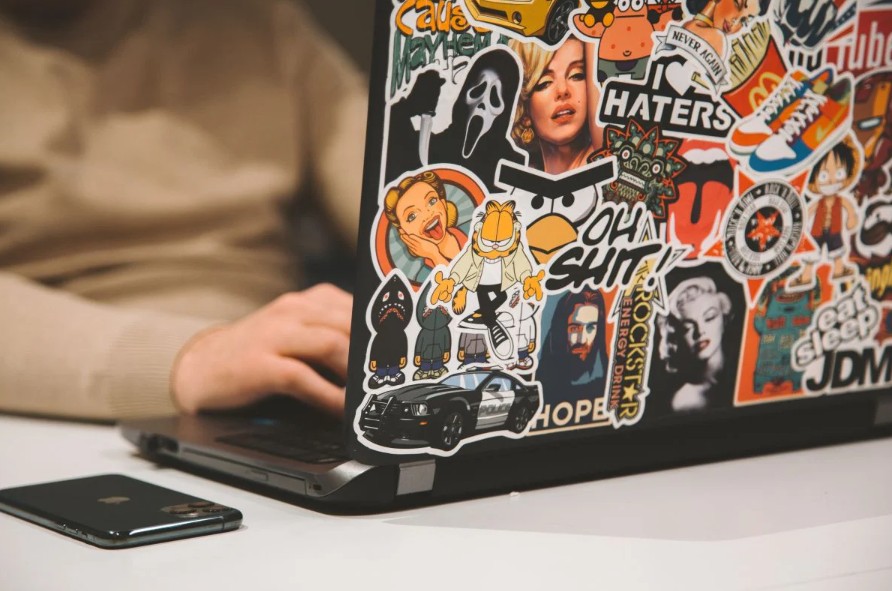
In recent years, laptop personalization has become a strong global trend. While laptops were previously seen as simple, minimalist tech devices, they have now become a canvas for users to express themselves. Young people particularly enjoy applying themed stickers, ranging from anime, movies, and games to personalized icons. Some opt for full-surface skins to change the color and pattern, while others use cases or external decorative accessories. The general motivation behind this trend stems from the need to assert individuality in an environment where most devices have similar designs. When all laptops are simply gray or black, decorating them creates a distinct difference and makes users feel like their device has a unique personality. Furthermore, social media also contributes to this trend, as images of beautifully decorated laptops often attract many interactions, inspiring others to follow suit. However, in the pursuit of aesthetics, many people overlook basic technical principles related to laptop design and operation. This inadvertently leads to undesirable consequences in the long term.
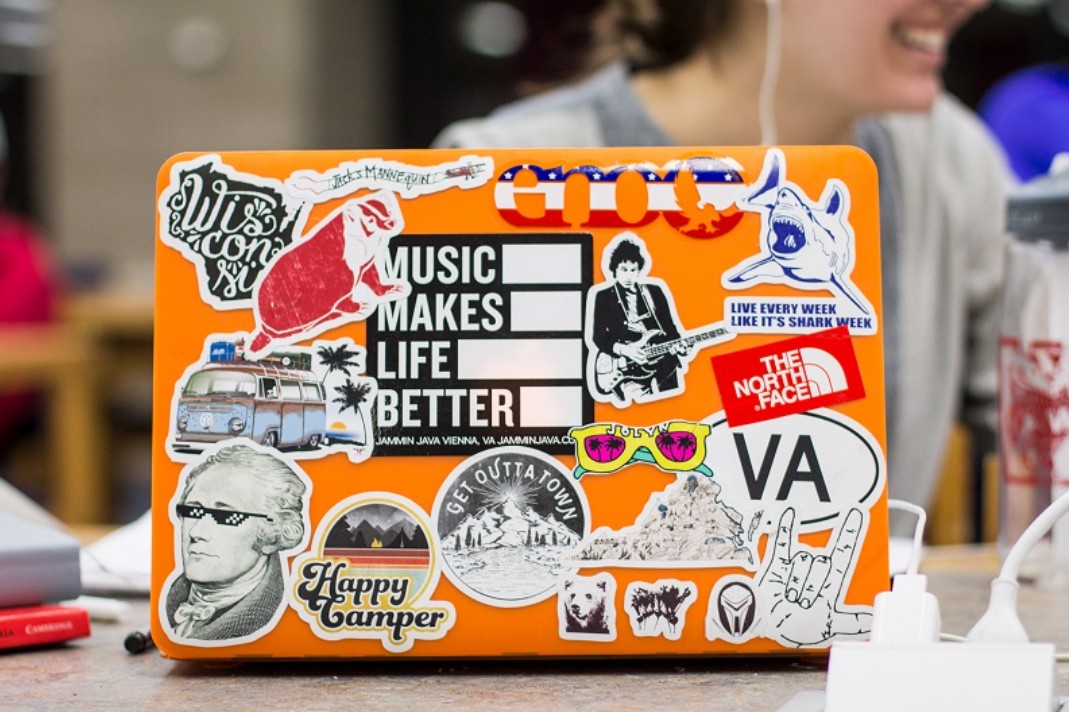
2. The impact of decoration on the cooling system.
One of the most serious consequences of improper laptop customization is a decrease in cooling efficiency. Laptops are electronic devices with very little space but have to handle a large amount of heat from the CPU, GPU, and other components. To address this, manufacturers design cooling systems with precisely positioned fans, heat pipes, and vents to ensure continuous airflow. When users apply stickers or skins to the surface of the machine, especially the bottom or sides, this airflow can be partially or completely obstructed. This causes the internal temperature to rise higher than normal, forcing the fans to work harder to compensate for the inefficient heat dissipation. As a result, the machine becomes hotter, the fans become noisier, and more energy is consumed. In many cases, when the temperature exceeds safe limits, the system will automatically reduce the CPU's performance to avoid overload; this phenomenon is called throttling. Users may notice the device running slower and lagging when opening demanding applications or multitasking. In the long run, maintaining consistently high temperatures will affect critical internal components such as the processor, graphics card, and motherboard, significantly reducing the device's lifespan.
3. Impact on battery life and overall performance
Laptop batteries are one of the components directly affected by the internal temperature of the device. When a laptop overheats due to poor heat dissipation, the battery will also operate at temperatures higher than recommended. This causes chemical reactions inside the battery to occur faster, leading to accelerated battery aging. Users may notice the battery degrading faster than normal, with significantly reduced usage time after only a few months or a year of use. Not only the battery, but the overall performance of the laptop is also significantly affected. When the temperature rises, the system will automatically reduce the clock speed of the CPU and GPU to limit heat generation, thereby reducing processing performance. This is especially noticeable when users play games, edit videos, or run demanding software. The machine may operate slower, be less responsive, and even experience temporary freezes. In the long run, using the laptop in unstable temperatures not only reduces the user experience but also shortens the lifespan of the entire device.
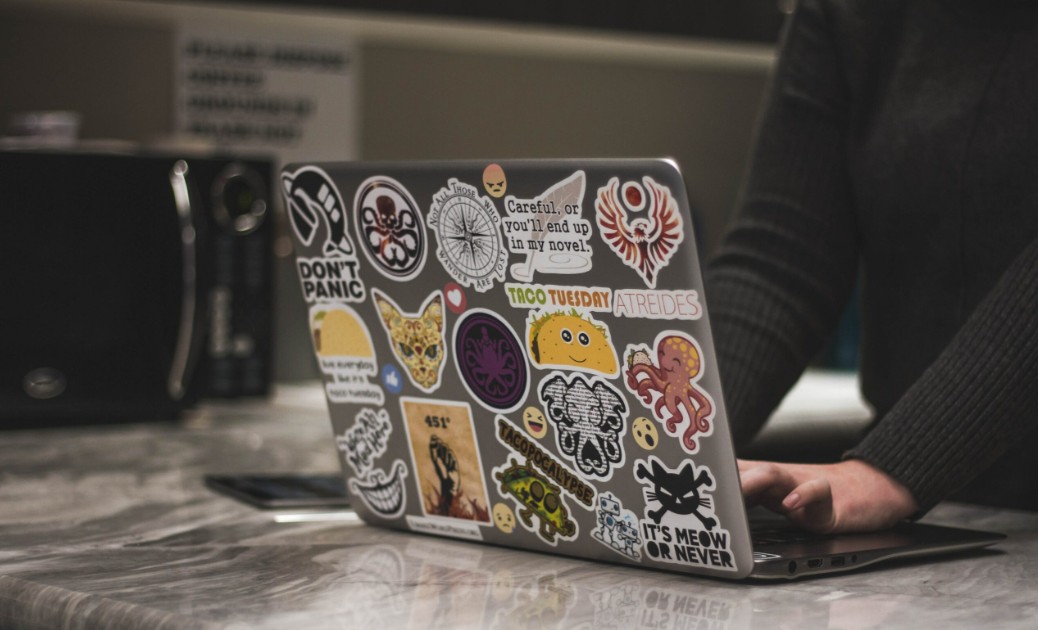
4. Risk of dust accumulation and reduced component lifespan.
An indirect but very important impact of decorating laptops is the increased risk of dust accumulation inside the device. When the laptop surface is covered with stickers or skins, the machine's natural heat dissipation is reduced, forcing the cooling system to work continuously at a higher intensity. This inadvertently creates conditions for dust from the external environment to be drawn inside through the cooling fan. Over time, dust will accumulate on the fan blades, heat pipes, and air vents, reducing cooling efficiency. When too much dust accumulates, the fan has to spin faster to achieve the same efficiency, leading to increased noise and mechanical wear. In addition, dust combined with high temperatures reduces the effectiveness of thermal paste between the CPU and the cooling components, severely reducing heat transfer. This is one of the common reasons why laptops start to overheat abnormally after a period of use, even when not running heavy tasks. Without regular cleaning, this can lead to component failure or reduce the overall lifespan of the machine.
5. Physical effects from applying and removing decorations.
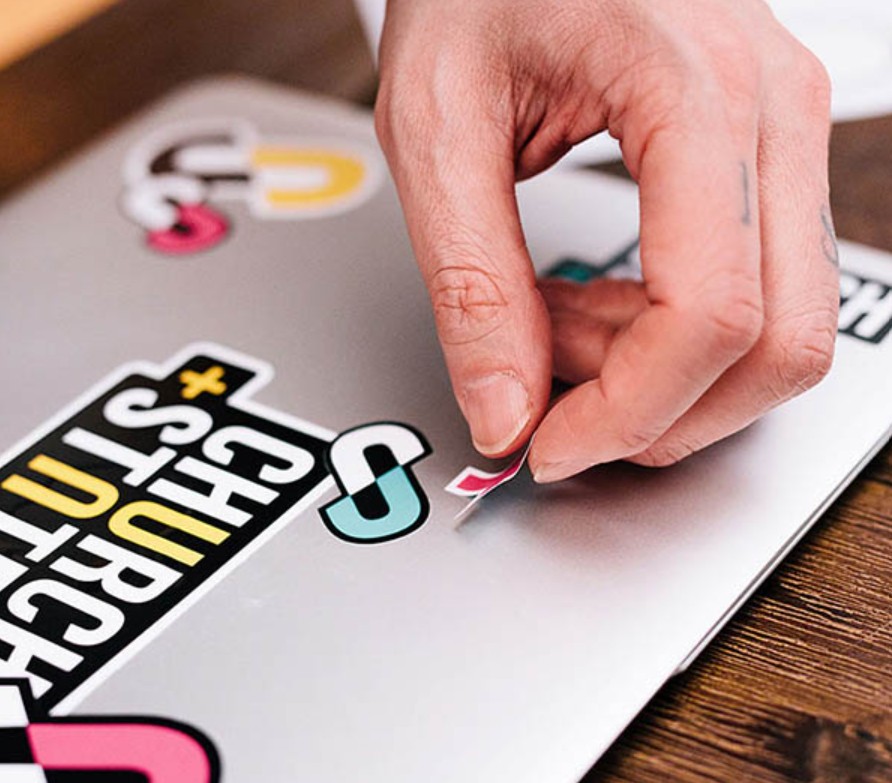
Besides the impact on heat and performance, decorating a laptop can also cause direct physical damage to the device's surface. Using low-quality stickers or skins can result in adhesives sticking tightly to the casing, making removal difficult. Careless removal can lead to paint chipping, scratches, or stubborn adhesive residue. Some users even use sharp objects to pry off stickers, which can seriously damage the outer casing. Furthermore, improper application can cause gaps or slight bends at the edges of the device, affecting aesthetics and fit. For high-end laptops with special scratch-resistant or fingerprint-resistant coatings, using unsuitable decorative materials can compromise the manufacturer's protective features. This demonstrates that decoration is not simply an aesthetic issue but can directly affect the physical structure of the device if not done correctly.
6. The imbalance between aesthetics and technique
One of the core issues when it comes to customizing laptops is the imbalance between aesthetics and technical aspects. Laptops are technological products designed with precise calculations for temperature, airflow, and material durability. Every detail, from the vents and fan placement to the casing, serves a specific purpose in ensuring stable performance. When users interfere too much with the device's surface without understanding its internal structure, it's easy to disrupt this balance. An overly thick skin can increase the temperature by just a few degrees, but over time, this can have a significant impact. A sticker placed incorrectly can cover crucial air vents, reducing the overall cooling efficiency of the system. This shows that customization is not just a matter of personal preference but is directly related to the device's operational engineering. This imbalance is the reason why many users have to replace their laptops sooner than expected, even without obvious hardware faults.
7. How to decorate your laptop more safely.
Instead of completely eliminating laptop decoration, users can choose safer options to ensure both aesthetics and device protection. First, prioritize using high-quality skins that are thin enough and do not hinder heat dissipation. When applying, absolutely avoid the bottom of the machine, the sides where air vents are located, and areas near cooling fans. Additionally, avoid using overly thick or multiple layers of decoration as this can increase the overall temperature of the device. Regular laptop cleaning is also crucial to prevent dust buildup under the decoration. When removing stickers or skins, do so gently, using mild heat if necessary to soften the adhesive, and avoid using sharp objects that could cause scratches. Most importantly, users need to understand that a laptop is not just a decorative item but, first and foremost, a technological device that needs protection to ensure long-term performance.
Decorating laptops is a highly personalized trend, allowing users to express their style and create a unique impression in the modern tech environment. However, behind that eye-catching appearance lie potential risks related to performance, temperature, battery life, and device durability. Therefore, users should make smart choices when decorating their devices, prioritizing safe solutions and always putting technical aspects first to ensure the laptop operates at its best throughout its lifespan.





















VIP Products








Best Selling Products
Upgrade Genuine Office 365
49 USD
Freepik Premium Account
59 USD
Plugin Retouch4me
69 USD
Upgrade Duolingo Super
29 USD
Capcut Pro 1 Year
39 USD
Adobe Photoshop Copyright - Full App
120 USD
MidJourney Account
29 USD
Upgrade genuine Capture One account
120 USD
Copyright Adobe Lightroom Account
59 USD
Adobe Premiere Pro Account
99 USD
Windows 10 & 11 Pro Key
36 USD
Autodesk All App Account Copyright
120 USD
ChatGPT Plus Account (GPT-4)
16 USD
Genuine Cheap Canva Pro
39 USD
Genuine Adobe Illustrator account
99 USD