Best Selling Products

Capcut Pro 1 Year
39 USD

Genuine Cheap Canva Pro
39 USD

Upgrade genuine Capture One account
120 USD

Adobe Photoshop Copyright - Full App
120 USD

Plugin Retouch4me
69 USD

Autodesk All App Account Copyright
120 USD

Adobe Premiere Pro Account
99 USD

Upgrade Genuine Office 365
49 USD

Windows 10 & 11 Pro Key
36 USD

Freepik Premium Account
59 USD

Copyright Adobe Lightroom Account
59 USD

ChatGPT Plus Account (GPT-4)
16 USD

MidJourney Account
29 USD

Genuine Adobe Illustrator account
99 USD

Upgrade Duolingo Super
29 USD
The Best PC Configurations for Photoshop by Budget in 2026
Nội dung
- 1. ESSENTIAL COMPONENTS WHEN BUILDING A PC TO RUN PHOTOSHOP
- 2. BUDGET PC CONFIGURATION FOR PHOTOSHOP (APPROXIMATELY 15 MILLION VND)
- 3. MID-RANGE PC CONFIGURATION FOR PHOTOSHOP (20–25 MILLION VND)
- 4. HIGH-END PC CONFIGURATION FOR PHOTOSHOP (30–40 MILLION VND)
- 5. HIGH-END PROFESSIONAL PHOTOSHOP PC CONFIGURATIONS OVER 40 MILLION VND
- 6. NOTES ON CHOOSING CONFIGURATION AND MONITOR FOR PHOTOSHOP
Depending on your budget and usage requirements, each price segment will offer different configurations, ranging from basic to professional.
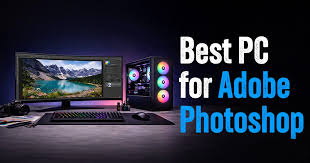
1. ESSENTIAL COMPONENTS WHEN BUILDING A PC TO RUN PHOTOSHOP
To build an efficient PC for Photoshop, users need to understand the role of each component in the system. The CPU is the most important element because most Photoshop tasks depend on single-core processing performance. A CPU with a high clock speed will make editing faster, smoother, and more responsive when working with large files. Newer generation Intel Core i5, i7, or i9 CPUs are often preferred because they offer strong and stable single-core performance, suitable for the specific needs of Photoshop.
Besides the CPU, RAM also plays an extremely important role in ensuring the system runs smoothly. Although the minimum requirement to run Photoshop is 8GB of RAM, in practice, for efficient work, users should use at least 16GB and ideally 32GB to handle large image files with many layers without lag.
While not the deciding factor in Photoshop, the graphics card (GPU) is still necessary for some effects and rendering acceleration. Mid-range GPUs like the RTX 3050 or RTX 3060 are sufficient for most tasks, while high-end GPUs are only truly necessary when you're working with video or 3D.
SSDs, especially NVMe SSDs, significantly increase data access speeds and reduce file opening and saving times. When working with Photoshop, data is processed continuously, so hard drive speed directly impacts the overall experience. Therefore, using an SSD with a capacity of 256GB or more is almost mandatory.
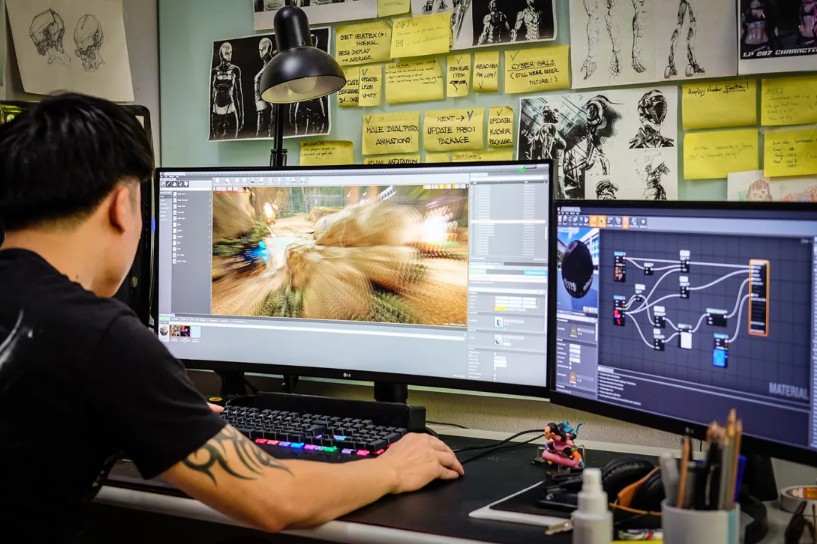
2. BUDGET PC CONFIGURATION FOR PHOTOSHOP (APPROXIMATELY 15 MILLION VND)
This is a suitable option for design students, beginner freelancers, or those working with relatively small image files. While not a high-end configuration, with proper setup, the system still ensures stable handling of common image editing tasks.
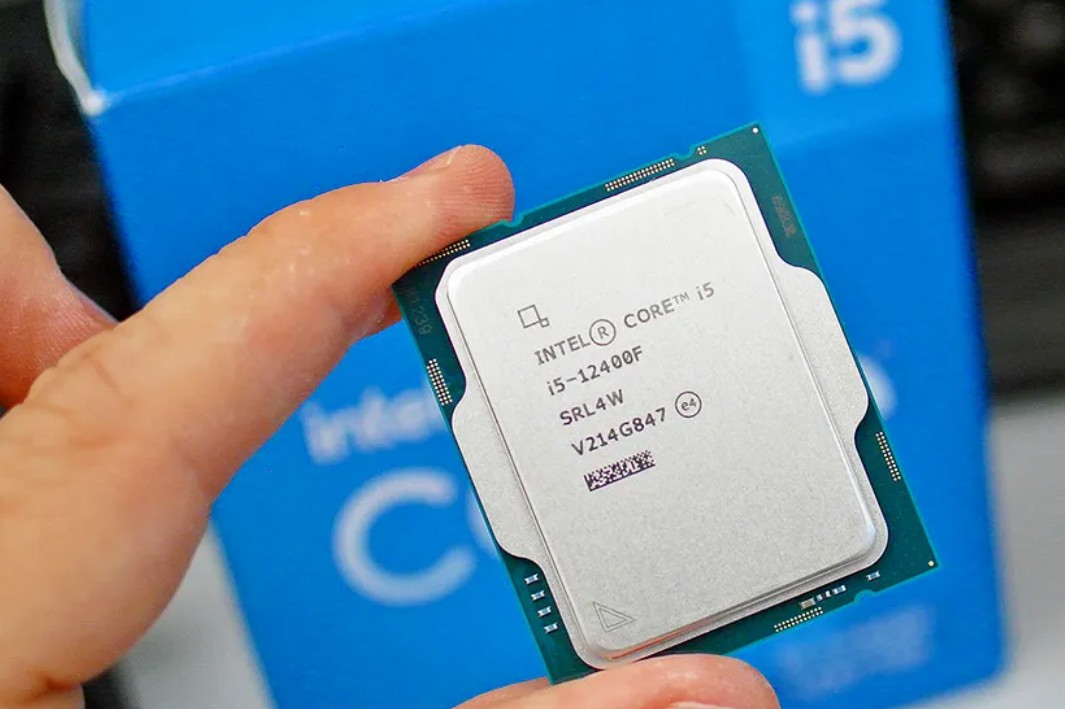
In this price range, configurations typically use Intel Core i5 CPUs such as the i5-12400F or i5-13400F, which offer good single-core performance, making them well-suited to the specifics of Photoshop. This is often paired with 16GB of RAM, sufficient for working with medium-sized PSD files, basic layering, and using common editing tools without lag. Regarding GPUs, models like the RTX 3050 or even integrated graphics can meet the needs for rendering and provide a slight boost in Photoshop performance.
Furthermore, an NVMe SSD with a capacity of 256GB to 512GB is almost mandatory in this segment to ensure fast software startup and data access speeds. An important point often overlooked is the allocation of scratch disk space in Photoshop; if the SSD is used correctly, system performance can be significantly improved even with a modest configuration.
3. MID-RANGE PC CONFIGURATION FOR PHOTOSHOP (20–25 MILLION VND)
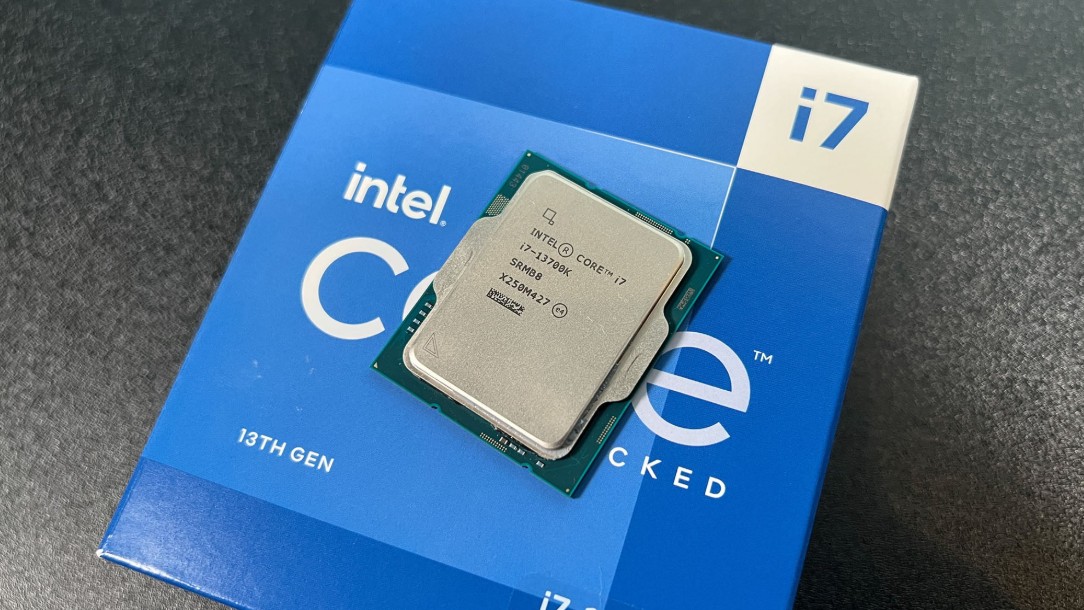
In this segment, CPUs are often upgraded to Intel Core i5 K series or Intel Core i7 or equivalent AMD processors like Ryzen 7. These CPUs not only have higher clock speeds but also more cores, improving both single-core and multi-core performance. This is especially useful when you're working with Photoshop while running other supporting software like Lightroom, Illustrator, or opening multiple projects simultaneously.
The RAM has been upgraded to 32GB, allowing the system to smoothly process large files, multi-layer files, or RAW files from professional cameras. This is also the ideal capacity if you frequently multitask or process high-resolution images. A 500GB or 1TB SSD provides ample storage and faster data access, while also ensuring sufficient space for scratch disks to function effectively.
GPUs in this segment, such as the GTX 1660 Super or RTX 3060, begin to show their importance more clearly, especially when using GPU acceleration features in Photoshop or working with other graphics software. Additionally, a more powerful GPU makes the system ready for expanded demands such as video editing or motion graphics.
This is the ideal configuration for professional designers or freelancers with a stable workload. The system not only ensures smooth performance now but also has the capability to perform well for the next few years without requiring many upgrades, helping to optimize long-term costs.
4. HIGH-END PC CONFIGURATION FOR PHOTOSHOP (30–40 MILLION VND)
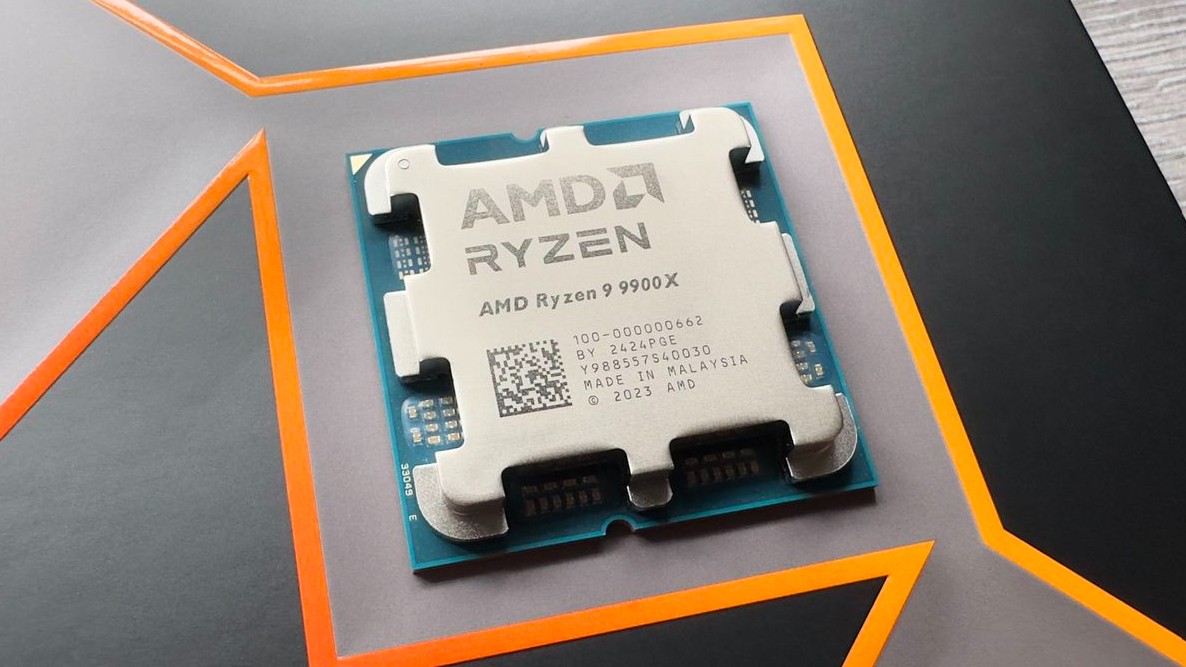
High-end CPUs like the latest generation Intel Core i7 or i9, or AMD Ryzen 9, deliver superior processing power with a large number of cores and threads. This significantly speeds up demanding tasks such as processing high-resolution images, applying complex filters, or exporting large files. Furthermore, high single-core performance is maintained, ensuring smooth and responsive operation in Photoshop.
32GB of RAM is almost the minimum standard in this segment, and many professional users even opt for 64GB to ensure maximum performance when working on large projects. High-speed NVMe SSDs, typically 1TB or more, not only help store data but also play a crucial role in optimizing workflows and minimizing waiting times.
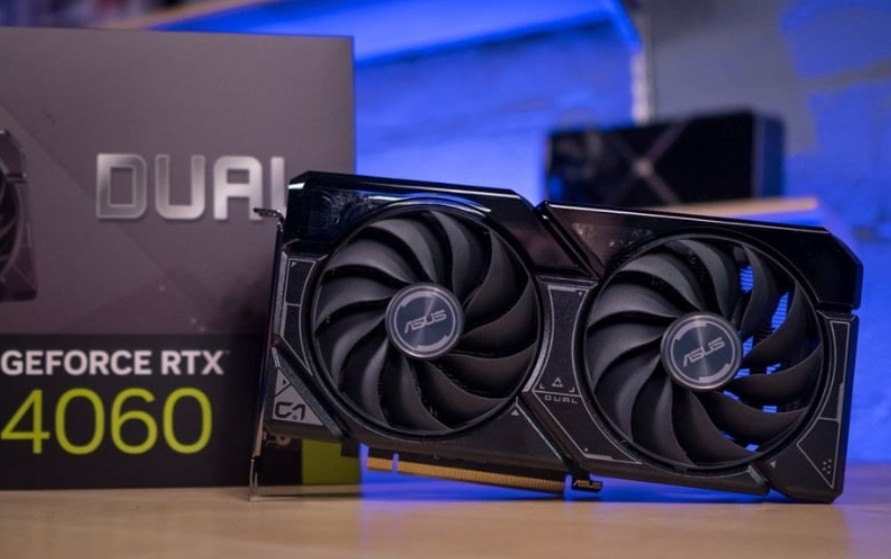
GPUs have also been upgraded to more powerful models such as the RTX 3060, RTX 4060, or higher, improving display performance, providing better support for GPU acceleration features, and expanding capabilities for other software. This is a major difference compared to lower-end segments, as the system is no longer limited to Photoshop but can handle a wide variety of graphics tasks.
Notably, with this configuration, users can not only work well with Photoshop but also expand to Premiere Pro, After Effects, or 3D software without performance limitations. This is an ideal choice for studios, professional freelancers, or those working with large workloads and needing a stable, long-term system.
5. HIGH-END PROFESSIONAL PHOTOSHOP PC CONFIGURATIONS OVER 40 MILLION VND
This segment is for professional designers, studios, or those who frequently work with large files, multiple layers, and complex workflows.
At this level, CPUs are typically high-end models like Intel Core i9, Intel Core Ultra, or AMD Ryzen 9, delivering powerful single-core and multi-core performance. This ensures smooth operation in Photoshop and significantly speeds up processing heavy files or project exports. GPUs like the RTX 4060, RTX 4070, or higher not only provide better display capabilities but also prepare the system for demanding tasks such as video editing, motion graphics, or 3D modeling.
RAM capacity should be at least 32GB, ideally 64GB, to ensure stable multitasking capabilities, especially when working with multiple files simultaneously. An NVMe SSD with a capacity of 1TB or more will help speed up data access, reduce file opening times, and optimize scratch disk usage in Photoshop. Additionally, investing in a good cooling system and a high-quality power supply is essential to maintain stable performance over the long term.
With this configuration, users will hardly need to worry about performance for many years, and can flexibly expand into many other creative fields without upgrading the system. This is a long-term investment, suitable for those who need stability, speed, and maximum performance in their work.
6. NOTES ON CHOOSING CONFIGURATION AND MONITOR FOR PHOTOSHOP
Besides hardware specifications, the monitor is a factor that directly impacts design quality but is often overlooked. A monitor with high resolution, good color coverage like sRGB or AdobeRGB, and accurate display capabilities will help you control colors more effectively, which is especially important in printing projects or intensive photo editing.
Furthermore, the choice of configuration should be based on actual needs rather than chasing high-end specifications. If you only do basic Photoshop work, prioritize the CPU and RAM as these two factors directly affect performance. Conversely, if you work with multiple software programs or handle large projects, you need to invest in a balanced CPU, RAM, and GPU to avoid performance bottlenecks.
Another important point is upgradeability. Choosing a good motherboard that supports multiple RAM slots and is compatible with newer CPU generations will make future upgrades easier without having to replace the entire system. This saves costs and extends the lifespan of your computer.
Finally, to maximize performance, users should combine this with software and workflow optimization, such as allocating RAM appropriately in Photoshop, using scratch disks correctly, and limiting the number of background applications. When hardware and usage are optimized in sync, you will achieve the highest work efficiency even without the most expensive configuration.
Choosing a PC configuration for Photoshop depends not only on your budget but also on your actual usage needs. From budget to high-end, each configuration has its own advantages and suits different user groups. The important thing is to understand the specifics of Photoshop to invest wisely in the CPU, RAM, and SSD, instead of spreading yourself thin on unnecessary components.





















VIP Products








Best Selling Products
Capcut Pro 1 Year
39 USD
Genuine Cheap Canva Pro
39 USD
Upgrade genuine Capture One account
120 USD
Adobe Photoshop Copyright - Full App
120 USD
Plugin Retouch4me
69 USD
Autodesk All App Account Copyright
120 USD
Adobe Premiere Pro Account
99 USD
Upgrade Genuine Office 365
49 USD
Windows 10 & 11 Pro Key
36 USD
Freepik Premium Account
59 USD
Copyright Adobe Lightroom Account
59 USD
ChatGPT Plus Account (GPT-4)
16 USD
MidJourney Account
29 USD
Genuine Adobe Illustrator account
99 USD
Upgrade Duolingo Super
29 USD