Best Selling Products

Upgrade genuine Capture One account
120 USD

Plugin Retouch4me
69 USD

Genuine Cheap Canva Pro
39 USD

Copyright Adobe Lightroom Account
59 USD

MidJourney Account
29 USD

Genuine Adobe Illustrator account
99 USD

Adobe Premiere Pro Account
99 USD

Adobe Photoshop Copyright - Full App
120 USD

Autodesk All App Account Copyright
120 USD

Capcut Pro 1 Year
39 USD

Windows 10 & 11 Pro Key
36 USD

ChatGPT Plus Account (GPT-4)
16 USD

Freepik Premium Account
59 USD

Upgrade Genuine Office 365
49 USD

Upgrade Duolingo Super
29 USD
Learn about Vectr: A comprehensive vector design and AI tool.
Nội dung
- 1. Learn about the Vectr platform.
- 2. Vector Generator & Logo Maker
- 2.1. SVG Design Tools
- 2.2. No Quality-Loss Scalability
- 2.3. Easy-to-Learn Interface
- 2.4. Generative AI Tools
- 2.5. Real-Time Collaboration
- 2.6. Multi-Platform
- 3. Generative AI Vector
- 3.1. Text to Vector
- 3.2. Video Generator
- 3.3. Nano Banana 2
- 3.4. Crystal Upscaler
- 3.5. Image to Image
- 3.6. AI Logo Maker
- 3.7. Magic Edit
Vectr is an intuitive vector design tool that combines an SVG editor with many advanced AI features.
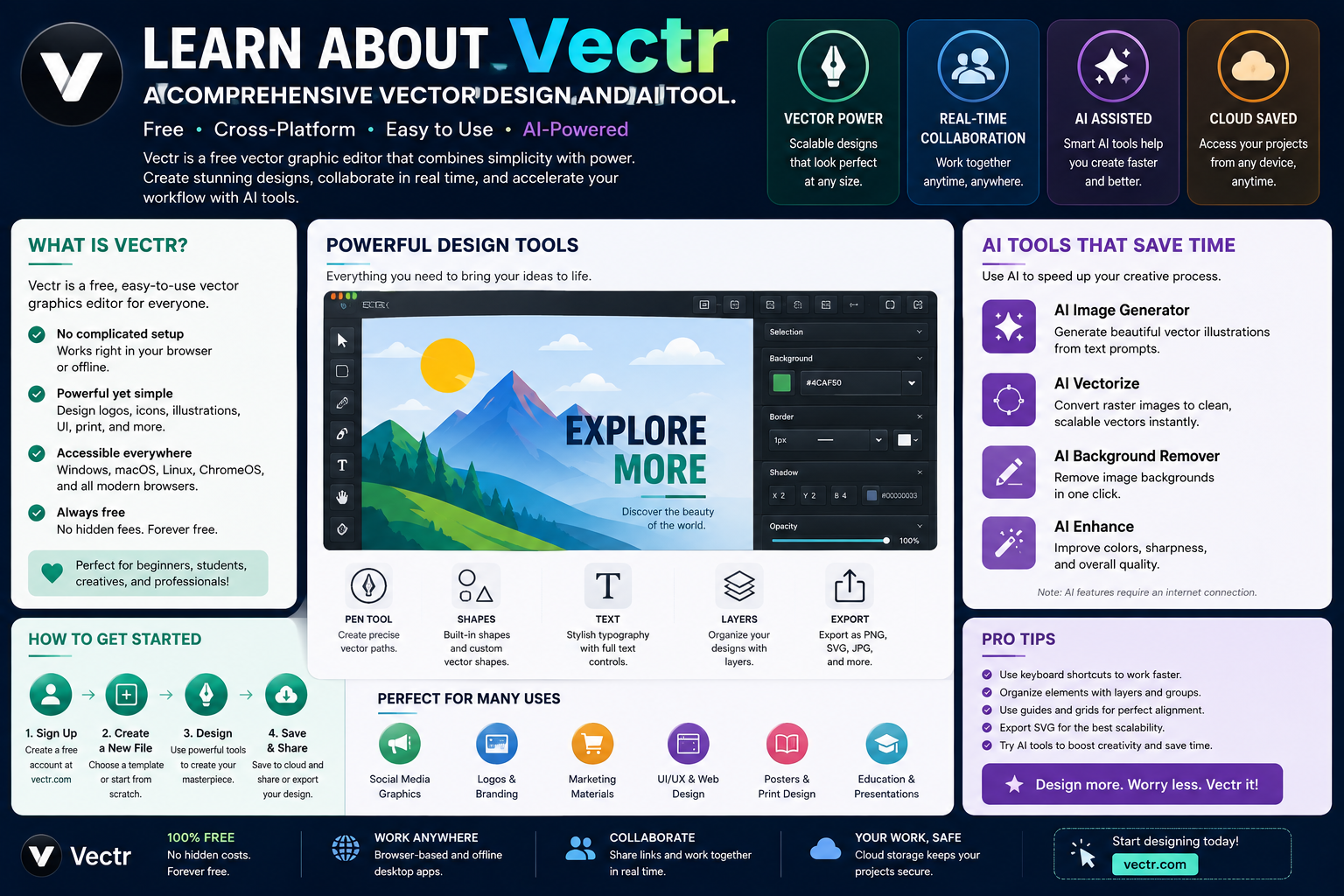
1. Learn about the Vectr platform.
Vectr is a vector graphics design platform built on simplicity, ease of learning, and convenience for both beginners and professionals. Instead of requiring users to familiarize themselves with an overly complex design system, Vectr focuses on intuitive experience and speed of operation.
Vectr can be used to create vector graphics from scratch, edit existing designs, build logos, create illustrations, and work with SVG format. In particular, the platform is integrating more AI tools to automate tasks that previously required manual work.
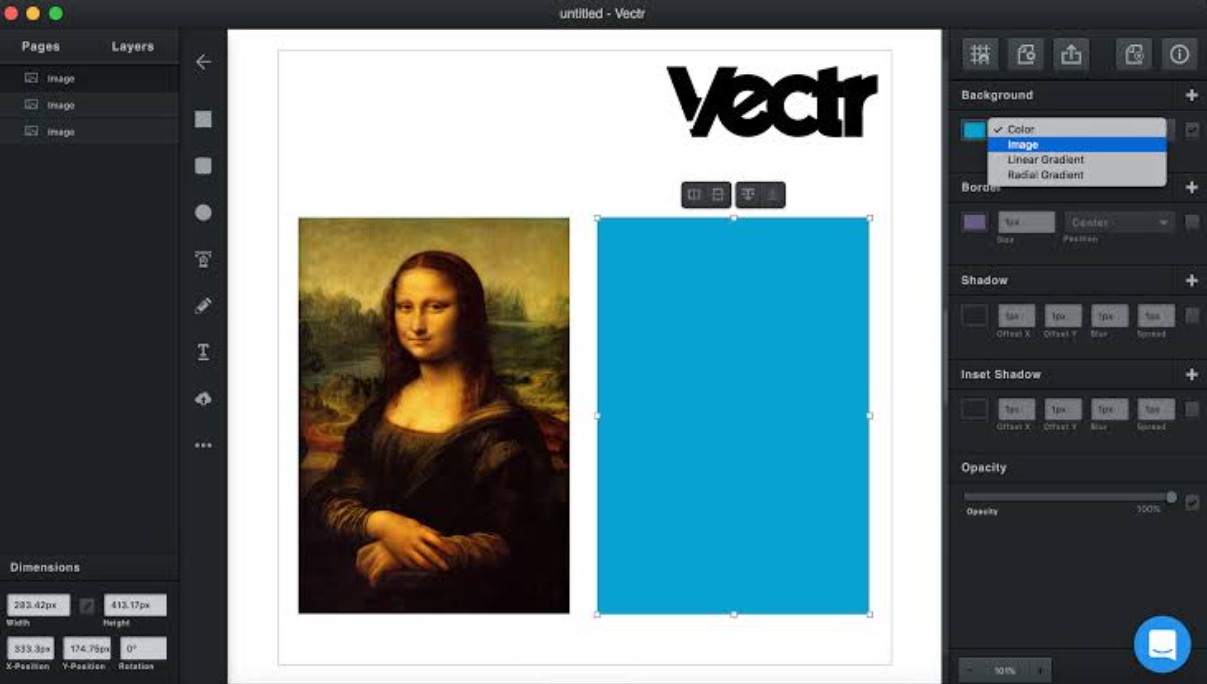
One of Vectr's notable features is its ability to handle both traditional design workflows and AI-powered creative processes. Users can start with a vector design, convert raster images to vectors, create SVGs from JPGs or PNGs, or use text commands to generate graphic content.
Thanks to this approach, Vectr can serve a wide range of user groups. Beginners can use the platform to learn vector design principles, while experienced designers can leverage AI to streamline repetitive steps in their creative process.
2. Vector Generator & Logo Maker
One of Vectr's key feature sets is its Vector Generator & Logo Maker . This tool addresses common needs such as converting images to vectors, saving JPG or PNG images as SVG, and creating logos from scratch.
2.1. SVG Design Tools
Vectr provides SVG design tools for creating vector graphics directly and editing existing resources. SVG is a particularly useful format for digital design because it can be scaled up without image distortion.
Users can create shapes, paths, and other graphic elements within the design environment. When combined with the ability to convert images to vectors, Vectr becomes a versatile tool for many types of projects.
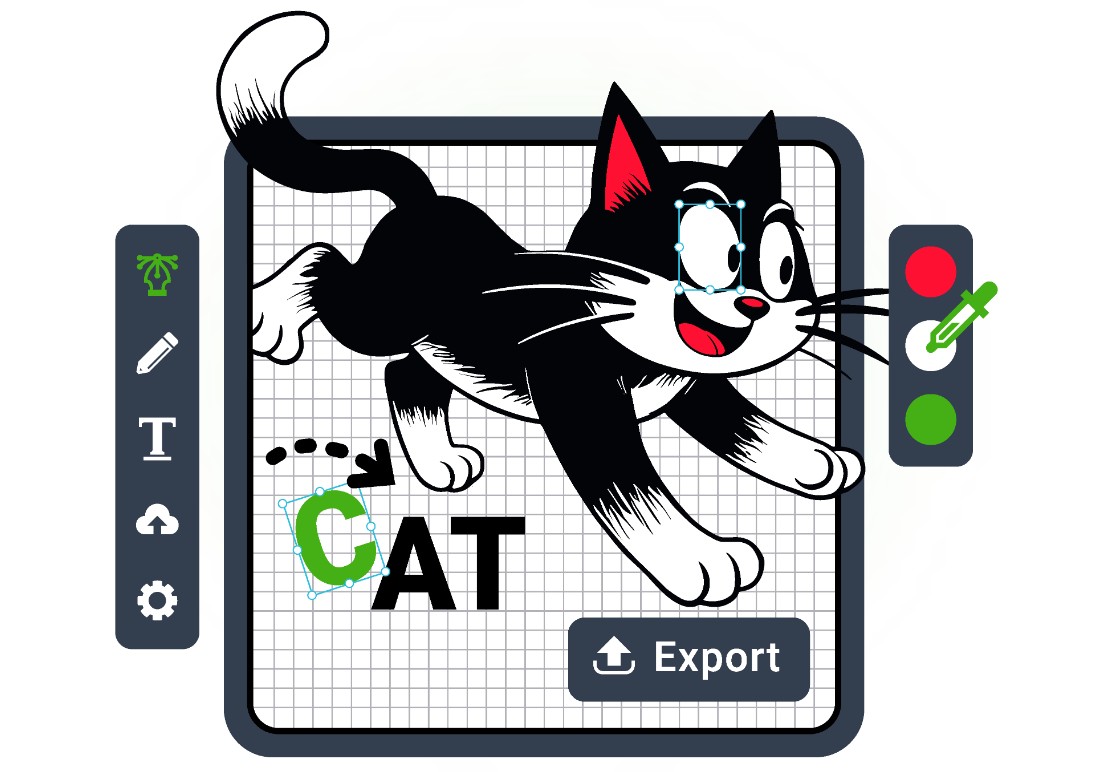
For example, if a JPG or PNG image needs to be converted to SVG, a user can use Vectr's conversion tool to create a vector version. The design can then be further edited instead of just using the original raster image.
Vectr also integrates a logo maker to support the brand identity building process. Users can start with a simple idea and develop it into a complete logo without having to go through the entire process manually.
2.2. No Quality-Loss Scalability
One of the most important advantages of vector graphics is their scalability without sacrificing quality. This is also why SVG is widely used in logos, icons, illustrations, and web design.
When converting JPG or PNG to vector using Vectr, the goal is to create paths that can be scaled up or down dynamically. This differs from simply increasing the size of a raster image, as rasters can appear blurry or pixelated when enlarged excessively.
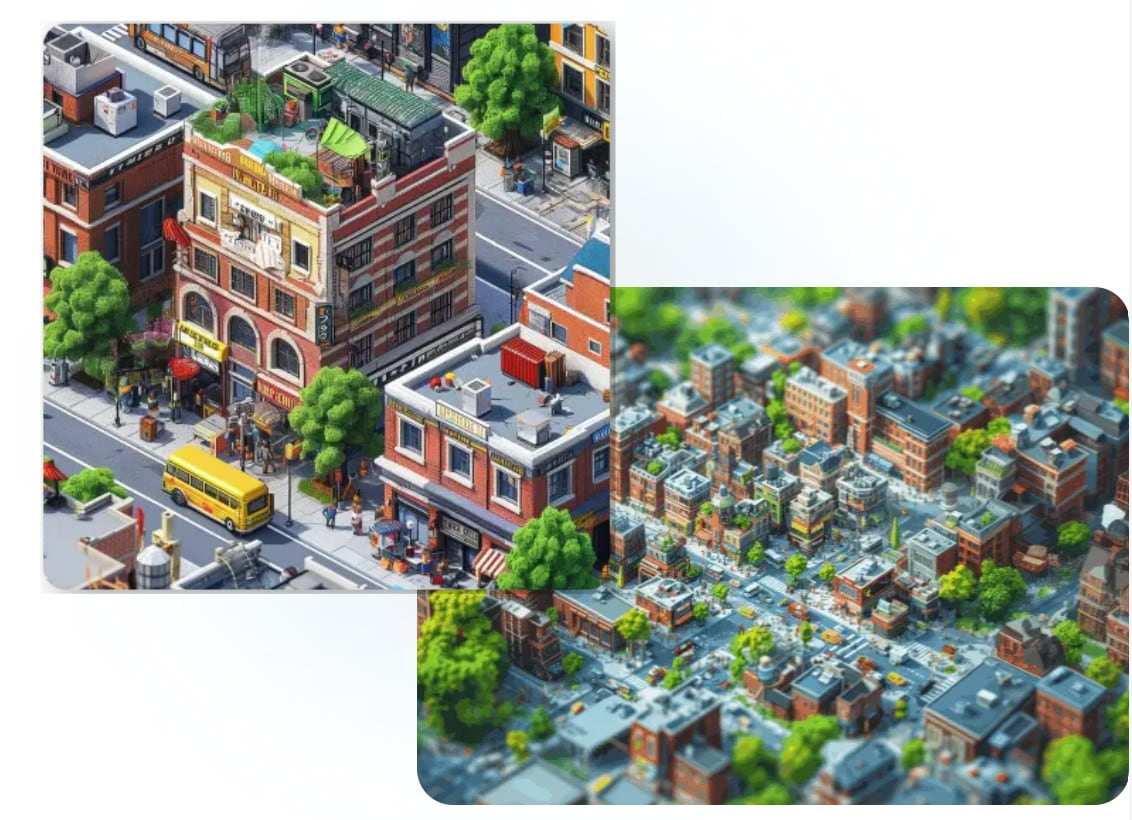
The ability to convert from raster to vector is particularly useful when preparing logos or images for printing. A design can be used at a small size on a business card and then scaled up for posters, banners, or larger promotional materials.
Vectr also aims to produce high-quality results suitable for processes requiring scalable images that can be used in a variety of environments.
2.3. Easy-to-Learn Interface
Vectr is designed to reduce the complexity of getting started with vector graphics. The interface focuses on essential tools, making it easy for users to learn how to create and edit designs.
For beginners, this is a notable advantage. Instead of having to learn a whole host of advanced features right from the start, users can begin by creating shapes, adjusting colors, resizing, arranging objects, and editing paths.
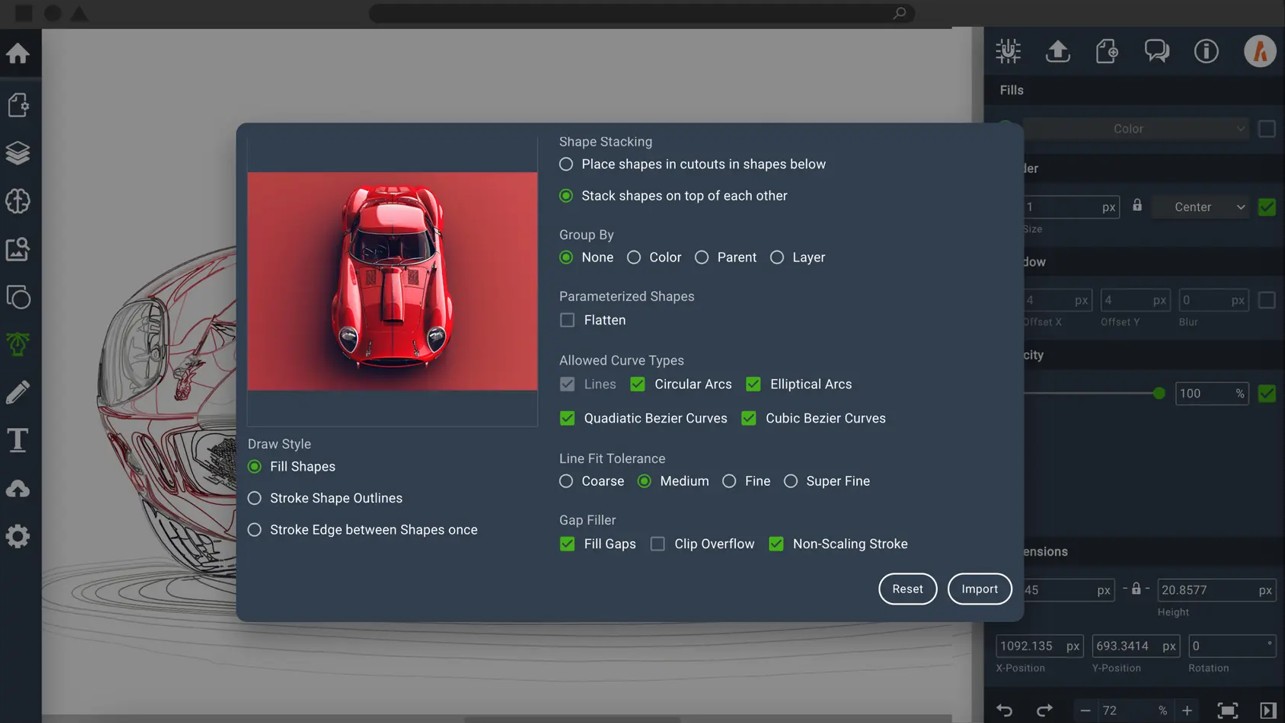
Once familiar with the basic process, users can proceed to utilize AI tools such as converting PNG to SVG, converting images to vectors, or creating logos.
This approach also makes Vectr suitable for non-design professionals who frequently need to create visual content for work, marketing, websites, or social media.
2.4. Generative AI Tools
AI is a crucial part of the Vectr ecosystem. The platform provides a variety of AI-powered tools to automate creative tasks and image editing.
AI features can assist in converting images to vectors, converting JPG or PNG to SVG, creating images from text, and generating logos. This allows users to start with an idea using commands instead of having to build the entire design manually.
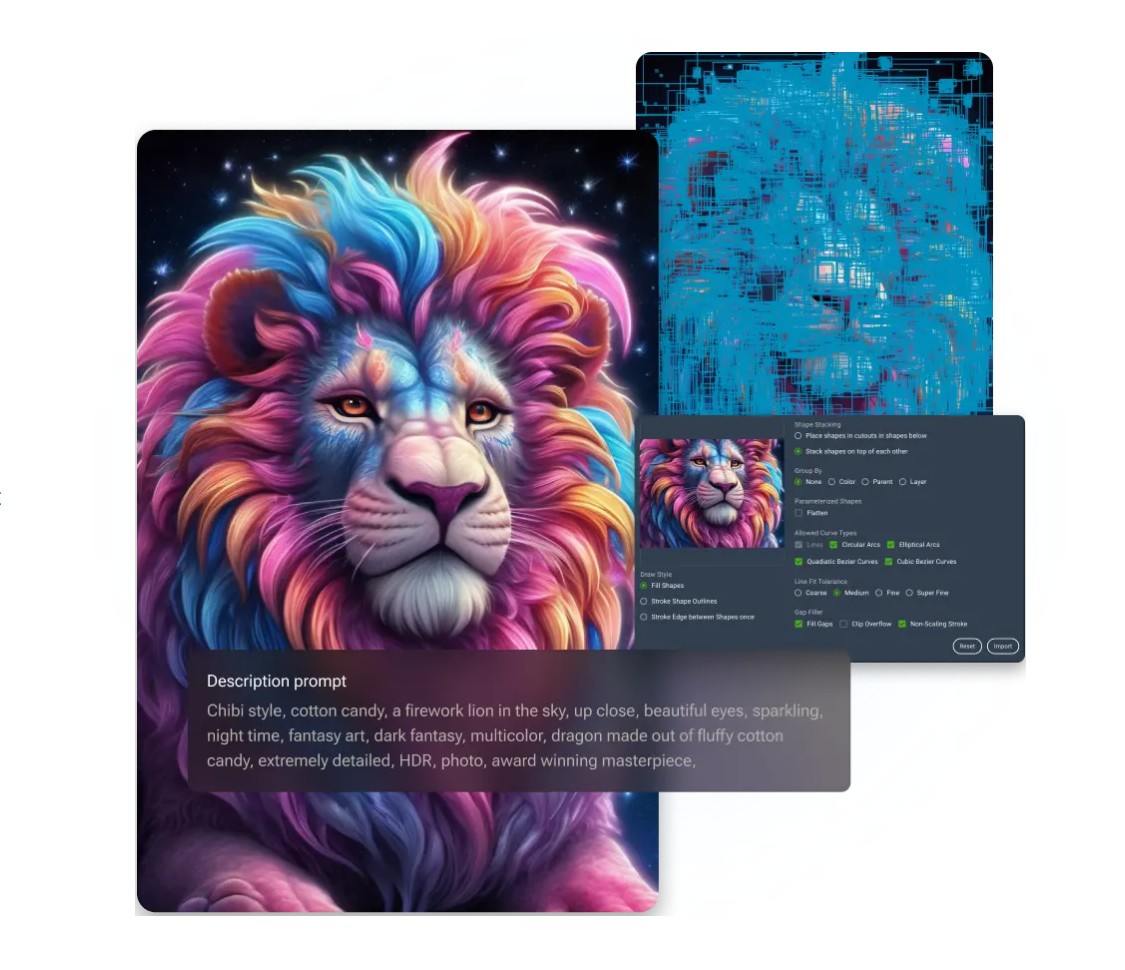
For professional designers, AI can serve as a tool to support idea development and create drafts quickly. Users can still further refine the results to suit the specific requirements of a project.
For beginners, AI significantly reduces the barrier to entry when starting to design. Instead of having to master all vector techniques before creating a product, users can describe their ideas and use the AI results as a starting point.
2.5. Real-Time Collaboration
Vectr focuses not only on individual design but also supports teamwork through a cloud environment. The ability to share workspaces in real time allows multiple people to collaborate during the design development and editing process.
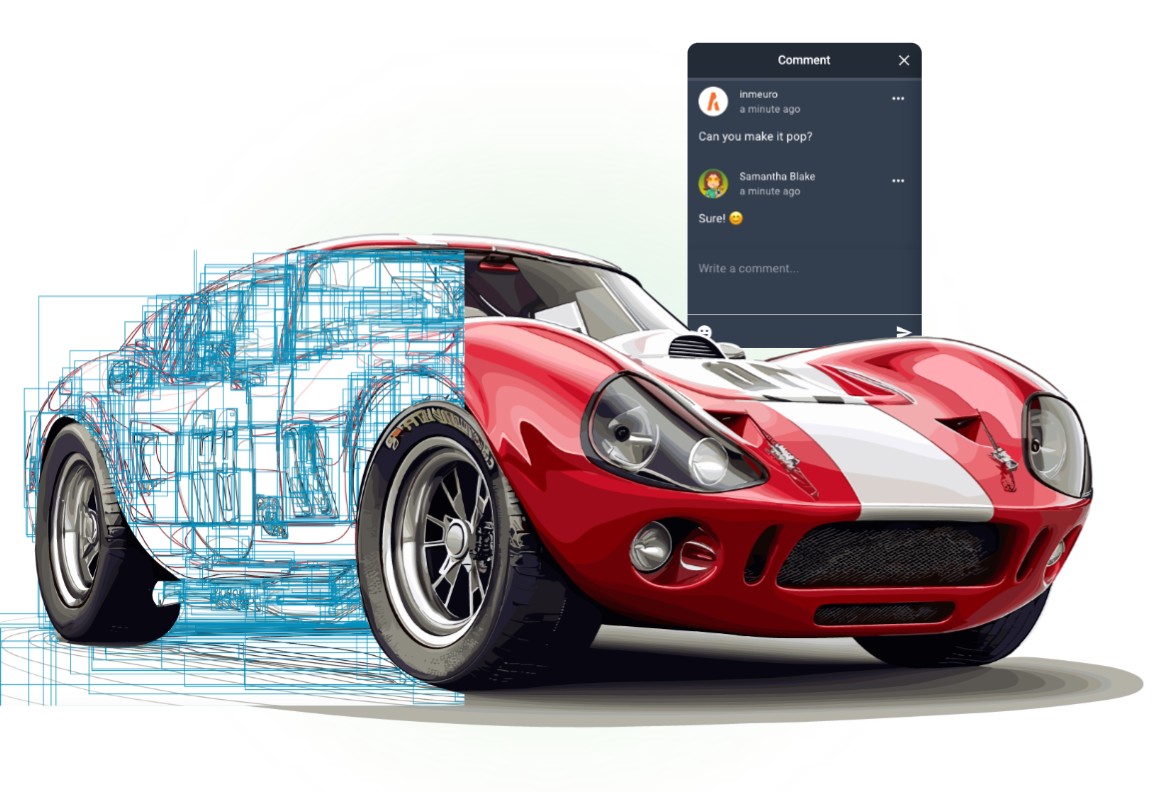
This is a useful feature for design teams, agencies, or marketing projects that require multiple people to collaborate. Designers can create designs, while other team members monitor, exchange ideas, or provide feedback.
The integrated chat system also allows communication to take place within the same work environment instead of having to switch to a different platform. This can help reduce communication time and limit the need to repeatedly send design versions.
2.6. Multi-Platform
Another advantage of Vectr is its ability to synchronize across multiple devices. Since designs are stored in a cloud environment, users can continue working from different devices.
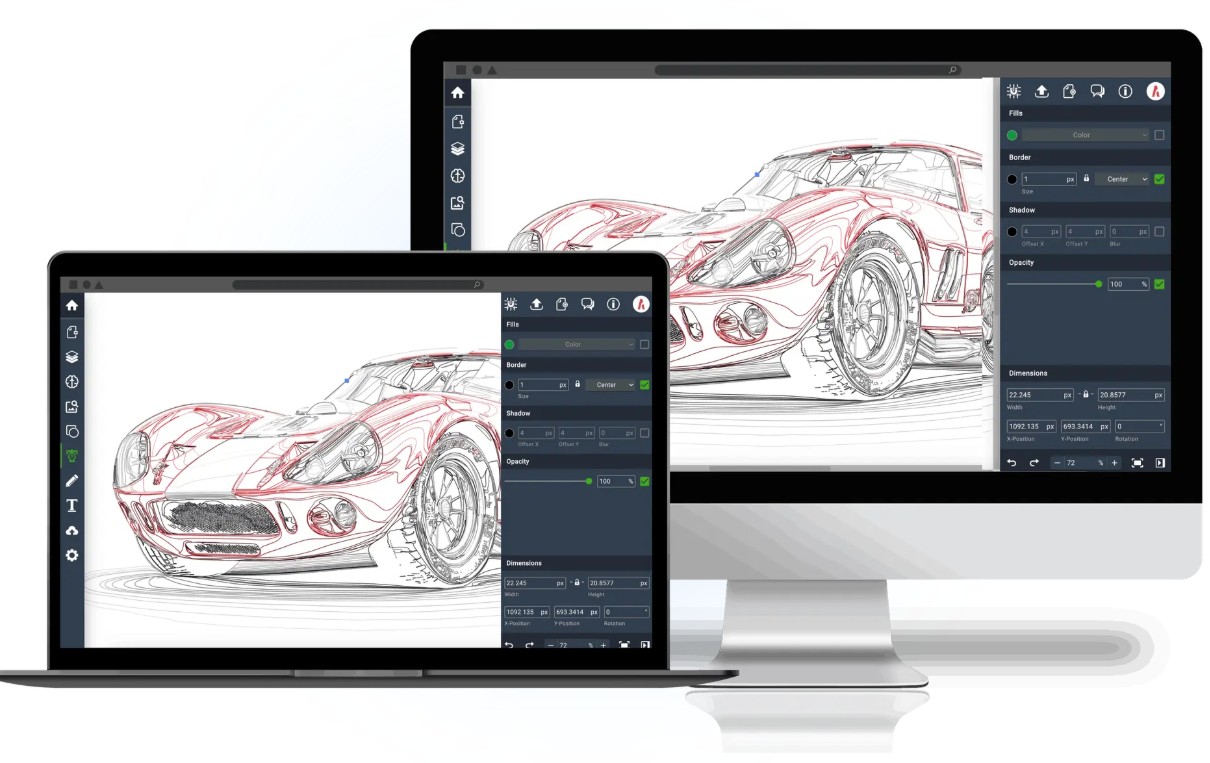
This is especially useful for people who travel frequently or work on multiple devices. Instead of being completely dependent on one computer, users can access their project and continue editing as needed.
Synchronization capabilities also reduce the risk of having to manually manage too many file versions. Changes can be updated in the cloud environment, facilitating a more continuous workflow.
3. Generative AI Vector
In addition to traditional vector tools, Vectr is expanding its Generative AI Vector system with a variety of innovative AI-powered tools. These tools are not only used for SVG design but also extend to video editing, image editing, photo enhancement, and logo creation.
3.1. Text to Vector
Text to Vector allows users to create vector graphics from text commands. Instead of having to draw entire shapes themselves, users can describe their ideas and let the AI generate the SVG content.

A key advantage of this tool is that the resulting SVG is editable. Paths and layers allow the design to continue processing after creation, instead of just receiving a fixed raster image.
Text-to-Vector can be particularly useful when creating logos, icons, or illustrations. Users can use AI to create drafts, then refine the shape, color, and layout to meet brand requirements.
3.2. Video Generator
Vectr also provides an AI Video Generator tool to assist in the process of creating videos from ideas.
Users can use text-to-video or image-to-video to turn descriptions and images into moving content. The tool also supports setting start and end frames, adding audio, and exporting video.
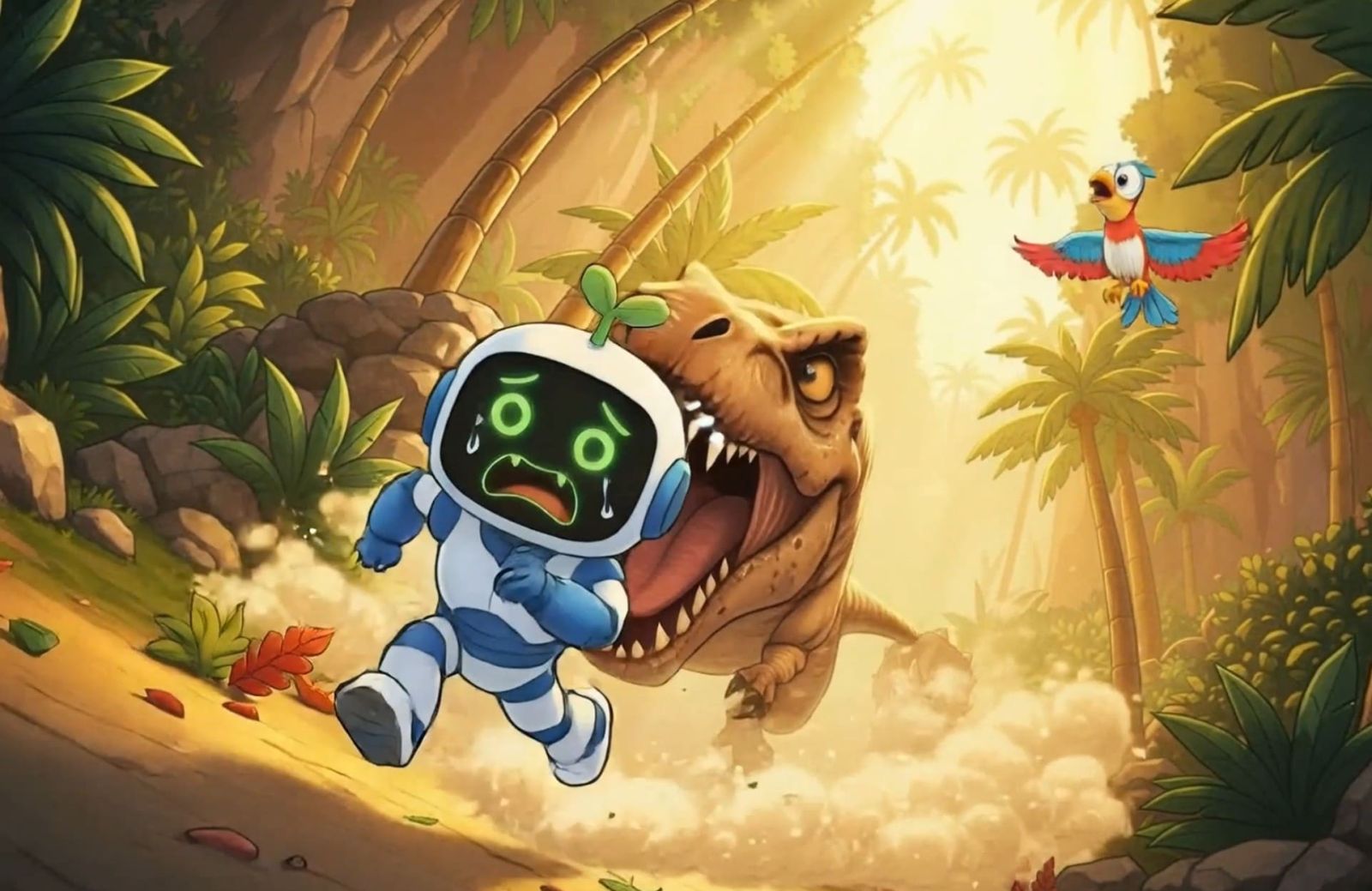
This feature is suitable for social media content, advertising, tutorial videos, or media projects that require quick video creation.
Instead of starting the entire process from a dedicated video editing software, users can use AI to create the initial content and then continue editing as needed.
3.3. Nano Banana 2
Nano Banana 2 is an AI tool integrated by Vectr into its image creation system. The tool is geared towards tasks such as creating, combining, repairing, and enhancing images.
In terms of functionality, Nano Banana 2 supports high-resolution output, accurate color, enhanced lighting, and the ability to process text within images. The tool also aims to maintain character consistency and perform localized edits.
This can be useful in situations where users need to change a specific area of an image but still want to preserve the rest of the elements.
3.4. Crystal Upscaler
Crystal Upscaler is an AI tool specializing in upscaling image resolution and improving image clarity.
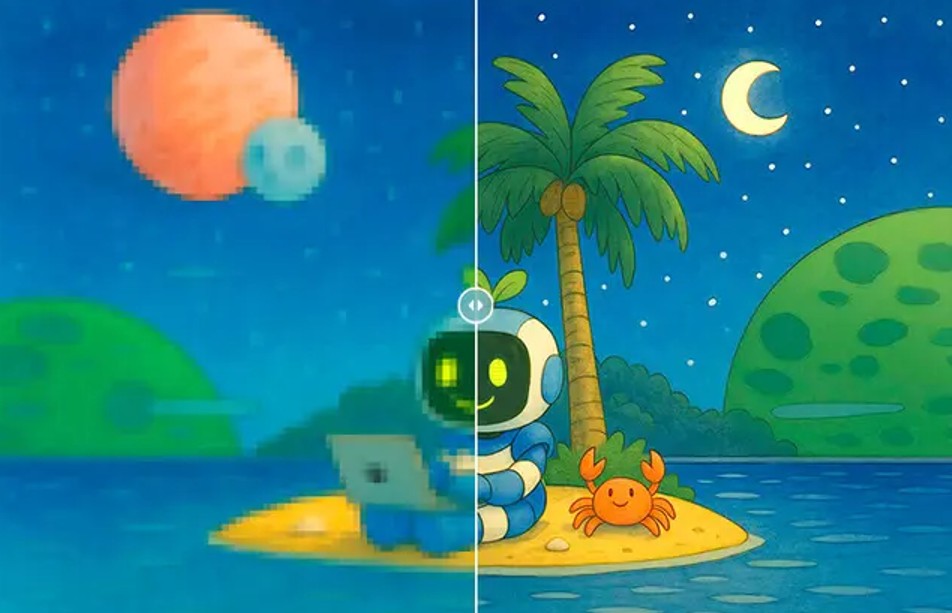
When an image is small or lacks detail, directly enlarging it can often result in blurry images. AI-powered upscaling tools aim to restore detail and improve sharpness for better image quality.
Crystal Upscaler is optimized for portraits and faces, where details such as skin texture, hair, and facial features can be processed to create more natural-looking results.
3.5. Image to Image
Image to Image allows users to take an image as input and create a new version based on their editing requirements.
Users can change the style, background, text, or combine multiple images. This expands creative possibilities beyond traditional vector editing.
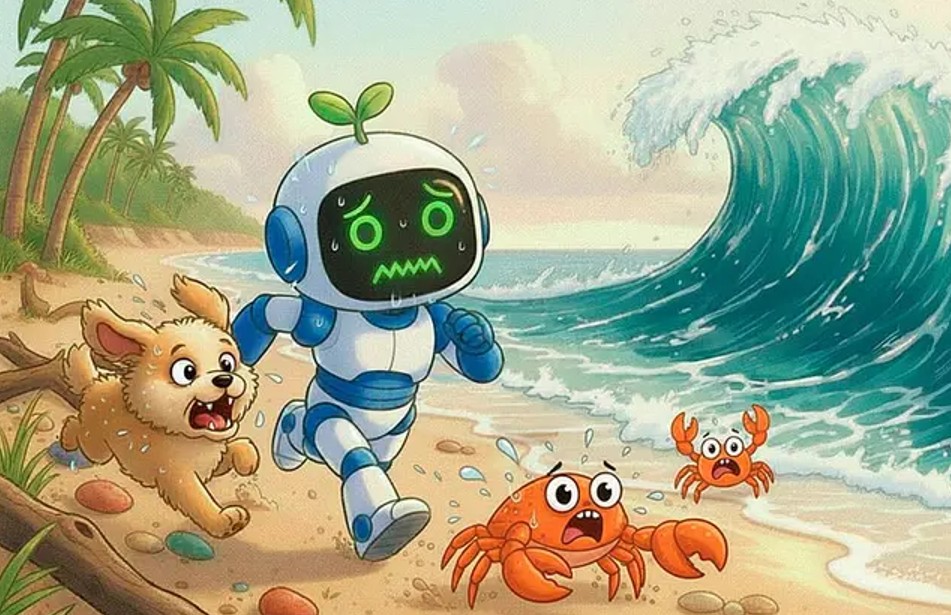
For example, an initial image can be used as a foundation to experiment with new styles or change certain elements in the layout. AI will assist in the transformation process, after which the user can select the result that best suits their purpose.
3.6. AI Logo Maker
AI Logo Maker is designed to simplify the logo creation process. Instead of starting from a blank canvas and building each element yourself, users can provide ideas or brand information for AI to assist in creating the design.
This tool aims to create professional and unique logos online. This feature is especially suitable for individuals, small businesses, or beginners with little experience in brand identity design.
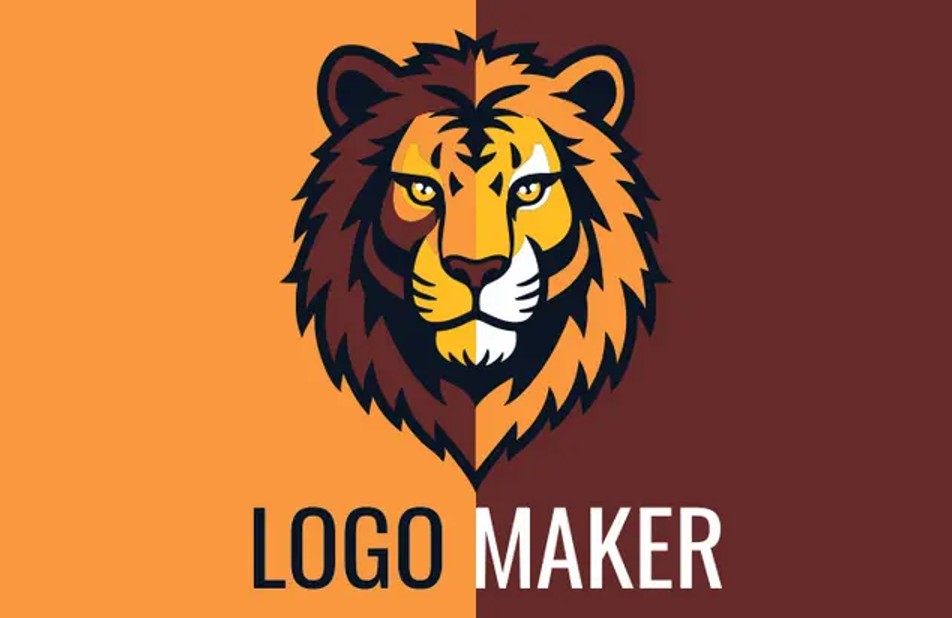
However, AI-generated logos should be considered a starting point. For professional branding projects, designers still need to check the layout, typography, colors, and usability of the logo across multiple platforms before finalizing it.
3.7. Magic Edit
Magic Edit is a text-based image editing tool. Instead of manually performing each editing step, users can describe the desired changes and have the AI process them.
The tool can help change the background, style, pose, or context. Users can also use Magic Edit to retouch and create visual transformations for images.
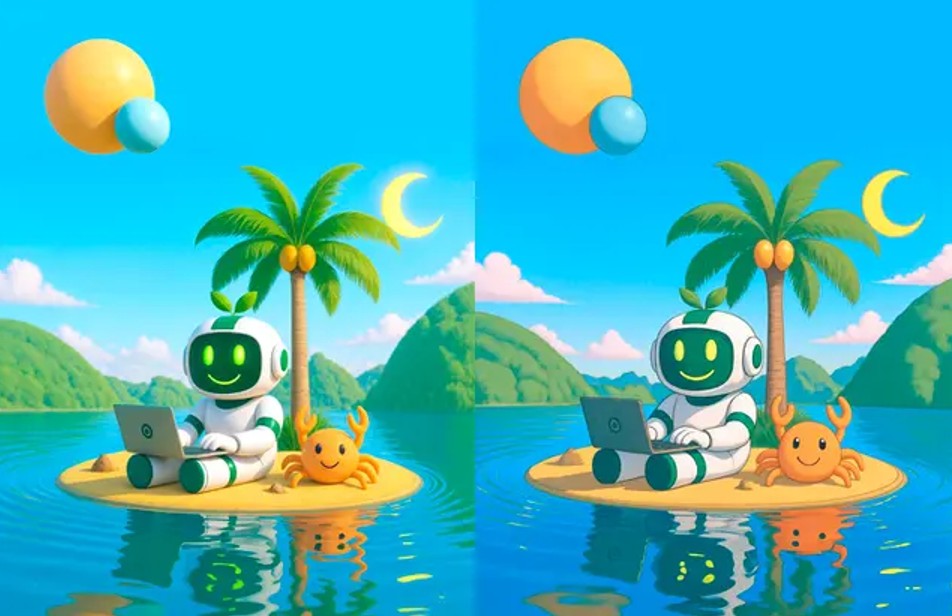
This is a clear example of the trend towards combining AI generation with traditional editing processes. Designers can use AI to create quick prototypes, then select and edit the results to meet final requirements.
If you're looking for an easy-to-learn vector tool but still want access to new AI technologies, Vectr is a platform worth exploring. Combining traditional vector design with AI generation can streamline processes and open up more creative approaches.





















VIP Products








Best Selling Products
Upgrade genuine Capture One account
120 USD
Plugin Retouch4me
69 USD
Genuine Cheap Canva Pro
39 USD
Copyright Adobe Lightroom Account
59 USD
MidJourney Account
29 USD
Genuine Adobe Illustrator account
99 USD
Adobe Premiere Pro Account
99 USD
Adobe Photoshop Copyright - Full App
120 USD
Autodesk All App Account Copyright
120 USD
Capcut Pro 1 Year
39 USD
Windows 10 & 11 Pro Key
36 USD
ChatGPT Plus Account (GPT-4)
16 USD
Freepik Premium Account
59 USD
Upgrade Genuine Office 365
49 USD
Upgrade Duolingo Super
29 USD