Best Selling Products

Adobe Premiere Pro Account
99 USD

Genuine Adobe Illustrator account
99 USD

Capcut Pro 1 Year
39 USD

MidJourney Account
29 USD

Copyright Adobe Lightroom Account
59 USD

Upgrade genuine Capture One account
120 USD

Plugin Retouch4me
69 USD

ChatGPT Plus Account (GPT-4)
16 USD

Autodesk All App Account Copyright
120 USD

Adobe Photoshop Copyright - Full App
120 USD

Genuine Cheap Canva Pro
39 USD

Freepik Premium Account
59 USD

Upgrade Duolingo Super
29 USD

Upgrade Genuine Office 365
49 USD

Windows 10 & 11 Pro Key
36 USD
Top Free AI Tools 2026: Writing, Image Creation, Information Research
Nội dung
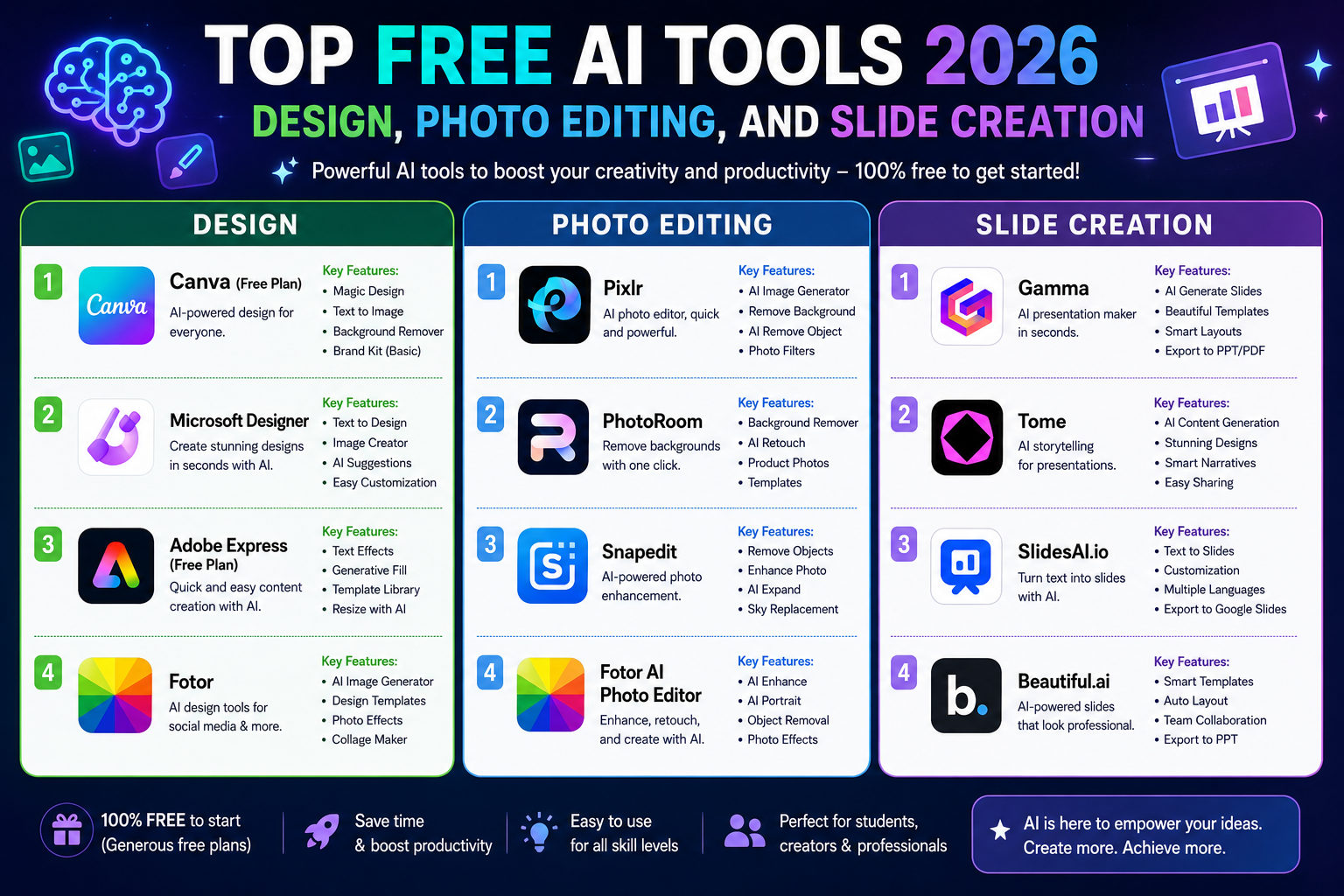
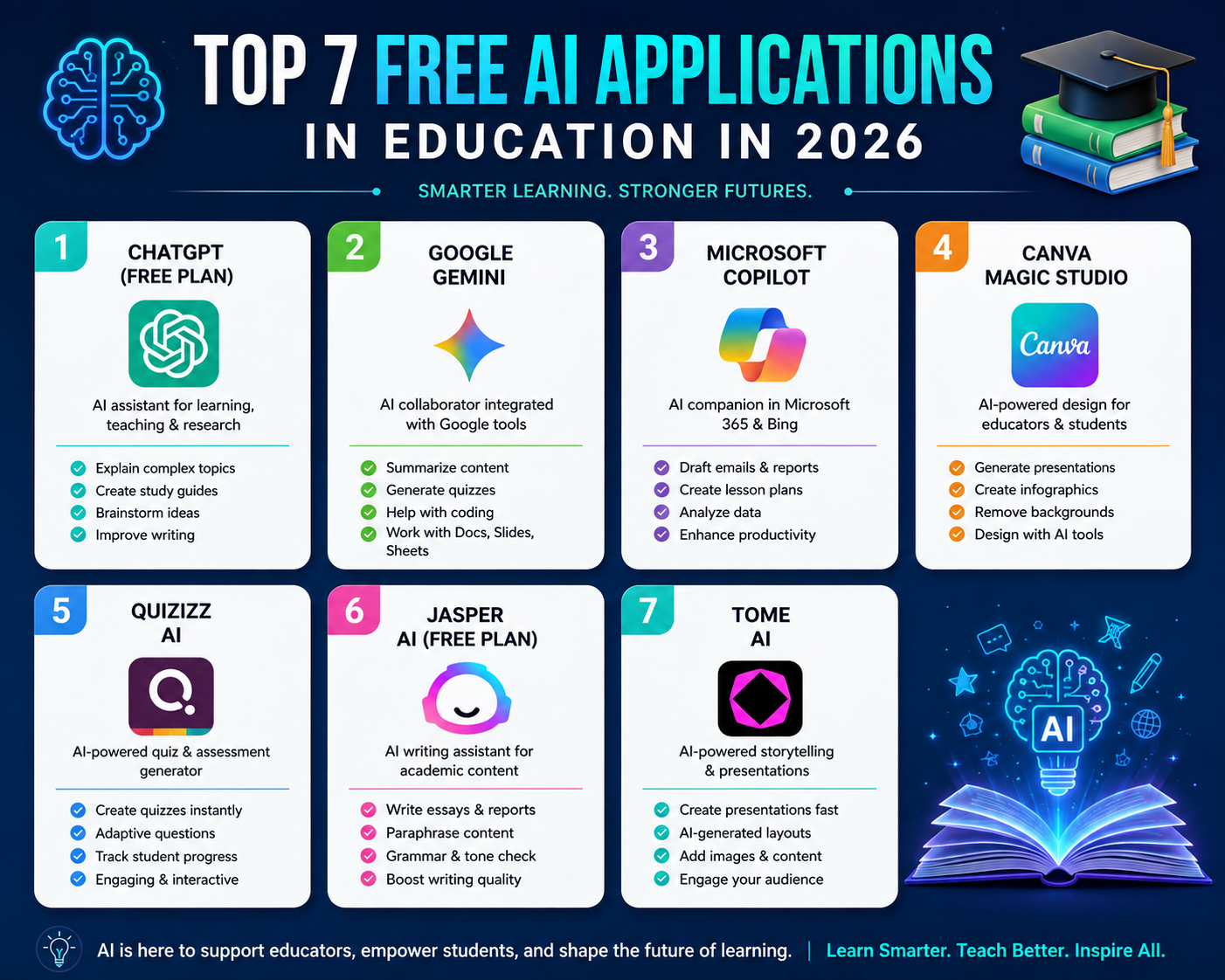
Discover the top free AI tools of 2026 that offer comprehensive support for everything from information research and writing to content creation and professional image production.
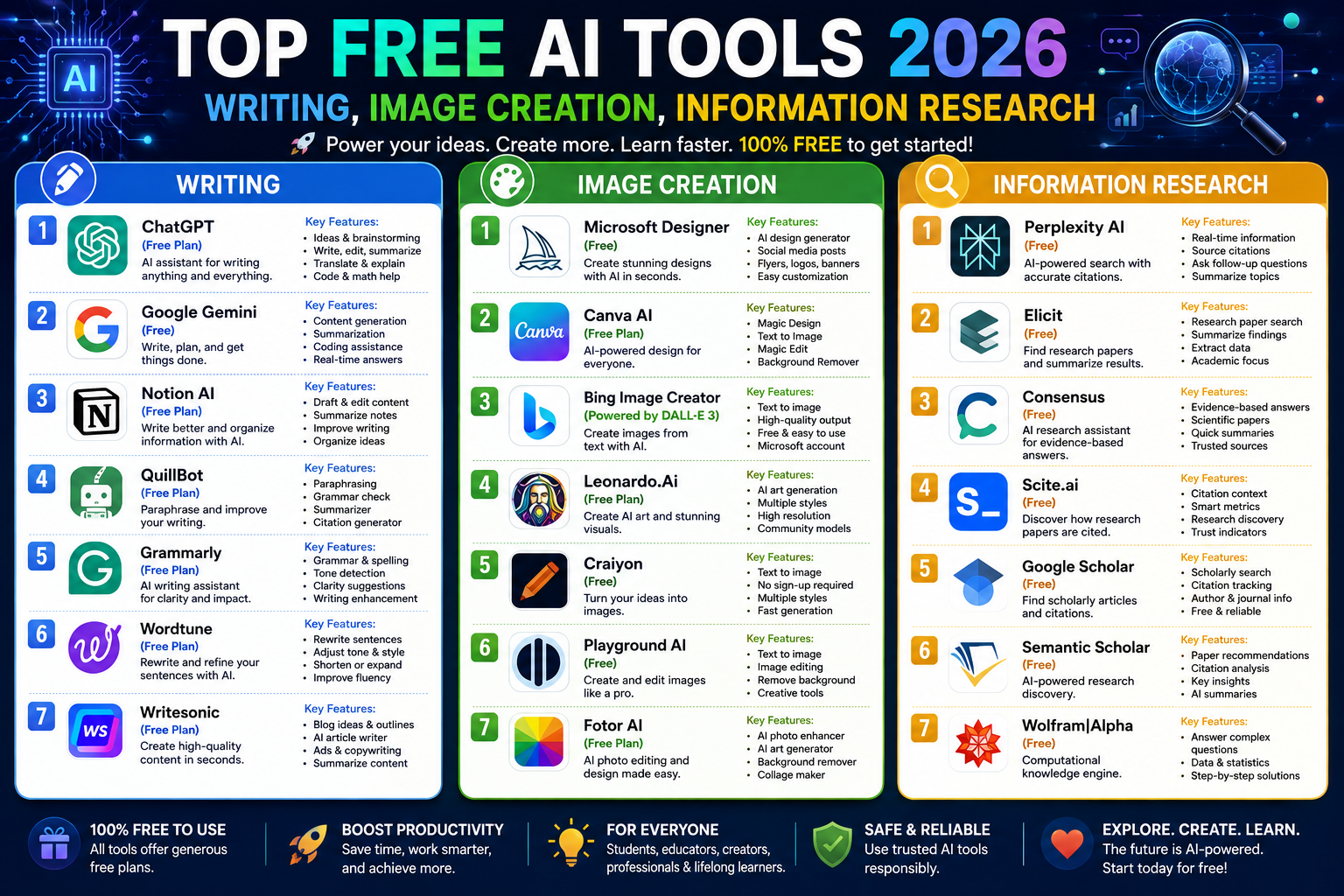
1. AI researches and searches for information.
AI research tools are changing the way users access information on the internet. Instead of having to open dozens of websites, read each document, and synthesize the information manually, AI can assist in searching, analyzing, comparing, and presenting information on demand.
1.1. Perplexity AI
Perplexity AI is an artificial intelligence-powered search engine designed to answer questions by searching for and synthesizing information from multiple sources. Instead of simply providing a list of links like traditional search engines, Perplexity can present answers in a conversational format and offer references for users to verify.

Perplexity is especially useful when you need to quickly research a topic, find data, compare products, or build an information base for an article. Users can start with a specific question such as:
"Let's explore the AI-powered graphic design trends of 2026. This compilation highlights five prominent trends, explains the underlying causes for each, and provides reliable reference sources."
After receiving the results, users can continue to ask questions to delve deeper into each issue. This approach helps transform the information search process into a conversation instead of requiring multiple individual searches.
1.2. Grok
Grok is an AI assistant developed by xAI, notable for its conversational abilities, inference skills, and access to current news information through the xAI ecosystem and web sources depending on features and access permissions. It's a worthwhile option for users who want to learn about trending topics or need an AI with a direct, interactive style.
Grok can assist with brainstorming, content analysis, conceptual explanation, and information synthesis. For rapidly changing topics, users should ask the AI to specify the time period of the data and its sources.
One possible prompt to use is:
"Analyze the topic [topic] based on the latest information. Divide the results into: confirmed facts, developing trends, and unsubstantiated information. If possible, provide sources for me to verify."
This method of requesting information helps reduce the risk of confusion between verified information and uncertain opinions.
1.3. NotebookLM
Google's NotebookLM is one of the most notable tools for document-based research. A key differentiator is that NotebookLM can respond to user-provided sources, such as PDFs, websites, YouTube, Google Docs, Google Slides, Word files, PowerPoint presentations, CSV files, and many other formats. The tool provides citations in the responses so users can trace back to the source.
The process is quite simple. First, create a new notebook and import the documents you want to research. Then, ask the AI to summarize, compare, or analyze the sources. For example:
"Please read all the material I have provided. Summarize the most important points, identify the discrepancies between the sources, and cite the corresponding sources for each statement. Do not add any information outside of the provided material."
NotebookLM is particularly well-suited for students, teachers, researchers, content creators, and businesses that need to process large volumes of documents. Google also upgraded NotebookLM in 2026 with capabilities for web research, advanced inference, data analysis, and the creation of various output types such as reports, charts, spreadsheets, and slides.
Another advantage is that NotebookLM can transform documents into audio overviews, study guides, mind maps, quizzes, and many other content formats, making accessing long documents more intuitive.
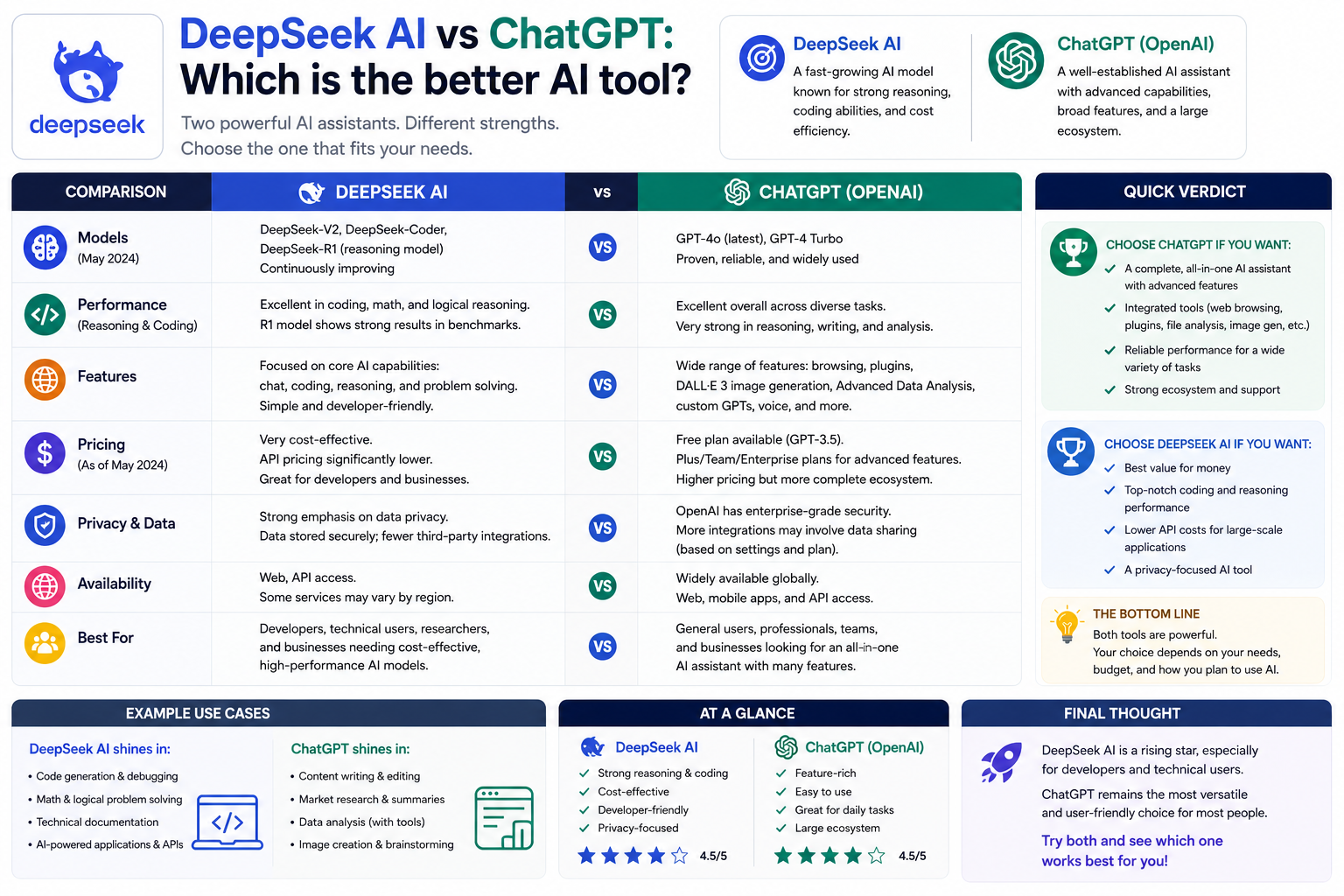
1.4. DeepSeek AI
DeepSeek AI is a noteworthy option for users needing assistance with reasoning, problem-solving, and handling complex questions. The tool can be used for preliminary research, data analysis, explaining technical concepts, or supporting content creation.
DeepSeek is particularly useful when users want more than just a short answer; they need AI to analyze the problem step-by-step. However, like other language models, the results may still contain inaccurate information. When researching topics requiring a high degree of reliability, combine DeepSeek with authoritative sources and citation-based search engines.
2. AI writes and creates content.
AI writing tools are no longer just for creating simple paragraphs. Current tools can assist with brainstorming, outlining, writing, tone correction, summarizing, translation, and content optimization tailored to specific audiences.
2.1. ChatGPT
ChatGPT is a versatile tool that can support almost the entire content creation process. Users can use ChatGPT for brainstorming, preliminary research, outlining, blog posts, emails, social media content, or text editing.

Instead of simply asking "write me a blog post," provide as much context as possible:
“Write a blog post of approximately 1,400 words on the topic [topic]. Target audience is [target]. Goal is [goal]. Use a professional and clear writing style. The structure should include an introduction, H2 sections, and a conclusion. Limit bullet points, prioritize coherent paragraphs, and include real-world examples where necessary.”
The more specific the prompt, the easier it is to get results that meet the requirements. ChatGPT can also allow for further editing of individual sections instead of having to recreate the entire article.
2.2. Gemini
Gemini is Google's AI ecosystem, suitable for users who need support in writing, brainstorming, content analysis, and working within the Google ecosystem. Gemini is capable of processing a wide range of information and is increasingly integrated with Google's tools.
Gemini can be used to create outlines, write drafts, or improve content. A helpful prompt is:
“Play the role of an SEO content editor. Analyze the topic [topic], determine the reader's search intent, suggest an article structure, and then write an introduction of approximately 150 words. Do not use unverified information.”
If using Gemini for research, users should still check the source and date of information, especially for topics that change rapidly.
2.3. QuillBot
QuillBot focuses heavily on rewriting, phrasing, summarizing, and improving text. It's a suitable choice when users already have initial content but want the wording to be more natural, clear, or varied.
QuillBot offers a free account with basic features such as Standard and Fluency, a maximum of 125 words per paraphrase, and a maximum of 1,200 words in summaries. Some advanced features require a Premium account.
For example, when there is a somewhat long and difficult-to-read passage, you can use a prompt:
"Rewrite the following paragraph in a more professional, natural, and readable style. Maintain the original meaning, do not add new information, and avoid repetition. Prioritize short, clear sentences."
QuillBot is especially useful for students, content writers, bloggers, and anyone who frequently needs to edit English text.
2.4. Grammarly
Grammarly is widely known for its ability to check grammar, spelling, punctuation, and writing style. The tool is increasingly expanding into AI features to assist users in rewriting, adjusting tone, and creating content.
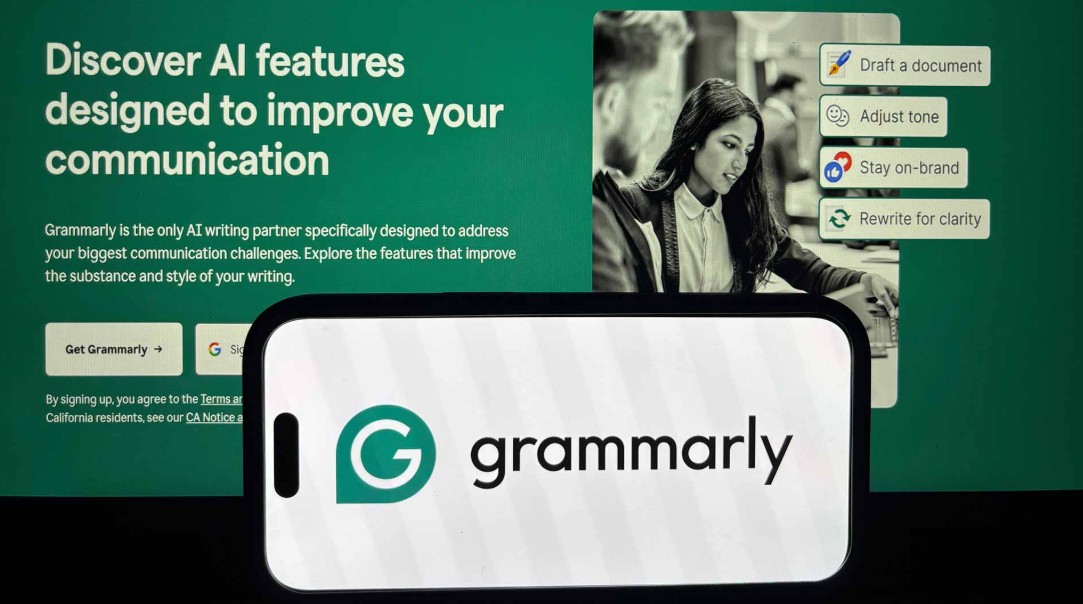
Grammarly's strength lies in its ability to provide support directly during the writing process. Instead of having to copy text to another chatbot, users can check and improve content right within the supported work environment.
Grammarly is best suited for those who frequently write in English, especially emails, business documents, marketing content, and professional communication. For those who want to improve the quality of their writing instead of creating entire pieces from scratch, Grammarly can act as an AI editor.
3. AI creates professional-looking photos.
Besides writing and research, AI image creation is becoming an important tool in graphic design. Users simply need to describe the subject, background, style, lighting, composition, or aspect ratio, and the AI will create the image according to their requirements.
3.1. FROM 3
DALL-E 3 is OpenAI's image generation model, notable for its ability to understand detailed prompts. OpenAI states that DALL-E 3 is integrated with ChatGPT, allowing users to describe ideas in natural language, and ChatGPT can assist in developing prompts before image generation. Users can also request idea modifications with further instructions.
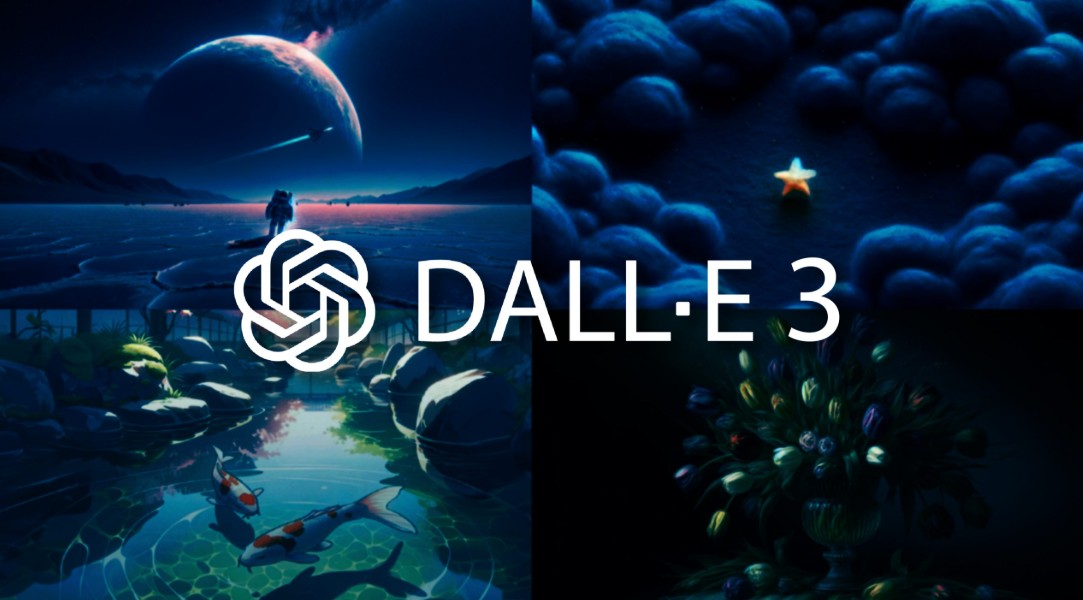
A prompt might start like this:
“Create the image of a modern graphic design studio, with a workstation featuring a computer, a drawing tablet, and a display screen for the design interface. A high-end minimalist style, natural light from a large window, a cinematic composition, wide-angle shots, a professional space, and a 16:9 aspect ratio.”
The advantage of this writing style is that it simultaneously describes the subject, environment, lighting, style, and composition.
3.2. Stable Diffusion
Stable Diffusion is a popular image creation modeling ecosystem known for its high degree of customization. Compared to platforms that focus on simple interfaces, Stable Diffusion is better suited for those who want deep control over the image creation process and to explore different models and workflows.
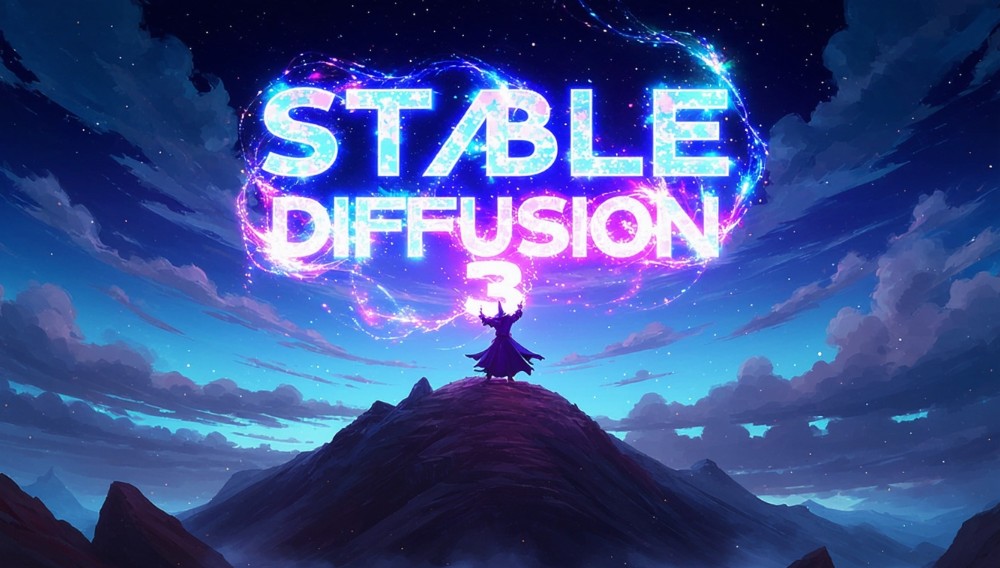
Stability AI currently offers the Stable Diffusion 3.5 series, which includes Large, Large Turbo, Medium, and Flash. According to official documentation, Stable Diffusion 3.5 Large has 8 billion parameters, while Large Turbo is optimized for creating high-quality images with a four-step process.
Stable Diffusion is suitable for designers, artists, and technical users who want to customize their workflow. However, to fully utilize this ecosystem, newcomers may need time to familiarize themselves with the models, checkpoints, workflow, and image creation settings.
3.3. Gemini
Gemini is not just a question-answering and content creation tool; it also supports image creation within the Gemini ecosystem. Google has expanded the ability to create personalized images in Gemini and continues to develop imaging technologies such as Nano Banana.

The advantage is that users can combine written and image requests in the same conversation. For example:
"Create an image to illustrate an article about AI in graphic design. The image should depict a designer working on a computer with AI elements, in a modern, minimalist, professional style, without any brand logos, and with a layout suitable for use as a blog profile picture."
Afterward, users can continue to request changes to color, layout, subject, or style without having to rewrite the entire idea from scratch.
3.4. ChatGPT
ChatGPT can also act as a tool for creating and editing images directly within the conversation process. A major advantage is that users can move from idea → prompt → image → editing all within the same conversation.
For example, instead of starting with a complete prompt, the user could request:
“I want to create a YouTube thumbnail image on the topic of 'AI in graphic design'. Please suggest an image layout that is likely to attract viewers, then create the image based on that layout. The style should be modern, with strong contrast, featuring a designer character and visual AI elements.”
After receiving the images, you can proceed with the request:
"Keep the layout and main character the same, but make the background more minimalist, increase the space on the left for the title, and create a more professional feel."
This workflow is suitable for designers, marketers, content creators, and those who are not experts in prompt engineering.
When the right tools are combined, users can build a complete workflow: AI researches information → AI assists in content writing → AI creates images → humans review, edit, and finalize the product . This is one of the effective ways to leverage the power of AI in creative work in 2026.





















VIP Products








Best Selling Products
Adobe Premiere Pro Account
99 USD
Genuine Adobe Illustrator account
99 USD
Capcut Pro 1 Year
39 USD
MidJourney Account
29 USD
Copyright Adobe Lightroom Account
59 USD
Upgrade genuine Capture One account
120 USD
Plugin Retouch4me
69 USD
ChatGPT Plus Account (GPT-4)
16 USD
Autodesk All App Account Copyright
120 USD
Adobe Photoshop Copyright - Full App
120 USD
Genuine Cheap Canva Pro
39 USD
Freepik Premium Account
59 USD
Upgrade Duolingo Super
29 USD
Upgrade Genuine Office 365
49 USD
Windows 10 & 11 Pro Key
36 USD