Best Selling Products

Plugin Retouch4me
69 USD

Windows 10 & 11 Pro Key
36 USD

Upgrade Genuine Office 365
49 USD

Adobe Photoshop Copyright - Full App
120 USD

Autodesk All App Account Copyright
120 USD

Freepik Premium Account
59 USD

Capcut Pro 1 Year
39 USD

Upgrade genuine Capture One account
120 USD

Genuine Cheap Canva Pro
39 USD

Adobe Premiere Pro Account
99 USD

ChatGPT Plus Account (GPT-4)
16 USD

Genuine Adobe Illustrator account
99 USD

Upgrade Duolingo Super
29 USD

Copyright Adobe Lightroom Account
59 USD

MidJourney Account
29 USD
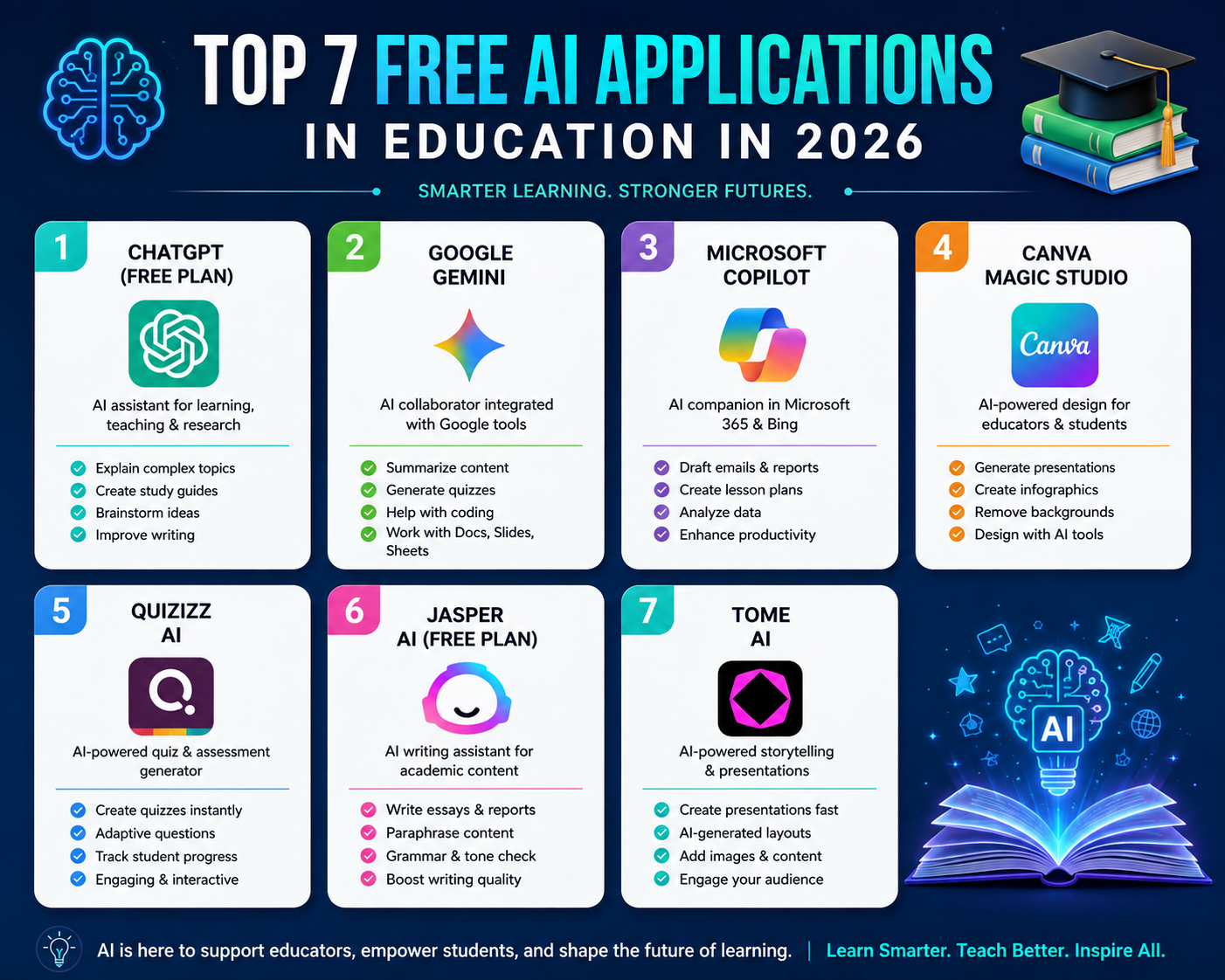
Top 7 Free AI Applications in Education in 2026
Discover the top 7 free AI applications in education in 2026 that will help students and self-learners improve their learning effectiveness.
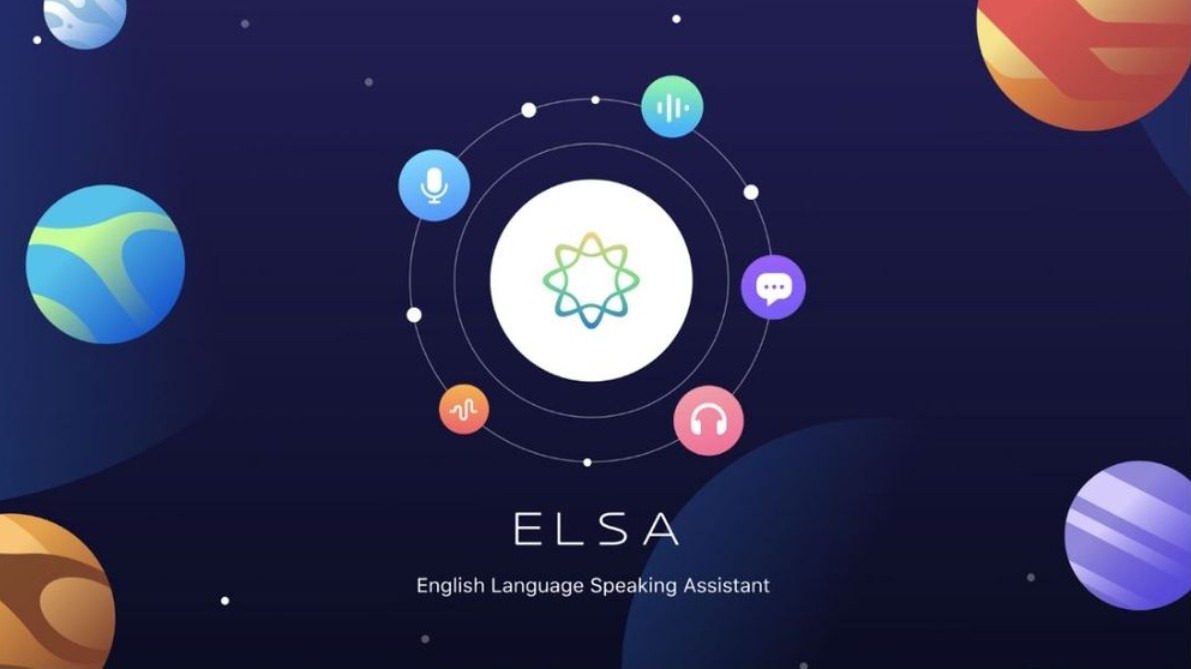
1. ELSA Speak
ELSA Speak is an English learning app focused on pronunciation and communication skills. The platform's highlight is its use of speech recognition and AI technology to analyze how learners pronounce words, then provide feedback to help improve each syllable.
For English learners, pronunciation is often one of the most difficult skills to self-assess. When learning alone, learners may not realize which sounds they are mispronouncing or where the stress is placed incorrectly. ELSA Speak addresses this problem by allowing users to speak directly into the app and receive feedback.
The learning process is relatively simple. Users select a lesson or communication topic, listen to pronunciation samples, read or speak along, and then receive feedback from the AI. Learners can repeat this process multiple times until they improve.
One effective way to use it is not just to learn from pre-recorded lessons, but to actively create communication situations. For example, learners can focus on topics such as job interviews, travel, or workplace communication. After each practice session, note down the sounds you frequently mispronounce and dedicate more time to practicing them.
ELSA Speak offers a free version that allows users to experience some of the app's content and features. Advanced lessons and features may require a paid plan. Therefore, beginners should use the free version to determine if this learning method is right for them.
2. Thinkster
Thinkster is a platform that supports personalized math learning. The tool uses AI to analyze students' problem-solving process, rather than focusing solely on the final answer.
This is crucial in mathematics education. Two students might give the same incorrect answer, but the reasons could be completely different. One might misunderstand the formula, the other might make a calculation error or skip a step. Analyzing the process helps pinpoint areas for improvement.
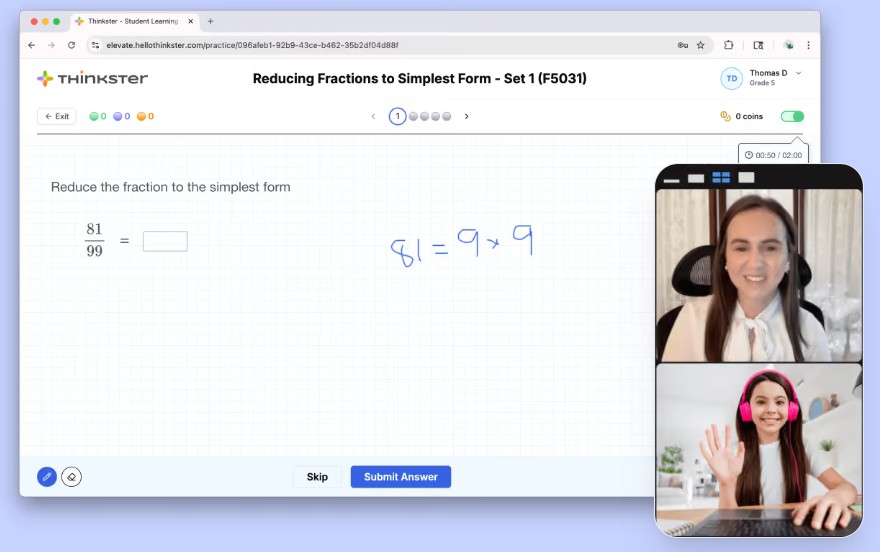
Thinkster can provide level-appropriate assignments and support learning progress tracking. Teachers or parents can also use learning data to better understand students' strengths and weaknesses.
When using AI tools to assist in mathematics, learners shouldn't just input the problem and get the answer. A more effective approach is to solve it yourself first, then use AI to check your progress. For example, you could ask:
"Please examine each step of this problem. Don't give the answer immediately. Point out the first step I took incorrectly and explain why."
This learning approach allows AI to act as a supportive tutor rather than a tool for doing homework for you.
Thinkster is best suited for students who need to improve their math skills through guided practice. However, access to free features may vary by time and region, so parents should check the current policy before enrolling.
3. Quizlet
Quizlet is a popular learning platform known for its flashcards and memorization techniques. In recent years, AI has been more deeply integrated into the Quizlet ecosystem, helping learners create study materials, questions, and review content quickly.
One of Quizlet's biggest advantages is its ability to transform information into flashcards. Instead of repeatedly reading a chapter, learners can break down the knowledge into smaller units and actively test their memorization skills.

For example, students could input a list of biological terms and request the creation of a set of review questions. For foreign languages, flashcards could include vocabulary, meanings, examples, and usage.
One effective way to use it is to combine Quizlet with the Active Recall method. After studying a topic, close the document and answer the questions yourself instead of just rereading it. The AI can help generate additional questions in areas where learners often answer incorrectly.
Quizlet is suitable for students and self-learners who need to memorize a large amount of information. The free version provides access to basic functions, while some AI features and advanced tools may depend on the account plan.
4. Duolingo
Duolingo is one of the most popular language learning apps in the world. The platform uses short lessons, gamification, and AI to personalize the learning experience.
Instead of studying through long lectures, users complete small tasks related to vocabulary, grammar, listening, and reading. This approach helps turn language learning into a daily habit.
AI plays an increasingly important role in the Duolingo ecosystem. Several AI-powered features can help learners practice conversational skills, receive feedback, or rehearse real-life communication scenarios. Duolingo also offers advanced AI features in certain packages.
To make the most of the app, learners should maintain a consistent study schedule instead of studying heavily for one day and then neglecting it for the following days. For example, dedicating 15–20 minutes each day to learning new vocabulary, practicing listening, and reviewing old material is often more effective than a long study session that isn't consistently maintained.
Duolingo has a free version, but users may encounter ads and some limitations. Advanced features are usually offered in paid plans.
5. Supernova AI
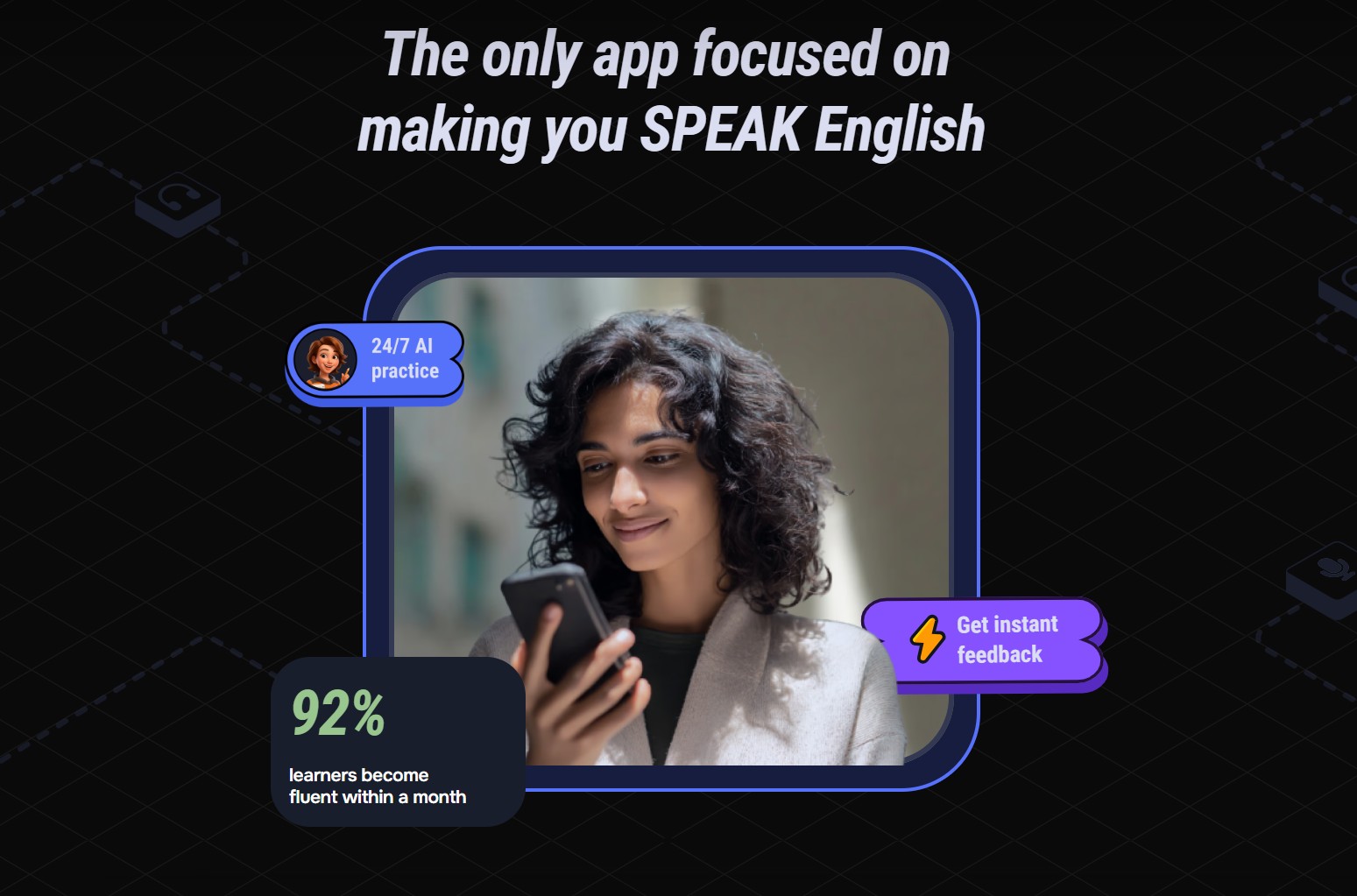
Supernova AI is a notable name in the group of AI-powered learning tools. The platform aims to help learners process educational content, review, and access knowledge in a more personalized way.
These types of AI tools can be particularly useful when learners have to process large amounts of material. Instead of reading the entire content from scratch, learners can use AI to identify key concepts, generate questions, or build review materials.
One possible prompt to use is:
"Transform this lesson content into a review document for students. Divide it into key concepts, definitions, examples, and 10 test questions. Do not omit any technical terms that appear in the document."
Afterward, learners should use questions to self-assess their understanding instead of just reading the summary.
It's important to note that the names and features of educational AI platforms can change rapidly. Therefore, users should check the official website to determine the version, free features, and data policy before using any personal learning materials.
6. Brainly
Brainly is a question-and-answer platform for students and the learning community. With the development of AI, Brainly has added many AI features to help learners receive explanations and guidance more quickly.
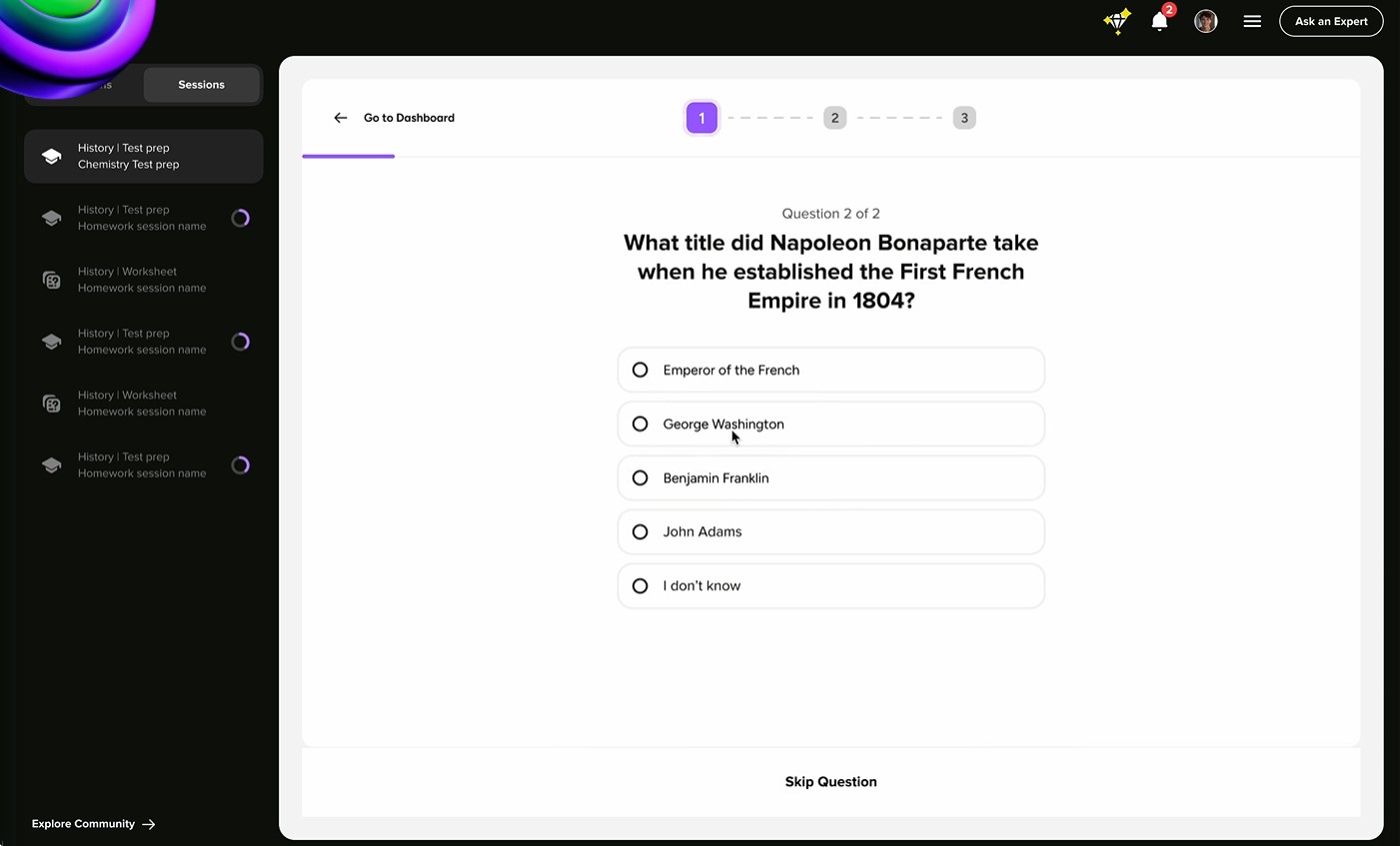
The key to Brainly is its question-based approach. When faced with a difficult problem, students can search for similar questions or ask new questions to receive support.
AI can help explain concepts in a simpler way. For example, instead of just asking:
"Solve this problem."
Students should write:
"Please guide me through this problem step by step like a teacher. Don't give me the answer right away. Explain the reasoning behind each formula and let me proceed to the next step on my own."
This way of asking questions helps learners understand the essence of the problem instead of just copying the answer.
Brainly is suitable for many subjects, especially when learners need to explain a specific question. However, answers from the community or AI still need to be checked, especially for complex exercises.
7. QuillBot
QuillBot is an AI-focused tool for writing and improving text, very useful for students and language learners. The tool can assist with paraphrasing, grammar checking, summarizing, and improving expression.
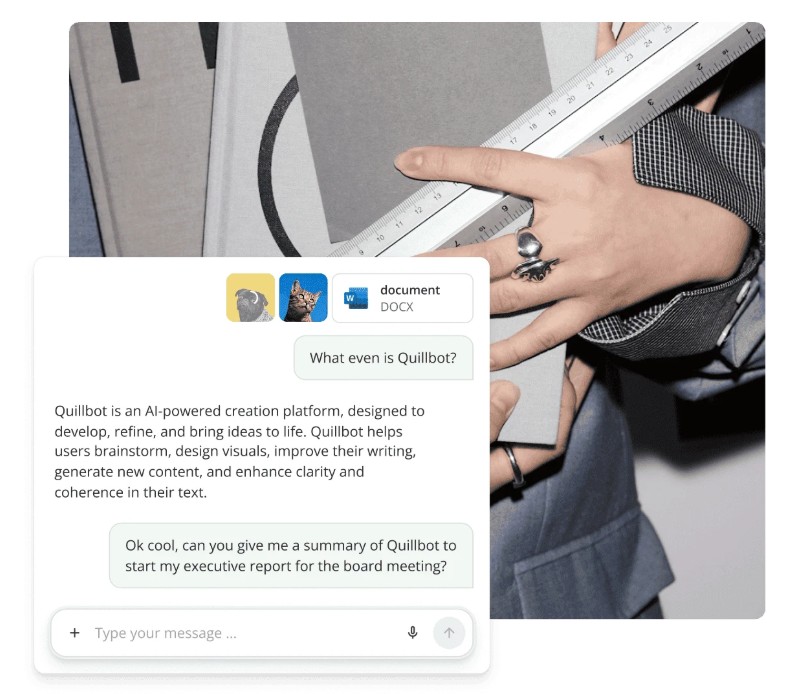
One of QuillBot's most popular applications in education is helping learners understand how to express an idea in different ways. For example, after writing a paragraph themselves, learners can use the AI to find sentences that express it more clearly.
The following command can be used:
“Please improve the following paragraph in an academic style. Keep the original meaning and information intact; do not add any new facts. Only correct the sentence structure, vocabulary, grammar, and coherence.”
It's important not to use QuillBot to transform copied content into seemingly original writing. In an educational setting, learners still need to formulate their own arguments and cite sources correctly.
The free version of QuillBot offers some basic features, while advanced functions may require an upgrade. For typical learning needs, the free version can significantly assist with editing and writing practice.
Free AI applications in education by 2026 are significantly expanding the potential for self-learning. ELSA Speak supports English pronunciation and communication, Thinkster focuses on mathematics, Quizlet helps with memorization, Duolingo supports language learning, Supernova AI helps process learning content, Brainly assists with question answering, and QuillBot improves writing skills.





















VIP Products








Best Selling Products
Plugin Retouch4me
69 USD
Windows 10 & 11 Pro Key
36 USD
Upgrade Genuine Office 365
49 USD
Adobe Photoshop Copyright - Full App
120 USD
Autodesk All App Account Copyright
120 USD
Freepik Premium Account
59 USD
Capcut Pro 1 Year
39 USD
Upgrade genuine Capture One account
120 USD
Genuine Cheap Canva Pro
39 USD
Adobe Premiere Pro Account
99 USD
ChatGPT Plus Account (GPT-4)
16 USD
Genuine Adobe Illustrator account
99 USD
Upgrade Duolingo Super
29 USD
Copyright Adobe Lightroom Account
59 USD
MidJourney Account
29 USD