Best Selling Products

Upgrade Genuine Office 365
49 USD

Capcut Pro 1 Year
39 USD

Genuine Cheap Canva Pro
39 USD

Copyright Adobe Lightroom Account
59 USD

Autodesk All App Account Copyright
120 USD

Upgrade Duolingo Super
29 USD

Genuine Adobe Illustrator account
99 USD

Plugin Retouch4me
69 USD

Adobe Premiere Pro Account
99 USD

Freepik Premium Account
59 USD

ChatGPT Plus Account (GPT-4)
16 USD

Windows 10 & 11 Pro Key
36 USD

Adobe Photoshop Copyright - Full App
120 USD

Upgrade genuine Capture One account
120 USD

MidJourney Account
29 USD
Refresh your image style with Lightroom: A treasure trove for photography enthusiasts.
Nội dung
- 1. Master every photo in your own style.
- 1.1. Delete everything with just one click using AI generation.
- 1.2. Add AI-powered blurring effects.
- 1.3. Controlling neutral tones, shadows, and highlights
- 1.4. Apply filters with just one click using premium presets.
- 1.5. Edit from anywhere on mobile devices, desktops, or the web.
- 2. Top three reasons to try Lightroom now.
- 2.1. Easy to edit
- 2.2. Make your portrait photos stand out.
- 2.3. Improve your skills
Lightroom is not just for photo editing; it also opens up a world of unlimited creativity. Its extensive preset library, AI effects, and detailed tools allow you to create your own unique style. All of this is done quickly and conveniently.
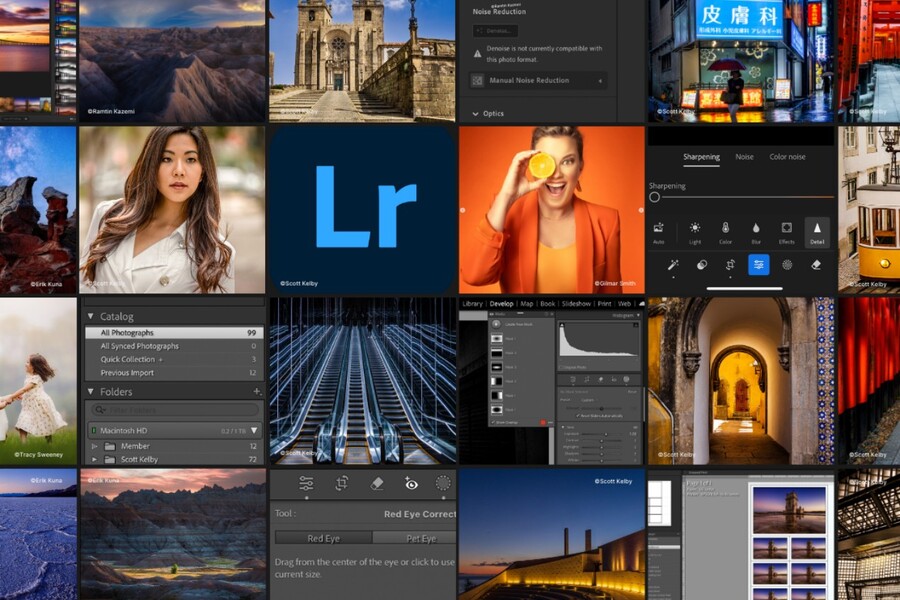
Adobe Lightroom has long been considered the gold standard in the world of digital photo editing. Not only is it the choice of top photographers, but beginners can also easily learn it thanks to its intuitive interface and flexible toolset. What has made Lightroom stand out in recent years is its ability to apply artificial intelligence to the image processing workflow, opening up a new, smoother, and more efficient creative experience than ever before.
With its array of AI-powered features, premium presets, cross-platform synchronization capabilities, and extensive editing tool library, Lightroom empowers users to confidently transform any ordinary photo into a work of art with depth. This article will help you explore Lightroom's most important strengths, from its standout features to why you should start trying the application today.
1. Master every photo in your own style.
Lightroom is more than just photo editing software; it's a creative space where every detail can be precisely fine-tuned using AI technology. Whether you want to remove unwanted details, blur the background, balance tones, or create quick aesthetic effects, Lightroom provides the best tools to help you tell your own unique visual story.
1.1. Delete everything with just one click using AI generation.
The Generative Remove feature is considered a "miracle" by many photographers and ordinary users alike. Previously, you had to use the Clone Stamp or Healing Brush tools in Photoshop to meticulously remove unwanted details manually, but now Lightroom allows you to do this in seconds.
The AI-generated image works by analyzing the surrounding environment of the object to be removed. After you submit your request, the system automatically reconstructs the missing area based on the natural lighting, texture, color, and proportions of the environment. As a result, the edited image is very difficult to detect, even when you zoom in closely.
For travel photos, you can remove unwanted strangers from the frame. When shooting street scenes, you can eliminate distracting signs or power lines. With product photos, you can clean up dust, fabric creases, or any small details that detract from the composition. All of this happens seamlessly, saving hours of manual editing.

1.2. Add AI-powered blurring effects.
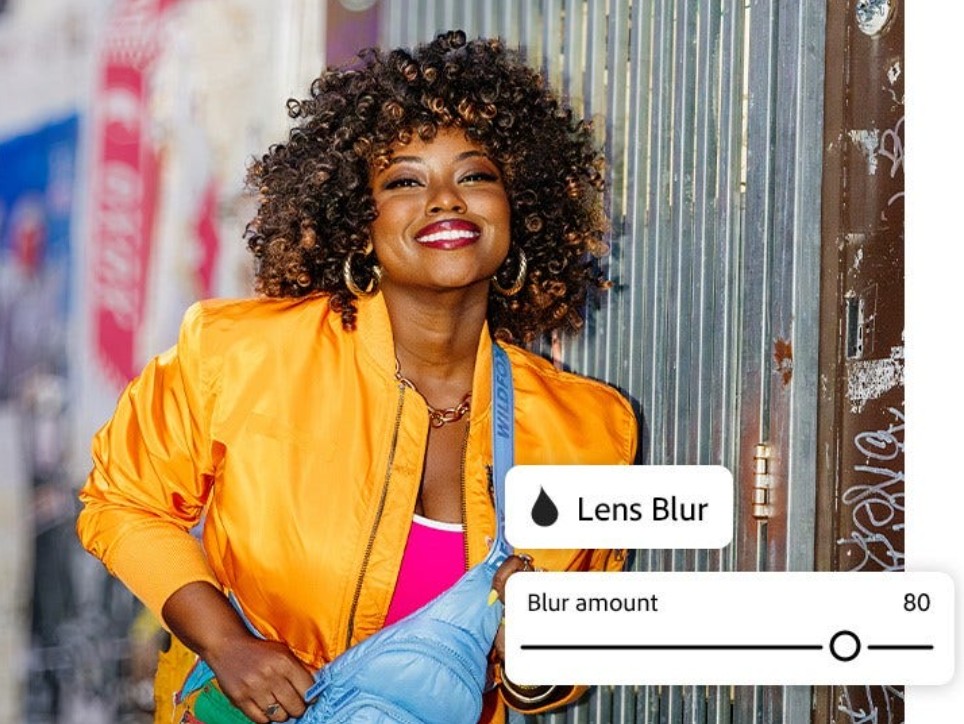
The AI-powered Lens Blur is one of Lightroom's most powerful depth-of-field effects. Using AI, Lightroom can analyze and separate different parts of an image, then recreate a bokeh effect as if it were taken with a professional lens system.
Instead of needing a full-frame camera and a large aperture lens, you only need a regular photo. Lightroom will recreate a subtle bokeh effect with varying degrees of blur, creating a three-dimensional feel and emphasizing the subject. Even intricate details like hair, hairlines, flowers, or objects with delicate outlines are handled skillfully.
This feature is especially useful for portraits, product photos, food photos, or any scene where the subject needs to be clearly defined. You can customize the blur level, bokeh style, focus area, and lighting effects to achieve your desired style. This helps you save on equipment costs while still getting high-quality, professional-standard photos.
1.3. Controlling neutral tones, shadows, and highlights
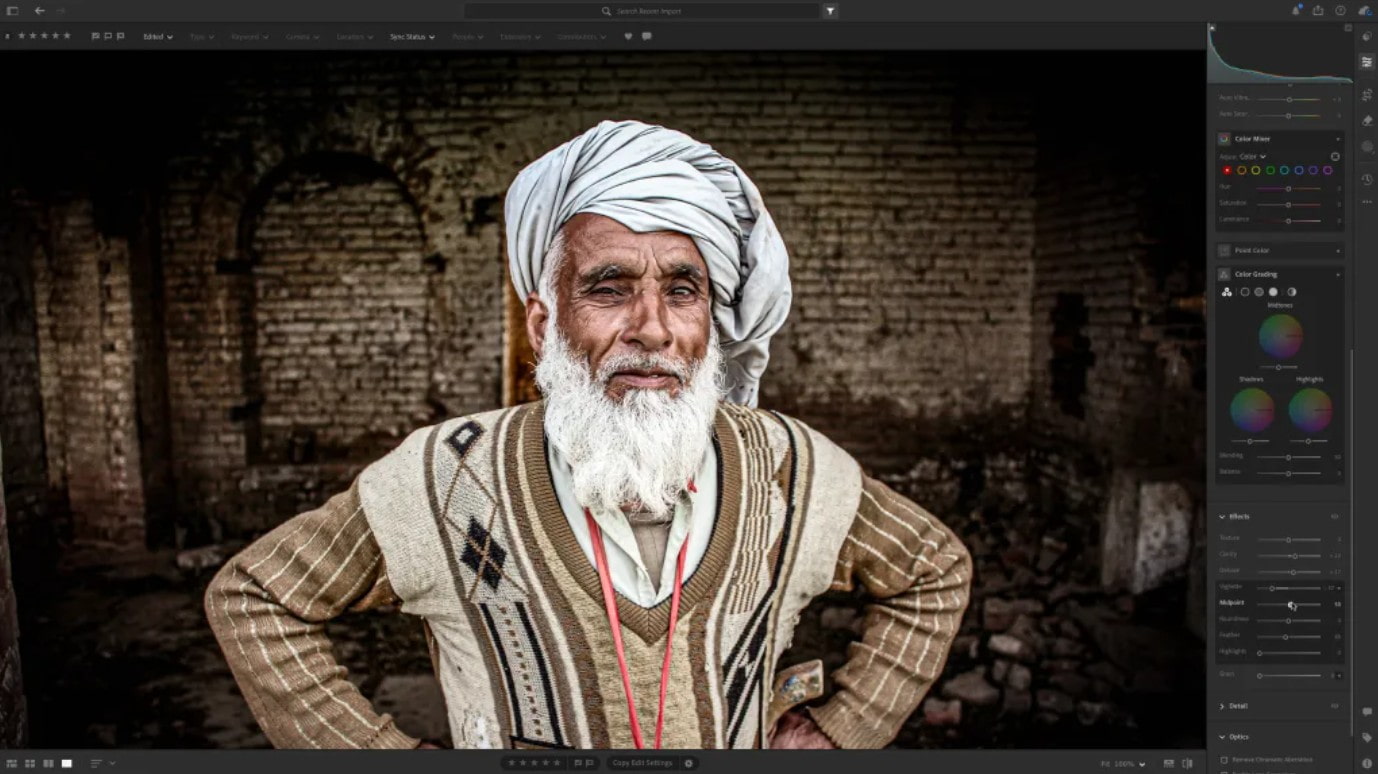
A beautiful photograph is not just about composition and subject, but also about the ability to control tone. Lightroom provides a very powerful tone editing interface, allowing you to adjust the entire range of lighting, color, and contrast.
Tools like Exposure, Contrast, Highlights, and Shadows give you control over overall lighting. If a bright area is overexposed, you can reduce Highlights to restore detail. If a dark area is too dark, you can increase Shadows to clarify any obscured objects. These adjustments are especially important for landscape photos or backlit shots.
Controlling neutral tones helps to balance the image, avoiding it being too warm or too cold, thus accurately reflecting the mood of the photograph. Professional photographers often begin editing from the midtones, as this is the area that holds the most information in an image.
For those who enjoy being creative, you can delve deeper into Tone Curve or Color Grading – where you fine-tune each color channel in detail to create cinematic, vintage, or pastel styles. This is also a key element in the visual style of many renowned photographers.
1.4. Apply filters with just one click using premium presets.
Presets are a favorite tool for quick content creators, influencers, travel bloggers, or anyone who wants a consistent photo style. Lightroom offers an incredibly rich library of presets, from classic suggestions to modern color palettes designed by industry experts.
The great thing is that you only need one click to apply a preset to your entire photo album. Lightroom's AI system will analyze the photos to ensure the preset is applied appropriately, preventing the images from being too bright, too dark, or too color-shifted.
You can also customize presets to your liking, save them, and use them for future projects. This helps build a consistent visual style for your personal or business brand. Instagram and TikTok creators often use presets to ensure a consistent feed, creating a professional feel.
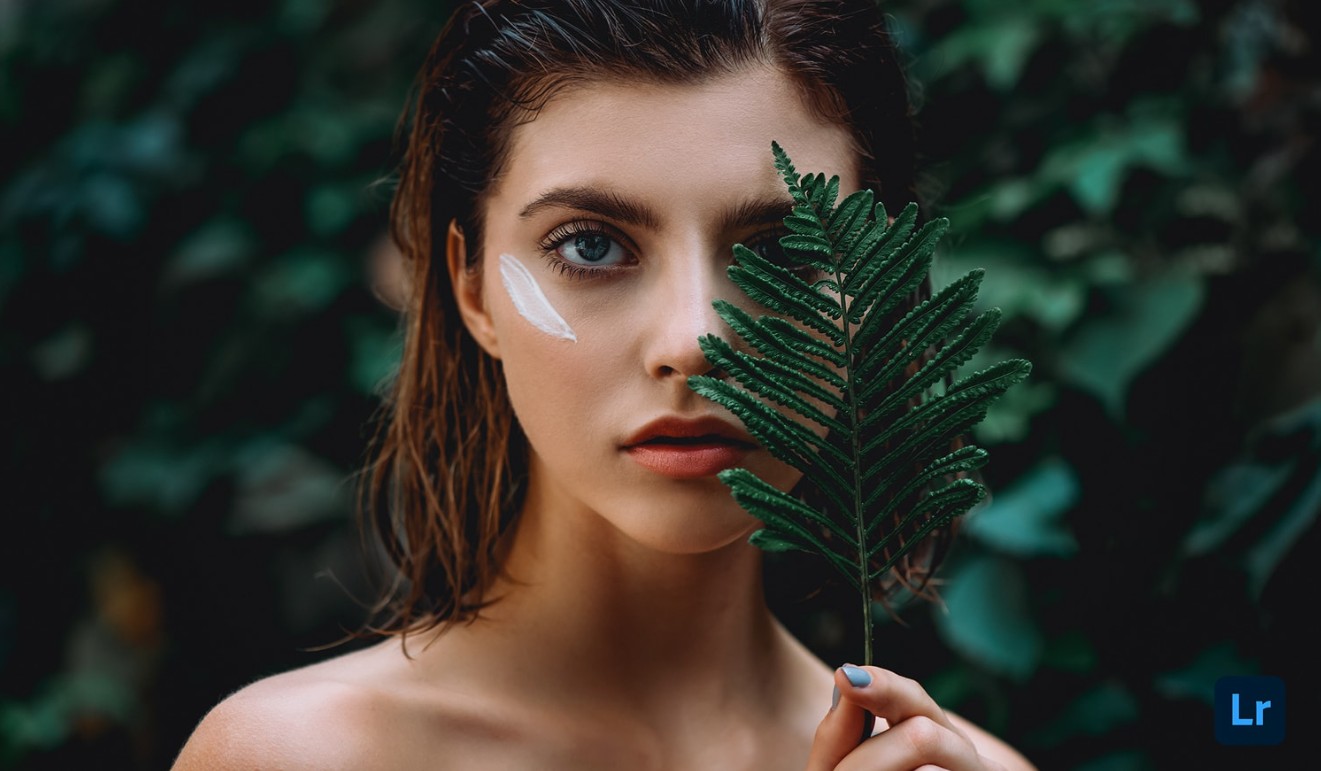
1.5. Edit from anywhere on mobile devices, desktops, or the web.
Lightroom's greatest strength is perhaps its cross-platform synchronization capabilities. You can start editing on your phone while on the go, continue refining on your laptop, and review on your web browser. All data is synchronized via Creative Cloud, allowing you to work from anywhere without losing progress.
The mobile version of Lightroom boasts almost all the essential editing features, and is designed to be extremely optimized for touch screens. People who shoot photos with their phones can quickly edit them after shooting and share them on social media in just minutes.
The desktop version offers a spacious workspace, ideal for detailed photo editing or batch processing in a short amount of time. Whichever platform you choose, Lightroom ensures a consistent and efficient workflow.
2. Top three reasons to try Lightroom now.
Lightroom is not just an editing tool, but also a "creative companion" that helps you elevate your skills and image quality. Here are three key reasons why Lightroom deserves to be the choice for everyone, regardless of their skill level.
2.1. Easy to edit
One of Lightroom's greatest strengths is its ability to simplify the photo editing process. Its intuitive interface makes it easy for new users to learn how to use it without the overwhelming feeling of opening Photoshop for the first time.
Even basic adjustments like brightness, contrast, and sharpness are designed as sliders, allowing you to see the changes in real time. This is especially useful when editing photos of pets, memories, or everyday moments where you want the content to stand out, the colors to be harmonious, and the emotions to be genuine.

Additionally, the AI-powered Auto tool analyzes the entire image and provides optimal editing suggestions with just one touch. This is a lifesaver for those unfamiliar with technical settings but still want beautiful photos in seconds.
2.2. Make your portrait photos stand out.
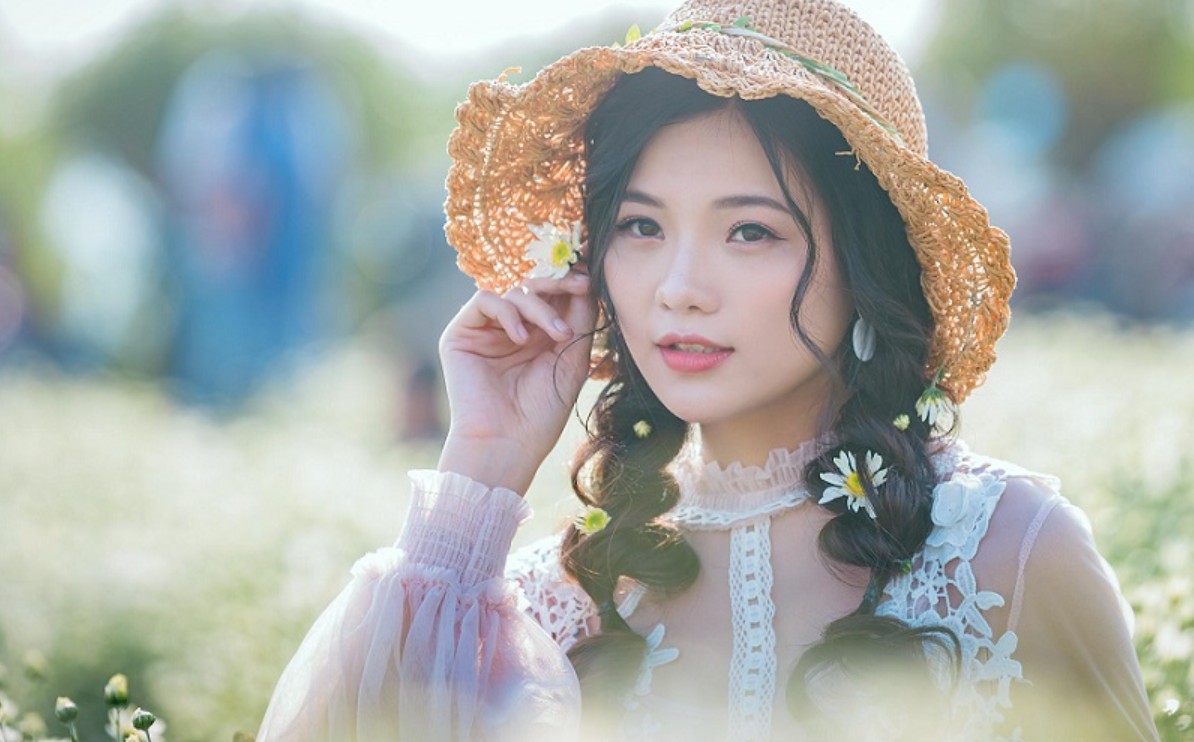
Portrait photography is the most popular genre today, especially on social media. Lightroom boasts powerful tools that help you enhance your personal images without sacrificing naturalness. You can smooth skin, balance tones, and adjust lighting in just a few basic steps.
However, the key differentiator is the portrait preset system, designed to suit all skin tones and styles. Instead of manually adjusting every detail, you can apply a preset and let Lightroom automatically handle the lighting, contrast, warmth, and skin tone in the most harmonious way.
If you love taking selfies or photos with your phone, the intelligent Lens Blur and Masking features accurately separate the subject, blur the background, and keep facial details sharp. This allows you to transform any memorable photo into an artistic portrait in just seconds.
2.3. Improve your skills
Lightroom is not just an editing tool, but also a learning environment for those who want to upgrade their photography skills. Inside the app, you can find a visual tutorial system where professional photographers share step-by-step editing processes.
The Learn mode allows you to observe how they handle light, tone, and detail, and then try applying these techniques to your own photos. This creates a hands-on learning experience, helping you improve your skills naturally and effectively.
Additionally, the Lightroom Discover community provides a treasure trove of inspiration from thousands of users worldwide. You can see how they transform original photos, download their shared presets, or explore new styles to develop your own aesthetic.
Adobe Lightroom is not just a powerful photo editing tool, but also a bridge between technology and creative art. Thanks to its AI applications, smooth editing capabilities, high-quality presets, and cross-platform workflow, Lightroom helps users master every photo in the most natural and precise way.





















VIP Products








Best Selling Products
Upgrade Genuine Office 365
49 USD
Capcut Pro 1 Year
39 USD
Genuine Cheap Canva Pro
39 USD
Copyright Adobe Lightroom Account
59 USD
Autodesk All App Account Copyright
120 USD
Upgrade Duolingo Super
29 USD
Genuine Adobe Illustrator account
99 USD
Plugin Retouch4me
69 USD
Adobe Premiere Pro Account
99 USD
Freepik Premium Account
59 USD
ChatGPT Plus Account (GPT-4)
16 USD
Windows 10 & 11 Pro Key
36 USD
Adobe Photoshop Copyright - Full App
120 USD
Upgrade genuine Capture One account
120 USD
MidJourney Account
29 USD