Best Selling Products

MidJourney Account
29 USD
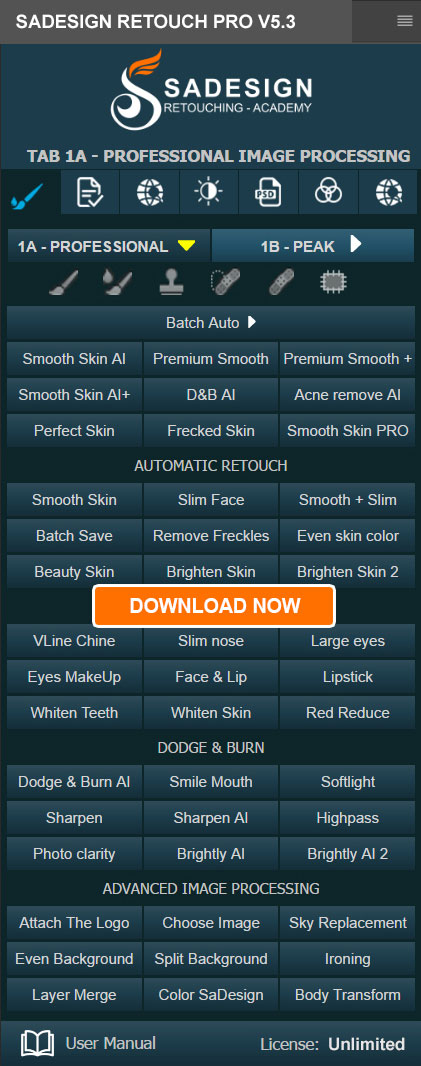
Plugin Retouch4me
69 USD
Copyright Adobe Lightroom Account
59 USD
Windows 10 & 11 Pro Key
36 USD
Adobe Premiere Pro Account
99 USD

Freepik Premium Account
59 USD
Upgrade genuine Capture One account
120 USD
Upgrade Duolingo Super
29 USD
Adobe Photoshop Copyright - Full App
120 USD
Upgrade Genuine Office 365
49 USD
Autodesk All App Account Copyright
120 USD

ChatGPT Plus Account (GPT-4)
16 USD
Genuine Cheap Canva Pro
39 USD
Genuine Adobe Illustrator account
99 USD

Capcut Pro 1 Year
39 USD
Revealing the TOP 10 apps for creating beautiful, natural, and romantic wedding photos of the bride and groom.
Nội dung
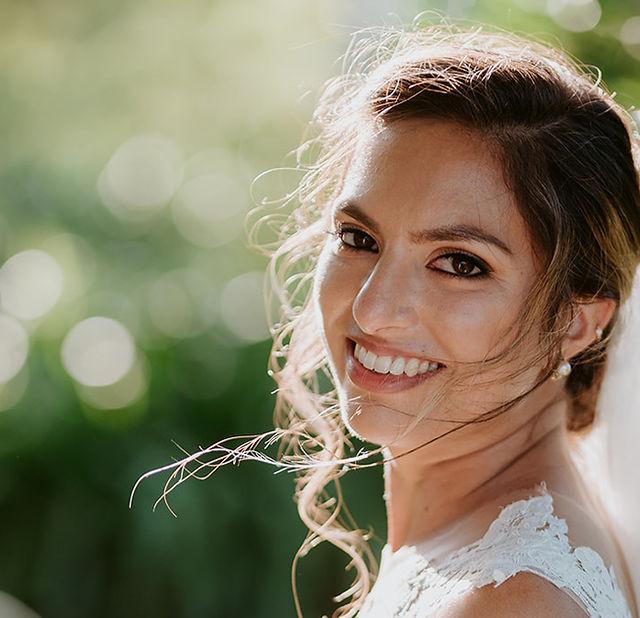
You don''t need a studio photoshoot or to invest in a professional wedding photo album; you can still have stunning photos of the bride and groom thanks to photo editing apps on your phone. With just a few simple steps, you can try many different styles, from gentle Korean-style wedding photos and elegant classic wedding photos to romantic shots amidst natural scenery. Nowadays, many wedding photo editing apps for brides and grooms are integrated with frames, outfits, lighting effects, and AI technology to make the editing process easier.
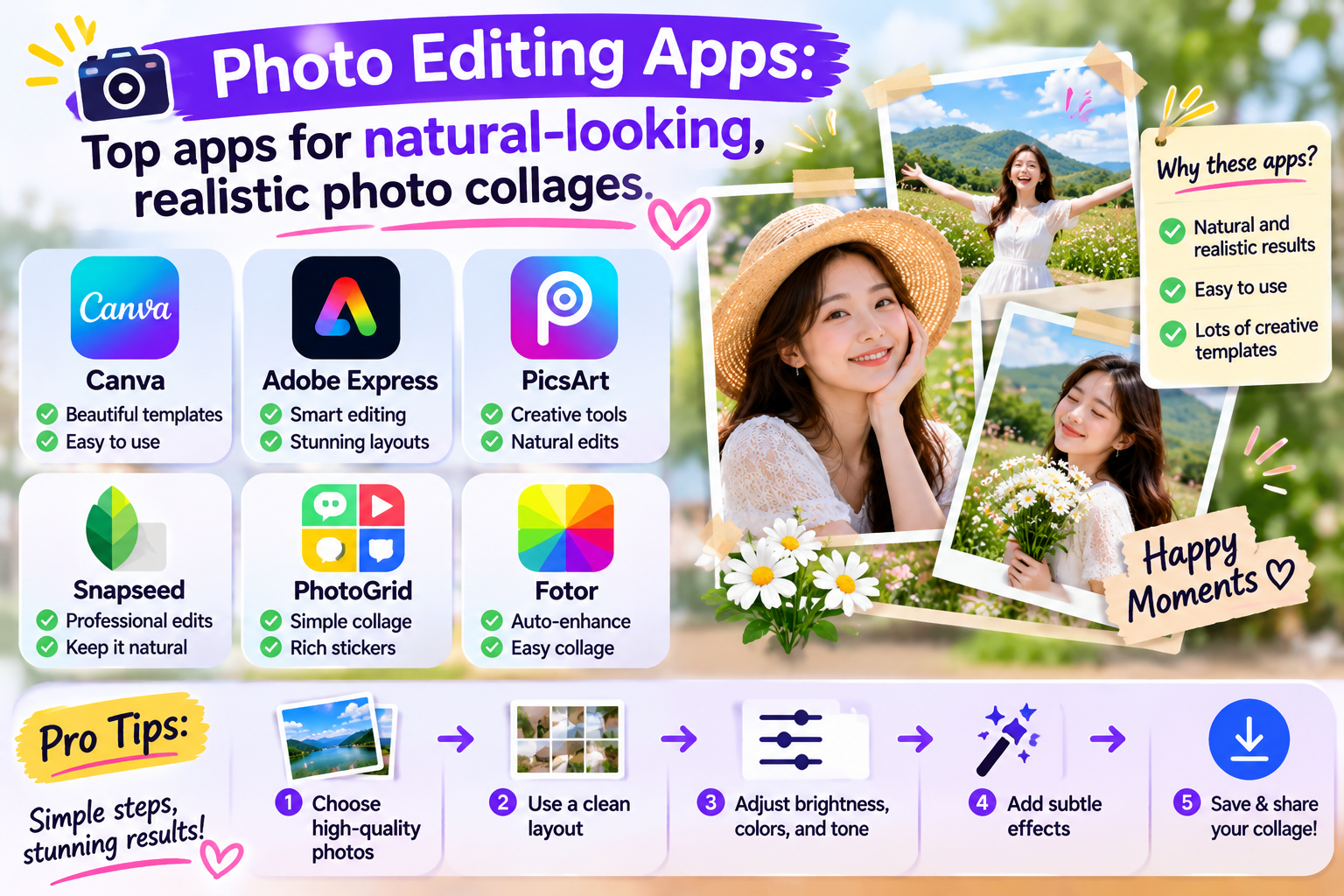
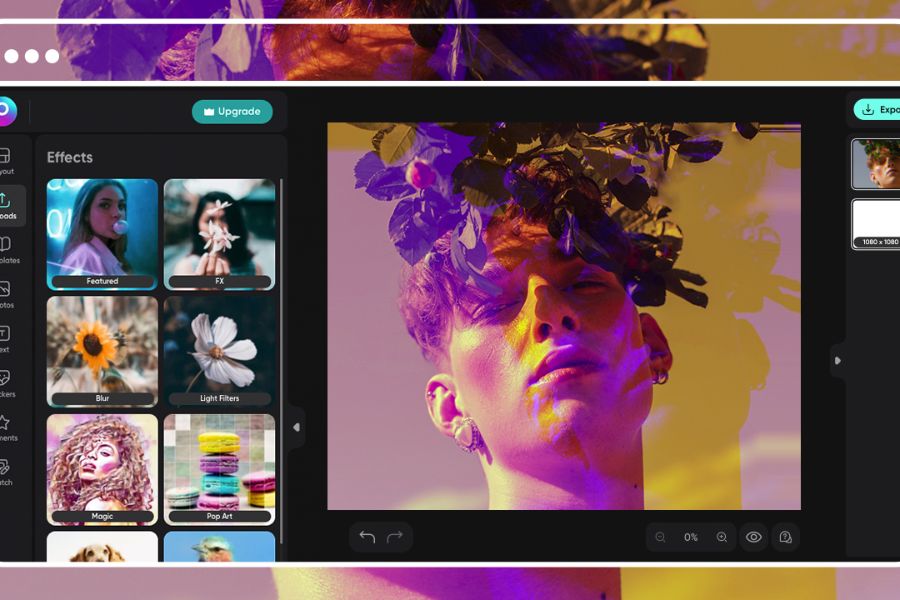
1. PicsArt
PicsArt is a familiar photo editing app with many creative tools, suitable for those who want to design their own wedding photos with a unique touch. You can combine photos of the bride and groom in one frame, remove the background, add romantic scenery, or combine multiple photos to create a complete composition. From elegant wedding settings to outdoor photography styles, the app allows you to flexibly transform images according to your preferences without needing professional design skills.
PicsArt's appeal lies in its diverse collection of stickers, effects, color filters, and collage tools. After combining photos of two people, you can adjust brightness, skin tone, and contrast for a more harmonious image. If you want to create wedding photos to post on Facebook, TikTok, or as couple profile pictures, you can also add text, anniversary dates, and subtle decorative details. Some advanced features may require payment, but the basic tools are sufficient for you to start creating beautiful wedding photos.
2. Canva
Canva is a design app perfect for couples who want to create beautiful wedding photos in their own unique style without spending too much time. Instead of arranging every detail from scratch, you can choose from pre-made layout templates, upload the bride and groom's photos, and then adjust the position, size, and color to create a harmonious look. Minimalist, Korean-style, or classic frames can all be customized to your liking, making the photos more sophisticated and emotionally rich.
Another advantage of Canva is its ability to combine photos with text and decorative details. You can add the names of the couple, the wedding date, wishes, or love quotes to create a meaningful commemorative photo. Besides photo collages, the app is also useful for designing e-wedding invitations, album covers, and posts announcing the big day. Canva has a free version; however, some design templates, images, and advanced features require a paid account to use.
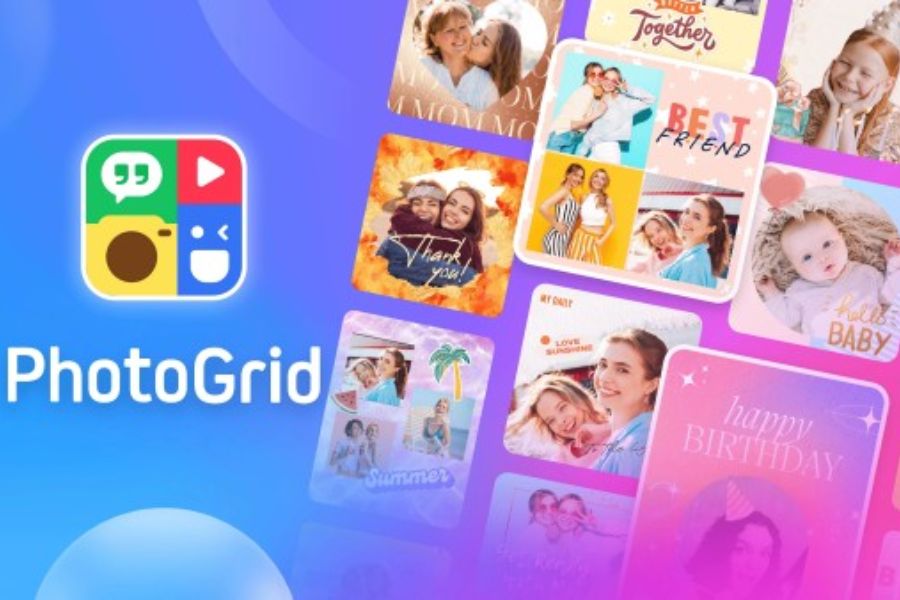
3. PhotoGrid
If you love creating photo collages that capture precious moments with your loved ones, PhotoGrid is an app worth trying. This tool focuses on photo collage features with various layouts, allowing you to combine portraits, full-body photos, and romantic moments into a single design. You can choose the appropriate frame style, arrange the bride and groom's photos as you wish, and adjust the spacing between the photos to create a neat and eye-catching overall effect.
Beyond simple photo collage creation, PhotoGrid offers editing and decorating tools to help you perfect your creations. Gentle color filters, delicate borders, and heart-shaped stickers can add a romantic touch to your photos. The app is suitable for beginners as it's relatively easy to understand and doesn't require extensive editing experience. If you want to post commemorative photos on social media or create a photo album documenting your journey together, you can quickly and easily do so using PhotoGrid.
4. Fotor
Fotor is a photo editing app suitable for those who appreciate elegant aesthetics and want to enhance the quality of their images before combining them into a wedding photo album. Tools for adjusting lighting, contrast, color, and portrait enhancements help make photos look brighter and clearer. When combining photos of the bride and groom, you can adjust each photo to match the tones, avoiding situations where one person is too bright while the other is too dark. This is a crucial step to ensure the combined images look natural and seamless.
Besides basic editing features, Fotor also offers AI-powered tools for design and image processing, depending on the version. You can utilize these features to enhance images, experiment with color combinations, or create layouts in a modern wedding photography style. For photos intended for printing as commemorative artwork, checking sharpness and output quality before finalization will help you achieve a better result. Some AI tools and advanced features may be limited in the free plan.
5. Daughter
Meitu is popular for its portrait beautification tools and youthful filters. If you want to create Korean-style wedding photos with bright skin, soft colors, and radiant appearances, this app can help you create vibrant images. Face editing, skin smoothing, and color adjustment tools help perfect the photos before combining the two people in one composition. This allows you to experiment with many different styles without performing too many complicated steps.
Meitu's appeal lies in its ability to create photos with unique styles, ranging from innocent and adorable to romantic and dreamy. You can combine portraits with appropriate lighting effects, backgrounds, or decorative details to create the feeling of a mini wedding photoshoot. However, to maintain a natural look, you should adjust the level of beautification moderately, avoiding altering facial features too much. Depending on your device and app version, some filters or special features may require payment.
6. Adobe Lightroom
Adobe Lightroom is a worthwhile option if you want wedding photos with beautiful and consistent colors. The application focuses on adjusting lighting, white balance, contrast, and color parameters, resulting in more harmonious images after processing. For example, you can create a soft, creamy white tone for studio wedding photos or choose warm colors for outdoor photos taken at sunset. These adjustments add depth and a romantic feel to the images without overusing effects.
Although Lightroom isn't specialized in superimposing brides and grooms into wedding attire or creating pre-made photo frames, the app is still very useful when combined with other photo editing tools. You can adjust the colors of each photo first, then import them into the design application to finalize the layout. This method is especially suitable when you want to create an album with a consistent style from start to finish. Lightroom has free and paid features depending on the version, so you should check the tools you need before subscribing to an upgrade plan.
7. B612
B612 is a popular photo-taking and editing app for those who like cute and modern styles. Its strengths lie in its color filters, beauty effects, and easy-to-use portrait editing tools. If you want to create couple photos with your loved one before your official wedding photoshoot, B612 can help you experiment with different styles. Simply choose the right filter, adjust the lighting, and pose naturally, and you can have memorable photos with your own unique style.
For wedding photo collages, B612 is more suitable for perfecting the appearance and color of the photos before transferring them to a specialized collage tool. You can adjust the portraits of the two people to have the same color tone so that when combined, the overall effect doesn't look too different or have significant differences in brightness. Effects should be used sparingly to preserve the natural features of each person. If the goal is to create casual, youthful wedding photos to share on social media, B612 will be an accessible choice.
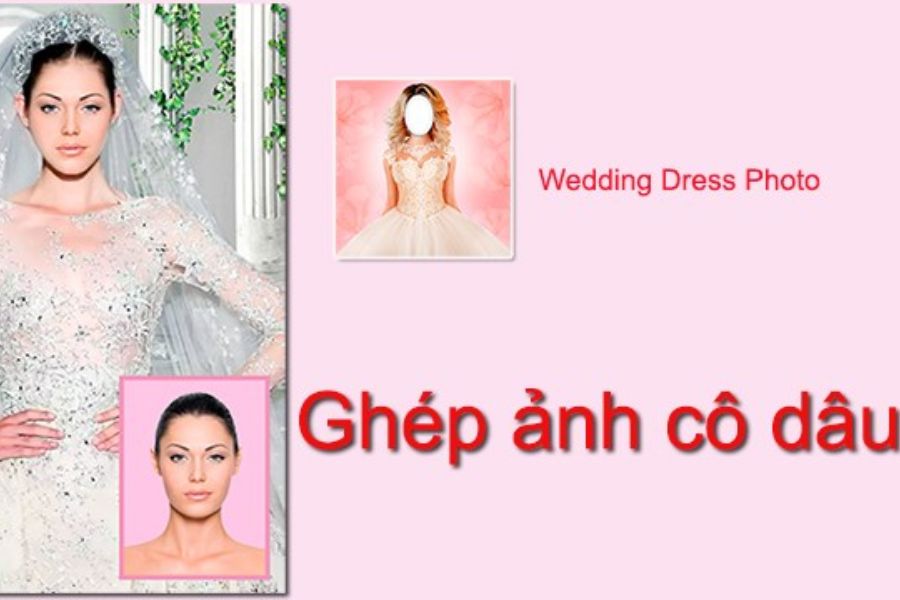
8. Wedding Dress Photo
Wedding Dress Photo is the name used by apps focused on wedding dresses, allowing users to experiment with what a bride might look like through their personal photos. Depending on the specific version, the app may offer different dress styles, frames, or photo collage options. Instead of preparing a wedding dress and going to a studio, you can choose a suitable portrait photo and try combining it with the available dress styles. This is a fun way to visualize yourself in wedding attire and preserve memorable photos with your loved one.
To create a complete wedding photo, you can combine an edited bride photo with a groom photo in the same composition, then choose a suitable background. Scenes like the wedding hall, flower garden, or wedding venue can make the photo more romantic. However, you should note that there are many apps with names similar to Wedding Dress Photo on app stores. Check the publisher, sample images, and reviews before installing to choose the right tool for your needs.
9. Wedding Dress Photo Camera
Wedding Dress Photo Camera is another option in the category of wedding-themed photo collage apps. These apps typically combine portrait photos with pre-designed wedding dress frames or templates. Thanks to their relatively intuitive interface, users can experiment with the bride's look without needing to be proficient in complex editing tools. If you want to create a memorable photo or visualize the wedding dress style before the big day, this is a simple and easy approach.
To make the photo look more harmonious, you should choose an original photo with a suitable angle and pose that matches the dress. After combining, check the position of the face, hairline, skin tone, and body proportions to minimize unnatural details. If you want to include both the bride and groom, you can combine the final product with a groom photo with similar lighting and then adjust the overall color using other tools. Because the app name may be used by multiple publishers, the actual features will depend on the version you choose.
10. Korean Wedding Photo Suit Kpop Style
If you love Korean wedding photos with their elegant attire, soft colors, and romantic settings, then Korean Wedding Photo Suit Kpop Style is a name you can consider. Apps in this category usually focus on wedding attire and styling effects in the Korean style, allowing users to experiment with new looks from their personal photos. You can choose from pre-designed wedding dresses, groom's suits, or layouts to create a youthful and modern couple photo. This is also a great idea for couples who want commemorative photos but don't have the means to shoot in a studio.
To create a more beautiful collage, prioritize original photos with clear faces, good lighting, and a close-up shot of the subject's outfit. Choose a frame with harmonious colors, avoiding too many effects that could detract from the subtle elegance of the Korean style. Once completed, you can add the names of the two people or the anniversary date to turn the artwork into a small gift for your loved one. Before downloading, check the image quality, the access permissions the application requests, and the terms and conditions regarding the use of personal photos.
11. Conclusion
With these 10 wedding photo editing apps for brides and grooms, you can easily explore many different styles, from youthful and sweet to elegant and luxurious. Each app has its own advantages, helping you save time, unleash your creativity, and preserve your love moments in your own way. Choose the tool that suits your needs, experiment with different layouts, and don't forget to keep the natural look of both of you. Sometimes, a wedding photo created by yourself is enough to become a meaningful keepsake for the one you love









VIP Products


Best Selling Products
MidJourney Account
29 USD
Plugin Retouch4me
69 USD
Copyright Adobe Lightroom Account
59 USD
Windows 10 & 11 Pro Key
36 USD
Adobe Premiere Pro Account
99 USD
Freepik Premium Account
59 USD
Upgrade genuine Capture One account
120 USD
Upgrade Duolingo Super
29 USD
Adobe Photoshop Copyright - Full App
120 USD
Upgrade Genuine Office 365
49 USD
Autodesk All App Account Copyright
120 USD
ChatGPT Plus Account (GPT-4)
16 USD
Genuine Cheap Canva Pro
39 USD
Genuine Adobe Illustrator account
99 USD
Capcut Pro 1 Year
39 USD