Best Selling Products

Plugin Retouch4me
69 USD

Genuine Adobe Illustrator account
99 USD

Copyright Adobe Lightroom Account
59 USD

Upgrade genuine Capture One account
120 USD

Autodesk All App Account Copyright
120 USD

Adobe Photoshop Copyright - Full App
120 USD

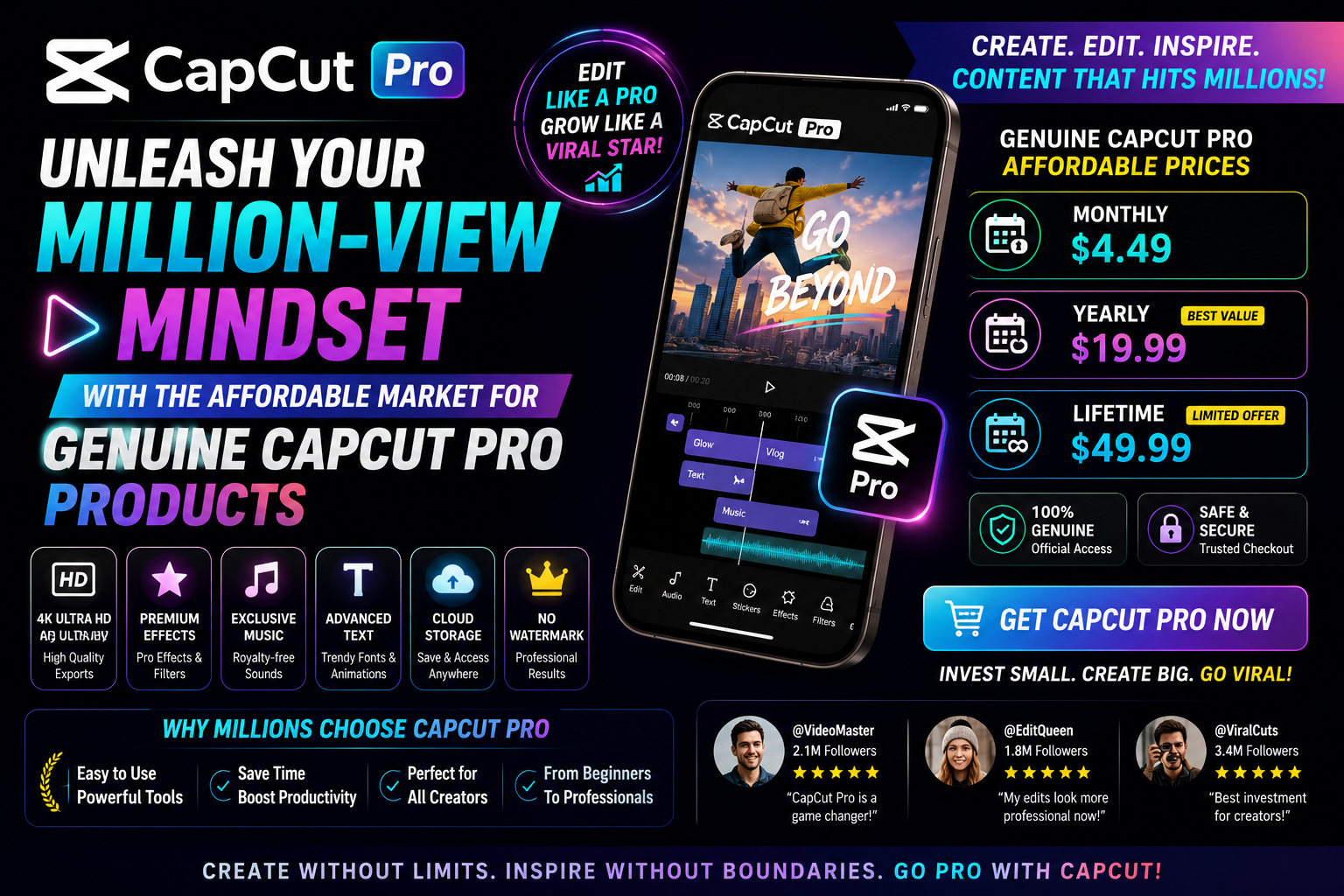
Capcut Pro 1 Year
39 USD

Genuine Cheap Canva Pro
39 USD

ChatGPT Plus Account (GPT-4)
16 USD

MidJourney Account
29 USD

Windows 10 & 11 Pro Key
36 USD

Adobe Premiere Pro Account
99 USD

Freepik Premium Account
59 USD

Upgrade Duolingo Super
29 USD

Upgrade Genuine Office 365
49 USD
Revealing the Top 10 Best ID Photo Background Editing Apps, Studio-Quality At Home
Nội dung
- 1. PhotoRoom: The AI Technology Background Removal Wizard
- 2. ID Photo Creator: The Professional ID Photo Creation Solution
- 3. PicsArt: Versatile ID Photo Creation For Young People
- 4. Passport Photo Maker: Standardizing ID Photos In A Flash
- 5. Canva: When ID Photo Design Becomes Simple
- 6. Snapseed: The Peak Of Manual Background Removal For ID Photos
- 7. Fotor: Artificial Intelligence Elevating Portrait Photos
- 8. Remove.bg: Minimal And Super Fast For Background Change Needs
- 9. Adobe Photoshop Express: Studio-Class Quality In Your Hands
- 10. Vivid Glam: AI Background Replacement, Sharp And Natural
- 11. Conclusion
You can completely create elegant, standardized ID photos right on your own phone. The secret lies in smart ID photo background editing apps integrated with AI technology. Let''''''''s join AppVip.ai to explore the list of top-tier applications that help you "transform" your ID photo background in just one tap, saving maximum time and cost!
1. PhotoRoom: The AI Technology Background Removal Wizard
If you're looking for an ID photo background editing app with astonishingly fast processing speed, then PhotoRoom is exactly your match. Known as the "background removal wizard," this application uses an artificial intelligence (AI) algorithm to scan through the photo, accurately distinguishing every strand of hair to return a clean-background ID photo in under 3 seconds. Its smooth style and minimalist interface allow even those who aren't tech-savvy to operate it as professionally as a real photographer.
- Automatic subject recognition: AI scans deeply and separates the person from the background extremely sharply.
- International-standard background library: Change to a cyan blue or standard white background with just one tap.
- Natural shadow effects: Creates depth so the ID photo looks realistic, not artificial.
- Batch editing: Saves time by changing the background of multiple photos at once.
- High-quality file export: Ensures sharp resolution for printing or submitting documents online.
.jpg)
2. ID Photo Creator: The Professional ID Photo Creation Solution
Not just a simple editing tool, ID Photo Creator is a capable assistant designed specifically for producing passport, visa, and ID card photos. Don't let outdated ID photos diminish your confidence in your job application or study-abroad file. With this dedicated ID photo background editing app, you'll be guided step by step, from positioning your face angle to selecting the background color that meets legal standards.
- Face-positioning grid frame: Guides users to shoot at the correct angle, eye ratio, and chin position.
- Smart background change: Instantly switches the background color to blue/white depending on the requirements of each type of document.
- Natural skin-smoothing filter: Helps skin look radiant without losing distinctive facial features.
- Simulated outfit library: Adds shirts or elegant blazers for both men and women.
- Automatic print layout: Arranges multiple photos on a standard paper size (4x6, 3x4) ready to take straight to the print shop.
3. PicsArt: Versatile ID Photo Creation For Young People
PicsArt is no stranger to the mobile photography community, but few know that it's also an extremely powerful ID photo background editing app. PicsArt's flexibility lies in allowing you to make deep adjustments to every detail of the photo. If you want an ID photo that is both formal enough for submitting documents and still retains an attractive, youthful expression, then PicsArt's cutting and background-changing tools will fully meet your expectations.
- Fine-tuning Selection tool: Allows manual painting or erasing of small details that were missed.
- Free background replacement: Options for gradient color ranges or precise hex color codes for the ID photo background.
- In-depth flaw editing: Removes acne, whitens teeth, and adjusts lighting on the angles of the face.
- Integrated collar overlay: Easily inserts pre-made office attire designs from the sticker library.
- Diverse color filters: Adjusts warm or neutral skin tones to suit Asian preferences.
.jpg)
4. Passport Photo Maker: Standardizing ID Photos In A Flash
Wearing an intuitive interface and aimed directly at its purpose, Passport Photo Maker helps you eliminate the worry of ID photos being rejected during administrative procedures. This is an ID photo background editing app that has a database of sizes and background colors for more than 100 countries. Just select the type of document you want to create, and the app will automatically calculate the distance from the top of the head to the chin and suggest the most accurate standard background color for you.
- Standard national data library: Automatically applies passport and visa sizes according to each country's regulations.
- Complex background removal: Completely eliminates cluttered details behind the subject cleanly.
- Contrast adjustment: Automatically balances light and dark so the photo meets biometric review standards.
- Smooth background replacement: Flexibly switches between pure white background and cobalt blue background.
- Multi-format file saving: Supports saving photos as JPEG or PNG with optimized file size.
5. Canva: When ID Photo Design Becomes Simple
Canva always knows how to surprise users with its versatility, and now it has become an extremely popular ID photo background editing app thanks to its one-click background removal feature. Without needing to understand complex graphic design techniques, Canva offers a smooth drag-and-drop experience, helping you create elegant ID photos to insert into modern CV templates in just a few short minutes.
- AI Background Remover feature: Removes the background extremely accurately, preserving the sharpness of hair strands and clothing.
- Precise size customization: Enter exact mm or cm measurements directly (for example: 30x40mm for a 3x4 photo).
- Frame design: Adds faint cutting lines to help align the photo more easily when cutting it manually after printing.
-Cloud synchronization: Edit on your phone and easily download from your personal computer.
- CV integration: Directly insert the newly edited ID photo into available recruitment application templates.
.jpg)
6. Snapseed: The Peak Of Manual Background Removal For ID Photos
Coming from tech giant Google, Snapseed is a completely free mobile darkroom without any annoying ads. Although it doesn't follow the fully automated approach of newer AI applications, Snapseed is an ID photo background editing app favored by perfectionists. Thanks to the "Double Exposure" tool combined with the "Brush" tool, you can fully control keeping or removing every pixel around your hair, delivering unexpectedly realistic results.
-Advanced Double Exposure tool: Composites the portrait onto a pure blue or white background.
- Brush feature: Precisely intervenes in hair edge areas, avoiding color bleeding.
- Selective editing: Increases brightness or changes saturation in a specific area of the face.
- Healing tool: Naturally removes acne spots, dark marks, or stray hair strands.
- Image expansion (Expand): Automatically adds extra shoulder space if the original photo was cropped too tightly.
7. Fotor: Artificial Intelligence Elevating Portrait Photos
Fotor is a comprehensive photo editing platform that's taking off thanks to its integration of next-generation AI tools. Serving as an ID photo background editing app, Fotor doesn't just do a good job of changing the background color — it also acts like a digital makeup artist. Photos taken hastily in poor lighting conditions or with a cluttered bedroom background will instantly transform into premium studio-shot works thanks to the app's intelligent processing algorithm.
- One-tap AI background removal: Handles complex details around clothing and hair neatly.
- Diverse background color palette: Provides a full range of blue and white shades that meet administrative requirements.
- AI Enlarger feature: Upgrades the resolution of a blurry original photo into a sharp image.
- Smart makeup: Automatically applies powder and lipstick neatly to make the face look fresher.
- Friendly interface: Steps are optimized and intuitive for all types of users.
.jpg)
8. Remove.bg: Minimal And Super Fast For Background Change Needs
If you don't want to download a heavy app that fills up your phone's memory, then Remove.bg (available in both web and mobile app versions) is the perfect solution. True to its name, this tool's sole purpose is to remove and replace backgrounds. Without unnecessary complexity or extra features, this ID photo background editing app simplifies every step, delivering satisfying results in the blink of an eye.
-- Record-breaking processing speed: Removes the background and displays results in under 5 seconds.
- Hair-edge recognition technology: Handles curly or frizzy hair smoothly, even the difficult kind.
- Built-in solid color palette: Switch to a white or blue background right within the results interface.
- Saves device storage: Extremely lightweight app size, runs smoothly even on lower-spec devices.
- Powerful API support: Suitable for those who need to process large volumes of ID photos continuously.
9. Adobe Photoshop Express: Studio-Class Quality In Your Hands
Inheriting top-tier graphic design genes from its legendary desktop version, Adobe Photoshop Express brings mobile users a class-leading, millimeter-precise ID photo editing tool. This is an ID photo background editing app for those who demand absolute perfection in every frame. The app helps you control the color range and lighting around the subject so it harmonizes best with the newly replaced background color.
- Smart Cutout: Separates the subject from the old background with extremely high precision.
-Red-eye correction tool: Instantly fixes the flash-reflection-in-eyes error common in photos.
- Skin smoothing while preserving detail: Reduces flaws without losing the skin's natural texture.
- Angle and tilt adjustment: Fixes common head-tilt and uneven-shoulder errors from self-taken ID photos.
- Adobe ecosystem: Easily transfers files to other software within the Adobe family for further processing.
.jpg)
10. Vivid Glam: AI Background Replacement, Sharp And Natural
The final name closing out the list but with no less power is Vivid Glam. Developed with a focus on AI-driven beauty trends, this is an ID photo background editing app that delivers portrait photos full of expression and radiance. The app's strength lies in its ability to preserve the softness of the skin and the shape of the shoulders, helping your ID photo look elegant and make a strong impression on employers from the very first glance.
- In-depth Portrait AI mode: Automatically isolates the portrait area to change the background without cutting into the shoulders.
- Standard background color palette: Fully supports shades of blue (light blue, dark blue) and milk white, pure white.
- Smart light adjustment: Automatically compensates lighting for photos taken in dark environments.
- Face-shape adjustment tool: Helps the face look balanced and naturally slimmer, without distortion.
-Lossless photo export: Preserves the original pixel specifications for large-format printing.
11. Conclusion
We hope that with this list of the top 10 outstanding ID photo background editing apps along with the useful photography tips above, you'll be able to design portrait photos that are satisfying, well-fitted, and professional for your application files. Download the app that best suits your needs right now to experience the convenience of technology today!





















VIP Products








Best Selling Products
Plugin Retouch4me
69 USD
Genuine Adobe Illustrator account
99 USD
Copyright Adobe Lightroom Account
59 USD
Upgrade genuine Capture One account
120 USD
Autodesk All App Account Copyright
120 USD
Adobe Photoshop Copyright - Full App
120 USD
Capcut Pro 1 Year
39 USD
Genuine Cheap Canva Pro
39 USD
ChatGPT Plus Account (GPT-4)
16 USD
MidJourney Account
29 USD
Windows 10 & 11 Pro Key
36 USD
Adobe Premiere Pro Account
99 USD
Freepik Premium Account
59 USD
Upgrade Duolingo Super
29 USD
Upgrade Genuine Office 365
49 USD