Best Selling Products

Genuine Cheap Canva Pro
39 USD

Upgrade Genuine Office 365
49 USD

ChatGPT Plus Account (GPT-4)
16 USD

Autodesk All App Account Copyright
120 USD

Adobe Premiere Pro Account
99 USD

Capcut Pro 1 Year
39 USD

MidJourney Account
29 USD

Adobe Photoshop Copyright - Full App
120 USD

Copyright Adobe Lightroom Account
59 USD

Upgrade genuine Capture One account
120 USD

Plugin Retouch4me
69 USD

Genuine Adobe Illustrator account
99 USD

Windows 10 & 11 Pro Key
36 USD

Upgrade Duolingo Super
29 USD

Freepik Premium Account
59 USD
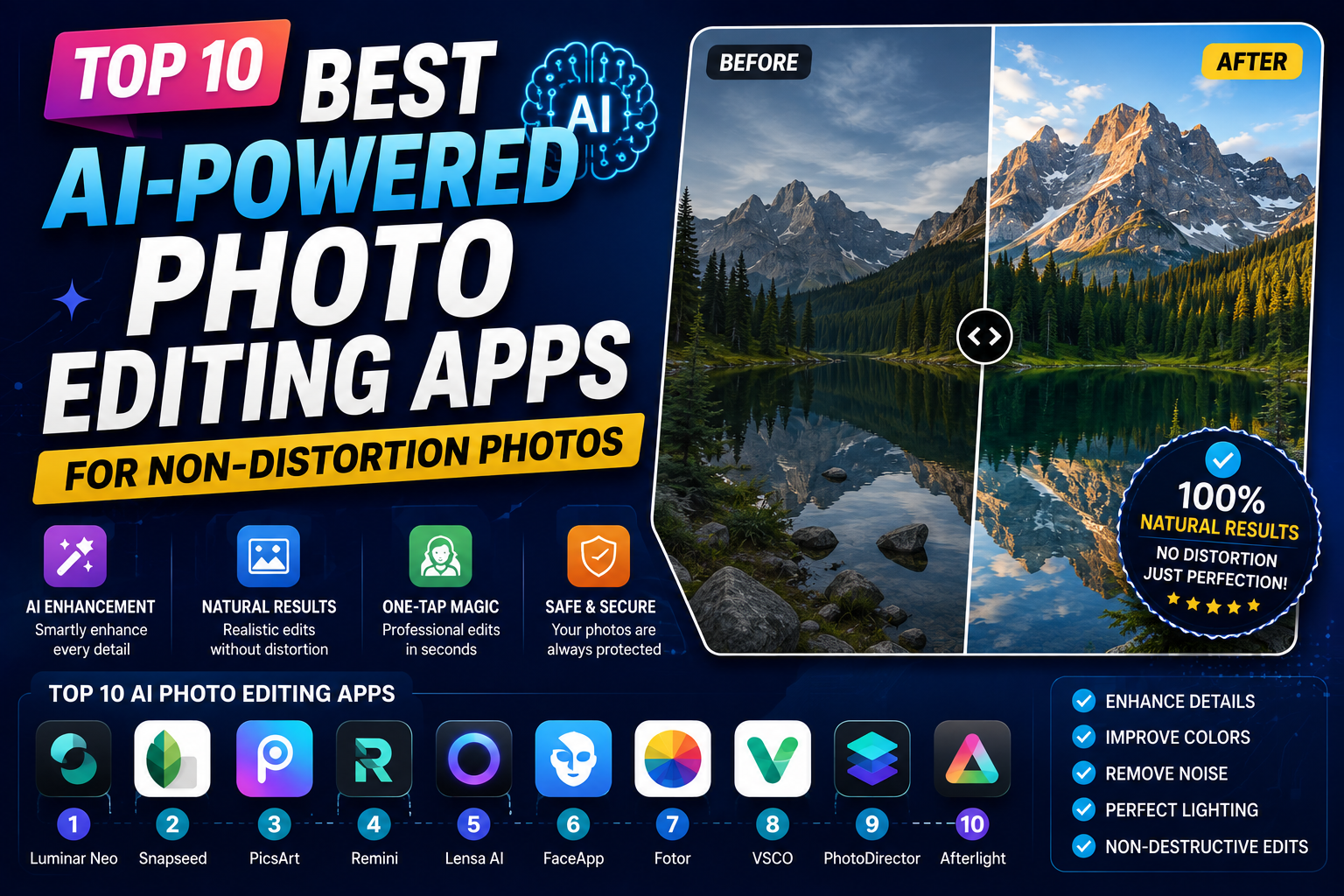
Top 10 Best AI-Powered Photo Editing Apps for Non-Distortion Photos
Nội dung
- 1. Remini - The Witch Who Restores Old Photos and Portraits
- 2. Adobe Lightroom - Professional-Level Editing and Refinement
- 3. Snapseed - A Powerful Free Assistant from the Giant Google
- 4. UpFoto - Expert in Upgrading Photo Resolution Up to 8x
- 5. YouCam Enhance - Optimize Images and Videos with Next-Generation AI
- 6. Fotor - A Versatile Image Shaping and Blurring Ecosystem
- 7. Pixelup - Elevating Image Quality to 4K Standard
- 8. Picsart - A Superb AI-Integrated Creative Editing Studio
- 9. Lumii - The Perfect Combination of Color Filters and Sharpness
- 10. FixMyPics - The Savior for Damaged Photos
- 11. Conclusion
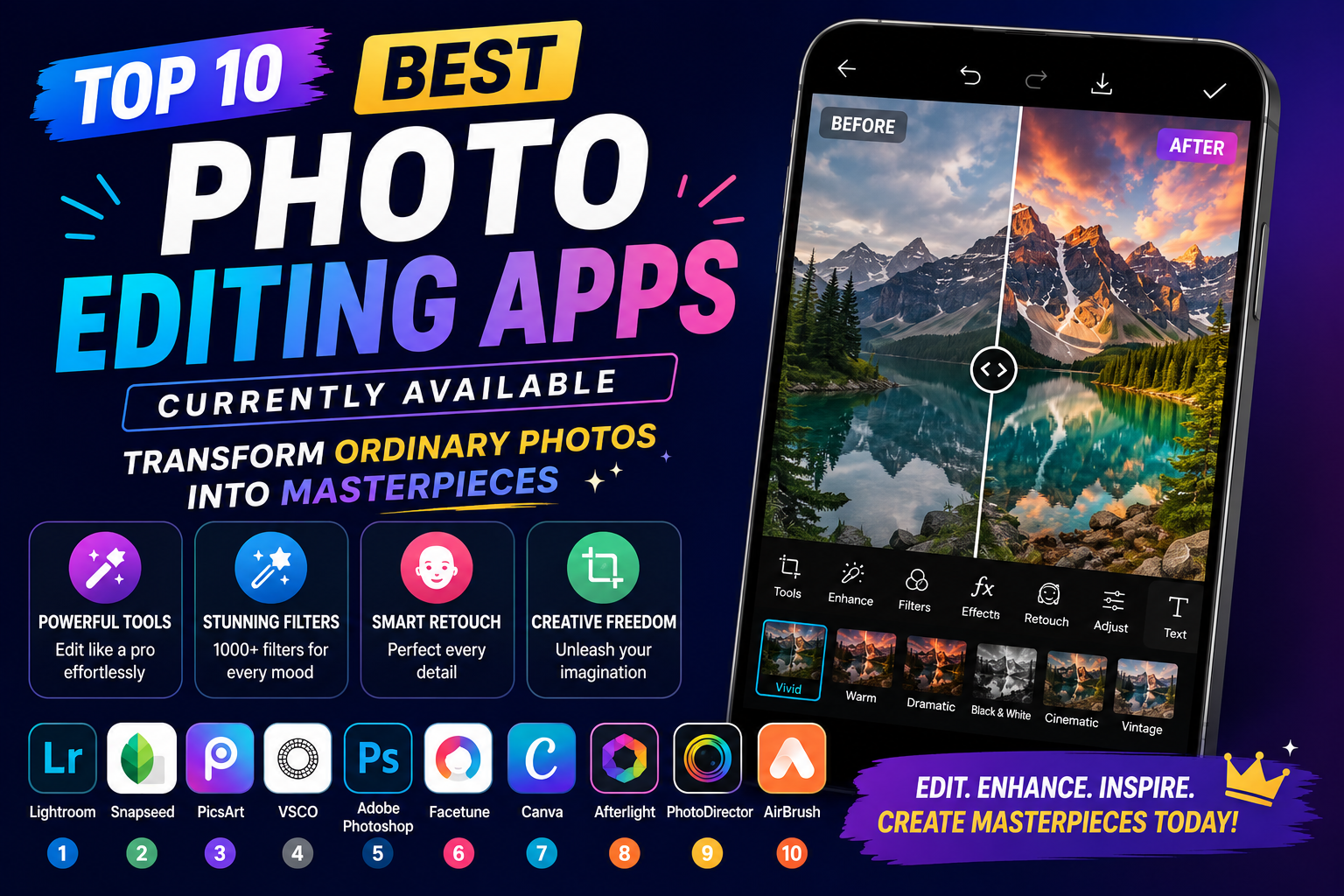
To help you avoid regretting deleting precious photos, this article will compile and provide a detailed review of the top 10 best photo editing apps currently available.
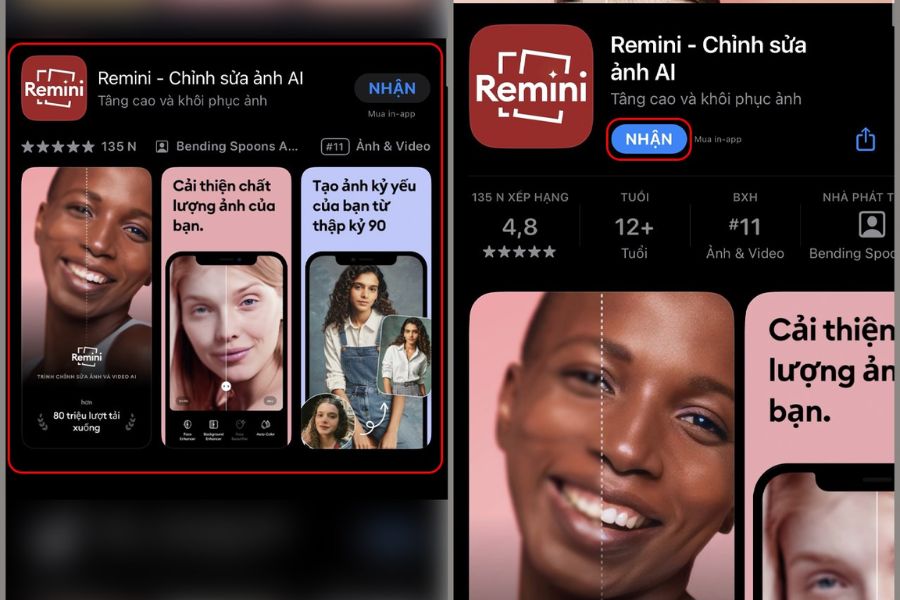
1. Remini - The Witch Who Restores Old Photos and Portraits
If we had to vote for the app that can most effectively "revive" blurry photos, Remini would undoubtedly take first place. Equipped with advanced cinematic AI technology, Remini doesn't simply increase brightness or blur grain; it truly recreates lost facial details. From strands of hair and eyelashes to skin texture, everything is naturally and surprisingly compensated for by the intelligent algorithm, transforming photos taken decades ago into sharp masterpieces as if they were just taken with a film camera.
Remini's interface is incredibly user-friendly, making it easy to use even for those with no artistic talent. With just a tap on the "Enhance" feature, the app automatically processes and returns results in seconds, along with an intuitive "Before - After" comparison slider. This is the perfect choice if your goal is to sharpen close-up portraits, restore old family photos, or rescue shaky selfies taken in low light.
2. Adobe Lightroom - Professional-Level Editing and Refinement
When you mention Adobe, you're talking about the gold standard in the world of graphics, and the mobile version of Lightroom is the clearest proof of that. Unlike automatic applications, Lightroom gives you absolute control over every pixel through its advanced detail processing tools. By cleverly combining three features— Sharpening , Radius , and Detail —you can reshape the edges of objects in your photos, making them sharper and clearer without any pixelation or color banding.
Lightroom's selling point lies in its incredibly smooth digital noise reduction capabilities, which preserve the original image quality to the maximum. While increasing sharpness often leads to graininess, Lightroom allows you to balance this by smoothing out color transitions while maintaining the sharpness of key details. For those passionate about landscape or architectural photography, or aspiring to become professional photo editors, this is a must-have tool on their phone.
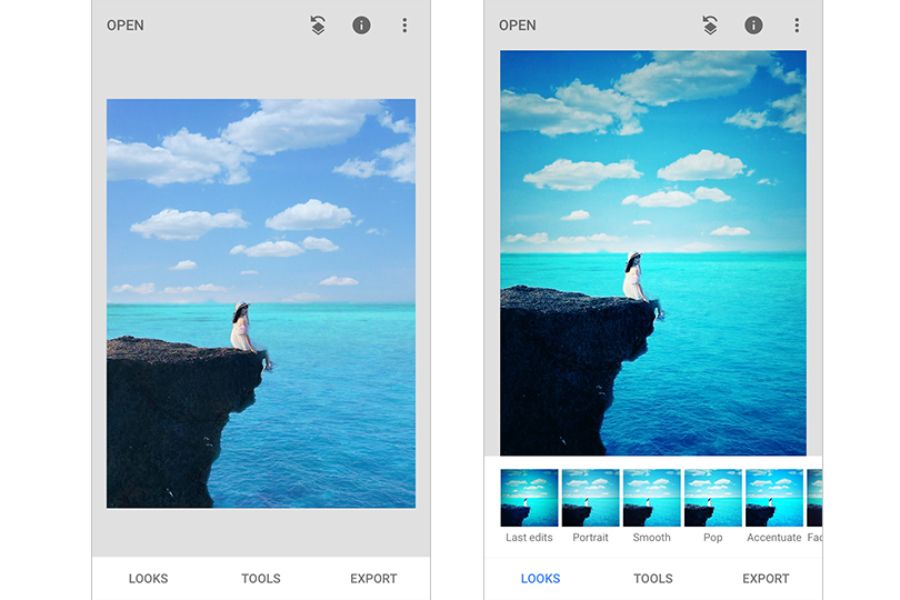
3. Snapseed - A Powerful Free Assistant from the Giant Google
If you're looking for a completely free photo editing app that doesn't distort images , is ad-free, and has power comparable to desktop software, then Snapseed is the answer. Developed by Google, Snapseed boasts an incredibly powerful "Details" feature with two adjustment sliders : Structure and Sharpening. The app's Structure tool works intelligently by increasing the contrast of object edges, highlighting surface textures without affecting the smoothness of skin or the sky.
But that's not all; Snapseed also boasts an exclusive Selective editing feature, allowing you to zoom in and sharpen only a specific selected area instead of applying it to the entire image. This makes it easy to highlight the main subject while maintaining a smooth, artistic bokeh in the background. With its flexibility and 100% free nature, Snapseed deserves to be an indispensable companion for any travel enthusiast.
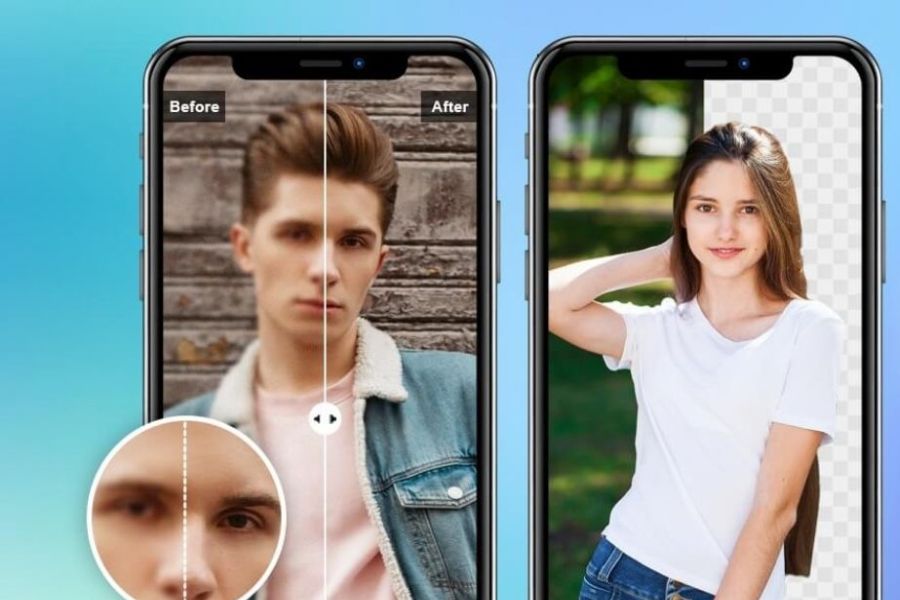
4. UpFoto - Expert in Upgrading Photo Resolution Up to 8x
It would be a significant omission from this list if UpFoto were missing, a specialized application designed to solve the problem of increasing image size without compromising quality. Many conventional apps, when you upscale an image, stretch the pixels, causing significant blurring. UpFoto completely solves this problem by applying deep learning models, allowing it to replicate and upgrade the image resolution by 2x, 4x, or even 8x compared to the original size while maintaining clarity.
This application works extremely effectively on a wide variety of image types, from landscape photos lacking detail and low-resolution screenshots to anime images and graphic art. UpFoto's algorithm automatically identifies jagged edges and color blocks to smooth and sharpen them. If you have low-resolution photos that need to be printed in large sizes or used as computer wallpapers, UpFoto is the perfect solution for you.
5. YouCam Enhance - Optimize Images and Videos with Next-Generation AI
YouCam Enhance is a new wave in the photo editing app market thanks to its incredibly powerful and comprehensive AI-based image processing filters. This app stands out for its extremely accurate motion blur removal, magically transforming photos that were accidentally blurred due to subject movement or camera shake into sharp images. Beyond just sharpening the edges of objects, YouCam's AI also automatically adjusts lighting and contrast, giving the overall image much more depth and vibrancy.
One outstanding advantage that sets YouCam Enhance apart from many competitors is its ability to enhance video quality, not just still images. You can easily clarify blurry video frames caused by low-light shooting or older equipment. With a modern, minimalist interface and fast cloud processing speed, the application provides a smooth photo editing experience, saving you maximum post-production time.
6. Fotor - A Versatile Image Shaping and Blurring Ecosystem
Fotor has long been a familiar name in the design community thanks to its versatility and usability, and the AI Photo Enhancer feature integrated into the app is a major leap forward. With just a click or a tap on the screen, Fotor activates a multi-layered image analysis system to remove blurry areas, calculate exposure, and automatically correct faulty pixels. The result is an image with realistic sharpness, true-to-life colors, and completely free of haze.
Besides its ability to correct blurry photos, Fotor also offers a vast library of supplementary tools such as photo merging, artistic text insertion, banner design, and hundreds of cinematic color filters. This makes Fotor an ideal all-in-one solution for those who want to both enhance image sharpness and transform their photos into complete works of art for marketing or personal branding.
7. Pixelup - Elevating Image Quality to 4K Standard
If your dream is to transform those blurry photos from old feature phones into sharp, high-resolution 4K images, Pixelup is the perfect app for you. Pixelup's power lies in restoring and recreating minute details that have been lost over time or due to excessive compression when sending files through messaging apps. Pixelup's AI is so sophisticated that it can recognize the structure of eyes, nose, and mouth to recreate the subject's most realistic expression.
Besides its image enhancement tool that doesn't distort photos, Pixelup also integrates other invaluable features such as coloring black and white photos (Colorize) and creating motion effects for faces (Animate). You can completely breathe life into your grandparents' and parents' memories by transforming old photos into sharp, vibrant 4K color images. The application constantly updates with the latest AI models to ensure natural-looking results, without appearing artificial or "plasticized".
8. Picsart - A Superb AI-Integrated Creative Editing Studio
Picsart is not just an app; it's a giant in the world of mobile image creation with hundreds of millions of downloads. Recognizing the growing need for image enhancement, Picsart has integrated AI-powered image enhancement ( AI Enhance ) into its core toolset. When this feature is applied, the system uses artificial neural networks to predict and add missing pixels, resulting in smoother, sharper images without jagged edges.
Picsart's absolute advantage lies in its seamless combination of image editing and limitless creative collage tools. After successfully sharpening your photo, you can immediately use one-touch background removal tools, add double exposure effects, insert exclusive stickers, or add artistic details. Picsart transforms the tedious process of photo editing into an inspiring and creative playground for young people.
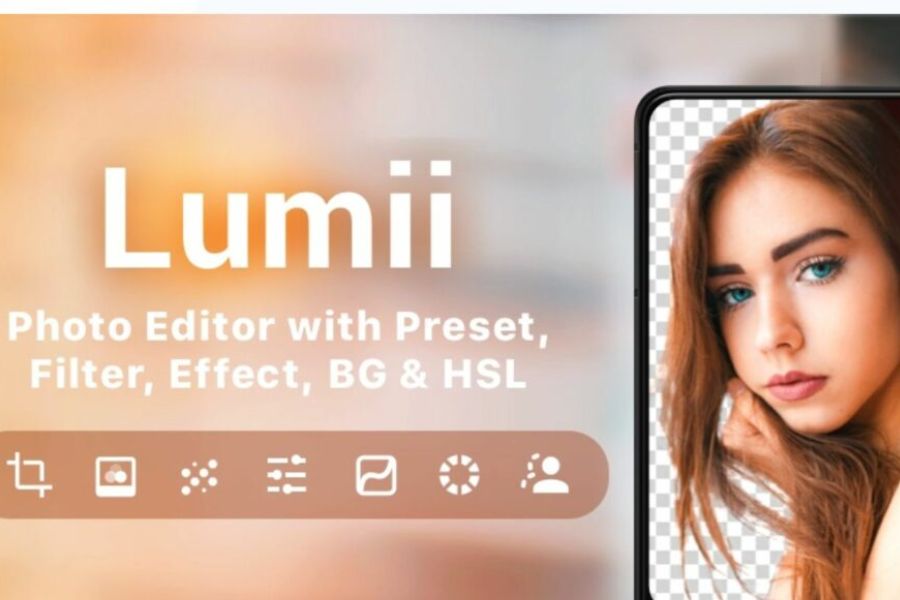
9. Lumii - The Perfect Combination of Color Filters and Sharpness
Lumii is a unique professional photo editing application that prioritizes compactness while delivering extremely powerful performance. For the challenge of sharpening images without distortion, Lumii offers an advanced technical parameter adjustment system including Sharpness , Clarity , and Structure . The seamless integration of these three parameters allows users to manually sculpt the sharpness of their photos according to their artistic vision, avoiding excessive AI intervention that could compromise the original quality.
Beyond its image-shaping capabilities, Lumii has won over enthusiasts with its wide range of trendy color filters, from classic and cinematic to indie and modern styles. The app allows you to edit photos using individual color channels (HSL), helping you control the saturation and brightness of each color in the image. Lumii is a great choice for young people who want sharp, pixel-free photos with a unique artistic flair to post on Instagram or TikTok.
10. FixMyPics - The Savior for Damaged Photos
Rounding out the top 10 is FixMyPics, an incredibly smart pocket-sized app specializing in tackling the most challenging image problems. If your photo isn't just blurry but also has torn corners, scratches, yellowing due to age, or striped noise from being captured from another screen, FixMyPics will solve it all. Equipped with advanced image interpolation algorithms, this app can automatically "patch" pixel flaws and restore the original sharpness to your image.
FixMyPics simplifies complex editing operations into intuitive options such as Remove Blur, De-noise, and Fix Scratches. Simply select the current state of your image and let the AI handle the rest. This is a lightning-fast and highly effective image rescue solution, helping you preserve priceless memories that you thought you had given up on and forgotten.
11. Conclusion
A beautiful photograph isn't just about composition or color; its core lies in capturing the most authentic emotional details. Thanks to the powerful assistance of the top 10 AI-powered photo editing apps, transforming blurry, pixelated images into sharp, high-definition (HD) or 4K masterpieces is no longer the exclusive domain of professional designers with high-end computer setups.





















VIP Products








Best Selling Products
Genuine Cheap Canva Pro
39 USD
Upgrade Genuine Office 365
49 USD
ChatGPT Plus Account (GPT-4)
16 USD
Autodesk All App Account Copyright
120 USD
Adobe Premiere Pro Account
99 USD
Capcut Pro 1 Year
39 USD
MidJourney Account
29 USD
Adobe Photoshop Copyright - Full App
120 USD
Copyright Adobe Lightroom Account
59 USD
Upgrade genuine Capture One account
120 USD
Plugin Retouch4me
69 USD
Genuine Adobe Illustrator account
99 USD
Windows 10 & 11 Pro Key
36 USD
Upgrade Duolingo Super
29 USD
Freepik Premium Account
59 USD