Best Selling Products

Adobe Premiere Pro Account
99 USD

Genuine Cheap Canva Pro
39 USD

ChatGPT Plus Account (GPT-4)
16 USD

Adobe Photoshop Copyright - Full App
120 USD

Plugin Retouch4me
69 USD

Genuine Adobe Illustrator account
99 USD

Capcut Pro 1 Year
39 USD

Windows 10 & 11 Pro Key
36 USD

Upgrade Genuine Office 365
49 USD

Copyright Adobe Lightroom Account
59 USD

Upgrade genuine Capture One account
120 USD

Upgrade Duolingo Super
29 USD

Autodesk All App Account Copyright
120 USD

Freepik Premium Account
59 USD

MidJourney Account
29 USD
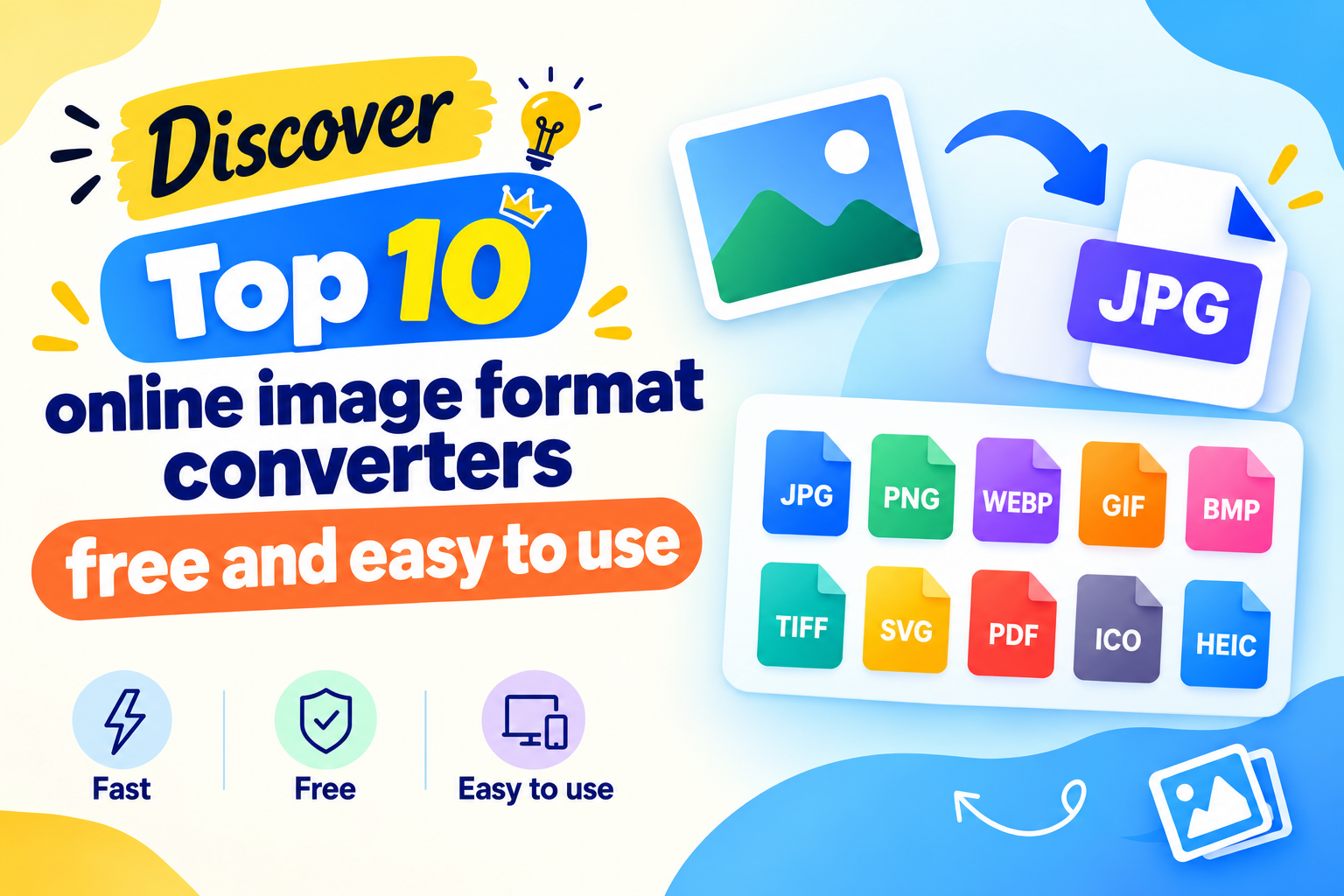
Revealing the Top 10 Free, Easy-to-Use Online Image Format Converters
Nội dung
Do you have a photo but run into a situation where the file format isn''''t compatible with the website, software, or device you''''re using? Instead of spending time installing heavy photo-editing software, you can completely convert your image format online with just a few simple steps. JPG, PNG, WebP, SVG, or PDF can all be processed quickly right in your browser. The convenience of online tools is that they don''''t require users to have in-depth design knowledge. Just upload the photo, choose the desired format, and wait a few seconds to get the new file. In the article below, let''''s join Appvip in exploring the Top 10 free online image format converters that are highly rated for their convenience, speed, and ability to meet a variety of different needs.
1. Canva
Canva is a familiar name for those who frequently design images, create social media content, or make online documents. Not only does it support design, but Canva also allows users to export images to various formats such as JPG, PNG, PDF, and a few other formats depending on the type of design and the account plan. The conversion process is integrated directly into the download step, so the process is very quick and simple.
What makes Canva stand out is that users can edit their photo before converting it. You can crop the image, resize it, adjust the colors, add text, or combine multiple images into a complete design. This is a suitable choice for content creators, online sellers, marketers, or anyone who wants to process images without using professional software. Some advanced features may require a paid account.
2. Adobe Express
Adobe Express offers a fairly comprehensive online conversion and photo-editing solution. Being developed within the Adobe ecosystem, the tool has a modern interface, is easy to operate, and suits many common image-processing needs. Users can upload their photo, perform the necessary steps, and then export the file in the format suitable for their purpose.
Not stopping at just converting image formats, Adobe Express also supports resizing, adding text, applying effects, and quickly editing images. This helps users finish their photo right before exporting the file instead of having to switch between multiple different software programs. If you're doing content work, managing social media, or need to create beautiful images in a short amount of time, Adobe Express is well worth trying.
.jpg)
3. Simple Image Resizer
If you're looking for a simple online image converter without too many complicated steps, Simple Image Resizer can meet that need well. The tool's interface focuses on basic needs, helping users quickly upload photos and perform the necessary steps without having to learn too many features.
Simple Image Resizer is suitable for cases that require urgent image processing, such as converting PNG to JPG, converting JPG to a format suitable for uploading to a website, or preparing images to send by email. The tool doesn't lean toward in-depth editing but scores points for being lightweight and easy to use. For those who aren't tech-savvy, this is a fairly user-friendly choice.
4. Fotor
Fotor isn't just an image conversion tool — it's also known for many online photo-editing features. Users can perform actions such as adjusting brightness, sharpening, changing colors, adding effects, or beautifying the photo before saving it. This way, you can finish the image the way you want before converting it to the appropriate format.
A notable point about Fotor is its ability to balance simplicity with professional features. You don't need much experience with Photoshop but can still perform quite a lot of image-processing steps right in your browser. The tool is suitable for content creators, online shop owners, marketers, or anyone who frequently needs to create beautiful images to post on online platforms.
.jpg)
5. Convertio
Convertio is one of the standout tools if you frequently have to work with many different file formats. Not only does it support common image formats like JPG, PNG, or WebP, but Convertio can also handle many rarer formats. This is a major advantage when you receive a special image file but the software you're using doesn't support it.
Another convenient point about Convertio is that the conversion process is carried out online, with no need to install additional software. Users can upload files from their device or use supported online storage sources. With the ability to handle many formats and a relatively fast process, Convertio is especially useful for office workers, designers, content creators, and anyone who frequently needs to convert files.
6. SnapEdit
SnapEdit is well known for its AI-powered photo-editing features, especially its ability to remove objects, improve image quality, and make quick edits. In addition, the tool also supports image format processing needs, helping users finish their photo before saving it to their device.
An interesting point about SnapEdit is that you can combine multiple processing steps into the same workflow. For example, after removing an unwanted detail from a photo, you can go on to improve the image and then save it in the appropriate format. This is quite useful for online sellers, content creators, or anyone who frequently posts photos on social media. Some advanced AI features may have limits depending on the account and time of use.
.jpg)
7. iLoveIMG
iLoveIMG is an online photo-processing tool loved by many for its intuitive interface and easy-to-understand usage. The platform offers a wide range of image-related features such as format conversion, compression, cropping, rotating, and resizing. Instead of having to use multiple websites for each task, you can perform quite a lot of steps in one place.
iLoveIMG is especially useful for SEO professionals, website administrators, office workers, and anyone who regularly processes large numbers of images. After converting or compressing, you can create lighter files that are more convenient to send by email or upload to a website. The simple interface also helps newcomers quickly get familiar without needing an in-depth understanding of image technology.
8. FreeConvert
FreeConvert is aimed at users who need more control over the conversion process. The tool supports quite a few formats and allows you to adjust certain parameters related to the output file. This is a notable advantage if you don't just want to simply change the format but also want to balance image quality against file size.
FreeConvert is also suitable for relatively large image files. Depending on the file type, users can adjust the quality, compression level, or other settings before completing the conversion process. Thanks to this flexibility, the tool can serve many purposes, from optimizing images for websites to preparing images for design and printing.
.jpg)
9. Shutterstock
Shutterstock is widely known as a large stock-image resource for designers, marketers, and content creators. Besides the image library, Shutterstock also provides online tools to support image processing, helping users perform certain editing and conversion tasks without installing any software.
Shutterstock's tools are suitable for those who prioritize image quality and want to process images in a more professional way. Depending on the feature, users can perform basic edits before saving the file. If you're working on brand content, marketing, or frequently use high-quality images, this is also a worthwhile option to try.
10. Img2Go
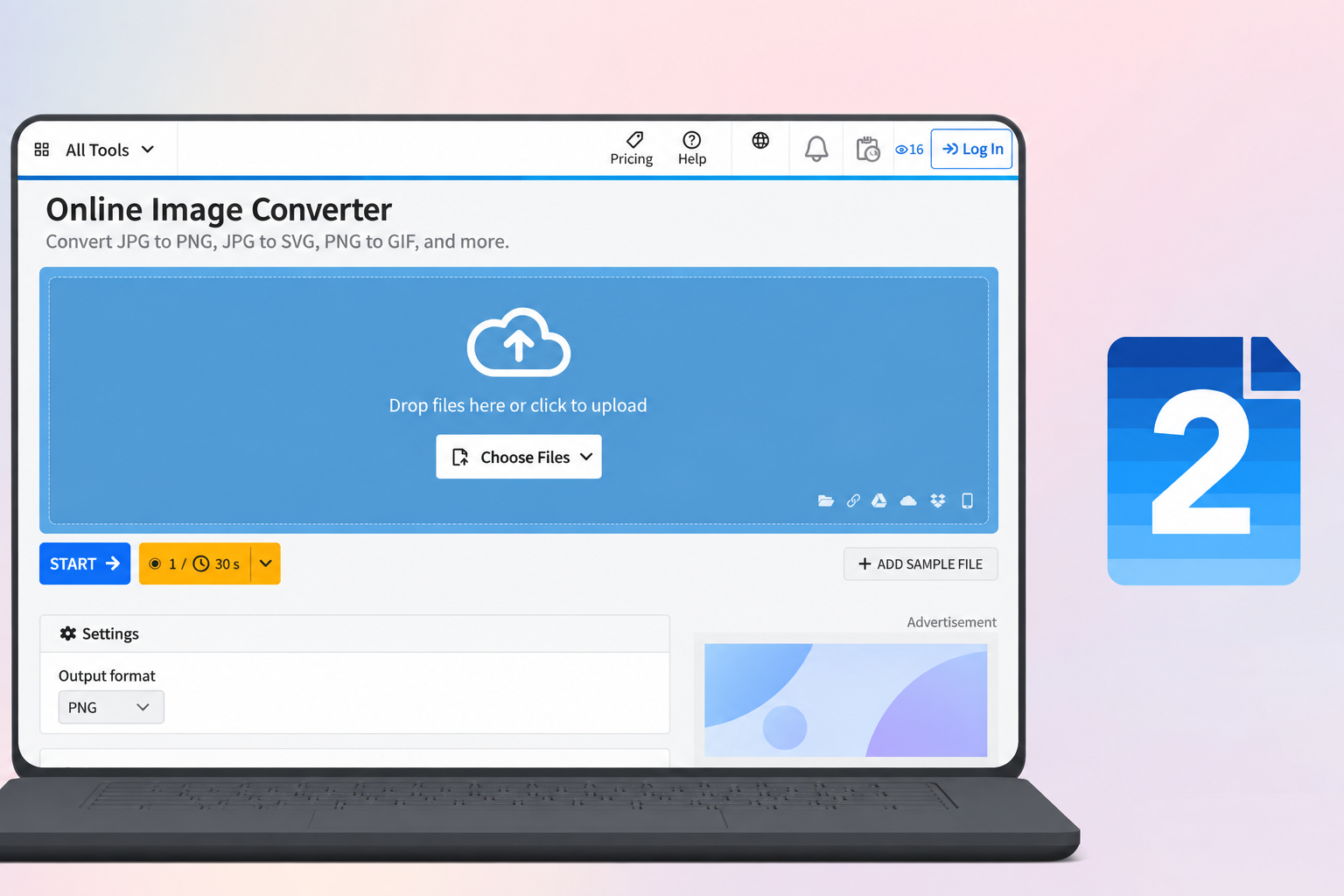
Img2Go is a fairly versatile online tool that supports both conversion and photo editing. A standout feature of the platform is its ability to work with many different formats, including some less common file types such as BMP, ICO, or TGA. This makes Img2Go useful in cases where regular tools can't process the file you have.
Besides conversion, Img2Go also offers actions such as cropping, rotating, resizing, and adjusting images. The interface is fairly clear, so users can quickly find the function they need. If you frequently work with images for documents, design, or projects with specific format requirements, Img2Go is a tool worth keeping on hand.
11. Conclusion
Without needing to install Photoshop or other specialized software, you can still convert image formats online for free in just a few steps. From simple tools like Simple Image Resizer to versatile platforms like Canva, Adobe Express, Convertio, or iLoveIMG, each option has its own strengths suited to different needs. If you just need a quick format change, prioritize a tool with a simple interface and few steps. If you want to edit, optimize, or process multiple images at once, versatile platforms will make the job more convenient. Most importantly, choose the format based on your intended use and check the file quality after conversion to make sure the image always looks beautiful, sharp, and compatible with where you want to use it.





















VIP Products








Best Selling Products
Adobe Premiere Pro Account
99 USD
Genuine Cheap Canva Pro
39 USD
ChatGPT Plus Account (GPT-4)
16 USD
Adobe Photoshop Copyright - Full App
120 USD
Plugin Retouch4me
69 USD
Genuine Adobe Illustrator account
99 USD
Capcut Pro 1 Year
39 USD
Windows 10 & 11 Pro Key
36 USD
Upgrade Genuine Office 365
49 USD
Copyright Adobe Lightroom Account
59 USD
Upgrade genuine Capture One account
120 USD
Upgrade Duolingo Super
29 USD
Autodesk All App Account Copyright
120 USD
Freepik Premium Account
59 USD
MidJourney Account
29 USD