Best Selling Products

Copyright Adobe Lightroom Account
59 USD

Capcut Pro 1 Year
39 USD

Upgrade genuine Capture One account
120 USD

Upgrade Genuine Office 365
49 USD

Genuine Cheap Canva Pro
39 USD

Plugin Retouch4me
69 USD

Adobe Premiere Pro Account
99 USD

Windows 10 & 11 Pro Key
36 USD

Freepik Premium Account
59 USD

ChatGPT Plus Account (GPT-4)
16 USD

Genuine Adobe Illustrator account
99 USD

Adobe Photoshop Copyright - Full App
120 USD

MidJourney Account
29 USD

Upgrade Duolingo Super
29 USD

Autodesk All App Account Copyright
120 USD
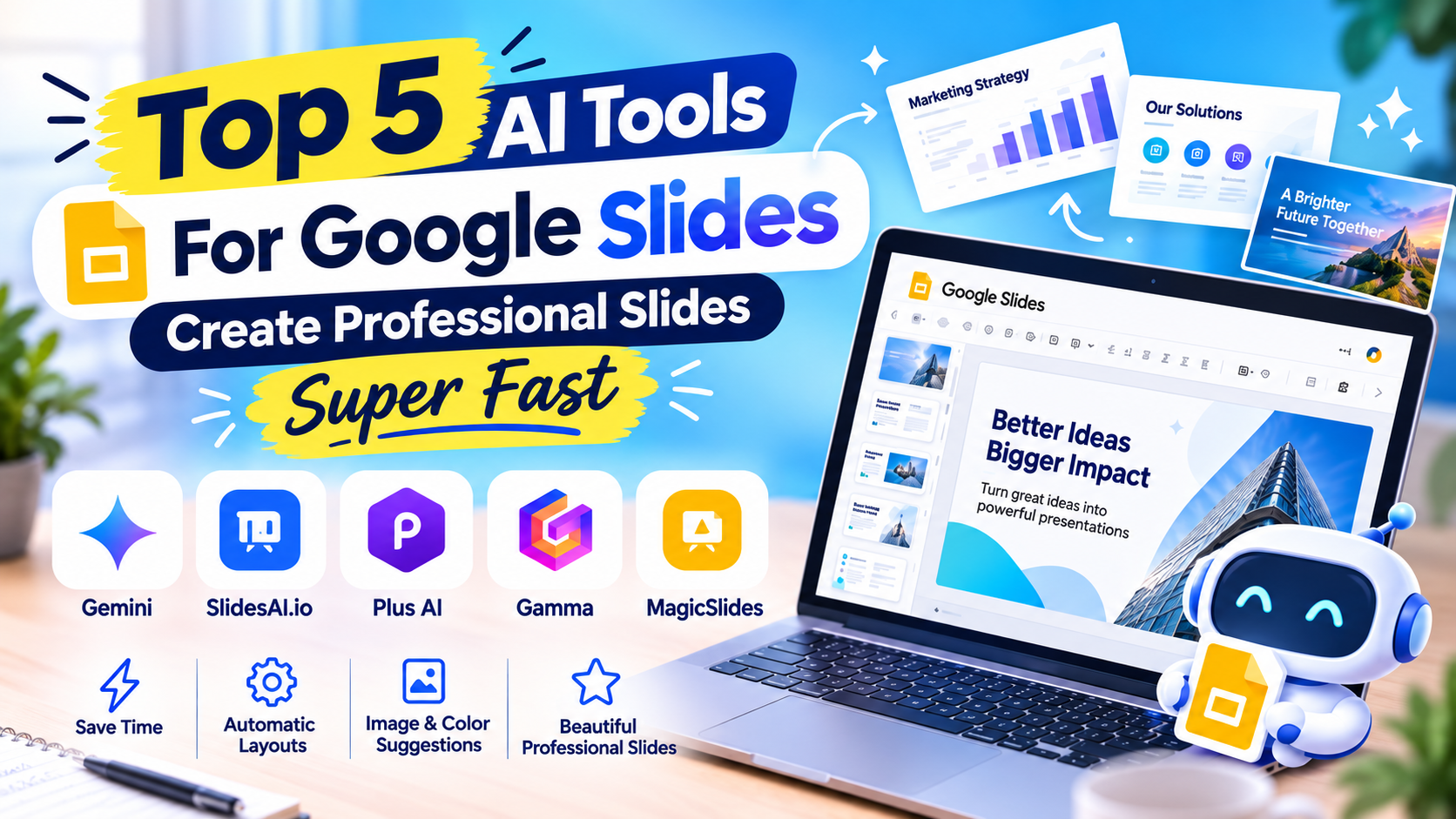
Top 5 Google Slides AI Tools for Creating Professional Slides Super Fast
Nội dung
- 1. What is Google Slides AI? Why is it increasingly popular?
- 2. Top 5 AI tools for creating Google Slides worth trying
- 2.1. Gemini
- 2.2. SlidesAI.io
- 2.3. Plus AI
- 2.4. Gamma
- 2.5. MagicSlides
- 3. Quick comparison of 5 Google Slides AI tools
- 4. How to create Google Slides with AI quickly and effectively
- 5. Tips for using AI tools for Google Slides to make slides more beautiful
- 6. Upgrade to reputable AI tools with fast support at Appvip
- 7. Conclusion
With Google Slides AI, this work becomes much lighter. From just a block of text or a few initial ideas, AI can help build the structure, suggest layouts, and turn content into visual slides. You don''''t need to be a design expert to create a polished presentation for study, work, sales, or project pitching. If you''''re looking for tools that help shorten slide-making time, below are 5 Google Slides AI tools worth trying, each with its own strength to help you easily find the right solution. Let''''s explore with Appvip!
1. What is Google Slides AI? Why is it increasingly popular?
Google Slides AI can be understood as a group of features and tools that use artificial intelligence to support the process of creating, editing, and finalizing presentations on Google Slides. Instead of starting with a blank page, users can enter a topic, content, or specific request for AI to help build the initial slide framework. From there, you continue to edit information, images, and style according to your needs.
The most attractive point lies in the ability to shorten stages that are normally quite time-consuming. AI can help turn long content into main points, suggest how to divide layouts, create illustrative images, or help improve the way things are presented. This is why AI tools for Google Slides are increasingly attracting the attention of students, teachers, office workers, marketers, and businesses.
.jpg)
2. Top 5 AI tools for creating Google Slides worth trying
There's no shortage of AI tools capable of creating presentations, but each product suits a different need. Some tools are strong at creating slides directly, some options specialize in processing text content, while some tools stand out for their ability to edit and optimize existing presentations. Below are 5 notable names if you want to leverage AI to create slides faster while still ensuring professionalism.
2.1. Gemini
Gemini is a notable choice if you frequently work within the Google ecosystem. This AI tool has the ability to help process ideas, summarize content, and build information into a structure suitable for a presentation. Instead of having to think about what each slide should present yourself, you can start with a topic and let AI help form an outline. The convenient point of Gemini lies in its ability to integrate with the Google ecosystem, helping the workflow become more seamless. For those already accustomed to using Google Docs, Google Drive, and Google Slides, this is quite a natural choice to start applying AI to work.
Some notable features:
Supports developing ideas for the presentation.
Summarizes long content into main points that are easy to present.
Suggests how to arrange information for each slide.
Supports quickly creating content from text requests.
Suitable for study, work, and project presentations.
.jpg)
2.2. SlidesAI.io
If you already have content but are reluctant to spend hours breaking it down into individual slides, SlidesAI.io is a tool very worth trying. Users just need to input text, and the system will analyze the content and turn it into a corresponding presentation structure. This is a particularly useful strength for long documents, reports, or content that has already been prepared in advance. Instead of having to copy each paragraph, create each slide, and then adjust it yourself, you can let AI handle the foundational part first. After that, the remaining work is mainly checking the information, changing images, and adjusting the design so the presentation carries more of a personal touch.
Some notable features:
Quickly turns text into slides.
Supports many different types of content.
Suggests layouts based on the content entered.
Saves time when processing long documents.
Can continue editing content after AI creates the draft.
2.3. Plus AI
Plus AI is aimed at those who want to bring AI directly into their workflow with familiar presentation tools. Not only does it support creating presentations from scratch, but the tool can also help users improve the content and layout of existing slides. This is particularly useful when you've finished a draft but feel the design is still disjointed or the information isn't presented visually enough. Another advantage of Plus AI is its ability to help turn raw content into an easier-to-follow structure. You can start with a simple outline, then let AI help develop it into a complete presentation before adjusting it yourself according to your purpose of use.
Some notable features:
Creates slides from existing content or outlines.
Supports improving the presentation layout.
Can be used to rebuild old slides.
Supports creating content according to presentation structure.
Suitable for work, reports, and business presentations.
.jpg)
2.4. Gamma
Gamma makes an impression with a fairly simple approach: users describe what they want, and AI builds an initial presentation based on that request. Instead of having to start by choosing each template, you can focus on the content and ideas. Gamma will help turn that information into a more visual layout. This tool suits those who frequently have to make slides in a short amount of time. After having a draft, you can still change the content, style, and way of presenting. When needing to use it on Google Slides, the content can be transferred over to continue editing and finalizing.
Some notable features:
Creates presentations from a prompt.
Supports automatically building content structure.
Has many design styles to choose from.
Supports presenting content in a visual format.
Suitable for pitching, project introductions, and quick presentations.
2.5. MagicSlides
MagicSlides is a utility many people are interested in when they want to use AI right within their Google Slides workflow. Instead of switching back and forth between many tools, users can input content and requests directly for AI to help create slides. This way of operating suits people already familiar with the Google Slides interface but who want to reduce manual steps. MagicSlides is also useful when you need to turn a piece of content into a clearly structured presentation. After AI completes the draft, you can edit the title, content, images, colors, or layout yourself to suit your brand and presentation purpose.
Some notable features:
Creates slides from text using AI.
Supports creating presentations right within Google Slides.
Can turn content into slide structure.
Supports many different presentation needs.
Significantly reduces manual design time.
.jpg)
3. Quick comparison of 5 Google Slides AI tools
Each tool in the list above has its own strength. If Gemini suits people who frequently use the Google ecosystem, then SlidesAI.io is convenient when you need to turn text content into slides. Plus AI leans toward creating and optimizing presentations, while Gamma stands out for its way of creating content from a prompt. MagicSlides suits those who want to operate directly within Google Slides. So, it's not necessary to choose the tool with the most features. What's more important is determining whether you need to create slides from existing content, build a presentation from zero, or improve a slide deck that's already finished.
4. How to create Google Slides with AI quickly and effectively
For AI to create a quality presentation, the first important step is to write your request as clearly as possible. Instead of just entering "create slides about marketing," you can describe the specific topic, number of slides, audience, and desired style. For example, request the creation of 10 slides about marketing strategy for beginners, minimalist style, easy to read, with practical examples. After AI completes the draft, don't rush to use it right away. Check the information, titles, figures, and how content is distributed on each slide again. AI helps you save time in building the foundation, but the final editing step is still very important for the presentation to have depth and carry its own personal touch.
Suggested process:
Determine the topic and goal of the presentation.
Prepare the main content or outline.
Enter a specific request into the AI tool.
Check the structure and information created.
Edit images, fonts, and colors.
Add charts or examples if needed.
Check all slides before presenting.
(1).jpg)
5. Tips for using AI tools for Google Slides to make slides more beautiful
AI can create a complete presentation very quickly, but speed doesn't mean every slide is suitable. A professional presentation needs a balance between text, images, and white space. If you put too much information on one page, viewers will find it hard to focus on the main message. You should also keep the design style consistent throughout the presentation. Choose a dominant color group, limit the use of too many font styles, and prioritize short, easy-to-read sentences. When you combine AI's automation ability with manual editing, you'll get a slide deck that's both fast and carries a personal touch.
Some tips to apply:
Each slide should focus on one main message.
Limit putting whole long paragraphs on a slide.
Prioritize visual images over too much text.
Use consistent colors throughout the entire presentation.
Review the content AI created before presenting.
Adjust the final slides according to the audience.
6. Upgrade to reputable AI tools with fast support at Appvip
If you frequently use AI for studying, designing, creating content, or handling work, choosing the right service package will help you unlock more features and have a more stable experience. Instead of spending time researching too many options, you can refer to the AI tool upgrade solutions at Appvip to choose the package suited to your needs of use.
Appvip supports upgrading many AI tools and services, suitable for both individual users and work needs. Before paying, you should carefully check the information about the duration, features, policies, and form of support to choose the right package needed. When used regularly, a suitable AI tool can significantly help shorten work processing time and create more professional products.
7. Conclusion
The emergence of Google Slides AI is significantly changing the way everyone creates presentations. Instead of spending hours choosing a template, dividing content, and adjusting each component, you can let AI handle most of the initial work and then focus on checking and finalizing. Gemini, SlidesAI.io, Plus AI, Gamma, and MagicSlides are all choices worth trying, depending on each person's goals and way of working. The most important thing is not to let AI do the entire presentation for you, but to know how to leverage AI as a design and content assistant. When you combine the right tool with your own editing ability, you can create slides that are beautiful, easy to understand, and save considerable time.





















VIP Products








Best Selling Products
Copyright Adobe Lightroom Account
59 USD
Capcut Pro 1 Year
39 USD
Upgrade genuine Capture One account
120 USD
Upgrade Genuine Office 365
49 USD
Genuine Cheap Canva Pro
39 USD
Plugin Retouch4me
69 USD
Adobe Premiere Pro Account
99 USD
Windows 10 & 11 Pro Key
36 USD
Freepik Premium Account
59 USD
ChatGPT Plus Account (GPT-4)
16 USD
Genuine Adobe Illustrator account
99 USD
Adobe Photoshop Copyright - Full App
120 USD
MidJourney Account
29 USD
Upgrade Duolingo Super
29 USD
Autodesk All App Account Copyright
120 USD