Best Selling Products

Capcut Pro 1 Year
39 USD

Upgrade Duolingo Super
29 USD

Freepik Premium Account
59 USD

Upgrade genuine Capture One account
120 USD

Adobe Photoshop Copyright - Full App
120 USD

Upgrade Genuine Office 365
49 USD

Genuine Adobe Illustrator account
99 USD

Copyright Adobe Lightroom Account
59 USD

Windows 10 & 11 Pro Key
36 USD

Genuine Cheap Canva Pro
39 USD

Adobe Premiere Pro Account
99 USD

Autodesk All App Account Copyright
120 USD

Plugin Retouch4me
69 USD

MidJourney Account
29 USD

ChatGPT Plus Account (GPT-4)
16 USD
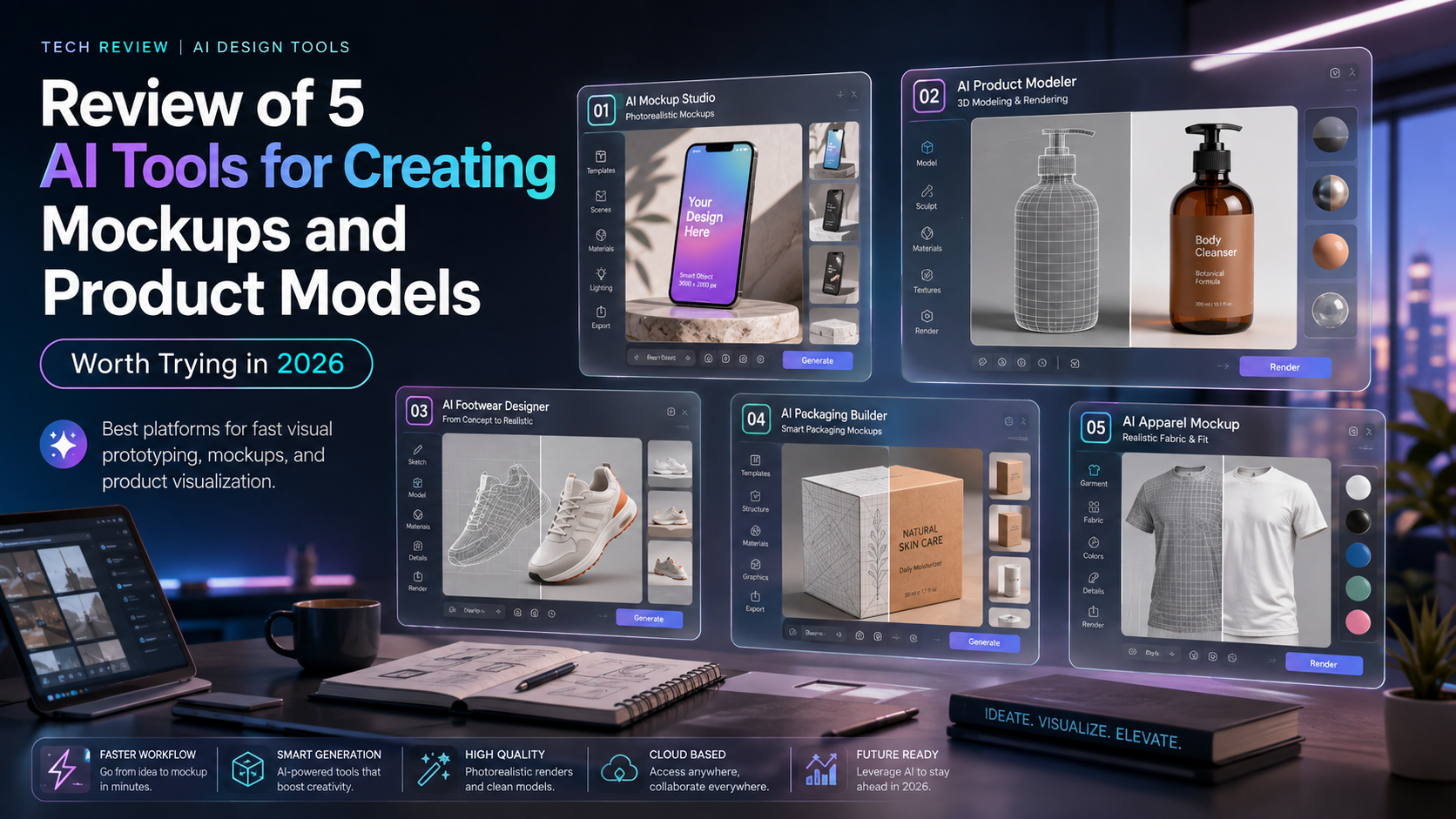
Review of 5 AI tools for creating mockups and product models worth trying in 2026.
Nội dung
If you''re looking for a solution to speed up your design process, create professional mockups, and optimize productivity in 2026, these are tools you shouldn''t miss.
1. Gemini: Create mockups directly using conversational AI.
Gemini is a large-scale modeling language (LLM) developed by Google, and it's also a tool that supports mockup creation directly within the chat window. Instead of switching between multiple design software programs, users simply type in a prompt or upload a reference image, and the AI generates suitable mockup options.
Gemini's standout strength is its ability to handle multiple images in a single request. You can upload logos, packaging, product images, or sketches and then ask the AI to combine them all into a complete mockup. This significantly shortens the time spent on preparing and testing ideas.
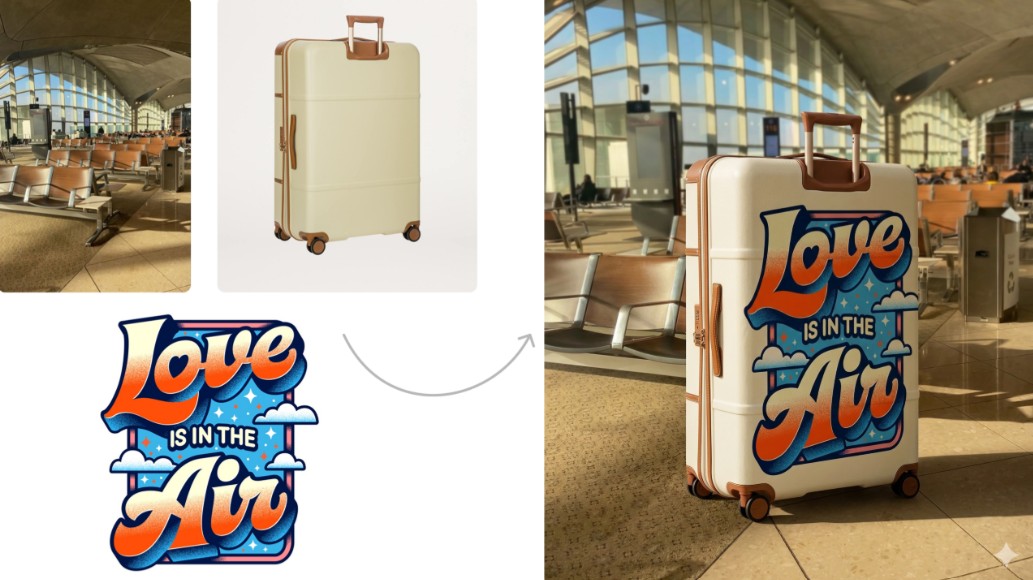
Gemini also supports step-by-step editing. After creating the first version, you can continue requesting changes to color, perspective, materials, lighting, or layout without having to recreate it from scratch. This is a major advantage when working with clients because you can update editing requests within the same conversation.
However, Gemini still has some limitations. Its strict moderation policy sometimes causes the tool to refuse processing if it identifies images as sensitive or copyrighted. Additionally, image quality can degrade after multiple edits, and in some cases, watermarks may still appear in the results.
2. ChatGPT: A flexible AI assistant for mockup creation.
ChatGPT is one of the most powerful AI tools available today, not only supporting text processing but also capable of creating and editing mockups through AI image generation. Thanks to its excellent contextual understanding, ChatGPT often closely follows user requests and delivers more accurate results, especially with complex prompts.
A major advantage is the ability to make multiple rounds of edits while still preserving the original concept. You can request changes to individual details such as logo placement, packaging material, background color, camera angle, or display style without having to recreate the entire mockup. This allows for a faster and more time-efficient idea testing process.
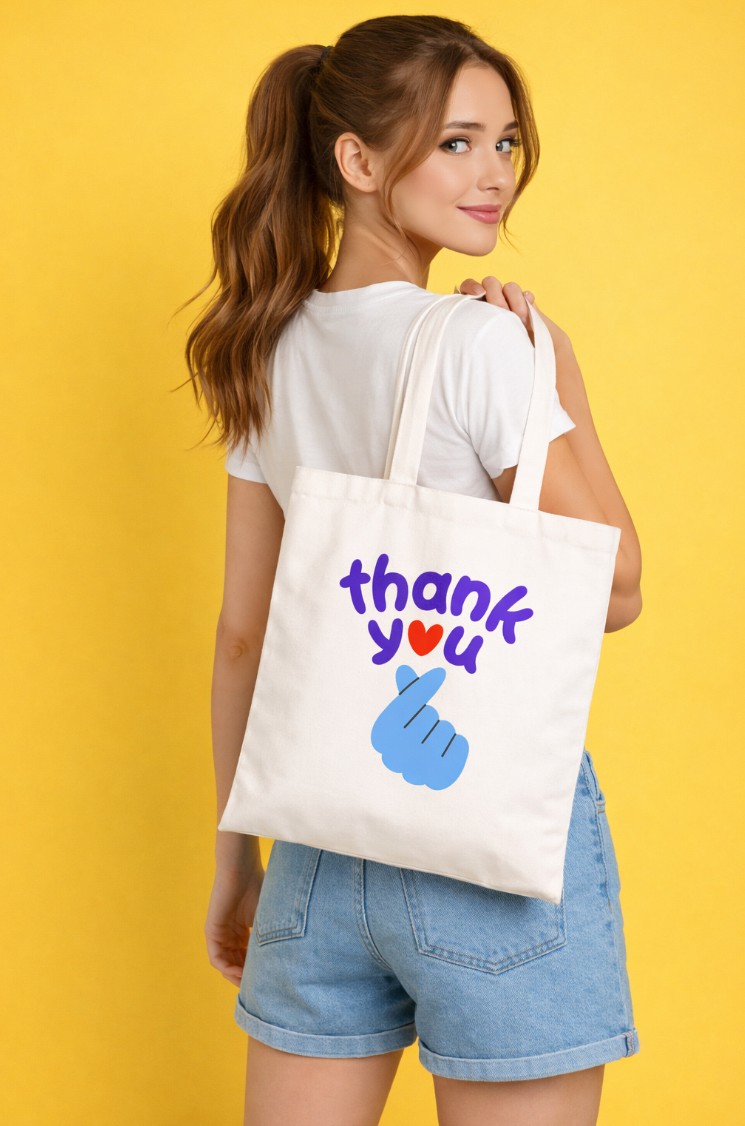
ChatGPT also supports working with both text prompts and image references. Designers can upload designs, product images, or sketches for the AI to create mockups that closely match the actual requirements. This is a suitable option for projects that require extensive communication with clients or continuous updates to design options.
The drawback is that the system may reject requests if it assesses a potential copyright infringement or the use of images owned by a third party. Therefore, users should prioritize using resources they have created themselves or have obtained proper licenses for.
3. Pacdora: Expert in 3D packaging mockups
Pacdora is a specialized platform for 3D packaging design and presentation. If your work involves paper boxes, bottles, cans, paper bags, gift boxes, or commercial products, this is one of the most worthwhile tools to try.
Pacdora boasts a diverse library of 3D mockups with thousands of pre-built templates. Users can quickly apply their designs to packaging, adjust display positions, change scales, select camera angles, and view the product from multiple perspectives. This makes presenting ideas to clients more intuitive and professional.
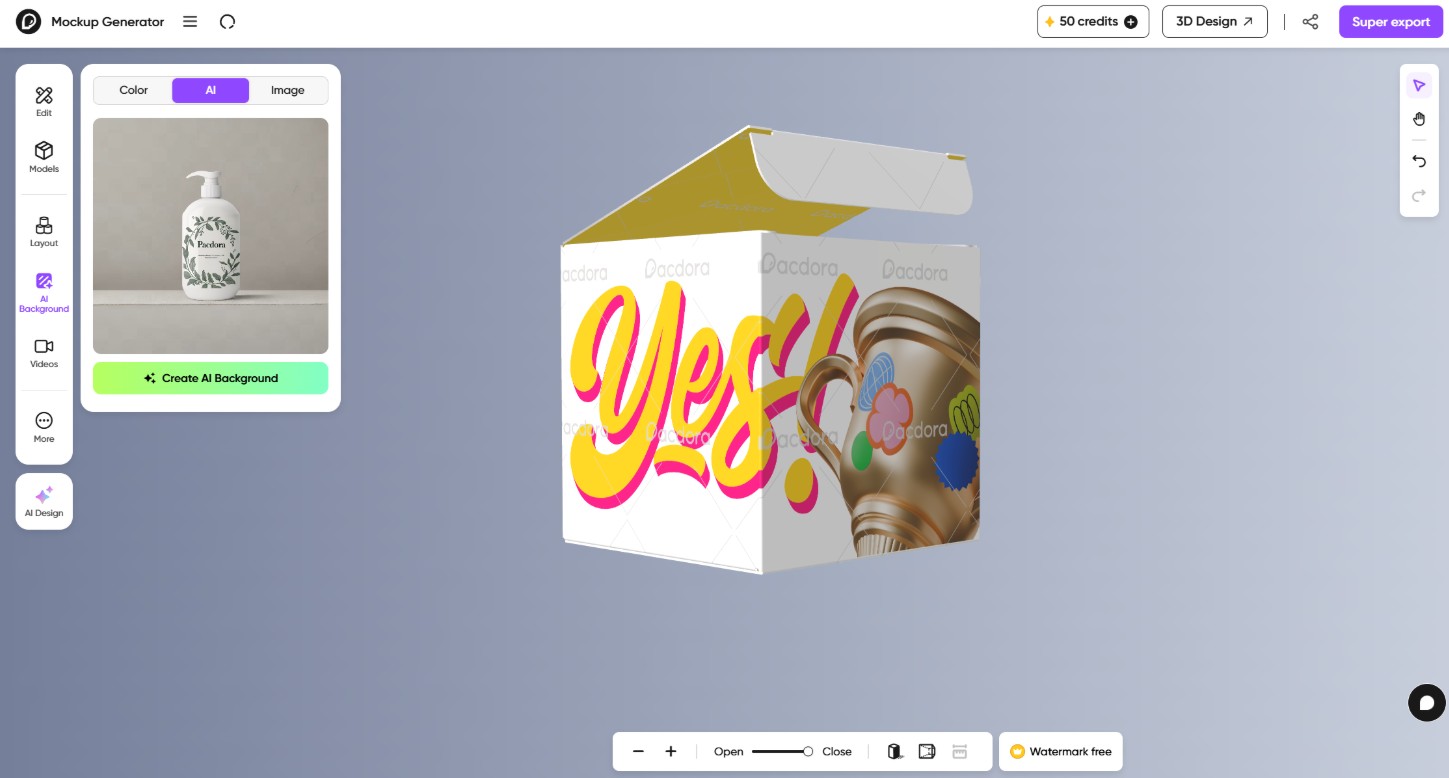
One standout feature is Generate Background , which allows AI to automatically create a background suitable for the product. In addition to static images, Pacdora also supports creating product simulation videos, which is very useful when building advertising or social media content.
Pacdora's limitation lies in its conversational AI mockup creation feature. In some cases, the AI can distort the design or alter the original layout more than intended, especially with packaging designs that have many small details. Therefore, users should carefully check the results before publishing or delivering them to clients.
4. Pixa: A quick solution for brand mockups
Pixa is an AI platform geared towards branding projects such as logos, packaging, products, advertising images, and marketing mockups. The system utilizes various modern AI models like Flux and Nano Banana, along with other image creation technologies, to generate multiple options in a short amount of time.
Pixar's strengths lie in its simple interface and fast workflow. With just a prompt or a reference image, the system can generate multiple mockup variations simultaneously, allowing users to easily compare and choose the most suitable option.
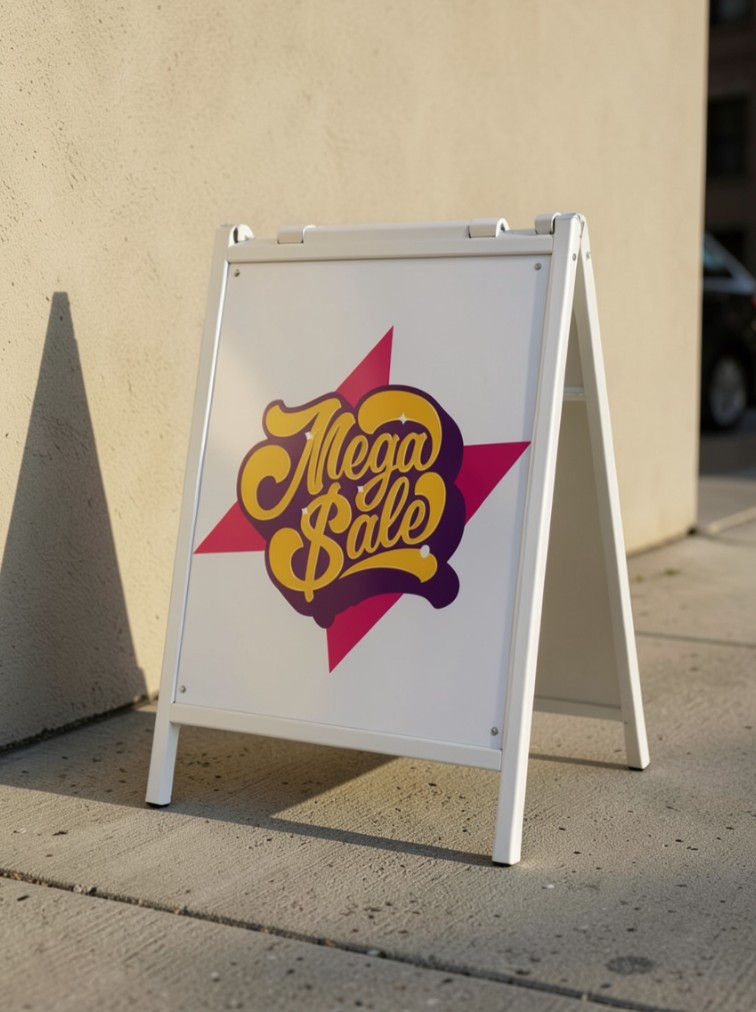
The platform also offers a free amount of credits to new users, allowing designers to experience features before deciding to upgrade to a paid plan. This is a suitable option for freelancers, startups, or those who want to experiment with many ideas without needing to invest heavily.
However, since the mockup creation process primarily takes place through a chat interface, the ability to customize details remains limited. If the project requires precise control over the position, proportions, or effects of each element, you may need to incorporate additional specialized design software.
5. Recraft: Control mockups with high precision
Recraft is a prominent AI design toolset capable of creating high-quality vector graphics, illustrations, and mockups. Compared to many other AI platforms, Recraft offers better detail control during the design-to-product process.
Recraft's biggest advantage is its ability to precisely position designs on mockups. Users can adjust the position, scale, viewing angle, blend mode, and use masks to precisely control the display area of the design. This results in a more natural look and limits the possibility of AI altering the original layout.
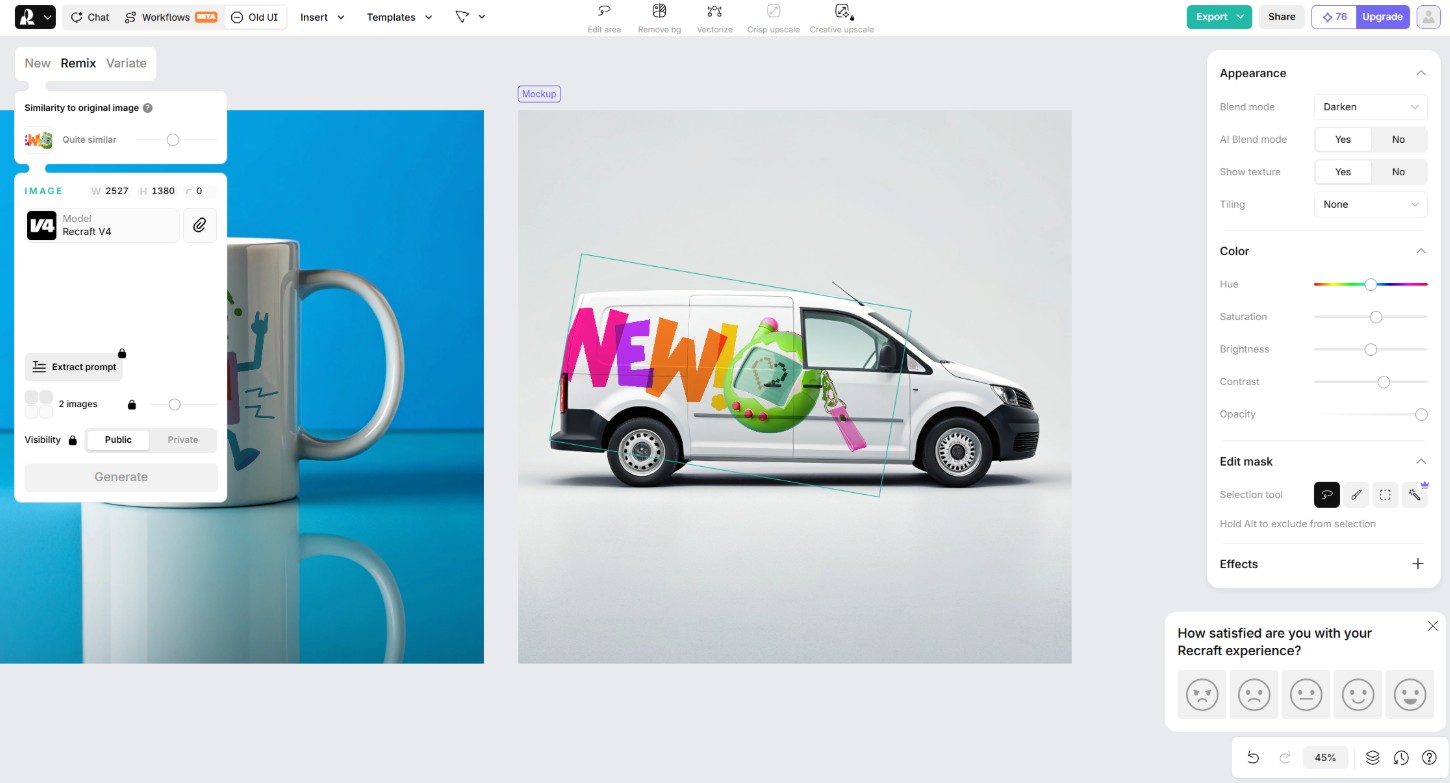
Additionally, Recraft supports excluding areas you don't want the AI to affect, which is very useful when working with highly detailed images or when you need to preserve a portion of the background. This is a feature that not all AI mockup creation platforms offer.
Like many AI tools today, Recraft also offers free credits for users to try before upgrading. However, some advanced features and image creation limits will only be unlocked in paid plans, suitable for designers or businesses that need to use it frequently.
6. Which AI tool should I choose?
If you need an AI assistant capable of engaging in multiple rounds of feedback and editing, and understanding requirements well, ChatGPT is a standout choice. This tool is suitable for designers, marketers, and content creators who want to continuously refine mockups through conversation while maintaining the original concept.
Meanwhile, Gemini excels at handling multiple reference images within a single request. This is a suitable choice if you need to combine logos, packaging, product images, and other resources to create mockups quickly. However, users should also be aware of limitations regarding content moderation and the potential for image quality degradation after multiple edits.
For the product packaging industry, Pacdora is arguably one of the most specialized tools available today. Its extensive 3D mockup library, video creation capabilities, and numerous pre-set camera angles make it an ideal choice for manufacturing businesses, agencies, or packaging designers.
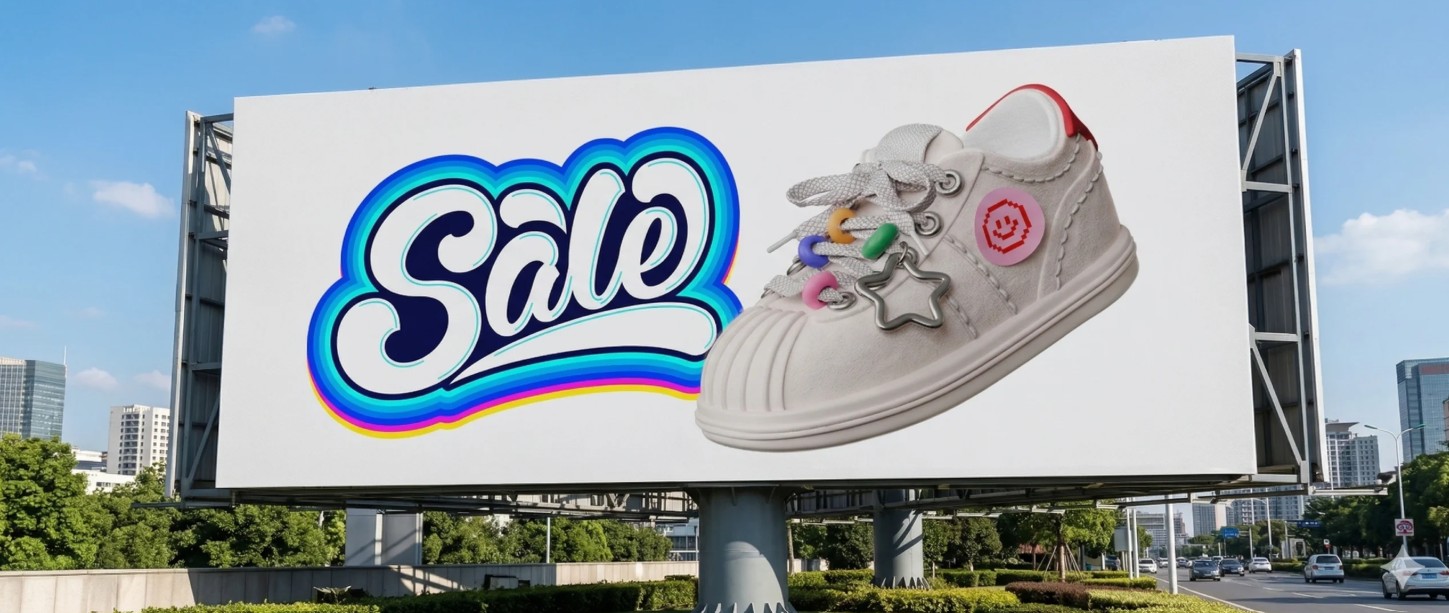
If speed is a priority and you need to create multiple brand mockup options in a short amount of time, Pixar is a solution worth considering. Its simple workflow and ability to create many variations with just one prompt input make idea testing quick and efficient, especially suitable for freelancers or marketing teams.
Meanwhile, Recraft is geared towards those who need more detailed control. The ability to adjust design position, set Blend Modes, use Masks, and exclude specific areas on the mockup makes Recraft suitable for professional projects where accuracy and realism are paramount.
Overall, in terms of understanding requirements and supporting multi-stage revisions, ChatGPT is one of the most comprehensive options. Pacdora leads in 3D packaging mockups, while Recraft excels in detailed customization. Gemini and Pixa score points for their speed of idea generation and ease of use. Combining multiple AI tools instead of using just one platform will help designers maximize the advantages of each solution, thereby improving creative efficiency and significantly shortening project completion time.
7. Conclusion
For designers and businesses, choosing the right tool will depend on actual needs, the type of product to be simulated, and the desired level of customization. Combining AI with traditional design skills not only increases productivity but also opens up many new creative opportunities, better meeting the increasingly diverse requirements of customers in 2026.





















VIP Products








Best Selling Products
Capcut Pro 1 Year
39 USD
Upgrade Duolingo Super
29 USD
Freepik Premium Account
59 USD
Upgrade genuine Capture One account
120 USD
Adobe Photoshop Copyright - Full App
120 USD
Upgrade Genuine Office 365
49 USD
Genuine Adobe Illustrator account
99 USD
Copyright Adobe Lightroom Account
59 USD
Windows 10 & 11 Pro Key
36 USD
Genuine Cheap Canva Pro
39 USD
Adobe Premiere Pro Account
99 USD
Autodesk All App Account Copyright
120 USD
Plugin Retouch4me
69 USD
MidJourney Account
29 USD
ChatGPT Plus Account (GPT-4)
16 USD