Best Selling Products

MidJourney Account
29 USD

Plugin Retouch4me
69 USD

Upgrade Duolingo Super
29 USD

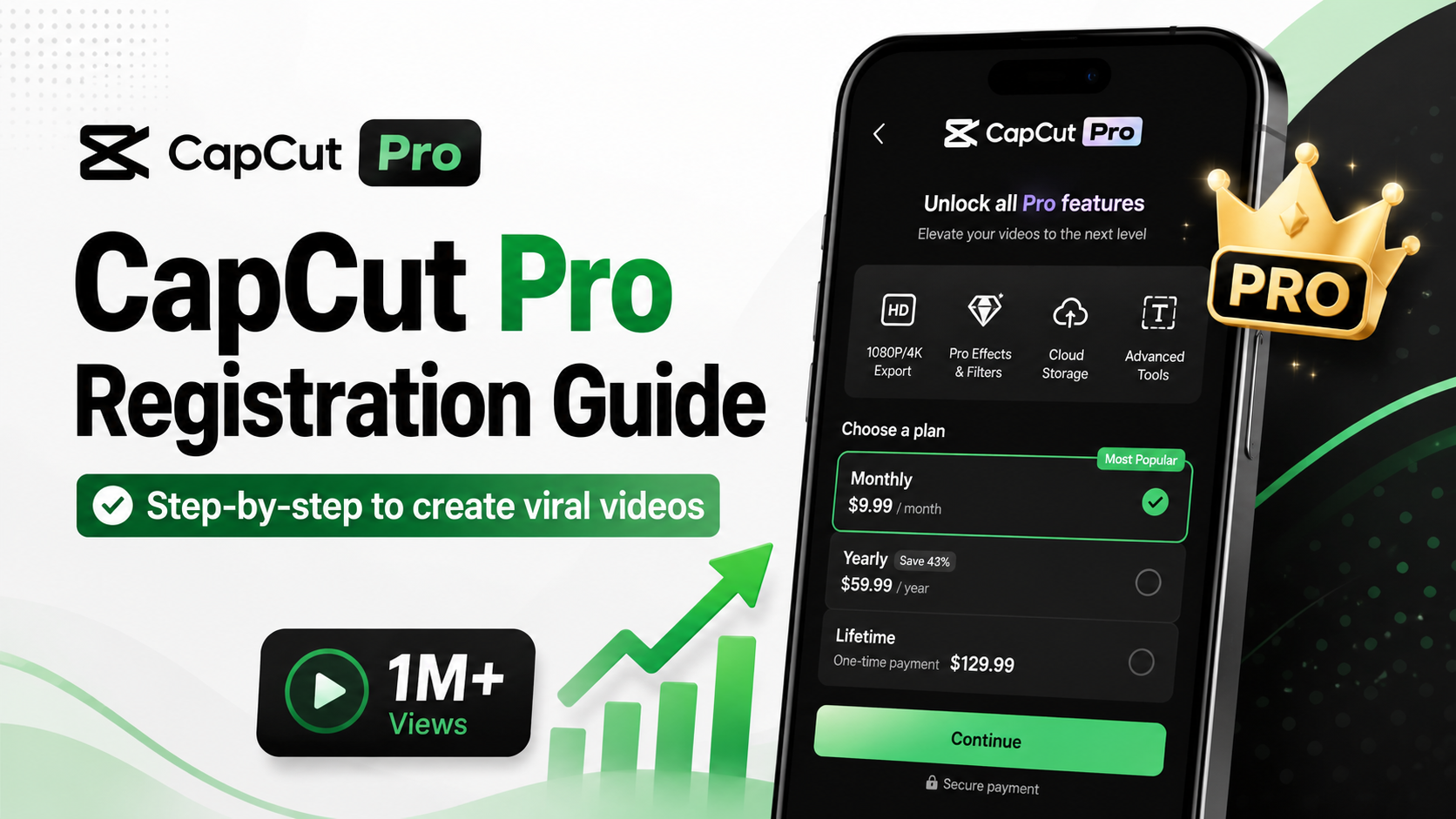
Capcut Pro 1 Year
39 USD

Upgrade Genuine Office 365
49 USD

Freepik Premium Account
59 USD

Copyright Adobe Lightroom Account
59 USD

ChatGPT Plus Account (GPT-4)
16 USD

Adobe Premiere Pro Account
99 USD

Genuine Cheap Canva Pro
39 USD

Adobe Photoshop Copyright - Full App
120 USD

Upgrade genuine Capture One account
120 USD

Windows 10 & 11 Pro Key
36 USD

Autodesk All App Account Copyright
120 USD

Genuine Adobe Illustrator account
99 USD
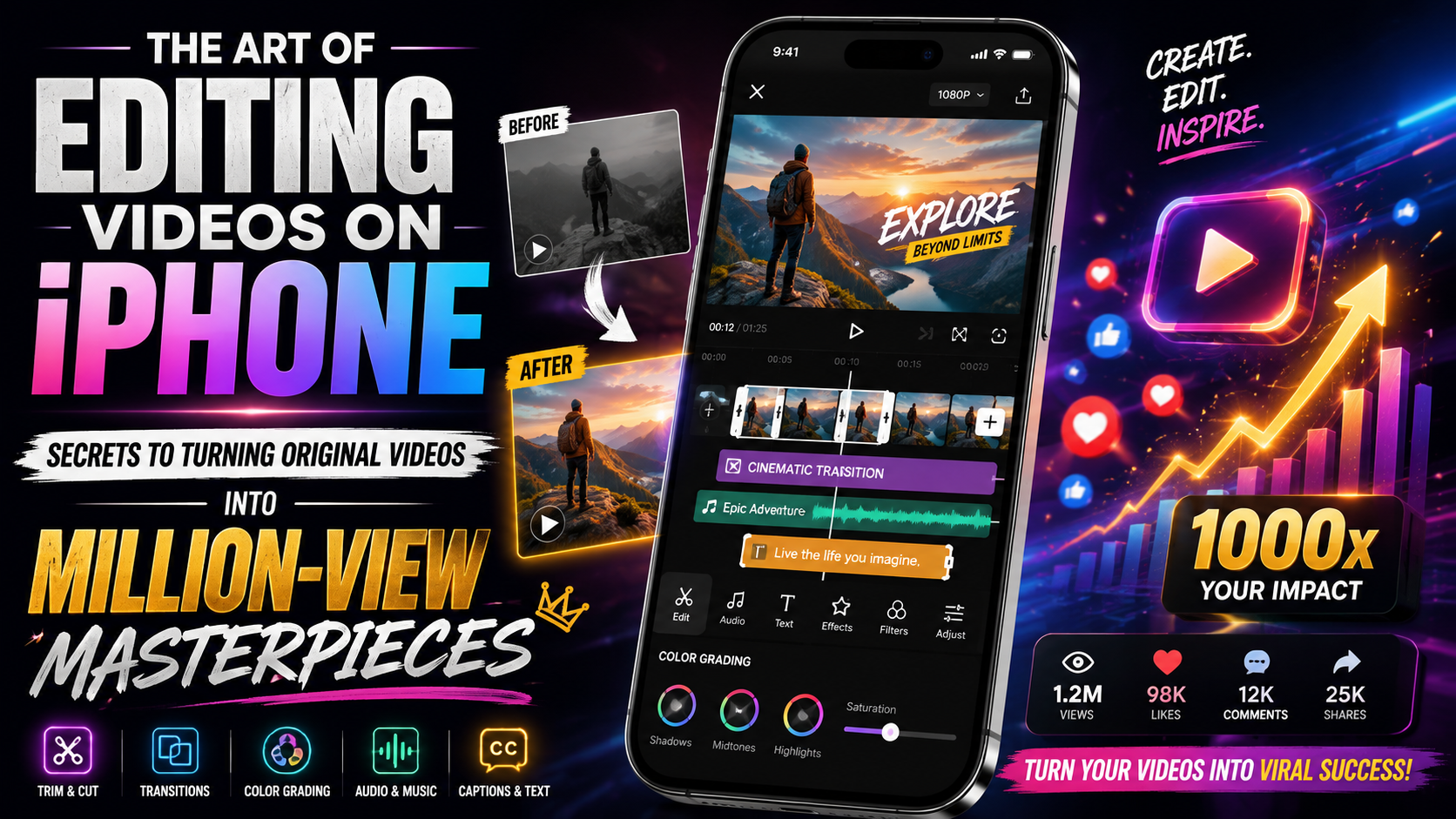
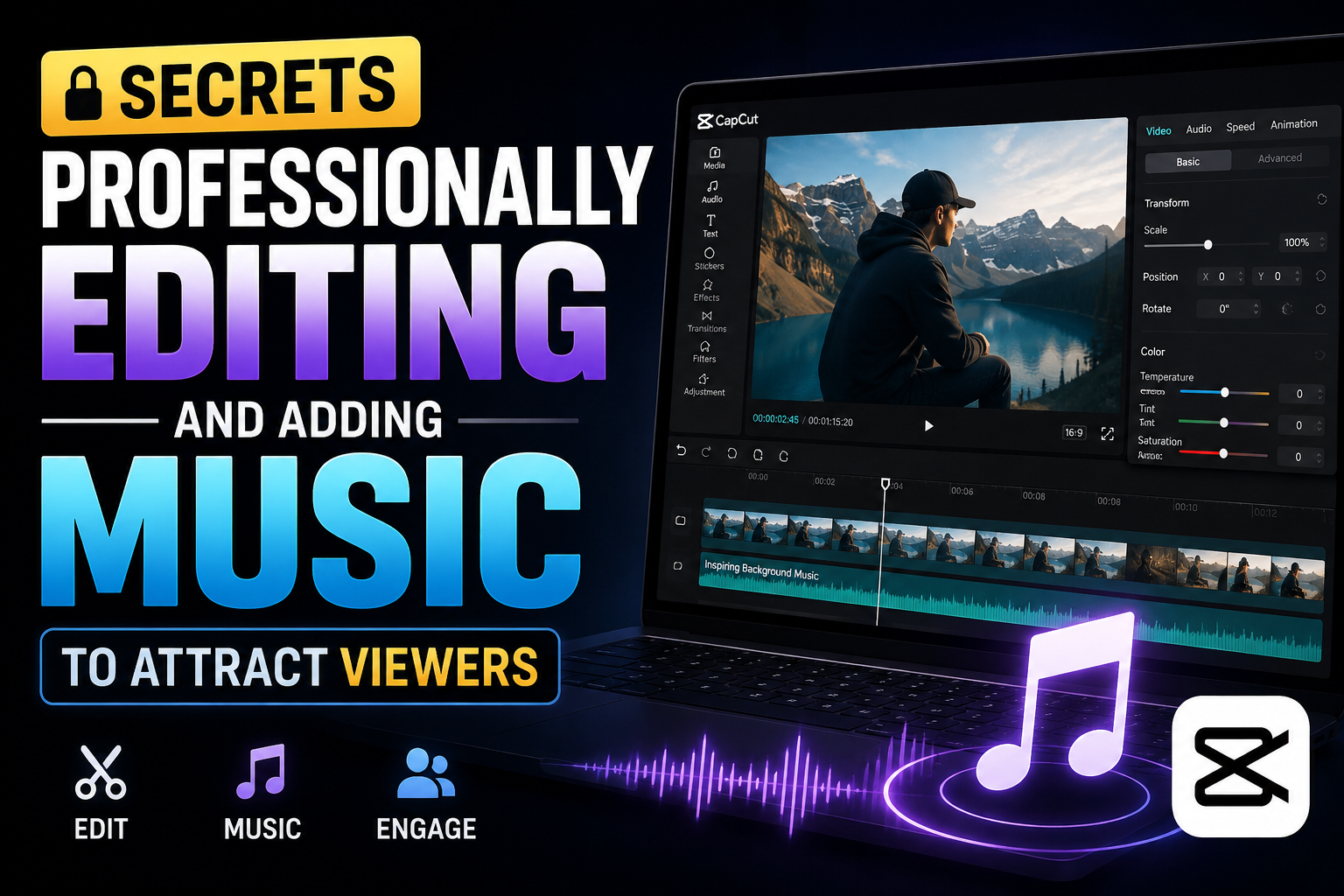
Secrets to professionally editing and adding music to videos to attract viewers.
Nội dung
- 1. Why is music a crucial factor in the success or failure of a video?
- 2. A 5-step process for editing and adding music to videos perfectly.
- 2.1 Step 1: Define the video's goals and message.
- 2.2 Step 2: Choose the appropriate editing tool
- 2.3 Step 3: Trim and arrange the timeline
- 2.4 Step 4: Insert music and apply the "Edit On Beat" technique.
- 2.5 Step 5: Optimize volume and publish
- 3. The best apps for editing and adding music to videos on your phone.
- 3.1 CapCut - The king of trending videos
- 3.2 InShot - Simple, elegant, and versatile
- 3.3 VN Video Editor - Professional and completely free
- 4. Top-tier computer software for professional creators.
- 4.1 Wondershare Filmora - The perfect bridge between simplicity and professionalism
- 4.2 Adobe Premiere Pro - The gold standard of the film industry
- 5. The art of music selection and arrangement - Secrets to making your video reach emotional peaks.
- 5.1 The 80/20 Rule of Volume
- 5.2 Using Fade In and Fade Out Effects
- 5.3 The Power of Silence
- 5.4 Utilizing Small Sound Effects (SFX)
- 6. Important warning regarding audio copyright issues.
- 6.1 Do not use commercially popular pop music for profit.
- 6.2 Free and Safe Music Download Sources
- 6.3 Investing in paid music libraries
- 7. Conclusion
In the age of TikTok, Facebook Reels, and YouTube Shorts, mastering post-production skills is more important than ever.
1. Why is music a crucial factor in the success or failure of a video?
Before we begin pressing the editing button, we need to understand why music has such power in filmmaking and content creation.
-
Manipulating viewers' emotions: Music has the power to evoke incredibly strong emotions. A gentle piano melody can bring tears to the audience's eyes in a documentary. Conversely, an upbeat EDM track will instantly heighten the tension and infuse positive energy into a sports video or an exciting road trip.
-
Keeping viewers engaged longer: Social media platforms' algorithms now place a high priority on "viewer retention rates." When you skillfully incorporate music into your videos, the rhythm of the song guides viewers through each frame without becoming bored. They will stay and watch your video longer, making it easier for it to trend.
-
Shaping your personal brand style: Think about famous vloggers; sometimes, just the background music is enough to recognize their video. Staying true to a specific musical style helps you build a unique identity, making your video memorable among millions of other content creators.
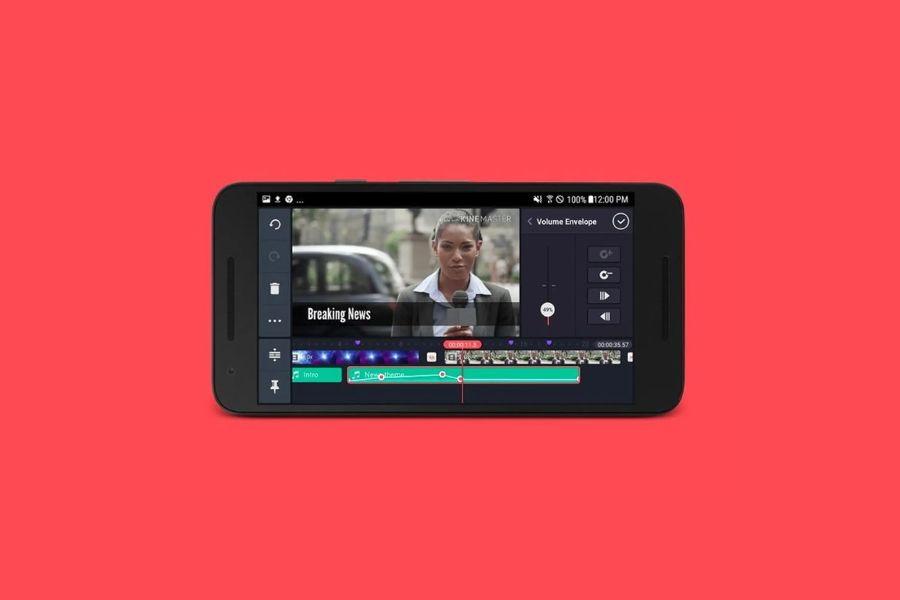
2. A 5-step process for editing and adding music to videos perfectly.
To create a perfect video, you can't just download a song and throw it into editing software. Follow these 5 professional steps:
2.1 Step 1: Define the video's goals and message.
What genre is your video? Cooking tutorials, travel vlogs, tech reviews, or comedy clips? Each genre requires a specific type of music. For example, cooking videos often favor gentle, relaxing acoustic music, while travel and experience videos need free-spirited, upbeat Indie Pop.
2.2 Step 2: Choose the appropriate editing tool
Depending on the device you have (phone or computer) and your technical skills, choose the software accordingly. Nowadays, mobile applications are very smart, allowing you to do everything with just a few taps.
2.3 Step 3: Trim and arrange the timeline
Import the original video into the software. Proceed to cut out unnecessary segments, dead silences, or slips of the tongue. Arrange the scenes in a logical and engaging narrative before adding music.
2.4 Step 4: Insert music and apply the "Edit On Beat" technique.
This is the most important step in editing and adding music to a video . You add the audio file, then listen to the drum beats or key points of the song. Cut and transition right at those key points. This technique creates an extremely visually appealing and captivating effect.
2.5 Step 5: Optimize volume and publish
Make sure the background music isn't too loud and doesn't drown out your voice (if any). Use smooth audio transitions, then export the video at the highest possible resolution (usually 1080p or 4K) to be ready for upload.
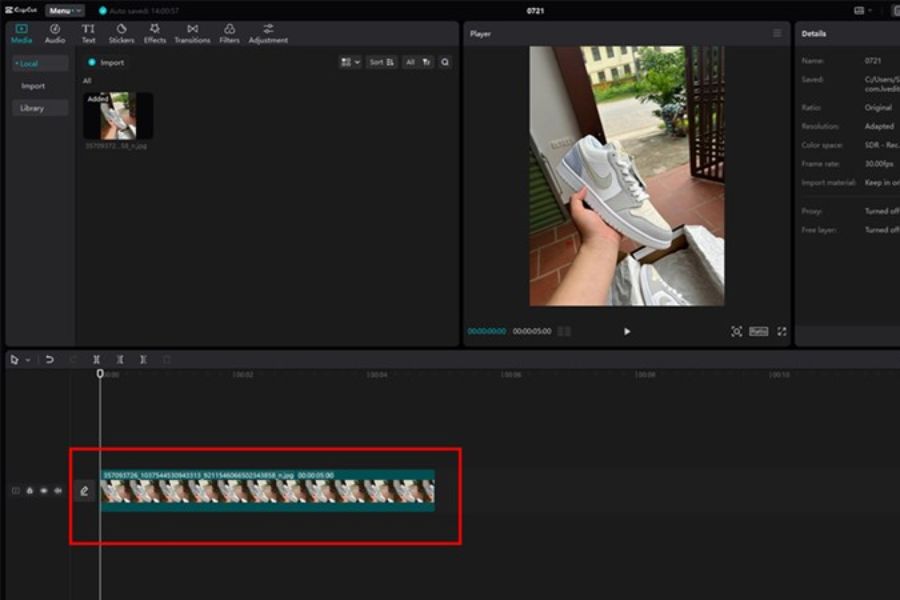
3. The best apps for editing and adding music to videos on your phone.
You don't need a high-end computer to create videos with millions of views. With just a smartphone, the apps below will help you transform audio incredibly easily.
3.1 CapCut - The king of trending videos
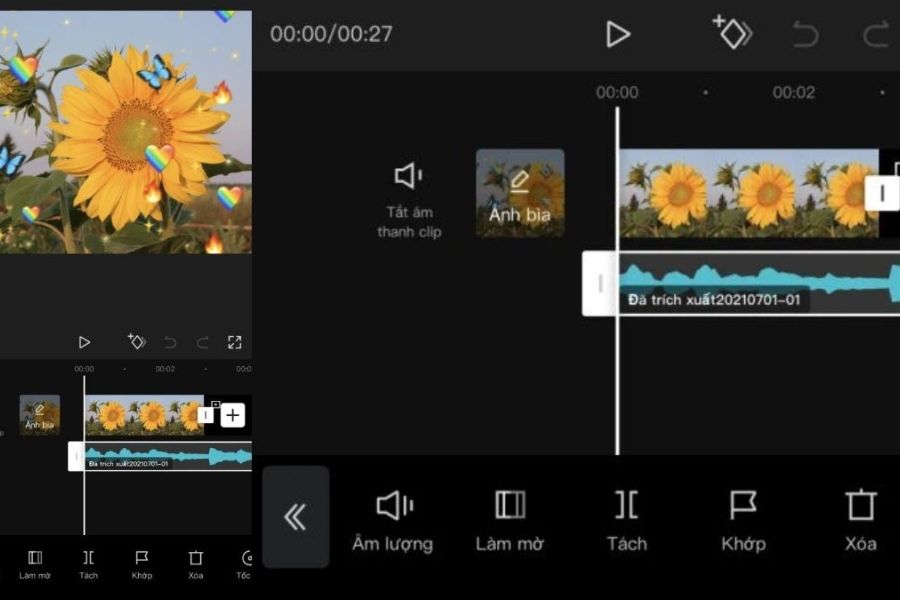
It's no exaggeration to say that CapCut is currently a national app. Developed by ByteDance (the parent company of TikTok), CapCut boasts a huge music library and updates trends extremely quickly.
-
Pros: Intuitive interface, with an automatic match cut feature that helps you accurately match the beat without much effort. You can also easily extract audio from another video in just 3 seconds.
-
Best use: Suitable for those who want to create short videos for TikTok and Reels with jerky transition effects synchronized to music.
3.2 InShot - Simple, elegant, and versatile
If you're just starting to learn how to edit and add music to videos , InShot is the ideal companion. All the toolbars are clearly arranged and easy to understand.
-
Pros: Excellent audio layer management. You can insert background music, add sound effects (laughter, applause, beeping sounds), and do voiceovers simultaneously.
-
Best use case: Ideal for knowledge-sharing videos, product reviews, or daily life vlogs.
3.3 VN Video Editor - Professional and completely free
VN (VlogNow) is one of the rare apps that offers professional editing features similar to those on a computer, but is completely free and does not add a watermark at the end of videos.
-
Pros: Allows you to plot detailed waveforms, enabling precise music cutting down to the millisecond. Supports a wide range of cinematic color filters.
-
Best used for: Those who want to create polished, in-depth travel vlogs that demand a high level of artistry.
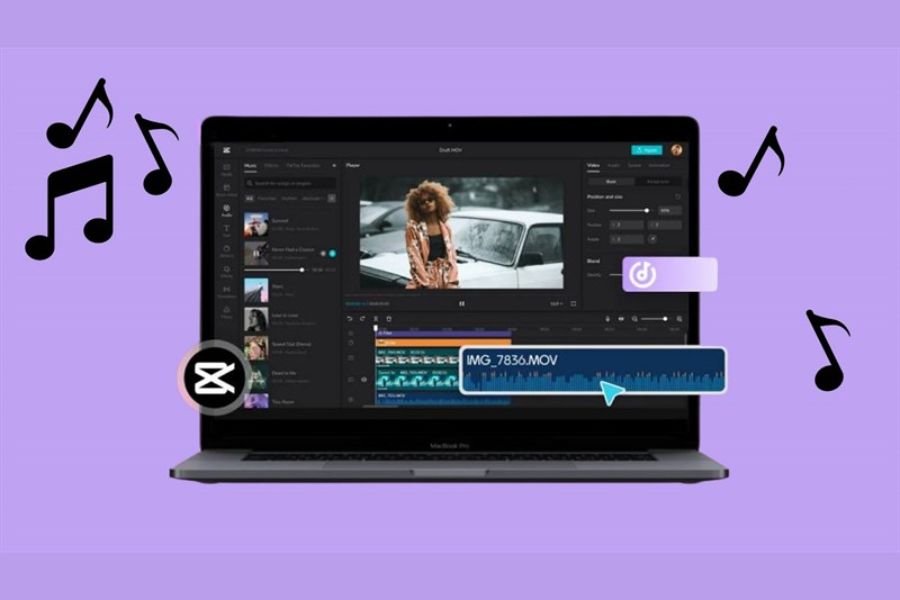
4. Top-tier computer software for professional creators.
As your projects grow larger, requiring a combination of multiple camera angles and complex surround sound systems, that's when you need to step onto the computer's playing field.
4.1 Wondershare Filmora - The perfect bridge between simplicity and professionalism
Filmora is renowned for its beautiful interface and incredibly rich library of effects. Its "Audio Ducking" feature automatically lowers the background music whenever there is speech and automatically increases the volume when you are silent. This saves you hours of manual editing.
4.2 Adobe Premiere Pro - The gold standard of the film industry
This is software every professional editor should know. Premiere Pro gives you absolute control over both video and audio. Deeply integrated with Adobe Audition, it allows you to perfectly filter out background noise, wind noise, and environmental noise. You can lengthen or shorten any track to fit the video length using the AI Remix tool without altering the song's rhythm.
5. The art of music selection and arrangement - Secrets to making your video reach emotional peaks.
Editing and adding music to a video isn't simply about merging two files. It's an art of arranging space and time. Here are some crucial tips to elevate your video to a whole new level:
5.1 The 80/20 Rule of Volume
A common mistake made by beginner video creators is having the background music too loud, drowning out the main voice. Remember this golden rule:
-
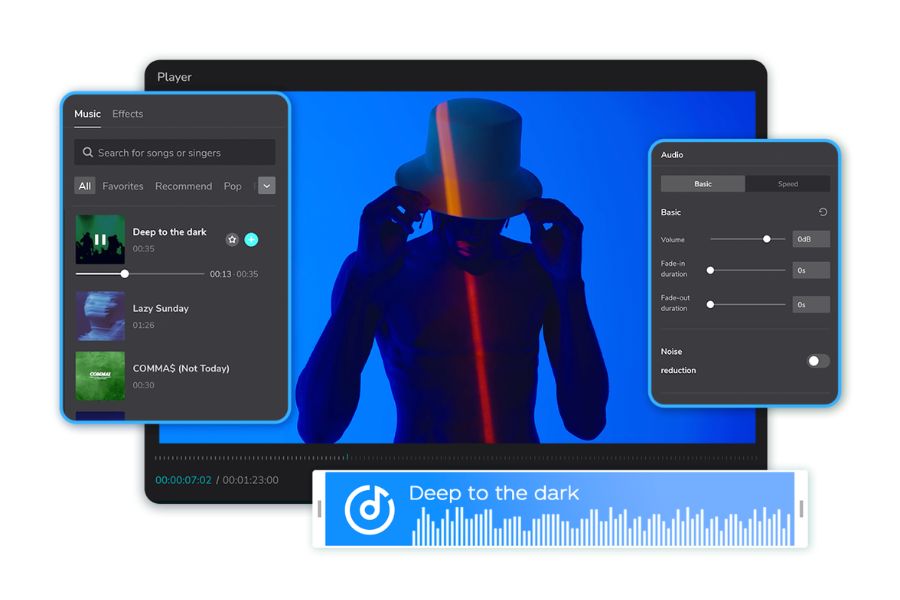
Voiceover: Should range from -6dB to -12dB on the volume scale.
-
Background music with dialogue: It should be lowered to -20dB to -30dB to serve as a backdrop that highlights the voice.
-
Background music for non-dialogue sections (Intro/Outro/Scene Transition): Can be boosted to -12dB to -15dB to create a more dynamic emphasis.
5.2 Using Fade In and Fade Out Effects
Never let the music suddenly blast loudly at the very first second, or abruptly cut off at the end of the video. This will startle the audience and make the video feel clumsily edited. Always use fade-in effects (sound gradually increases at the beginning) and fade-out effects (sound gradually decreases and then stops completely at the end) to create a smooth and pleasant experience.
5.3 The Power of Silence
Sometimes, the most effective sound is silence. In a video with a pounding soundtrack, abruptly cutting off the music just before an unexpected situation, a joke, or a horror scene can create intense suspense and surprise for the viewer.
5.4 Utilizing Small Sound Effects (SFX)
The background music is like the walls of your house, and the sound effects are like the paintings hanging on the wall. The "whoosh" sound when a scene changes, the "ting" sound when a line of text appears, or the sound of footsteps, birdsong... these are small details that create an incredibly realistic and professional feel for your video.
6. Important warning regarding audio copyright issues.
You spend all day editing and adding music to your video , and the final product is perfect, but as soon as you upload it to YouTube or Facebook, it's taken down or muted for copyright infringement. This is every content creator's nightmare. To avoid this, please note:
6.1 Do not use commercially popular pop music for profit.
Songs by famous singers are often subject to very strict copyright protection. If you're making a personal entertainment video without monetization enabled, some platforms like TikTok may allow its use through their existing music library. However, if you're making promotional videos for a brand or posting them on YouTube to earn money, absolutely avoid these songs.
6.2 Free and Safe Music Download Sources
Get acquainted with the concept of royalty-free music. You can find it from the following reputable sources:
-
YouTube Audio Library: A huge and completely free library located right within your YouTube Studio.
-
Facebook Sound Collection: A dedicated sound library for content creators on Facebook and Instagram.
-
Free websites like Pixabay, Bensound, or Mixkit offer a wide variety of high-quality background music without requiring any cost.
6.3 Investing in paid music libraries
If you're aiming for a professional career, paying a monthly fee for platforms like Epidemic Sound , Artlist , or Audiojungle is well worth it. You'll have access to millions of exclusive, studio-quality tracks and never have to worry about copyright issues.
7. Conclusion
The skill of editing and adding music to videos isn't something you can master overnight. It requires patience, a keen eye for detail, and an ear for rhythm. Don't be afraid to experiment, don't be afraid to make mistakes. Start with short 15-second videos, practice cutting music based on drum beats, and add those catchy "ting ting" sounds. Gradually, you'll realize that controlling the viewer's emotions through sound is a truly magical experience.





















VIP Products








Best Selling Products
MidJourney Account
29 USD
Plugin Retouch4me
69 USD
Upgrade Duolingo Super
29 USD
Capcut Pro 1 Year
39 USD
Upgrade Genuine Office 365
49 USD
Freepik Premium Account
59 USD
Copyright Adobe Lightroom Account
59 USD
ChatGPT Plus Account (GPT-4)
16 USD
Adobe Premiere Pro Account
99 USD
Genuine Cheap Canva Pro
39 USD
Adobe Photoshop Copyright - Full App
120 USD
Upgrade genuine Capture One account
120 USD
Windows 10 & 11 Pro Key
36 USD
Autodesk All App Account Copyright
120 USD
Genuine Adobe Illustrator account
99 USD