Best Selling Products

Adobe Photoshop Copyright - Full App
120 USD

Autodesk All App Account Copyright
120 USD

Plugin Retouch4me
69 USD

Genuine Cheap Canva Pro
39 USD

Upgrade Duolingo Super
29 USD

Capcut Pro 1 Year
39 USD

Upgrade Genuine Office 365
49 USD

MidJourney Account
29 USD

ChatGPT Plus Account (GPT-4)
16 USD

Genuine Adobe Illustrator account
99 USD

Adobe Premiere Pro Account
99 USD

Freepik Premium Account
59 USD

Windows 10 & 11 Pro Key
36 USD

Upgrade genuine Capture One account
120 USD

Copyright Adobe Lightroom Account
59 USD
The Role of Design Thinking and AI Tool Suggestions in the Content Creation Process
Nội dung
- 1. What is Design Thinking?
- 2. The five stages of the Design Thinking process
- 2.1. Empathize
- 2.2. Define
- 2.3. Ideate
- 2.4. Prototype
- 2.5. Test
- 3. Benefits of Design Thinking in creativity
- 3.1 Focus on users
- 3.2 Encourage innovation
- 3.3 Reduce risks
- 3.4 Enhance collaboration
- 4. Tools and techniques in Design Thinking
- 4.1 Empathy Map: Empathy map
- 4.2 Journey Map: User journey map
- 4.3 How Might We (HMW) Questions: The key to unlocking creativity
- 4.4 Dot Voting: Quickly selecting ideas
- 5. Suggested AI software to support design after having ideas
- 5.1 Canva AI – A versatile creative assistant
- 5.2 Adobe Firefly – AI for creative images and content
- 5.3 Figma AI – A companion in UI/UX design
- 6. Conclusion
Design Thinking is a creative approach that is being widely applied in design, business, education, healthcare, and many other fields. It is not simply about finding a solution to a problem; design thinking also opens up new directions in innovating work processes, harnessing collective intelligence, and placing users at the center of every decision. When combined with the explosion of artificial intelligence (AI), Design Thinking becomes even more powerful, giving individuals and businesses the ability to create unique, accurate, and more optimized content than ever before. Leveraging AI tools in each stage of content creation not only saves time and improves efficiency but also opens up countless development opportunities in a highly competitive digital environment. Let’s explore it now with AI Software World!
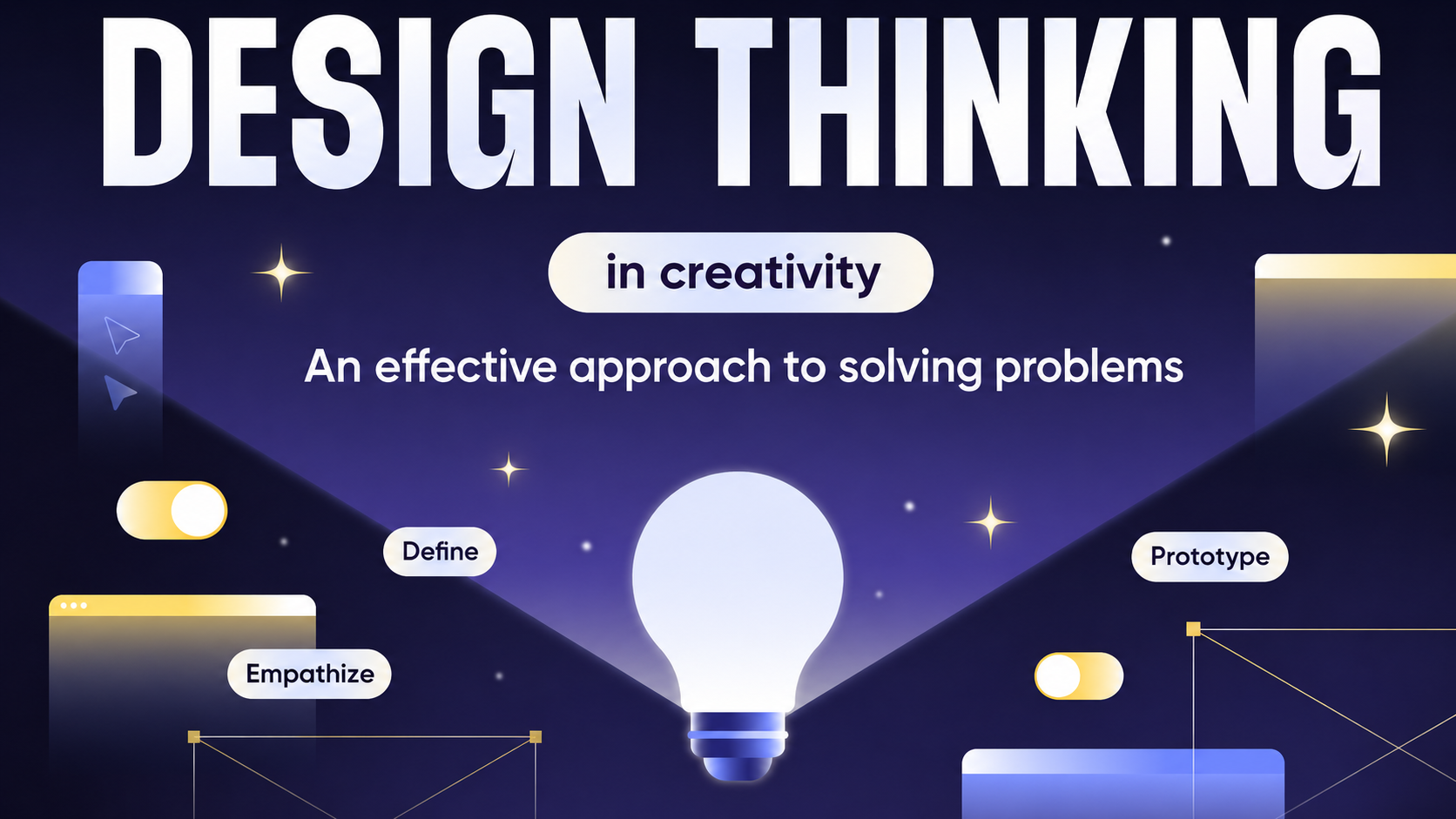
1. What is Design Thinking?
Design Thinking is understood as a creative thinking method that places people and their real needs at the center. Instead of focusing only on features or technology, Design Thinking aims to understand users, thereby finding the most creative and suitable solutions. In a fiercely competitive context, this approach not only helps businesses innovate products and services but also creates sustainable advantages thanks to the ability to meet customers’ expectations accurately.
Unlike traditional working models that are linear and rigid, Design Thinking is an open, flexible, and highly iterative process. Practitioners continuously observe, empathize, test, and adjust to produce the most optimal results. It is this combination of creativity and practicality that has made Design Thinking an important tool, creating products that are not only visually appealing but also useful, sustainable, and able to deliver a complete experience to users.
.jpg)
2. The five stages of the Design Thinking process
2.1. Empathize
Empathy is the opening step and also the most important foundation in the Design Thinking process. At this stage, the goal is not to guess or impose users’ desires, but to directly listen, observe, and place oneself in their real-life context. Only when the design team truly understands the emotions, needs, and difficulties users face can they build solutions that address the right problem.
To do this, experts often apply many different methods such as in-depth interviews, behavior surveys, shadowing, creating empathy maps, or even trying to use the product like a real customer. As a result, the design team can discover hidden “pain points” – issues that users sometimes do not even realize – which become a valuable foundation for the next step.
.jpg)
2.2. Define
After collecting data from the Empathize stage, the team moves into the Define stage. This is when information is analyzed, organized, and refined to identify the true nature of the challenge that needs to be solved. If Empathize is about listening to the story, then Define is the stage that turns that story into a clear, core, and well-oriented problem.
In Design Thinking, the problem is often defined through a Point of View (POV) – a concise description of user needs. At the same time, the questioning technique “How Might We…?” helps turn problems into creative opportunities. If the problem is defined correctly, the entire following process will move in the right direction; conversely, defining the wrong problem means that every solution proposed will be less effective.
2.3. Ideate
The Ideate stage is where creative thinking explodes. At this step, the design team is encouraged to explore every possibility and generate as many diverse ideas as possible without immediately worrying about feasibility. The more ideas there are, the higher the chance of finding a breakthrough solution. This is the stage of expanding vision and creating space for imagination to develop freely.
To spark ideas, many creative techniques are applied such as brainstorming, mind mapping, sketching, brainwriting, or SCAMPER – a tool for transforming existing ideas. The important thing is not to limit oneself, because sometimes “unusual” ideas are the very foundation for an excellent solution.
.jpg)
2.4. Prototype
Prototype is the step that turns ideas into reality in a simulated, fast, and low-cost form. Instead of waiting until the product is complete before bringing it to market, this stage helps the design team verify the feasibility of the idea early on. A prototype can be very simple, as long as it is enough for users to experience and provide feedback.
Prototype formats are very diverse: from paper sketches, storyboards, wireframes, digital mockups to role-playing situations. For UI/UX design, tools such as Figma, Adobe XD, or Sketch are often chosen to create visual prototypes. The principle of “fail fast, fail cheap” is considered the guiding compass at this step, helping save time and resources.
2.5. Test
Testing is the stage of bringing the prototype to real users to observe how they interact and listen to their feedback. This is not only the time to confirm initial assumptions, but also an opportunity to discover unexpected perspectives on real needs and behaviors. These practical experiences help the design team better understand what works and what needs to be changed.
The important thing is that Test is not the end point of the Design Thinking process. On the contrary, test results often lead the team back to previous stages such as Define or Empathize for refinement. This process is continuously iterative, aiming to ensure that the product or service becomes increasingly complete, more suitable, and delivers the best experience to users.
3. Benefits of Design Thinking in creativity
3.1 Focus on users
The core point of Design Thinking is placing people at the center of the entire creative process. Instead of only paying attention to technology or trends, this method focuses on solving the real needs of users. When products or services are built based on customer understanding, they not only create an impression in terms of appearance but also meet practical expectations, thereby improving usage value.
In the field of multimedia graphic design or graphic design, empathizing with the target audience helps designers create works that are both visually appealing and effective in conveying messages. As a result, design products do not stop at aesthetics but also become powerful communication tools that create deep connections with users.
3.2 Encourage innovation
Design Thinking encourages individuals and organizations to break away from old thinking patterns while challenging familiar assumptions. This opens the door to creativity beyond conventional boundaries, where bold and breakthrough ideas have the opportunity to take shape. As a result, solutions are not only fresh but also highly applicable in many fields.
In multimedia design, design thinking is a powerful tool that helps professionals create different experiences and bring surprise to viewers. Products built with a spirit of innovation not only stand out in the market but also affirm the designer’s own creative identity.
.jpg)
3.3 Reduce risks
One of the outstanding advantages of Design Thinking is its ability to reduce risks thanks to its continuous iterative process. Creating prototypes and conducting early testing helps detect errors right from the initial stage. This helps the team save time, costs, and avoid major losses when the product has already been launched to the market.
Especially in UI/UX design, just one small incorrect detail can seriously affect the user experience. Thanks to early and frequent testing methods, the design team can quickly make adjustments, ensuring that the final product is intuitive, user-friendly, and provides a smooth experience.
3.4 Enhance collaboration
Design Thinking is not only a creative process, but also a catalyst for an effective teamwork culture. This method encourages the participation of many individuals from different fields, from design, engineering, and marketing to business. This diversity of perspectives helps solutions become more comprehensive and closer to reality.
When applying Design Thinking, organizations not only achieve outstanding creative results but also build a connected work environment that encourages long-term innovation. As a result, every member has the opportunity to contribute their own value while developing creative thinking in their own work.
4. Tools and techniques in Design Thinking
4.1 Empathy Map: Empathy map
Empathy Map is a visual tool that helps the design team gain a deeper understanding of users. Instead of stopping at dry data, Empathy Map describes users through four aspects: what they think, what they say, what they do, and what they feel. As a result, the team not only sees external behavior but also discovers the thoughts hidden behind their decisions.
In multimedia design and marketing, Empathy Map is especially useful when users’ emotions and intuition play a decisive role. Analyzing speech and behavior in parallel helps designers identify the gap between “hidden desires” and “actual actions,” thereby creating products that are both aesthetically rich and capable of conveying the right message.
4.2 Journey Map: User journey map
Journey Map describes the entire journey a user goes through when interacting with a product or service. This tool outlines touchpoints, pain points, and even positive moments of truth in the experience. It is like a detailed map that helps the design team track users’ emotions from the beginning until the journey is completed.
In the field of UI/UX, Journey Map is considered a tool that “illuminates” hidden problems. For example, a registration step that is too long or a feature that is difficult to use can cause users to give up halfway. When these bottlenecks are discovered, the team can propose solutions to improve the experience and retain users for longer.
.jpg)
4.3 How Might We (HMW) Questions: The key to unlocking creativity
The “How Might We” technique helps turn challenges into creative opportunities. Instead of seeing problems as barriers, HMW encourages the team to view them from a positive and open perspective. For example, instead of complaining that “users do not read instructions,” the team can ask, “How might we help users discover features on their own without needing instructions?”
The special point of HMW is that it promotes flexible thinking and motivates the idea-generation process. This technique not only inspires many new and unique solutions but also helps the team maintain a creative spirit throughout the process. As a result, Design Thinking becomes an exciting journey of exploration rather than just a dry problem-solving process.
4.4 Dot Voting: Quickly selecting ideas
During the idea development stage, a team may come up with dozens or even hundreds of different options. Dot Voting appears as a simple but effective solution: each member uses a number of “dots” (stickers, symbols, or votes) to select the ideas they believe are the most promising.
This method both saves time and ensures democracy, allowing the whole team to participate in the decision-making process. More importantly, Dot Voting reduces the risk of a few individuals dominating the common choice. As a result, the team can quickly narrow the scope and focus resources on ideas that are truly worth developing.
5. Suggested AI software to support design after having ideas
5.1 Canva AI – A versatile creative assistant
Canva AI is a top choice for those who want to turn ideas into visual designs quickly. Thanks to the integration of artificial intelligence, Canva not only helps users automatically suggest layouts and color combinations but also provides tools to create images, content, and even videos in just a few minutes. This is especially useful for creators who need visually appealing products without spending too much time.
Another strength of Canva AI is its huge resource library with millions of available images, icons, and templates. Users only need to enter keywords or descriptions, and the AI tool will automatically suggest suitable designs. As a result, even people who are not specialized in graphic design can easily create high-quality products.
In addition, Canva AI also supports smooth teamwork, allowing multiple members to edit, give feedback, and complete ideas on one platform. This is an ideal tool for content creation teams, marketers, or designers who want to save time while still ensuring professionalism.
.jpg)
5.2 Adobe Firefly – AI for creative images and content
Adobe Firefly was developed to serve professional designers who want to take advantage of AI power while still maintaining premium quality. The highlight of Firefly is its ability to create images from text with a high level of detail and artistry. Users can describe ideas in words, and after only a few seconds, they can get multiple image versions to choose from.
Not stopping at image generation, Adobe Firefly also supports intelligent photo editing such as removing unnecessary details, changing backgrounds, or transforming image styles as desired. These features are especially useful in multimedia graphic design, when creators need to flexibly change visuals to suit communication contexts.
As part of the Adobe ecosystem, Firefly integrates smoothly with Photoshop, Illustrator, and After Effects. This helps users easily bring ideas from the sketching stage to the finished product without having to move through too many different tools.
5.3 Figma AI – A companion in UI/UX design
Figma has long been famous in the UI/UX design community thanks to its powerful online teamwork capabilities. With the addition of AI, this tool becomes even more useful in supporting the transformation of interface ideas into prototypes quickly. Figma AI can automatically suggest layouts, optimize structures, and propose design styles suitable for the user experience.
One outstanding advantage is that AI in Figma can shorten the prototype creation process from hours to just a few minutes. Users can enter a description of functions or the user journey, and the system will immediately build a draft interface for testing. This helps the team save significant time while quickly receiving feedback from customers.
Figma AI also supports user behavior analysis based on test data, helping designers recognize strengths and weaknesses in interface layouts. As a result, the initial idea is not only realized into a product but also continuously improved to deliver the most optimal experience.
6. Conclusion
Applying Design Thinking is not always smooth, but those very challenges create the foundation for organizations and individuals to change, learn, and grow. When combined with AI tools, the content creation process becomes more visual, efficient, and easier to access. The important thing does not lie in which technology or method is superior, but in how people know how to leverage, adjust, and create to suit their own goals. With design thinking as the guiding compass and AI as a powerful assistant, anyone can create higher-quality products, more effective services, and truly impressive user experiences.





















VIP Products








Best Selling Products
Adobe Photoshop Copyright - Full App
120 USD
Autodesk All App Account Copyright
120 USD
Plugin Retouch4me
69 USD
Genuine Cheap Canva Pro
39 USD
Upgrade Duolingo Super
29 USD
Capcut Pro 1 Year
39 USD
Upgrade Genuine Office 365
49 USD
MidJourney Account
29 USD
ChatGPT Plus Account (GPT-4)
16 USD
Genuine Adobe Illustrator account
99 USD
Adobe Premiere Pro Account
99 USD
Freepik Premium Account
59 USD
Windows 10 & 11 Pro Key
36 USD
Upgrade genuine Capture One account
120 USD
Copyright Adobe Lightroom Account
59 USD