Best Selling Products

Upgrade genuine Capture One account
120 USD

Copyright Adobe Lightroom Account
59 USD

ChatGPT Plus Account (GPT-4)
16 USD

Genuine Cheap Canva Pro
39 USD

Adobe Premiere Pro Account
99 USD

Adobe Photoshop Copyright - Full App
120 USD

Freepik Premium Account
59 USD

Autodesk All App Account Copyright
120 USD

Upgrade Genuine Office 365
49 USD

Genuine Adobe Illustrator account
99 USD

Upgrade Duolingo Super
29 USD

MidJourney Account
29 USD

Windows 10 & 11 Pro Key
36 USD

Capcut Pro 1 Year
39 USD

Plugin Retouch4me
69 USD
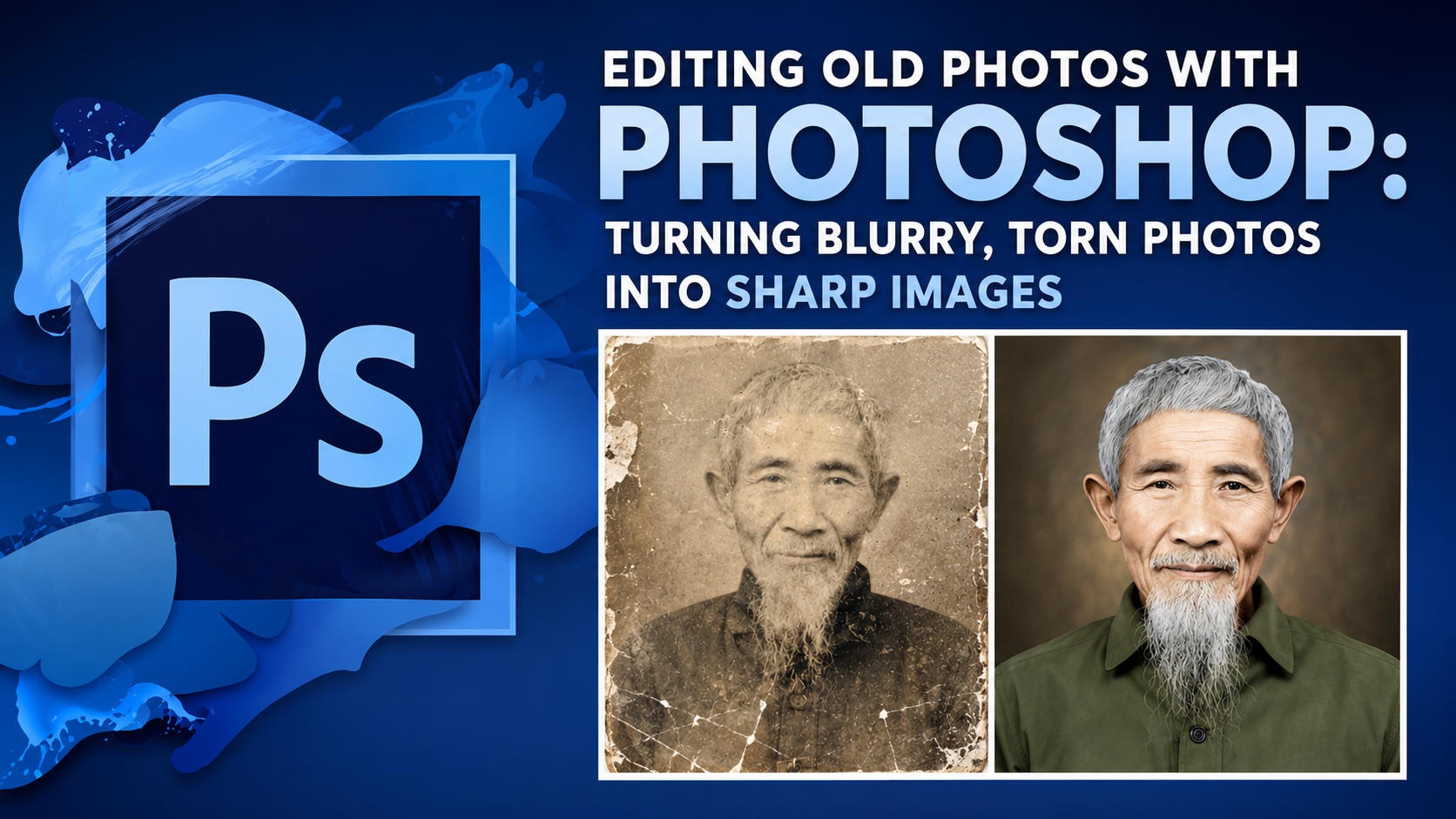
The Secret to Turning Blurry Photos Into Masterpieces: Top HD Photo Editing Apps Today
Nội dung
- 1. Remini – The King of Old Photo Restoration and Portrait Sharpening
- 2. Adobe Lightroom Mobile – Studio-Grade Editing Excellence
- 3. Snapseed – A Free, Powerful Assistant From Google
- 4. Picrsat – A Versatile Creative and Photo-Enhancement Ecosystem
- 5. Fotor – A Next-Generation AI Image Optimization Solution
- 6. YouCam Enhance – A Savior for Portrait and Blurry Selfie Photos
- 7. UpFoto – Simple, Streamlined, and Absolutely Effective
- 8. Pixelup – Bringing Memories Back to Life Through Sharp Color Photos
- 9. Pixlr – An Ultra-Fast Detail Optimizer on Browser and Mobile
- 10. Lumii – Professional Sharpness Fine-Tuning and Detailed Form Creation
- 11. Conclusion
In an era where images reign supreme, a "thousand-likes" photo doesn''''t just need a beautiful composition — the decisive factor has to be sharpness down to every strand of hair. Fortunately, the explosive growth of AI technology has brought magical HD photo editing apps that turn low-quality frames into high-resolution masterpieces in an instant.
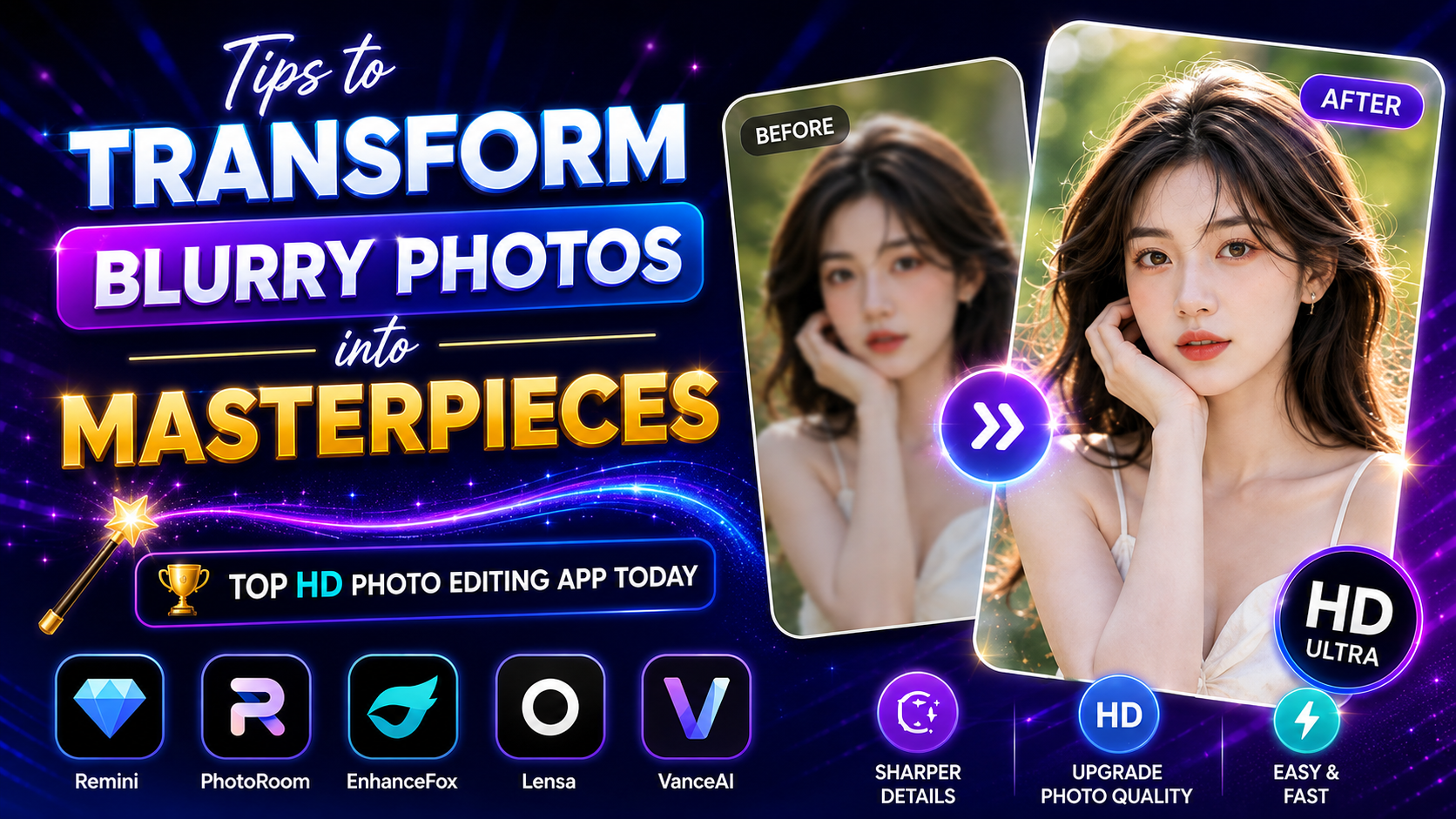
1. Remini – The King of Old Photo Restoration and Portrait Sharpening
If you had to pick one name at the top of the list of HD photo editing apps, Remini is certainly an app with no rival in the portrait space. Known as the "savior" of family photos from the last century, Remini uses generative AI technology powerful enough to redraw every blurred strand of hair or eyelash, delivering astonishingly crisp, original-looking sharpness.
Exclusive AI technology: The best facial-detail restoration capability available today.
Ultra-fast photo processing: Takes only 5 to 10 seconds to get back a sharp HD photo.
Diverse restoration: Sharpens portrait photos, landscape photos, and low-quality video alike.
Intuitive interface: A "Before/After" slider makes it easy for users to feel the transformation.
.jpg)
2. Adobe Lightroom Mobile – Studio-Grade Editing Excellence
Unlike apps that work automatically with one tap, Adobe Lightroom Mobile is a promised land for anyone who wants to hand-master a photo's sharpness. Part of a world-renowned graphics ecosystem, Lightroom's detail-fine-tuning feature makes photos sharper while still fully preserving artistic color grain, without looking fake or losing naturalness.
An in-depth Detail tool: Adjust the Sharpening and Radius sliders to precisely increase sharpness.
Clarity & Texture feature: Increases contrast in midtone areas, helping the surface of skin or objects show clear form.
Top-tier color management: An HSL color-separation system helps a photo be both sharp and artistically deep.
Save at original quality: Exports photos in high format, preserving maximum technical parameters.
3. Snapseed – A Free, Powerful Assistant From Google
Many people are surprised to learn that Snapseed, a 100% free, ad-free app, possesses a remarkably impressive ability to rescue blurry photos. Snapseed's Details tool runs smoothly, spectacularly enhancing the structure of small details in landscape, architectural, or macro close-up photos.
Completely free: No usage limits, no copyright watermark added to your photo.
A smart Structure tool: Increases the clarity of object outlines without causing noise.
Sharpening feature: Quickly sharpen a local area with just a swipe.
Selective Brush: Lets users sharpen only a specific area as they like.
.jpg)
4. Picrsat – A Versatile Creative and Photo-Enhancement Ecosystem
Picsart isn't simply an HD photo editing app — it's a mini studio for content creators. Picsart's powerful "AI Enhance" feature has elevated this app, turning photo sharpening into an enjoyable experience where you can sharpen a photo while also designing, inserting text, or compositing a background instantly.
One-touch AI Enhance feature: Automatically detects flaws and increases photo resolution.
Smart filters: Includes color filters that combine skin smoothing with detail sharpening at the same time.
Multi-layer editing: Easily embed an HD photo into banner or poster designs.
A large sharing community: Learn high-sharpness photo-editing formulas from users around the world.
5. Fotor – A Next-Generation AI Image Optimization Solution
Fotor has emerged as a phenomenon in the graphics world thanks to its extremely powerful batch photo-processing algorithm. Fotor's "1-Tap Enhance" tool works by analyzing a photo's brightness, contrast, and sharpness, then providing perfectly balanced adjustments that make the photo bright and clear after just one click.
Maximum resolution upgrade: Supports increasing an image's size multiple times over without degrading quality.
Specialized deblurring (Unblur) feature: Specifically treats photos affected by camera shake or a moving subject.
Modern interface: A minimalist, scientific design that even beginners can use right away.
Cloud syncing: Easily continue editing on a computer through your Fotor account.
.jpg)
6. YouCam Enhance – A Savior for Portrait and Blurry Selfie Photos
If you're a selfie enthusiast but your front camera is too blurry, YouCam Enhance is the perfect answer. This app puts all its power into optimizing portrait photos, brightening the eyes, redefining faded lines, and delivering smooth, HD-standard skin.
Focused on facial optimization: An in-depth algorithm dedicated specifically to selfies and group photos.
Smart light processing: Restores details lost to overexposure or excessive shadow darkness.
Astonishing processing speed: A streamlined algorithm delivers an HD photo in just a few short seconds.
High image privacy: Commits to deleting photo data after processing to protect privacy.
7. UpFoto – Simple, Streamlined, and Absolutely Effective
Without unnecessary supporting features, UpFoto focuses on exactly one job: turning a low-quality photo into an HD one. This focus gives the app a lightweight install, running smoothly even on lower-spec phones while still delivering astonishingly sharp restoration results.
Lightweight app size: Doesn't slow down or heat up your device while processing images.
Effective old-photo sharpening: Separates out blur caused by age and recreates the original color patches.
Minimalist operation: Just select a photo, tap the upgrade button, and wait for the result from the system.
Large-format support: Lets you save the photo as a high-quality PNG for printing.
.jpg)
8. Pixelup – Bringing Memories Back to Life Through Sharp Color Photos
Pixelup doesn't just stop at being an ordinary HD photo editing app — it's also an artisan who colors in the past. This app integrates AI technology that converts black-and-white photos into color, combined with an HD sharpening filter, creating photos as realistic as if they'd just been taken with a digital camera today.
A Restoration + Coloring combo: Turns an old, blurry black-and-white photo into an HD color photo in a single process.
Create motion effects (Animate): Makes the face in a photo move and smile in a lively way.
Live scanner: Uses the camera to scan an old paper photo and automatically corrects the angle and sharpens it.
HD+ standard export: Ensures sharpness is up to standard for sharing on major social platforms.
9. Pixlr – An Ultra-Fast Detail Optimizer on Browser and Mobile
Pixlr is known as an extremely flexible HD photo editing app, a lifesaver for anyone who needs to sharpen a photo in a short time without wanting to use up much device storage. Pixlr's Sharpen tool and smart filters help separate out flattened details, smoothly bringing an object's texture back to life.
Friendly interface: A minimalist design with clear tool icons, easy to get familiar with.
Low-light denoise: A grain-reduction (De-noise) filter that works well, making the HD photo clearer.
Cross-platform editing: Smooth syncing between the phone app and the web version.
A rich set of overlay effects: Add artistic light overlays after upgrading sharpness.
10. Lumii – Professional Sharpness Fine-Tuning and Detailed Form Creation
Lumii is an HD photo editing app deeply loved by young people thanks to its ability to intervene deeply in image texture. Instead of just applying crude sharpening that causes pixelation, Lumii focuses on increasing contrast at the subject's edges, giving the photo a clear sense of form and naturally reaching a high-resolution standard.
A refined Clarity tool: Increases clarity in midtone areas, without blowing out highlights or darkening the photo.
Active grain-noise control: Automatically compensates for missing pixels to keep the photo smooth and sharp.
A trendy color-filter library: Hundreds of fashionable color formulas that come combined with HD-standard sharpness.
Save personal formulas: Lets you save sharpening parameters to apply to future photos.
11. Conclusion
The most beautiful photo isn't the one taken with the most expensive equipment — it's the one that fully preserves the clearest emotion. Support from HD photo editing apps is like a technological magic wand, helping us freeze time and preserve memories in the most perfect way. Depending on your own needs — a quick tap from Remini's AI, the convenience of Snapseed, or the meticulous, hands-on mastery of every color range with Lightroom — choose the companion that suits you best. Download one of the apps above right now to bring the photo library on your phone back to life today!





















VIP Products








Best Selling Products
Upgrade genuine Capture One account
120 USD
Copyright Adobe Lightroom Account
59 USD
ChatGPT Plus Account (GPT-4)
16 USD
Genuine Cheap Canva Pro
39 USD
Adobe Premiere Pro Account
99 USD
Adobe Photoshop Copyright - Full App
120 USD
Freepik Premium Account
59 USD
Autodesk All App Account Copyright
120 USD
Upgrade Genuine Office 365
49 USD
Genuine Adobe Illustrator account
99 USD
Upgrade Duolingo Super
29 USD
MidJourney Account
29 USD
Windows 10 & 11 Pro Key
36 USD
Capcut Pro 1 Year
39 USD
Plugin Retouch4me
69 USD