Best Selling Products

Upgrade Genuine Office 365
49 USD

Plugin Retouch4me
69 USD

Upgrade genuine Capture One account
120 USD

Genuine Adobe Illustrator account
99 USD

Copyright Adobe Lightroom Account
59 USD

ChatGPT Plus Account (GPT-4)
16 USD

Adobe Premiere Pro Account
99 USD

Freepik Premium Account
59 USD

Autodesk All App Account Copyright
120 USD

Capcut Pro 1 Year
39 USD

Upgrade Duolingo Super
29 USD

Windows 10 & 11 Pro Key
36 USD

Genuine Cheap Canva Pro
39 USD

Adobe Photoshop Copyright - Full App
120 USD

MidJourney Account
29 USD
Tips to Help You Improve Your UI Design
Nội dung
- 1. Study the designs
- 2. Enroll in the course
- 3. Decide on your role.
- 4. Practice daily
- 5. Use only one typeface.
- 6. Improve contrast
- 7. Text alignment
- 8. Use white space/negative space.
- 9. Use the appropriate design tools.
- 10. Explore the design toolset at Sadesign
- 10.1 Sadesign Panel
- 10.2 Preset Lightroom
- 10.3 Adobe Software
- 11. Conclusion
In the modern tech world, user interface (UI) design plays a crucial role in creating the best user experience. An attractive and user-friendly interface not only attracts users but also keeps them engaged for longer. However, improving UI design isn''t just about aesthetics; it also involves understanding user psychology and applying effective design principles. This article from Sadesign will share helpful tips to enhance the quality of your UI design, from color usage and layout to optimizing user interaction.
1. Study the designs
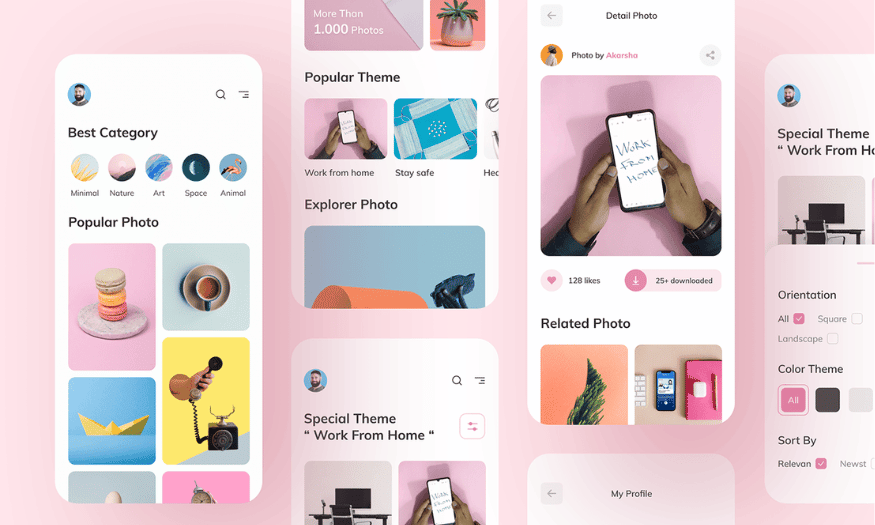
Studying other people's designs is one of the crucial steps in developing your design skills. Many successful designers assert that referencing other people's work has helped them broaden their horizons and discover new ideas. It not only helps you better understand current trends but also helps you identify strengths and weaknesses in your designs that you can improve.
Platforms like Dribbble, Behance, and Pinterest are incredibly valuable resources for designers. On these websites, you can find millions of creative designs, from app interfaces to websites. Regularly browsing these designs can help you grasp basic design principles, as well as different styles. You can save your favorite designs and analyze them to understand why they appeal to you.
Furthermore, design research shouldn't just stop at looking at designs; you should practice recreating those designs. This will help you master the techniques and tools that other designers have used. Through this, you can develop your own style based on what you've learned from others. Think of design research as a journey of knowledge acquisition, where you are constantly learning and updating yourself on new trends.
2. Enroll in the course
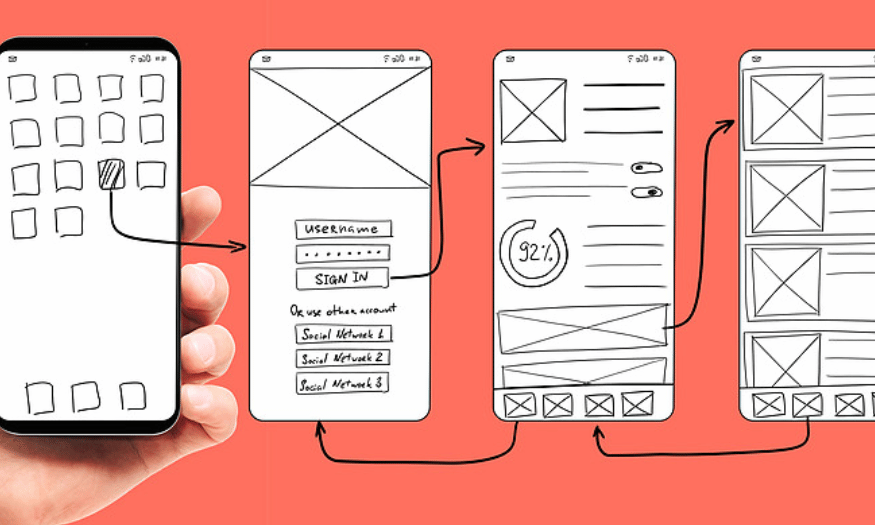
To become an excellent UI designer, taking in-depth courses is essential. User interface design is a field that demands a deep understanding of many aspects, from aesthetics to technical skills. A structured course will help you build a solid foundation of knowledge and equip you with the necessary skills to succeed in the profession.
Currently, many academies and online platforms offer UI design courses. You can find courses ranging from basic to advanced levels, suitable for your needs and skill level. Some courses even provide opportunities to practice on real-world projects, helping you apply theory to practice. This not only helps you master the knowledge but also build a portfolio to showcase to potential employers.
In addition to attending the course, you should also equip yourself with the necessary tools such as a laptop or desktop computer. Having a comfortable working environment will make it easier for you to learn and practice. Take advantage of free online resources, such as tutorial videos and articles, to improve your skills from home.
3. Decide on your role.
When starting a career in design, defining your role is crucial. You should decide whether you want to focus on UI design or UX design. Both fields have their own requirements and skills, and trying to do both can be distracting and prevent you from excelling in either area.
If you choose UI design, you'll need to focus on creating visually appealing and user-friendly interfaces. This includes a strong understanding of color, typography, and layout. Conversely, if you choose UX design, you'll need to prioritize user experience, researching user behavior and needs. Mastering either field will give you a solid foundation and help you create high-quality products.
Once you've decided on your role, dedicate time to learning and developing your expertise. Attending workshops, reading books, and networking with people in the industry will help you expand your knowledge and skills. Remember that specialization in a particular field will make you stand out to employers and create better career opportunities in the future.
4. Practice daily
The saying "Practice makes perfect" is truly accurate in the field of user interface design. Daily practice not only helps you remember what you've learned but also boosts your confidence in your design work. By practicing regularly, you will gradually recognize your mistakes and improve them, thereby developing your skills effectively.
When starting out, you should focus on creating designs that look like what you've seen. This helps you get familiar with the basic principles without the pressure to be creative immediately. Once you've mastered the techniques, you can begin to adjust and create in your own style. This will help you build a solid foundation for further development in the future.
Additionally, challenge yourself by participating in small projects or design competitions. These experiences not only help you practice but also provide opportunities to receive feedback from the community. Don't hesitate to share your work and learn from others, as this is an important part of your career development.
5. Use only one typeface.
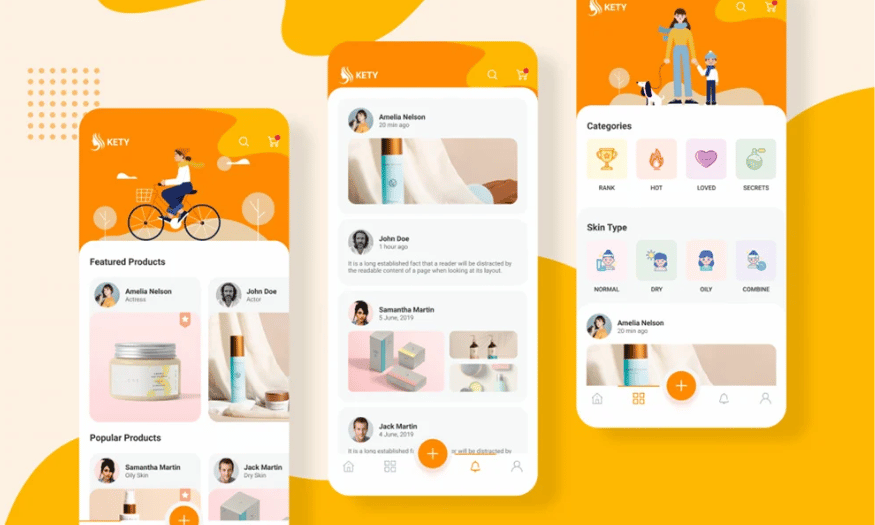
When designing a user interface, choosing a typeface is one of the most important decisions. With hundreds of fonts available, selecting a suitable one can be a challenge. However, using only one font in your design will help create consistency and easy recognition for your brand or product.
Using a consistent font not only minimizes distractions but also creates harmony throughout the interface. This is especially important in UI design, where users need to easily read and understand information. A simple, easy-to-read font will provide a better user experience.
Remember that font selection should also take into account your target audience and the message you want to convey. A suitable font can highlight the content and help users feel comfortable interacting with your product.
6. Improve contrast
The contrast between images and text is an extremely important factor in interface design. If the text content doesn't stand out enough against the background, users will have difficulty reading and understanding the information. This can lead to a negative experience and reduce the effectiveness of the interface.
To improve contrast, pay attention to the colors of the text and images. If you're using a highly detailed background image, consider adding a muted color layer to create space for the text to stand out more. This not only improves readability but also creates a more professional look for your design.
Additionally, check the design's contrast using online tools to ensure it meets accessibility standards. This not only makes information easily accessible to users but also demonstrates your concern for their experience. Don't overlook this element, as it can significantly impact the success of your product.
7. Text alignment
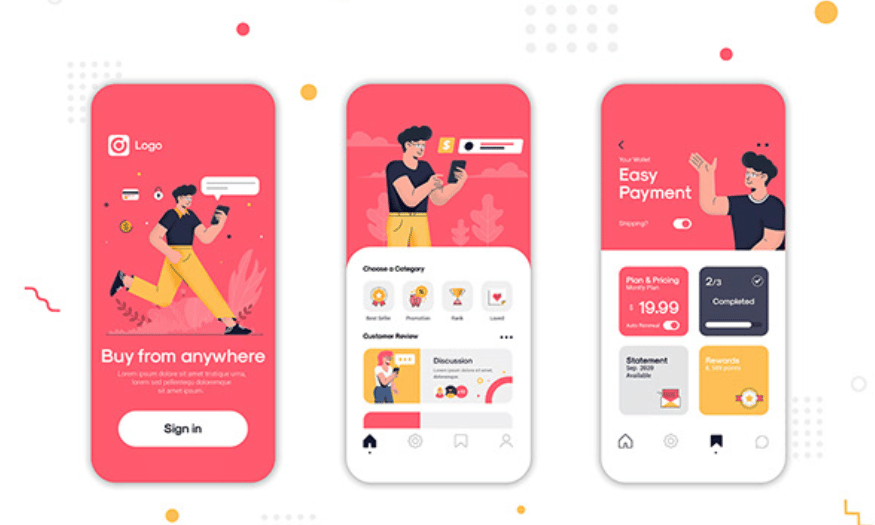
Text alignment is a crucial element in UI design, affecting how users perceive information. Many novice designers often overlook this aspect, but proper alignment can make a significant difference in user experience. Below are some commonly used text alignment methods:
-
Left alignment : This is the most common alignment style and provides a better reading experience. It makes it easier for users to follow the lines of text and creates a comfortable reading feeling. Left-aligned text is especially often used in longer paragraphs.
-
Center alignment : This method is often used for short paragraphs or headlines. It creates visual appeal and is frequently applied to call-to-action buttons. However, overuse can make it difficult to read.
-
Justify : This method helps create a neat layout, commonly seen in books and newspapers. It makes the lines of text the same length, but caution is needed as it can create uneven spacing between words, making it difficult to read.
-
Right alignment : Although not common, this type of alignment can create a fresh and interesting feel in some design layouts. It is often used for decorative elements or in modern design.
Choosing the right alignment method will help you create a readable and easy-to-understand interface, thereby enhancing the user experience.
8. Use white space/negative space.
White space, also known as negative space, is a crucial but often overlooked design element. When applied correctly, white space not only makes the interface look clean but also makes it easier for users to interact with elements on the page. It acts as a binder between different elements, creating balance and harmony in the design.
The use of white space enhances the usability of the interface. With sufficient negative space, users can easily identify important information without being distracted by unnecessary elements. This is especially important in UI design, where clarity and ease of understanding are paramount.
Remember that white space isn't just empty space between elements, but also part of the overall design strategy. Applying white space appropriately can enhance the aesthetic value of the interface and create a positive impression on users.
9. Use the appropriate design tools.
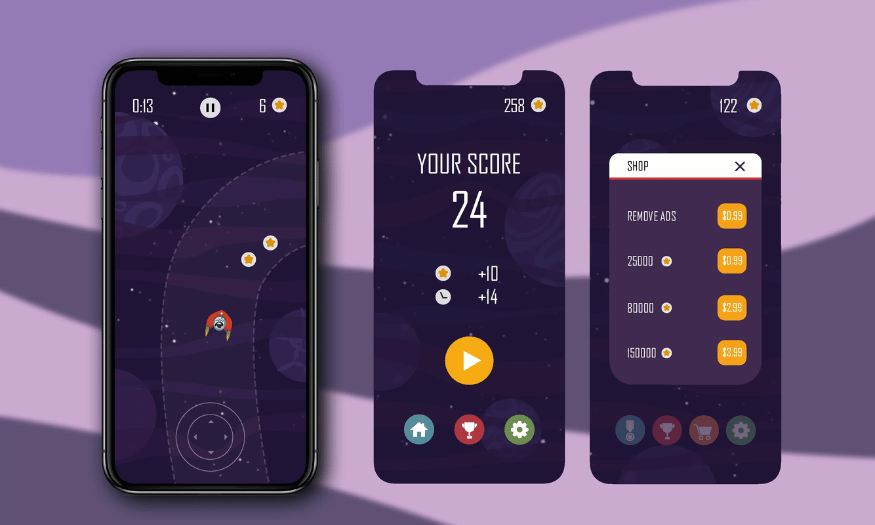
Choosing the right design tool is a crucial element in the user interface development process. Currently, there are many software and design tools available, from basic programs like Adobe XD and Sketch to online tools like Figma. Each tool has its own advantages, and choosing the right one will help you work more efficiently.
When choosing a tool, you should consider the specific needs of your project. If you need to work in a team, Figma might be the optimal choice thanks to its online collaboration features. If you prioritize powerful and flexible features, Adobe XD might be a better fit. Experiment with a few tools to find the one that best suits your workflow.
Furthermore, mastering the use of design tools is also crucial. Take the time to learn new features and techniques, thereby improving your design skills. Using tools proficiently will save you time and improve the quality of your final product.
10. Explore the design toolset at Sadesign
At Sadesign, you'll find a rich suite of design tools to enhance your skills and productivity. Here are three standout tools you shouldn't miss:
10.1 Sadesign Panel
SaDesign Panel is a powerful design tool that helps you optimize your workflow in Adobe Photoshop. With many useful features, this panel allows you to perform image editing operations quickly and easily. You can create high-quality products without spending too much time.
10.2 Preset Lightroom
Sadesign's Lightroom presets offer stunning color filters that transform ordinary photos into works of art. With presets specifically designed for various image types, you can easily apply and adjust them to create a unique style for each picture.
10.3 Adobe Software
Sadesign provides licensed Adobe software with full suite of applications such as Photoshop, Illustrator, and Lightroom. Using genuine software not only ensures quality but also gives you access to the latest features, maximizing support for your creative process.
11. Conclusion
Improving UI design is an ongoing process that requires attention to detail. By applying the tips we've mentioned, you can create interfaces that are not only visually appealing but also provide a great user experience. Always listen to user feedback and experiment with new design elements to continuously improve the quality of your product. UI design is not just a job, but also an art and a science, and success in this field will bring immense value to both you and your users.





















VIP Products








Best Selling Products
Upgrade Genuine Office 365
49 USD
Plugin Retouch4me
69 USD
Upgrade genuine Capture One account
120 USD
Genuine Adobe Illustrator account
99 USD
Copyright Adobe Lightroom Account
59 USD
ChatGPT Plus Account (GPT-4)
16 USD
Adobe Premiere Pro Account
99 USD
Freepik Premium Account
59 USD
Autodesk All App Account Copyright
120 USD
Capcut Pro 1 Year
39 USD
Upgrade Duolingo Super
29 USD
Windows 10 & 11 Pro Key
36 USD
Genuine Cheap Canva Pro
39 USD
Adobe Photoshop Copyright - Full App
120 USD
MidJourney Account
29 USD