Best Selling Products

Upgrade Duolingo Super
29 USD

Plugin Retouch4me
69 USD

Copyright Adobe Lightroom Account
59 USD

Freepik Premium Account
59 USD

MidJourney Account
29 USD

Genuine Cheap Canva Pro
39 USD

Windows 10 & 11 Pro Key
36 USD

Adobe Photoshop Copyright - Full App
120 USD

Genuine Adobe Illustrator account
99 USD

Upgrade genuine Capture One account
120 USD

Adobe Premiere Pro Account
99 USD

Capcut Pro 1 Year
39 USD

ChatGPT Plus Account (GPT-4)
16 USD

Upgrade Genuine Office 365
49 USD

Autodesk All App Account Copyright
120 USD
Top 10 Best Animated Photo Editing Apps Currently Available: Transform Still Images into Masterpieces
Nội dung
- 1. Trends in the use of animated images in the digital age
- 1.1. What is a Cinemagraph?
- 1.2. Reasons why animated image creation apps are becoming increasingly popular
- 2. Top apps for creating professional animated images on your phone.
- 2.1. Pixaloop (Enlight Pixaloop / Motionleap)
- 2.2. Prequel
- 2.3. VIMAGE 3D
- 2.4. Werble
- 3. Web appvip.ai - A groundbreaking platform for creating animated images using artificial intelligence.
- 4. Detailed instructions on how to create basic animated images on your phone.
- 4.1. Step 1: Select a high-quality original image.
- 4.2. Step 2: Set up the animation area (Animate/Motion)
- 4.3. Step 3: Anchor/Freeze
- 4.4. Step 4: Add overlays and color filters
- 4.5. Step 5: Publish and store the product
- 5. Detailed evaluation of the advantages and disadvantages of various animation apps.
- 5.1. Manual Processing Application Group (Motionleap, VIMAGE)
- 5.2. Group of applications integrating AI technology (Prequel, appvip.ai )
- 6. Conclusion
Discover professional photo animation apps on your phone that transform static photos into magical moving works of art in just a few steps.
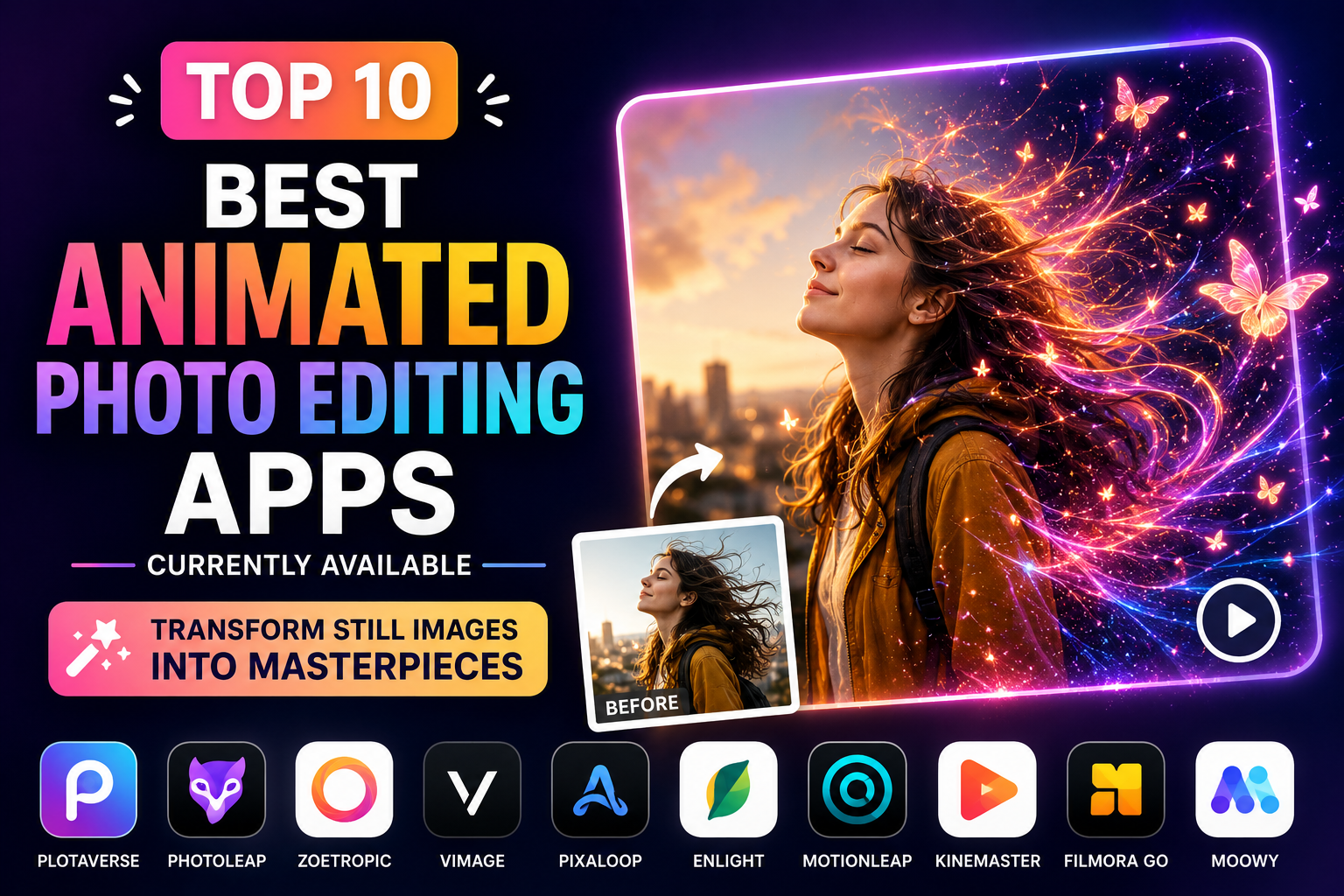
1. Trends in the use of animated images in the digital age
Traditional static images are sometimes no longer enough to hold users' attention amidst the fast-paced flow of information on Facebook, Instagram, or TikTok. The emergence of animated images (including GIFs and Cinemagraphs) has opened a new chapter for mobile visual art.
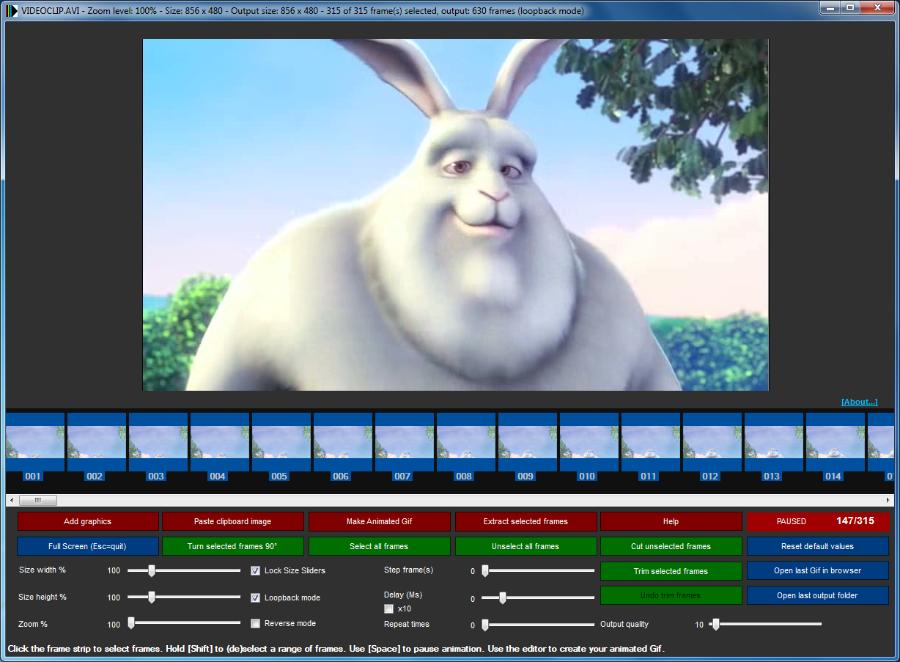
1.1. What is a Cinemagraph?
Simply defined, a cinemagraph is a unique combination of still images and short-format moving video. In a completely static image, only a few small details move in a repetitive, cyclical manner. This element creates strong contrast, stimulates the visual senses, and brings an extremely high level of artistic depth to the work.
1.2. Reasons why animated image creation apps are becoming increasingly popular
Modern users are always looking for speed and convenience while still ensuring high aesthetic appeal. Current mobile applications integrate artificial intelligence (AI) technology, allowing for the processing of complex image layers with just a few taps or swipes on the screen. You don't need in-depth graphic design knowledge or the use of cumbersome computer software like Photoshop or After Effects to create high-quality products.
2. Top apps for creating professional animated images on your phone.
The current photo editing app market is witnessing fierce competition among a host of prominent names. Each tool possesses its own unique strengths in terms of algorithms and filter effects.
2.1. Pixaloop (Enlight Pixaloop / Motionleap)
This application consistently ranks at the top of the list of software for creating motion effects for still images thanks to its intuitive interface and powerful features.
-
Key features: Motionleap allows users to draw arrows indicating the direction of movement to define the flow of water, clouds, or hair. The "Anchor" feature helps to keep areas from moving fixed in place, ensuring a clear separation between static and dynamic elements.
-
Advantages: Extremely smooth automatic sky processing. A rich library of smoke, rain, and butterfly effects makes photos look incredibly lifelike.
-
Disadvantages: The free version is limited in some advanced exclusive effects, and exporting files at the highest quality requires a VIP account upgrade.
2.2. Prequel
Prequel is not just an ordinary photo editing app; it's also a powerful tool for creating cinematic and retro-inspired motion effects.
-
Key features: 3D Glasses motion filters and glitched, VHS effects create an incredibly impressive nostalgic feel. Users can easily add suitable background music directly to the animated image.
-
Advantages: Extremely fast trend updates, boasts hundreds of artistic color filters that few other apps can offer.
-
Disadvantages: The application is quite resource-intensive and requires a fairly high-end phone configuration for smooth, lag-free image rendering.
2.3. VIMAGE 3D
This product previously won a Google Play Innovation Award for its ability to seamlessly integrate animated graphics into original images.
-
Key feature: VIMAGE focuses on adding effect particles (overlays) such as falling leaves, fog, sparkling sunlight, or falling snow to your photos.
-
Advantages: Allows for individual editing of effect layers in terms of opacity, size, and rotation speed. User-friendly interface, easy to learn for beginners.
-
Disadvantage: A faint app logo (watermark) will appear in the bottom corner of the product if you use the free version.
2.4. Werble
This software transforms your photos into unique, moving visual works of art through a series of incredibly mesmerizing looping effect packages.
-
Key feature: The ability to blend multiple layers of animation effects together on a single still image, creating abstract or fantastical results.
-
Advantages: The effects library is designed by professional graphic artists, offers high sharpness, and does not degrade the quality of the original image.
-
Disadvantage: Currently, this application is best optimized and more popular on the iOS operating system; Android users sometimes encounter limitations in receiving new feature updates.
3. Web appvip.ai - A groundbreaking platform for creating animated images using artificial intelligence.
The remarkable development of AI technology has opened up a completely new direction for digital image processing. The website appvip.ai is one of the leading online solutions in this trend today.
Instead of manually selecting areas or drawing complex navigation arrows on your phone, the AI system integrated into appvip.ai automatically analyzes the image structure, identifying clouds, water, or hair to create the most natural-looking motion. Users simply upload photos, choose their desired style, and receive high-quality results in seconds. This is the perfect solution for both amateurs and designers looking to optimize their workflow.
4. Detailed instructions on how to create basic animated images on your phone.
The process of transforming a still image into an animated image generally follows a core set of technical rules, regardless of the software you're using.
4.1. Step 1: Select a high-quality original image.
The quality of the input image determines 70% of the beauty of the final product. You should prioritize choosing high-resolution images with clear backgrounds and elements that easily create movement, such as rivers, waterfalls, cloudy skies, flames, or long hair blowing in the wind.
4.2. Step 2: Set up the animation area (Animate/Motion)
Use the motion path tool (usually indicated by an arrow icon) to draw over the area of the image you want to move. The direction of the arrow indicates the direction of the effect. Draw short, even lines to make the movement look smooth, without jagged edges or image distortion.
4.3. Step 3: Anchor/Freeze
This step is extremely important to prevent the image from being distorted unnaturally. Use the Anchor tool or the Freeze brush to fill in areas that need to remain perfectly still, such as rocky shores, houses, mountains, or the subject's body. Precisely defining these areas will create a perfect boundary between the dynamic and static elements.
4.4. Step 4: Add overlays and color filters
Enhance the artistic appeal of your photo by adding available animation effects such as sparkling light, film dust, light rain, or a few birds flying across the sky. Adjust the opacity of the effect to a moderate level to maintain the natural look of the original photo.
4.5. Step 5: Publish and store the product
Choose the file output format that best suits your needs. Video format (MP4) is suitable for uploading to Instagram Reels, TikTok, or Facebook Stories to maintain maximum sharpness. GIF format is ideal if you want to use it as a profile picture, send instant messages, or embed it in website posts.
5. Detailed evaluation of the advantages and disadvantages of various animation apps.
These tool systems are divided into two distinct schools of thought: manual processing using drag-and-drop tools and fully automated processing using artificial intelligence (AI).
5.1. Manual Processing Application Group (Motionleap, VIMAGE)
This app series gives users complete control over every minute detail of their photos.
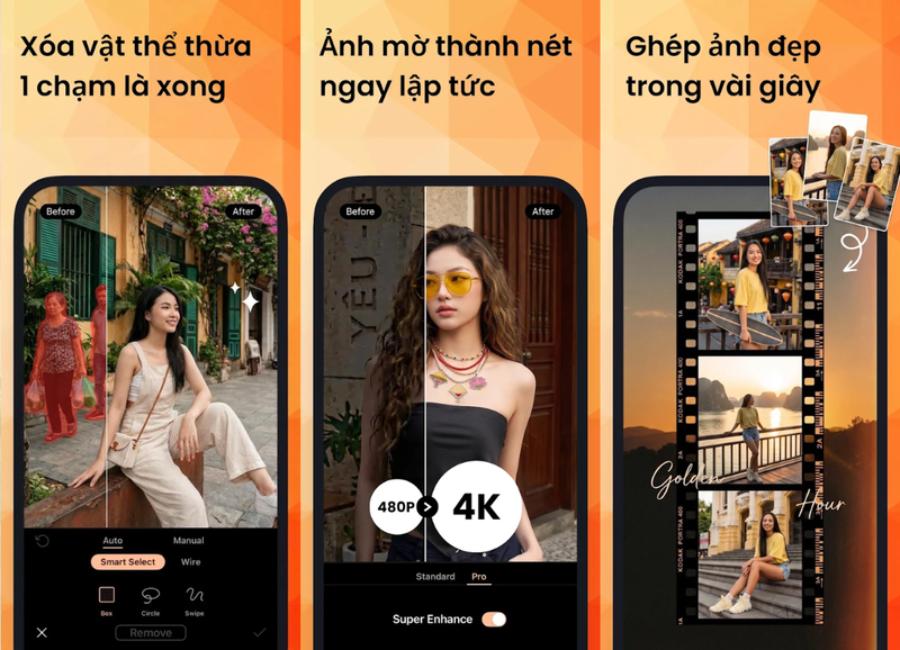
-
Advantages: Users can freely create the direction of the water flow and the speed of each cloud area according to their personal artistic vision. The level of customization is extremely high and not constrained by pre-existing templates.
-
Disadvantages: It takes a considerable amount of time to get familiar with the toolbars. Users need some spatial and geometric thinking to place anchor points accurately, avoiding distortion of surrounding objects.
5.2. Group of applications integrating AI technology (Prequel, appvip.ai )
The intervention of intelligent algorithms simplifies the entire workflow, aiming for maximum speed and convenience.
-
Advantages: Saves a significant amount of time thanks to intelligent automatic recognition. Motion quality is exceptionally smooth due to calculations based on millions of available image data points. Effects always keep up with the latest trends among young people.
-
Disadvantages: Sometimes the level of customization isn't as deep as with manual apps. For very complex photos with too much interwoven detail, the AI system can sometimes misidentify small areas around the subject.
6. Conclusion
Using animation apps has transformed the image editing process from a complex professional task into a creative and enjoyable entertainment experience for everyone. Depending on personal needs, level of detail, and device configuration, you can flexibly choose between manual editing apps like Motionleap to satisfy your artistic ego, or use advanced AI-powered automation solutions like those found at appvip.ai to optimize workflow efficiency.





















VIP Products








Best Selling Products
Upgrade Duolingo Super
29 USD
Plugin Retouch4me
69 USD
Copyright Adobe Lightroom Account
59 USD
Freepik Premium Account
59 USD
MidJourney Account
29 USD
Genuine Cheap Canva Pro
39 USD
Windows 10 & 11 Pro Key
36 USD
Adobe Photoshop Copyright - Full App
120 USD
Genuine Adobe Illustrator account
99 USD
Upgrade genuine Capture One account
120 USD
Adobe Premiere Pro Account
99 USD
Capcut Pro 1 Year
39 USD
ChatGPT Plus Account (GPT-4)
16 USD
Upgrade Genuine Office 365
49 USD
Autodesk All App Account Copyright
120 USD