Best Selling Products

Upgrade genuine Capture One account
120 USD

Windows 10 & 11 Pro Key
36 USD

Autodesk All App Account Copyright
120 USD

Copyright Adobe Lightroom Account
59 USD

ChatGPT Plus Account (GPT-4)
16 USD

MidJourney Account
29 USD

Adobe Premiere Pro Account
99 USD

Genuine Cheap Canva Pro
39 USD

Adobe Photoshop Copyright - Full App
120 USD

Genuine Adobe Illustrator account
99 USD

Freepik Premium Account
59 USD

Upgrade Duolingo Super
29 USD

Capcut Pro 1 Year
39 USD

Upgrade Genuine Office 365
49 USD

Plugin Retouch4me
69 USD
Top 8 Best iOS Film Color Correction Apps You Can''t Miss
Nội dung
- 1. The trend of vintage photography using film-editing apps on iOS.
- 1.1. Reasons why film photography always has a special appeal.
- 1.2. Benefits of using emulator apps on iPhone
- 2. Detailed review of the top trending film color editing apps for iOS.
- 2.1. VSCO – A monument to cinematic style
- 2.2. Dazz Cam – Experience with digital film cameras
- 2.3. Huji Cam – Reliving the 1998 Era
- 2.4. RNI Films – Professional-grade simulation quality
- 2.5. Nomo Cam – Artistic Minimalism
- 2.6. Fimo – Vivid Digital Film
- 2.7. Filto – A blend of classic and modern
- 2.8. Kuji Cam – Unlimited creative freedom
- 3. Tips for optimizing images when using film editing apps on iOS.
- 3.1. Choosing the right lighting for each film type
- 3.2. Control particle size and abrasion to a moderate level.
- 3.3. Utilize natural composition and contrast.
- 4. Appvip.ai – A groundbreaking solution to optimize the premium app experience for iOS users.
- 5. Conclusion
Discover the list of the best iOS film editing apps currently available. Transform your phone photos into works of art with a classic cinematic feel.
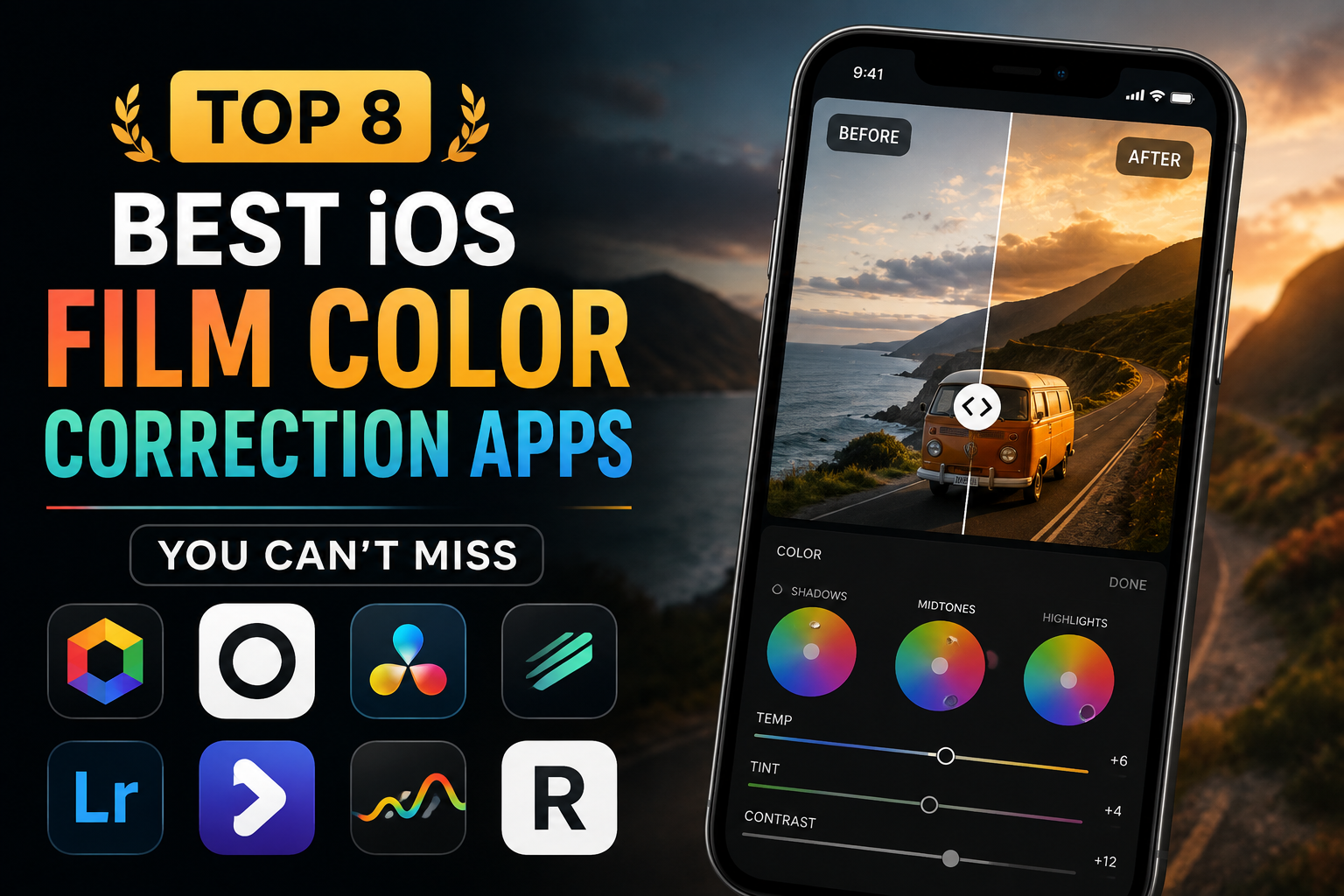
1. The trend of vintage photography using film-editing apps on iOS.
1.1. Reasons why film photography always has a special appeal.
The rise of high-resolution camera technology has inadvertently diminished the spontaneity and emotion in each frame. Film photography emerged as a breath of fresh air, offering a warmer, more nostalgic feel and greater narrative depth. Teal tones, warm reds, and subtle silvery shadows are the catalysts that create the artistic quality in mainstream photography.
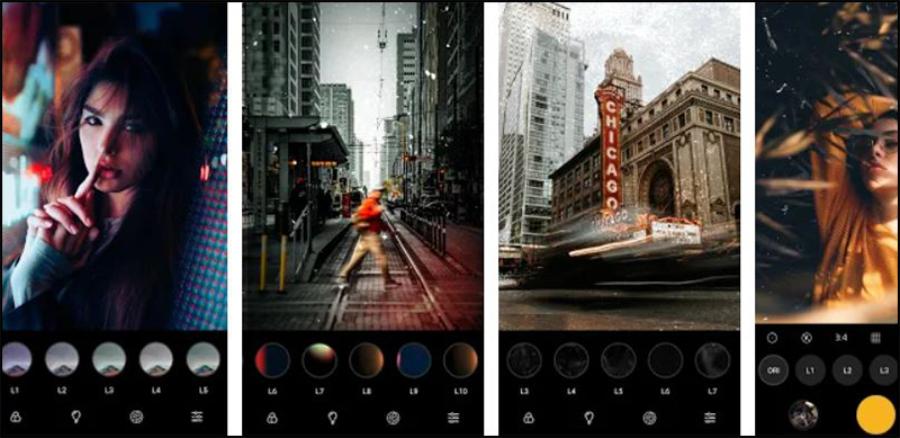
1.2. Benefits of using emulator apps on iPhone
The iOS ecosystem is always very well optimized in terms of image processing and screen display. Using specialized applications helps you save significantly on the cost of buying film rolls and the time spent waiting for photos to be developed. Users can instantly see the results and flexibly adjust the grain, scratches, or light leaks to their subjective liking before sharing them on social media.
2. Detailed review of the top trending film color editing apps for iOS.
2.1. VSCO – A monument to cinematic style
Whenever color filter simulations are mentioned, the first name that comes to mind for the creative community is always VSCO.
-
Key advantages: The application boasts a vast library of presets that accurately simulate classic film styles from Kodak, Fuji, and Agfa. Its minimalist, intuitive interface allows users to easily adjust saturation and brightness levels.
-
Recommended film filters: C series presets (C1 - C3) for vibrant colors, M series for a classic, melancholic feel, or artistic black and white (X) series filters.
2.2. Dazz Cam – Experience with digital film cameras
Dazz Cam is not simply an editor; it recreates the entire experience of a real film camera from the 1980s.
-
Key advantage: The application focuses on simulating the physical effects of lenses and dark chambers. You can choose the type of camera (Instax, half-frame, film camera) combined with different types of film to create hundreds of unique color variations.
-
Key features: The ability to automatically create extremely smooth double exposure effects and add a classic orange timestamp in the corner of the image.
2.3. Huji Cam – Reliving the 1998 Era
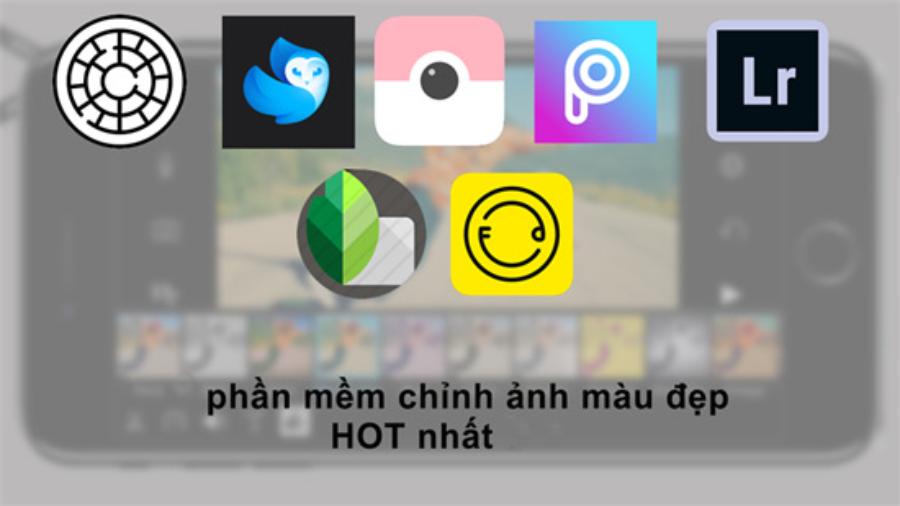
The Huji Cam evokes a strong sense of nostalgia by transporting users back to 1998 with convenient disposable cameras.
-
Key advantage: Extremely simple operation; you just look through the small viewfinder on the screen and press the shutter button. The resulting image will automatically have a high-contrast color filter applied, featuring characteristic neon blue hues and random light bursts.
-
User experience: The interesting thing is that you can't deeply interfere with the editing process, creating a sense of anticipation similar to getting film developed in person.
2.4. RNI Films – Professional-grade simulation quality
Developed by the RNI (Really Nice Images) team, this app is aimed at users who demand high accuracy in color reproduction.
-
Key advantages: RNI Films organizes its filters in a highly scientific structure including: Slide, Negative, Instant, and Vintage. The color transitions between light and dark areas are handled extremely smoothly, without causing color banding or pixelation.
-
Advanced features: RNI's grain adjustment toolbar is considered the most realistic currently available, creating the feel of silver particles on traditional film.
2.5. Nomo Cam – Artistic Minimalism
Nomo Cam is a great choice for those who appreciate a clean design but still demand high-quality, distinctive image output.
-
Key advantage: The app offers many iconic camera models as attractive widgets. After taking a photo, you'll need to shake your phone to make the image appear faster, accurately simulating the Instax instant photo experience.
-
Color quality: Nomo's color tones lean towards naturalness, maintaining good detail in dark areas and not significantly distorting human skin tones.
2.6. Fimo – Vivid Digital Film
Fimo offers an incredibly innovative display interface by simulating the process of replacing film rolls directly on the iPhone screen.
-
Key advantage: Users can clearly see the composition of each film roll, such as Kodak Gold 200, Fuji Natura 1600, or Agfa Vista 400. Each film roll in the application includes a detailed description of its color characteristics and suitable usage context.
-
Additional effects: Frame border details, minor scratches, and dirt are added subtly, without feeling artificial.
2.7. Filto – A blend of classic and modern
Filto is a comprehensive solution for those who want to apply retro colors to both images and short videos posted on Reels or TikTok.
-
Key advantages: In addition to classic film color filters, Filto also offers a range of motion effects such as glitter, nostalgic VHS effects, and aesthetic color filters.
-
Customization capabilities: Users can easily change the aspect ratio, add background music, and flexibly adjust the intensity of each effect.
2.8. Kuji Cam – Unlimited creative freedom
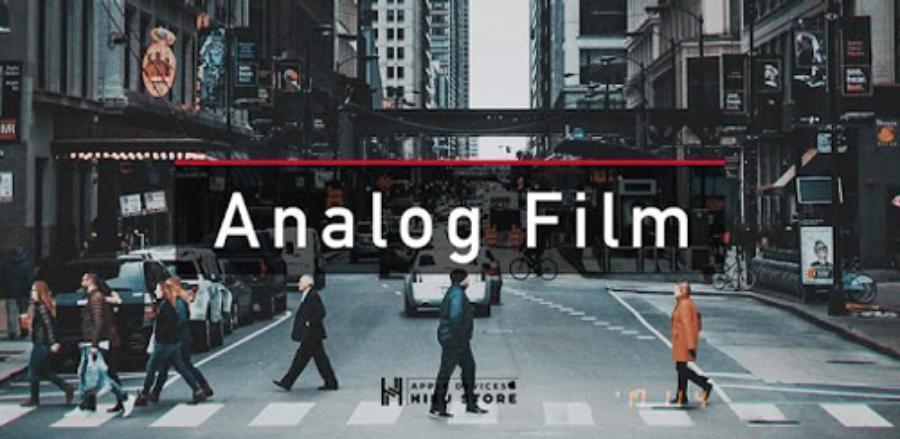
Kuji Cam gives you complete control over your photos with its in-depth customization system, from color filters to environmental effects.
-
Key advantage: Unlike Huji, Kuji Cam allows you to edit existing photos in your camera's library. You can manually position light trails, choose the level of dust, and apply striking 3D color filters.
-
Special feature: Real-time preview mode helps photographers easily adjust the lighting angle before deciding to take the shot.
3. Tips for optimizing images when using film editing apps on iOS.
3.1. Choosing the right lighting for each film type
The nature of film photography is its sensitivity to light. Warm, sun-yellow color filters like Kodak work best in natural light conditions at dawn or dusk (the golden hour). Conversely, Fuji's cool, blue filters are extremely suitable for overcast, rainy days or shooting in the shade to emphasize a melancholic and somber tone.
3.2. Control particle size and abrasion to a moderate level.
A common mistake for beginners is overusing grain and surface scratches effects. Pushing these parameters to the maximum will cause the image to lose detail, create an artificial feel, and be visually jarring. Keep the grain level between 10% and 25% to create a natural, smooth texture on the image surface, and only add overexposure in areas with strong light sources.
3.3. Utilize natural composition and contrast.
Film-like colors only truly shine when paired with a well-balanced composition. Prioritize the rule of thirds or symmetrical composition when shooting with an iPhone. Utilizing textured walls, windows casting shadows, or old street corners will help the film filter blend into the image most realistically.
4. Appvip.ai – A groundbreaking solution to optimize the premium app experience for iOS users.
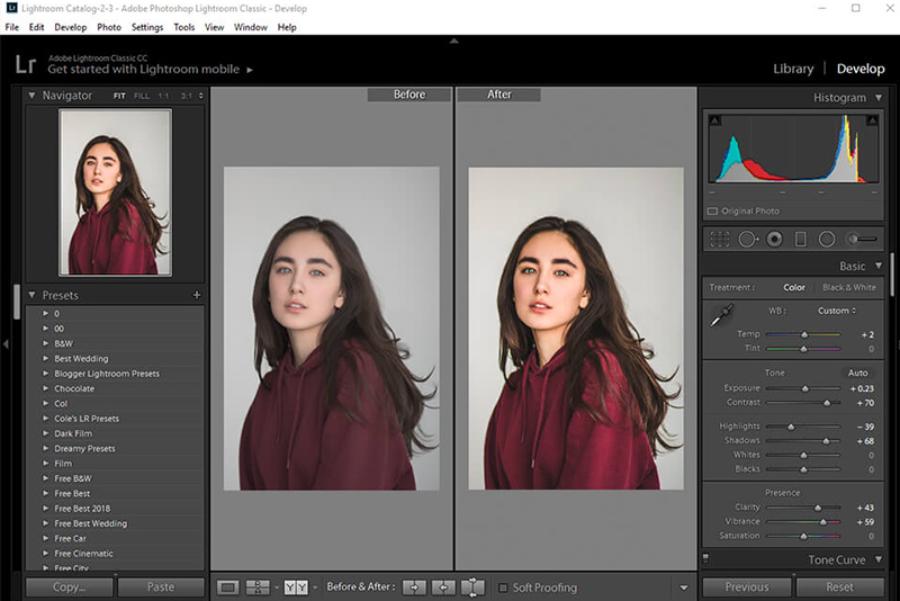
To fully enjoy the power of the aforementioned top-tier film color grading apps, users often face the cost barrier, as the most beautiful color filters require recurring fees. To completely solve this problem, the appvip.ai platform was created as a perfect solution for the mobile photography community. This is a reputable site specializing in providing optimal solutions, supporting users to own premium accounts for leading photo and video editing apps on the iOS operating system at the most economical cost. Here, you can easily find VIP upgrade packages for VSCO, Dazz Cam, or Prequel, unlocking the entire treasure trove of limited effects and color filters without any technical obstacles. The automated system, absolute security, and dedicated technical support are major advantages that make this website a familiar destination for content creation enthusiasts on iPhone.
5. Conclusion
Vintage photography is not just a passing trend, but has become a lifestyle, a way of preserving emotionally rich memories. Having a suitable film editing app on your iPhone makes it easy to transform ordinary everyday moments into cinematic films filled with memories.





















VIP Products








Best Selling Products
Upgrade genuine Capture One account
120 USD
Windows 10 & 11 Pro Key
36 USD
Autodesk All App Account Copyright
120 USD
Copyright Adobe Lightroom Account
59 USD
ChatGPT Plus Account (GPT-4)
16 USD
MidJourney Account
29 USD
Adobe Premiere Pro Account
99 USD
Genuine Cheap Canva Pro
39 USD
Adobe Photoshop Copyright - Full App
120 USD
Genuine Adobe Illustrator account
99 USD
Freepik Premium Account
59 USD
Upgrade Duolingo Super
29 USD
Capcut Pro 1 Year
39 USD
Upgrade Genuine Office 365
49 USD
Plugin Retouch4me
69 USD